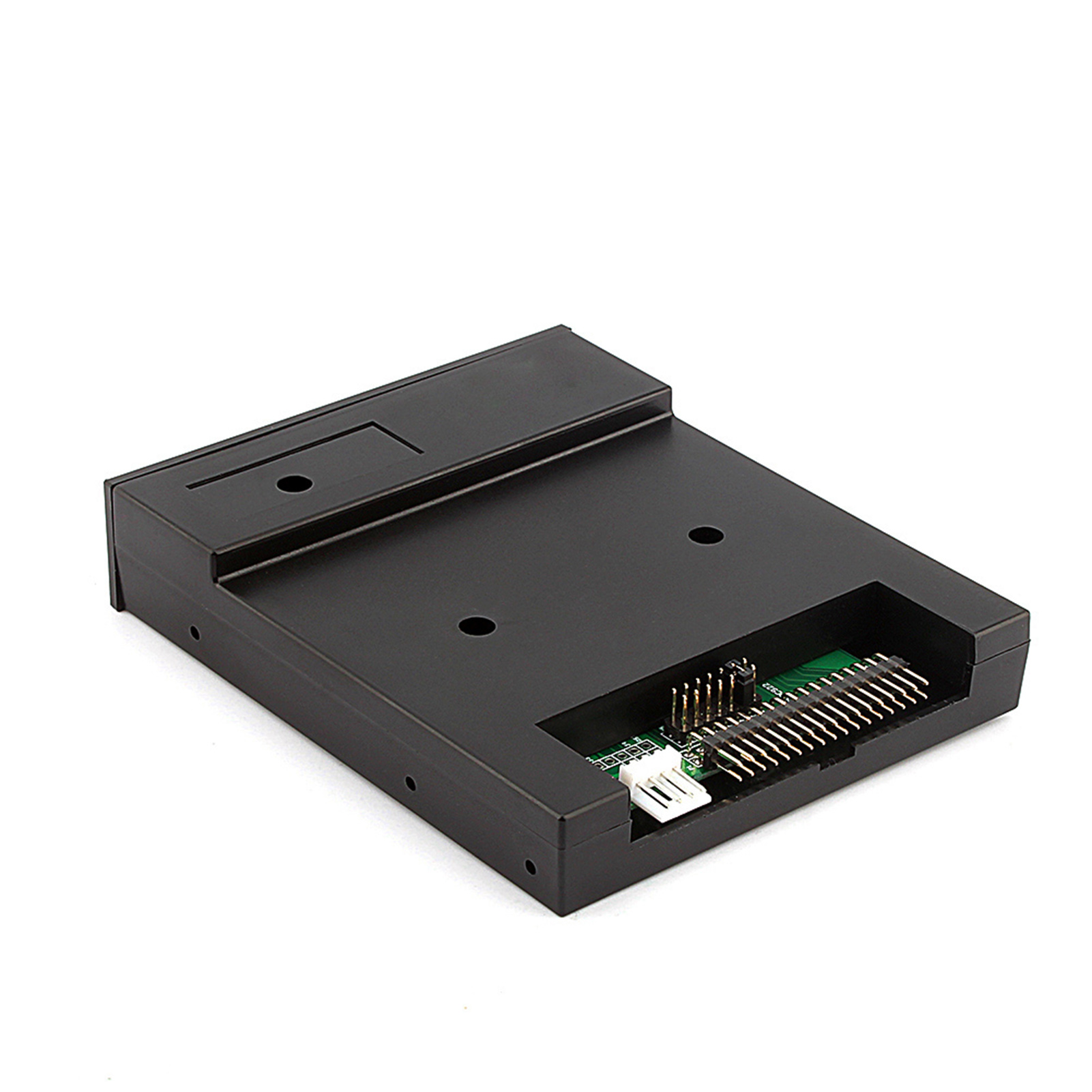
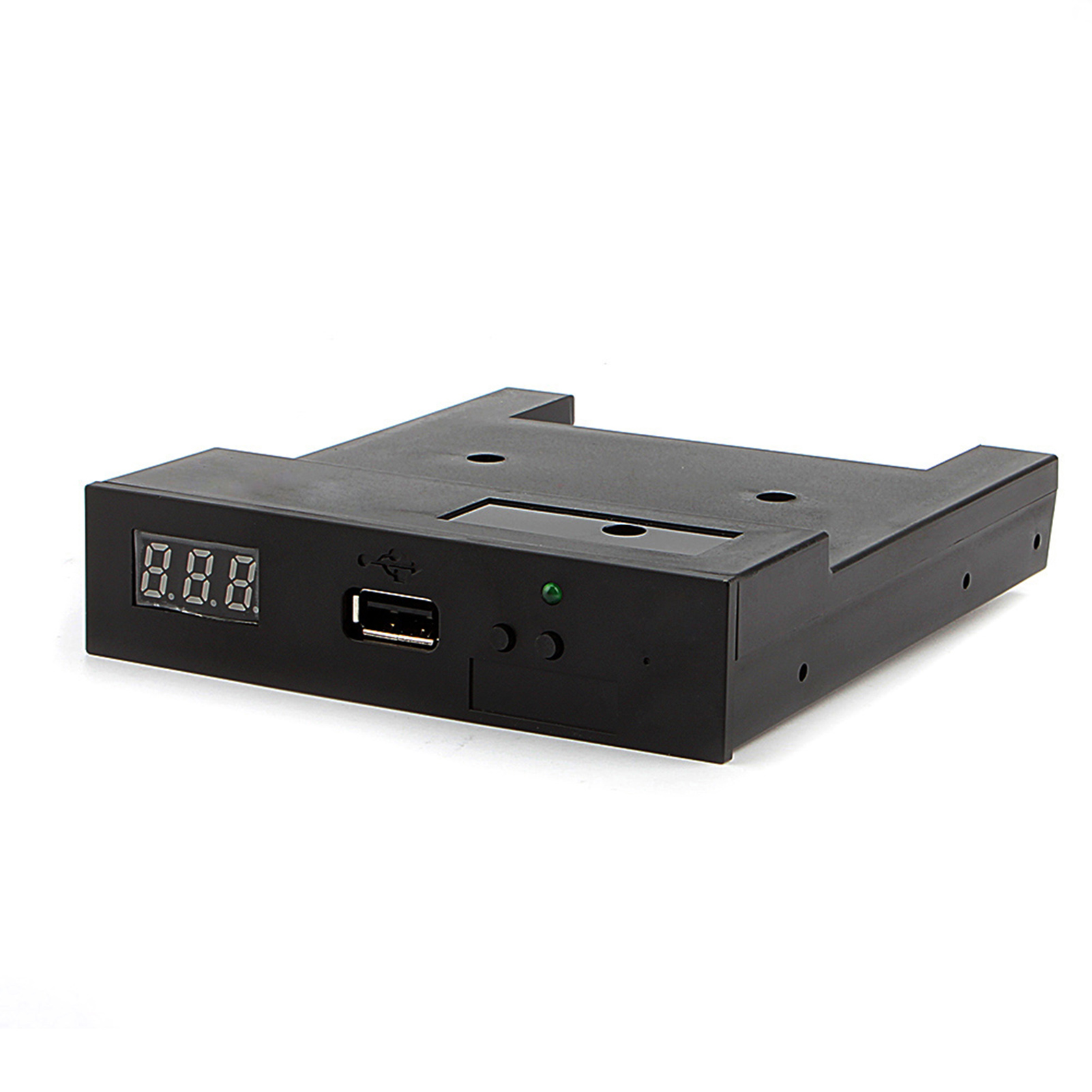
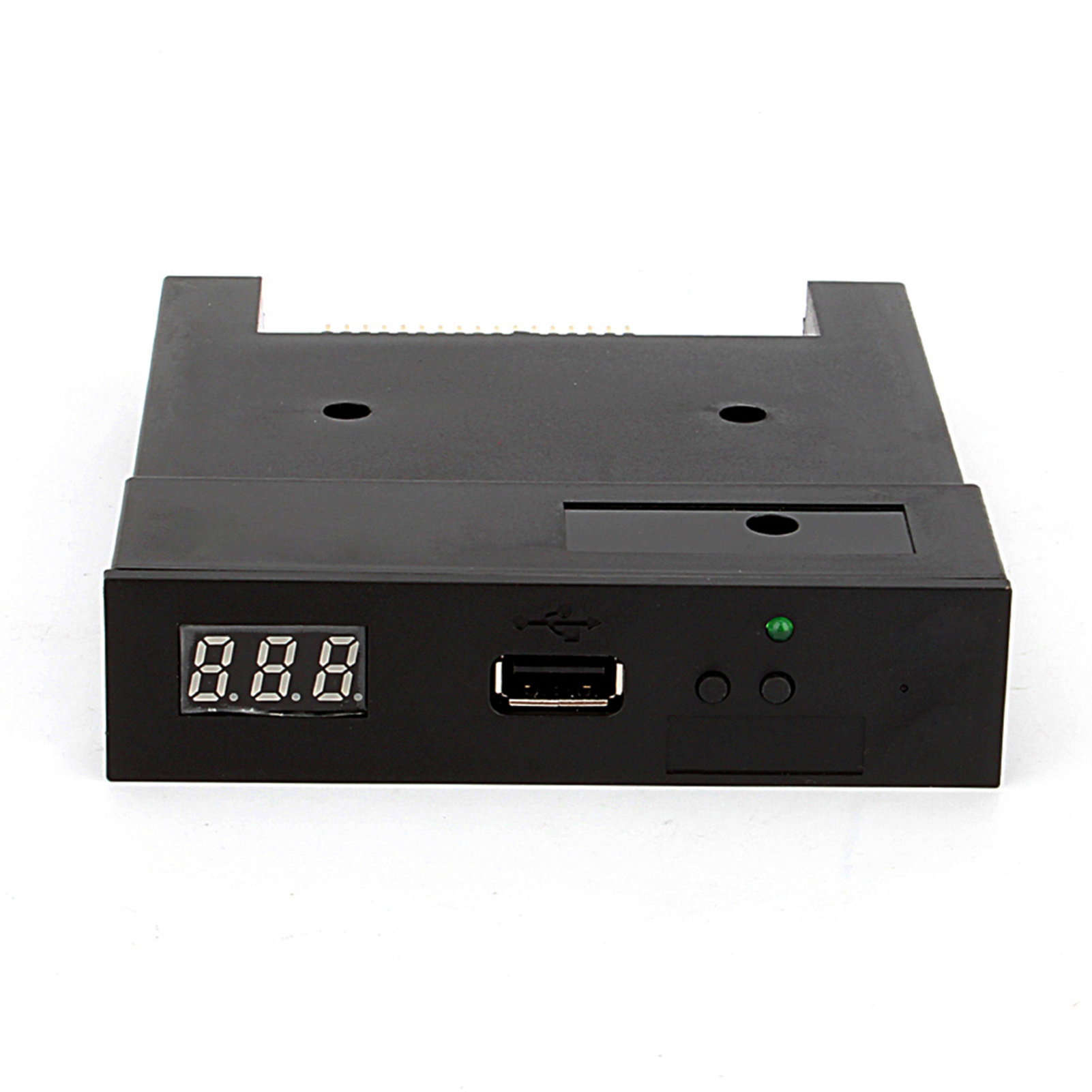
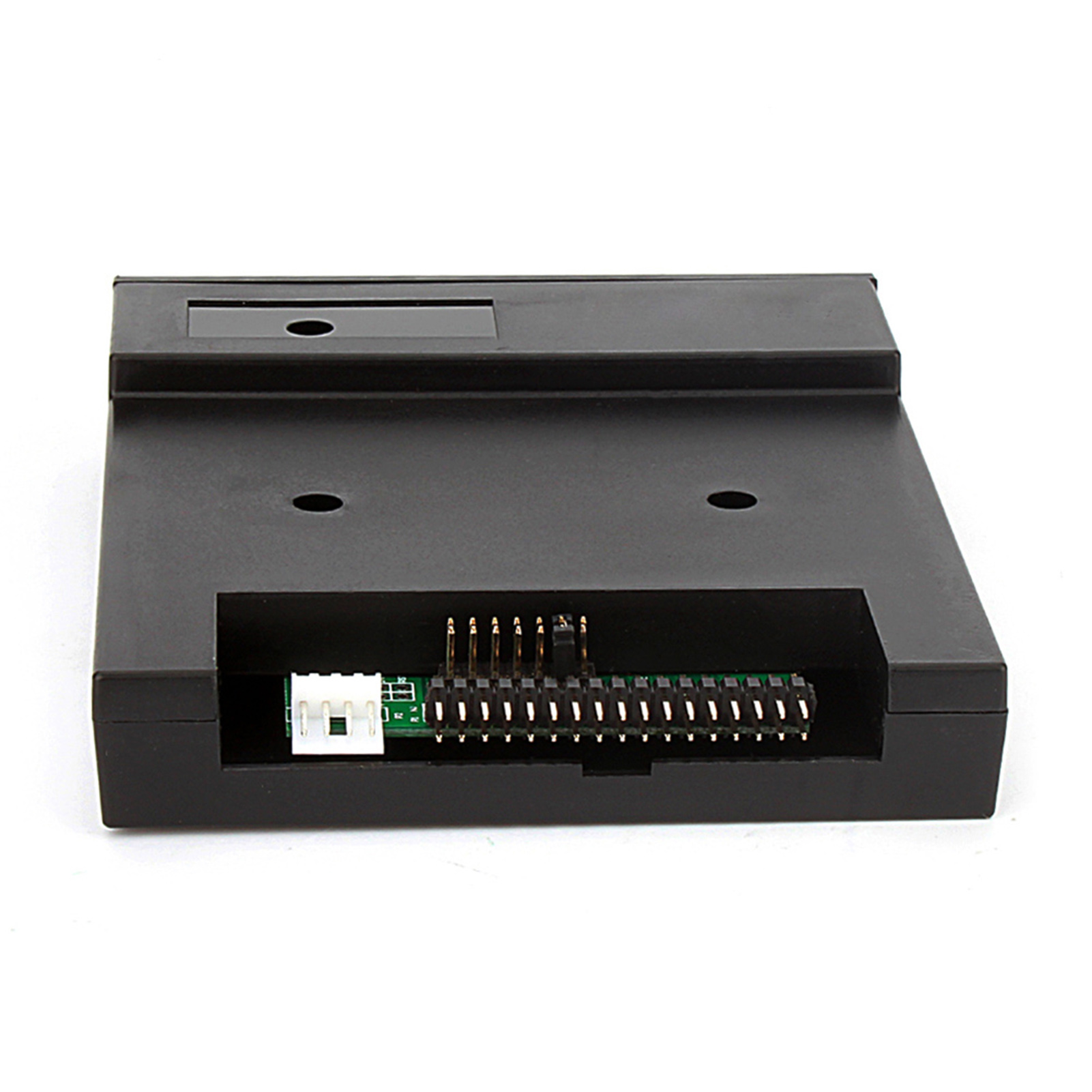
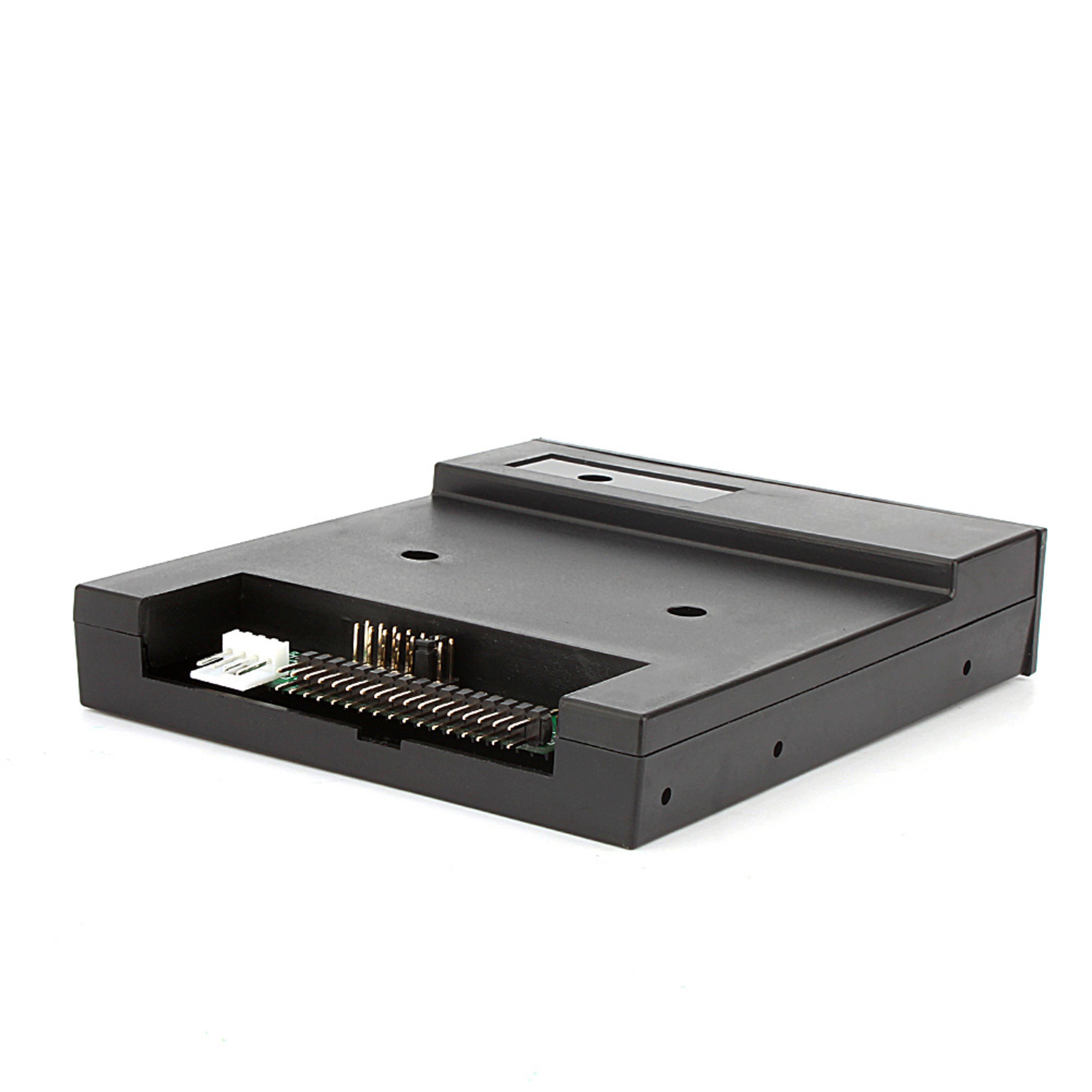
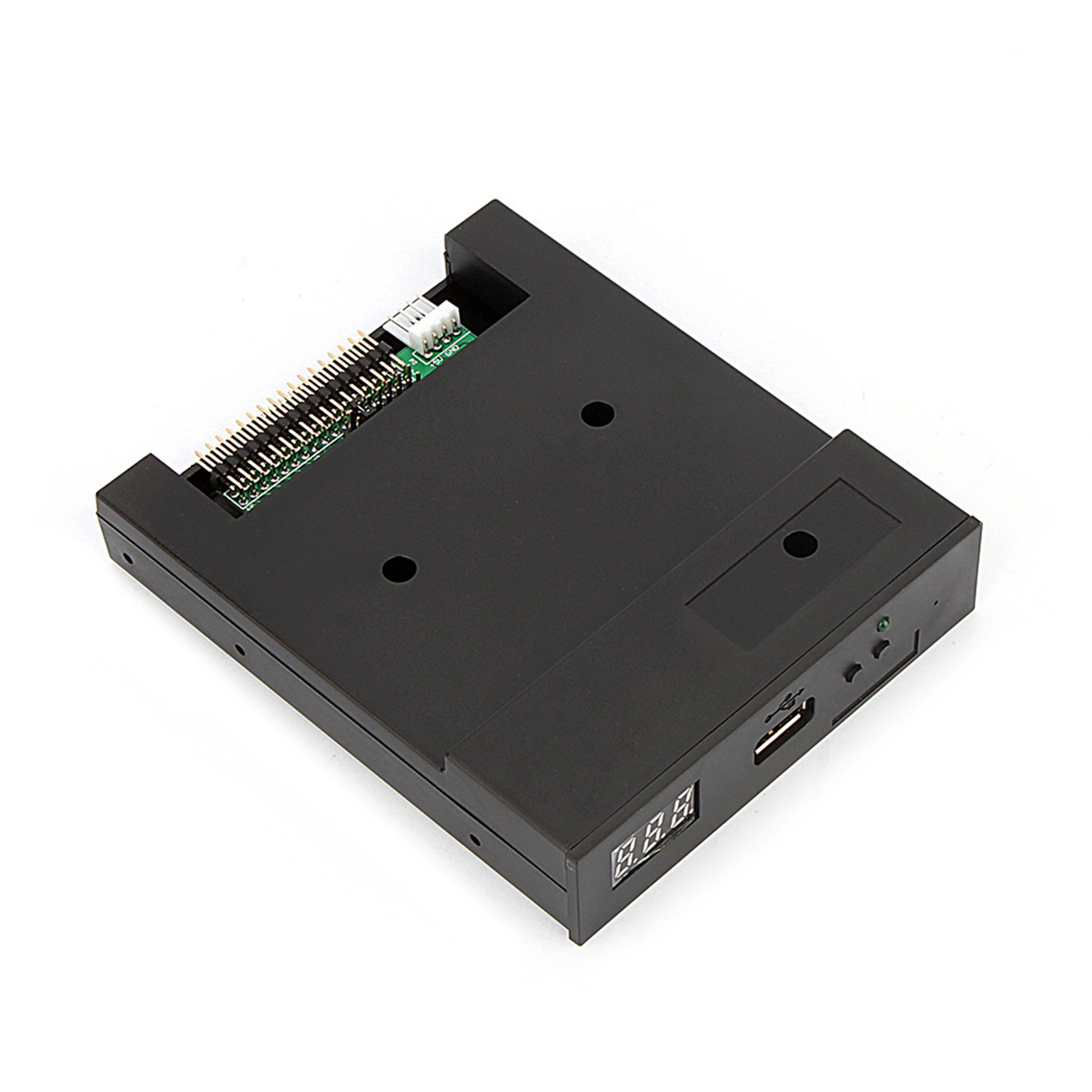
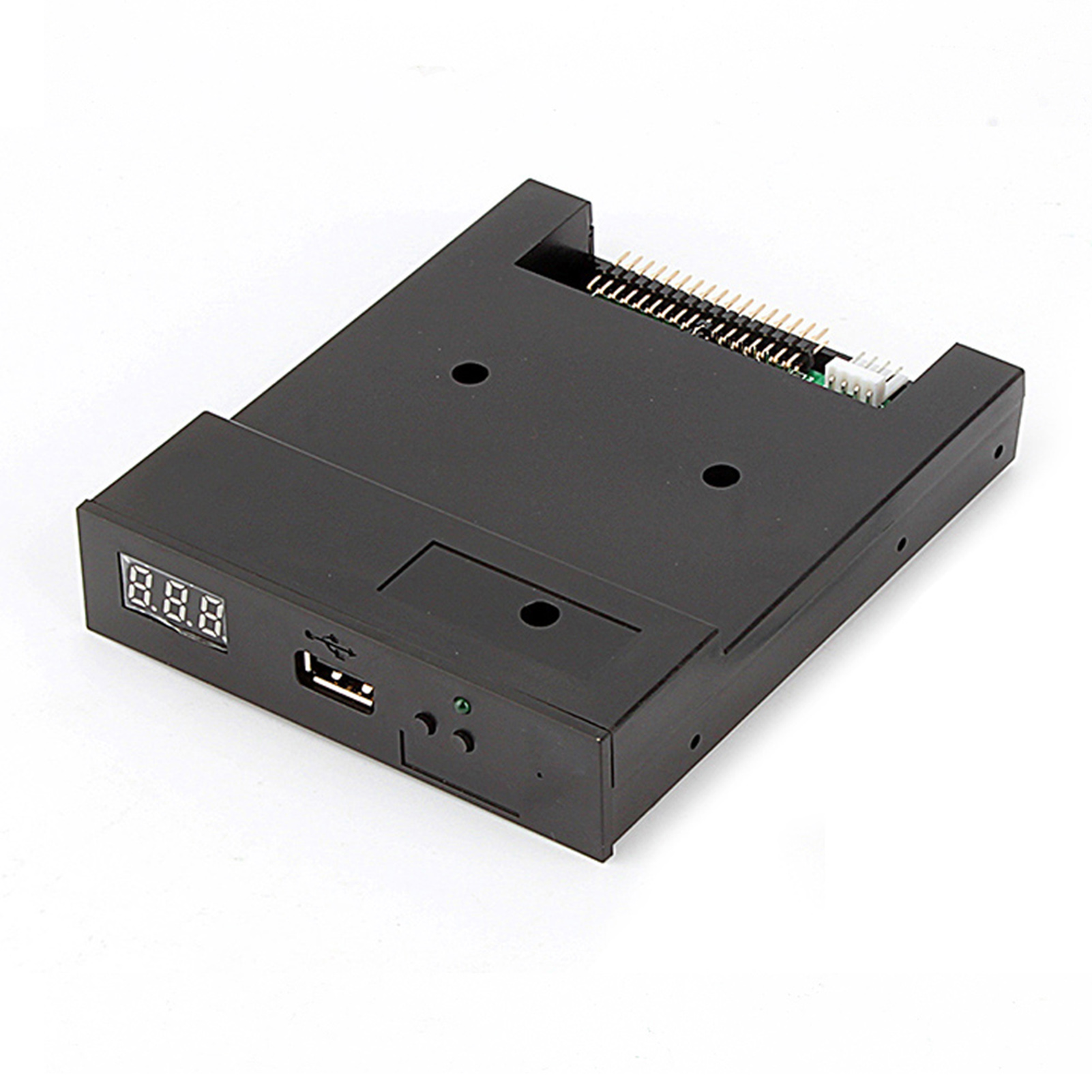
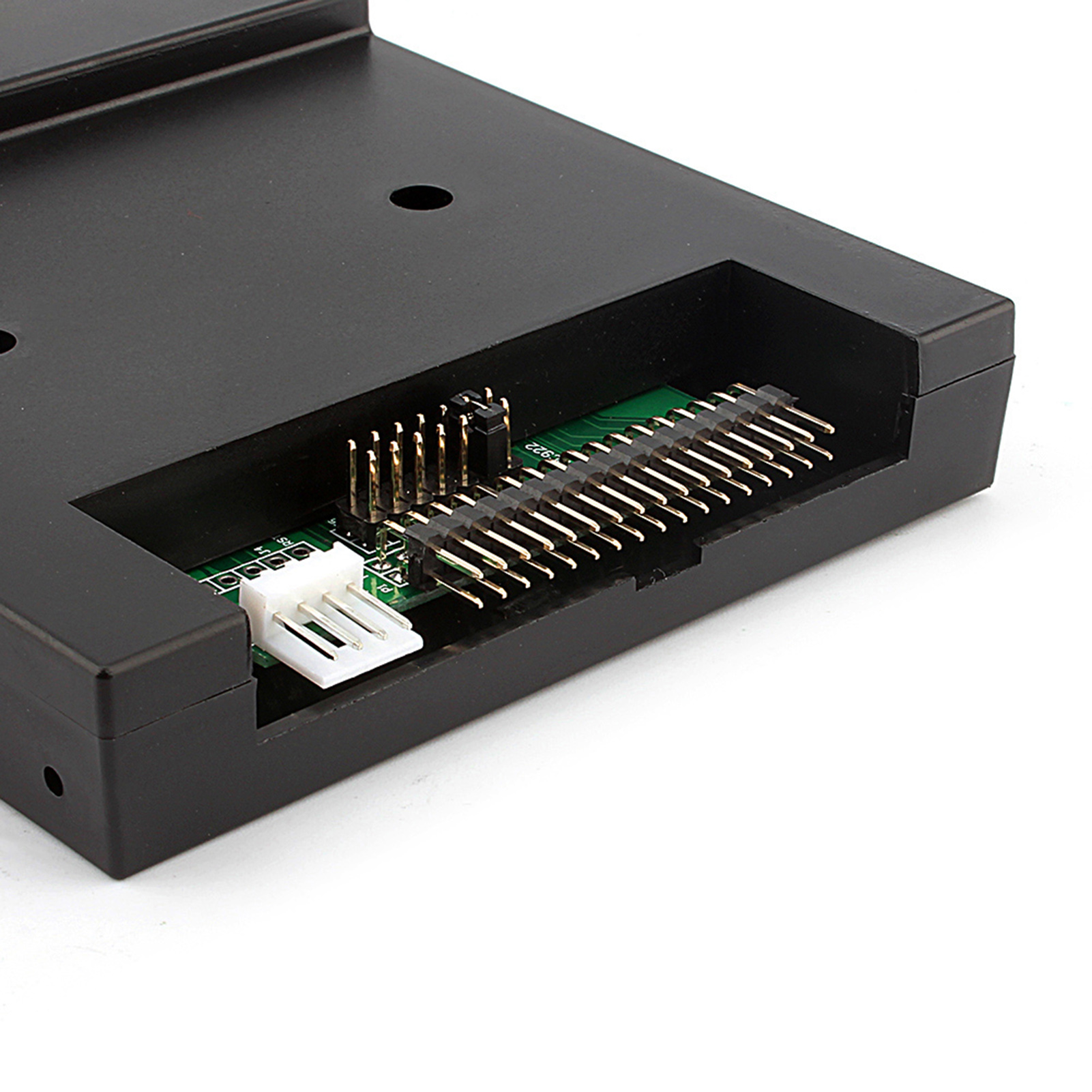
Feature:
1. Use normal usb flash drive as the medium for transfer design
2. No additional driver required, power directly from the USB port, be compatible with USB
3. 34pin floppy driver interface,5V DC power supply,easy to install
4. The floppy disk can read and store data, and can also be formatted if necessary
5. Using high‑quality plastic shell, light and durable, and easy to carry
Specification:
Product Features:
Item's color might be different from the picture because of the aberration.
This floppy drive emulator is great for electronic organ
Housing Material:ABS
Color:Black
Floppy driver with below function needed:
Floppy driver with 34pin interface,and 5V DC power plug
Use 2HD flpppy disk with 1.44MB capacity
Format of disk:Cylinders:80
Tracks:160 Sectors/Track
18 Bytes/:512 Data
Transfer rate:500 kbps
Encoding method:MFM
Features:
Use normal usb flash drive as the medium for transfer design.
34pin floppy driver interface,5V DC power supply,easy to install.
Capacity:1.44MB 2HD Cylinders:80 Tracks:160 Sectors/Track: 18 Bytes/:512 Data
Transfer rate:500 kbps
Encoding method:MFM.
1000pcs partitions in usb flash drive can be used.
Built-in self-format function.(read relevant documents to use this function)
Jumpers with function for different machines(SFR1M44-U100K not support jumpers).
Panel:
8segment numbers:represent partitions number
Green led:status of read and write operation
USB port:connect usb flash drive
Button:
Left button used to rise ten-digit,right botton used to rise single-digit,press 2 button together to
rise hundred-digit
Operation :
Format usb flash drive.
1.use built-in self-format function to format usb flash drive into 1000pcs partitions
2.install an emulator on computer,and format every partitions by operate driver A.
3.use emulator UFA1M44-100,plug usb flash drive on it,
connect to computer,it will recognized as removabe driver A or B under for XP/2000/7,format every partitions.
UFA1M44-100 also built in self-format function.
Read and write data.
1.install emulator on machine
2.install emulator on computer
3.connect usb flash drive on computer,read and write data directory by software, under for XP/2000
4.use emulator UFA1M44-100,plug usb flash drive on it, connect to computer,read and write data under for XP/2000/7.
Package Include:
1x USB Emulator
Package List:
1x USB Emulator