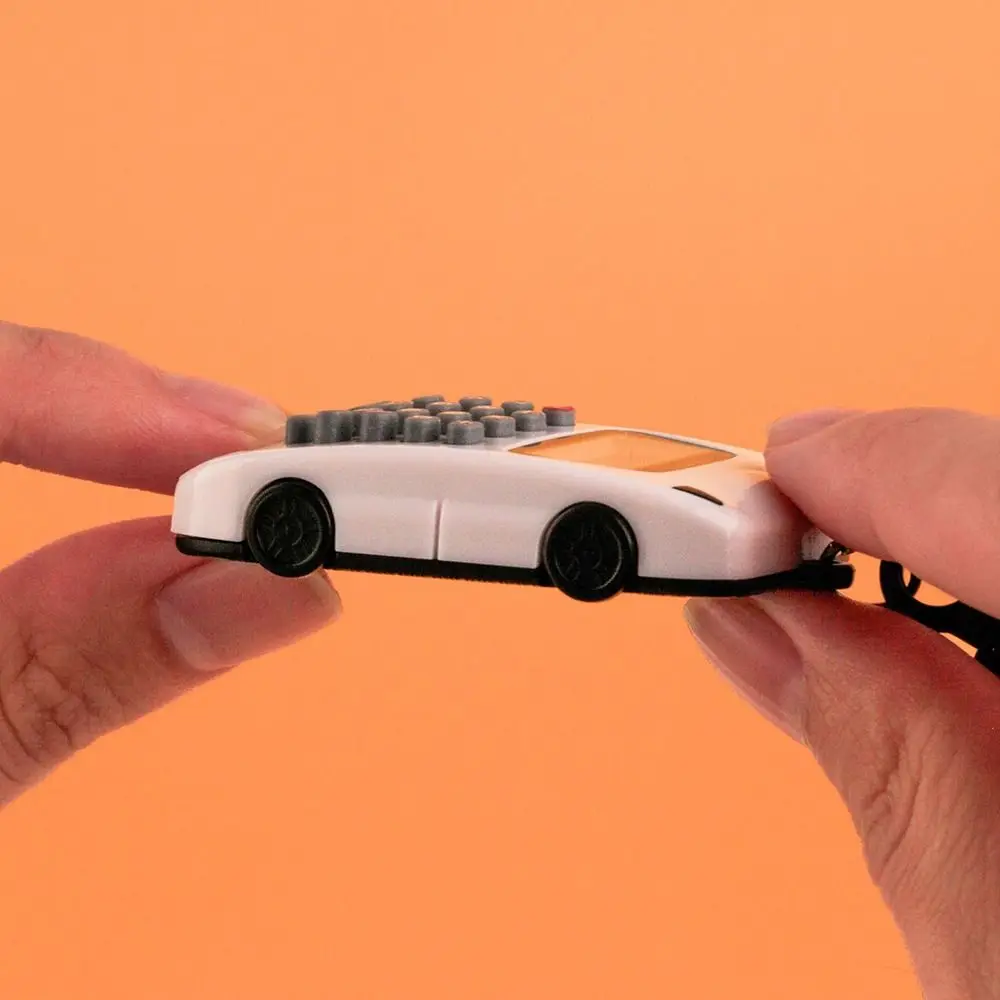
Mini 8-Digit Keychain Calculator
Pocket Size • Lightweight • Digital Display • Time & Date • Multiple Colours
|
🔢
8-Digit DisplayEasy-to-read calculator screen |
🔑
Keychain DesignEasy to carry with keys |
📏
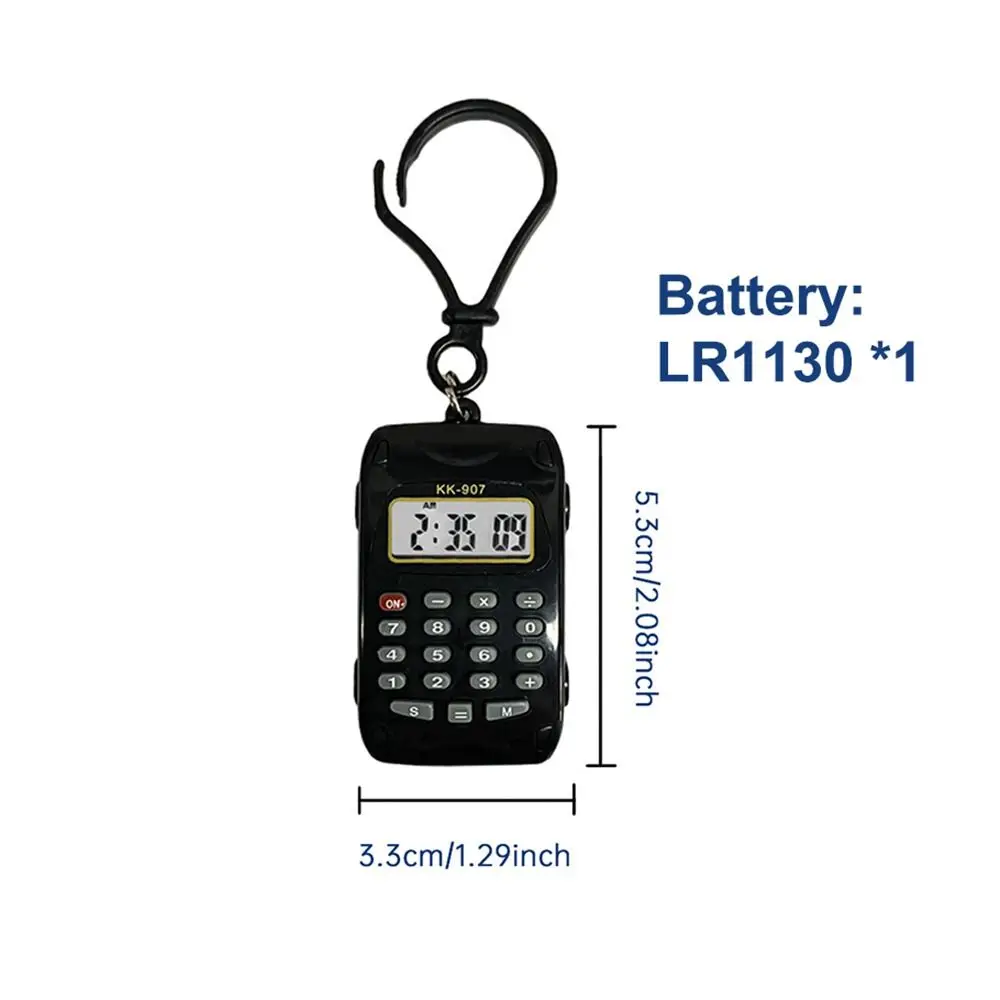
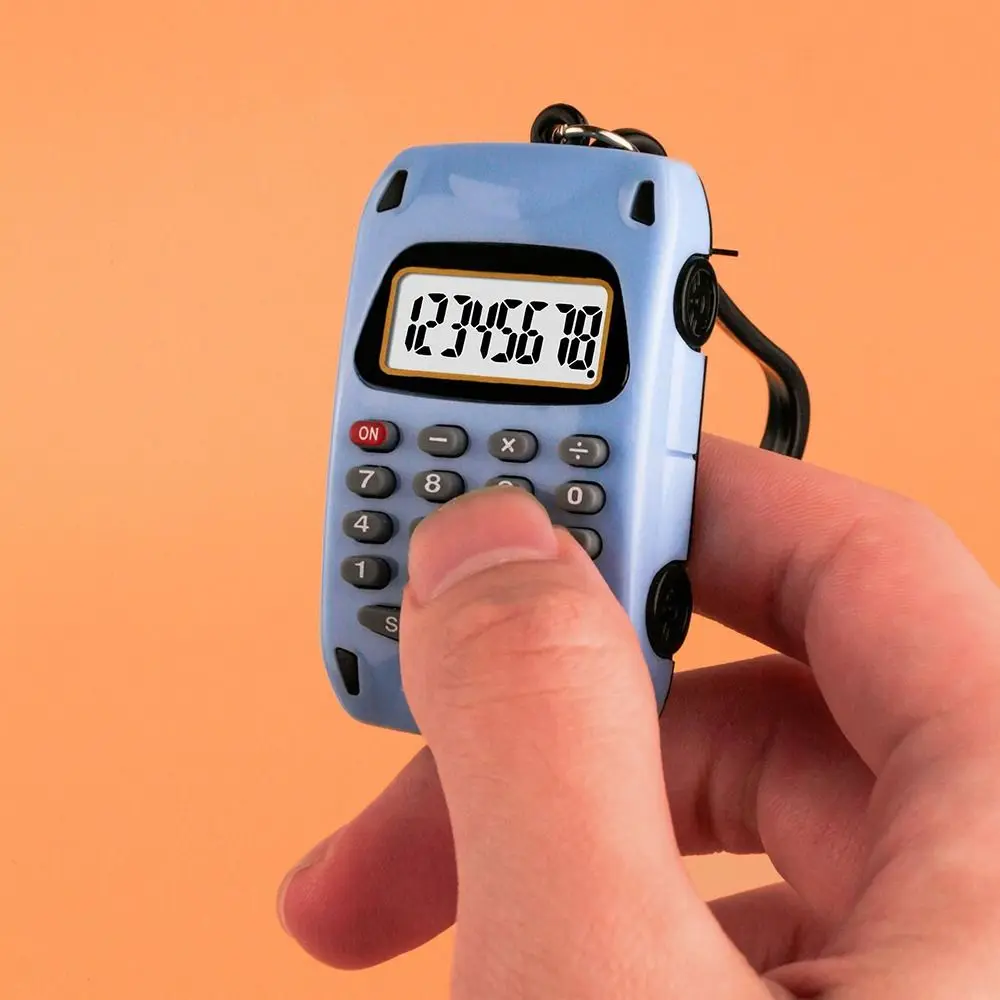
Mini SizeOnly approx. 3.3 × 5.3cm |
🎨
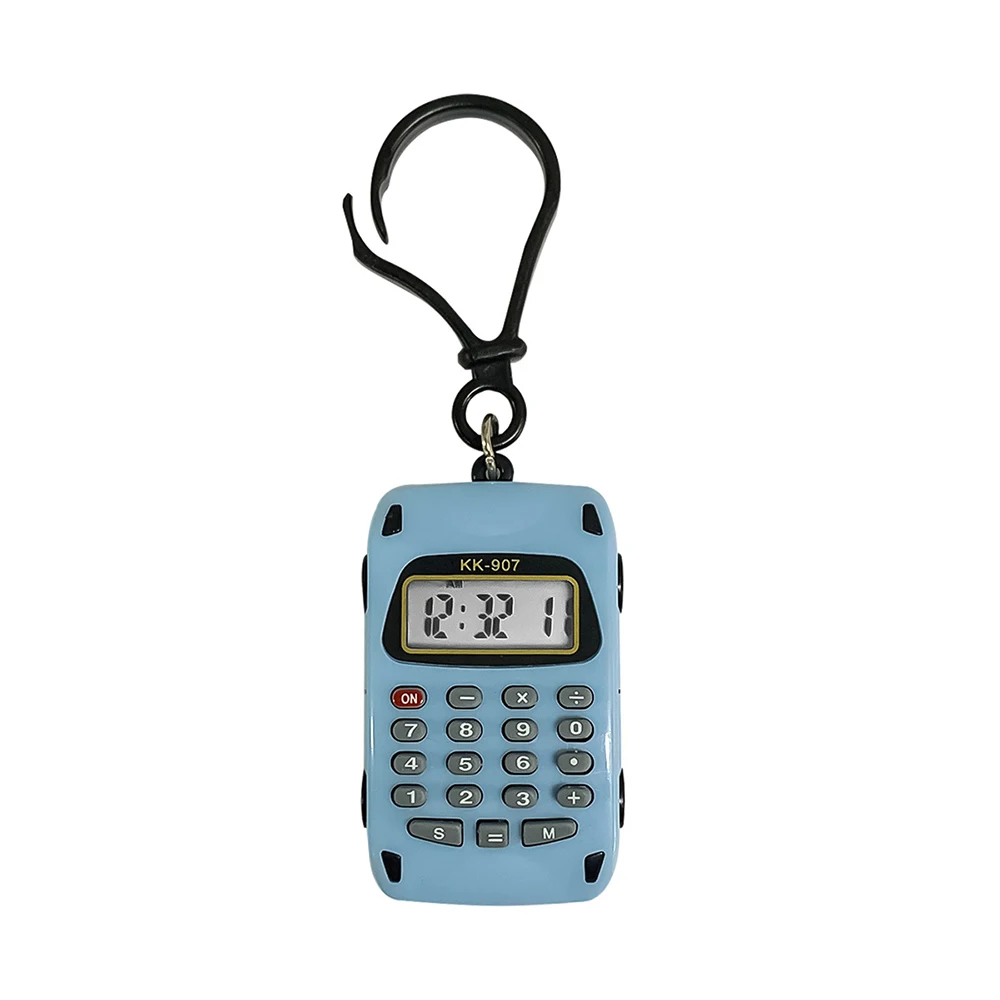
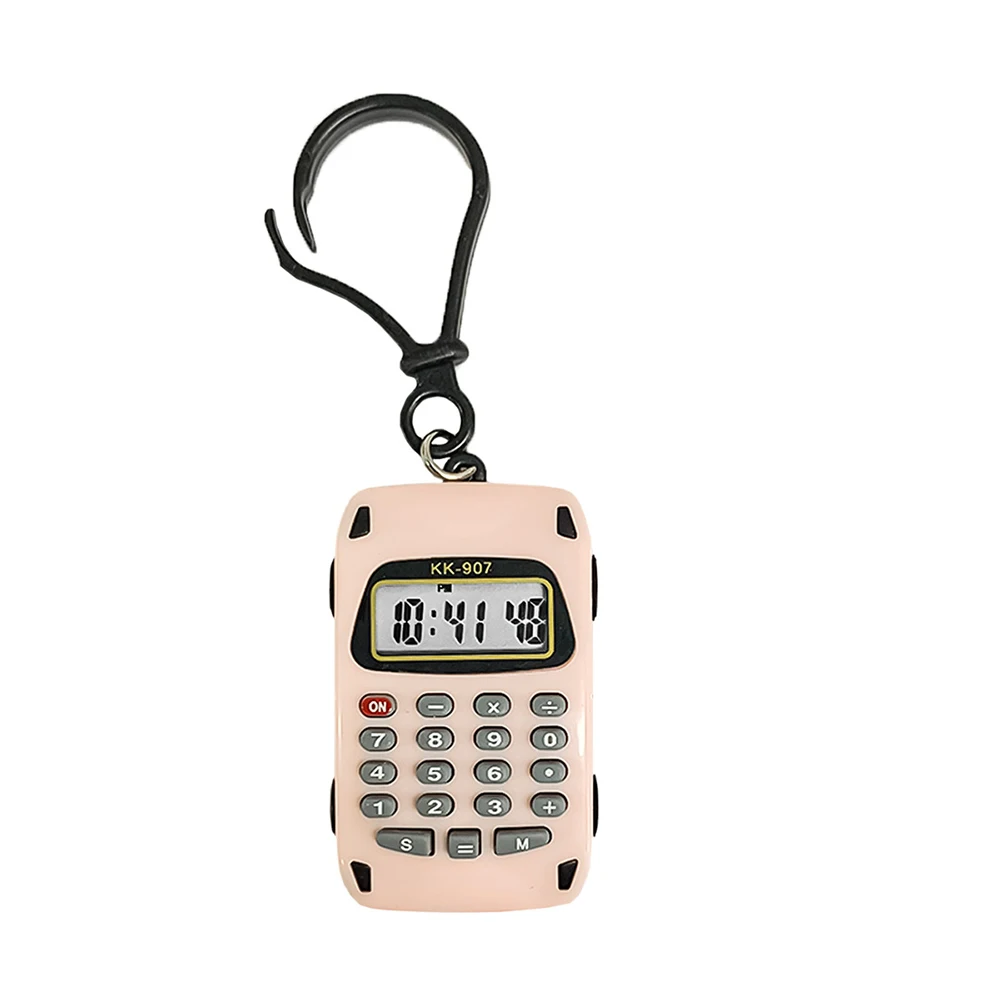
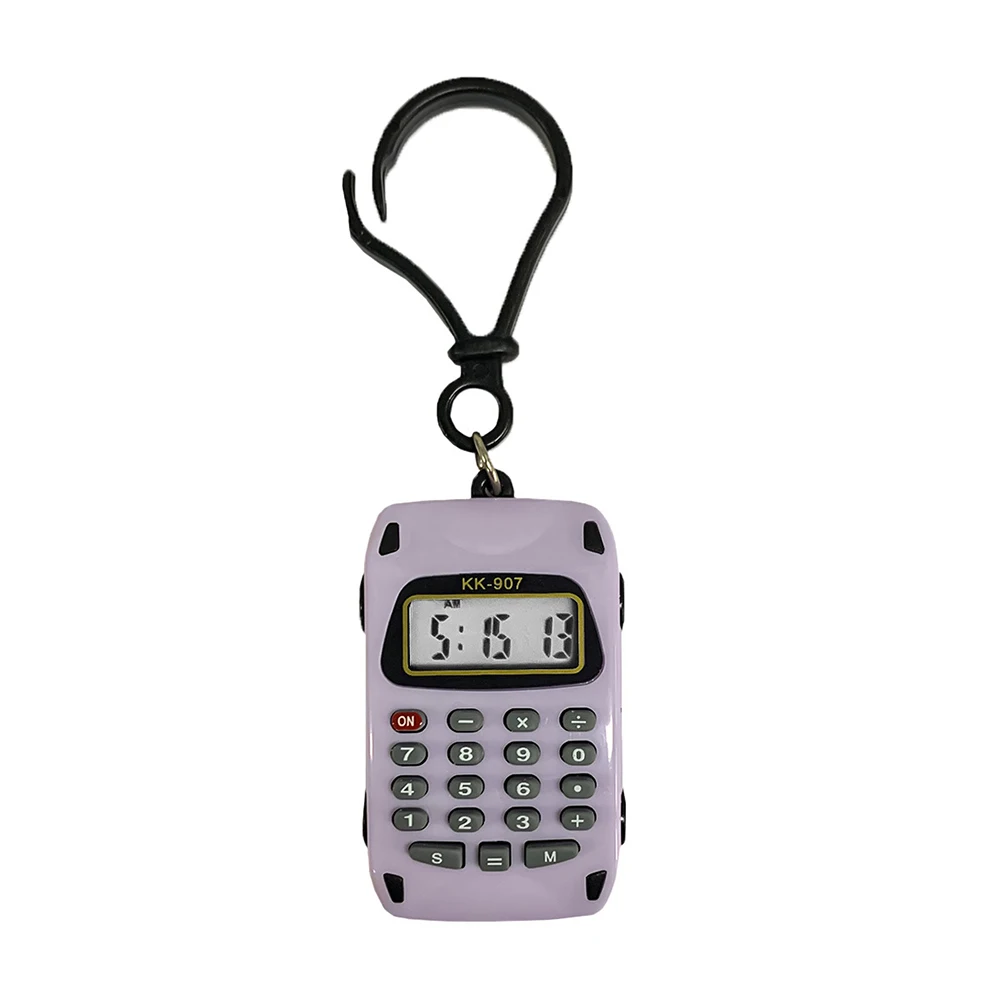
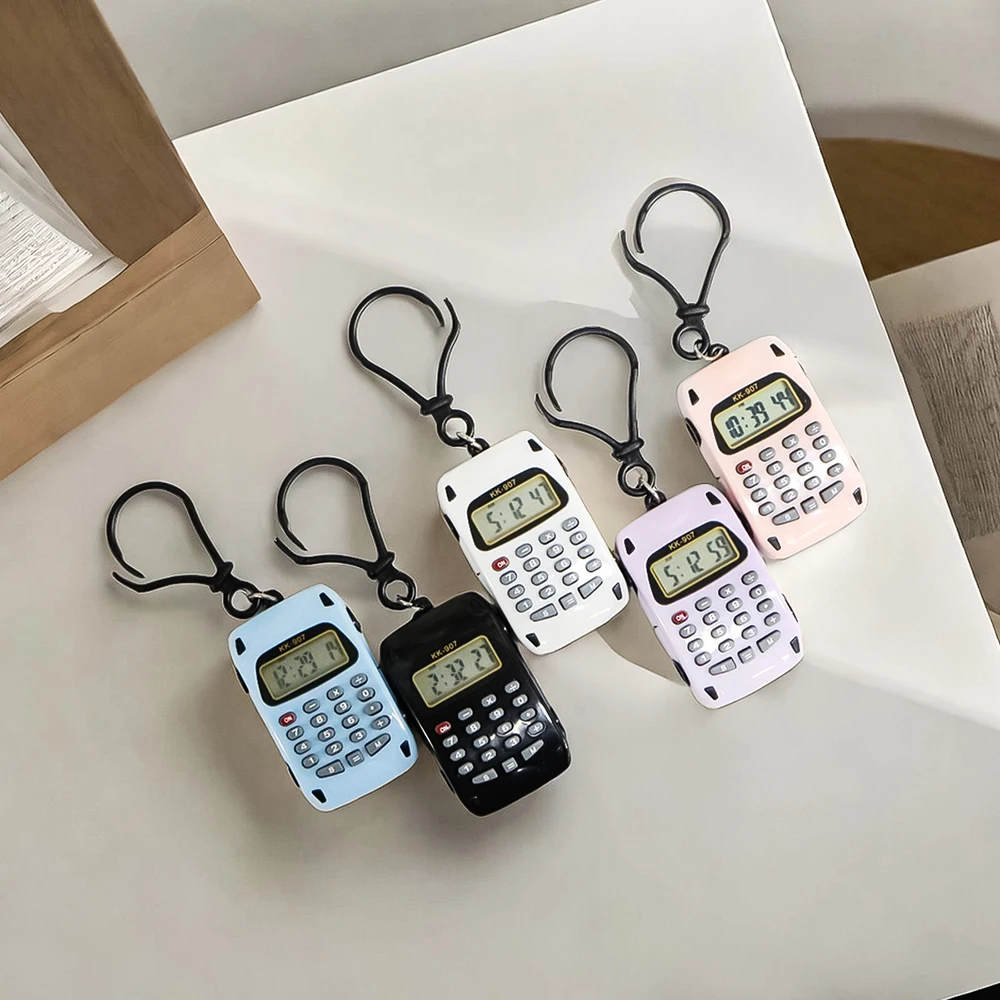
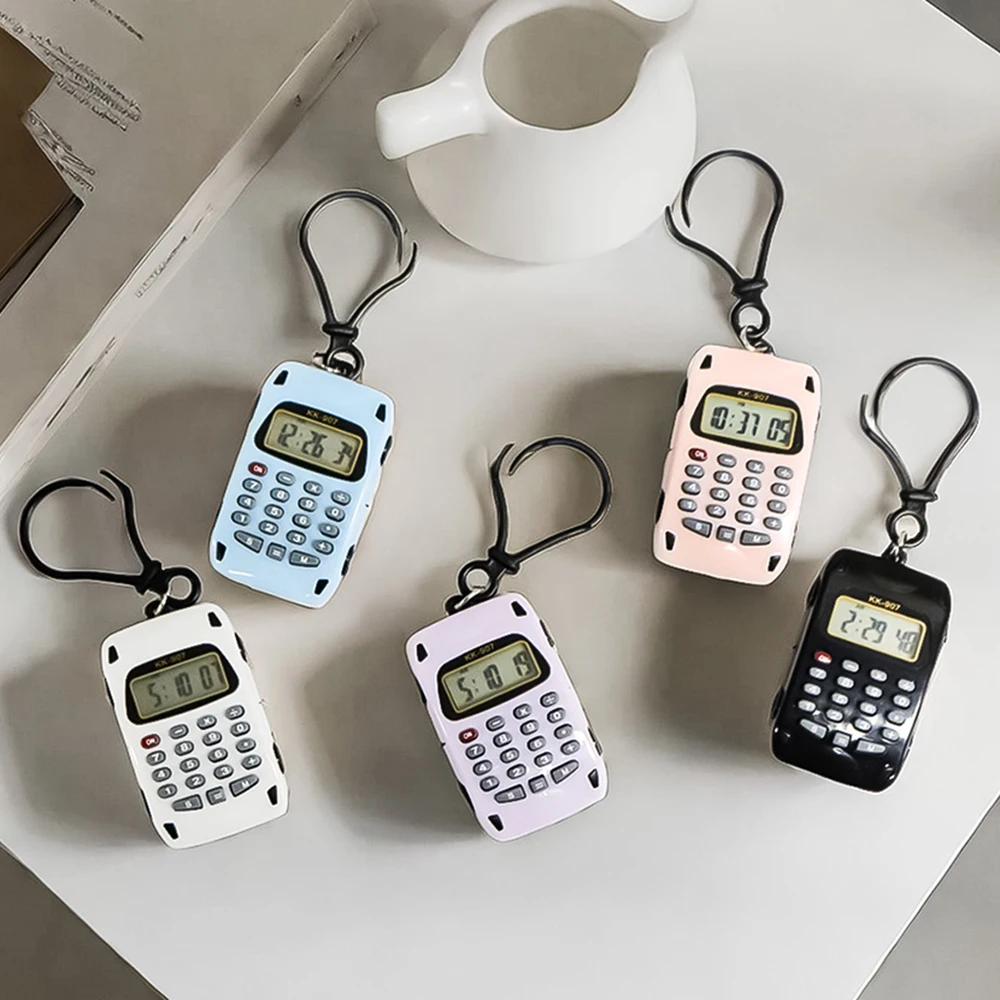
Multiple ColoursColour selected by variation |
PRODUCT OVERVIEW
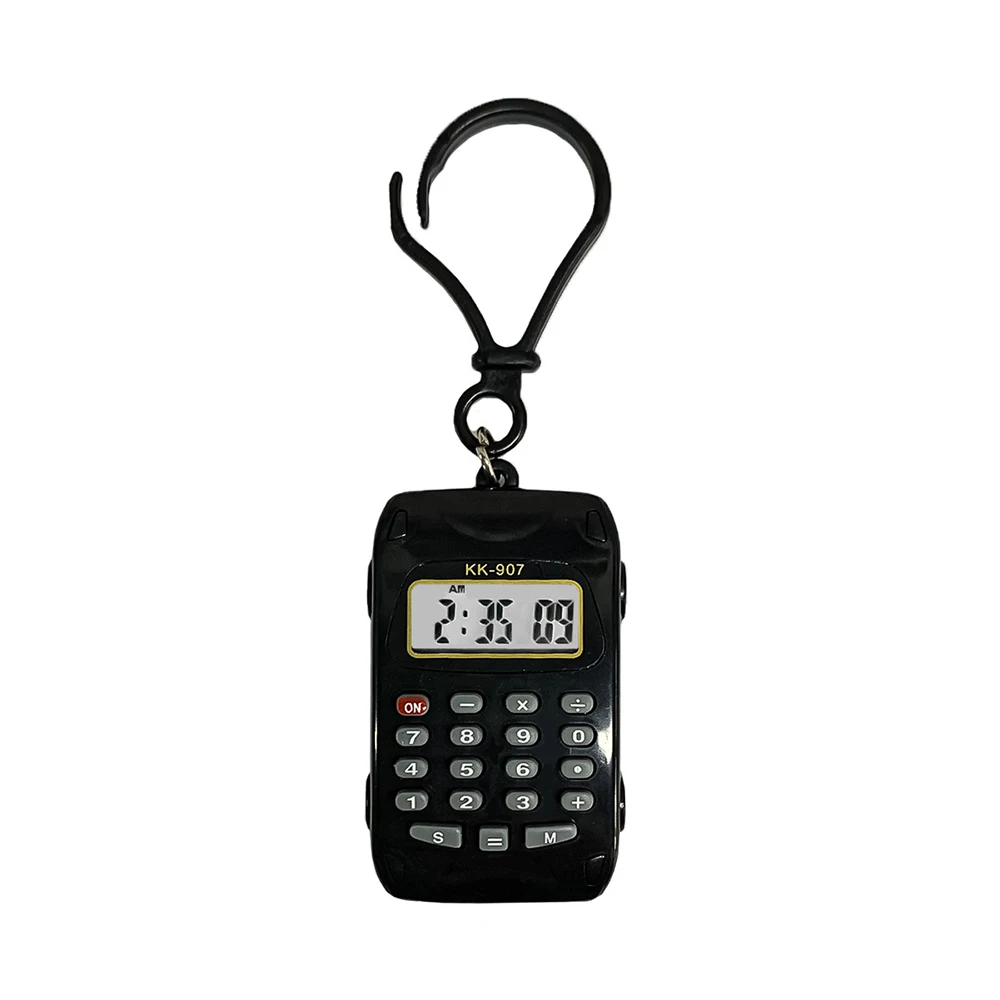
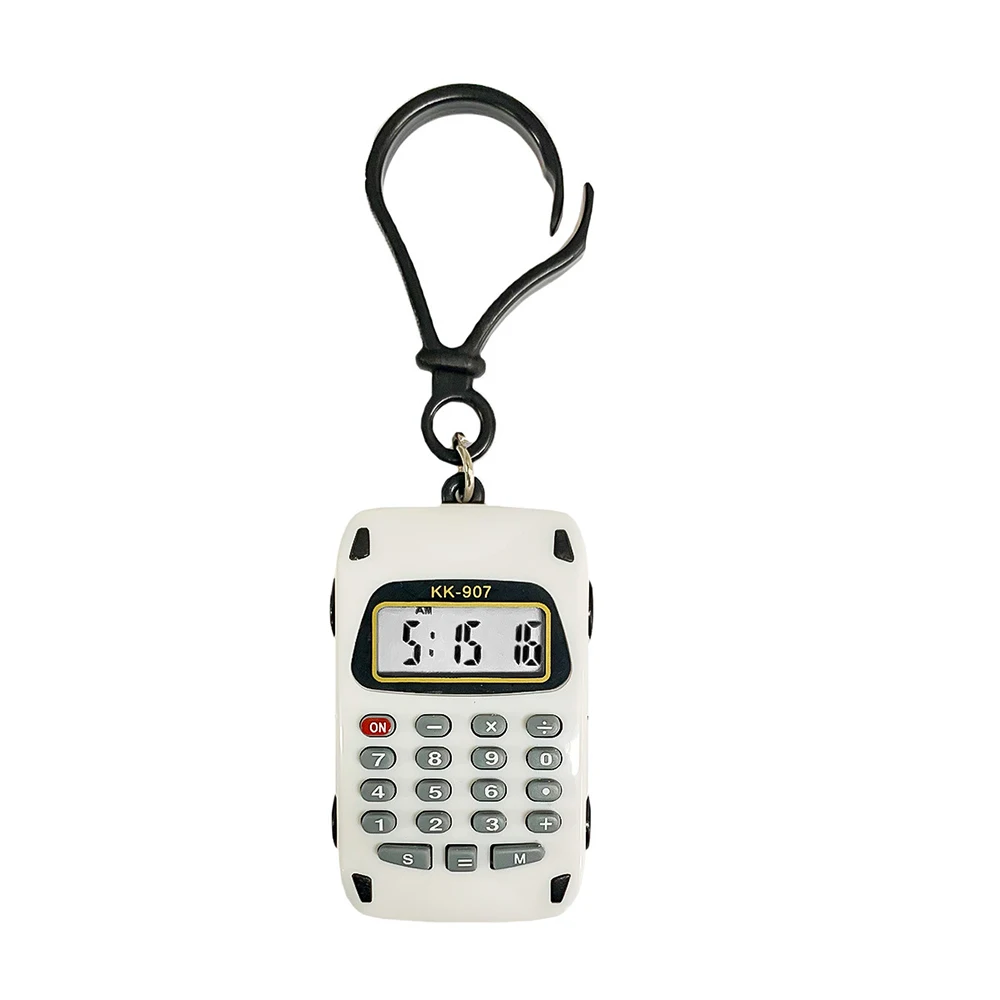
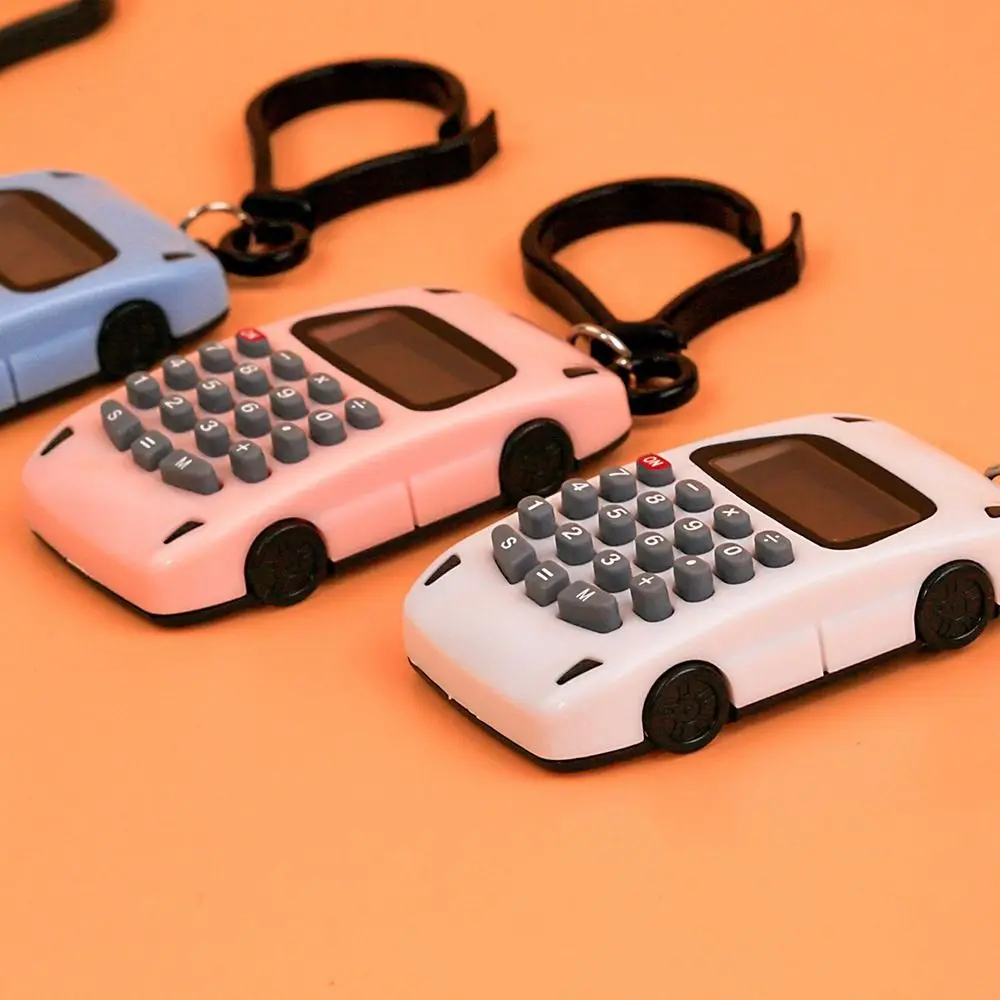
Keep everyday calculations close at hand with this Mini 8-Digit Keychain Calculator. Its compact design makes it easy to carry in a pocket, attach to keys or keep with your everyday essentials.
Small and lightweight, this calculator combines practical functionality with a fun keychain-style design. It can be used for quick calculations at school, work, home or while travelling.
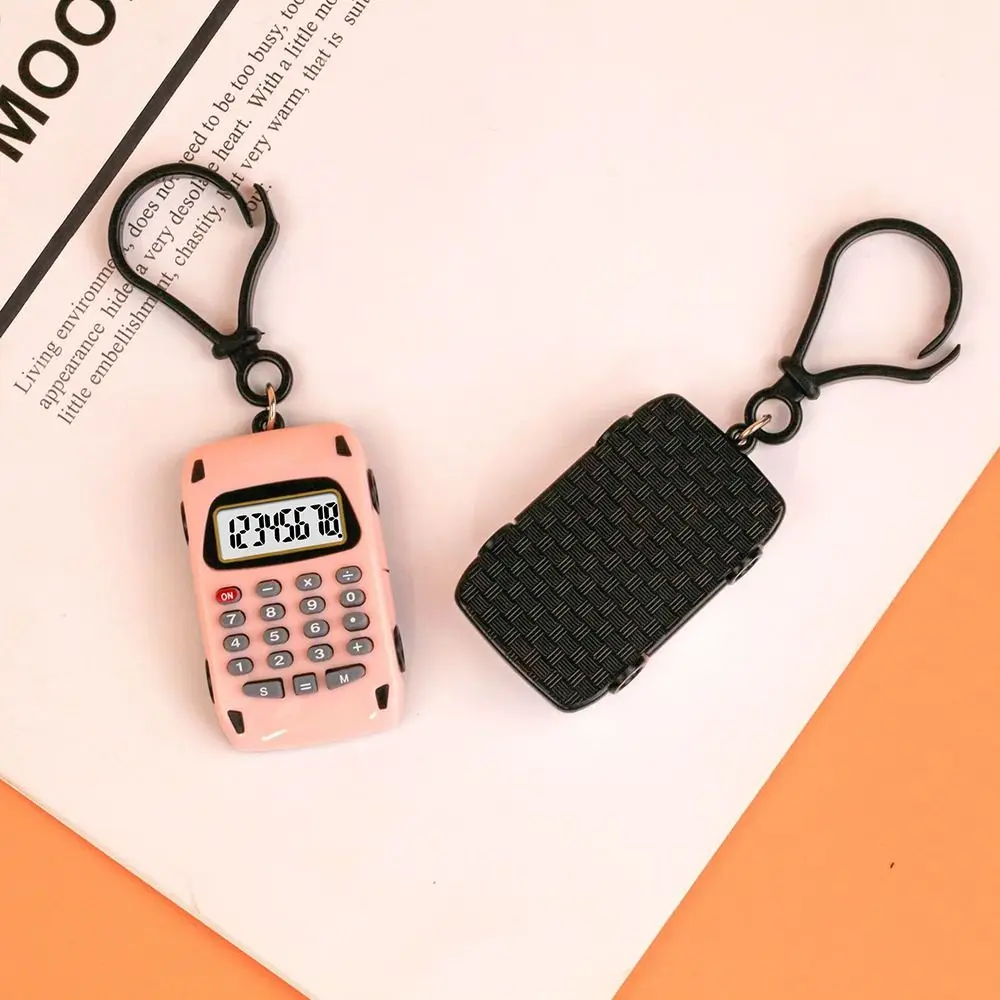
The built-in keychain attachment allows the calculator to be clipped to your keys, bag or other suitable items for convenient access.
⭐ KEY FEATURES
Features an easy-to-use calculator layout with an 8-digit display for quick everyday calculations.
The compact size makes it easy to carry in a pocket, pencil case, handbag or travel bag.
Attach it to keys, bags or other suitable items so your calculator is always within easy reach.
The mini device also provides a time and date display that can be adjusted using the M and S keys.
A useful everyday calculator combined with a compact keychain-style design.
🎒 PERFECT FOR EVERYDAY USE
| 🎓 Students | Useful for quick calculations at school or college. |
| 💼 Office & Work | Convenient for quick everyday calculations. |
| ✈️ Travel | Compact size makes it easy to take while travelling. |
| 🔑 Keychain | Attach it to your keys or bag for convenient access. |
| 🎁 Gift Idea | A fun and practical small gift for students, children and calculator lovers. |
⏰ TIME & DATE ADJUSTMENT
- Press "M" to bring up the time display.
- Press "S" to select the hours, minutes or date for adjustment.
- Use the "M" key to adjust the selected time or date.
- After the settings are correct, press "S". A stable, non-blinking display indicates the adjustment is complete.
📋 PRODUCT SPECIFICATIONS
| Product Type | Mini Keychain Calculator |
| Brand | Unbranded / Generic |
| Display | 8-Digit Digital Display |
| Material | Plastic |
| Size | Approx. 3.3 × 5.3cm / 1.29 × 2.08in |
| Battery | 1 × LR1130 |
| Functions | Calculator / Time / Date |
| Design | Keychain / Portable |
| Condition | Brand New |
🎨 COLOUR OPTIONS
Please select your preferred colour from the available listing variations. Actual colour may vary slightly depending on lighting and monitor settings.
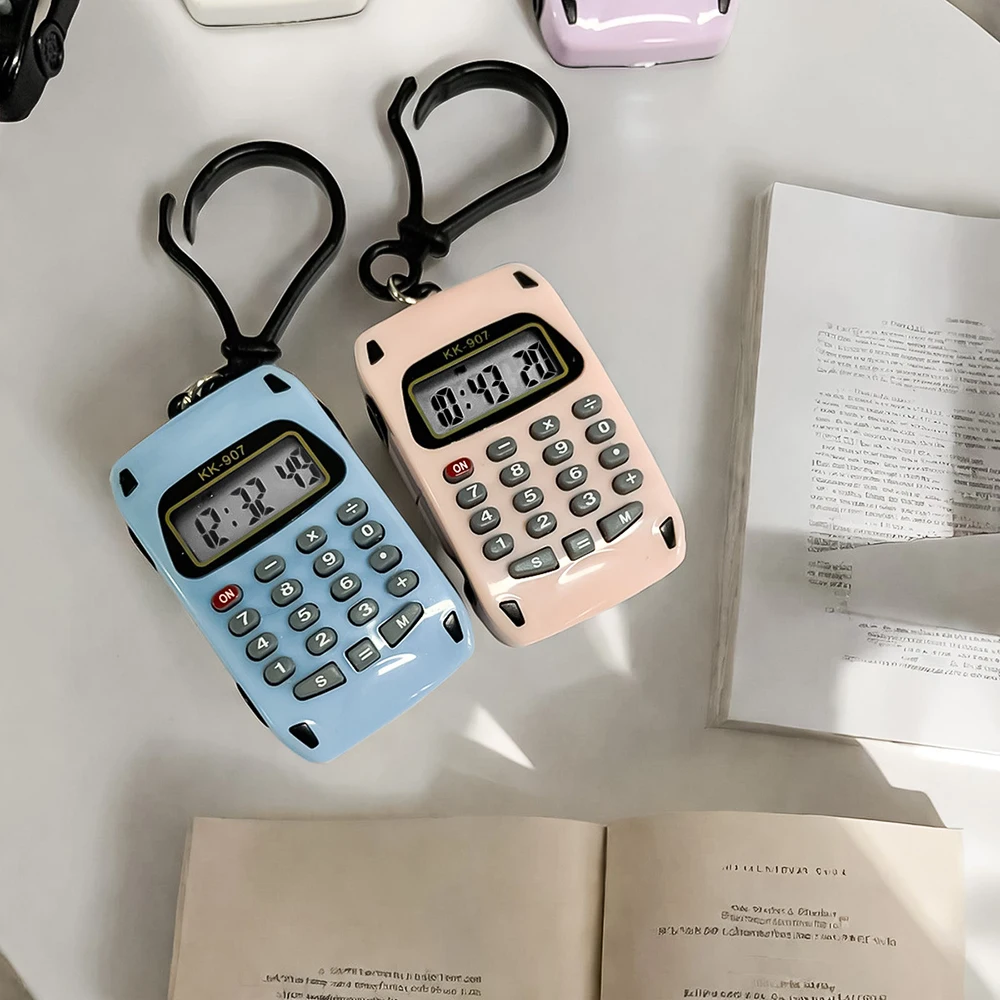
🔑 PORTABLE KEYCHAIN DESIGN
Small enough to carry anywhere.
Use it as a calculator, keychain or pendant-style accessory. Its compact construction makes it convenient to keep with your everyday essentials.
🔋 BATTERY & CARE
- Powered by 1 × LR1130 battery.
- Keep the calculator away from excessive moisture and extreme temperatures.
- Avoid dropping or applying excessive pressure to the display.
- Remove or replace the battery appropriately when required.
⚠ PLEASE NOTE
- The product is very small; please check the listed dimensions before purchasing.
- Colour may vary slightly due to lighting, photography and different monitor settings.
- Please check the selected colour/variation before completing your order.
📦 PACKAGE INCLUDES
Battery type: LR1130 × 1.
❤️ CUSTOMER SATISFACTION
Thank You For Shopping With Us!
If you have any questions about the calculator, colour, battery or your order, please contact us through eBay messages. We are happy to help.
Small Size. Big Convenience.
8-Digit Display • Keychain • Time & Date • Lightweight • Multiple Colours