Features:
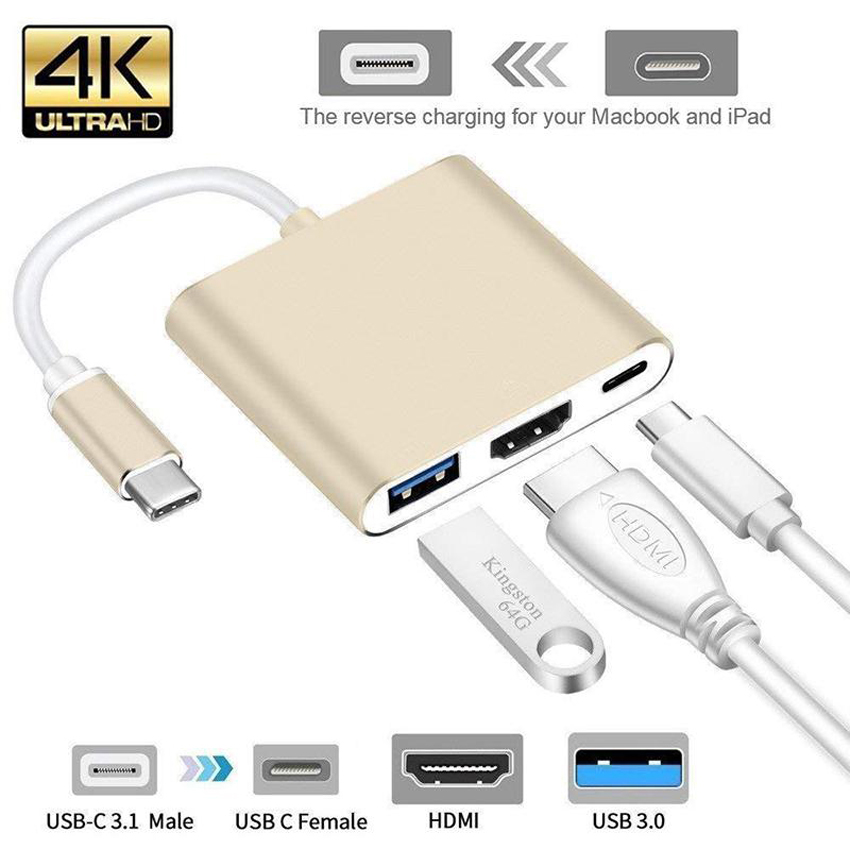
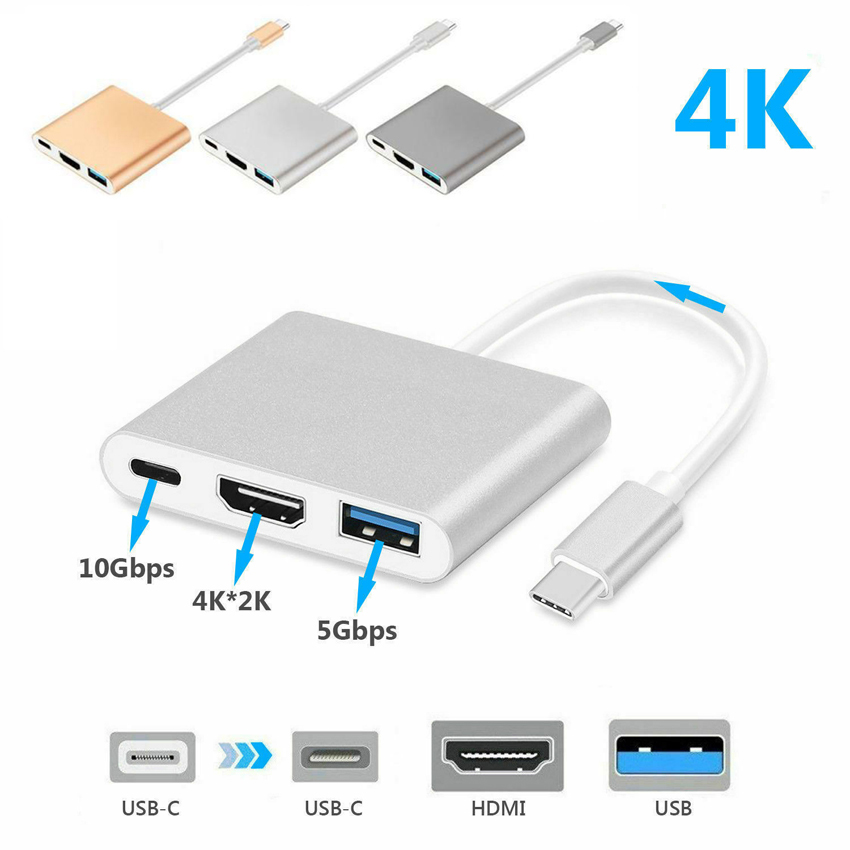
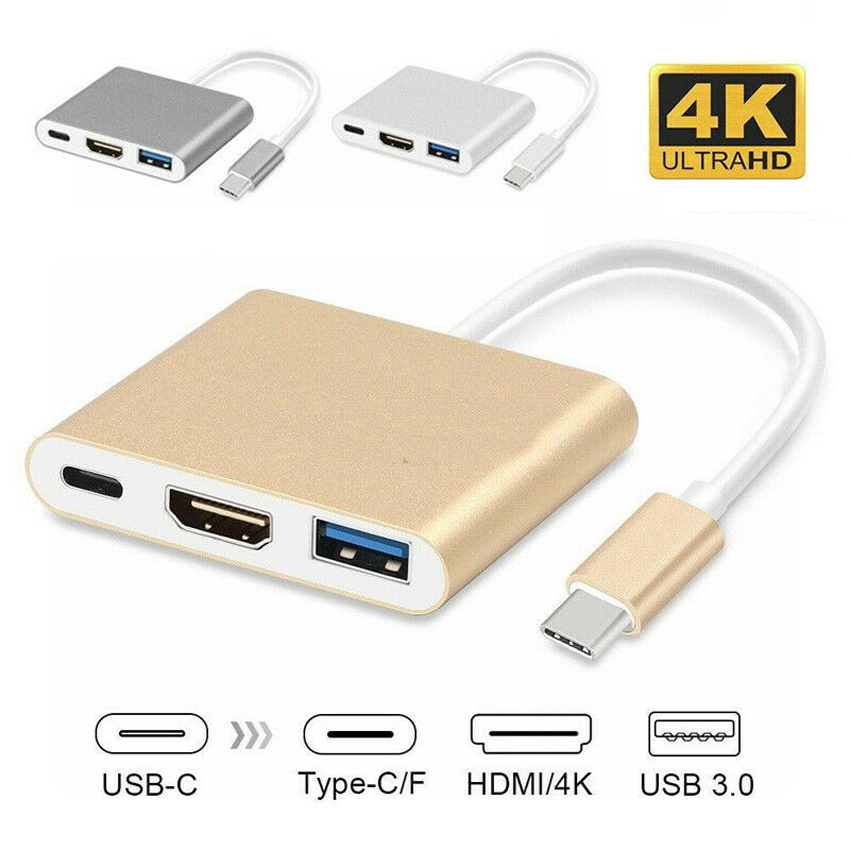
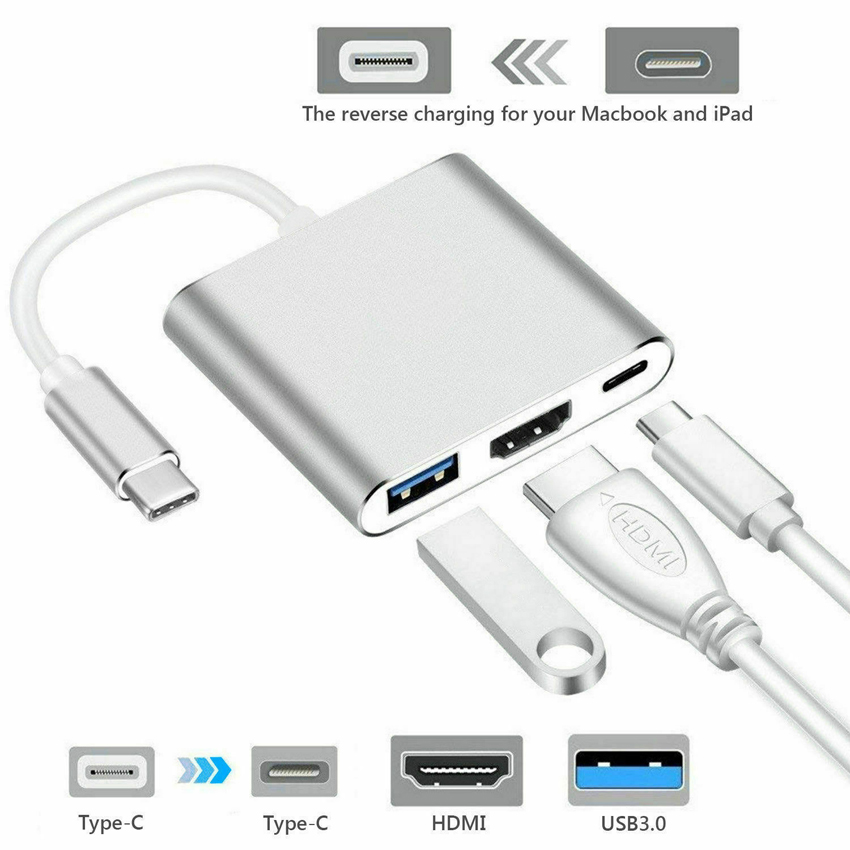
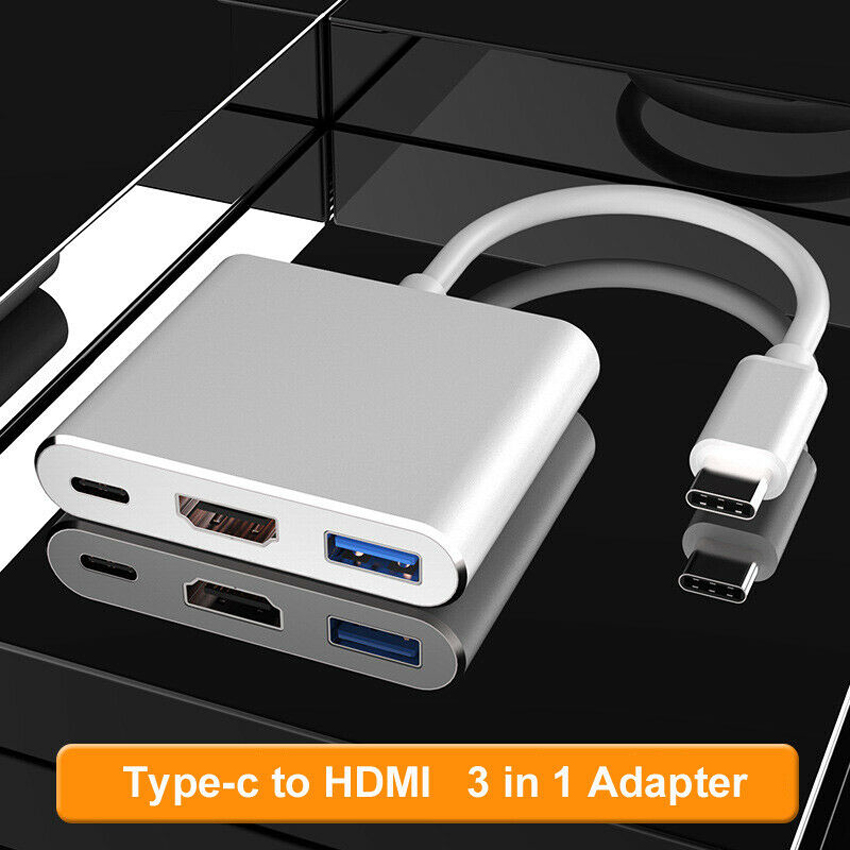
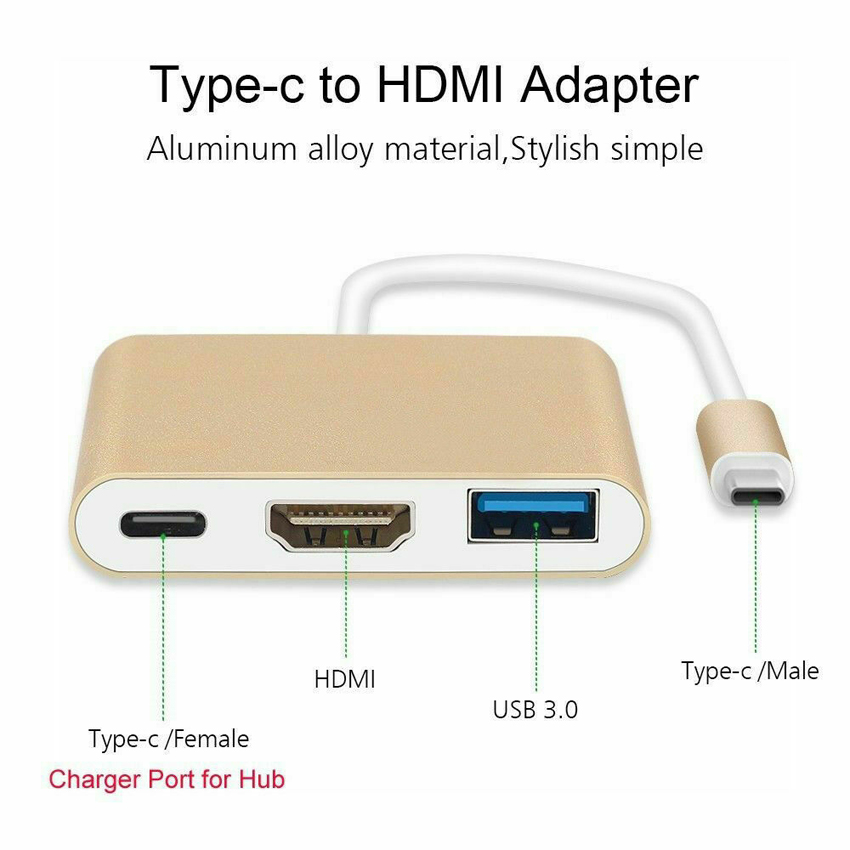
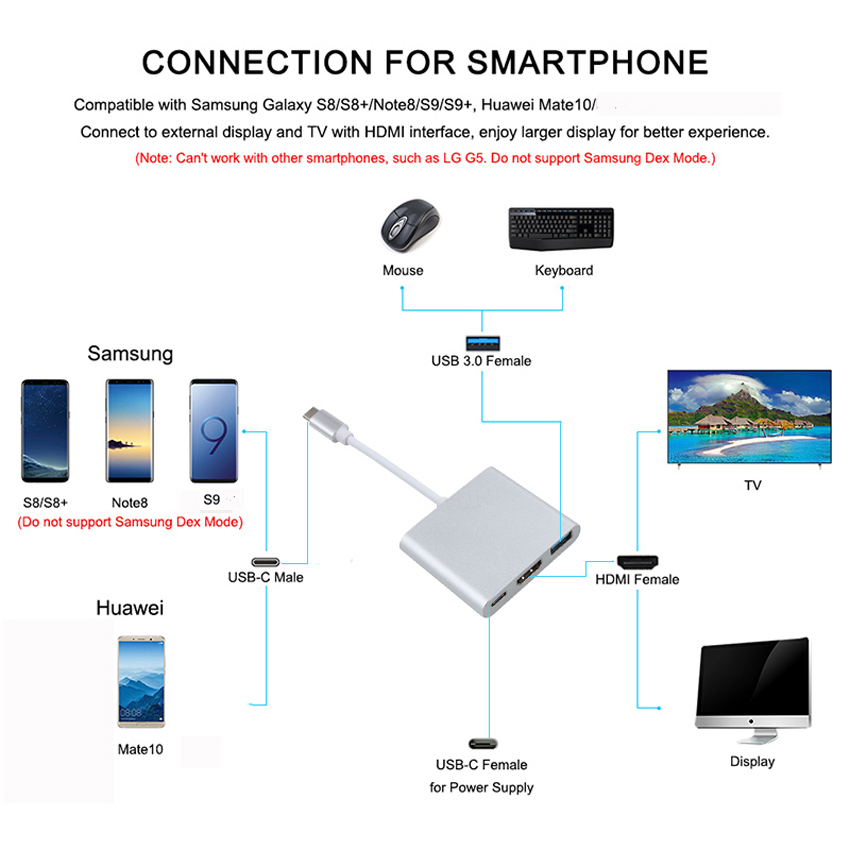
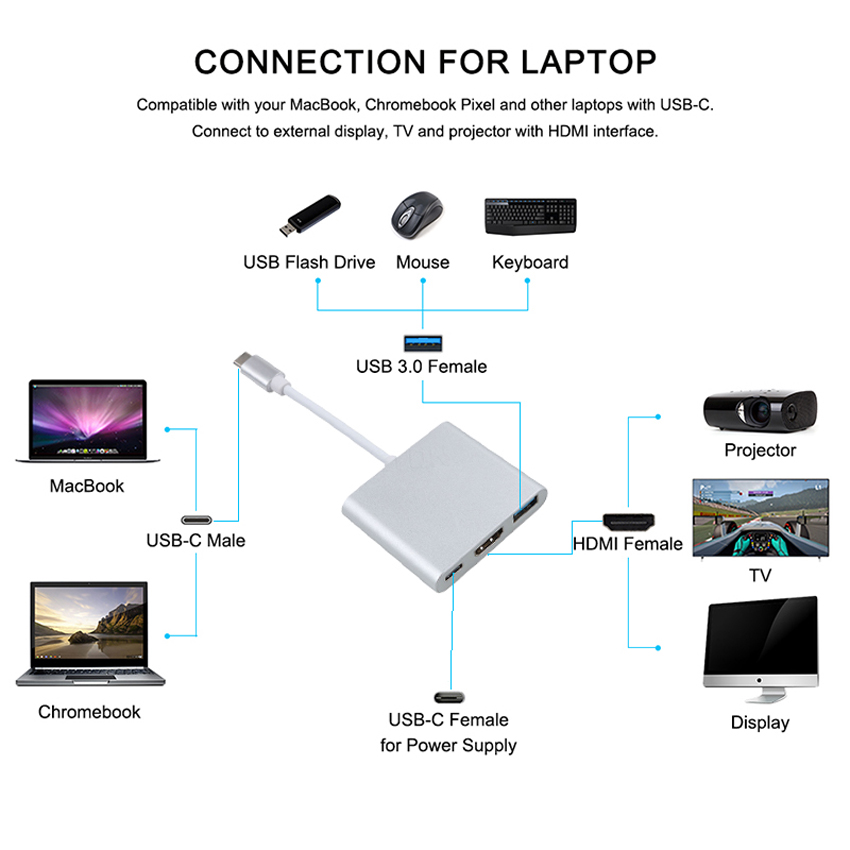
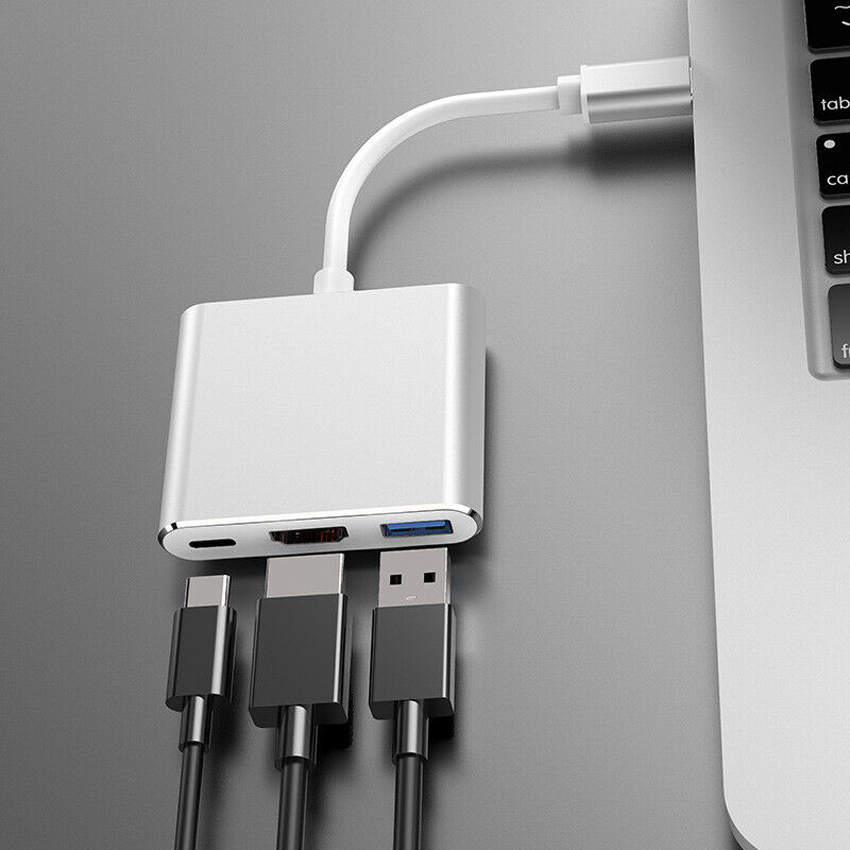
1. USB 3.0 Type A standard female output port with maximum 5 Gbps data transfer rate, connect devices such as a keyboard or mouse or flash driver or camera or a USB cable for syncing and charging a mobile device.
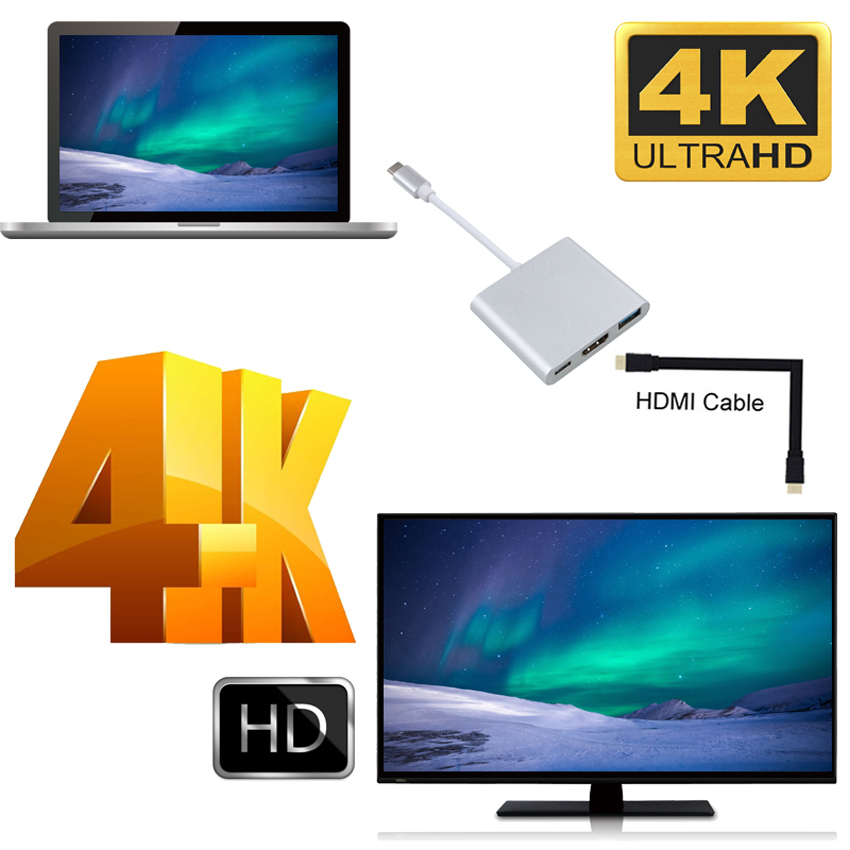
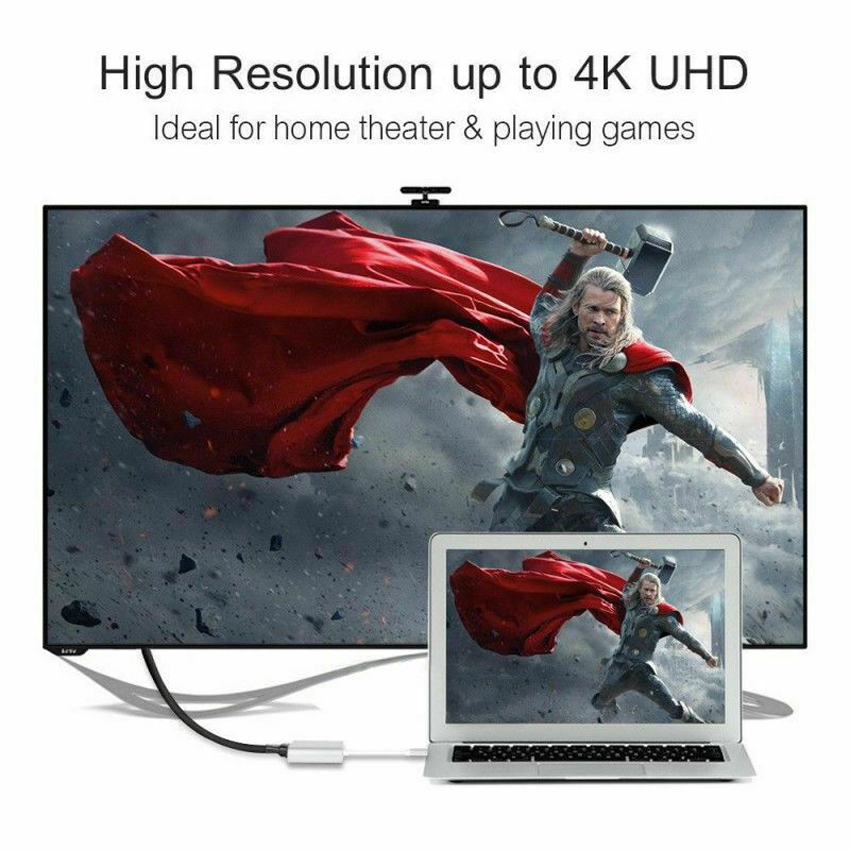
2. HDMI port: 4K*2K Resolution: Transmits high-definition audio and video from computer or tablet to HDMI display for streaming and gaming with resolution up to full aperture 4k(4096×2160)/2160p (4k) ultra HD. Also, supports
1080p, 720p, 480p and other.
3. USB-C female charging port supports charging for computers and devices with USB-C charging port.
4. The charging port doesn’t support data transfer, AV out, output charging and extending adapter only charging.
Details:
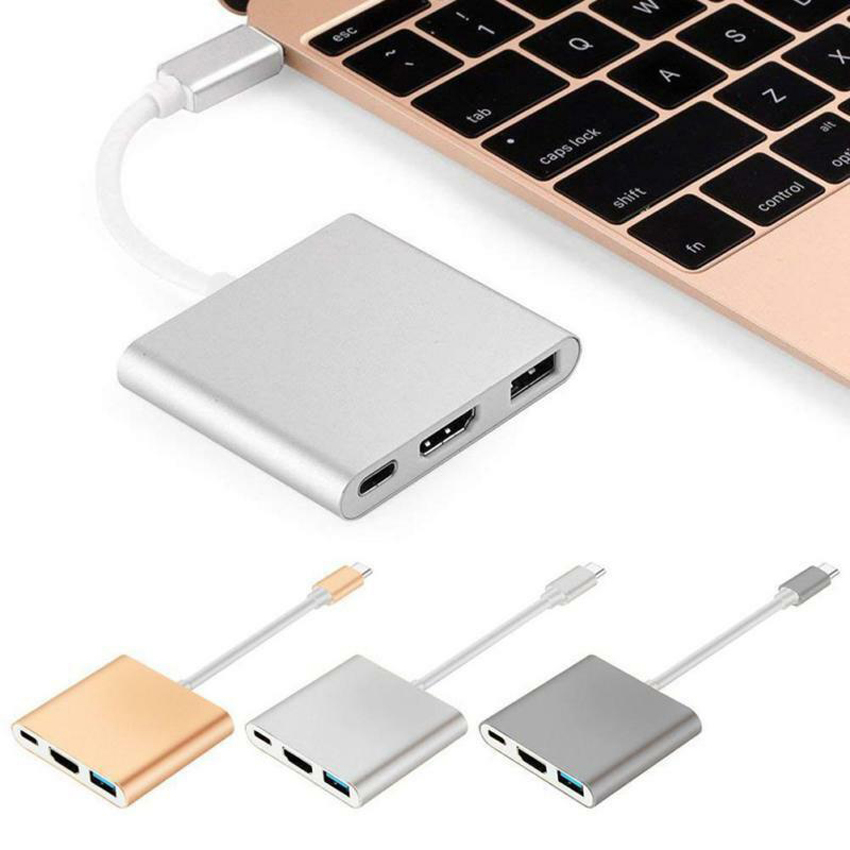
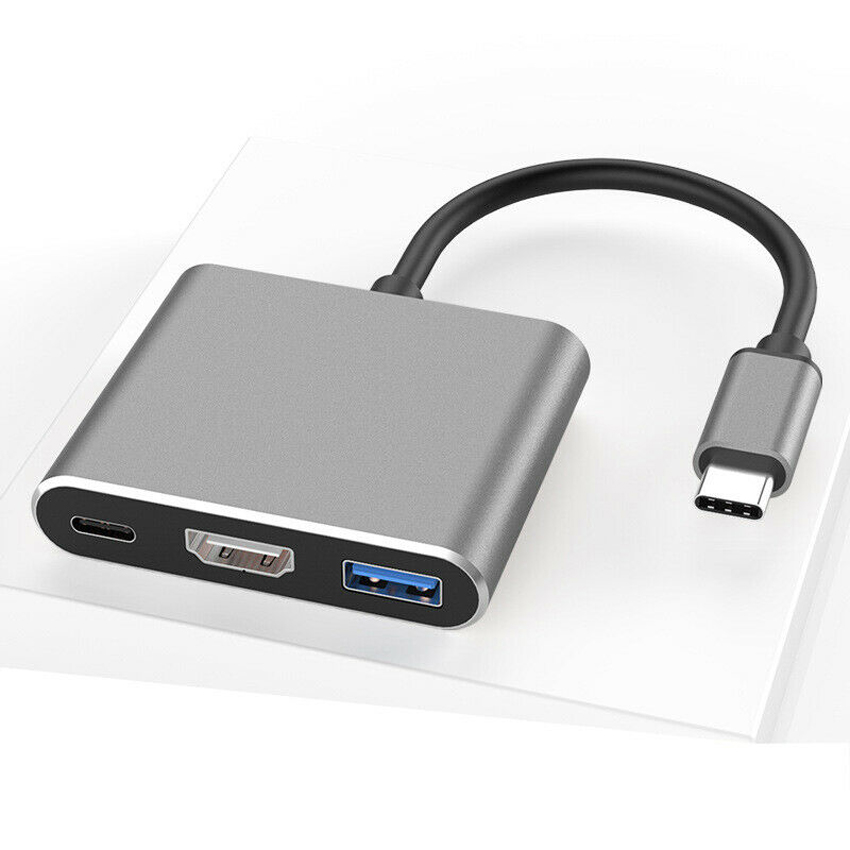
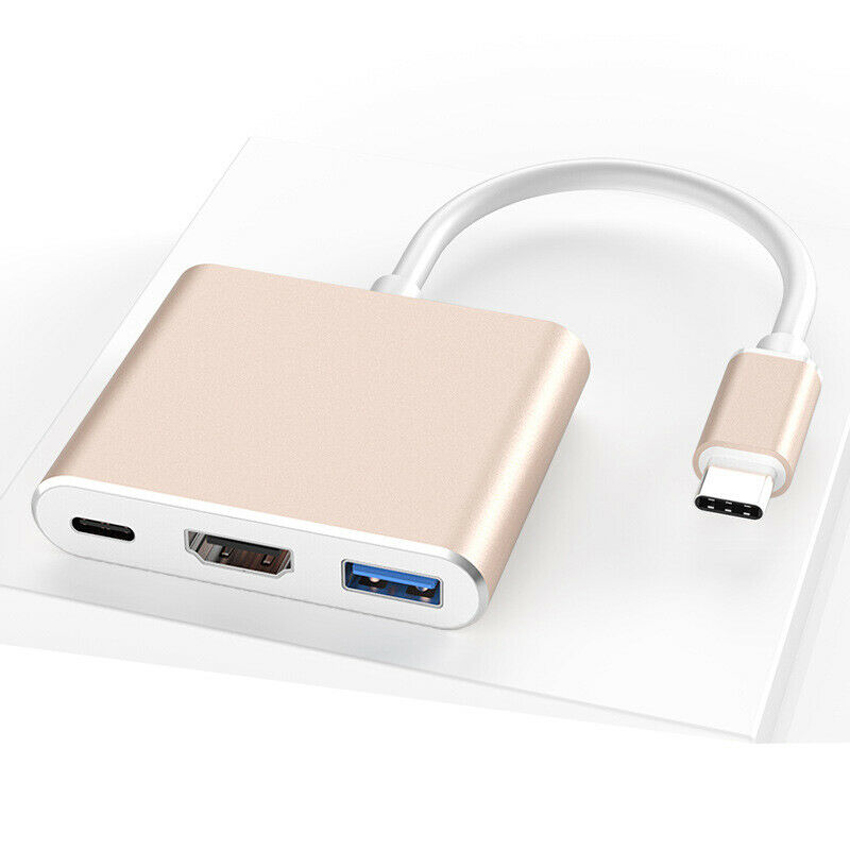
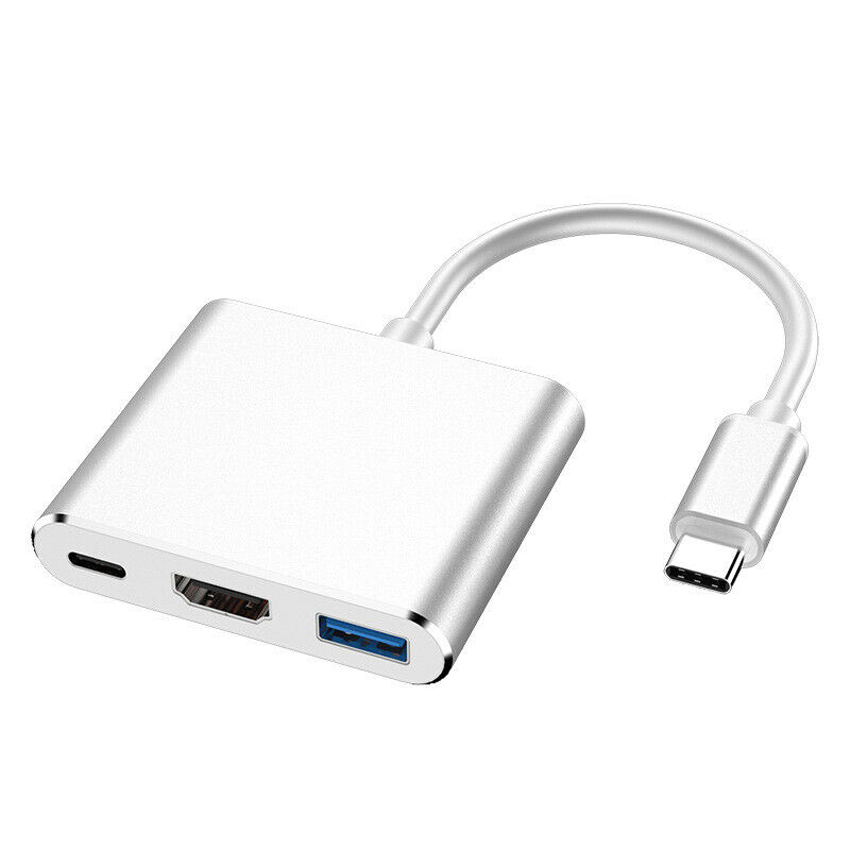
Color:Silver, Gold, Black.
USB Specification: USB 3.1
Connector A: USB Type C Male
Connector(s) B: HDMI 2.0,USB Type C Female,USB 3.0 Female
Compatible Devices
PC:
-MacBook Pro 15”/13”,2018/ 2017 / 2016/ 2015
-MacBook,2018/ 2017 / 2016 / 2015
-iMac / iMac Pro, 2017
-2015 Google Chromebook Pixel
-New Acer Switch Alpha 12
-Dell XPS 12/13/15
-Dell Latitude
-Nintendo Switch
-Acer Spin 7 / Chromebook R13
-Acer Aspire V Nitro 15
-HP Spectre X2
-HP Elite X2 1012/X360/ Elitebook Folio G1
-HP ZBook 15 G3 Mobile Workstation
-Surface Book 2
-Lenovo Yoga 900/910/920
-Samsung Chromebook Plus
-HUAWEI MateBook X / Pro
-Acer Swift 7 SF713-51-M5MP(NX.GK6CN.002)
-Tian Bao Air
Cell Phone(with DP Alt Mode):
-Samsung Galaxy S8/S8 Plus
-Samsung Galaxy S9/S9 Plus
-Samsung Note 8
-LG G5/LG V20
-Lumia 950/950 XL
-Huawei Mate10/P20
-HTC U12﹢
Note:
1. We recommend you buy this adapter according to our Compatibility List of phone/tablet, or this adapter may not support your phone or tablet.Please check your phone model and make your device supports usb c port to HDMI
setting.
2. This Cable doesn’t Support to NETFLIX APP and other registered APPs.
3. Type-C Male Port - transferring data with the latest computers and smart devices, such as ( for ) MacBook 12", 2016 2017 MacBook Pro 13" 15", etc.
4. Type-C Female Port(connet with power adapter ) - used only for charging the Hub
How to Connect:
1. Step 1: Connect USB Type-C connector of the Adapter to any USB Type-C HDMI mode supported devices.
2. Step 2: Connect HDMI output of the cable to HDTV or HDMI enabled display using standard HDMI media cable.
Package Include
1x Type C Hub to HDMI /USB 3.1 Type-C to HDMI Adapter