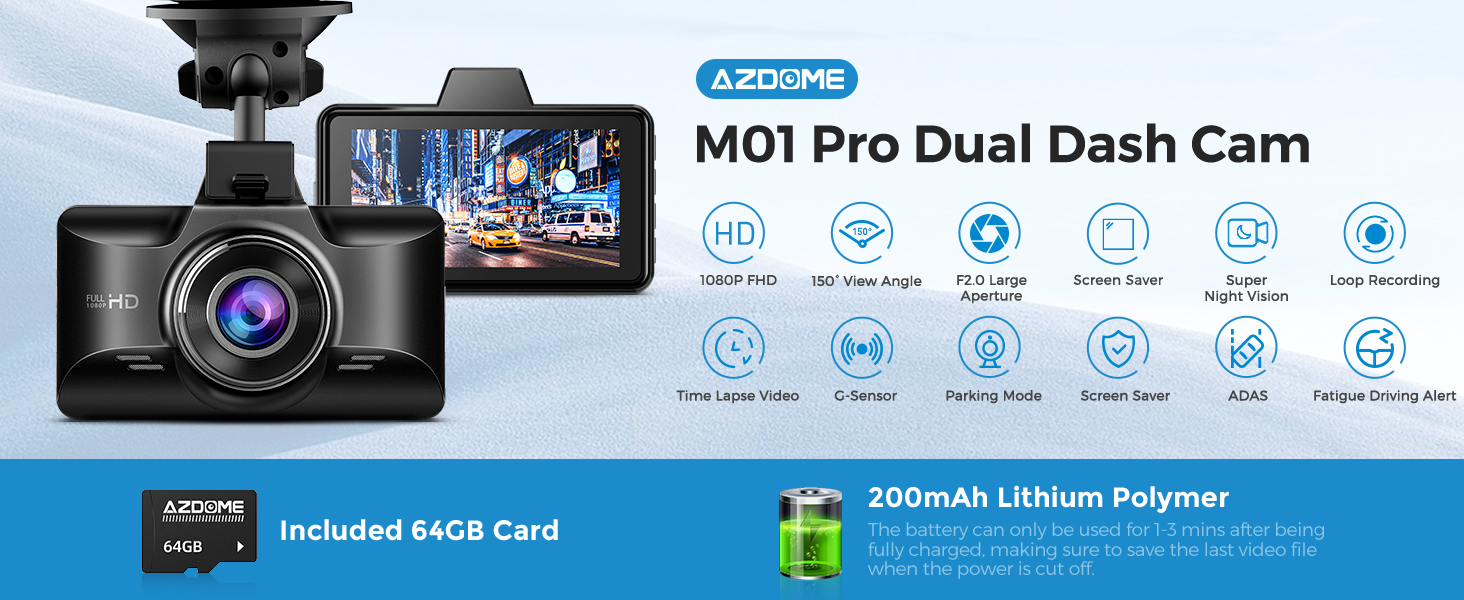
AZDOME M01 Pro Dual Dash Cam Front and Rear, 3 inch 2.5D IPS Screen Free 64GB Card Car, ADAS Driving Recorder, 1080P FHD Dashboard Camera, Waterproof Backup Camera Night Vision Driving Fatigue Alert, 24H Park Monitor, G-Sensor, Loop Recording,Time-Lapse
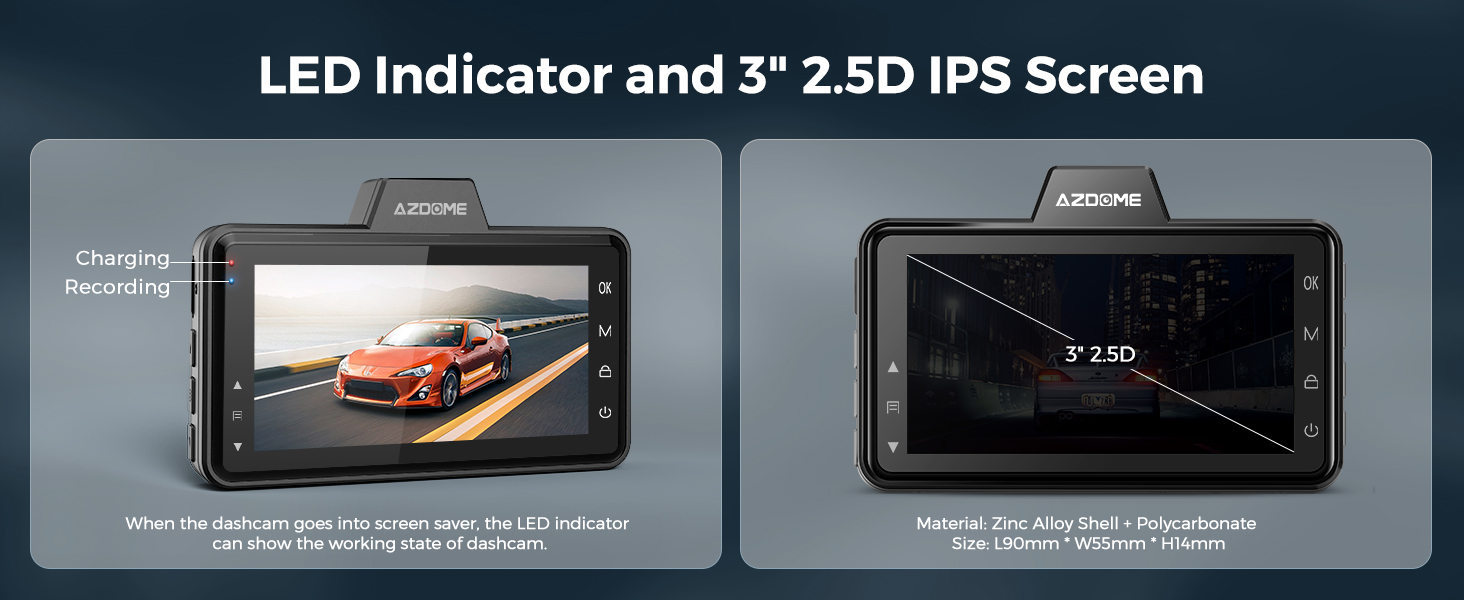
Dual Dash Cam and 3" 2.5D IPS screen
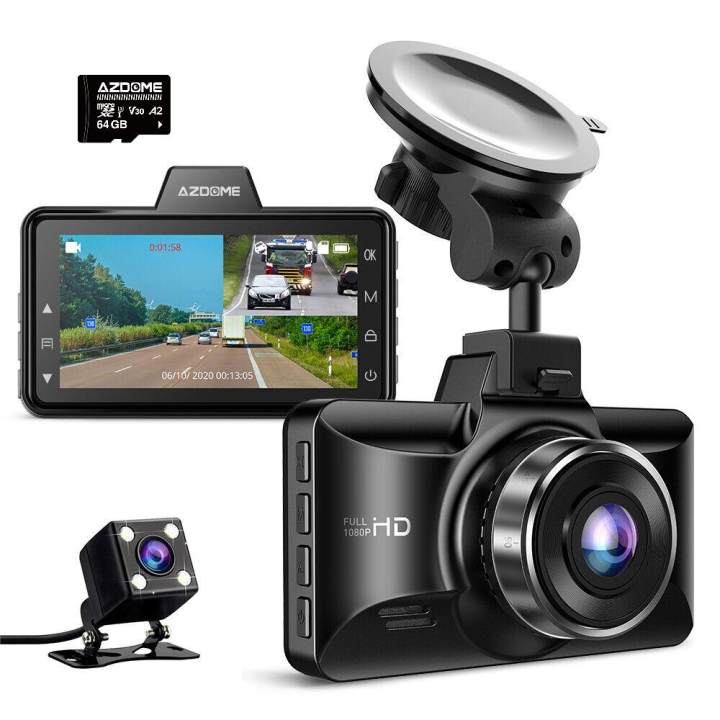
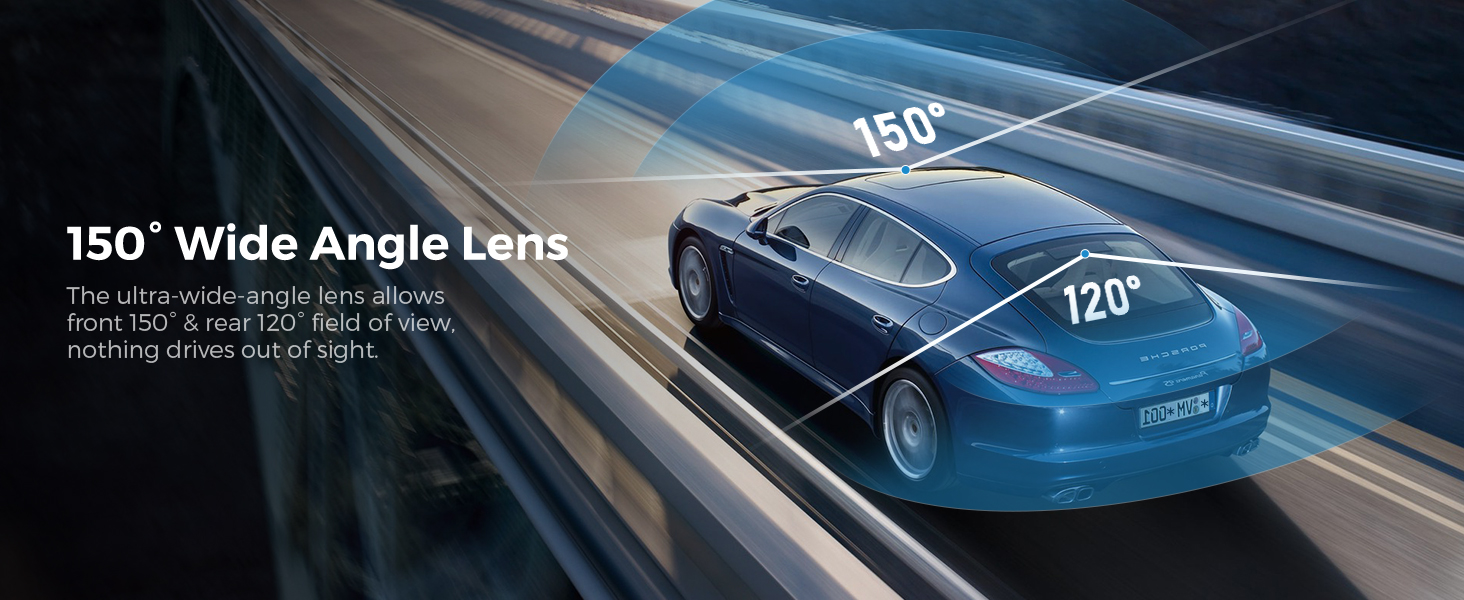
Dual Dash CAM can record videos with two front and back perspectives at the same time, providing more comprehensive records. You can capture the traffic conditions in front and rear at the same time to ensure that you have more comprehensive driving records. 3 "2.5D IPS Screen provides a wider perspective and better color performance, making your video back and setting operations clearer and more clear Easy to operate.
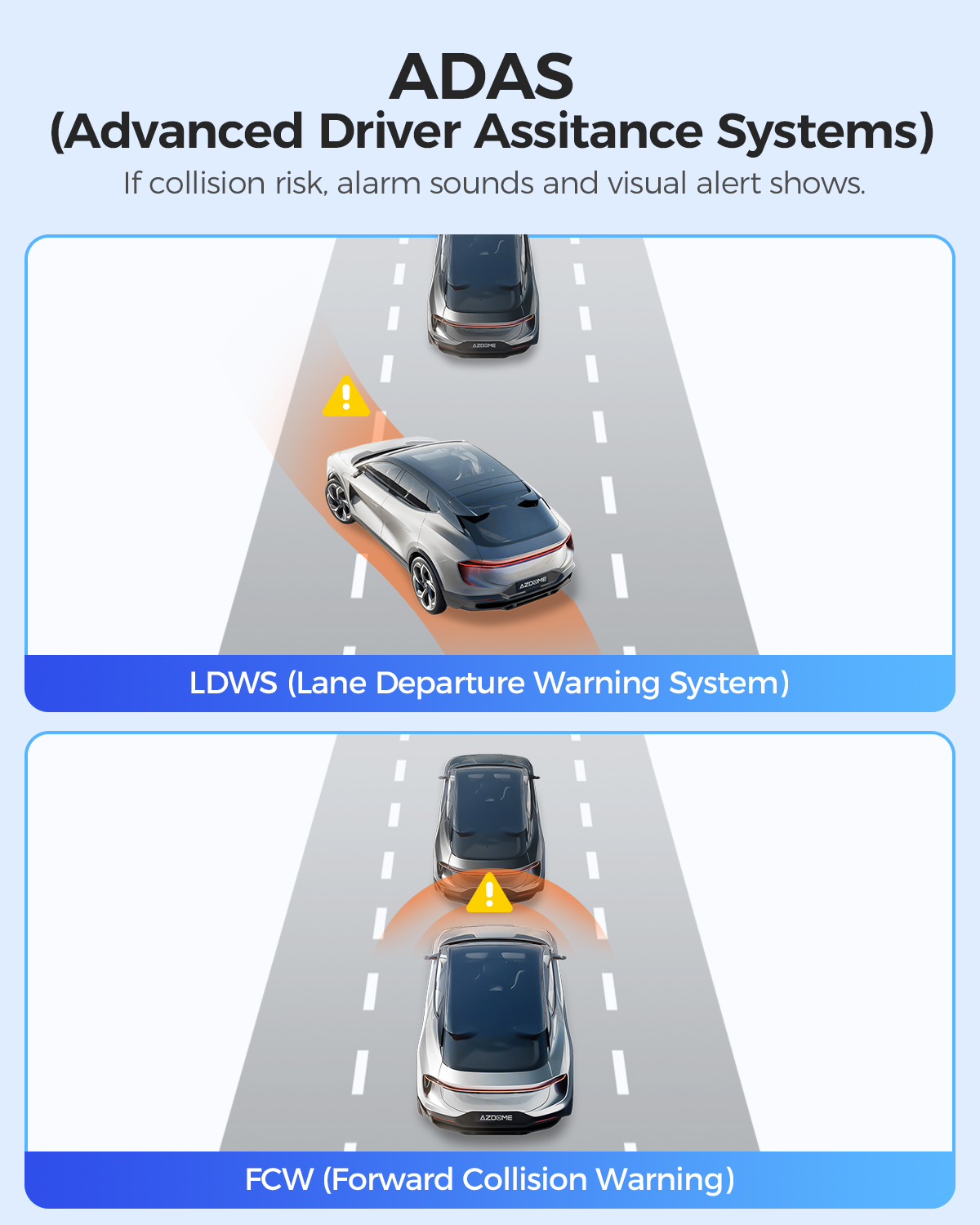
ADAS Intelligent Driving Assistance—Off(Default)
System detects line marking on the road surface and warns the driver of unintentional lane departures; when the car gets close enough that there is a risk of collision, sounds an alarm and displays a visual alert.
*ADAS may not perform as expected due to factors such as bad weather and road conditions.
*ADAS System has its limitations, and no safety system can prevent all accidents. Please drive carefully at all times.
specifications
- Model: M01 Pro (2CH)
Video Resolution: 1080P+720P (Front + Rear)
Hersteller: AZDOME
Charging port: Mini-USB port
- Screen Size: 3.0 Inch IPS Screen
- Number of lenses: 2 (Front+Rear)
- Aperture: F=2.0
- Loop Recording: 1 Minutes/3 Minutes(Default)/5 Minutes
- Power interface: 5V 1.5A
- Warranty: 1 Year
Max External Memory:128GB (Class10,U3 Speed. Included 64 GB SD Card)
Working Temperature:-20℃ to 70°C
About this item:
Loop Recording & G-sensor
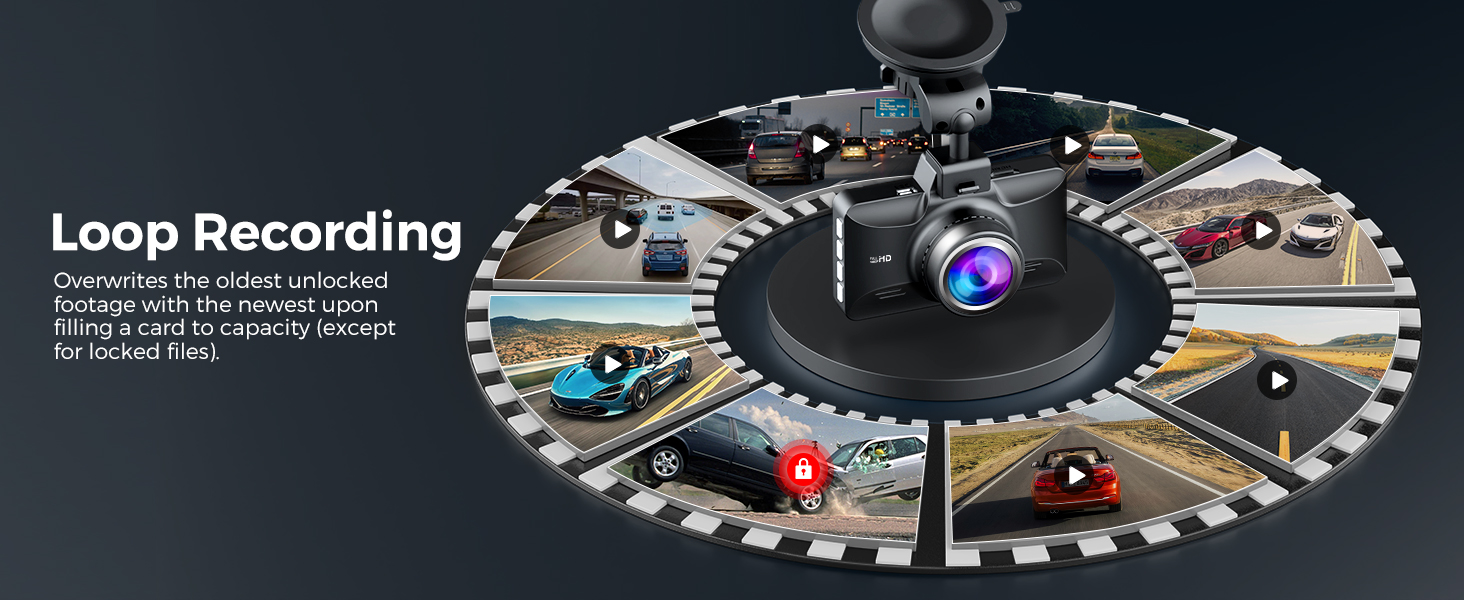
Seamless Loop Recording overwrites the oldest footage with the newest upon filling a card to capacity; to make your safety and legal rights be always under protection, the built-in G-Sensor monitors and detects unusual impacts or vibration and automatically triggers the Emegency Video Protection, locking the footage to EMR folder to prevent the video from being overwritten.
Time-Lapse Recording
The Time-Lapse Recording feature can compress long driving record videos into shorter time periods to better show driving road conditions and events. This feature can help you save storage space and viewing time, capture changes in road conditions, record key events, and improve the user's viewing experience.
Warranty
AZDOME offers a 30-day money back guarantee and a 12-month product warranty. Please feel free to contact us via Ebay message function or the contact information on the instructions page. We will surely give you the best answer within 24 hours (working days) or 48 hours (weekends). Thank you!
Dual Channel Dash Cam 1080P
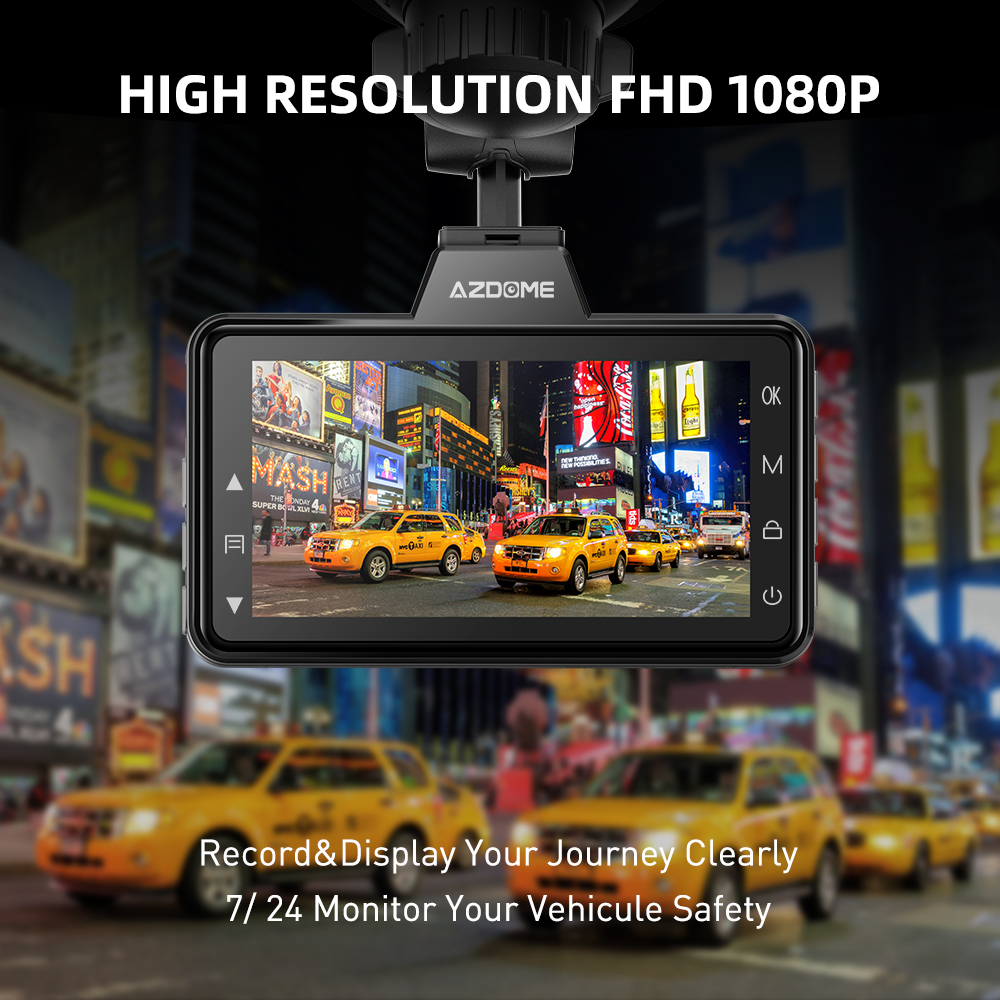
1080P resolution provides more pixels to make the recording video screen clearer and delicate. Small elements such as
details and text can be displayed more clearly. M01 Pro Dual
Dash Cam can record videos with two front and back
perspectives at the same time, providing more comprehensive records. You can capture the traffic conditions in front and rear
at the same time to ensure that you have more comprehensive driving records.
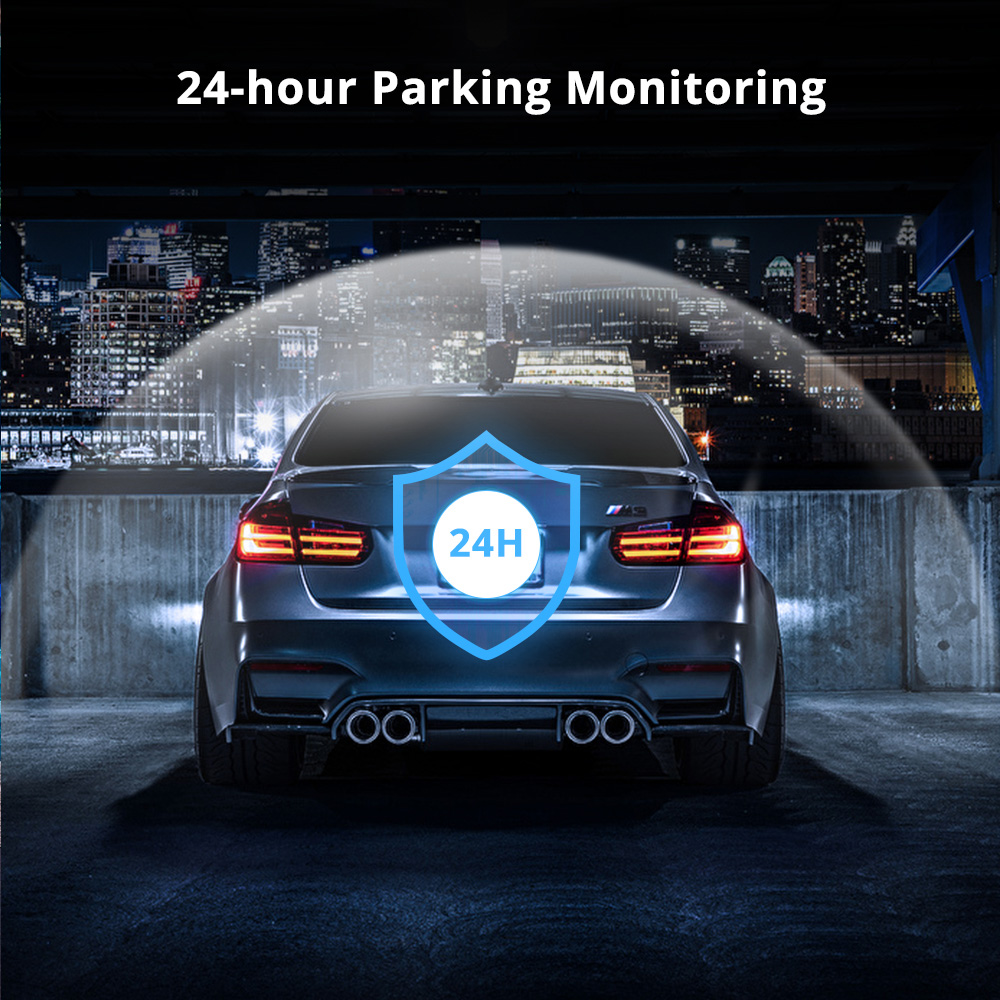
24-Hour Parking Monitoring
AZDOME M01 Pro Dual dash cam offers 2 parking modes:
1. Collision detection parking mode, G-sensor can detect the collision and lock the video.
2. Delay parking mode, the dash cam can record continuously
for 24 hours.
(To avoid fire, our product does not install a large capacity
battery, so if you want it to work for you when the car is parked, you need to install a hard wiring kit. If you need it, you can buy
it from this link: https://www.ebay.com.au/itm/198208439173 or https://www.ebay.com.au/itm/196525426348 ).
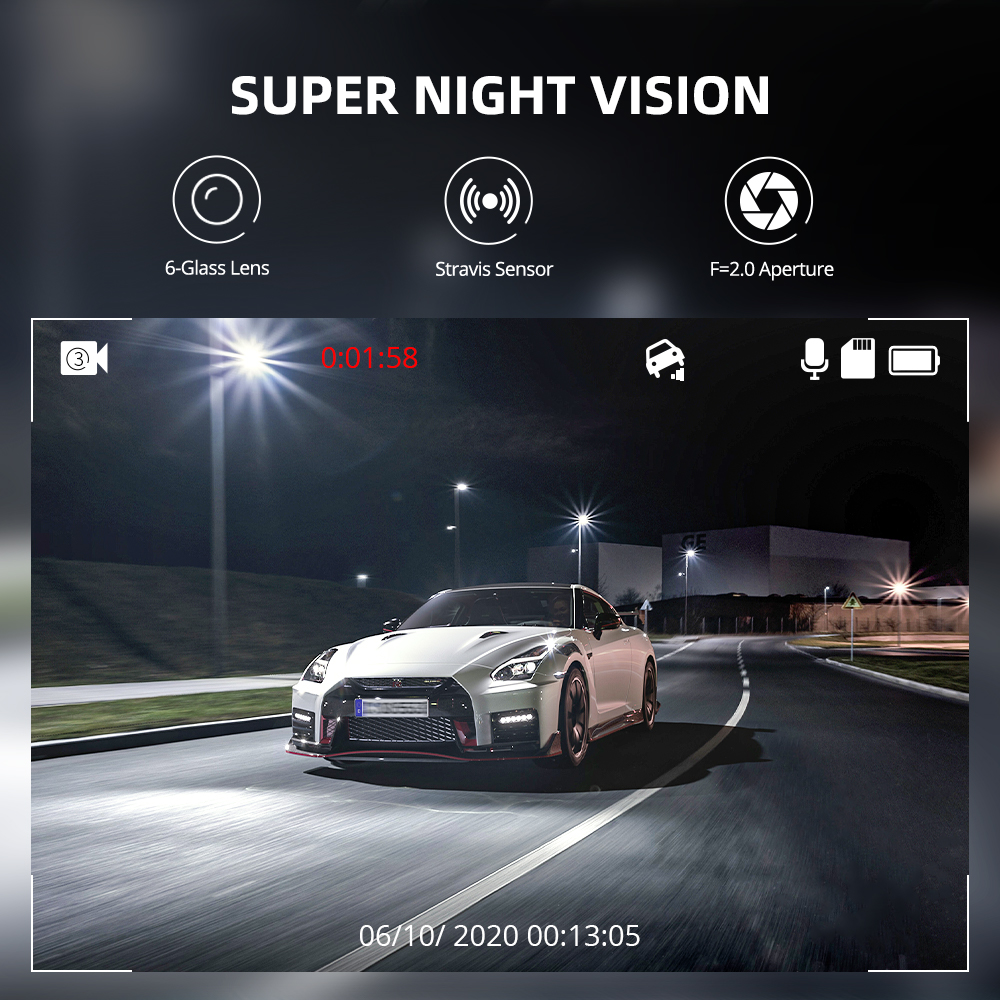
Super Night Vision
M01 Pro (2CH) dash cam is equipped with F2.0 aperture 6
glass lens to observe the road, and is able to automatically increase the exposure to capture clear video clips in dark situations. While providing a wider field of view, allowing you to see more effectively in any conditions.
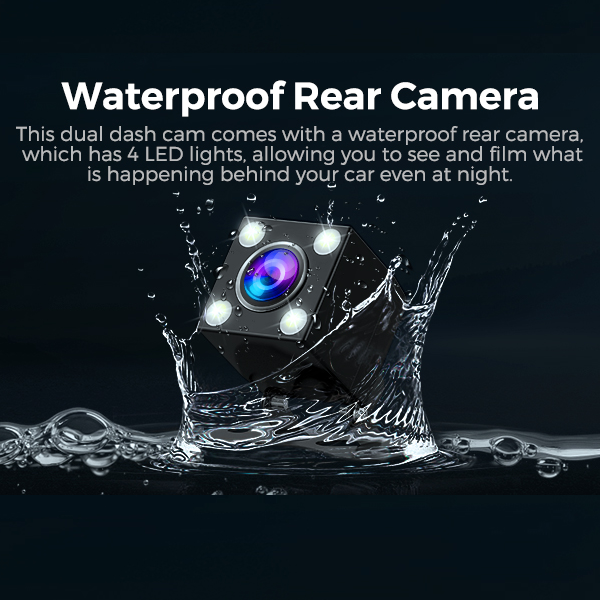
Waterproof Rear Camera
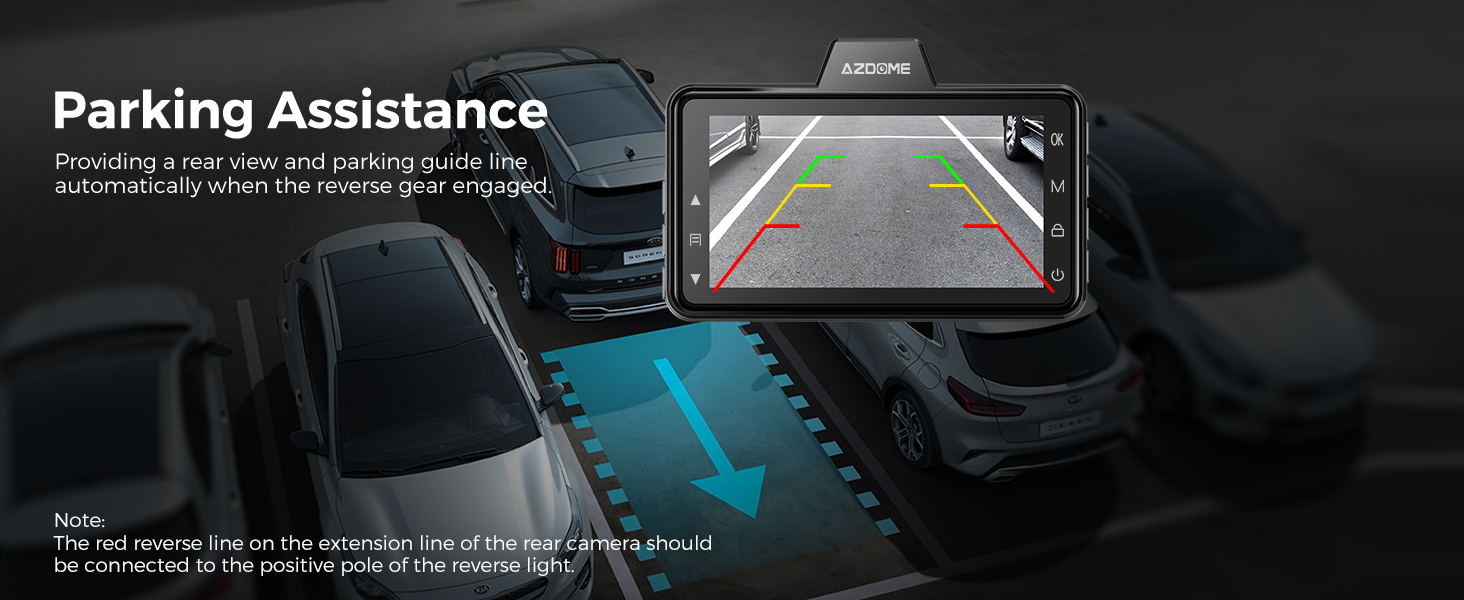
This dual dash cam comes with a waterproof rear camera,
which has 4 LED lights, allowing you to see and film what is happening behind your car even at night.
Warm Tips:
★ Battery is mainly used to save files in emergency. Please always connect Dash Cam to external power while it is in use.
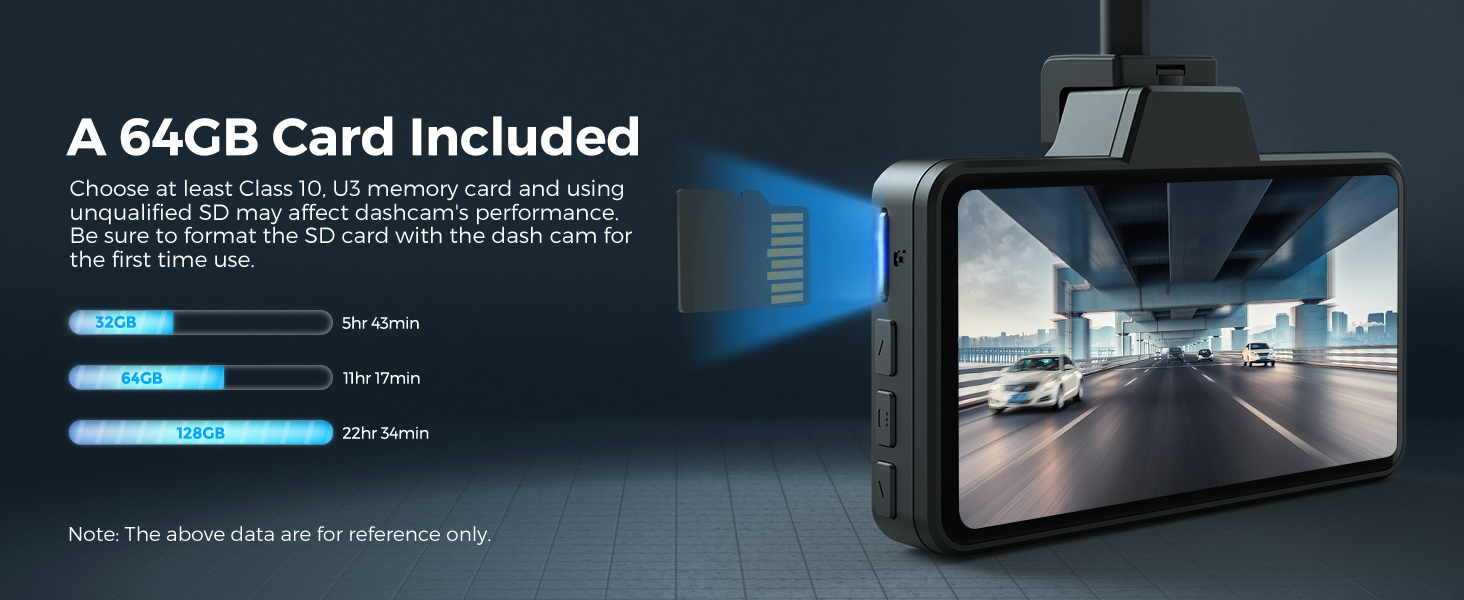
★ Class 10 or above speed SD Card is required. Max Support: 128GB. M01 Pro (2CH) has a free 64GB SD card, you don't need to buy an additional memory card.
★ Be sure to format your SD card with your dash cam for the first time use.
★ AZDOME provide updates for dash cam Firmware, and camera accessory. If you need it, AZDOME will help you.
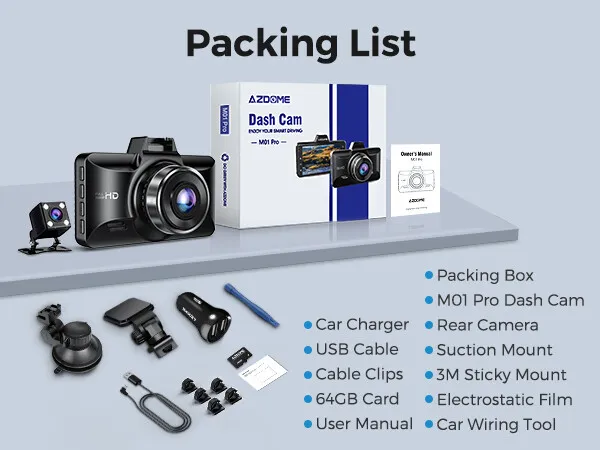
M01 Pro (2CH) Standard Packaging List:
🎁 Packing Box
🎁 M01 Pro Dash Cam
🎁 Rear Camera
🎁 Car Charger
🎁 USB Cable
🎁 Suction Mount
🎁 Cable Clips
🎁 3M Sticky Mount
🎁 64GB Card
🎁 Electrostatic Film
🎁 User Manual
🎁 Car Wiring Tool
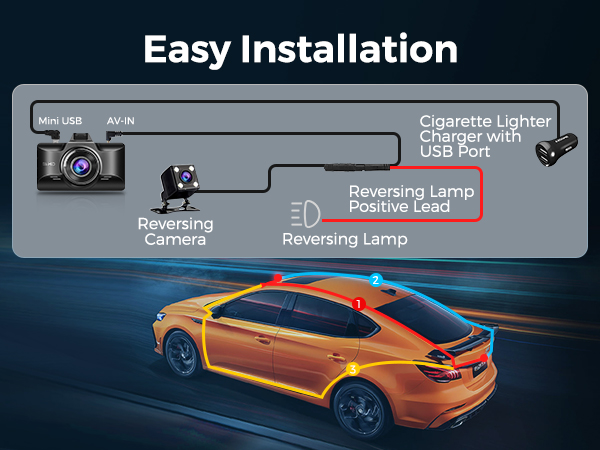
Easy to install
You can install it yourself according to the instructions in the manual without hiring a professional, which can save you installation costs.
Questions and Answers:
Q1: Camera does not turn ON?
A:1.Use the Mini USB Cable and your smart phone's USB charger. Now plug it into your home's 110V wall outlet.
2. When you plug it in, the camera should turn ON. If NOT, then press the Power Button Once to see if it turns ON? If it still does NOT turn ON, then remove the memory card.
3. Keep the camera plugged in. Now Press the RESET bution (Located at the botiom) ONCE with a pen's tip or a paper clip. Now the camera should turn ON. If it still doesn't turn ON, then please CONTACT US.
Q2: Camera turns ON / OFF frequently automatically?
Please reset your camera. Try updating the firmware again to see if this fixes the issue. If still having issue, please reach out to customer care.
Q3: Camera gets HOT?
A:It is normal for your camera to run slightly hot. Due to the dual lens recording, the dash cam may be hot during using. (no more than 140°F/70°C).
Q4: Video is fuzzy?
A:Please make sure the lens of camera is clean and there is no dirt on windshield .
Q5: Camera Freezing/Lagging or Crashing?
A:Please make sure you are only using class 10 or above Micro SD memory card. Insert paper clip into reset. Restart with another Micro SD card and try again.
Q6: Camera Locks many videos automatically?
A:Please make sure you change your G-sensor setting. If you choose higher setting then it can trigger even with smaller bump. This setting depends on type of car or truck you are driving and how much vibration your car/truck is creating based on suspensions and road condition.
Q7: Camera showing "Memory Error" or "Please Insert Micro SD Card" even though memory card is already installed into the camera?
A:1.Please make sure memory card is at least Class 10, U3 and purchased from trusted vendor such as Walmart, target, best buy, Ship & Sold by Amazon" etc. (there are many fake cards out there Online, remember if it's cheap, its fake.
2. Now go to camera's system settings and FORMAT your memory card. After formatting memory card, please press and hold power button to turn the camera off. Now unplug power cable, and re-plug the power cable, camera should now turn ON automatically and start recording.
Shipping Information:
1. Items will be shipped within 1 business day on payment received.
2. Item are shipped from Warehouse of AU, Estimated Delivery Time: About 1-5 working days.

1.Our office hours are 9:00 a.m to 6:00 p.m (GMT +8) of Monday to Saturday.
2.And our Office is closed on Sunday and public holidays.
3.We apologize for the late reply during the holidays.