AZDOME Dual Dash Cam Front and Rear, 3 inch 2.5D IPS Screen Free 64GB Card Car, ADAS Driving Recorder, 1080P FHD Dashboard Camera, Waterproof Backup Camera Night Vision Driving Fatigue Alert, 24H Park Monitor, G-Sensor, Loop Recording,Time-Lapse, M01 Pro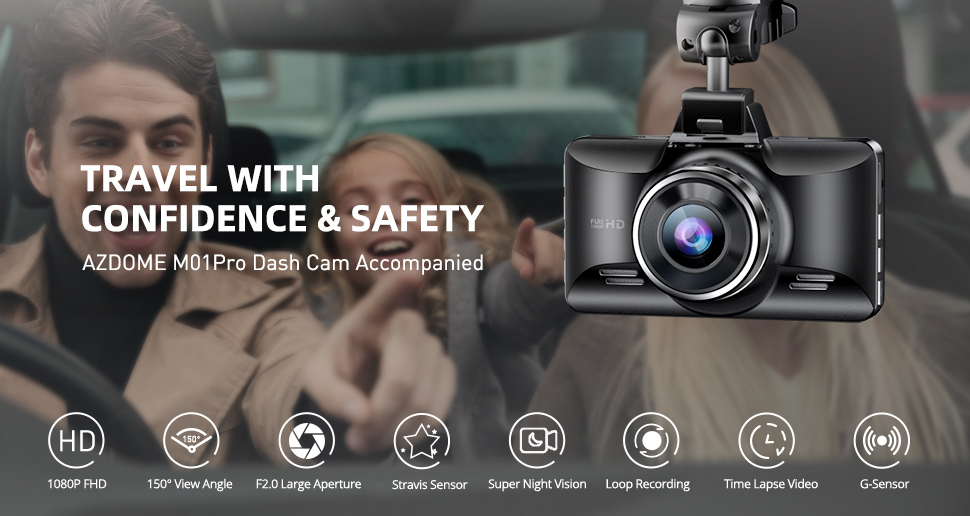
About this item
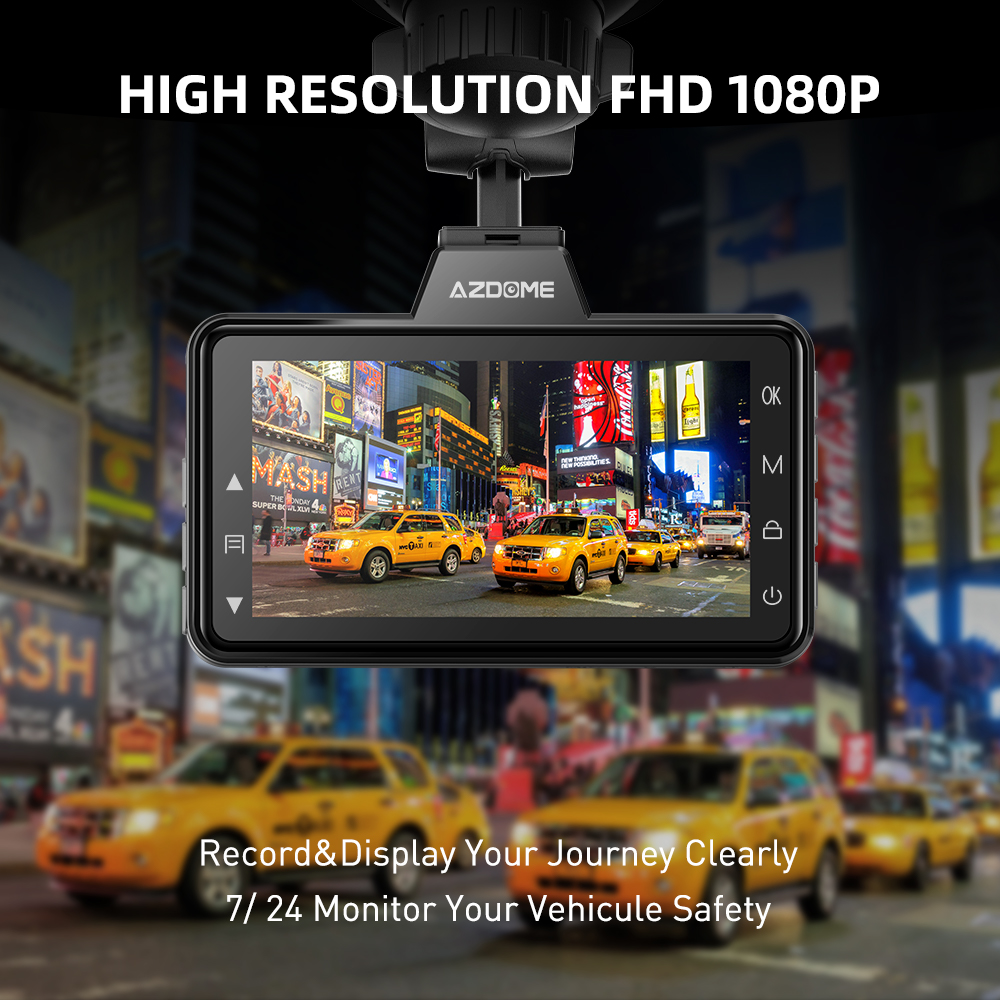
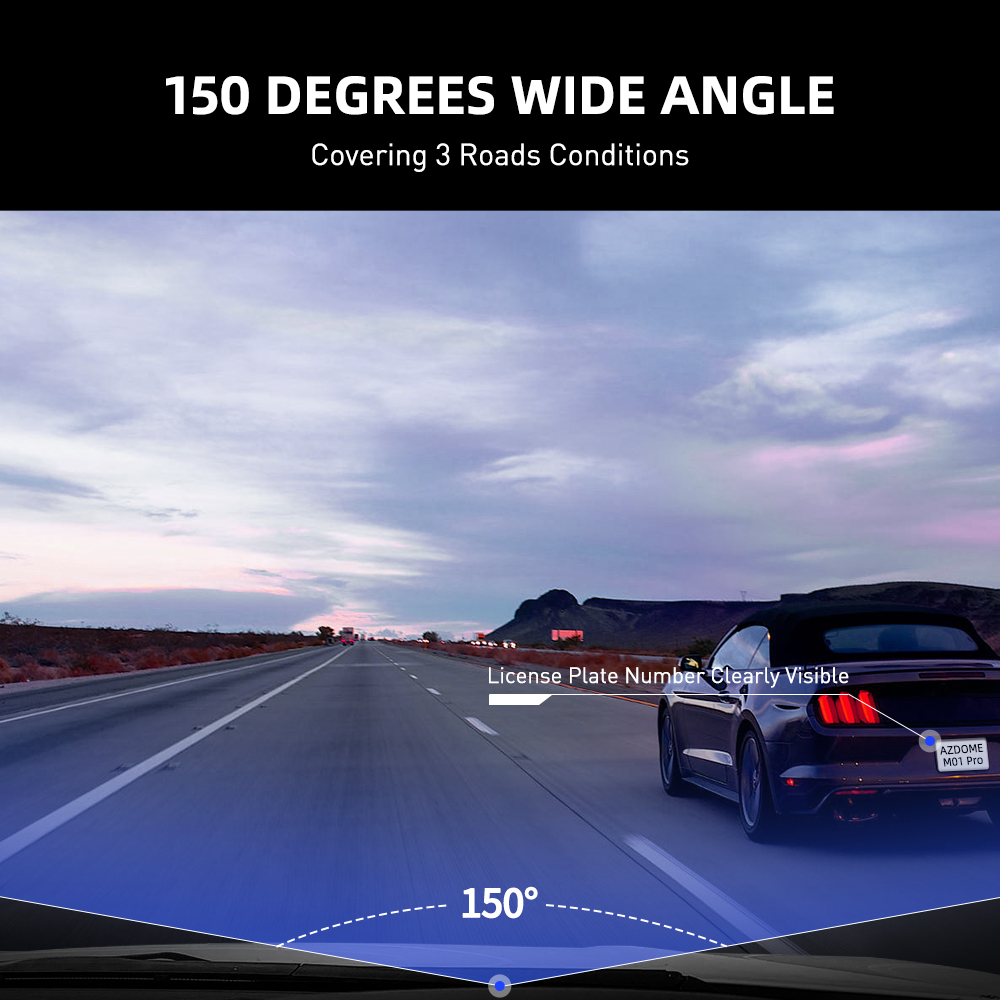
【1080P Full High Definition Resolution & 150° Wide Angle】
1080P resolution provides more pixels to make the recording video screen clearer and delicate. Small elements such as details and text can be displayed more clearly, which is very important for us to capture the license plate or event details. 1080P can also provide better picture quality at night or low light conditions. 150° Wide Angle View allows you to see every corner of the lane and learn about the situation around the car, reduces blind zone and captures virtually everything in front of your car, providing you and your vehicle with all round protection.
 |  |
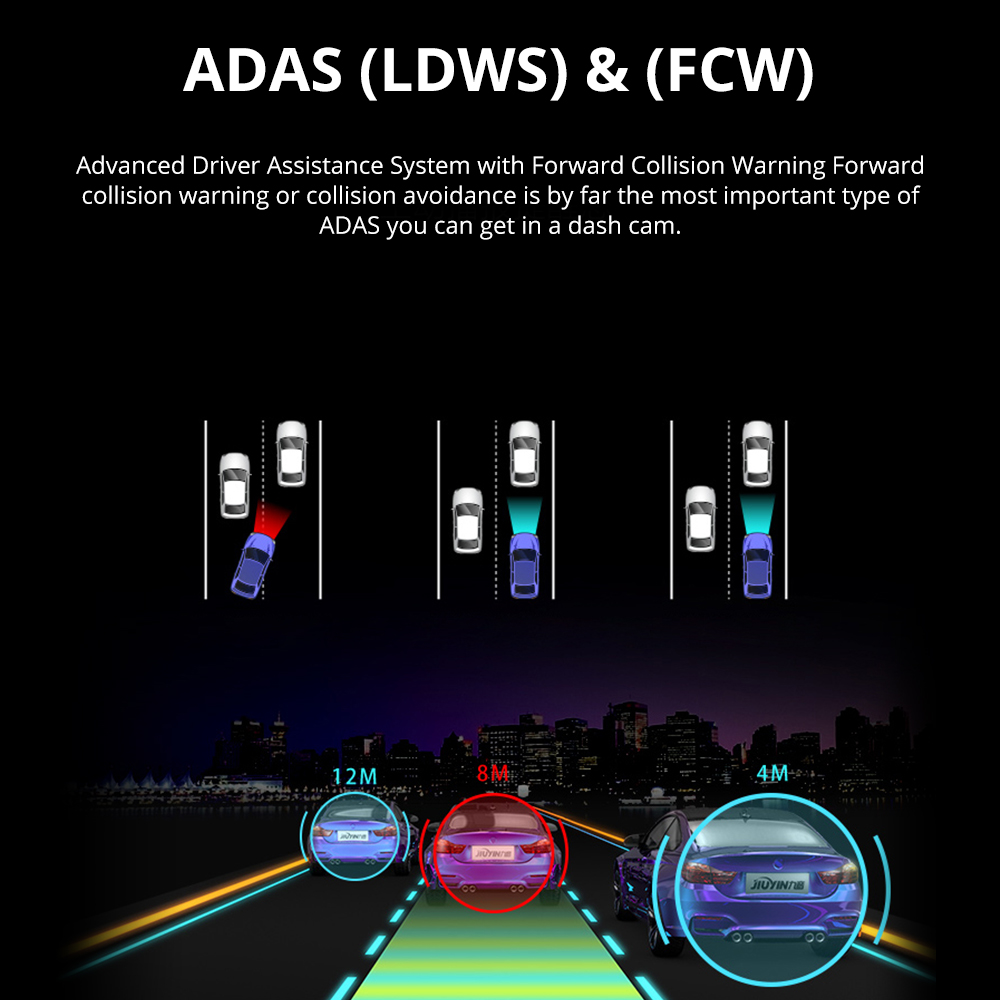
【ADAS Intelligent Driving Assistance】
System detects line marking on the road surface and warns the driver of unintentional lane departures; when the car gets close enough that there is a risk of collision, sounds an alarm and displays a visual alert.
*ADAS may not perform as expected due to factors such as bad weather and road conditions.
*ADAS System has its limitations, and no safety system can prevent all accidents. Please drive carefully at all times.
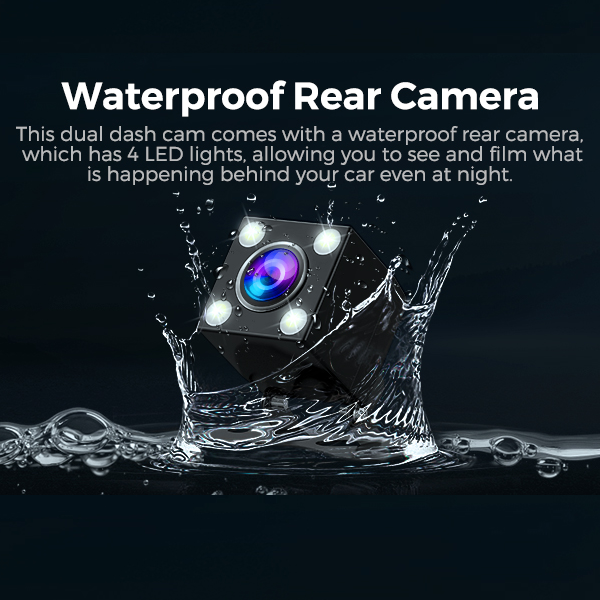
【Waterproof Rear Camera】
This dual dash cam comes with a waterproof rear camera, which has 4 LED lights, allowing you to see and film what is happening behind your car even at night.
 |  |
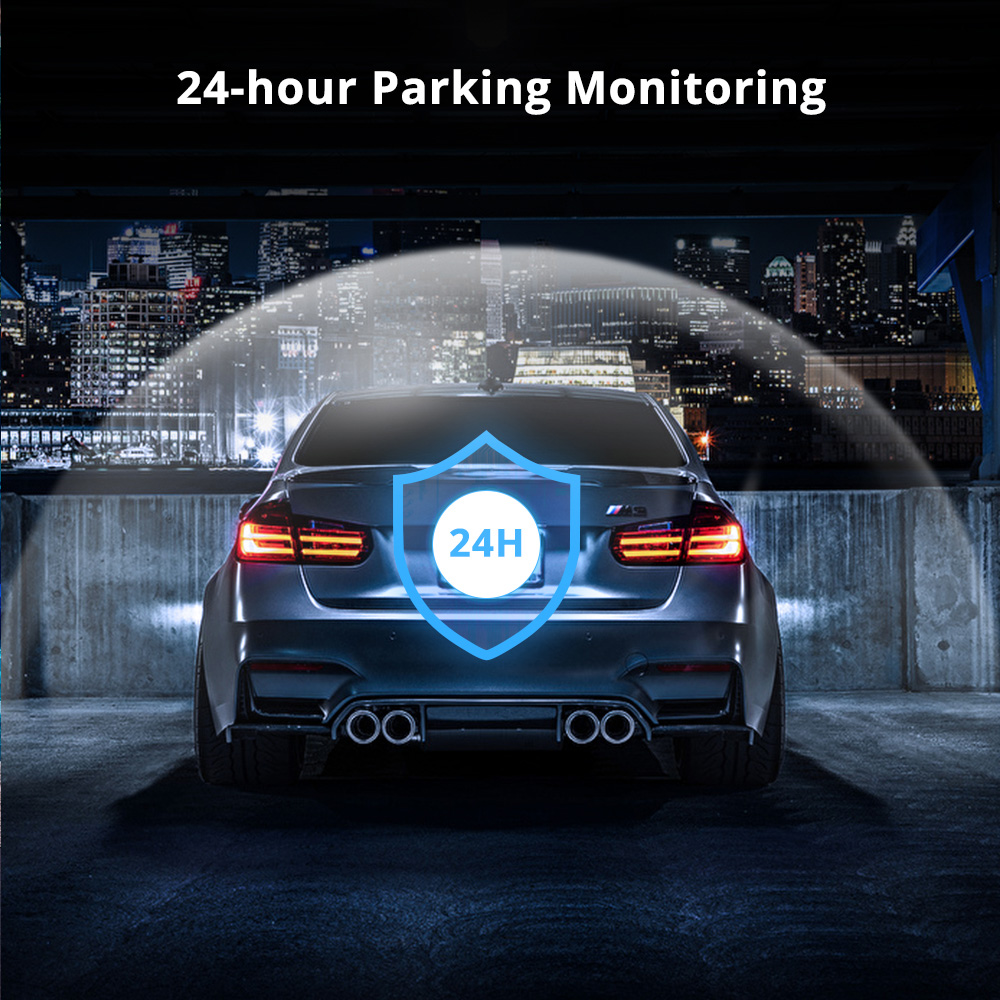
【24-Hour Parking Monitoring】
AZDOME M01 Pro Dual dash cam offers 2 parking modes:
1. Collision Detection Parking Mode:If the dashboard camera's G-Sensor detects a collision or a hard hit to the vehicle, and the impact force reaches the set G-Sensor level, the camera turns on > then starts recording 15-20s minute of continuous video, and saves and locks the video in the EMR folder > then the camera turns off.
2. Time-Lapse Parking Mode:If someone hits your car, and the impact force reaches the set G-Sensor level, the camera starts locking the current loop of the time-lapse video clip, and saves and locks the video in the EMR folder > then returns to the time-lapse 1fps recording mode.
(To avoid fire, our product does not install a large capacity battery, so if you want it to work for you when the car is parked, you need to install a hard wiring kit. If you need it, you can buy it from this link: https://www.ebay.com.au/itm/198208439173 or https://www.ebay.com.au/itm/196525426348 ).
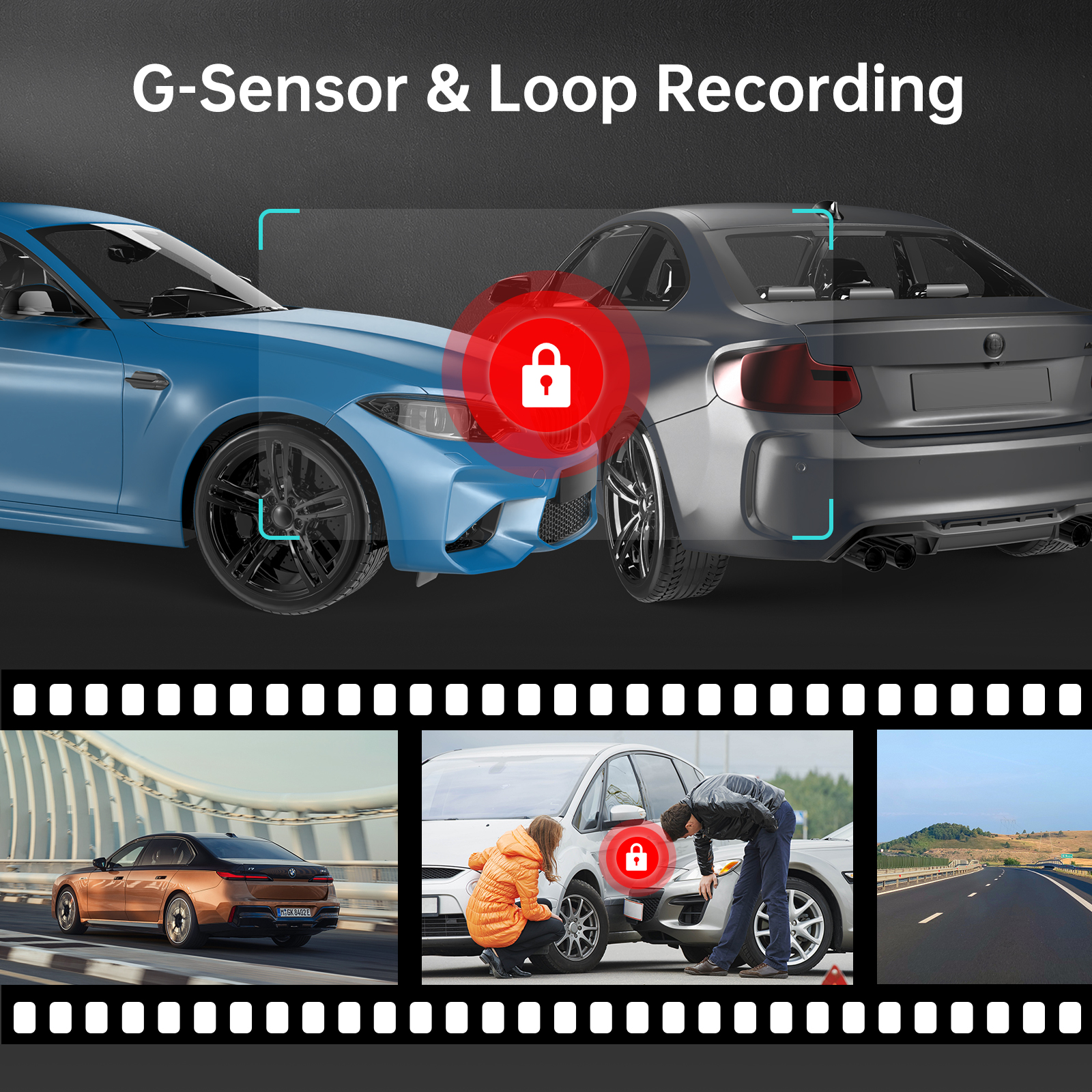
【Loop recording/G-sensor】
When the SD card is full, it will cover the previous video file to continue the recording. Built-in G-sensor detects a sudden shock or collision, the camera will automatically lock video, which will not be covered by the loop recording.
 |  |
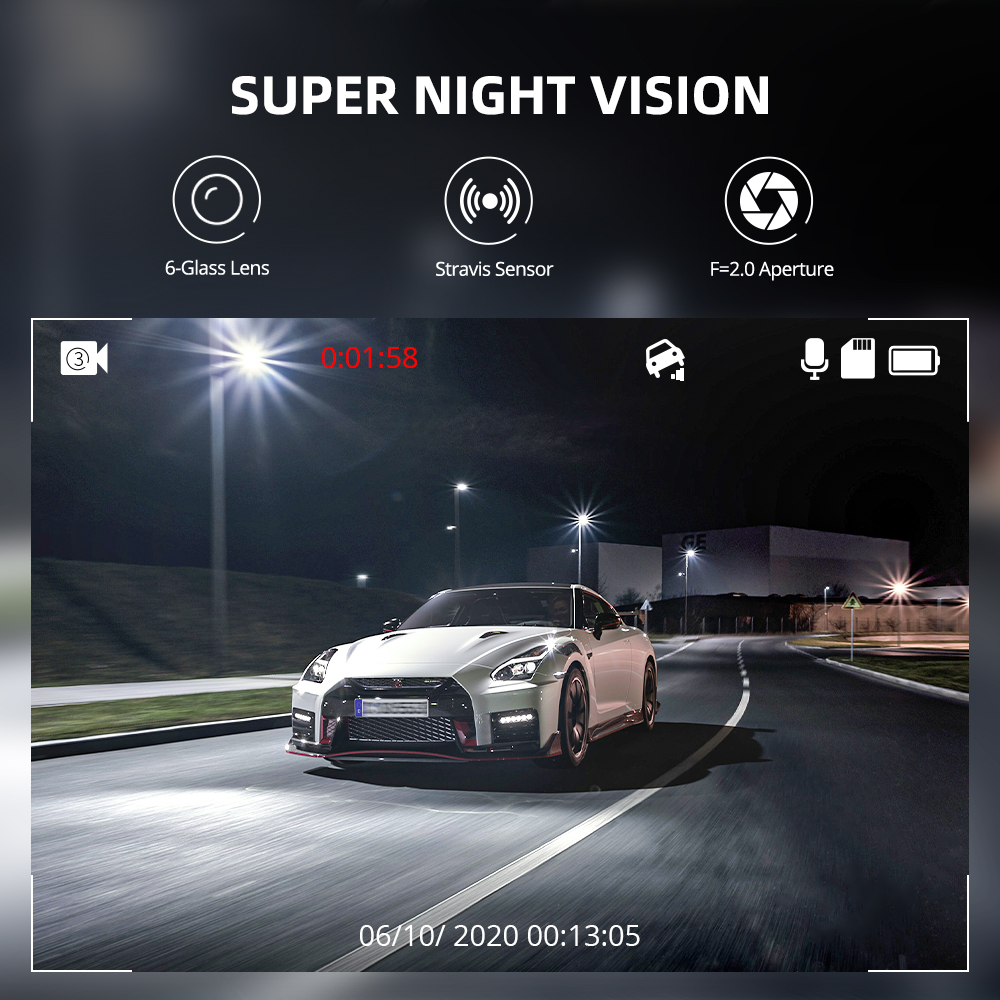
【Super Night Vision】
Equipped with a 6-element glass lens with an F2.0 aperture, the M01 Pro Dual dash cam observes the road and automatically increases exposure to capture clear video footage in dark environments. It is a reliable guardian of your car, day or night.
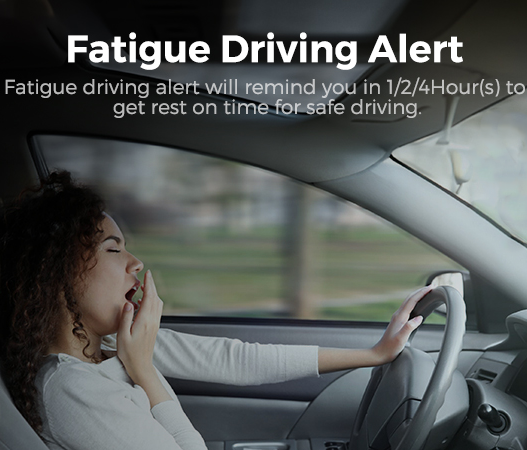
【Fatigue Driving Alert】
When dashcam working for 1/2/4 hours, a sound will be made to remind you to be awake. This function aims to warn you to take a break to ensure driving safety. Please note that continuous driving may cause fatigue for a long time, so it is recommended to stop and rest at the appropriate time to maintain alertness and safety.
 |  |
Specifications:
| Model | M01 Pro (2CH) | View Angle | 150° |
| Hersteller | AZDOME | Video Resolution | 1080P |
| Number of Cameras | 2 (Front+Rear) | Power Interface | 5V/1.5A |
| Driving Fatigue Alert | Support | ADAS | Support |
| Aperture | F=2.0 | Max External Memory | 128GB (Class10,U3 Speed. Included 64 GB SD Card) |
| G-Sensor | Support | Microphone | Support |
| Color | Black | Speaker | Support |
| Language | English/日本語/ Deutsch /Français/EspaÃol / Italiano/ Pyccknn.etc | Loop Recording | 1 Minutes/3 Minutes(Default)/5 Minutes |
| File Format | MP4/JPG | Working temperature | -20℃ to 70°C |
| Product Dimensions | 3.54 x 2.17 x 0.59 inches | Item Weight | 13.4 ounces |
Warm Tips
1. Battery is mainly used to save files in emergency. Please always connect Dash Cam to external power while it is in use.
2. Class 10 or above speed SD Card is required. Max Support: 128GB. M01 Pro (2CH) has a free 64GB SD card, you don't need to buy an additional memory card.
3. Be sure to format your SD card with your dash cam for the first time use.
4. AZDOME provide updates for dash cam Firmware, and camera accessory. If you need it, AZDOME will help you.
5. AZDOME offers a 30-day money back guarantee and a 12-month product warranty. Please feel free to contact us via Ebay message function or the contact information on the instructions page. We will surely give you the best answer within 24 hours (working days) or 48 hours (weekends). Thank you!
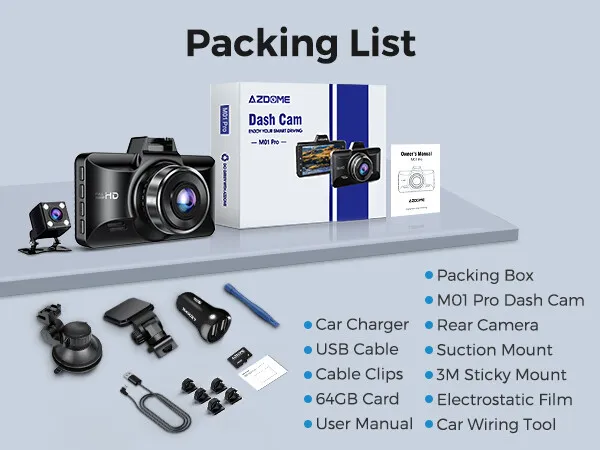
M01 Pro (2CH) Standard Packaging List:
🎁 Packing Box
🎁 M01 Pro Dash Cam
🎁 Rear Camera
🎁 Car Charger
🎁 USB Cable
🎁 Suction Mount
🎁 Cable Clips
🎁 3M Sticky Mount
🎁 64GB Card
🎁 Electrostatic Film
🎁 User Manual
🎁 Car Wiring Tool
Questions and Answers
Q1: Camera does not turn ON?
A:1.Use the Mini USB Cable and your smart phone's USB charger. Now plug it into your home's 110V wall outlet.
2. When you plug it in, the camera should turn ON. If NOT, then press the Power Button Once to see if it turns ON? If it still does NOT turn ON, then remove the memory card.
3. Keep the camera plugged in. Now Press the RESET bution (Located at the botiom) ONCE with a pen's tip or a paper clip. Now the camera should turn ON. If it still doesn't turn ON, then please CONTACT US.
Q2: Camera turns ON / OFF frequently automatically?
Please reset your camera. Try updating the firmware again to see if this fixes the issue. If still having issue, please reach out to customer care.
Q3: Camera gets HOT?
A:It is normal for your camera to run slightly hot. Due to the dual lens recording, the dash cam may be hot during using. (no more than 140°F/70°C).
Q4: Video is fuzzy?
A:Please make sure the lens of camera is clean and there is no dirt on windshield .
Q5: Camera Freezing/Lagging or Crashing?
A:Please make sure you are only using class 10 or above Micro SD memory card. Insert paper clip into reset. Restart with another Micro SD card and try again.
Q6: Camera Locks many videos automatically?
A:Please make sure you change your G-sensor setting. If you choose higher setting then it can trigger even with smaller bump. This setting depends on type of car or truck you are driving and how much vibration your car/truck is creating based on suspensions and road condition.
Q7: Camera showing "Memory Error" or "Please Insert Micro SD Card" even though memory card is already installed into the camera?
A:1.Please make sure memory card is at least Class 10, U3 and purchased from trusted vendor such as Walmart, target, best buy, Ship & Sold by Amazon" etc. (there are many fake cards out there Online, remember if it's cheap, its fake.
2. Now go to camera's system settings and FORMAT your memory card. After formatting memory card, please press and hold power button to turn the camera off. Now unplug power cable, and re-plug the power cable, camera should now turn ON automatically and start recording.