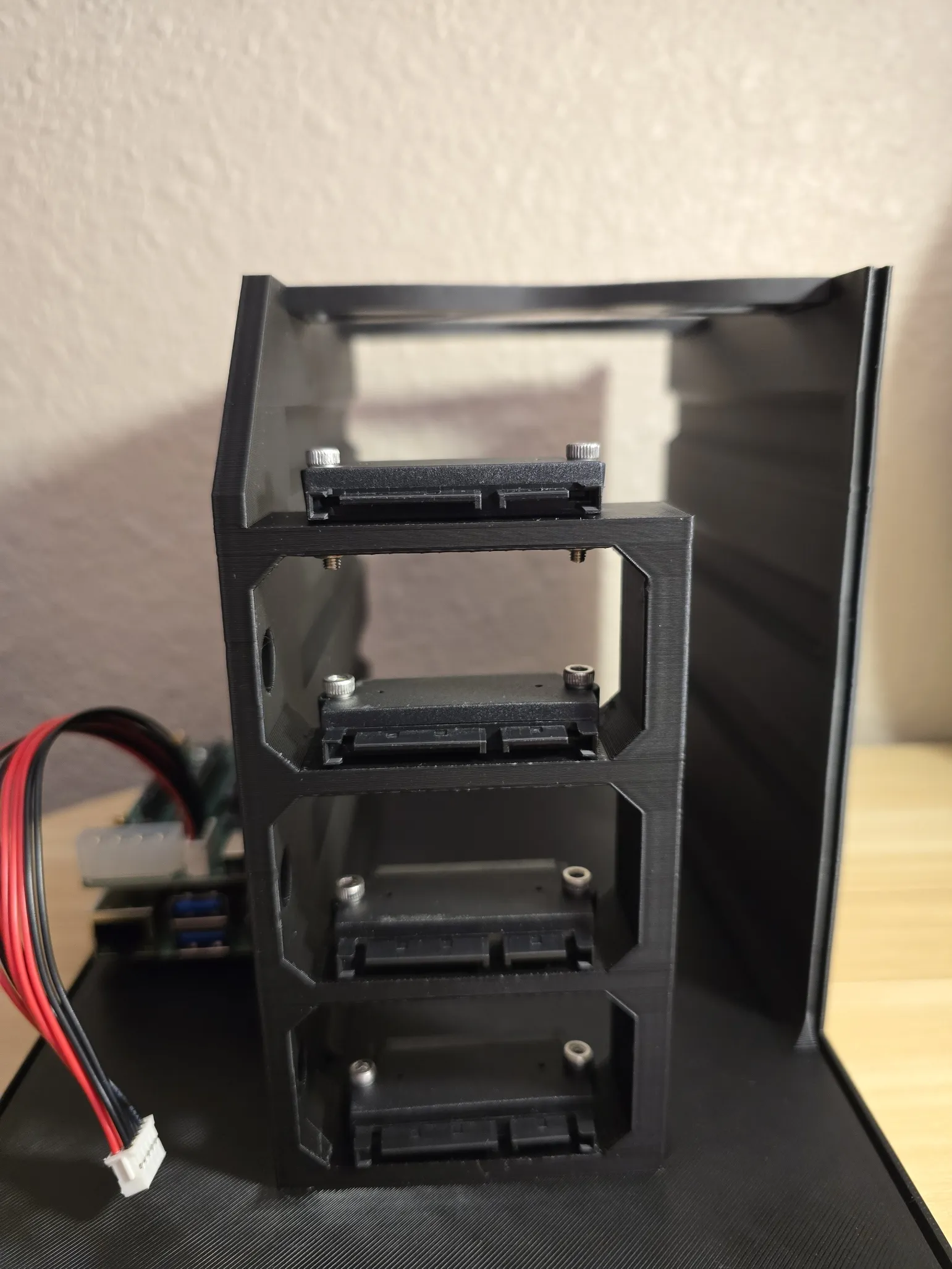
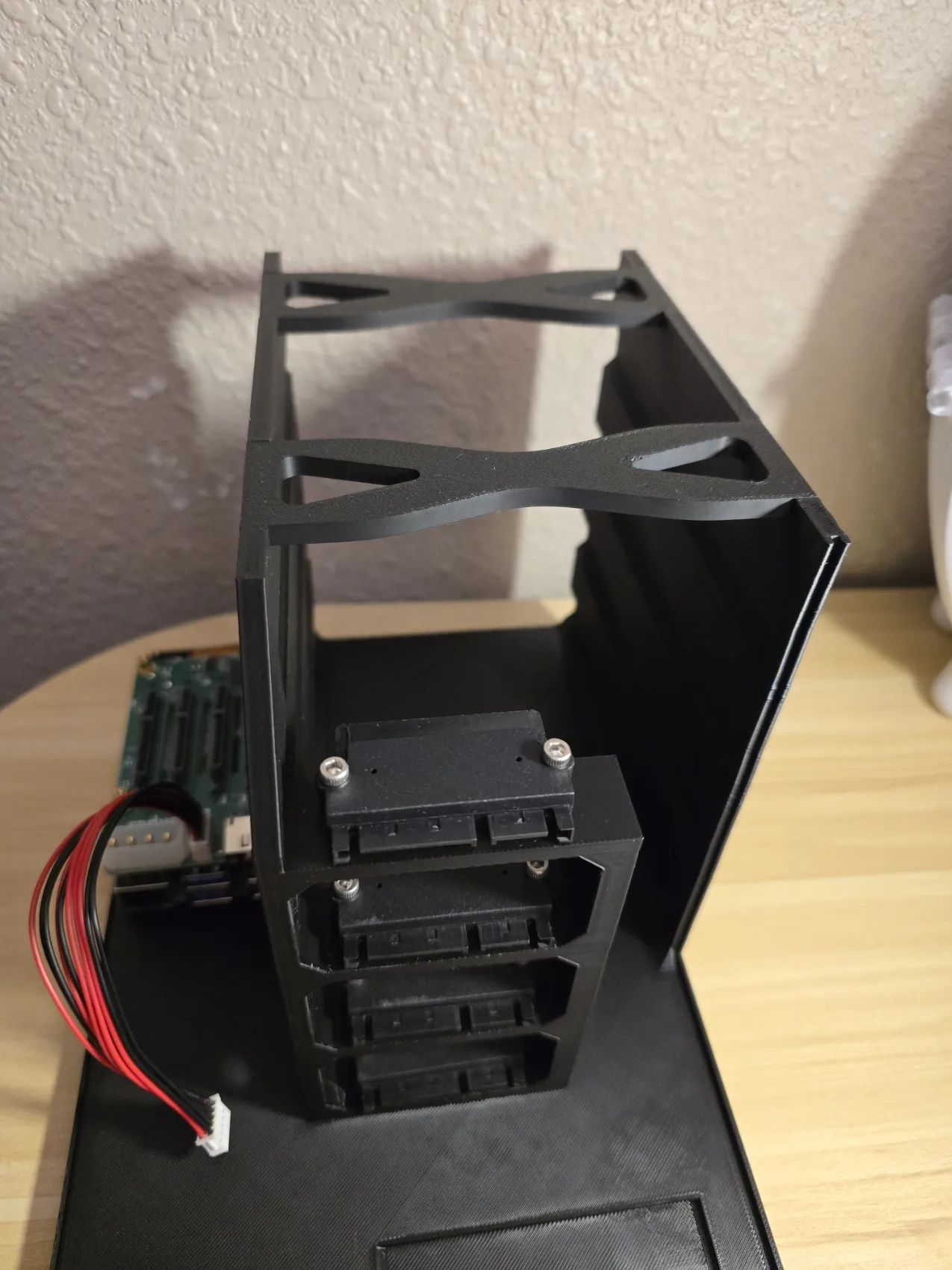
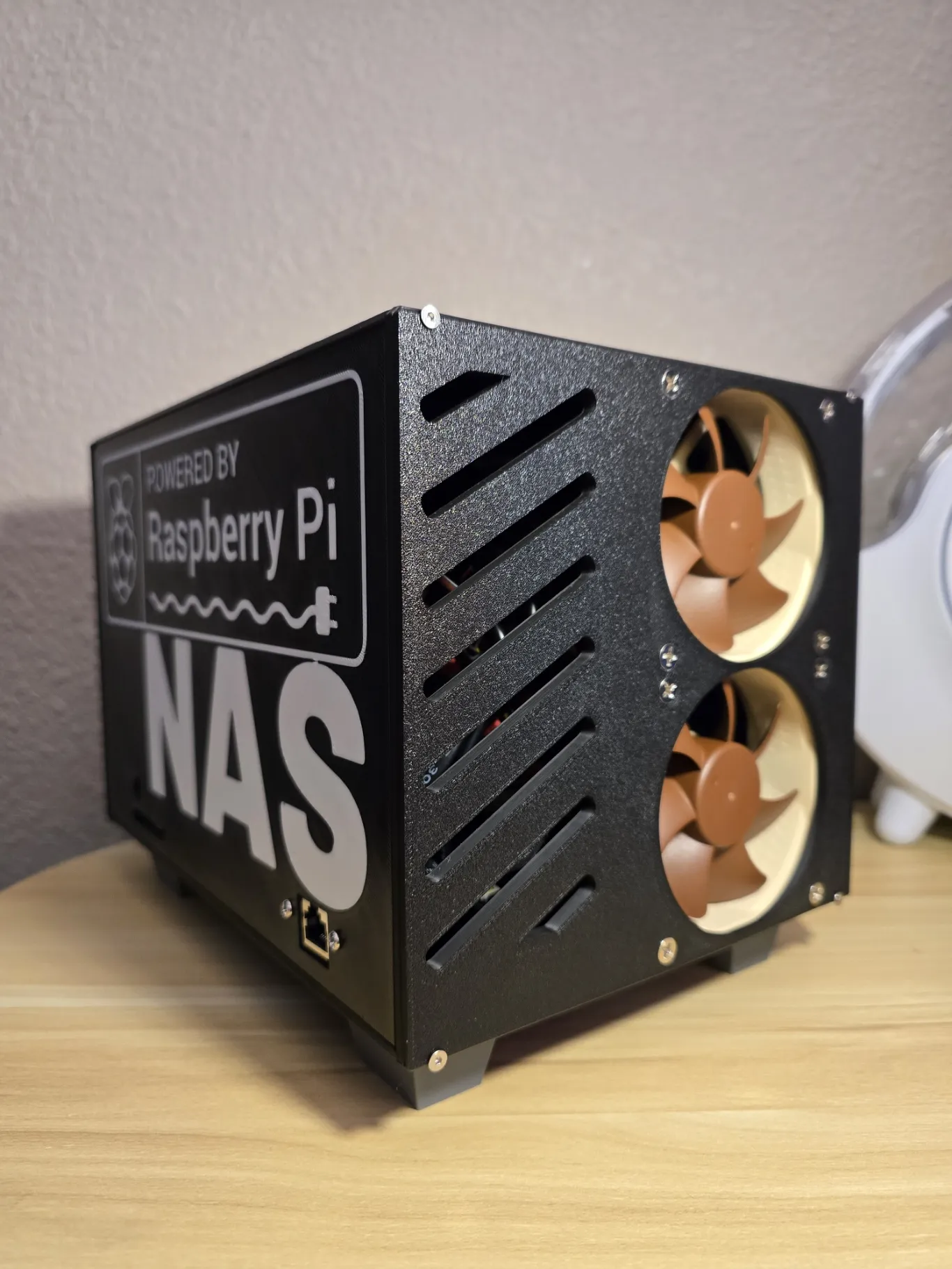
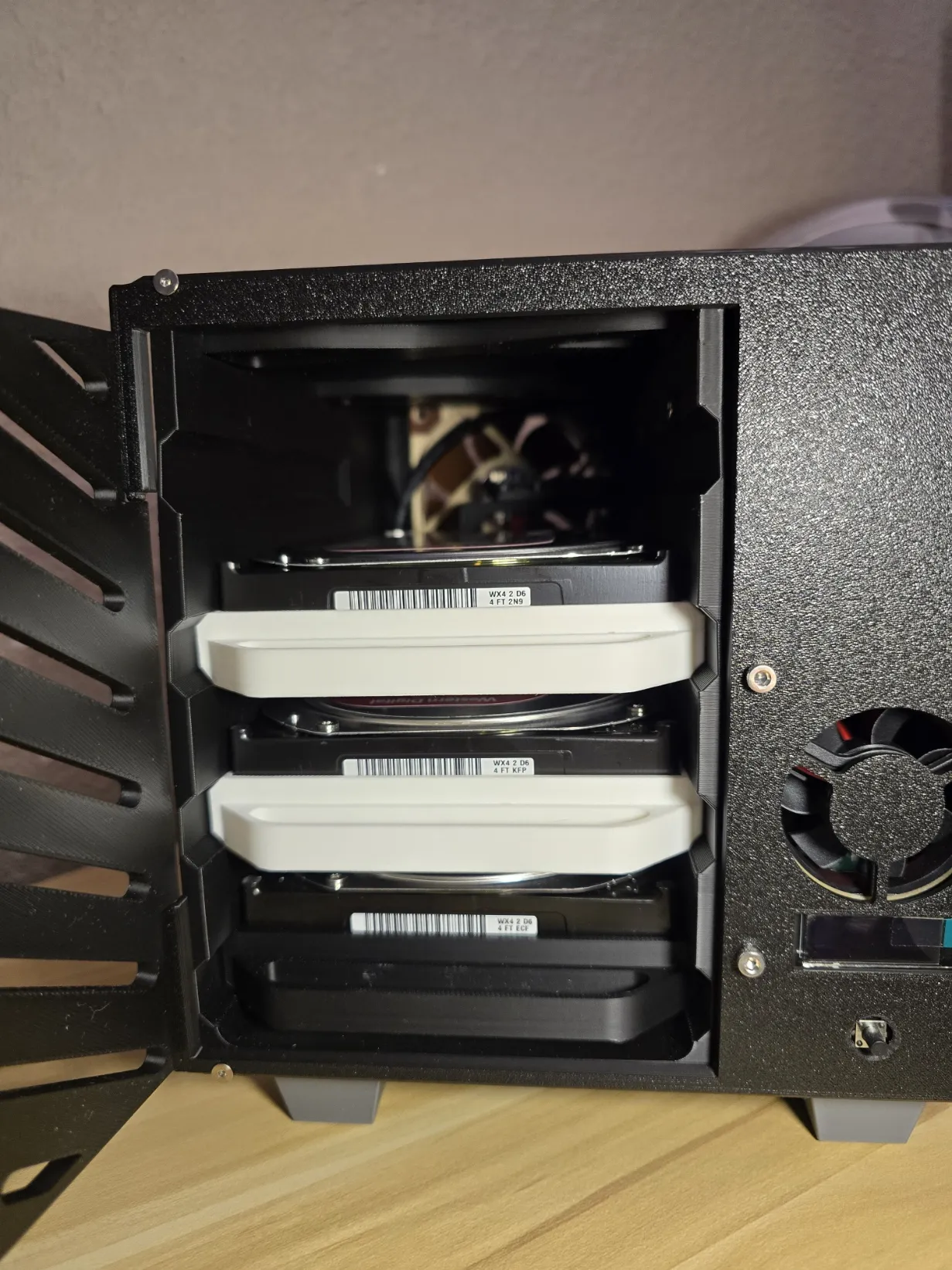
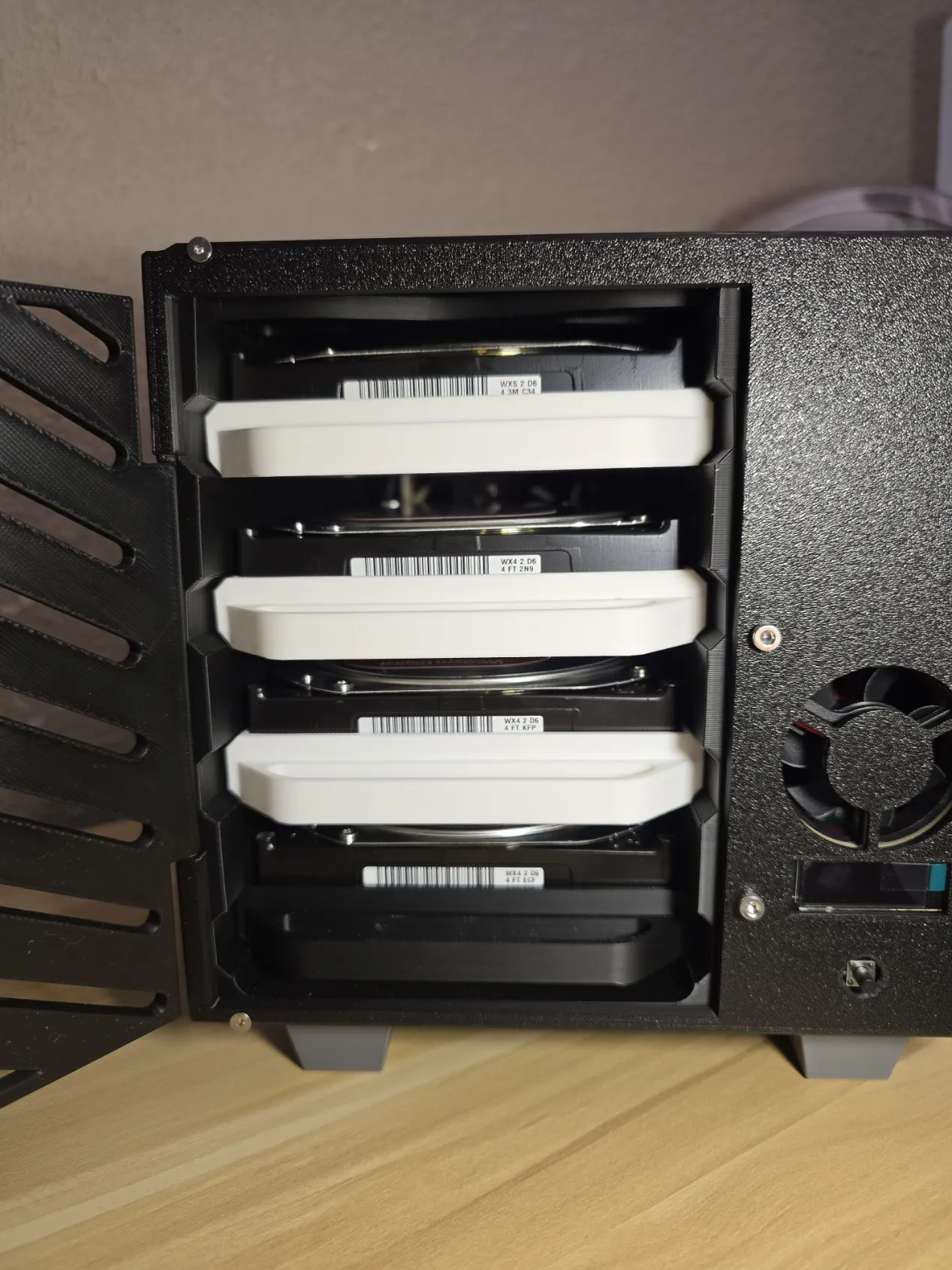
First, mount the raspberry pi with the penta SATA hat. Use M2.5 X 8mm countersunk screws (if possible) to secure it from underneath.
Insert the Qty 8 M2.5 Heat-inserts on the front and back of the base and on the top panel.
Mount the 22 pin SATA Adapaters to the back of the tower, pay attention to the orientation, use a HDD to ensure its facing the correct way. Secure the M3 bolts with a nut underneath.
For the bottom adapter, install it facing either up or from underneath (cutouts on the base for a countersunk screw, this is optional)
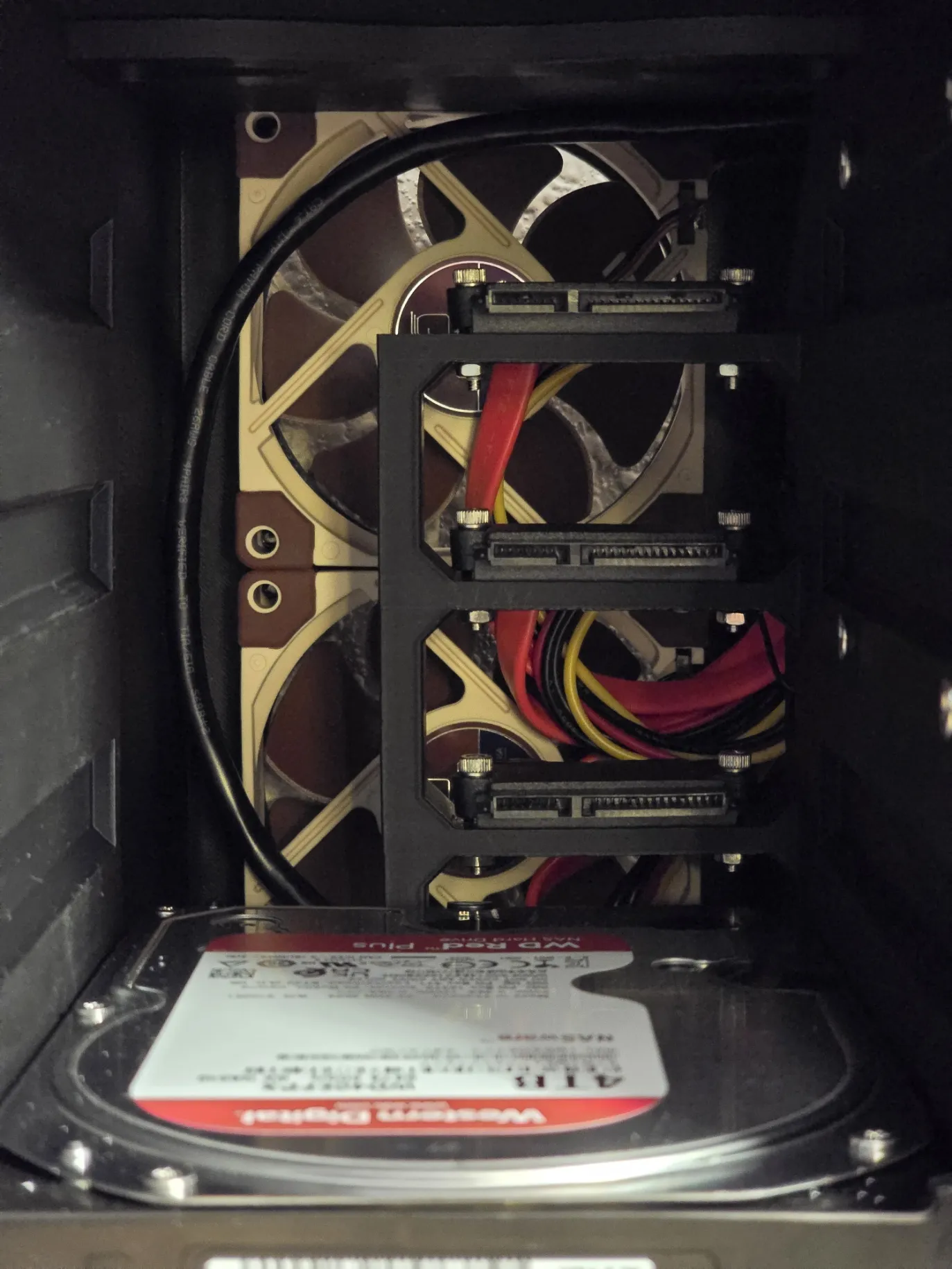
Mount both fans, here I'm using 5v 8025 noctua fans, these come with a USB adapter that will be used to power the fans, mounting these it's a tricky, the rubber anti-vibration edges makes the fitment tight. I recommend bolting the top and bottom first and pushing both fans down in the middle, then bolting those at the end.
Install both spacers, these have a “loose fit" which can be left as is. If you want you can add a bit of superglue on each side where they make contact with the cutouts, it is not needed but will make things easier if you''re flipping the case upside down during the assembly process.
This step is optional
Mount the Penta SATA Hat Top Board to the front Panel. using 4 M3x10 screws with nuts on the back and connect the power connector that ties to the Penta SATA hat
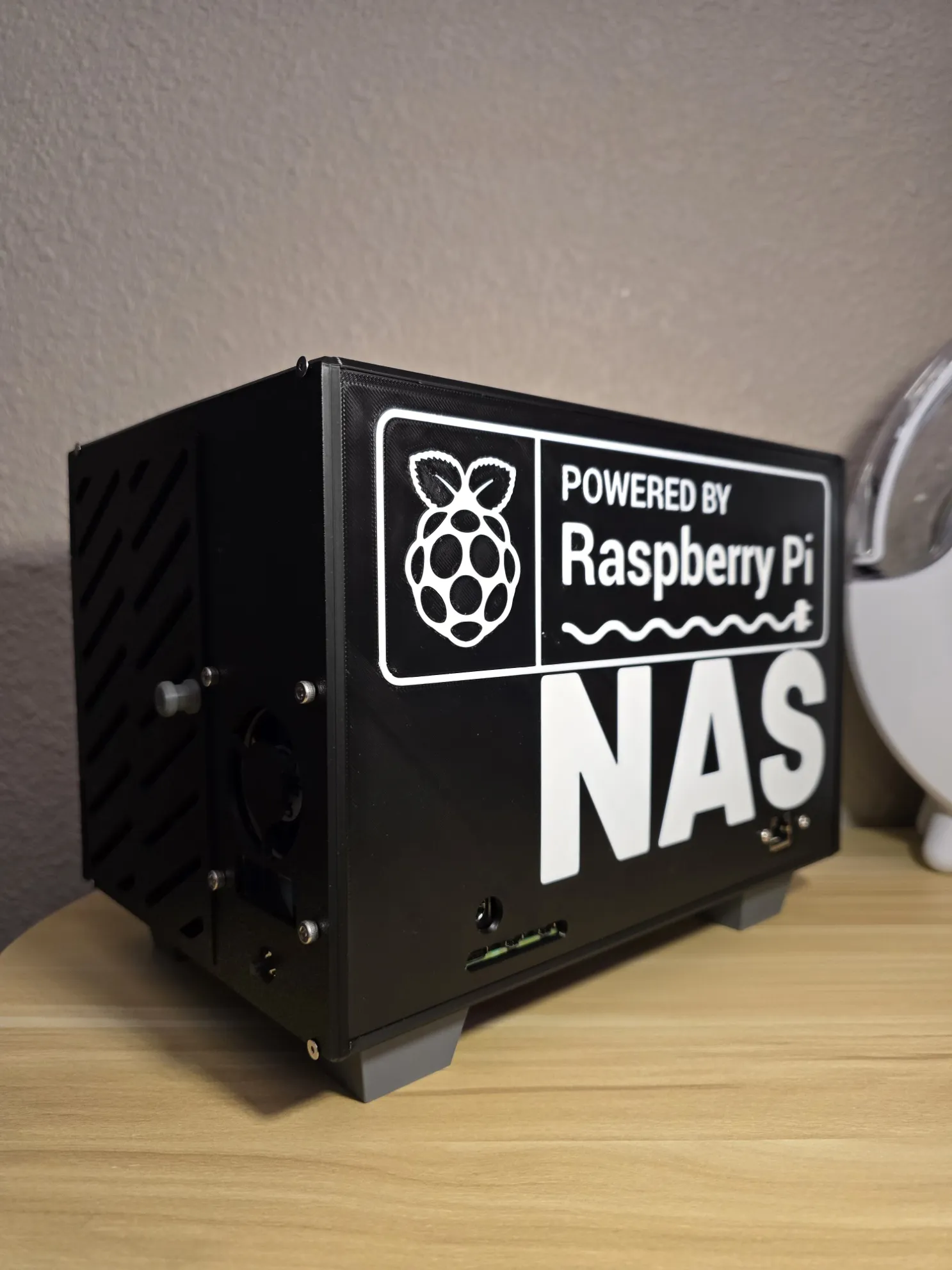
Install the Ethernet extender into the main side panel that has the Raspberry Pi logo
Install the feet underneath the case, apply a bit of glue in the cutouts and set the feet. Turn the case upside down and let it rest on a flat surface, allow a few minutes for the glue to dry.
Once dry, do the same for the TPU nonslip pieces. Add glue to the feet cutouts and set them in place.
Install HDD caddies. Use the hardware that came with the HDD, you can choose any of the three holes to mount the HDD, here i used the front and back on both sides. Ensure the handle is facing the oposite of the SATA connector and the bottom “x” is facing the underneath of the HDD. Make sure the screws are flat against the outside wall.
Install the knob to the access door. on the inside of the door, there is a countersunk screw hole. Use either a countersunk or socket M2.5x8 screw.
Connect all SATA cables to the SATA Connectors.
Install the front panel. Use Qty 2 M2.5x8-10 countersunk or socket screws to bolt the bottom screws
Slide in both panels into the cutout tracks. These might be a bit tight, so work your way. These should sit flat against the bottom and
Install the rear panel. Use Qty 2 M2.5x8-10 countersunk or socket screws to bolt the bottom screws.
When installing the rear panel, push in all the cables and ensure none are contacting the fan blades, manually spin the blades to ensure they can spin freely
Finaly, bolt in the top panel using Qty 4 M2.5x8-10 countersunk or socket screws to secure the front and back.
Install the HDD, Open the front access door and slide in the HDD until they “click” into position. Thats It!