PCIe 4.0 x16 to x16 / x8 x8 SlimSAS SFF-8654 Graphics Card Splitter GPU Extension Cable 1 to 2 Supports Motherboard Bifurcation
Product Model: F3345B Series (F34B-F35B)
Product Name: PCIe 4.0 x16 SlimSAS SFF-8654 Splitter Extension Cable
Cable Length: 50cm, 100cm
Speed Bandwidth: PCIe 4.0 x16, Gen4 256Gbps, backward compatible with Gen3 and Gen2
Purchasing Note: Please purchase 1-2 samples for testing and verification before bulk ordering.
Friendly Reminder: Incorrect assembly or improper operation may damage your equipment.
For professional engineers only.
Cable Length and Pin Spacing Notes:
Cable length refers to the length of the SlimSAS SFF-8654-8i cable.
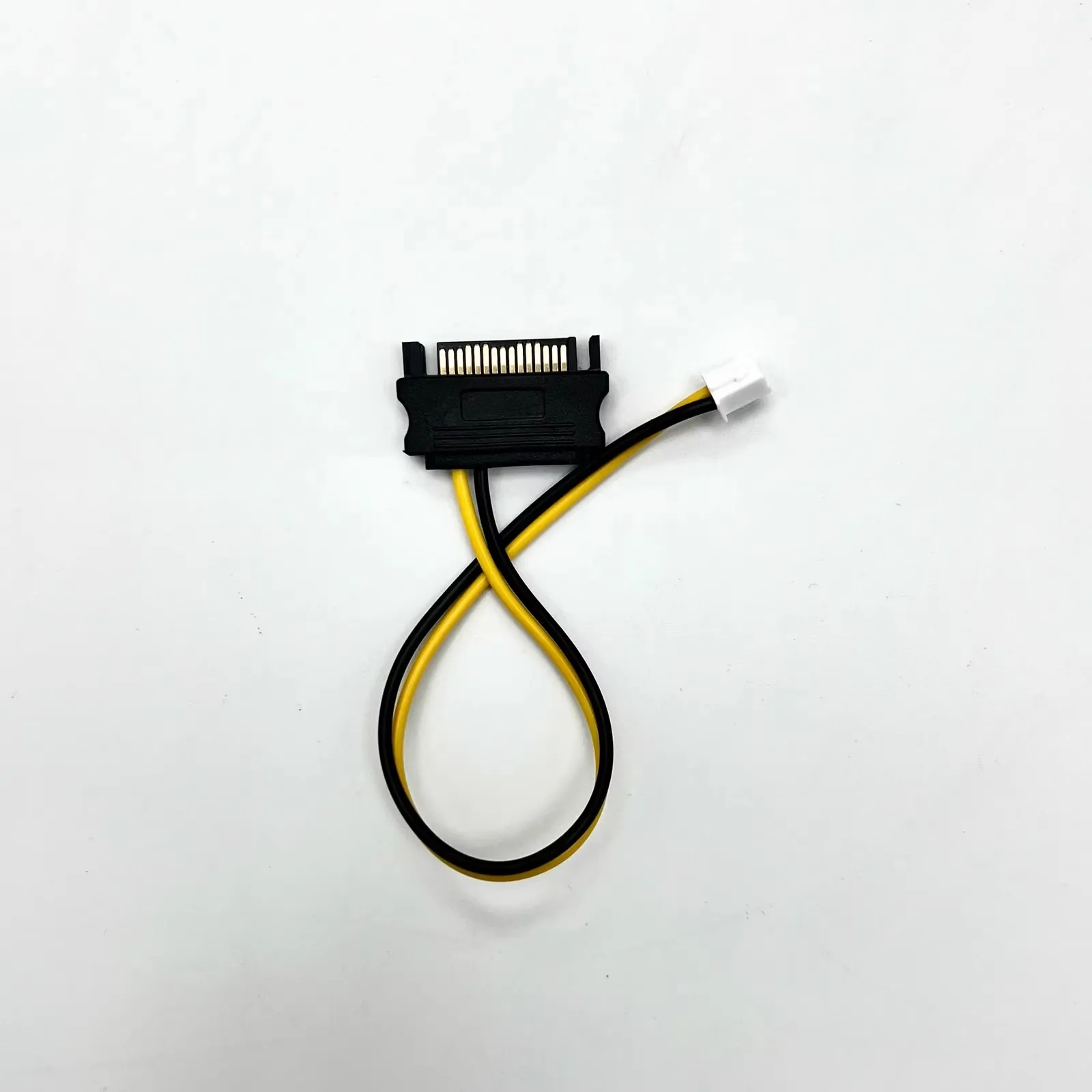
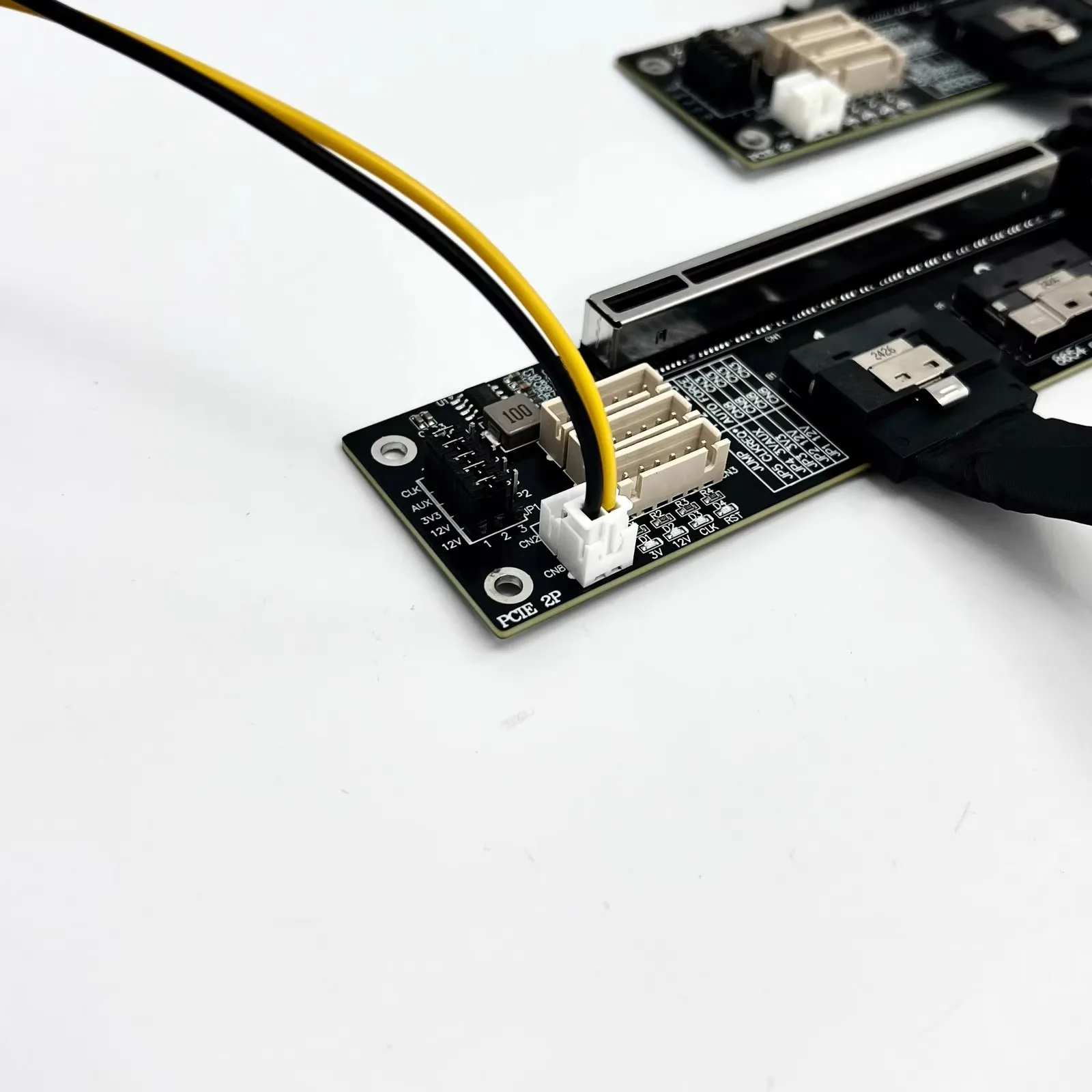
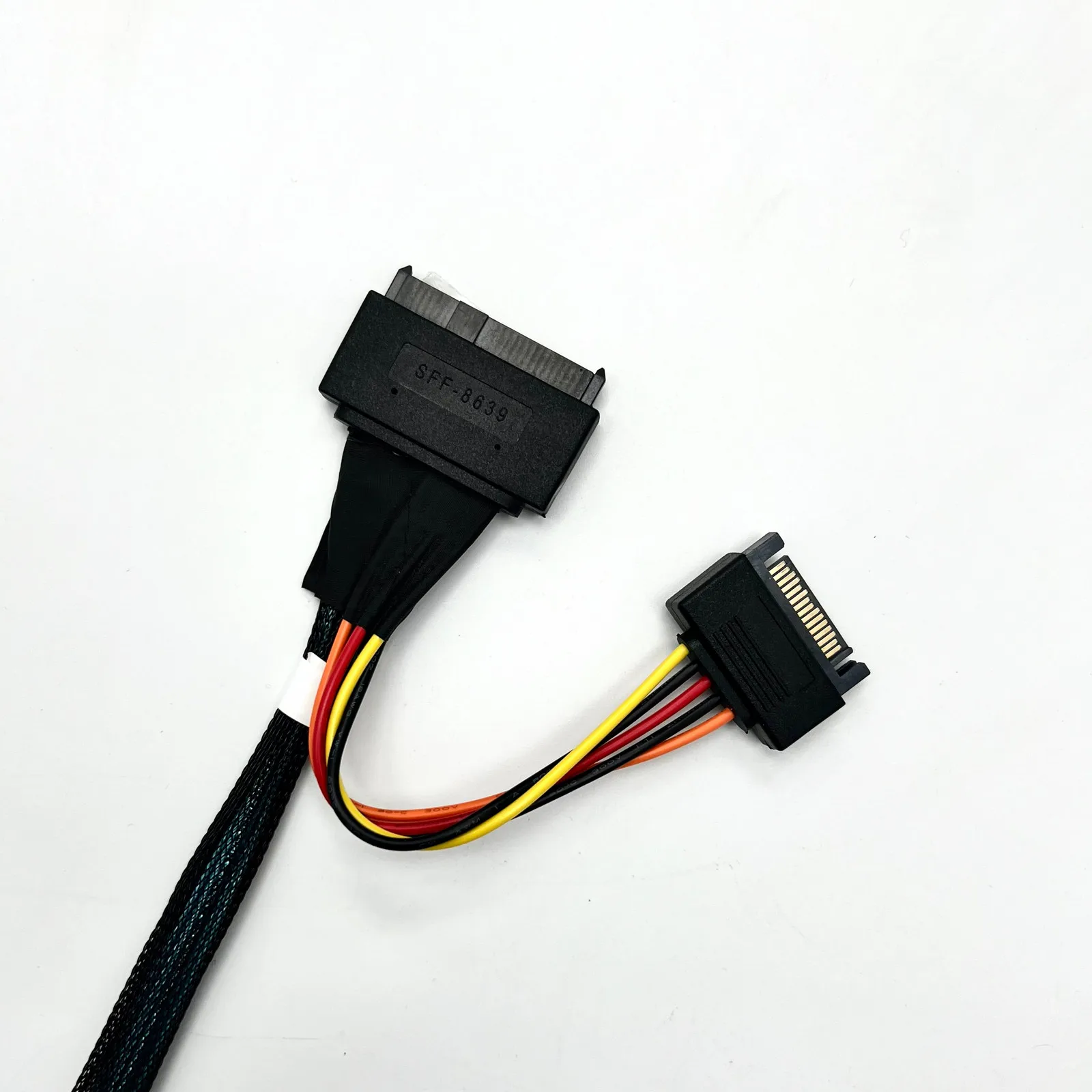
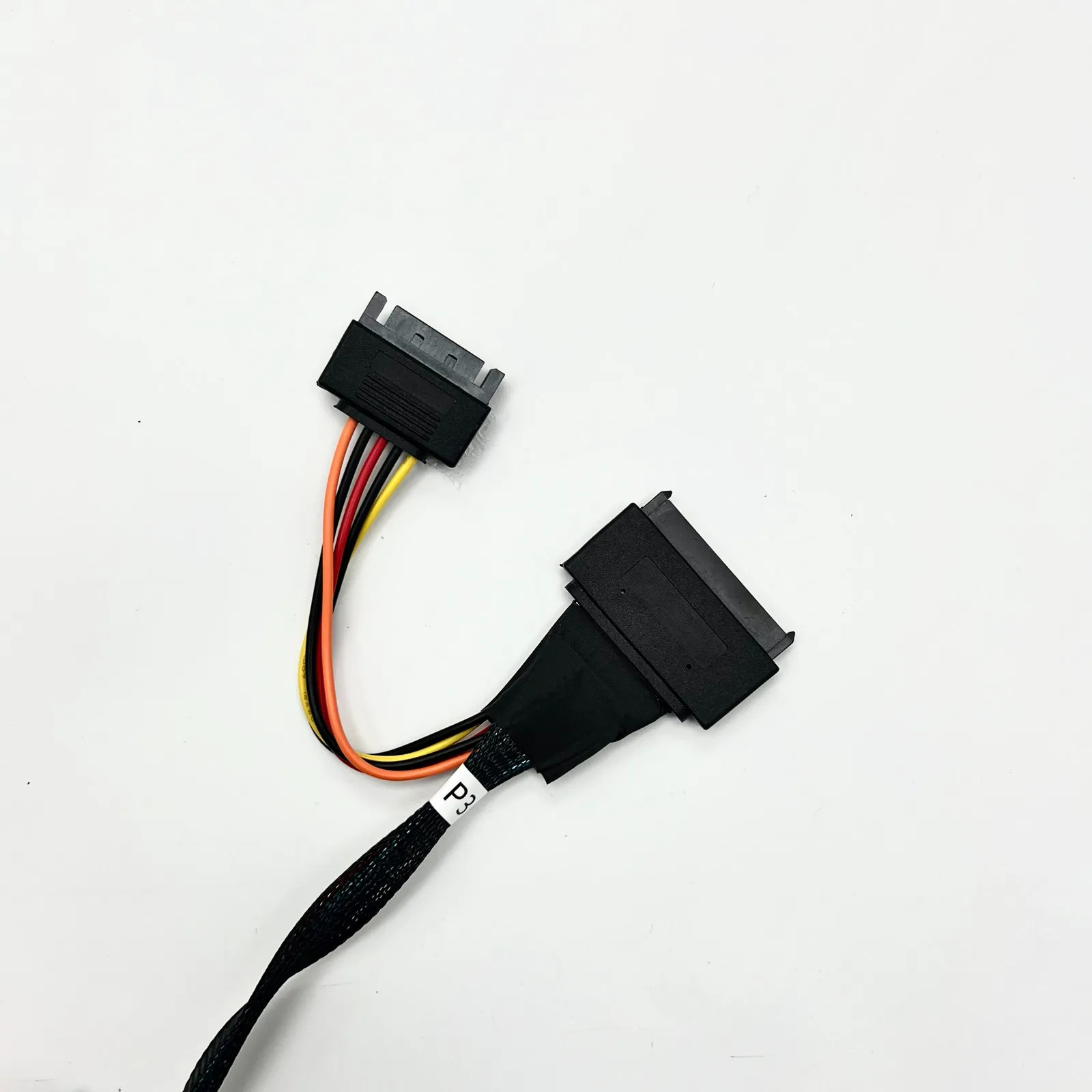
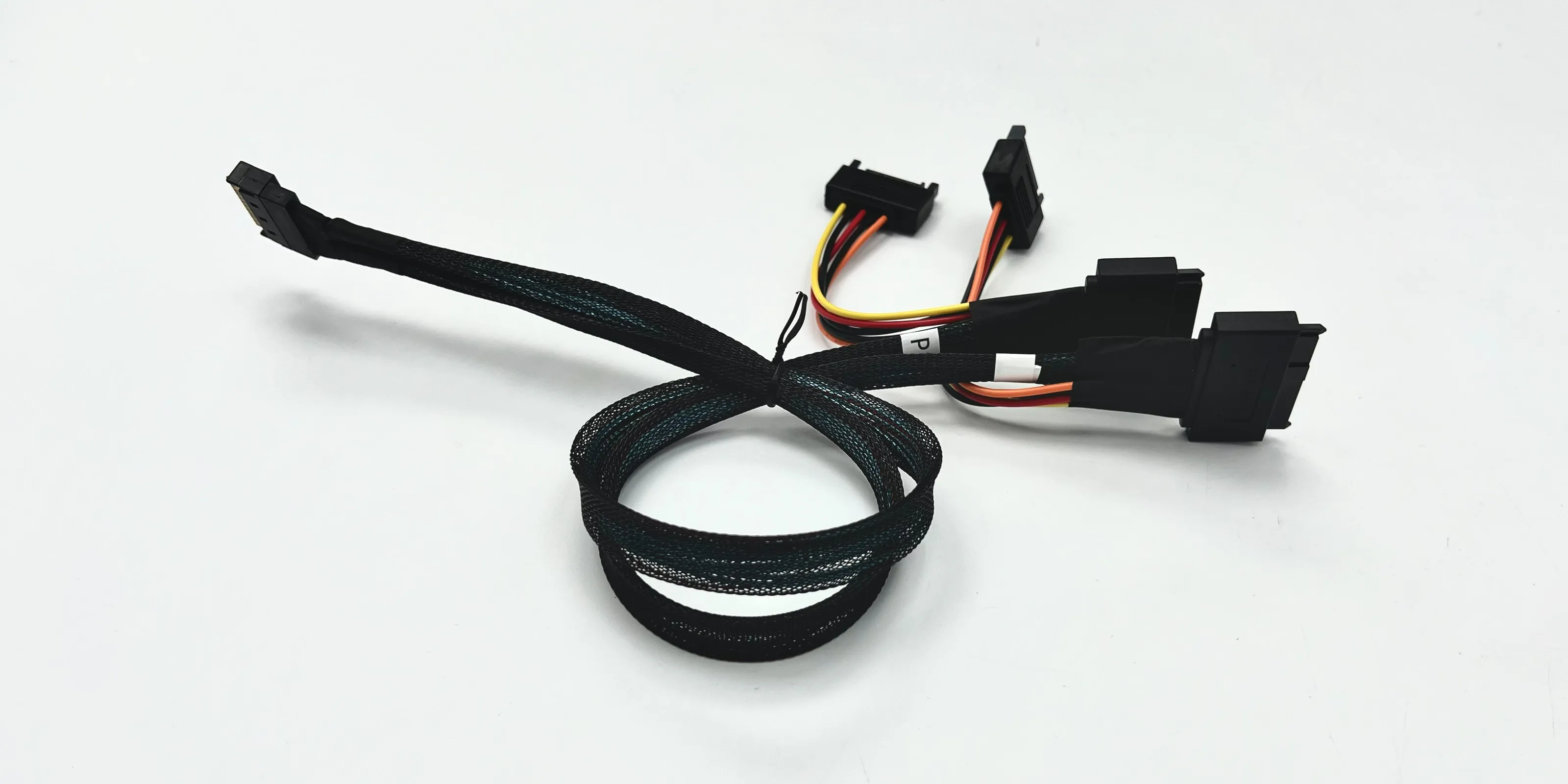
Accessory Notes: Includes one SATA power adapter cable.
Must be connected to the white connector to have 12V power supply.
Product Model Description
Product Advantages:
1. Mesh-covered cables ensure stable speed and resistance to pulling.
2. UL-certified PCB material delivers excellent conductivity.
3. Connector housing made of PA10T/LCP with 15µ" gold-plated terminals
for durable insertion/removal, meeting RoHS/Free(HF) requirements
for high-frequency applications.
4. Advanced design and precision craftsmanship ensure stable signal quality,
optimized routing, and effective isolation.
Meets PCIe 4.0 standards for diverse applications.
5. This PCIe adapter cable supports modular splitting. Supports motherboard
Bifurcation PCIe configurations for 1-to-1, 1-to-2, or 1-to-4 connections.
Flexible design for broad applicability.
Product Images:
F34B:
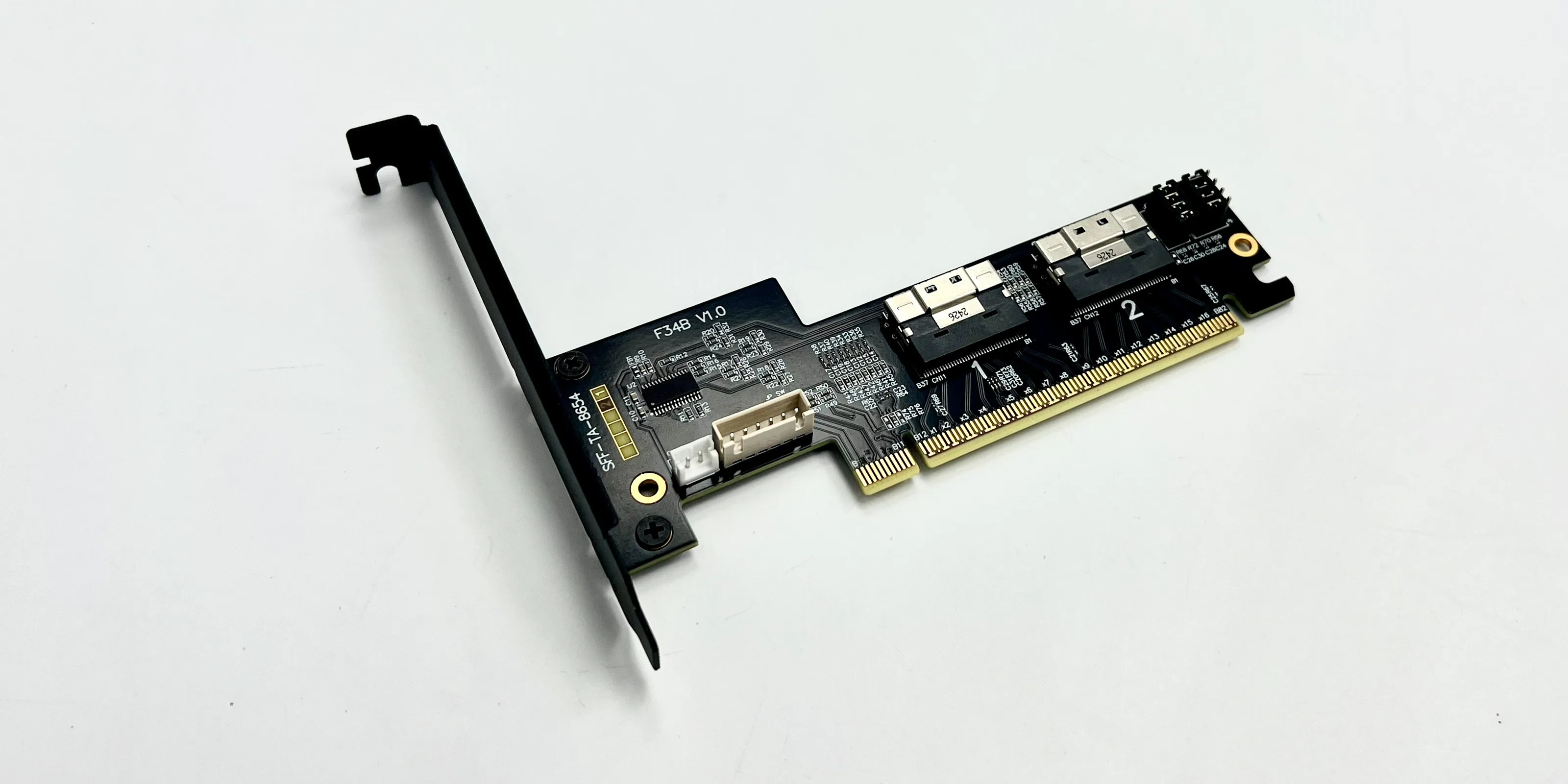
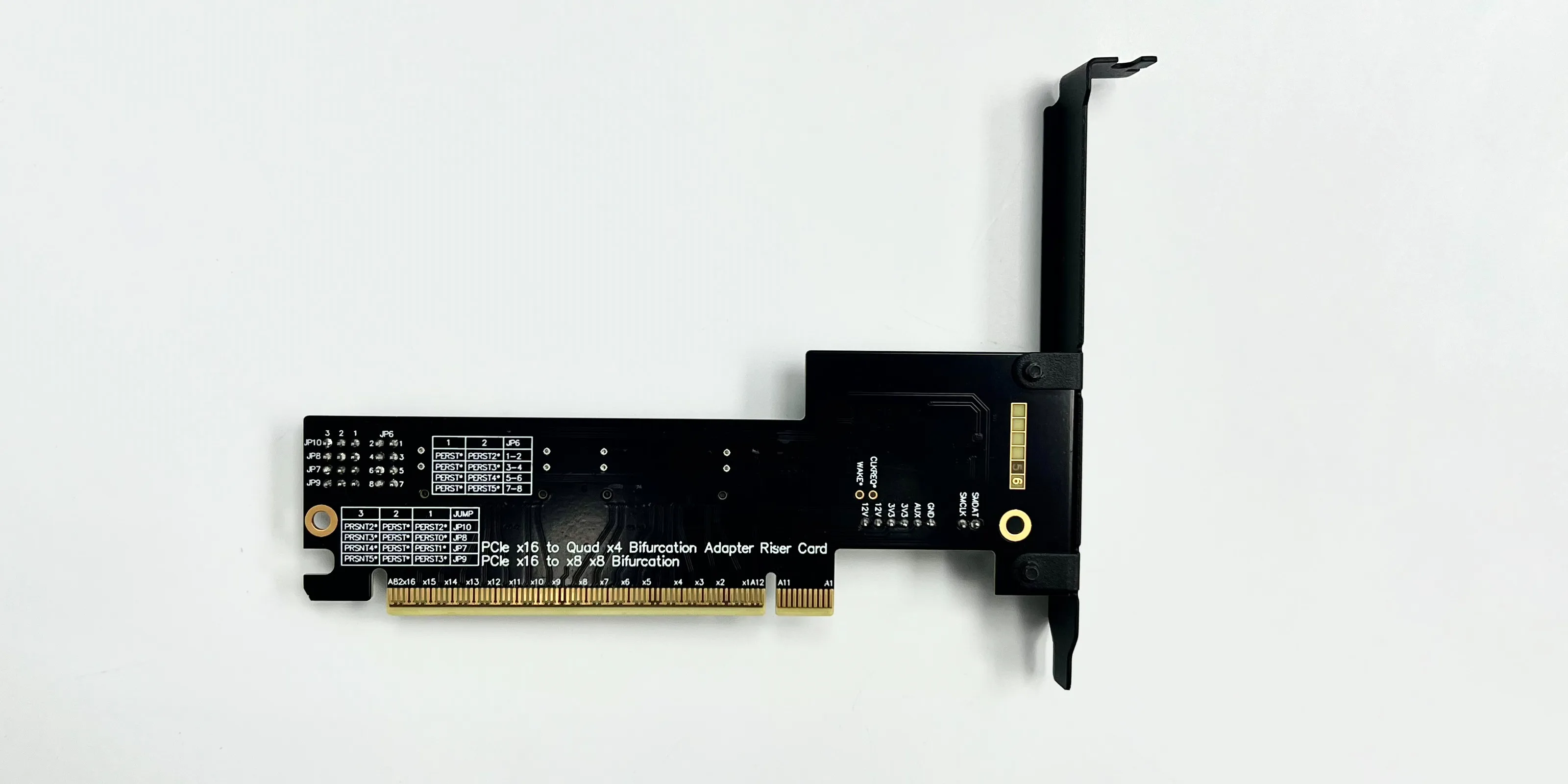
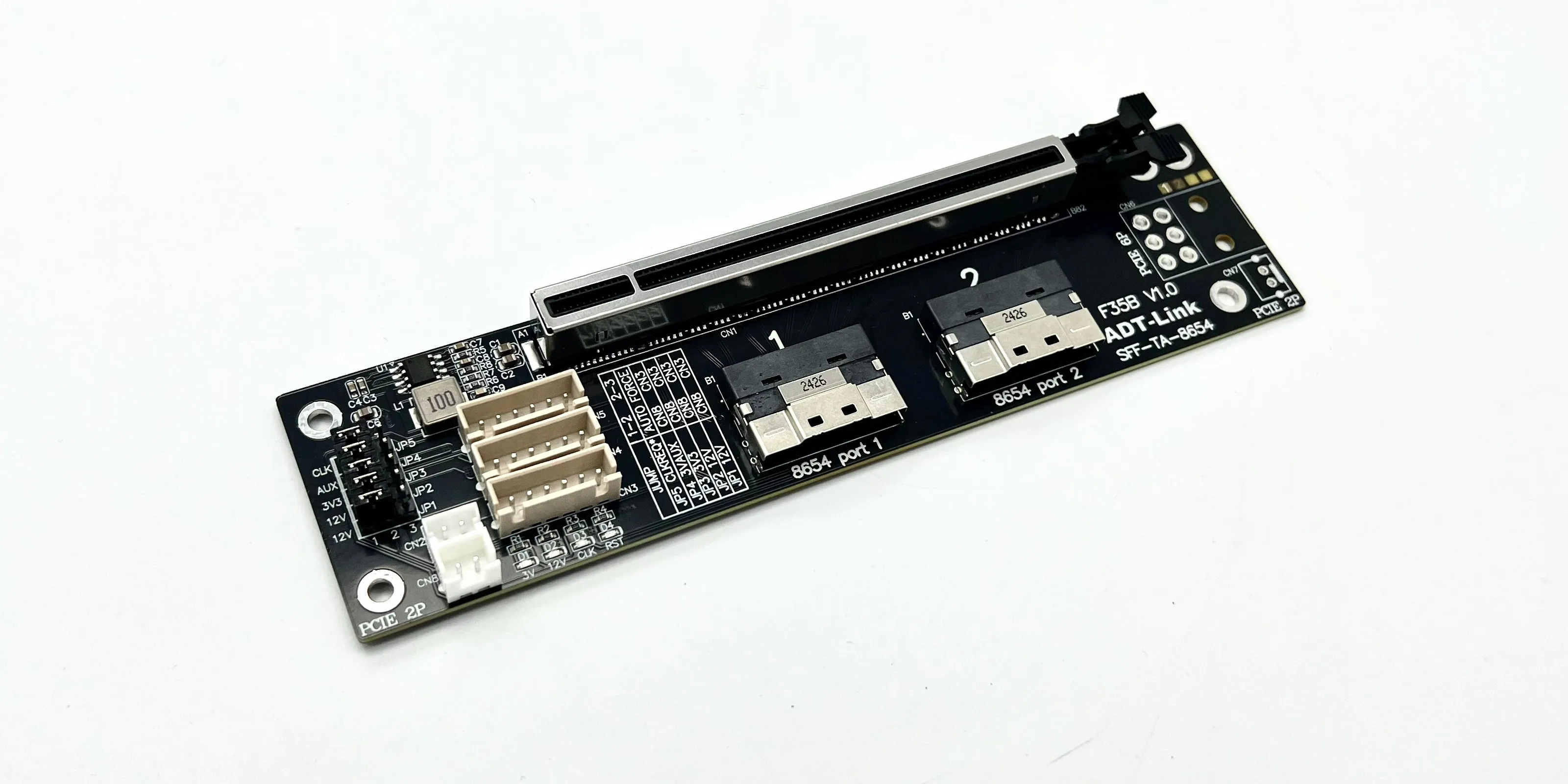
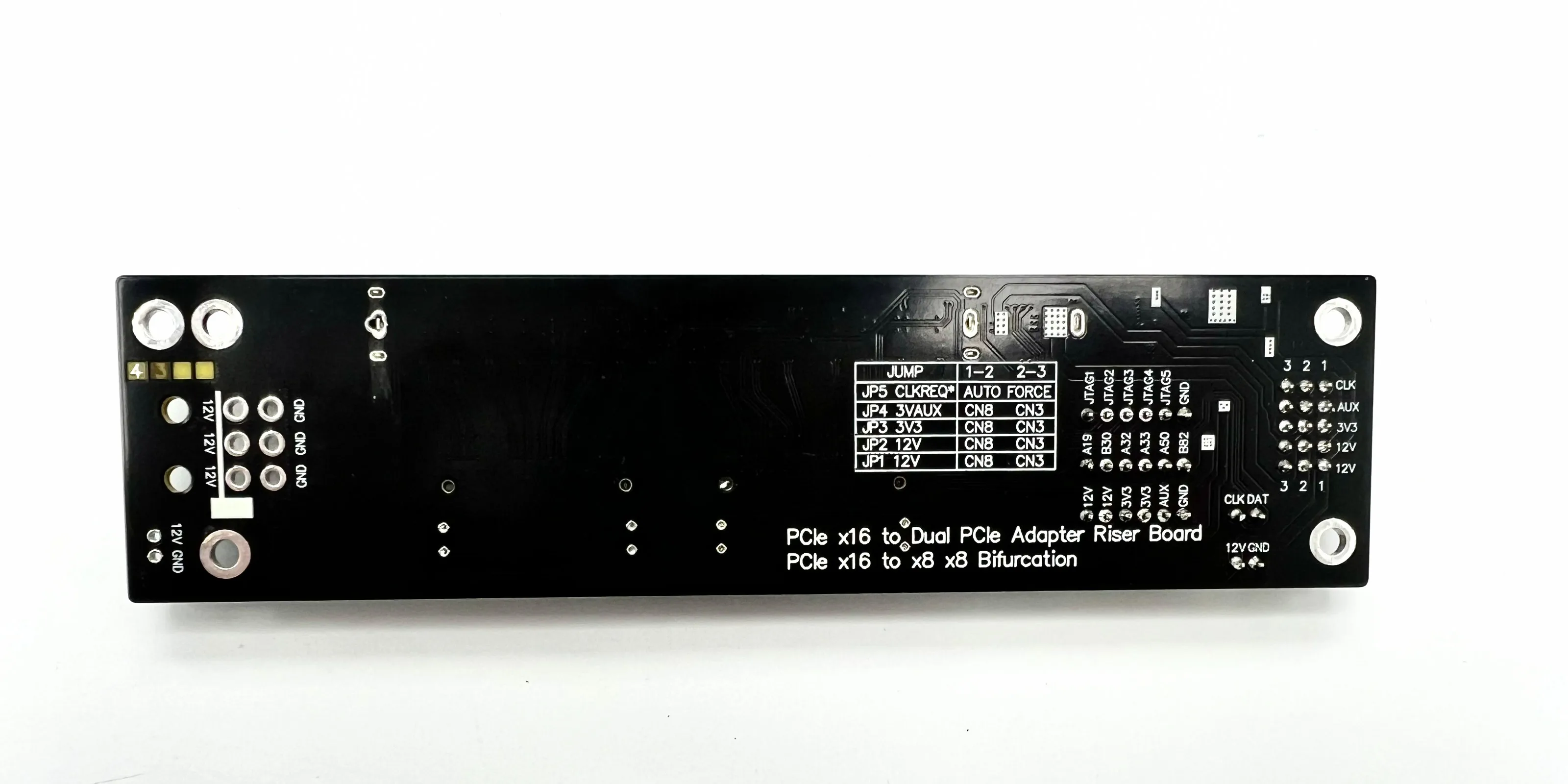
F35B:
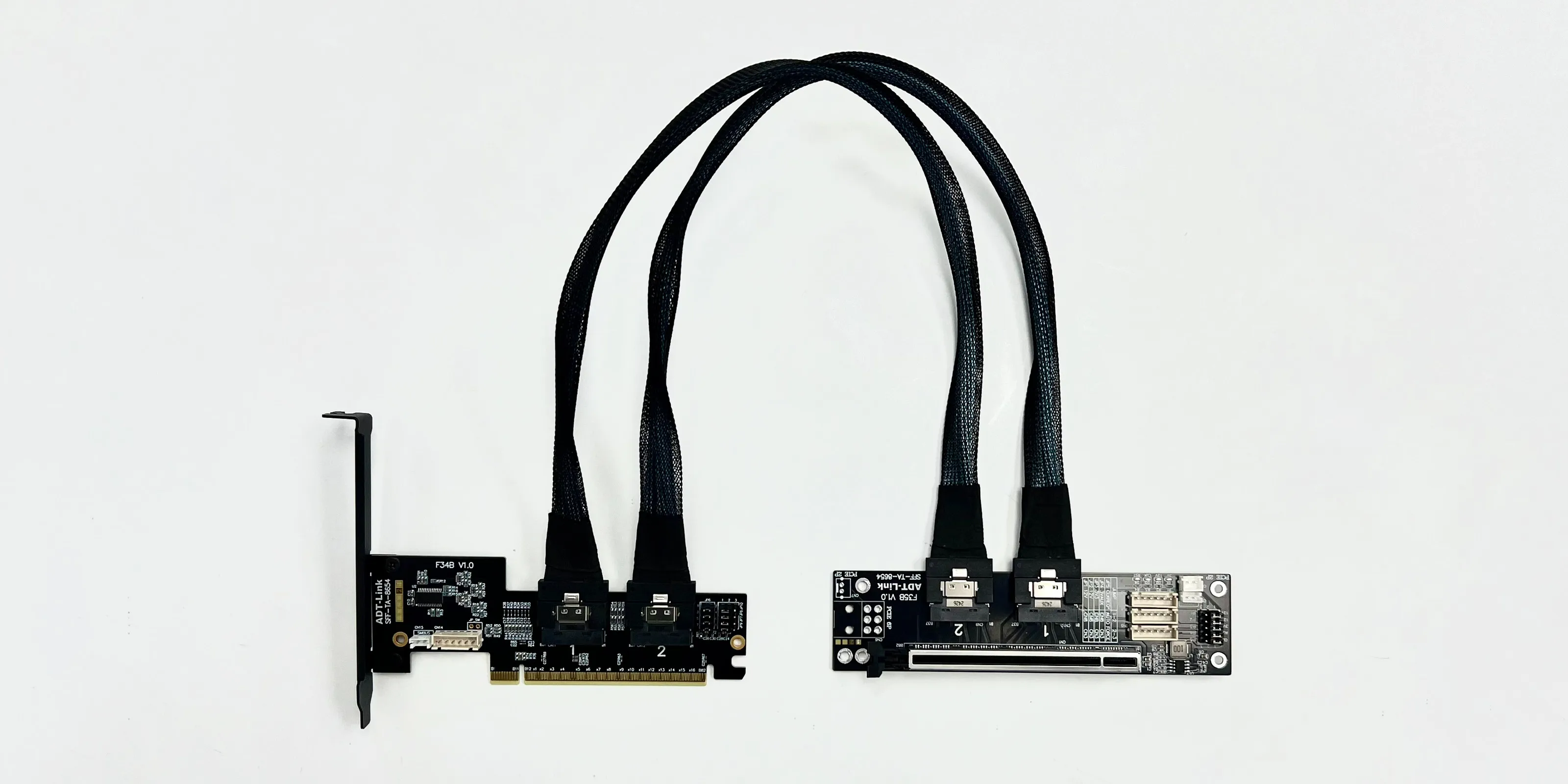
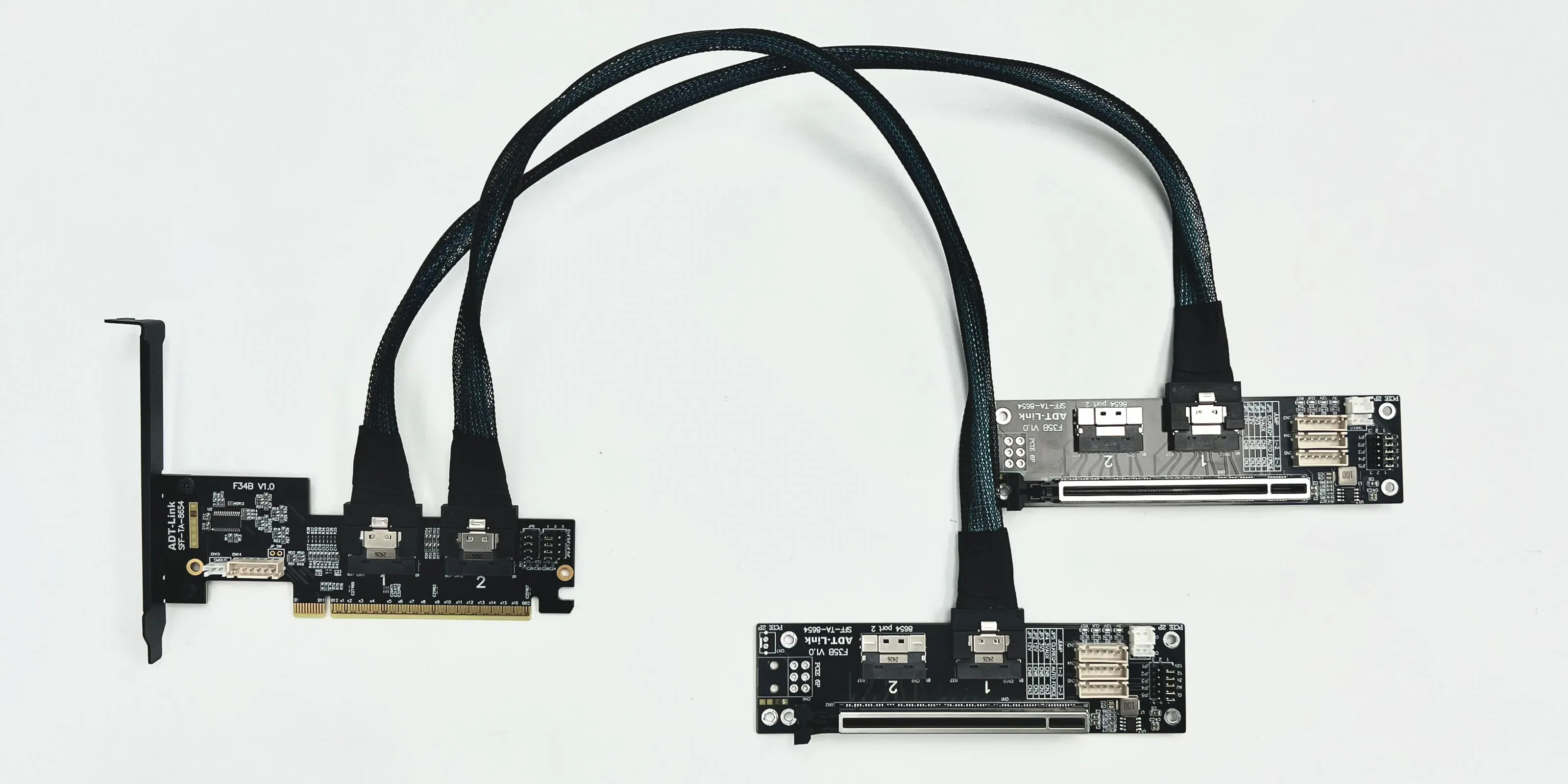
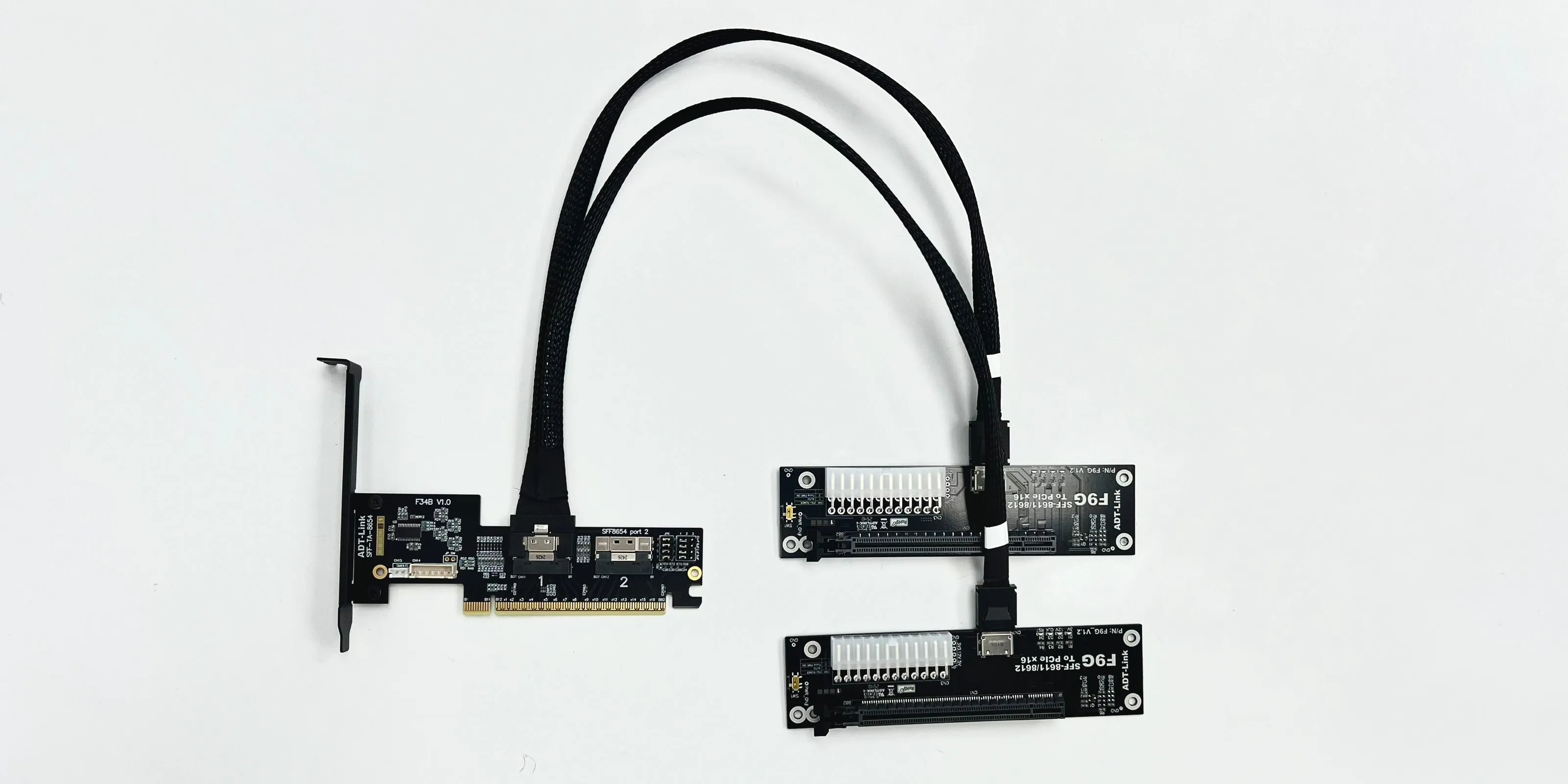
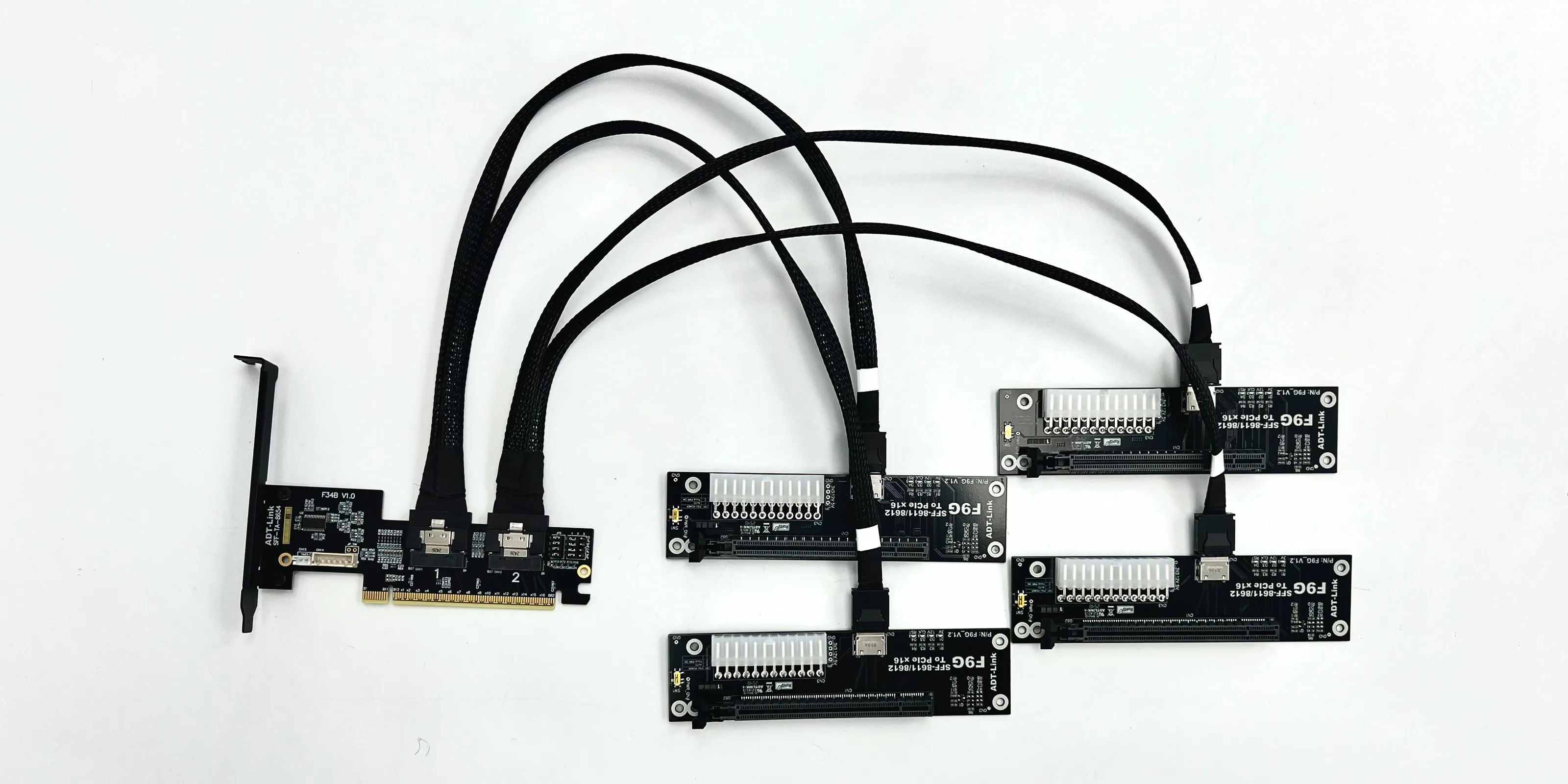
Combo:
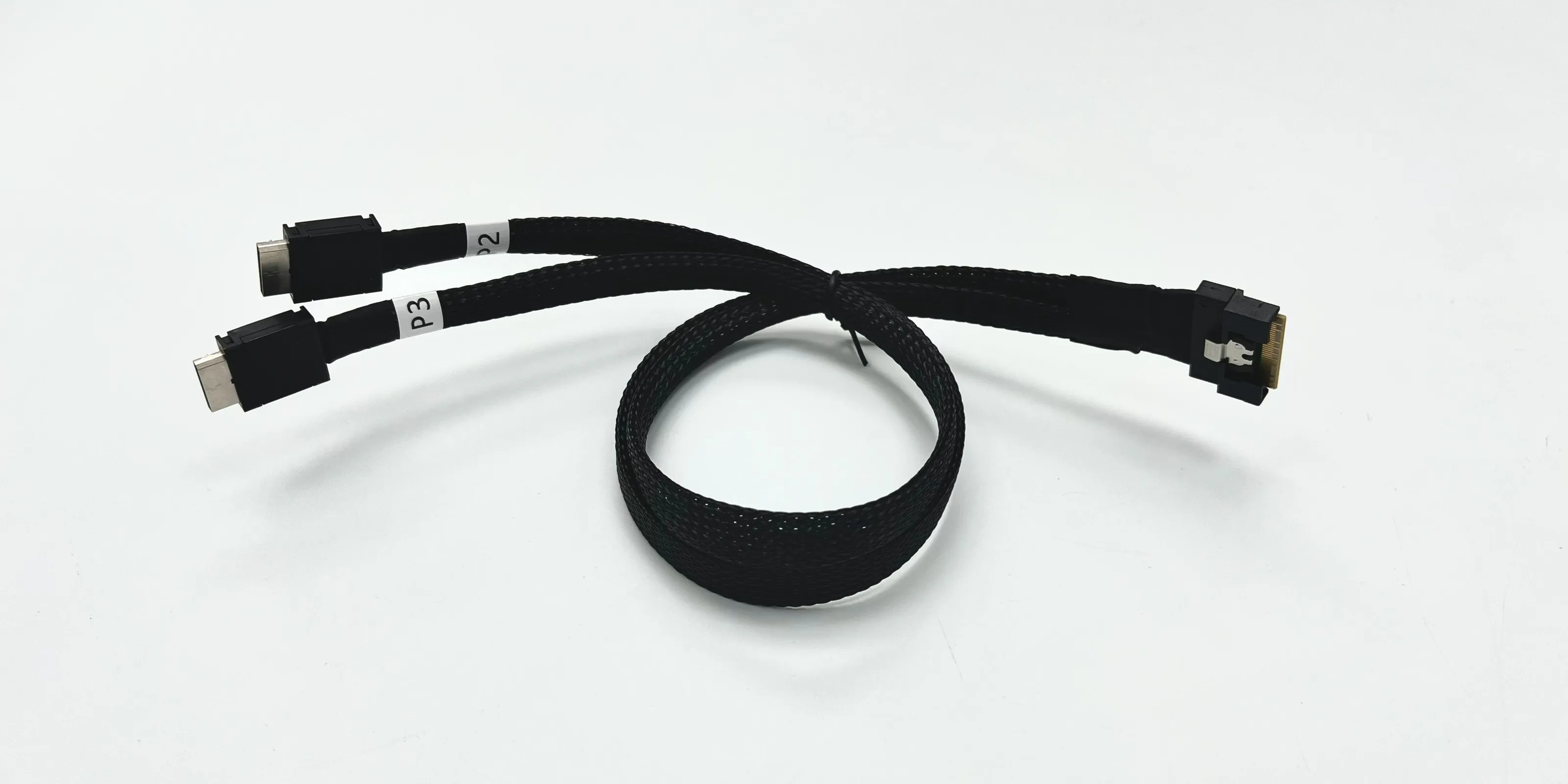
SlimSAS SFF-8654-8i Cable:
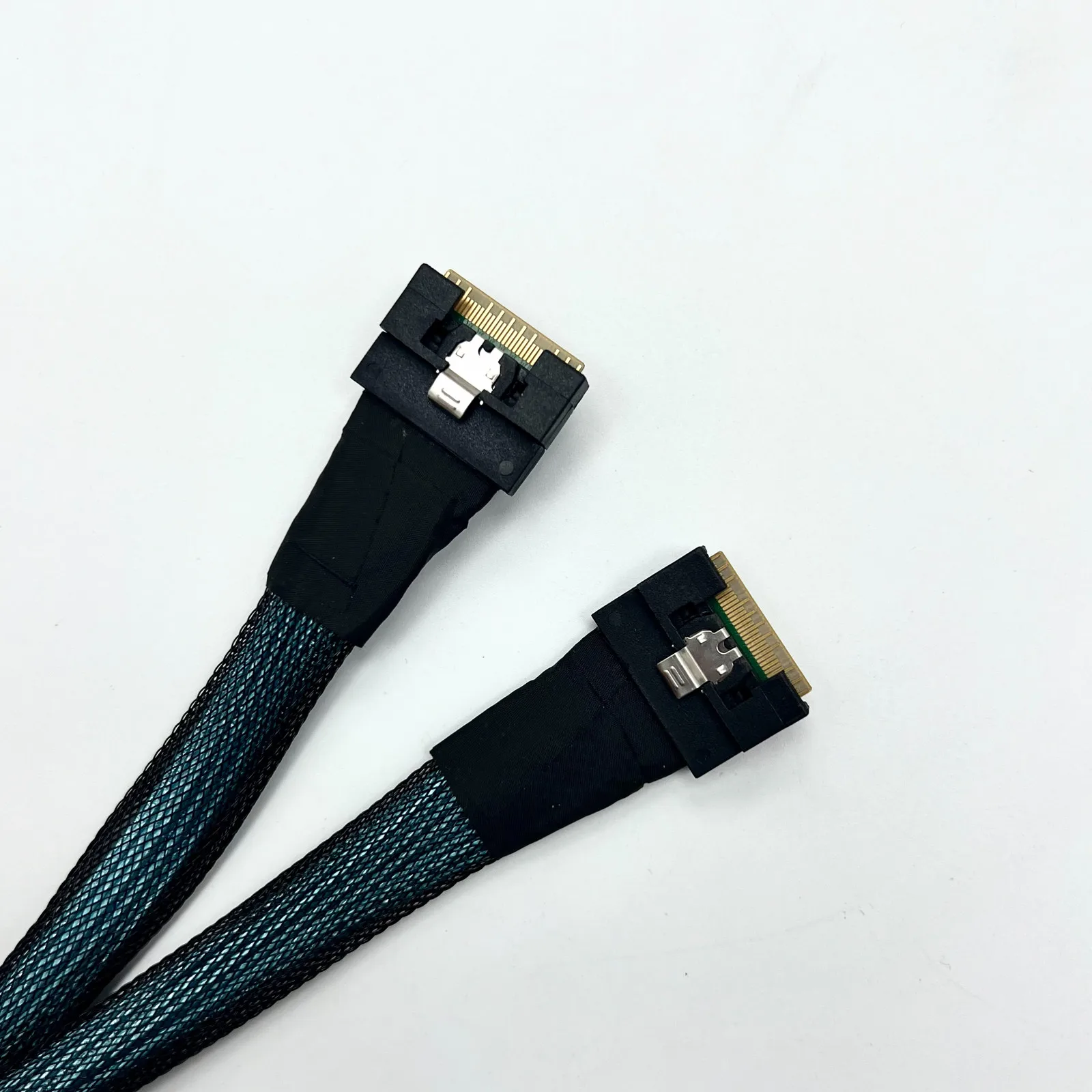
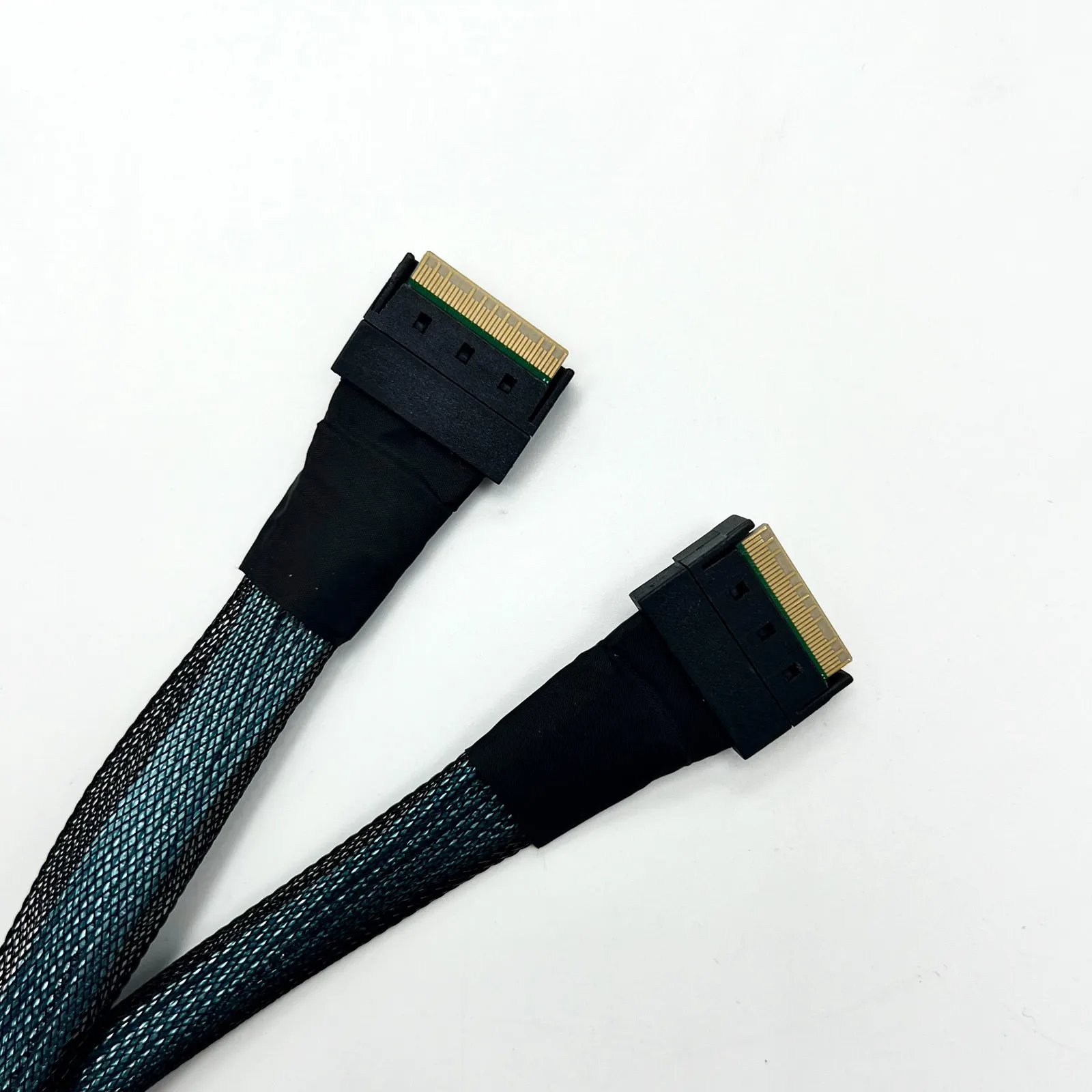
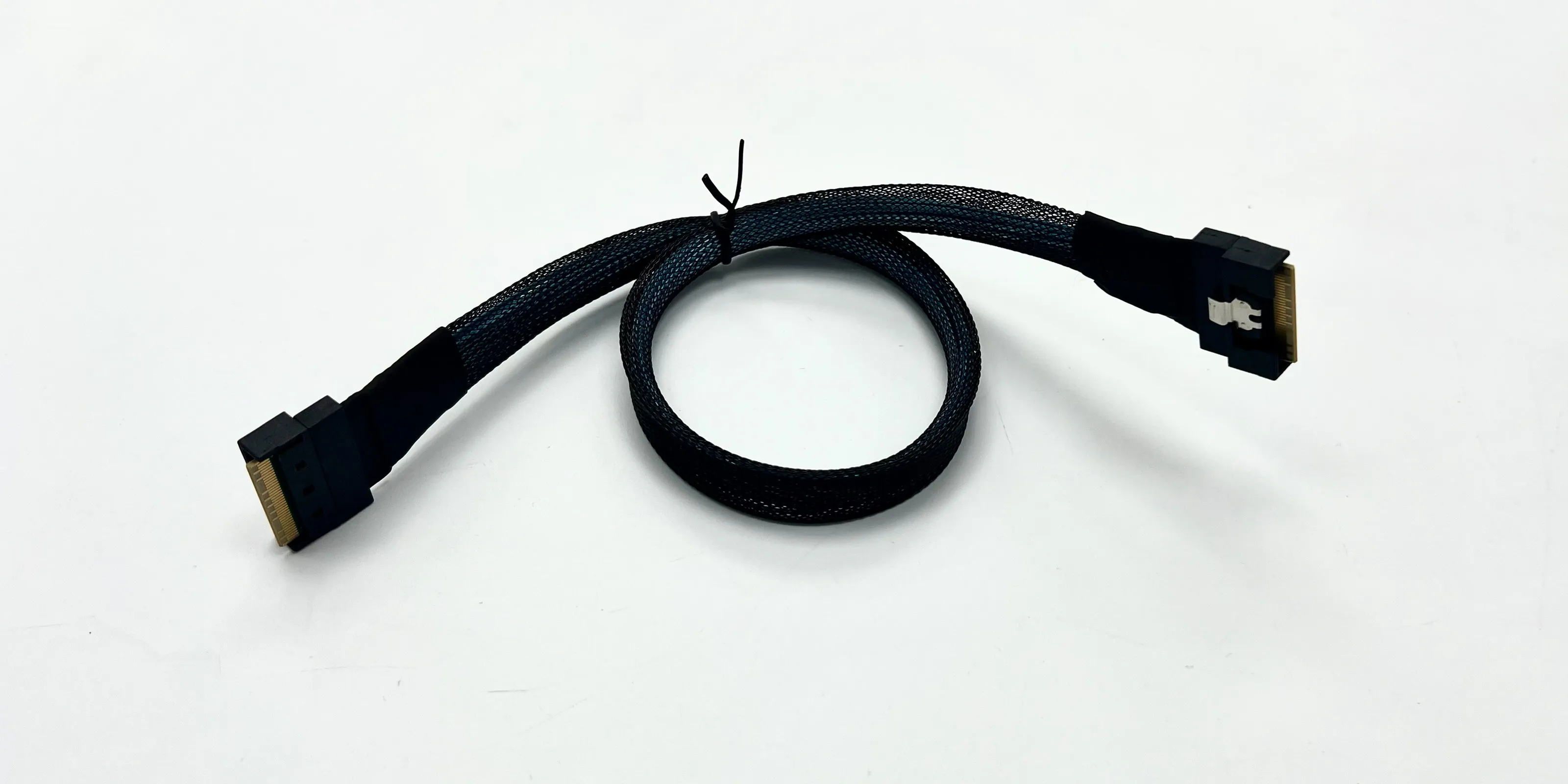
SlimSAS SFF-8654-8i to SFF-8639(U.2)cable:
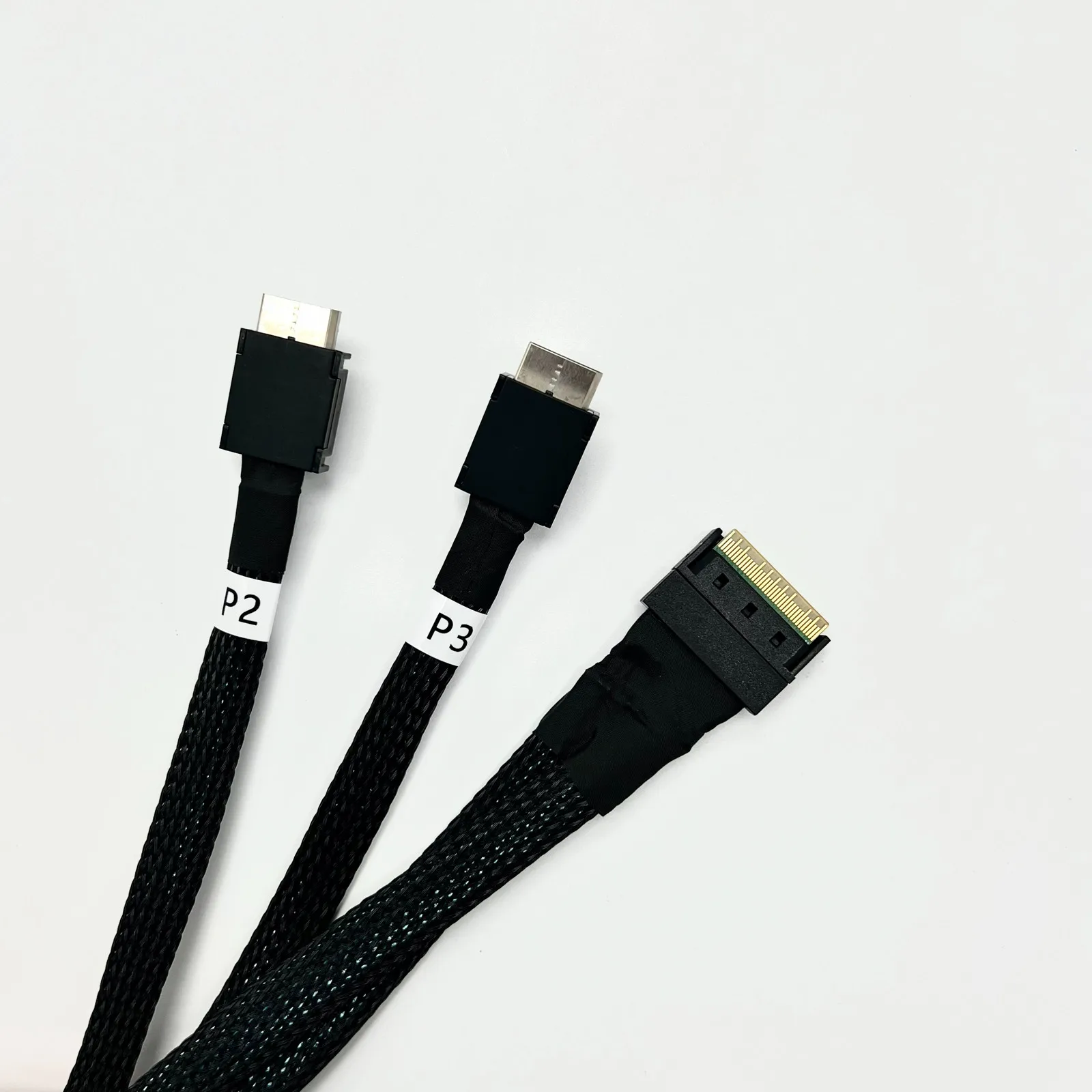
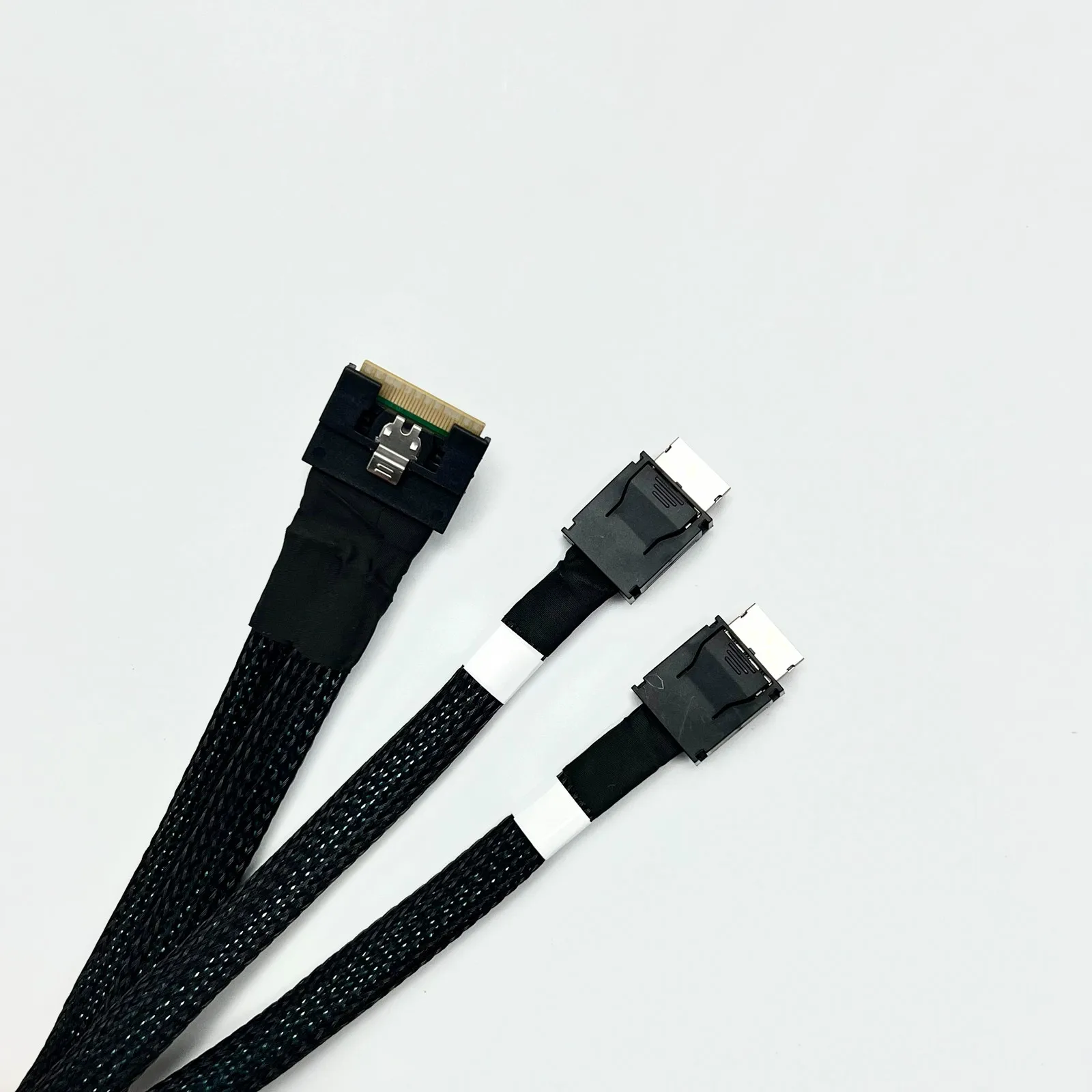
SlimSAS SFF-8654-8i to SFF-8611(OCuLink)cable:
Technical FAQ:
What is the maximum achievable speed for the product?
In actual testing, a single F34B adapter connected to a
PCIe x16 slot supports two devices simultaneously,
achieving full PCIe 4.0 x8 transfer speeds.
Can the F34B support 4 devices when paired with SFF-8654 to SFF-8611
or SFF-8654 to SFF-8639 cables?
F34B supports 1-to-4 configurations in actual testing.
Using an SFF-8654 to SFF-8611 cable with our F9G product
enables 1-to-4 support at PCIe x4 4.0 speeds.
Using an SFF-8654 to SFF-8639 cable to connect U.2 drives
enables one-to-four support, achieving full PCIe x4 4.0 speed.
How can I verify if my motherboard supports PCIe Bifurcation?
Please consult your motherboard manual. The manual or BIOS options
will specify “Bandwidth PCIe Channel Splitting” or “Bifurcation” settings.
If not mentioned, it is not supported.