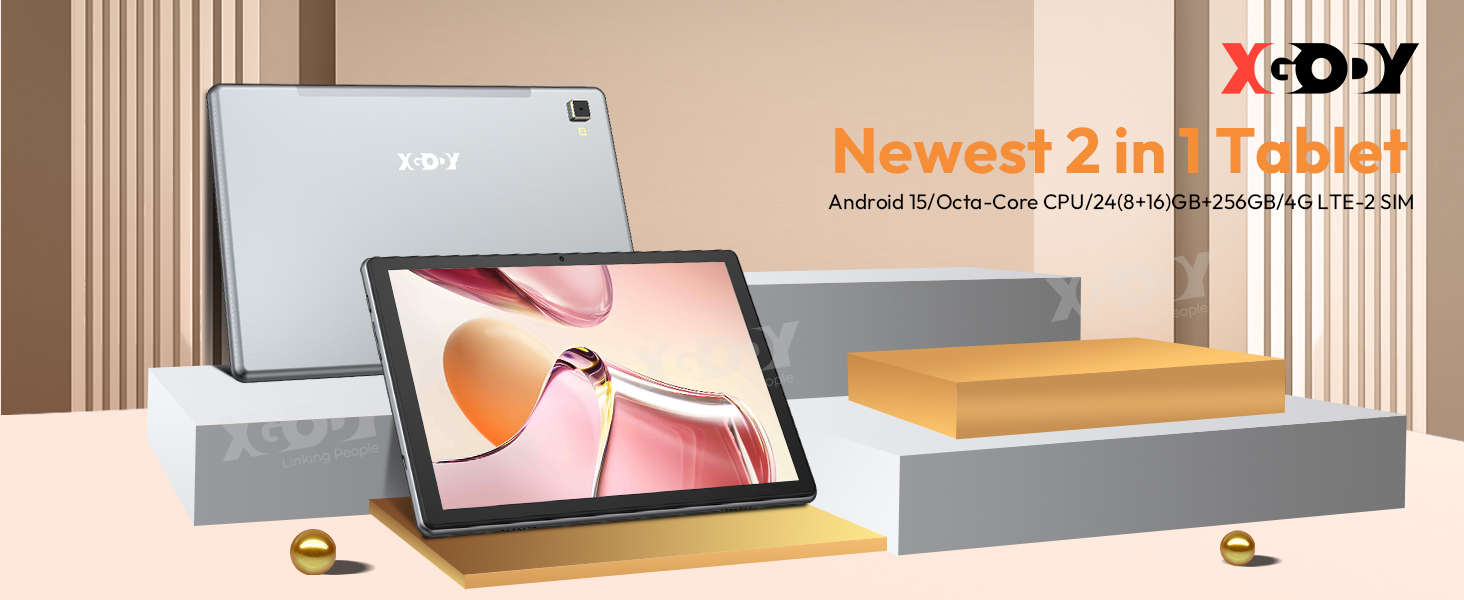
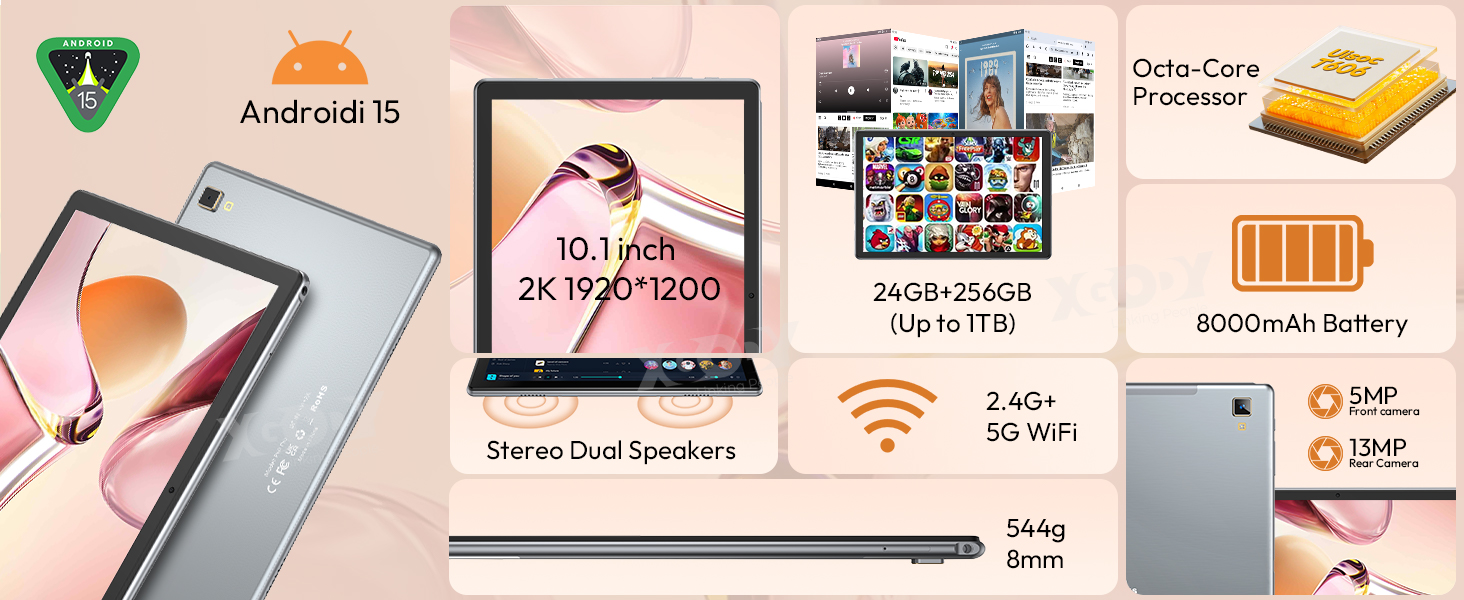
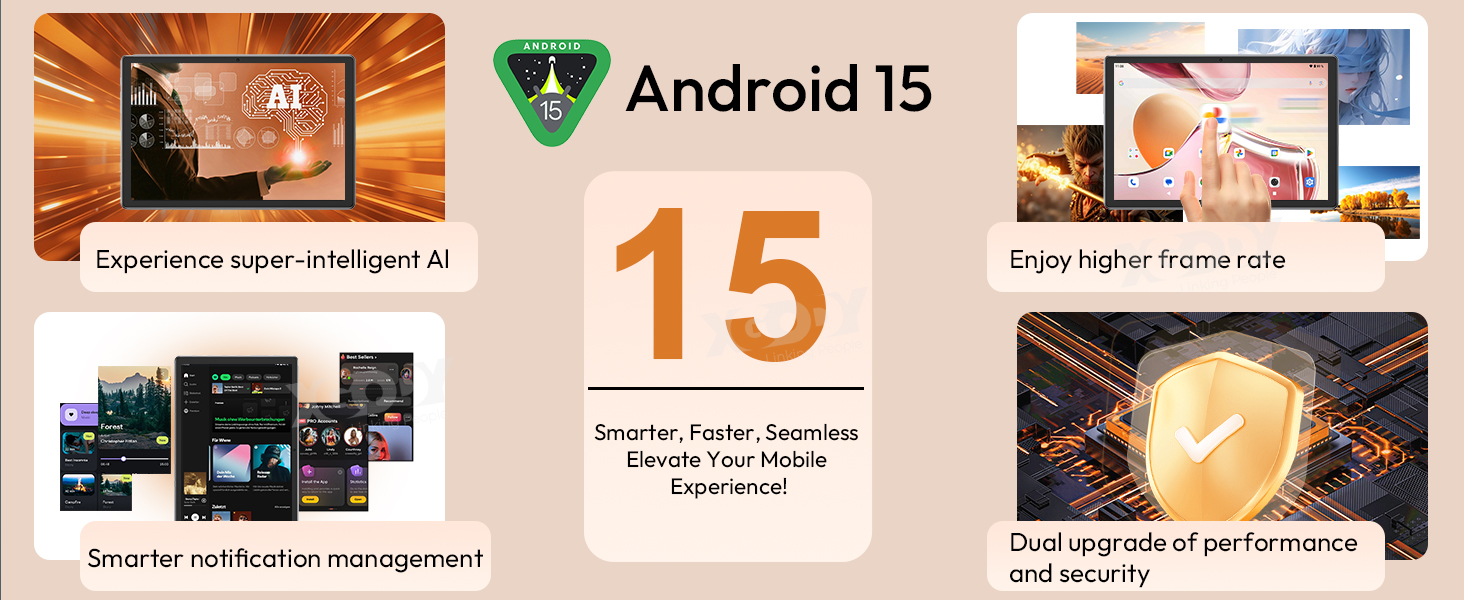
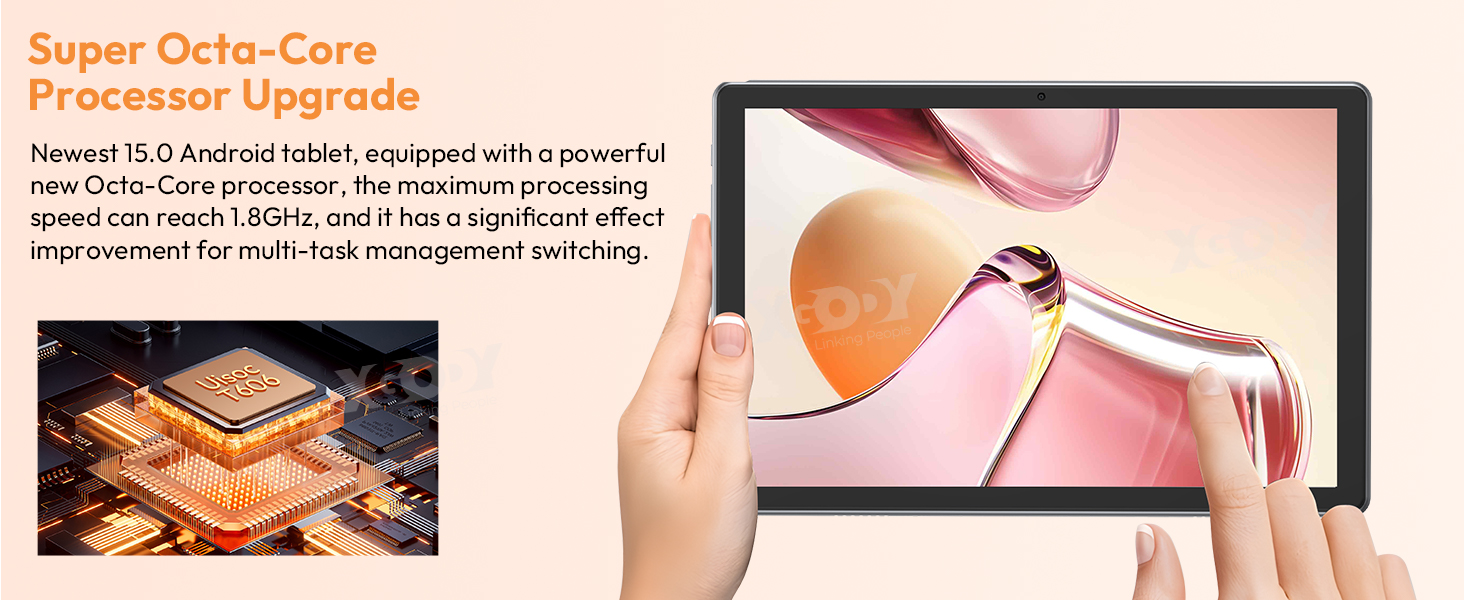
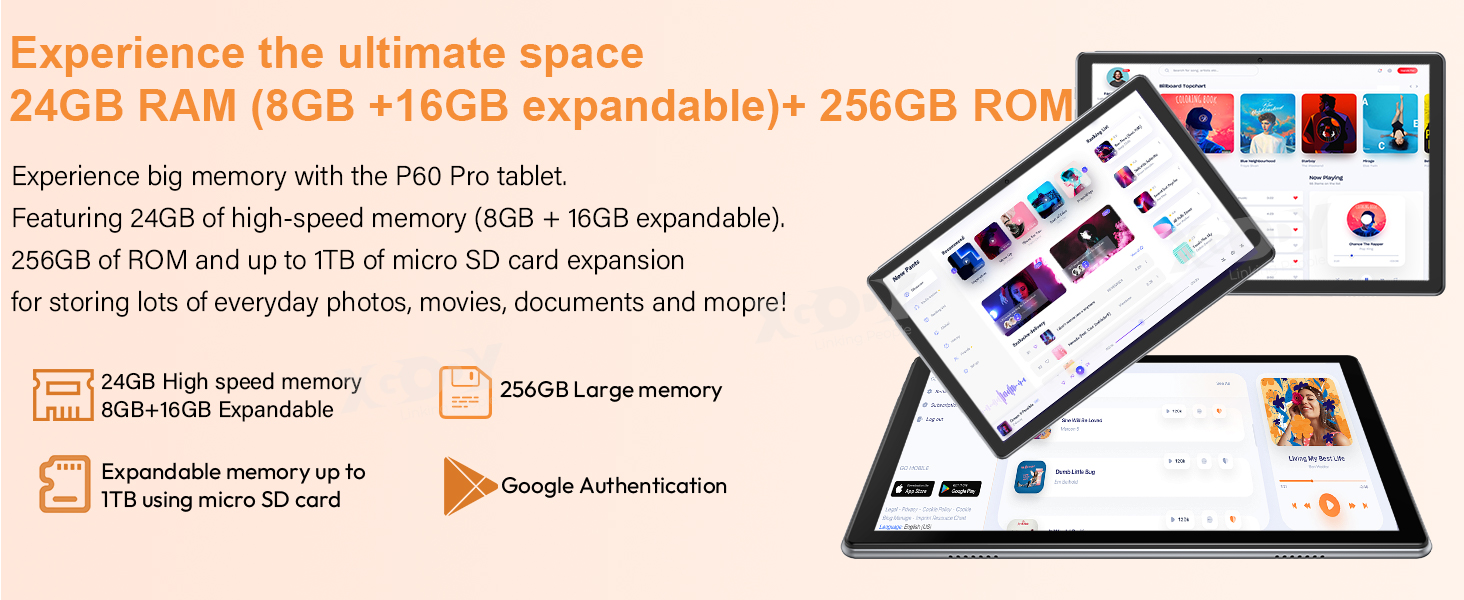
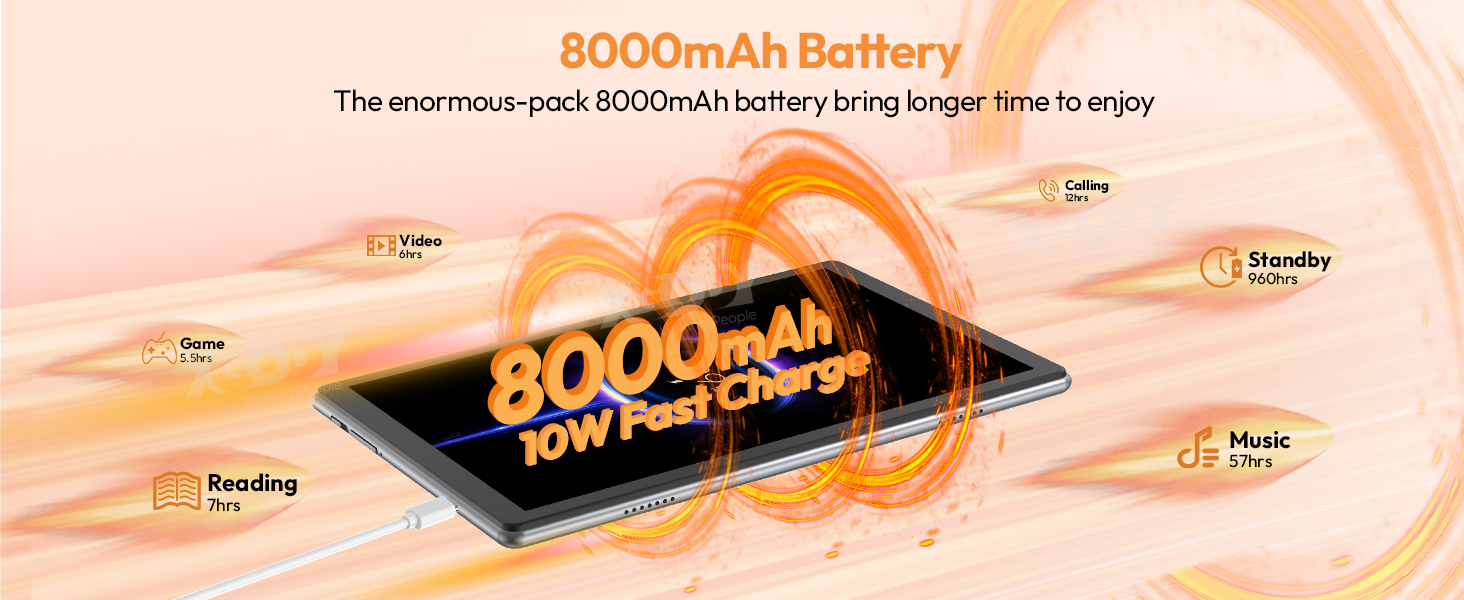
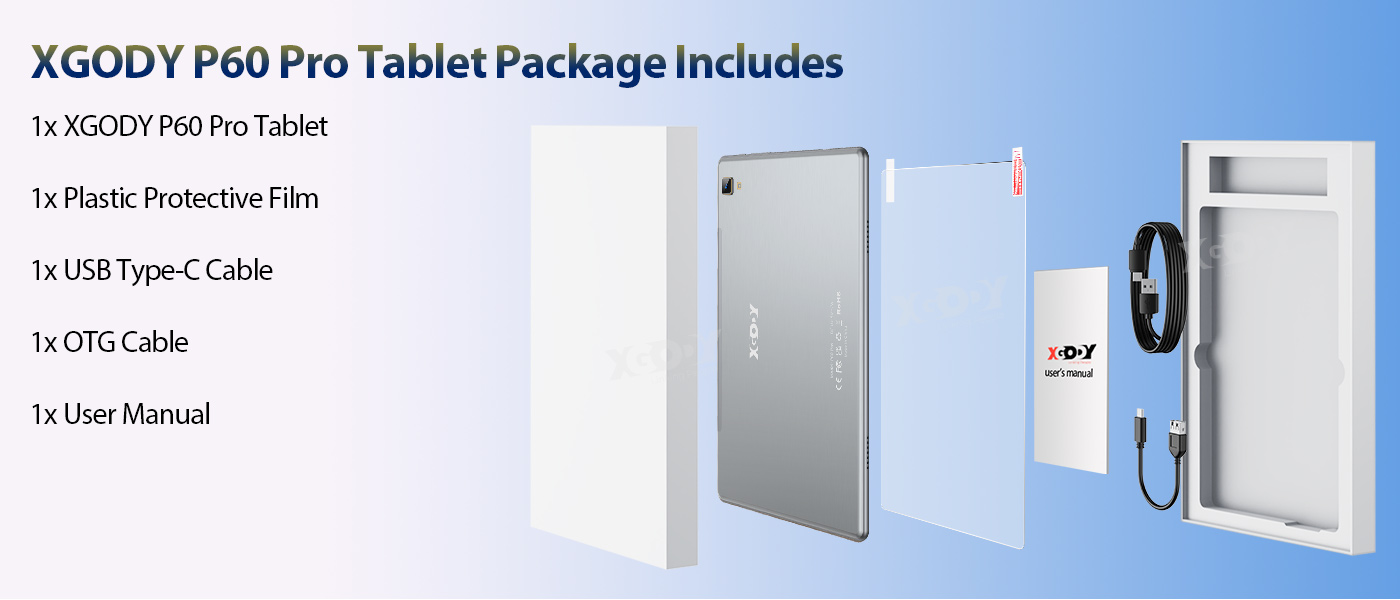
✅UK Warehouse,✅Fast delivery XGODY Tab P60 Pro 4G Tablet --- 24(8+16)GB+256GB CPU -----------Unisoc T606 Octa-core ,2 x A75@1.6GHz + 6 x A55@1.6GHz OS ------------ Android 15 OS Display --------10.1-inch 1920*1200 pixel LCD + IPS, 90GHz RAM-------24GB (Up to 24GB RAM= 8GB RAM + Up to 16GB RAM Expansion) RAM Expansion Path---------Settings-About tablet-RAM-Memory expension size.After setting, you need to restart the machine to run normally. ROM-------256GB ROM + Up to 1TB TF Expansion (TF Card not included) Rear Camera ------13MP Front Camera -----5MP Battery ------8000mAh, 10W charging power SIM------Dual SIM Card or 1*SIM & 1*TF Card Speakers------1217 2PCS BOX Speakers with Smart PA Support Carrier --------- Vodafone,Telstra,Optus Navigation support--------GPS, Glonass, Beidou, Galileo Other Features--------- OTG, FM, Google Play, Face Unlock, PC Mode Widevine L1 Support (NetFlix, Disney+, or Amazon Prime Video,1080P Full HD) WiFi -------- 2.4GHz+5GHz(802.11 a/b/g/n/ac ),Dual Band Network: 2G Bands: GSM:B2/B3/B5/B8 Dimensions -------- 24.5*16.4*0.8 cm Weight -------- 544g Package Content: 1x P60 Pro Tablet 1x TYPE-C cable 1x User Manual 1x Marketing film |
|
|
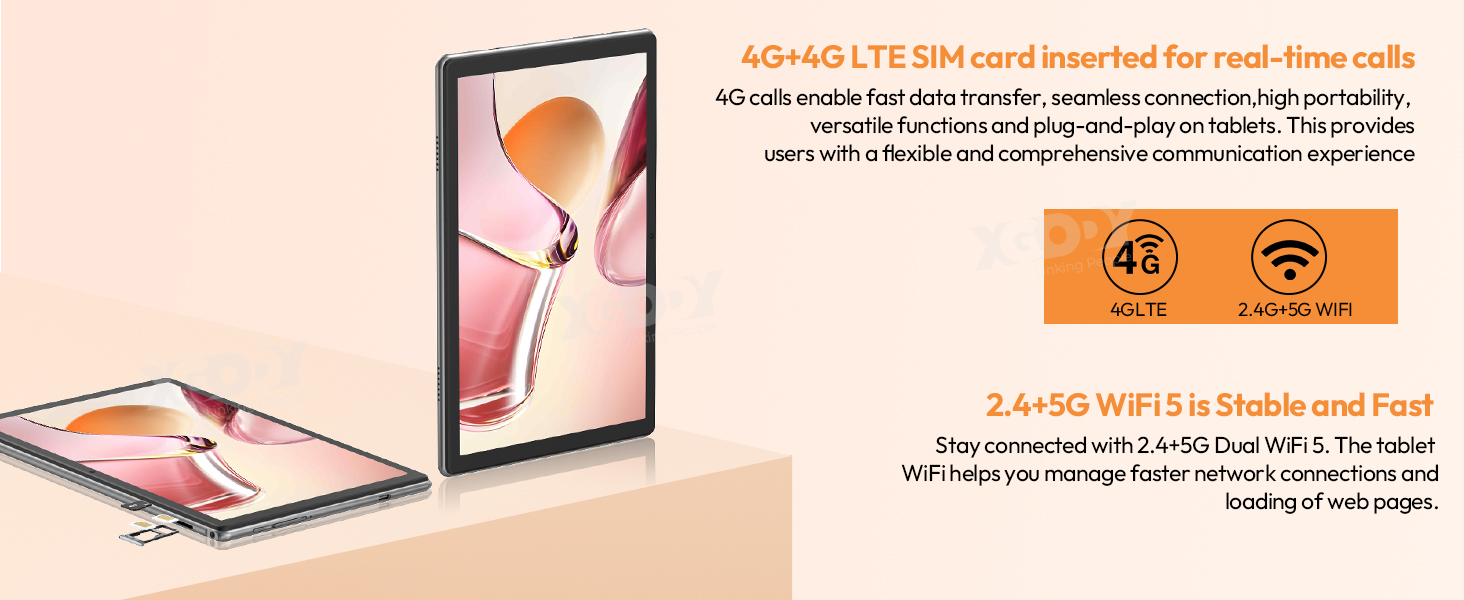
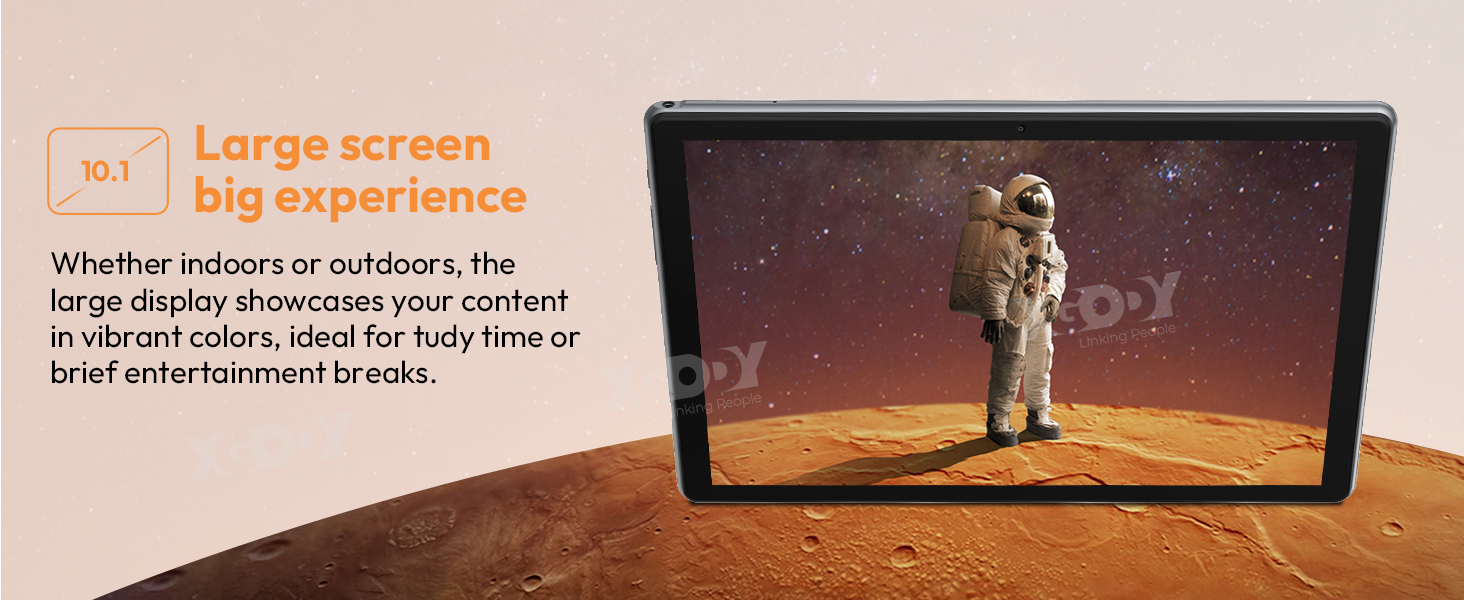
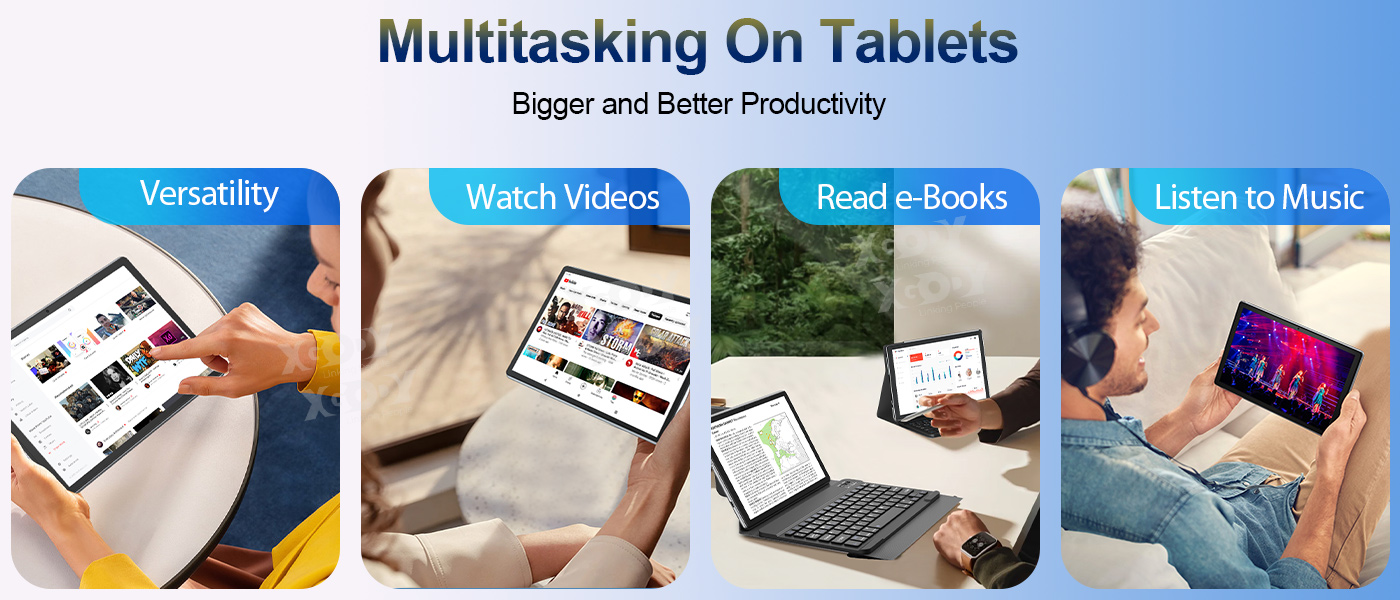
✅✅【FHD 10.1 Inch-Screen 1920*1200 + 8mm ultra-thin metal body】The P60 Pro tablet's 10.1-inch form factor strikes a balance between portability and usability, making it easy to use on the go while still providing enough screen size for a variety of tasks. The larger screen size coupled with HD resolution enhances the viewing experience, making it suitable for gaming, streaming videos, and consuming multimedia content with vibrant colors and crisp details.8mm ultra-thin metal body brings excellent feel and texture, making it more comfortable in daily use ✅✅【 4G LTE Dual SIM + GPS】Through 4G LTE technology, users can still connect to the Internet quickly and stably in places without Wi-Fi network coverage, such as outdoors, traveling or in places without Wi-Fi. The 10.1-inch tablet is easy to carry, and can be used through With the dual-card design, users can isolate work and life communications, with one card used for work and the other for personal communications, which can better protect personal privacy and work security.Support GPS navigation service ✅✅【5MP+13MP Dual Camera + BlueTooth 5.0 + Face ID】The rear 13MP camera can capture high-resolution photos with rich details and bright colors. Together with the front camera, you can make video calls with family, colleagues, and friends anytime, anywhere. Bluetooth 5.0 has stable transmission speed and long transmission distance, and can be used to quickly transfer photos. It also supports connecting keyboards, mice, headsets and various devices to bring users a richer experience.Supports face unlocking, which is easy to use and safer at the same time |
|
|
|
|
|
|
|
|
|
|
|


 |
Question:Why is wifi disconnected? Answer:1. Please check the router protocol and make sure the wireless security option is WPA-PSK/WPA2-PSK. | Question:Is this really 24GB RAM? Answer:Yes, the P60 Pro system comes with 8 GB of memory and an additional 16 GB of virtual memory can be added on the settings page. In reality, you can use up to 24GB of memory. |
Question:What accessories are in the package? Answer:You will receive a package including HD Film, Type-C data cable, OTG cable,manual (English and German version)(Specific accessory information will be delivered according to the configuration you purchased) | Question: Is there a guarantee? How is the warranty activated? |
Question:I want to install Youtube and Netflix and all sorts of programs. Does it support Google Play downloads? Answer:Yes. XGODY comes pre-installed with Youtube and Google Play Store software, I can install the apps I want on Google Play such as Facebook, Twitter, Instagram, etc. XGODY Tablet also have more than enough storage available. It also allows us to insert 1TB of external storage(TF Card not included). | Question:Why won't my tablet turn on after charging? Answer:Try connecting it to the computer first, charge it for a while, and then try it with a 5V 2A charger, try to charge it for as long as possible to get a charging prompt. If it still doesn't work, you can poke the reset hole with a needle. We recommend charging below 10% when using the tablet. |