About this item
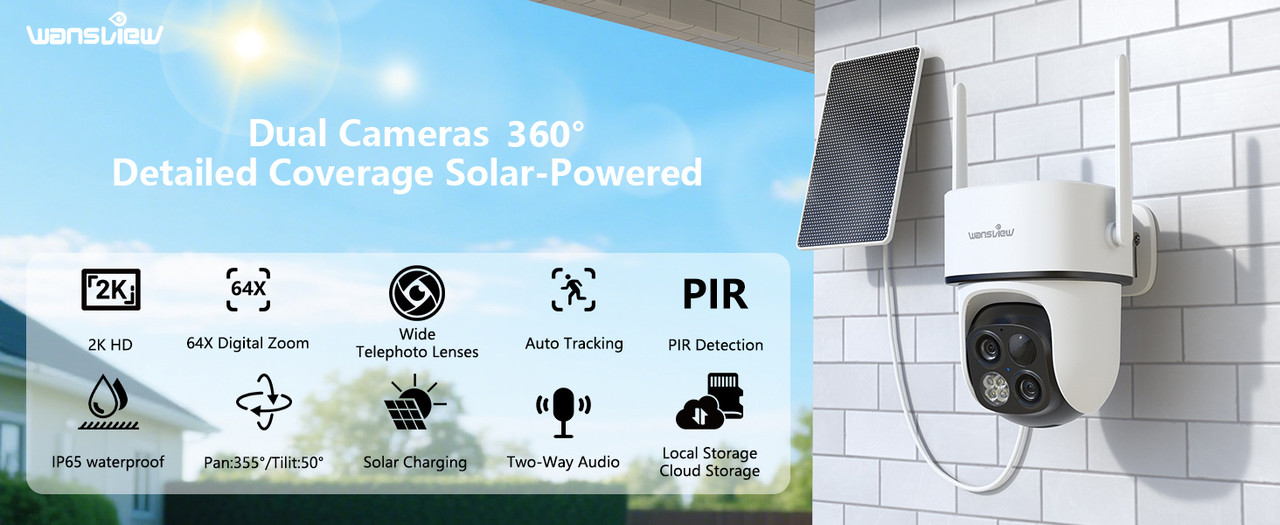
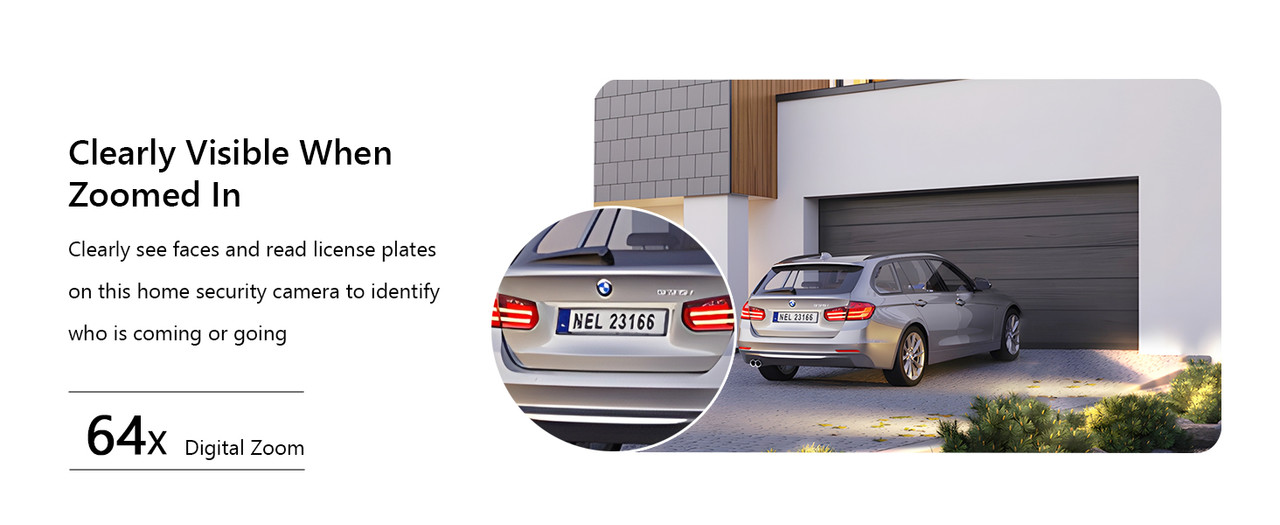
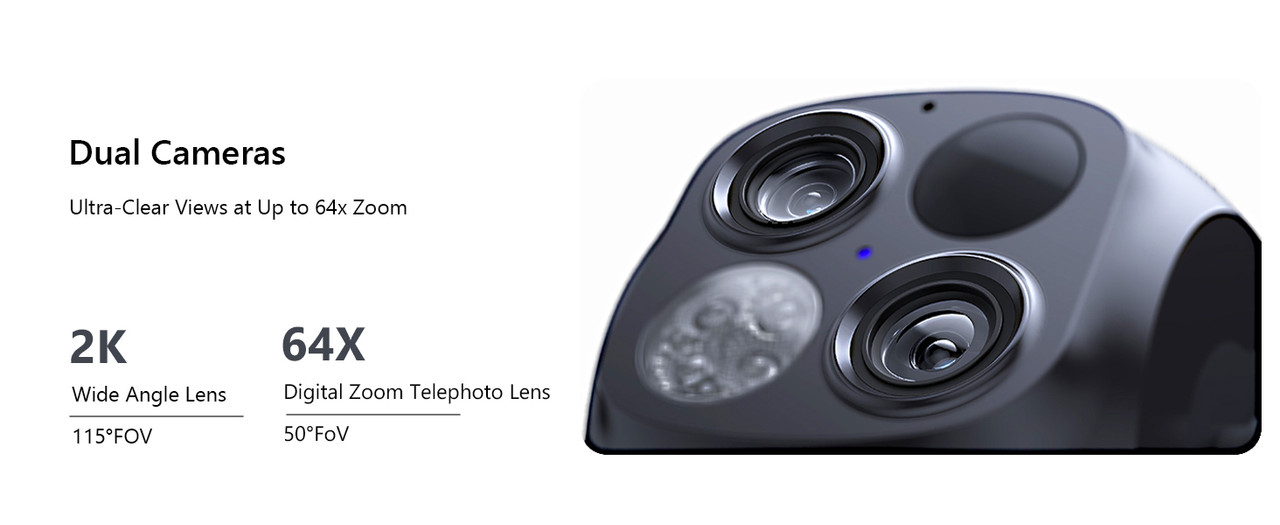
- 2K Dual-Lens Zoom & 3MP Clarity at 30 Feet: wansview security cameras wireless outdoor deliver crisp 2K images with dual lenses—3.6mm wide-angle for broad views of your yard or driveway, and 8mm telephoto for detailed close-ups of visitors or packages. With 64x digital zoom, the solar security cameras wireless outdoor clearly identifies people approaching your house up to 30 feet away, ensures no detail is missed. Day or night, enjoy top-notch surveillance & security for your home.
- Non-Stop Solar Power & Easy Set up: This wireless outdoor camera works 365 days a year without the need to replace batteries, giving you peace of mind. The removable solar panel ensures that the home security cameras are charged indefinitely, so you can place it anywhere around your property without worrying about power outlets, providing you with reliable home security all year round. Quick and easy installation in less than 5 minutes via a 2.4GHz WiFi connection. ( 5Ghz not supported )
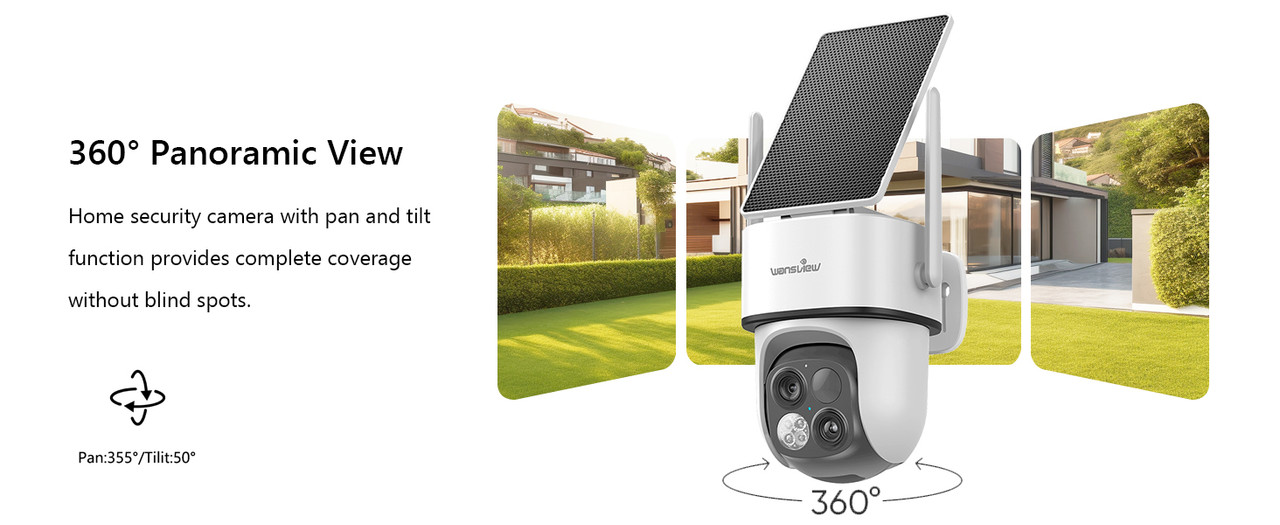
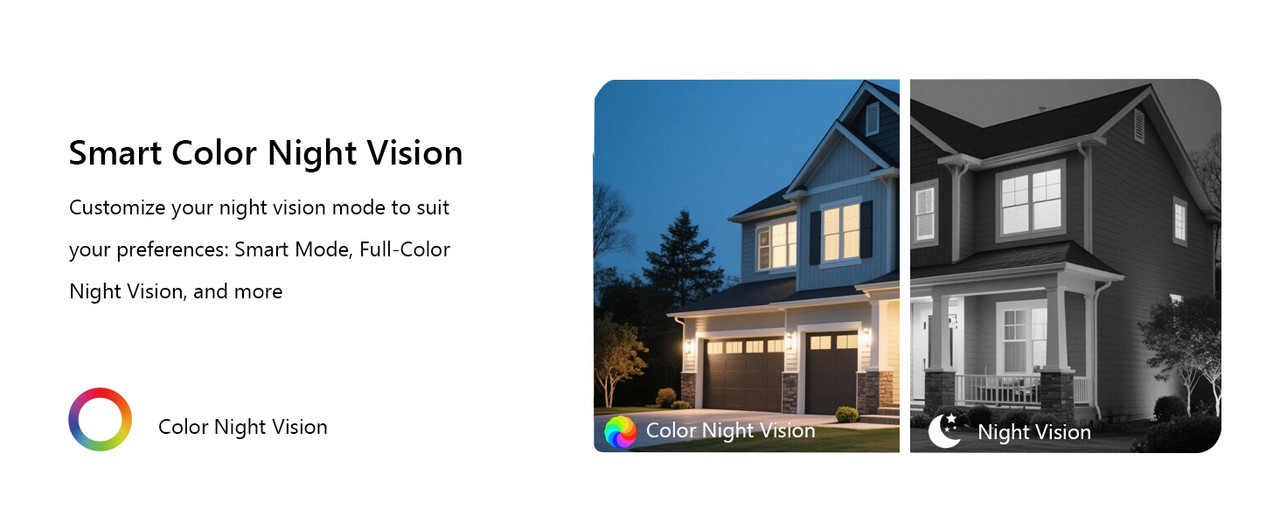
- Flexible 360° Pan & Tilt & Color Night Vision: Equipped with a 355° pan and 90° tilt, this outdoor security camera wireless ensures complete protection of your surroundings. Whether it's your front porch, backyard or driveway, enjoy uninterrupted surveillance with it. With 4 LED lights and 4 infrared lights, the outdoor camera wireless capture up to 10 meters of clear, colorful footage in low light, making it the perfect home security camera for day and night. 2.4GHz WiFi supported only.
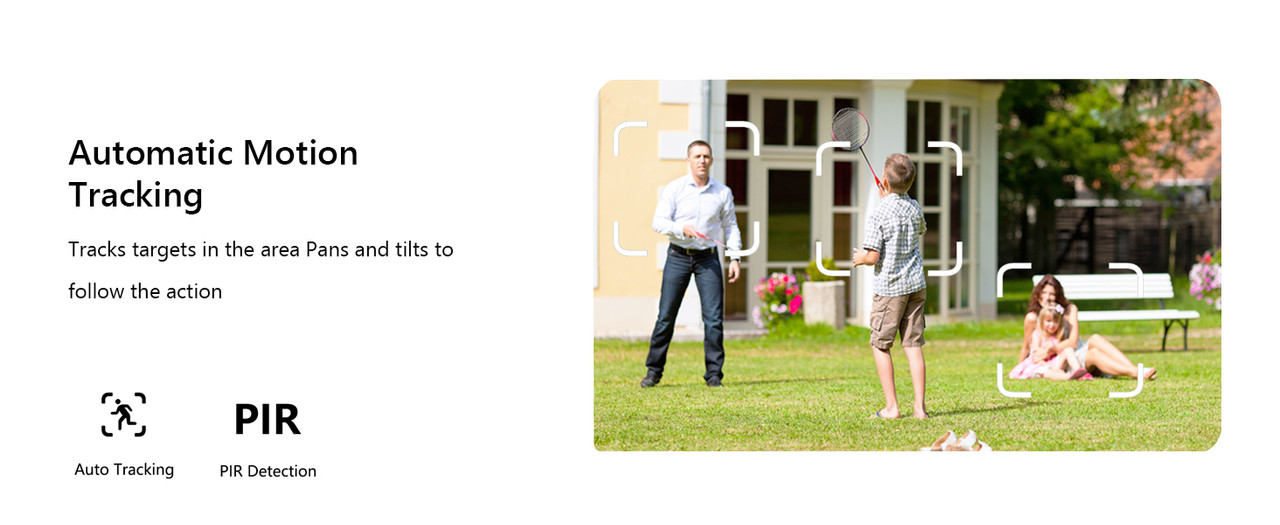
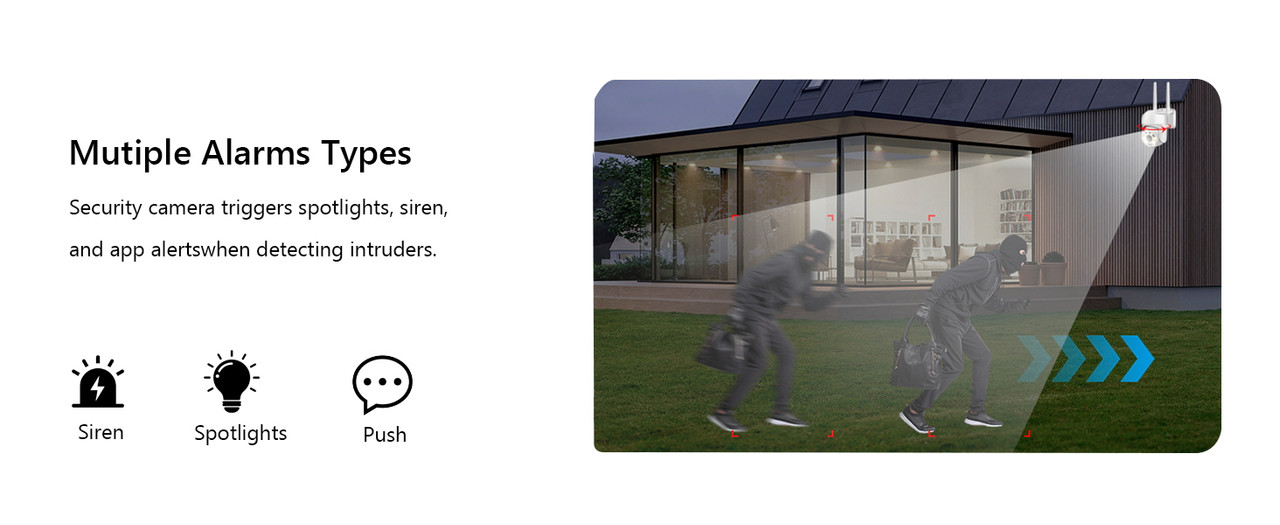
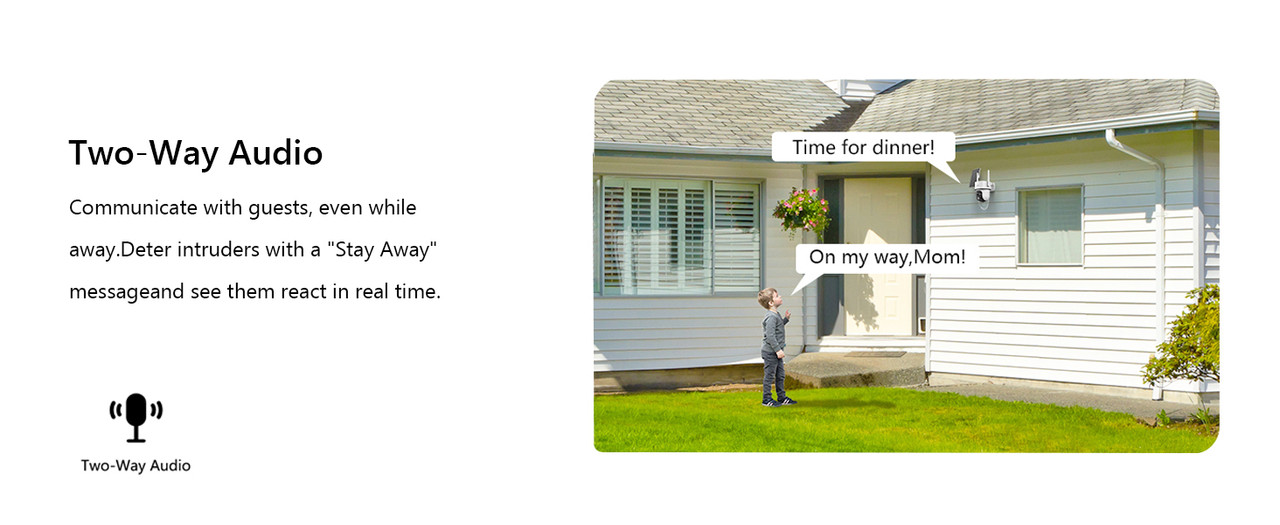
- Smooth 2-Way Audio & Real-Time Alerts: The outdoor security camera has a built-in microphone and speaker that you can enjoy crystal-clear two-way talk with visitors & family. The cameras for home security with advanced PIR human detection will send real-time alerts to your phone when the motion is detected, while the built-in siren deters intruders, keeping your property safe. This wifi camera is perfect for monitoring deliveries, securing entrances, and ensuring peace of mind day and night.
- Local/Cloud Storage & Works with Alexa: This outdoor camera supports up to 128GB of SD card storage (not included) to record every important moment, such as package deliveries & suspicious activity. Optional cloud storage is also available for automatic backup of important videos to prevent loss. This wireless cameras for home security works with Alexa assistant, you can view real-time footage instantly using voice commands. Day or night, this solar-powered camera keeps your home safe.
Specification:
- Resolution: 3MP 2K Color Night Vision
- APP:Wansview Cloud
- Sensor : 300W Pixel CMOS
- Lens: Near focus: 3.6mm, Far focus: 8mm
- WiFi: Support 2.4GHz WIFI
- LED quantity: 4pcs white LED + 4pcs 850nm Infrared LED.
- Network connection: WIFI, 2.4G HZ WiFi;
- Network: WIFI wireless transmission
- Night vision:IR-CUT switch Automatic,about 7meters (It varies from environment)White Led can be remote control via APP:①Turn ON②Turn OFF③ Auto(In automatic mode, the infrared light will be turned ON
- after the IR-cut switch to night vision automatically ,it can intelligently detected human body, and Turn ON/OFFthe White light intelligently.
- Audio: Built-in microphone and speaker, support two-way audio and real-time transmission
- Alarm: Motion detection、Alarm video push 、PIR detection/human detection
- Two storage methods:TF Card(Max 128G);Cloud storage(optional,Not mandatory).
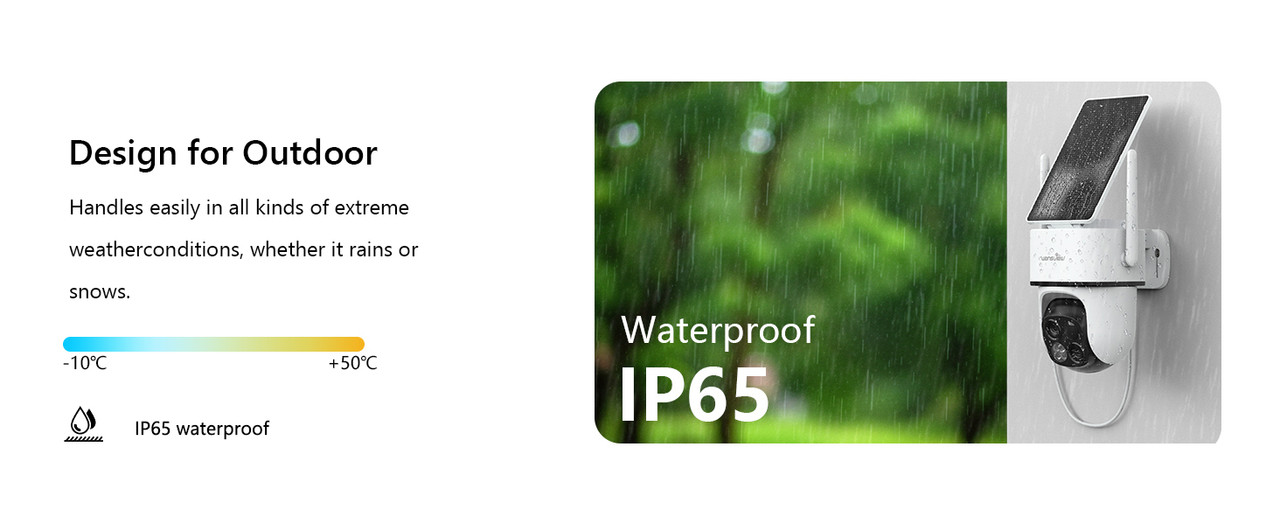
- Working temperature: -10℃ ~ + 50℃ Working Humidity: ≤95%RH.
- Charging method: Solar charging / Built-in battery / Power cable
- Installation method: Wall-mounted
- Compatibility: Alexa / Google Home
● Support app alarm, Alarm video.
● WiFi Connection: the 300w camera supports 2.4GHz,WiFi;
● Supports full-time loop recording, when the TF card is full, the old video will be covered automatically.
● Support TF Recording: Max 128G Micro TF card Record, data security is more stable ;
● H.264+ new storage design, TF card storage is lower, more stable, and more durable;
● Wall mounting bracket: Easy to install, fits for indoor and outdoor scenes installing.
● Free app or pc software control
● Not support ONVIF protocol, no access for web/http interface.
Package List:
- Solar Security Camera
- Solar Panel
- Pack of Screws
- Template Sticker
- Type-C Power Cord
- Quick Installation Guide
Note:
Q1: How should I do if failed to connect the camera and mobile?
A : 1. Please make sure the wifi your smartphone connected is "2.4Ghz" WiFi, our camera doesn't support 5Ghz WiFi.
2. Keep the distance between camera and router within "1m."
3. Turn on the GPS function on your phone.
4. During the Wi-Fi setup process, click the "eye" icon to check if the Wi-Fi password is correct—make sure there are no spaces.
5.Press and hold the “Reset” button until you hear the Reset prompt tone. Wait for a while until the indicator light starts flashing alternately in red and blue.
Q2: Why I can't get the notifications on my phone?
A : Please turn back to camera setting and check if alarm button on.
Q3: Is this a wireless camera, built in battery, no need of power supply?
A:Yes, it has two 5000mAh batteries and can be charged via solar panel.
Q4:What should I do when the SD card cannot be recognized?
A: Please turn off the power of the camera, then insert the card first, and then reconnect the wifi
after power on (it is wrong to insert the card after connection);
Please read the following notes before completing order
Please check your shipping address carefully before checkout, it can't be changed if order completed.
Ship within 2 business day once payment completed. Notification of shipment with tracking No. will be sent to buyer.
Feedback
We will leave POSITIVE FEEDBACK after receiving the payment. Please contact us if you are not satisfied with the item after receive it.
If you are dissatisfied for any reason, please donot be quick to leave negative/neutral feedback.
We work hard to make sure EVERY CUSTOMER 100% SATISFIED and resolve any problem for you and always leave positive feedback to all our customers.
Serious Buyer Only! Please place bid only if you agree with all the terms.
About Return
Note: For your best shopping experience in our store and saving your time. Please Do Not click "Return this item" except that you just don't need it any more. Because "return request" can't help you to solve the problem efficiently, it may takes a little longer time for u to get a reply due to we check with our "return request" every 2 days. that is the fastest way to solve any problem for you (We may respond a day later if you contact us at Saturday).You will receive helpful and practical solution through the communication between us.
If you need return, please check twice to confirm the item not work and contact our customer service representative, let us know the detailed problem and send us some pictures for confirmation. Then get a unique address for return.
- We gladly accept payment methods eBay approved.
- Please make sure to submit the eBay item number with your payment. If you have anyspecial requirements or requests, please contact via eBay message.
-
30-day money-back guarantee for any reason.
For 30 days after the date of purchase, return your undamaged Anker product andreceive a full refund for ANY reason. -
12-24months warranty for quality-related issues(seeas description).
- Forpurchases under warranty, we take care of all quality-related issues witha REPLACEMENT. Reminder: Be sure to use your product as directed.
-
Free user support
Not sure how to get your Anker product to work properly Contact our world-class,friendly support team for quick solutions. -
Limitations
- Our returns and exchange service is limited to all purchases made from anker_outlet_store. If you purchased through a different retailer, please contactthem directly. (Unauthorized reselling of Anker products is prohibited.)
- Warranty-related shipping costs can only be covered in the country ofpurchase. If the product is taken outside the country of purchase, anyshipping costs will be the buyer's responsibility. Alternatively, we canoffer a 50% refund of the item's purchase price without the need to return.
- If returning an item, please ship it back within 30 days after you receiveapproval. Further delay may void your return.
- Friendly reminder
-
When contacting us for help, be sure to have your Anker product handy fortroubleshooting!
In the event our exchange policy changes, we?ll be sure to update this page. -
Contact us
Email: send us message via eBay
- Traditional accessories market has been all about price. That is, cheaper, cheaperand even cheaper...
- At Anker we take a different approach to the market. We do not play the cheapestgame. Instead, we partner with top-notch manufacturers, use best parts, performstringent quality control, all to deliver real long-lasting products to ourcustomers, while still at a great price.
- On top of the high quality, we also stand behind our products to provide greatservice. Our products may fail 1 in 1000, but our service will not. All together, westrive to provide the best products and an amazing online shopping experience toevery customer.
- Please notice that our guaranteedwarranty is valid only for the products purchased through our authorizedreseller. Any products sold by anker_outlet_store could get our promised service:
- 30-Day Money-Back Guarantee for Any Reason.
- We will take care of all quality-related issues with a REPLACEMENT or FULLREFUND including return shipping costs.
Copyright All Rights Reserved.