
Draper Leather Apron with Front Pockets and Neck Loop - 09699
The Draper Leather Apron with Front Pockets and Neck Loop - 09699 (Part Number: 09699,LAPR).
Description
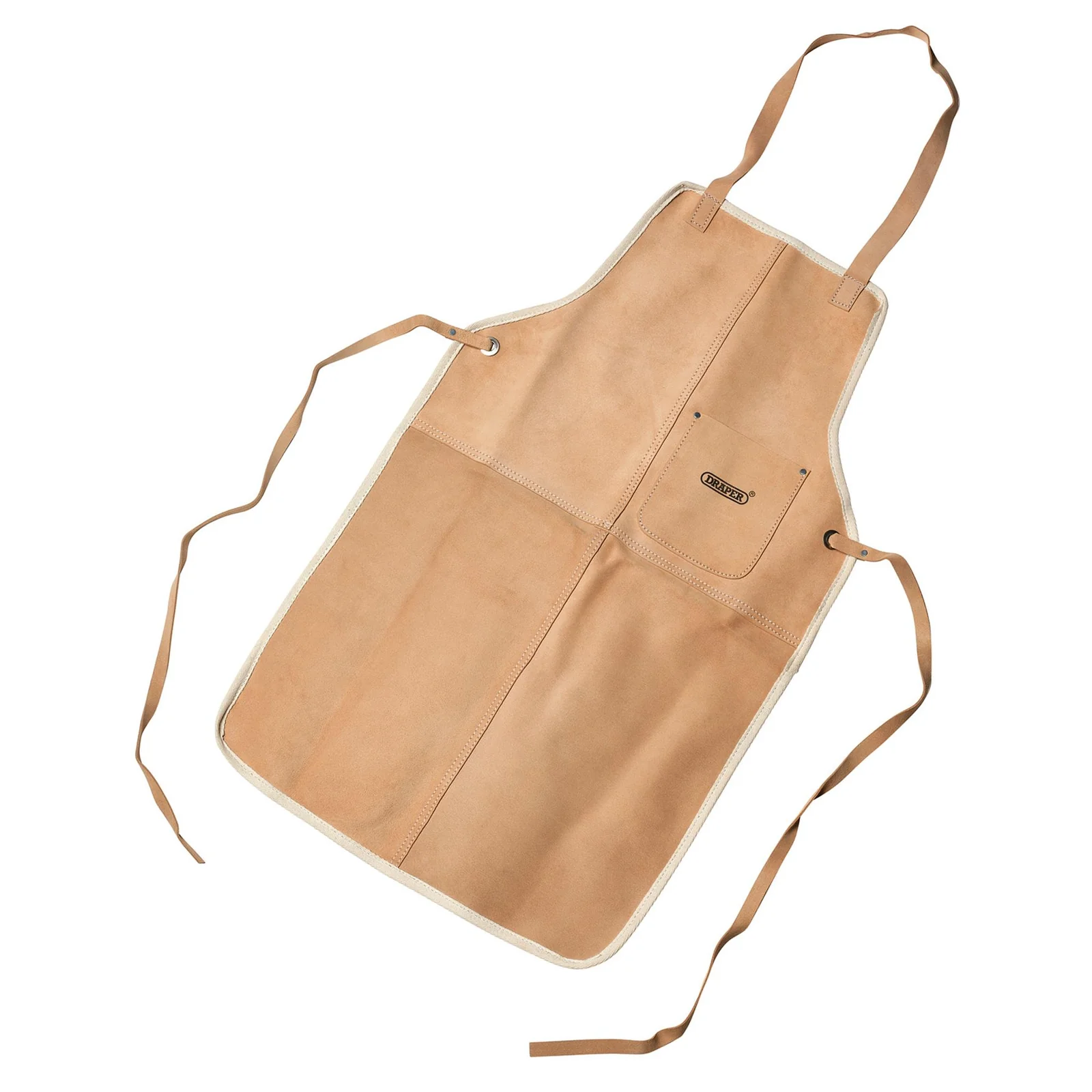
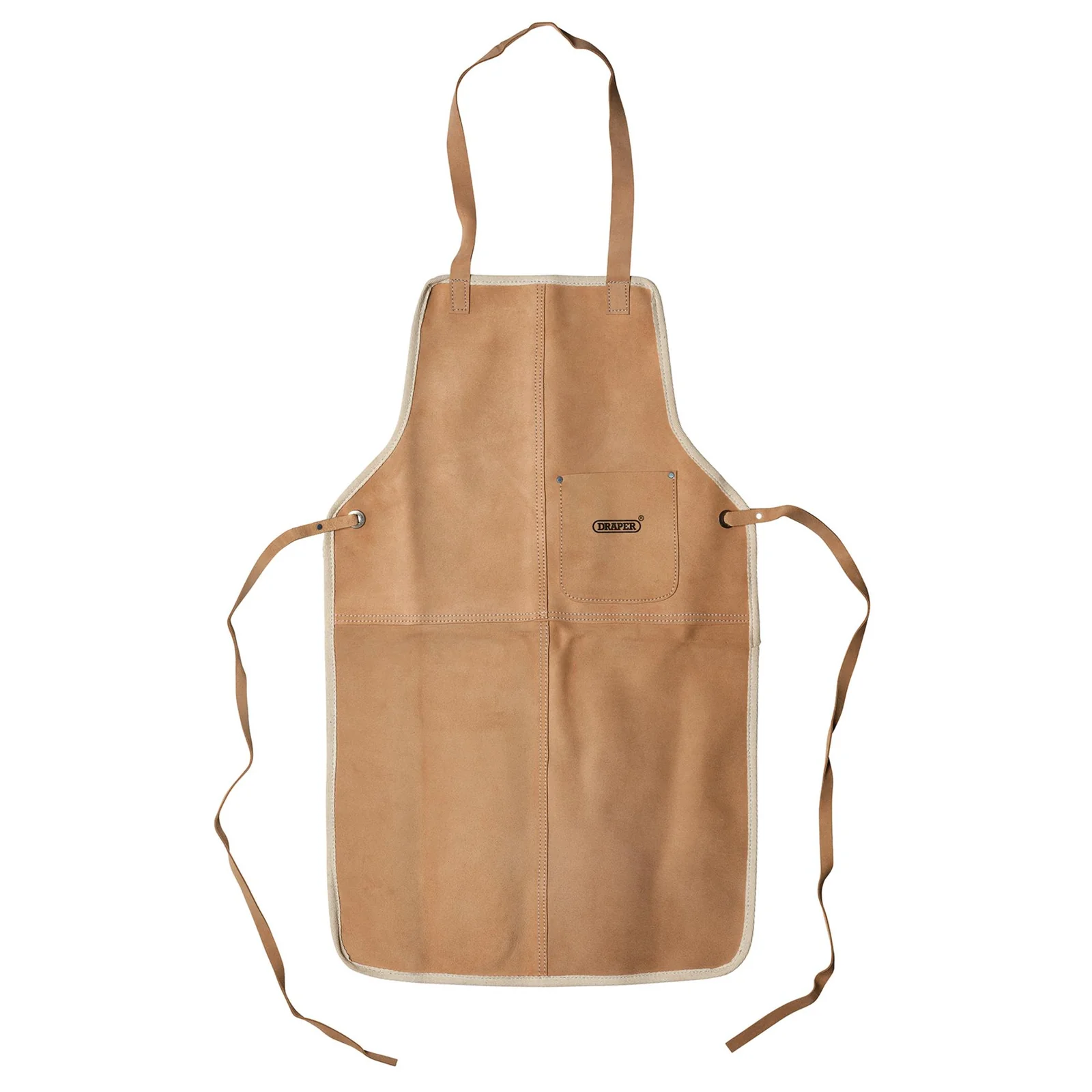
This Draper Leather Apron is crafted from split suede leather, ensuring durability and comfort during use. It features a convenient neck loop for easy wear and front pockets for storing tools or utensils. The waist ties allow for a secure fit, making it ideal for various tasks in the kitchen or workshop.
The apron is packed in a polythene bag with a display card, making it a perfect gift or addition to your own collection of kitchen or workshop essentials.
Key Features
- Made from durable split suede leather
- Includes a neck loop for easy wear
- Front pockets for convenient storage
- Waist ties for a secure fit
- Packaged in a polythene bag with display card
Specifications
| Brand | Draper |
| EAN | 5010559096992 |
| Type | DRAPER |
| Item Weight | 0.604 kg |
| Custom Bundle | No |
| Material | Leather |
| Manufacturer Part Number (MPN) | 09699,LAPR |
Why Choose Draper?
A century of British tool heritage.
- Established 1919 — one of the UK's longest-standing family tool businesses.
- Huge genuine range — hand tools, power tools, air tools, garden and automotive equipment from one trusted name.
- Specification-led quality — every product carries full manufacturer part numbers and technical detail.
- Trusted by trade — stocked in professional workshops across Britain for generations.
About Draper
Founded in 1919 and still family-run, Draper Tools is one of the UK's most recognised tool brands, supplying tens of thousands of product lines to trade and DIY customers. From its Hampshire headquarters, Draper develops tools across every major category — hand tools, power tools, storage, garden and automotive — all backed by clear specifications and genuine manufacturer part numbers.




Specifications & Datasheet
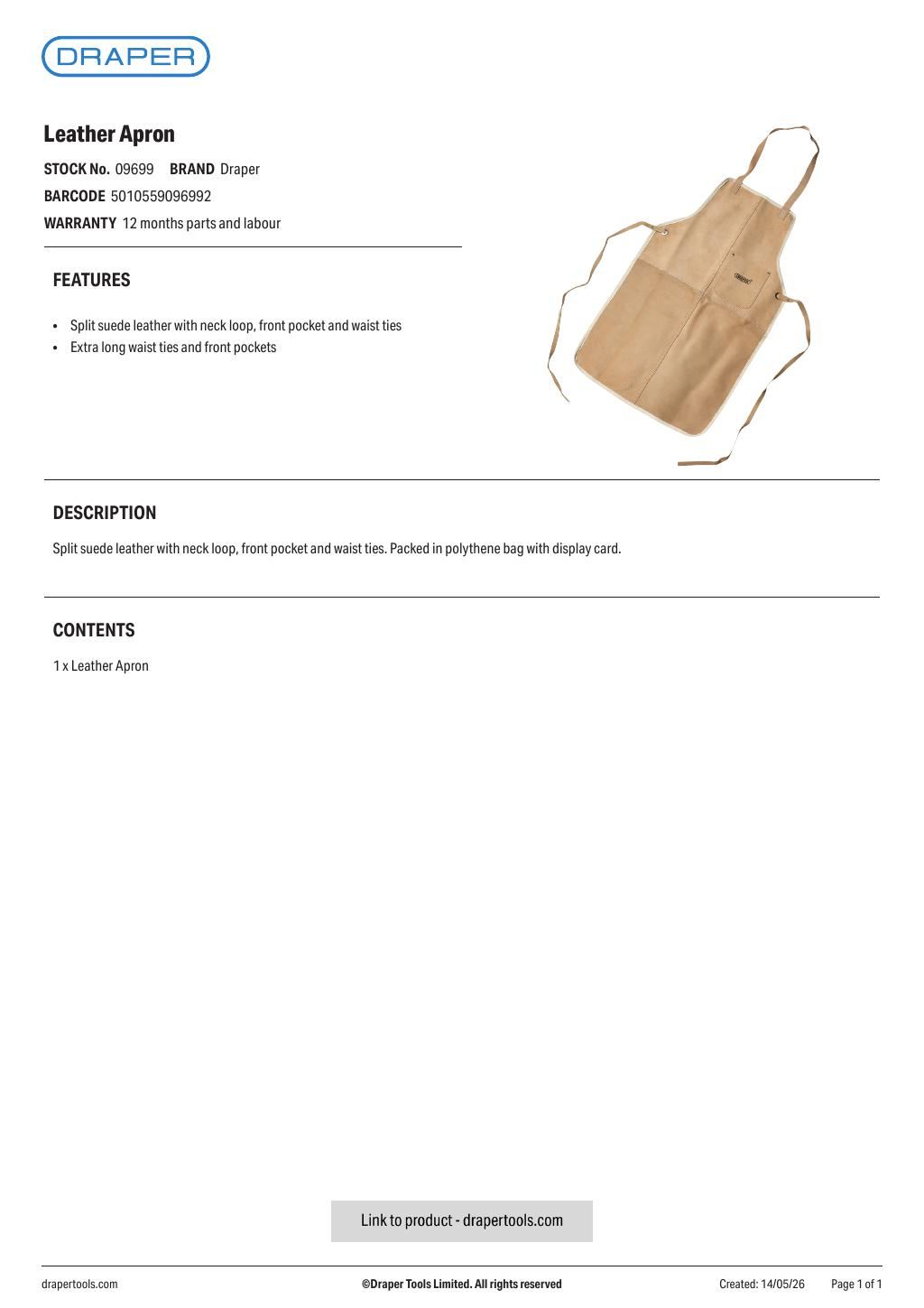
Click any page above to enlarge. Once enlarged, right-click and choose "Save image as" to save the datasheet to your device. Use ‹ / › to flip pages, × to close. Rendered from the manufacturer's official datasheet supplied with the product.