Description:
Compatibility Note:
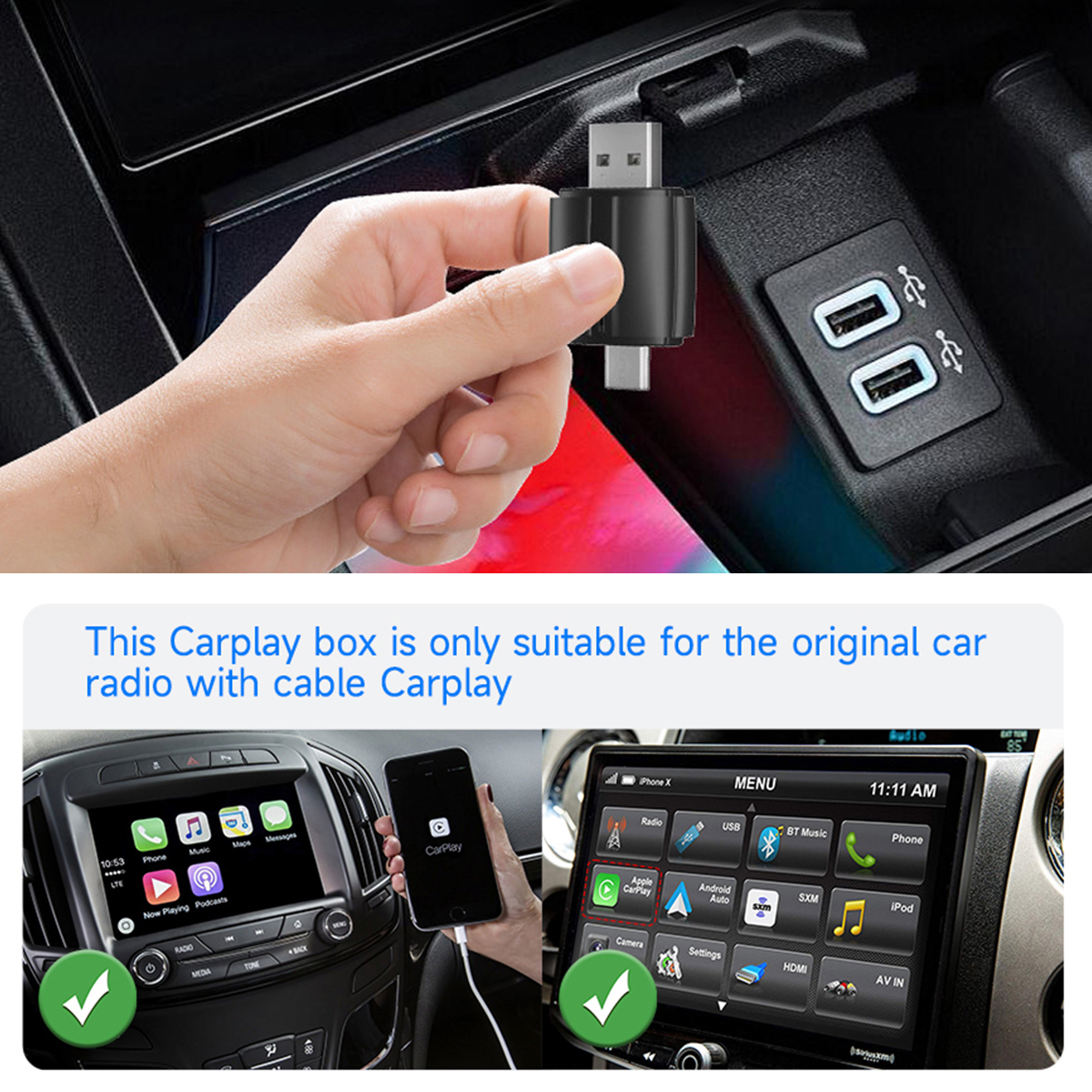
●Please make sure your original car supports wired car-play/Android Auto(for BMW, Tesla and some models are not compatible.lf you are not sure. You can contactcustomer service to inquire.)
●Required iPhone6 or later iPhone models with lOS 10 or above for wireless car-play function
●Required an Android smartphone that support latest Android Auto function and with Android 11 or higher of the Android operating system for wireless Android Auto function.
*Note :for Huawei mobile phones have their own mobile operating system-EMUl. Unfortunately, this dongle not support Huawei mobile phones!*
How to confirm if your car has Apple wired Car-Play or Android Auto function?
Method 1:
Connect your iPhone or Android samrtphone to your car by USB date cable and see car-play or android auto logo on your car display
Method 2:
Check the compatible list below or check with your car manufacturer to see if your car has this capability (After copying, please delete the ‘♥’ in the middle before accessing.)
Carplay:htt♥ps://w♥ww.ap♥ple.com/ics/zc♥arplay/ available-models/
Android auto:htt♥ps.//ww♥w.andr♥oid.com/auto/Comp♥atibility#Compatibility-vehicles
Features:
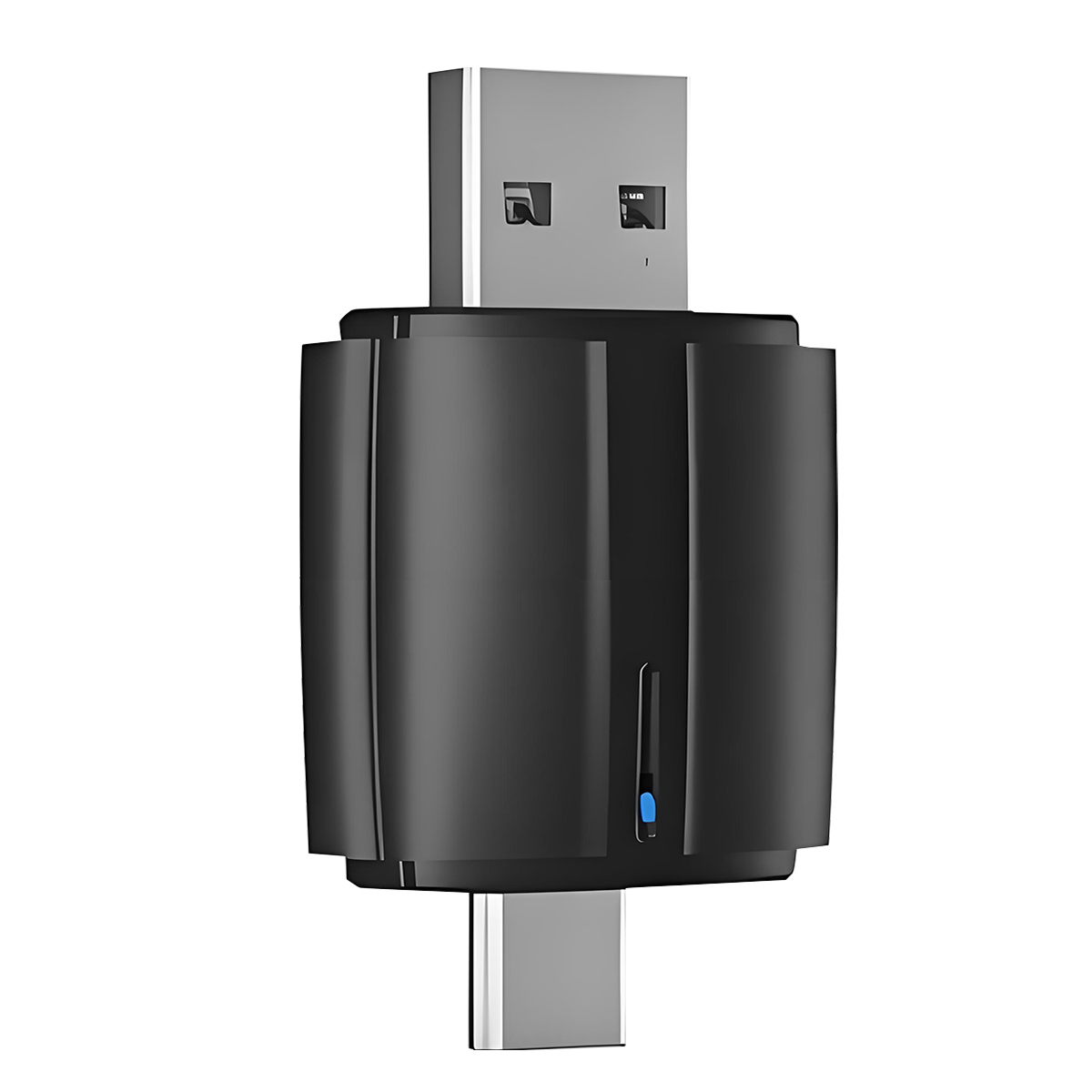
1. Wired to wireless CarPlay adapter, say goodbye towires.USB plug-and-play installation, stable and fast,no need to remove OEM radio
2. It can be connected automatically after the first successful connection.
3. Certified 5.8Ghz WiFi module, providing a faster andbetter wireless experience.
This product is suitable for 99% of cars with original wired carplay/Android auto
(For)BMW, Tesla and some models are not compatible.lf you are not sure. You can contactcustomer service to inquire
Parameters:
Power input: 5V ± 0.15V 1.0A
Bluetooth: 5.0
WiFi:5.0G
Adaptive resolution: adaptive adjustment
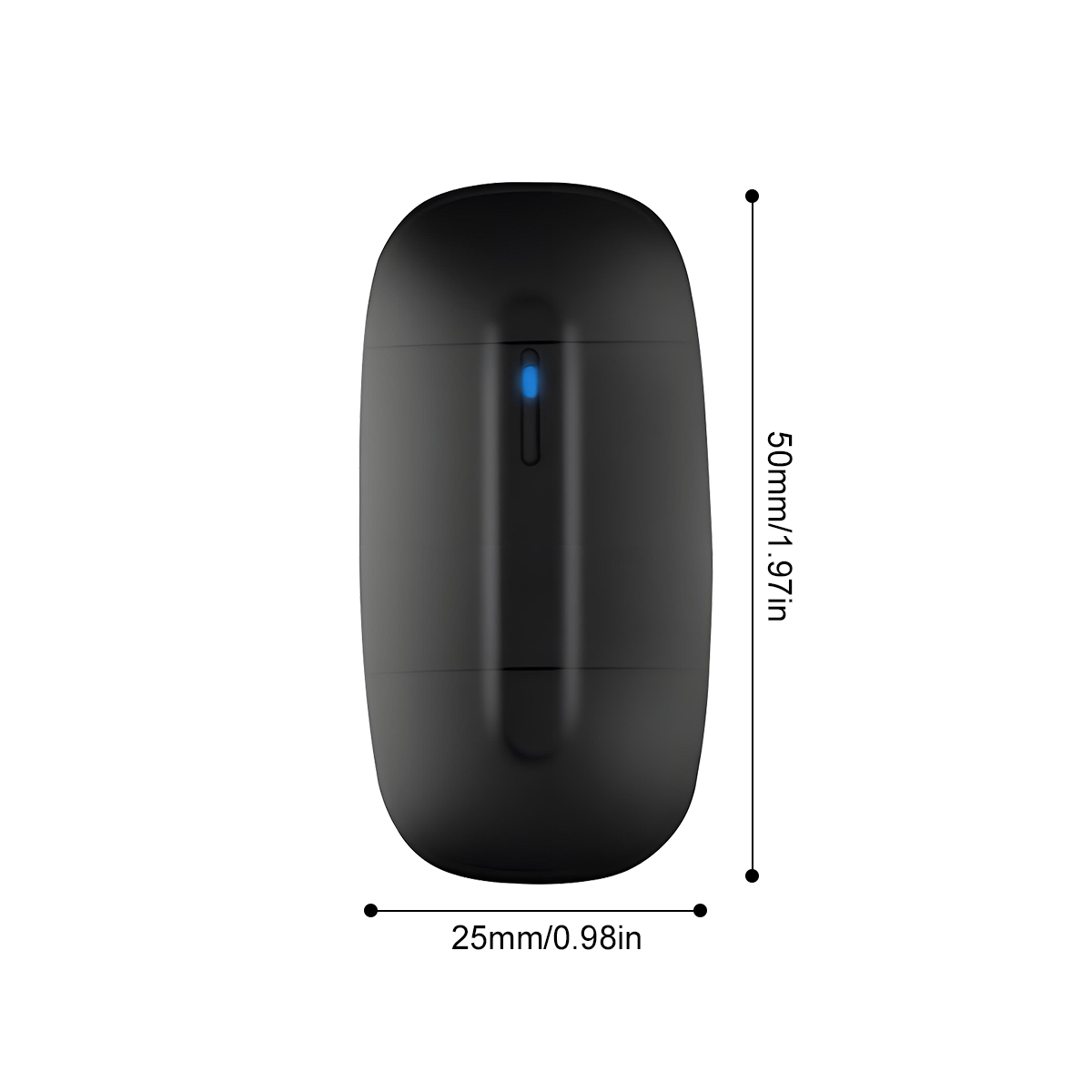
Product size: 50 * 25mm
Compatible models: Original car with wired Carplay
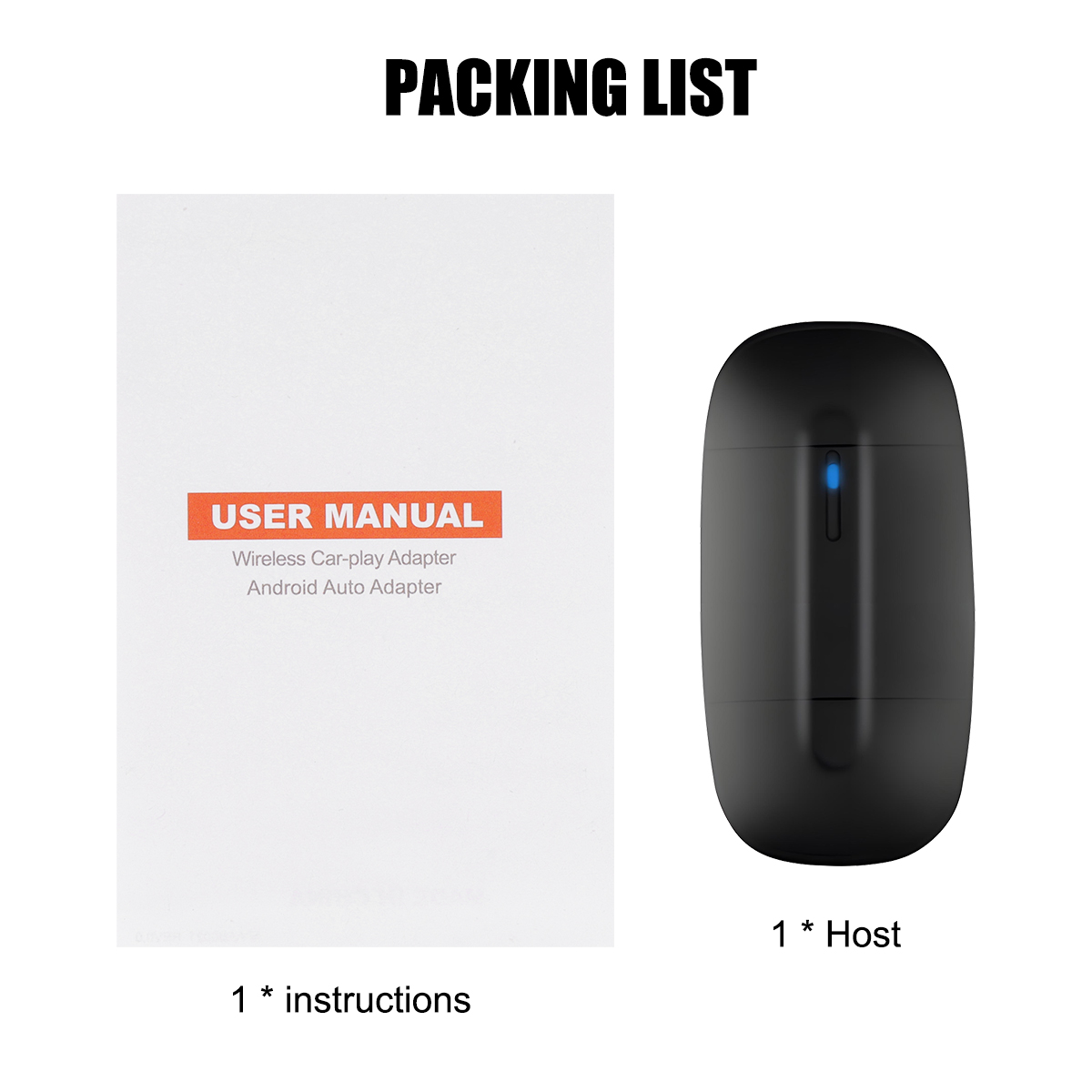
Packing list:
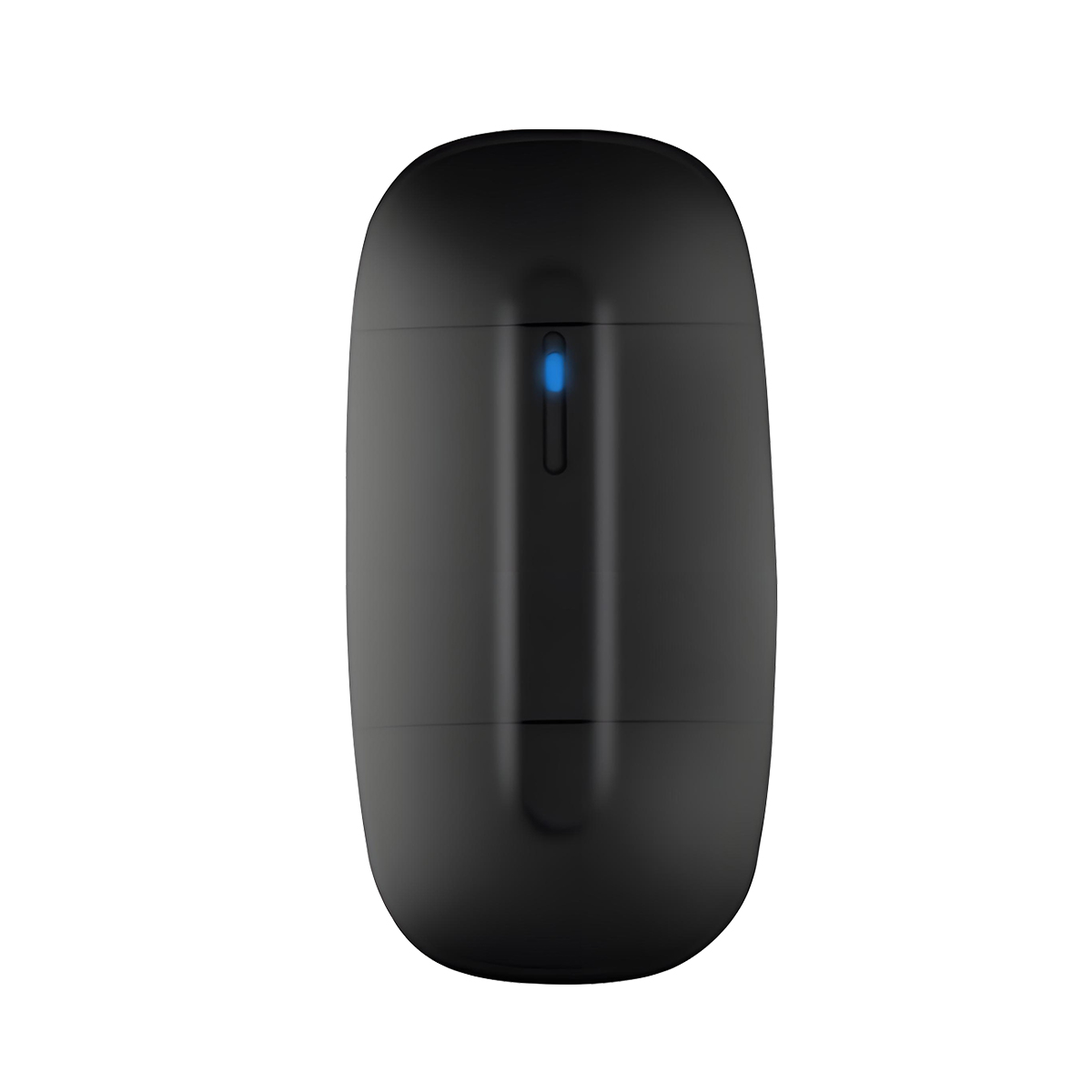
1 * Host
1 * User Manual
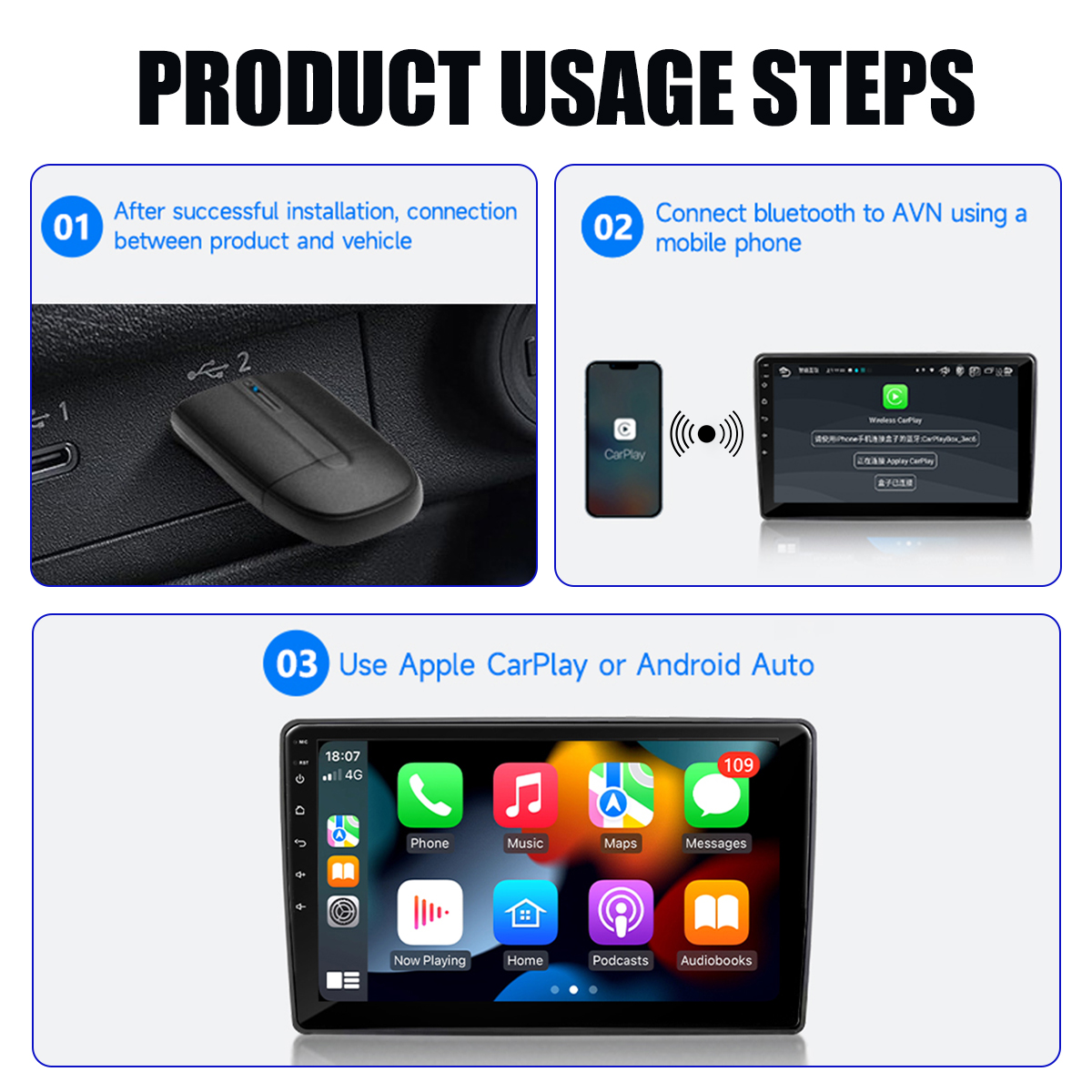
How To Use
1. Start the car and wait for the car head until system to be loaded
2. Connect the Wireless Car-play Android auto adapter to the USB-A or USB-C port in your car.please be sure plug the adapter into the port that is for wired apple carplay or android auto.
3. Open WIFl and Bluetooth on your iPhone/Android samrtphone and find the BT named“WirelessDongle*"Click on Pair;Click on 'Allow'; Click on Use Carplay or 'Use Android Auto'.
