Draper Expert Inspection Light WL/SL800 800 Lumens Rechargeable - 23843
The Draper Expert Inspection Light WL/SL800 800 Lumens Rechargeable - 23843 (Part Number: 23843,WL/SL800).
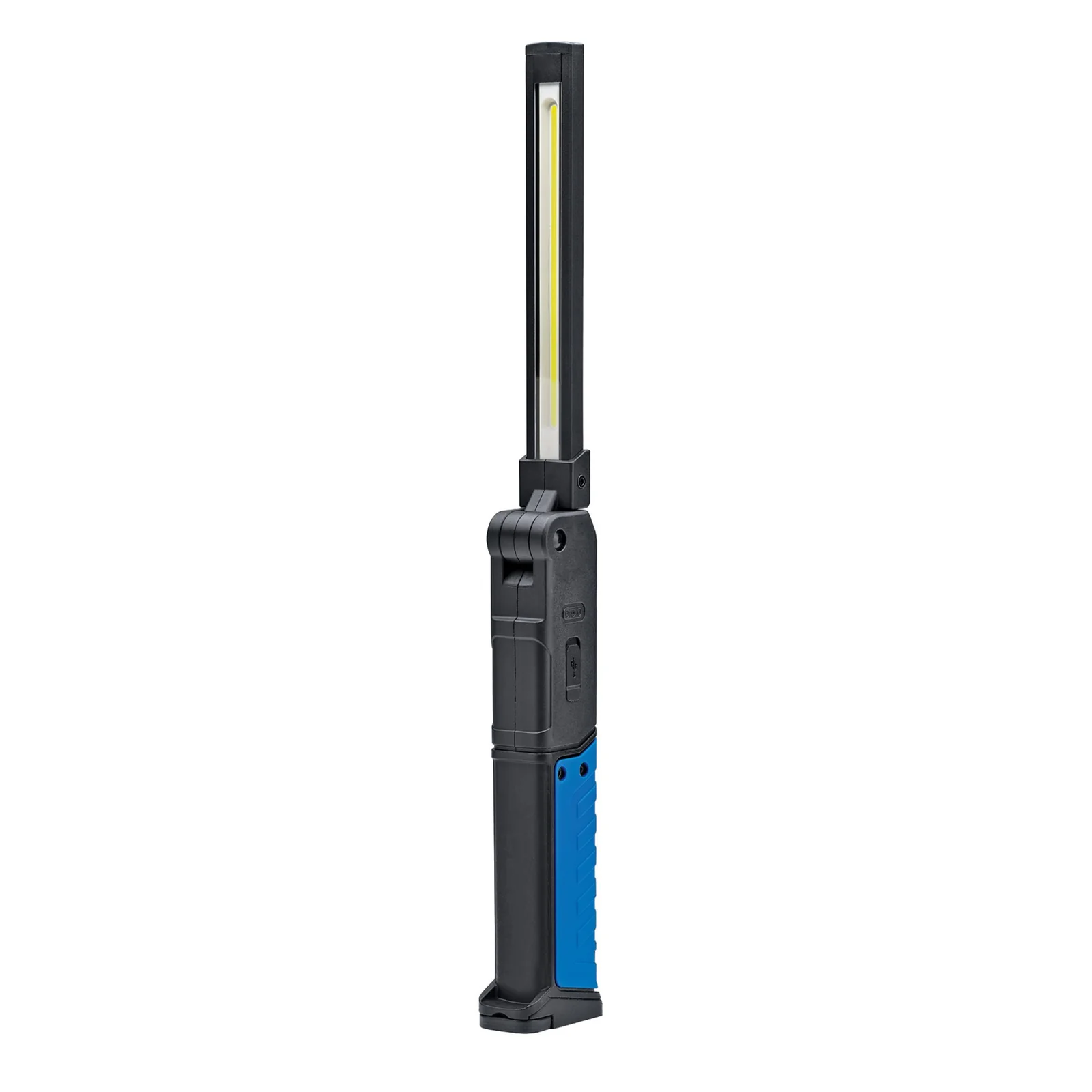
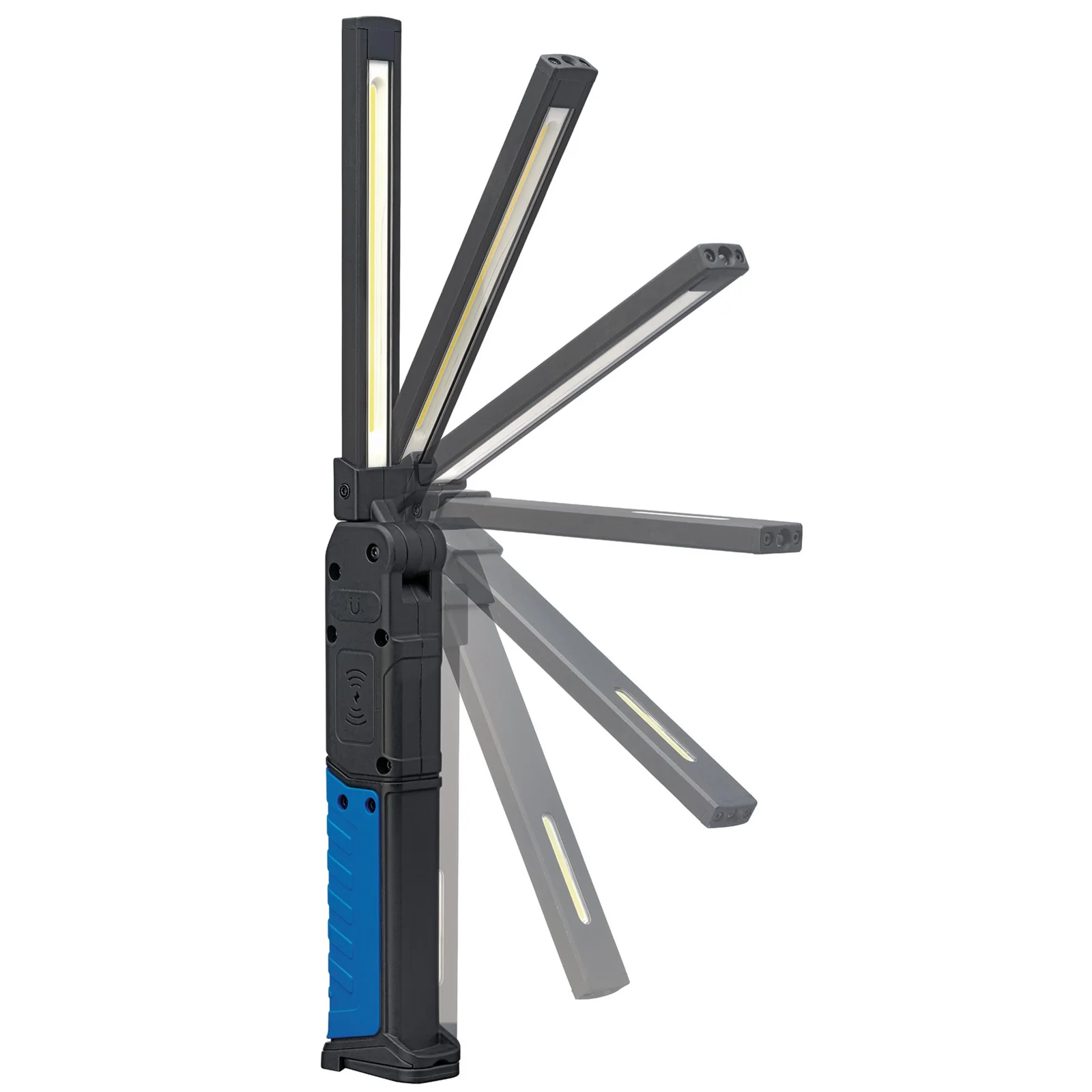
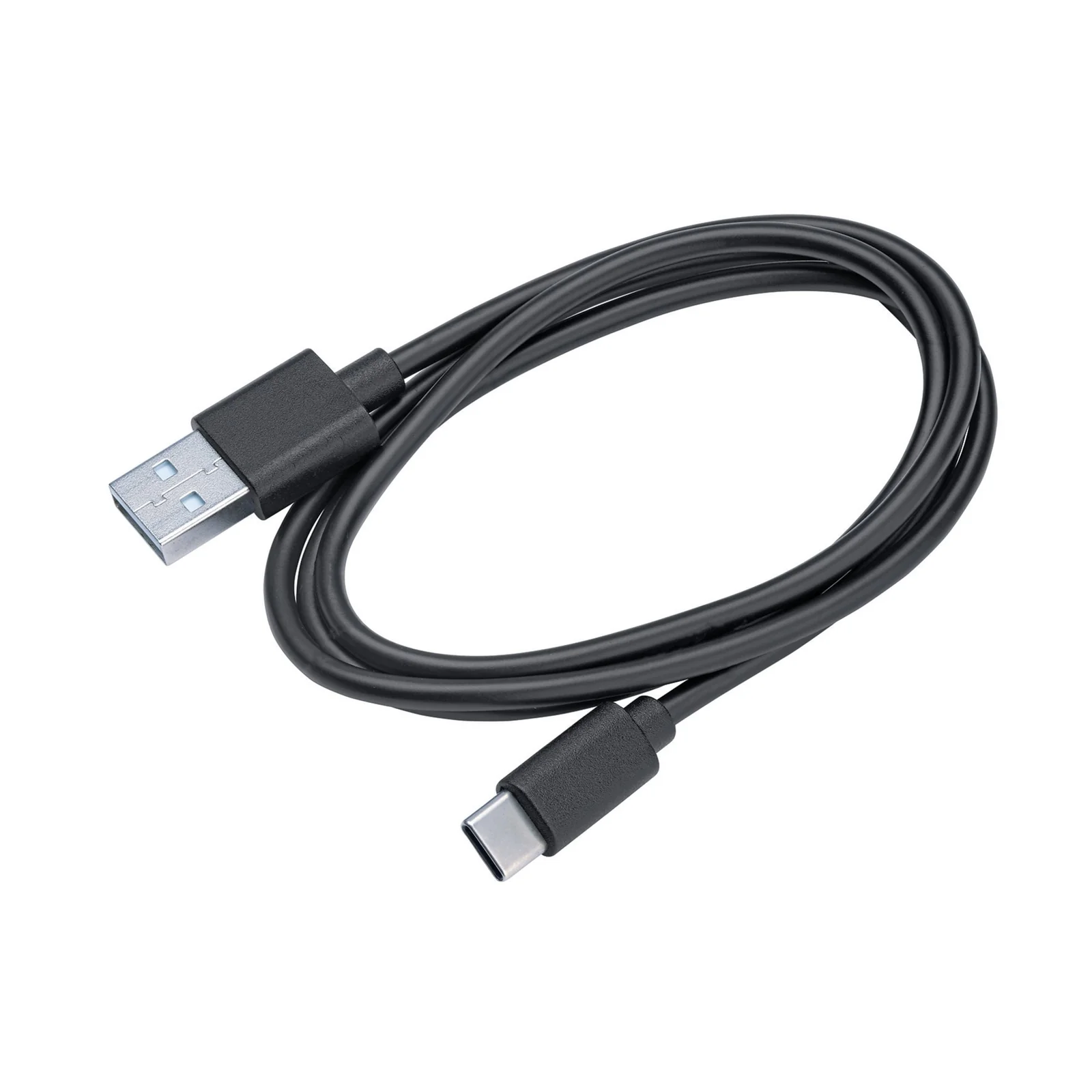
Description
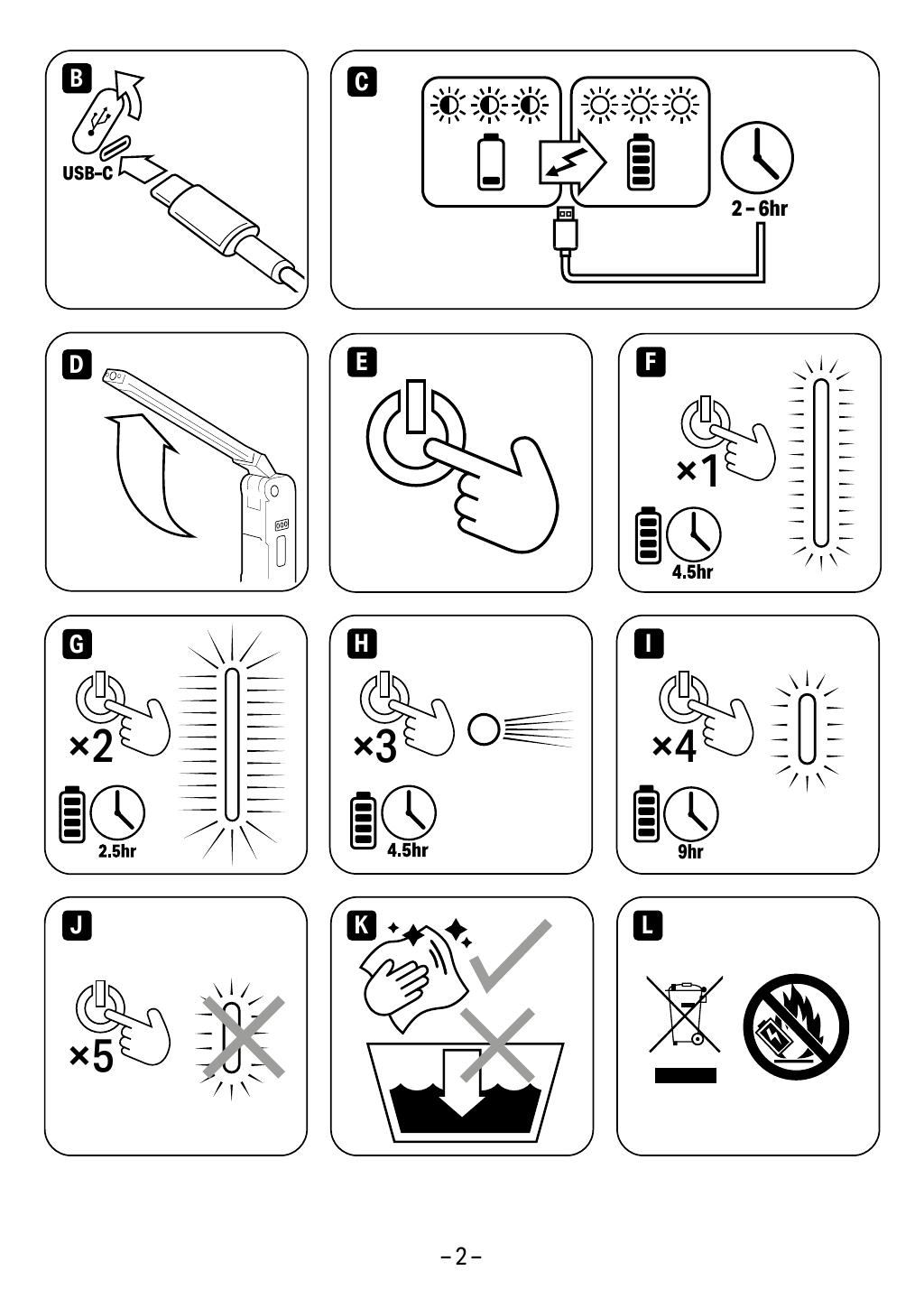
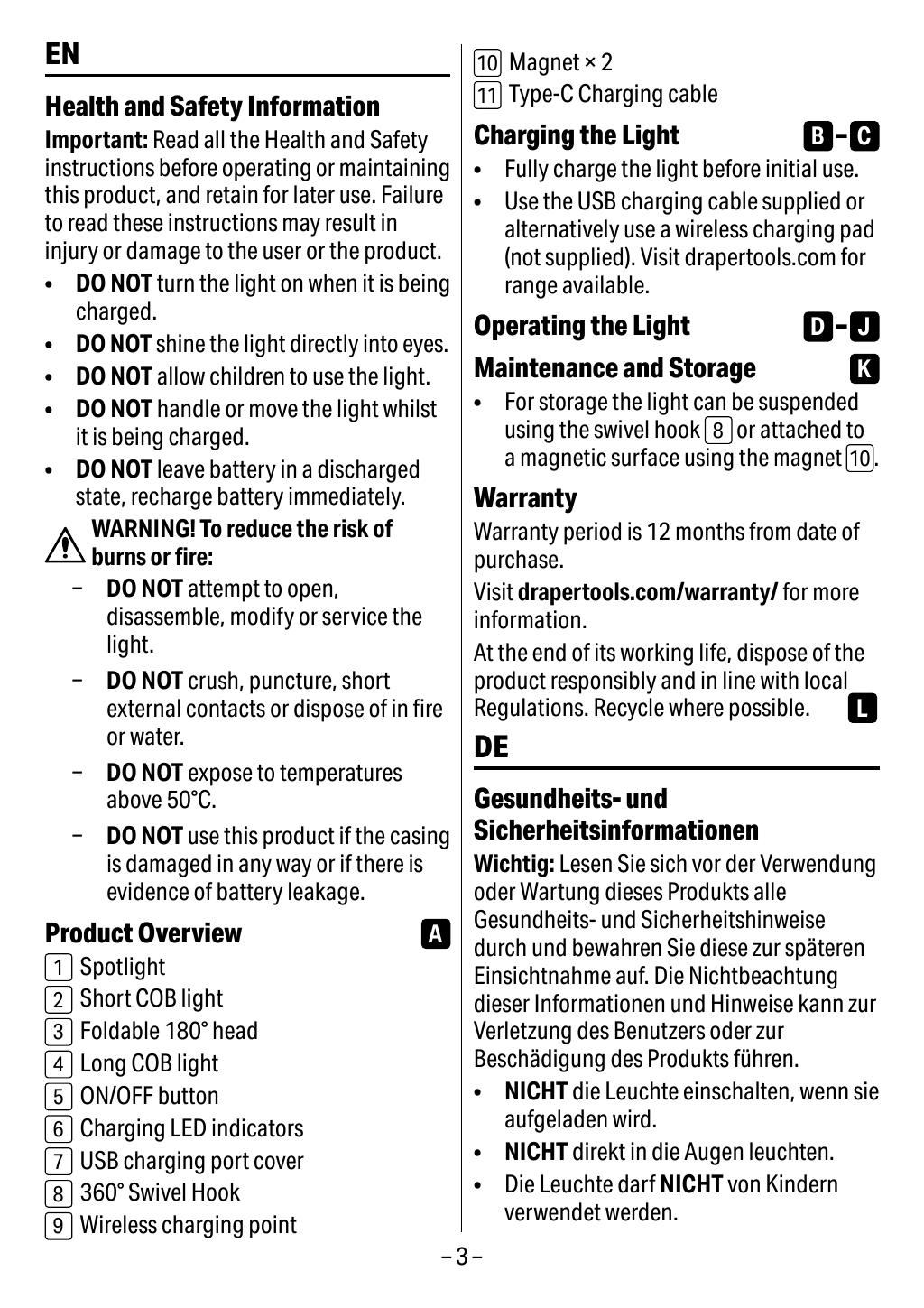
This rechargeable folding light has a foldable 180° head to adjust the beam as needed. It offers four brightness settings (400-800 Lumens) across three lights - long COB, short COB and a spotlight for use as a torch.
For hands-free use, there is a 360° swivel hook and strong mounting magnets located on the back and in the base. There are charging LED indicators and a low battery indicator.
The light can be charged directly using the supplied USB-C cable or wirelessly via the charging base (available separately).
Key Features
- Rechargeable with USB-C cable included
- Folding design with 180° adjustable head
- Four brightness settings up to 800 Lumens
- Hands-free operation with swivel hook and magnets
- LED indicators for charging and battery status
Specifications
| Brand | Draper Expert |
| EAN | 5059482071799 |
| Type | Draper (P) |
| Item Weight | 0.282 kg |
| Custom Bundle | No |
| Manufacturer Part Number (MPN) | 23843,WL/SL800 |
Why Choose Draper Expert?
Draper's professional specification, built for daily trade use.
- Trade-grade materials — chrome vanadium, forged and hardened components across the range.
- Genuine Draper quality — backed by a family tool business established in 1919.
- Full technical data — sizes, part numbers and specifications on every listing.
About Draper Expert
Draper Expert sits at the professional end of the Draper Tools family — the specification chosen by mechanics, engineers and site trades who use their tools every day. Drawing on more than a century of Draper tool heritage, the Expert range covers hand tools, sockets, cutting and workshop equipment engineered for durability and accuracy.




Specifications & Datasheet
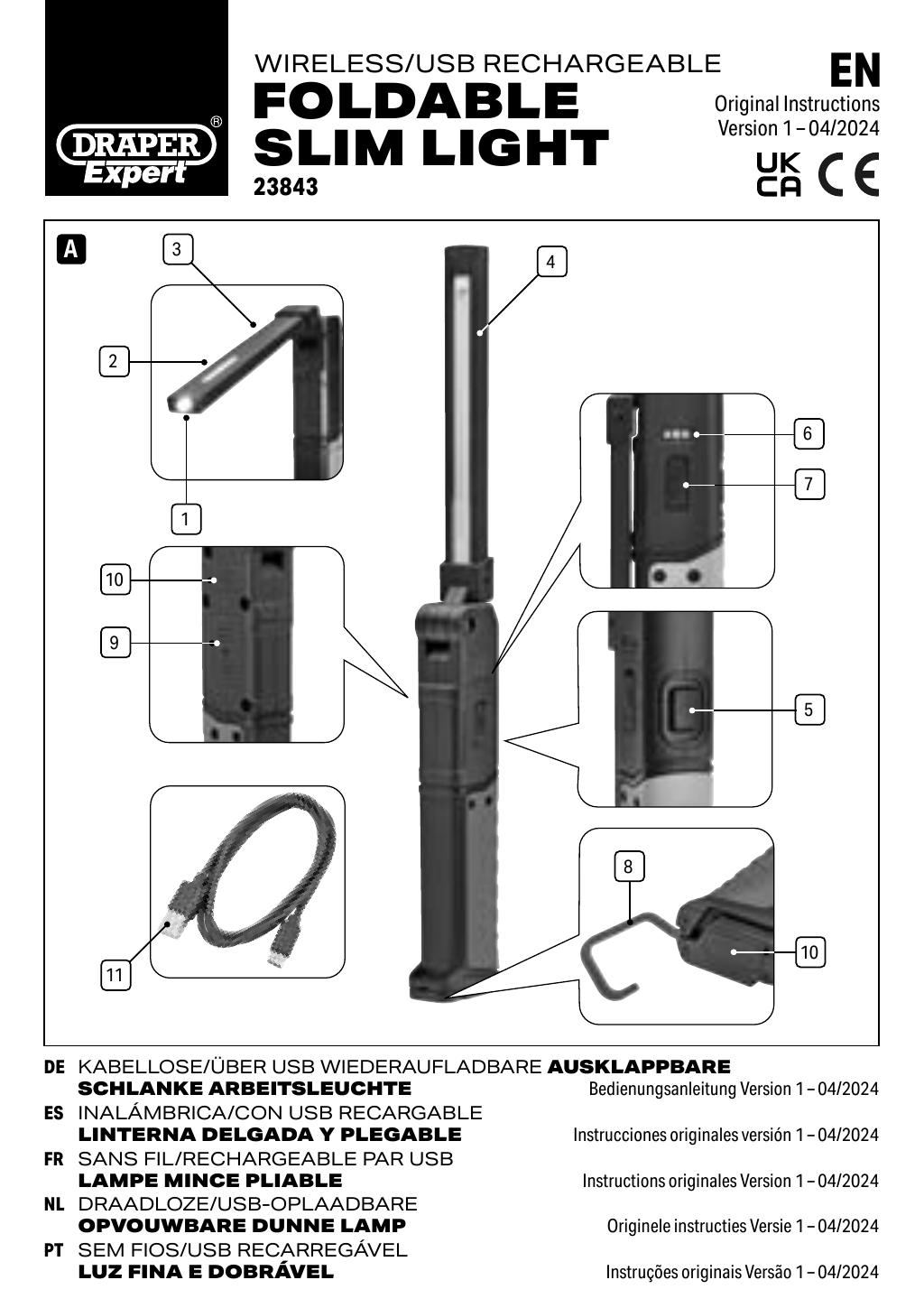
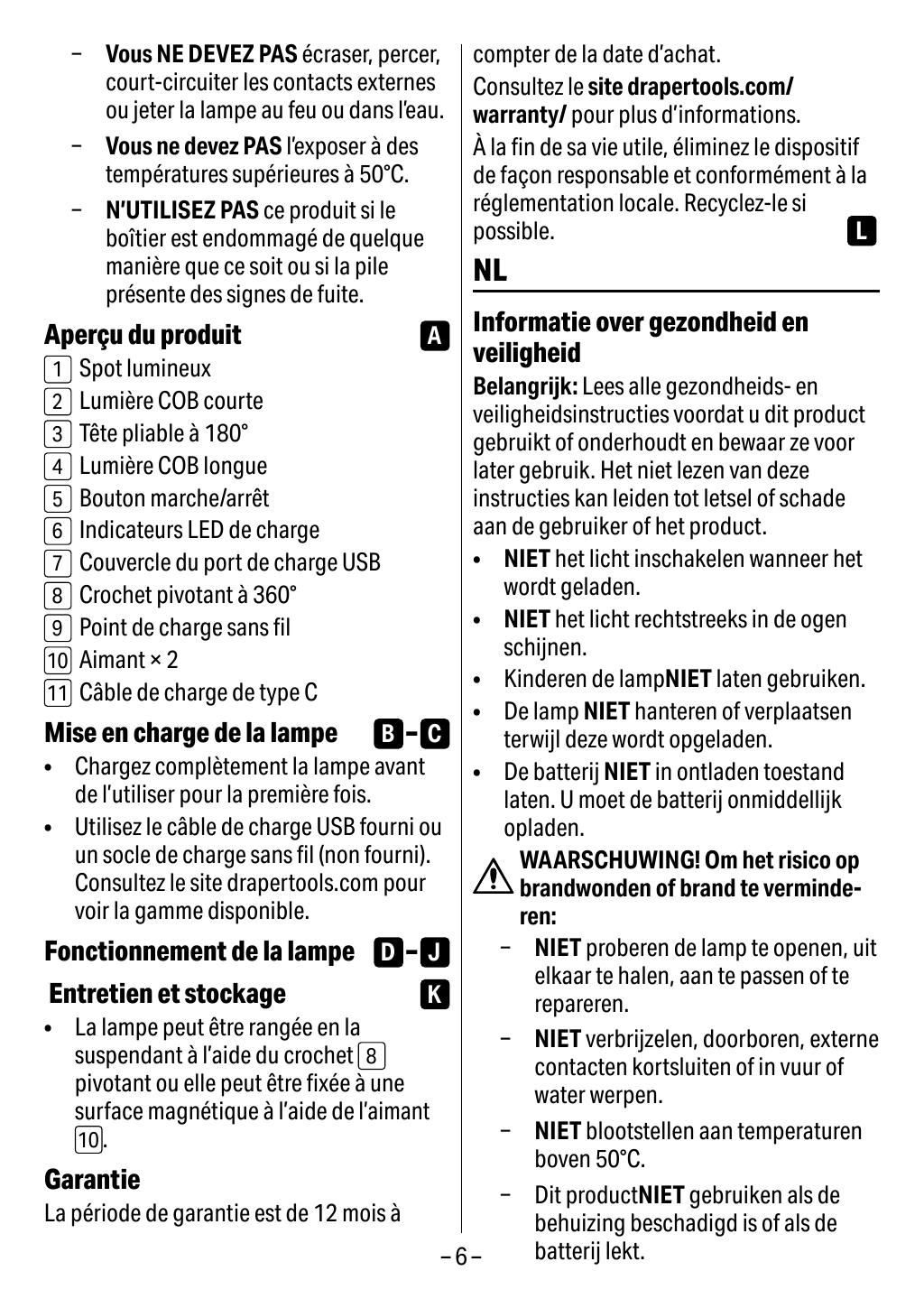
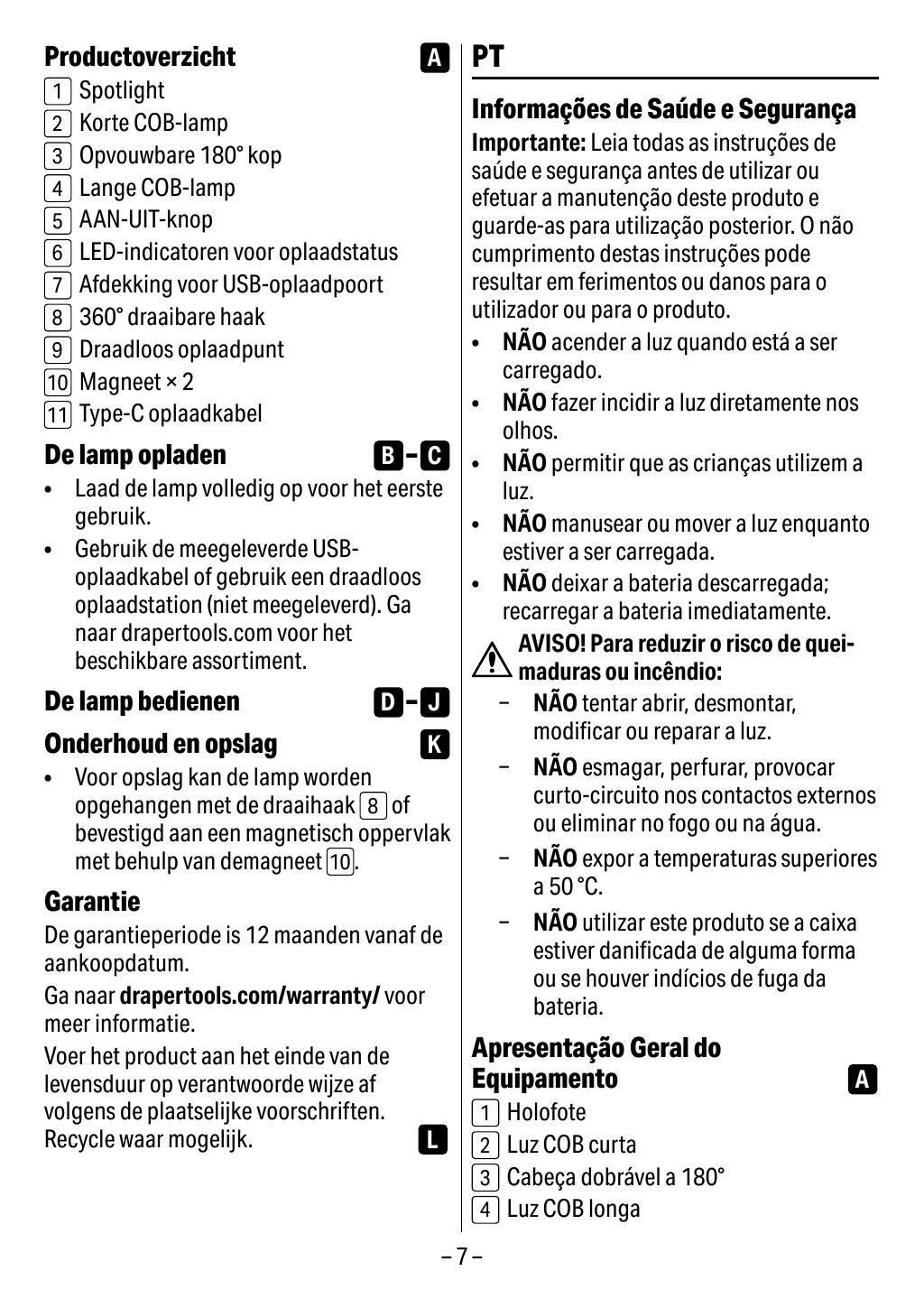
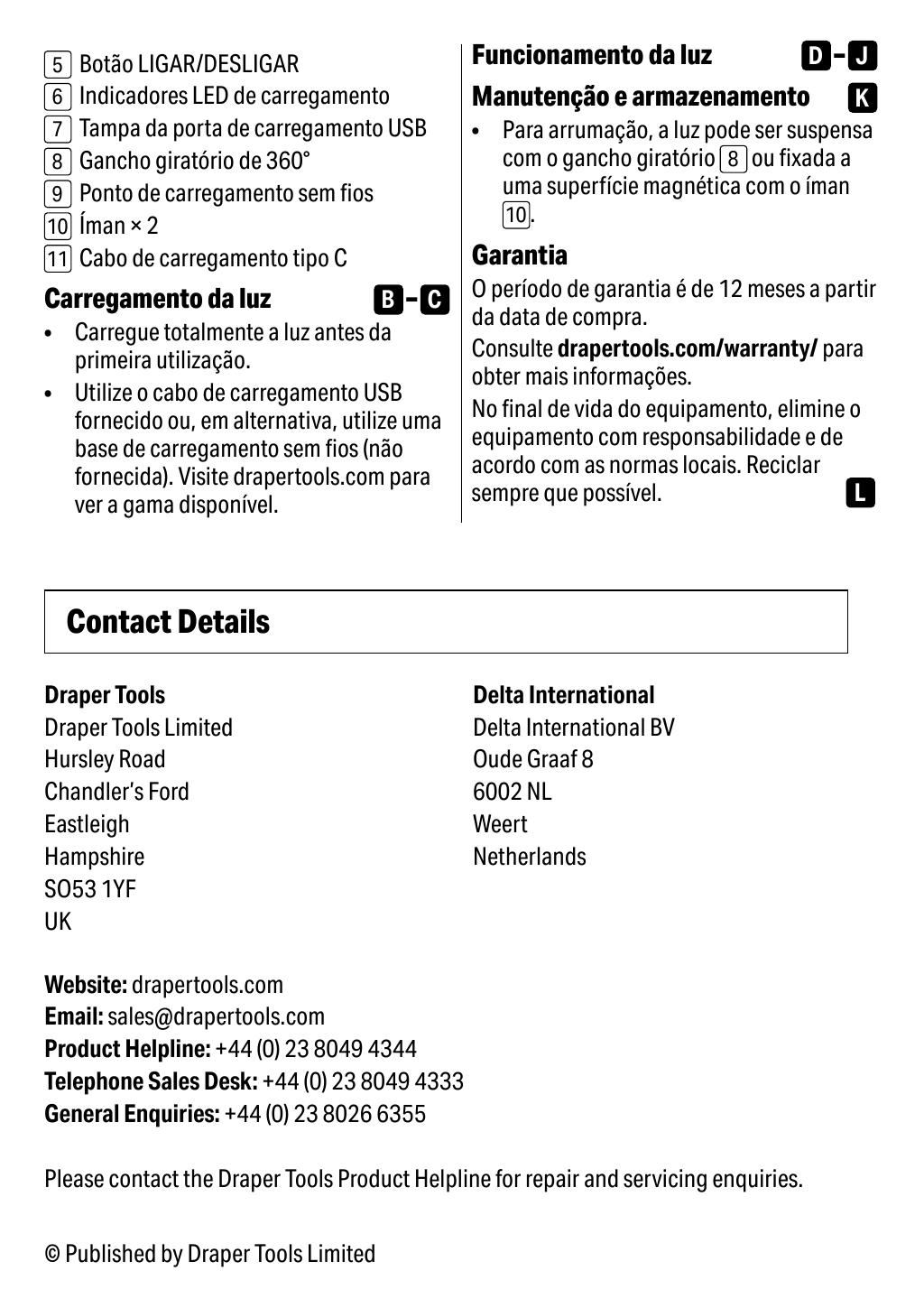
Click any page above to enlarge. Once enlarged, right-click and choose "Save image as" to save the datasheet to your device. Use ‹ / › to flip pages, × to close. Rendered from the manufacturer's official datasheet supplied with the product.
‹›‹›‹›‹›‹›‹›‹›‹›