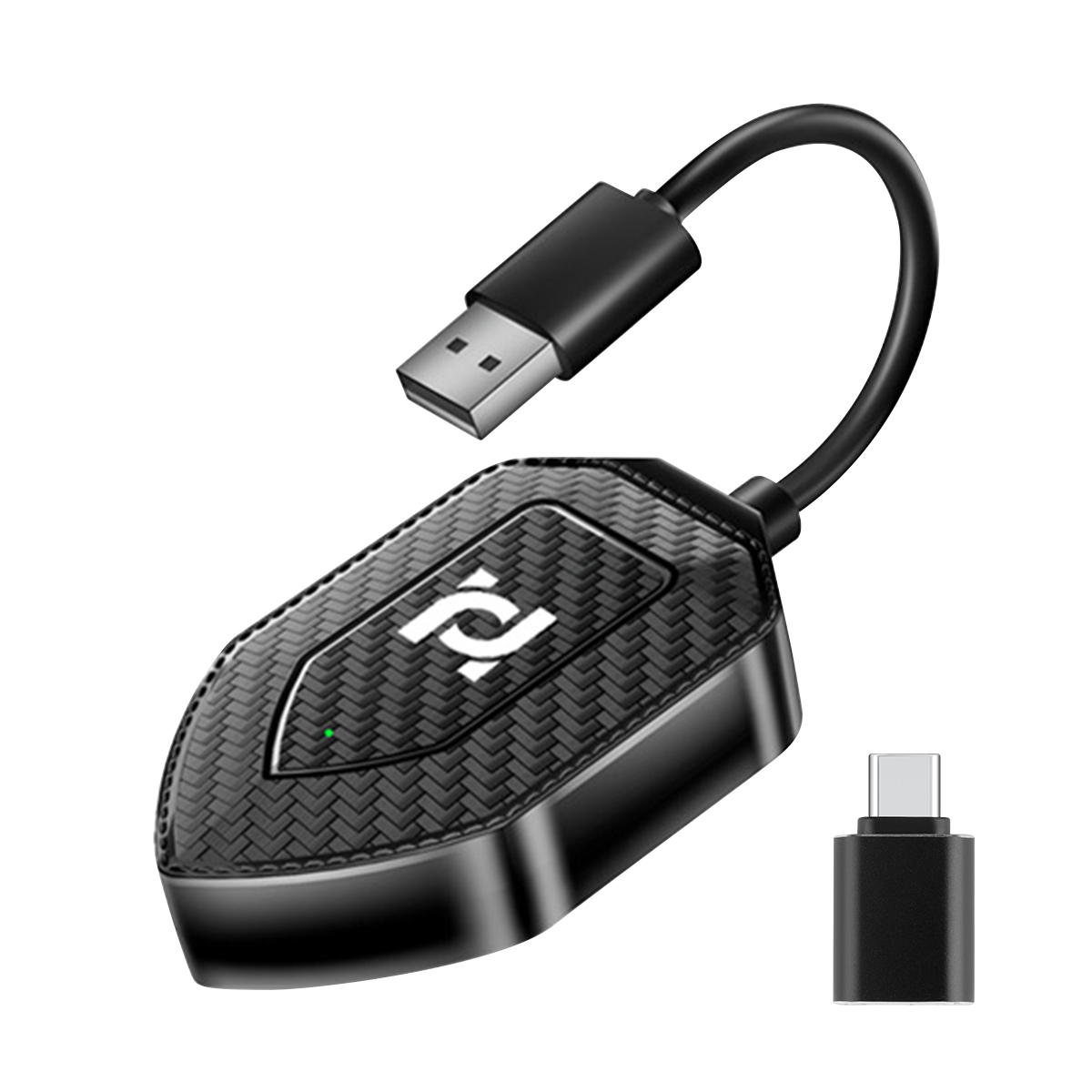
【2024 new 2-in-1 wireless CarPlay adapter & Android Auto wireless adapter】 The 2-in-1 CarPlay wireless adapter supports wireless
CarPlay and Android Auto on one device. It converts your car's original wired CarPlay to wireless,
so as to realize the convenience without cable. You can continue to use the full CarPlay function and keep the original car operations,
such as navigation, music playback, Siri assistant, telephone and so on. It can add more fun to your trip.
【Instant, smooth and delay-free interaction】
Volam Android car wireless adapter adopts a new intelligent IC chip,
equipped with powerful Bluetooth and 5.8 GHz WIFI module, which reduces noise, significantly reduces navigation and call delay,
and establishes a safe and reliable driving environment.
【Easy setup and automatic connection】 Plug and play, without the help of other applications. After the first simple setup is successful,
even if you use different mobile phone systems, the Volam for apple car play wireless adapter will automatically activate CarPlay or
Android Auto wireless connection within 10 seconds every time you start the car.
【extensive compatibility】
Volam wireless for apple carplay adapter is compatible with 98% of cars on the market that support wired
Capplay and Android Auto. If you can use Carplay or Android Auto function to connect your mobile phone and your car through data cable,
you can purchase and use two-in-one Carplay and Android Auto wireless adapters. Please make sure that your mobile phone
also supports Carplay/Android Auto. We recommend using iOS 7.1 and above and Android 11 and above for the best performance.
【High-quality, compact design】
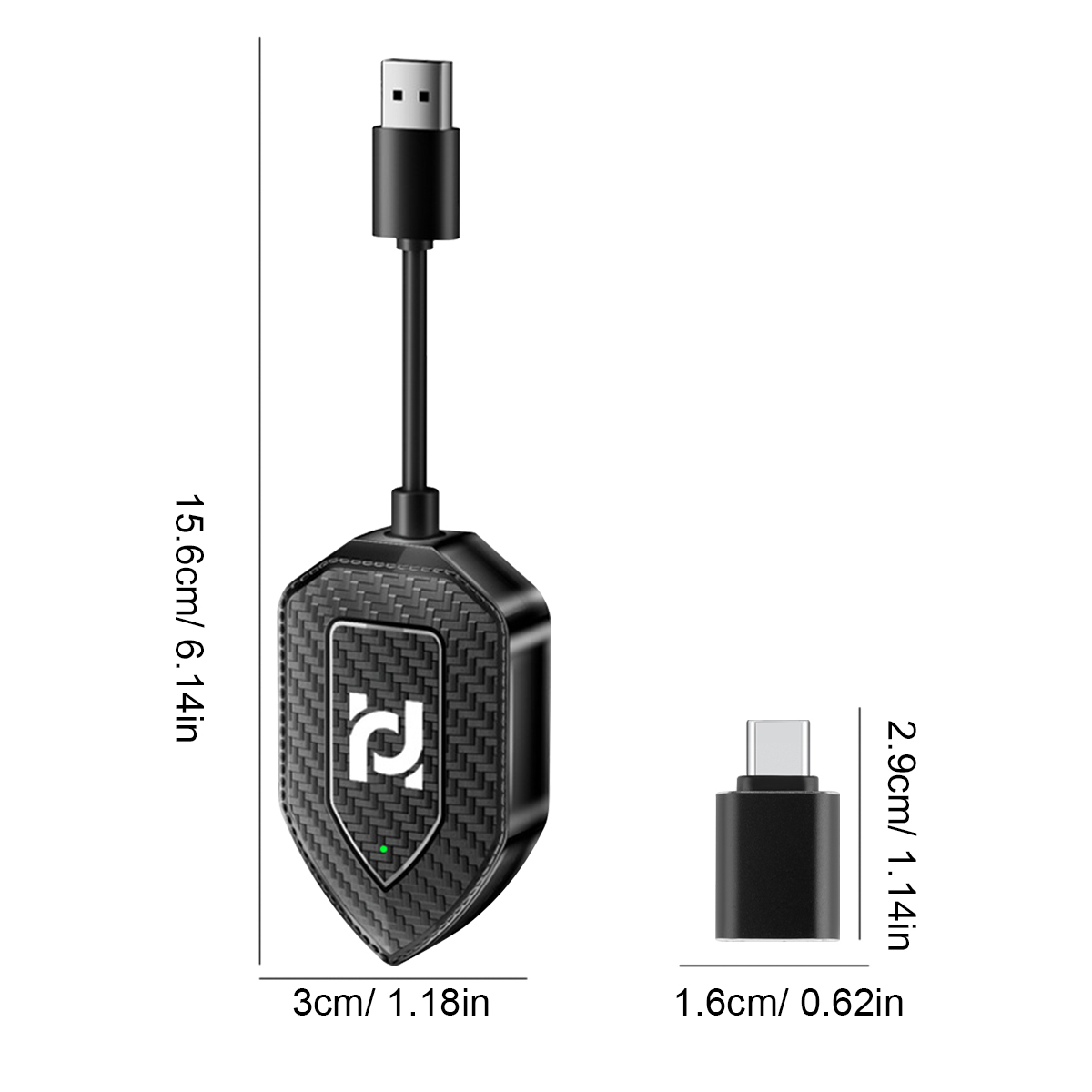
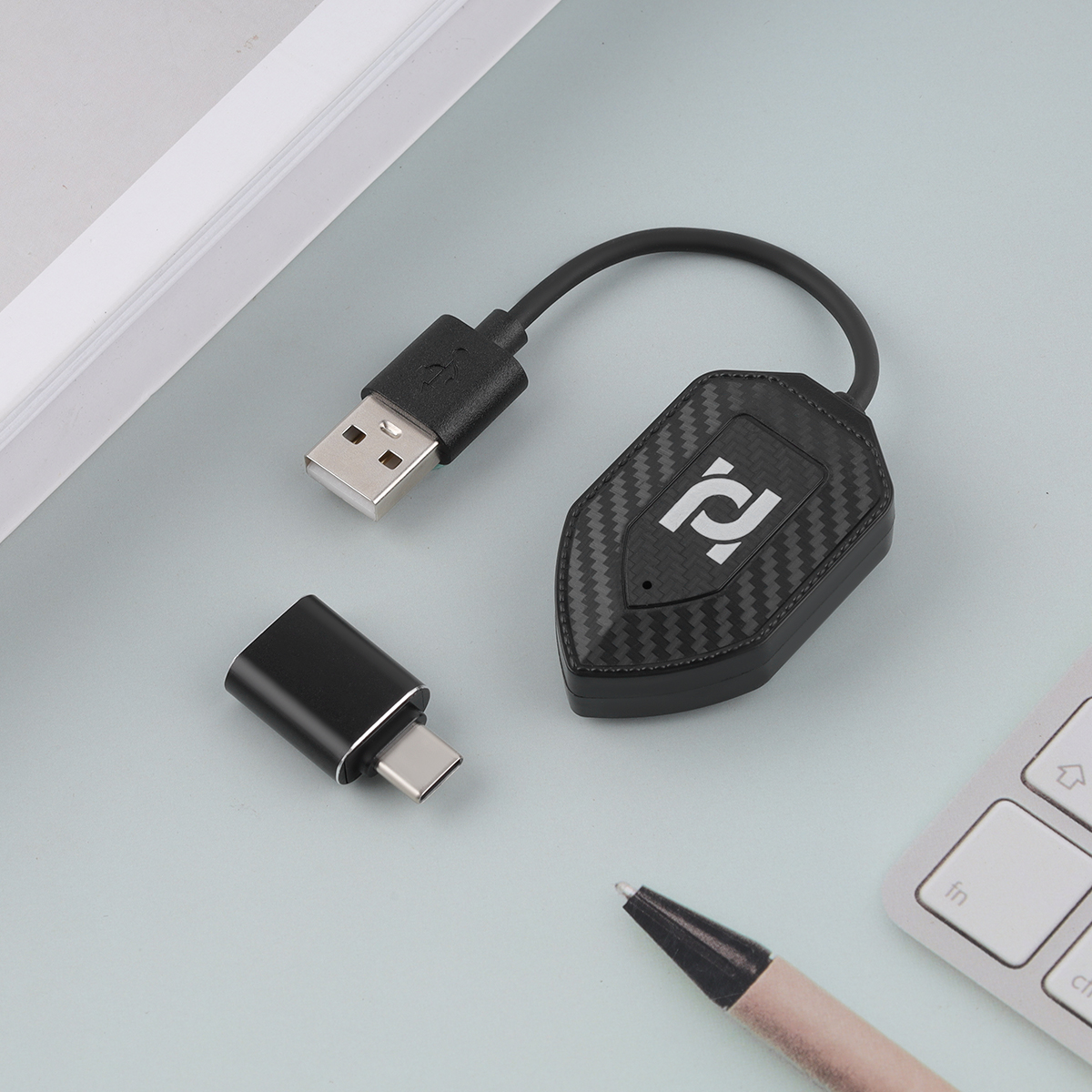
Volam carplay wireless adapter is small and light, does not occupy space, and is easy to carry around.
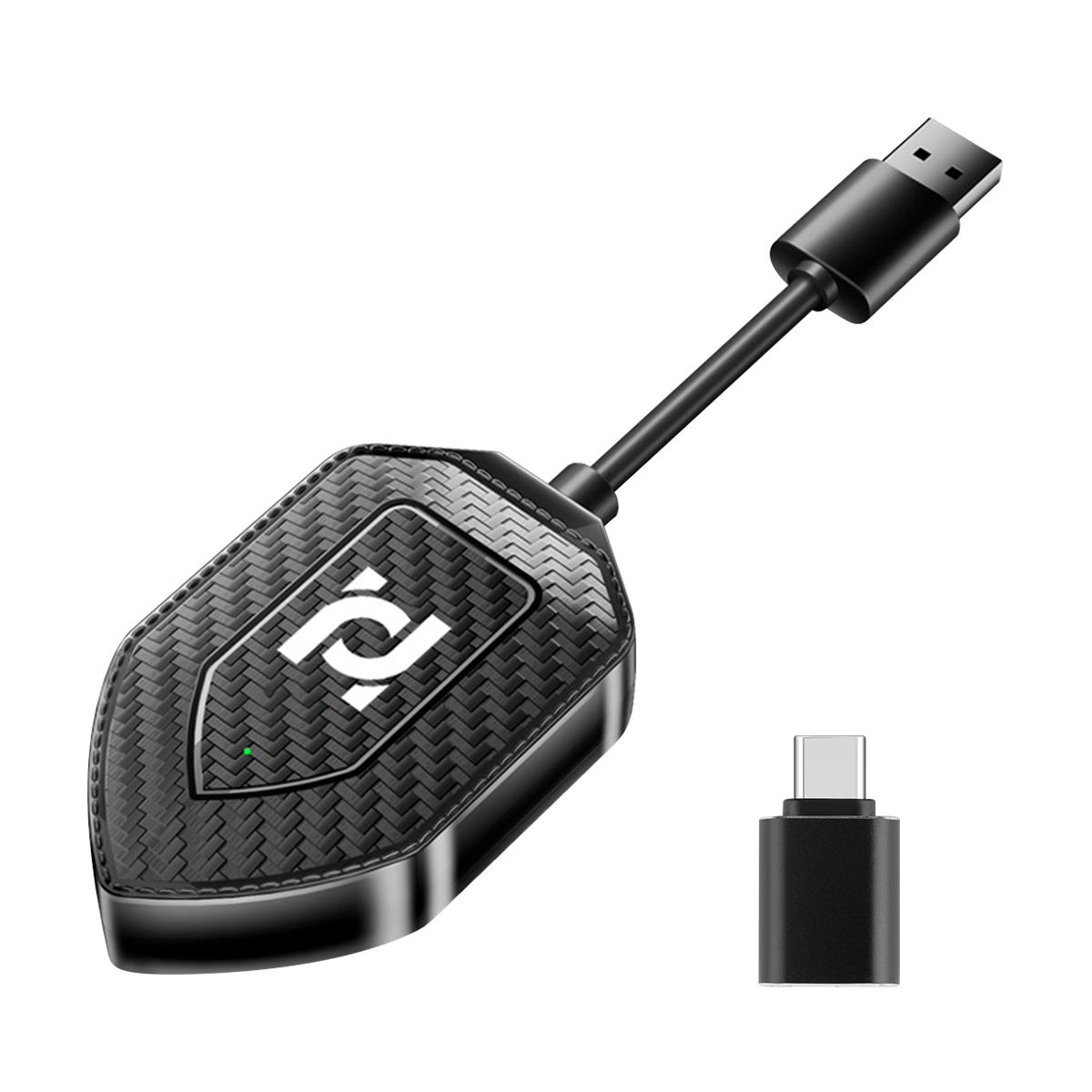
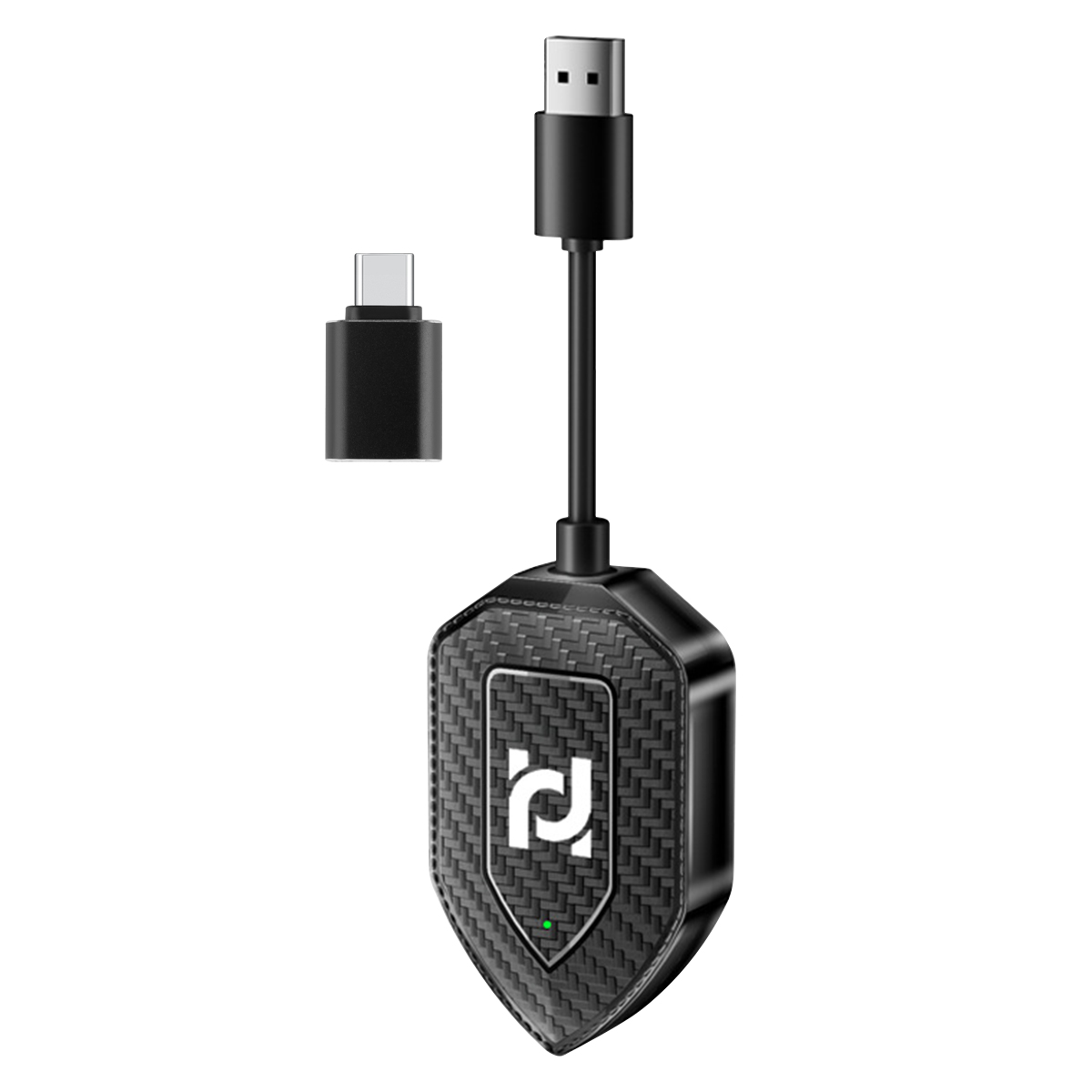
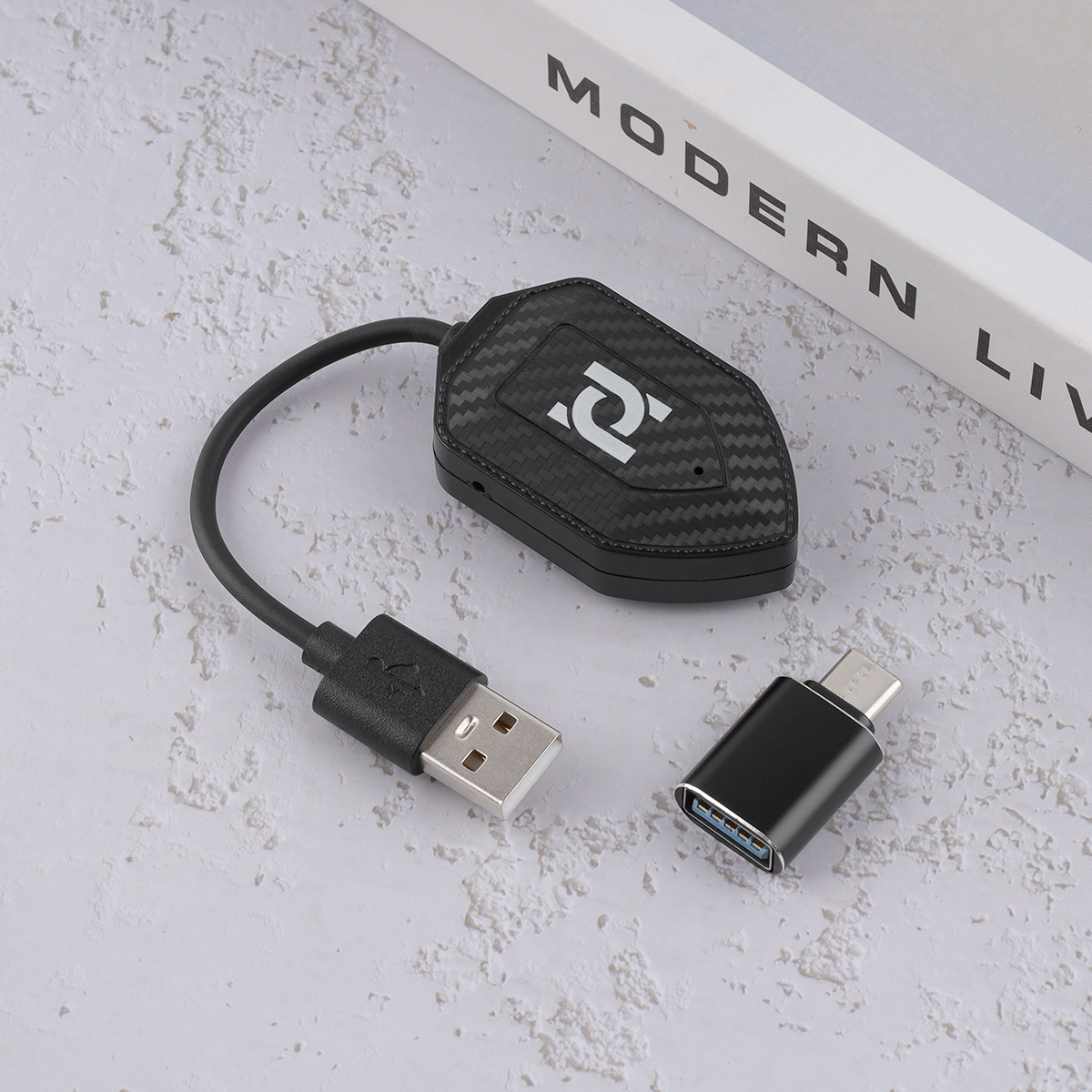
Say goodbye to tangled wires and messy cables. Includes a 2-in-1 USB and Type-C adapter, so it can support USB and Type-C garage access.
How to connect and matters needing attention:
1. The product must have the correct interface to plug into the car infotainment system, and the interface supports wired carplay function.
2. Make sure that the Siri status of the mobile phone is turned on.
3. Turn on the wifi, make sure it is not connected and occupied, and do not manually click on the wifi of the product.
4. Turn on Bluetooth and click Bluetooth pairing. Pay attention to the telephone dialog box asking whether to turn on CarPlay. To enable it, click it.
Name: wireless Carplay Android auto box voltage: 5V
Resolution: adaptive screen
Input port: Type-C
Output port: Type-C/USB
Connection mode: Bluetooth /WiFi
Bluetooth version: 5.2
Voice control: intelligent voice
Usage: Plug and Play
Compatible with the original car: support the original car MIC button touch screen, etc.
Applicable models: original car with Carplay
Installation method: USB 5V takes power.
Interconnection function: wireless Carplay/Android Auto in one
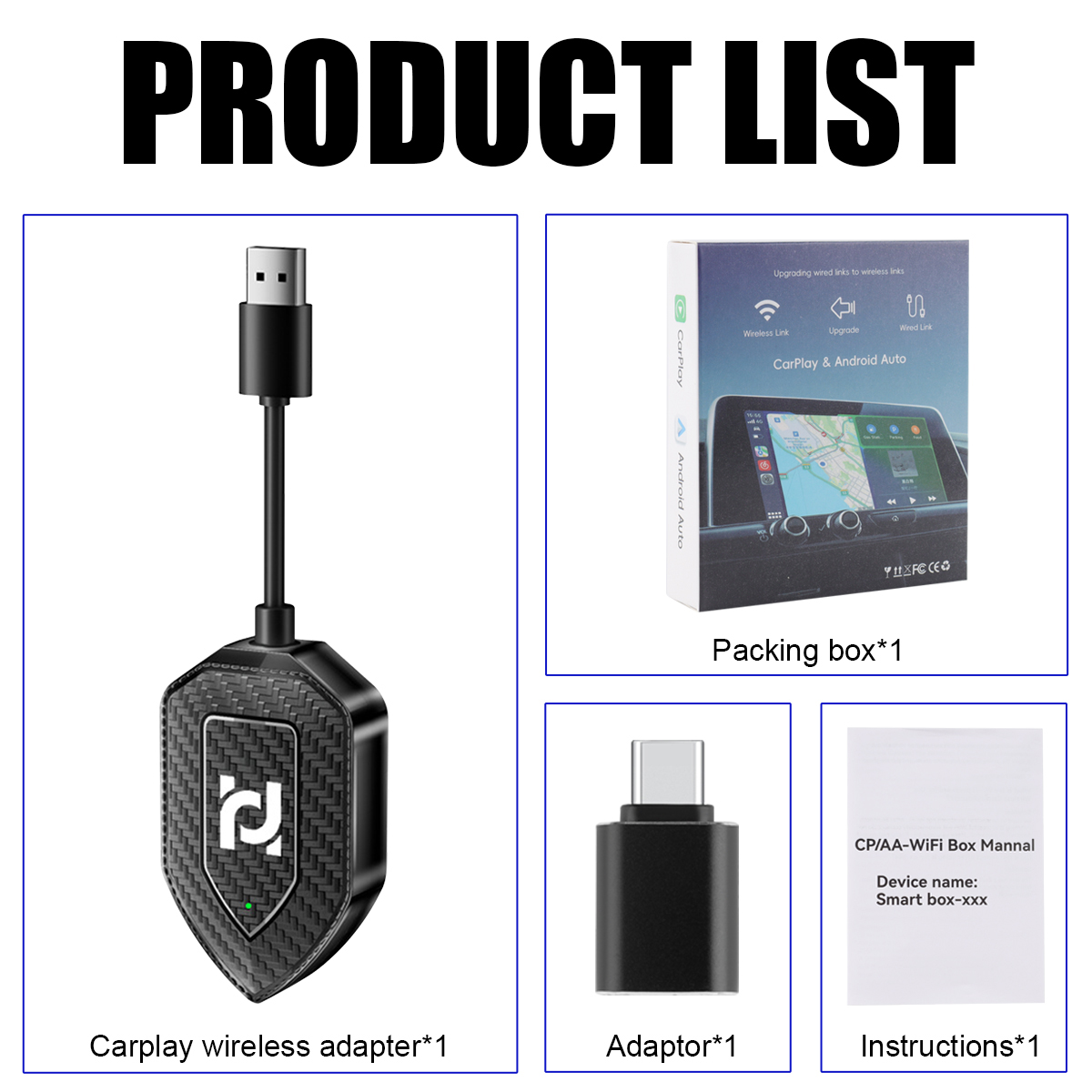
Product list:
Carplay wireless adapter *1
Adapter *1
Instructions *1
