Maxview Roam WiFi System - Black, 5G Ready Antenna
The Maxview Roam WiFi System - Black, 5G Ready Antenna.
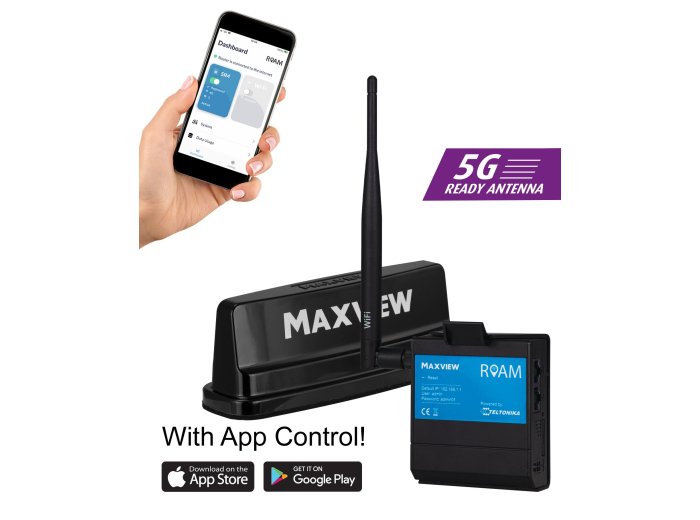
Description
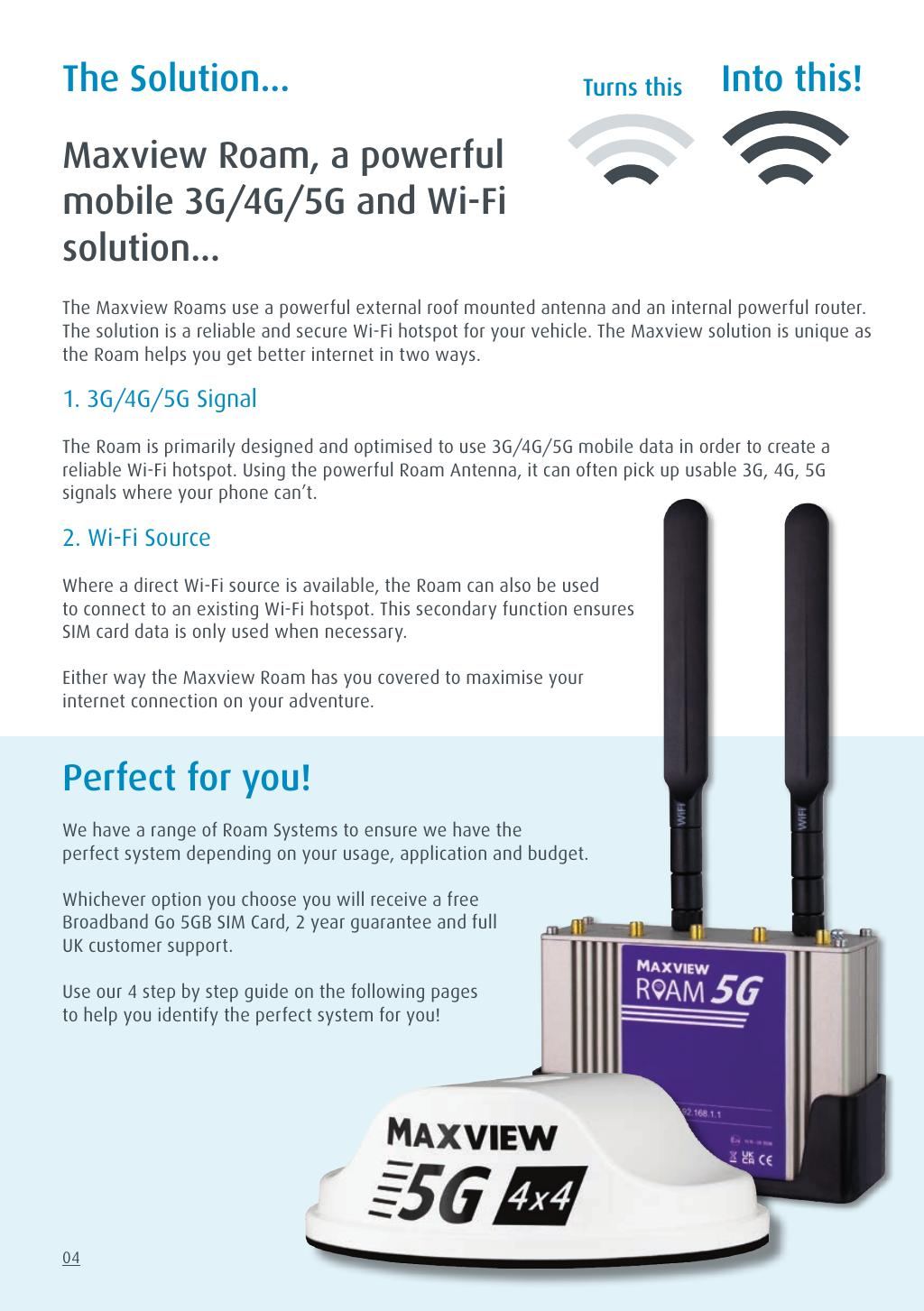
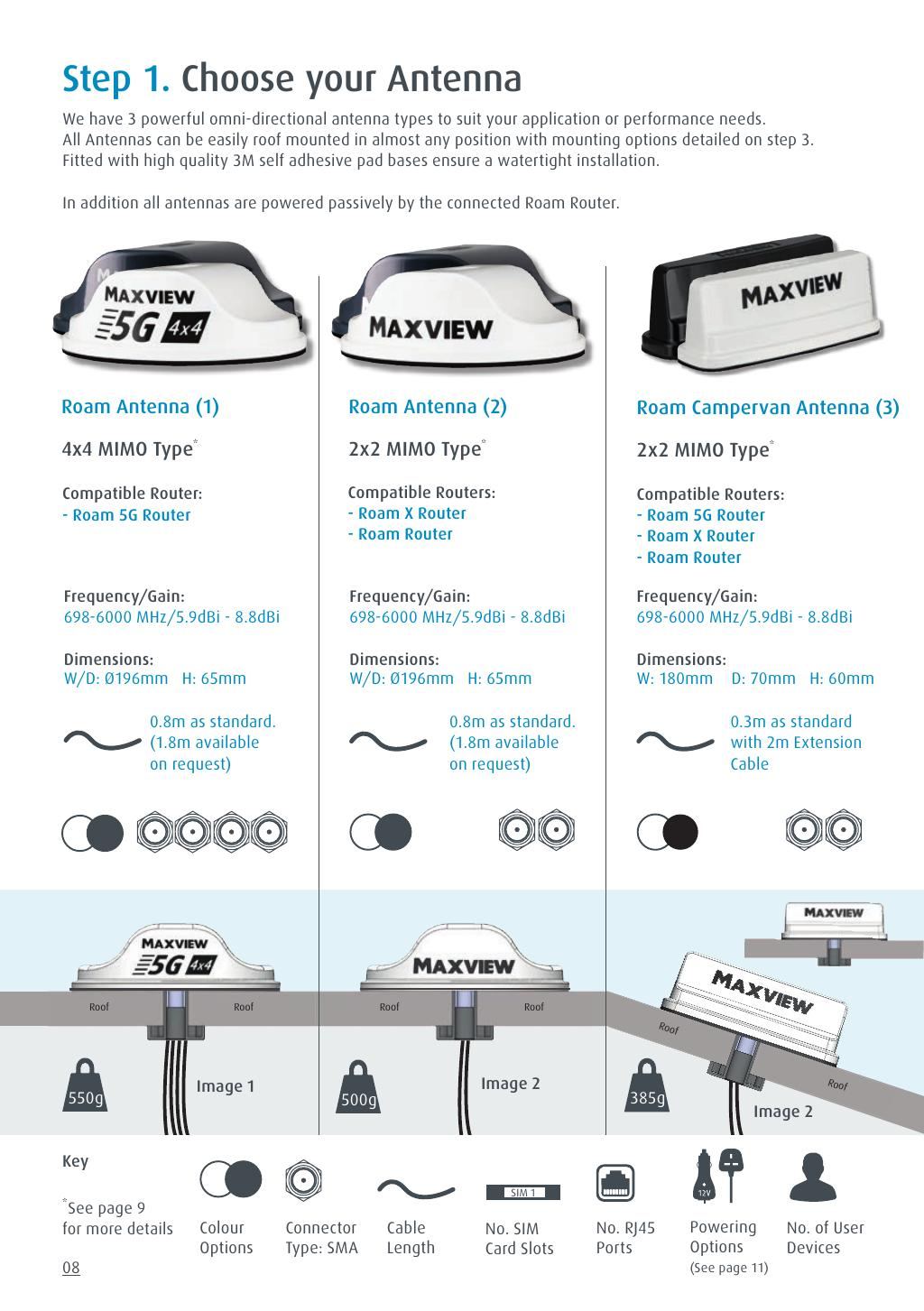
The Maxview Roam Campervan WiFi system contains everything you need to provide super fast internet for all the family. Ideal for heavy users of the internet, the Roam Campervan is designed specifically for vehicles such as campervans, panel vans and trucks.
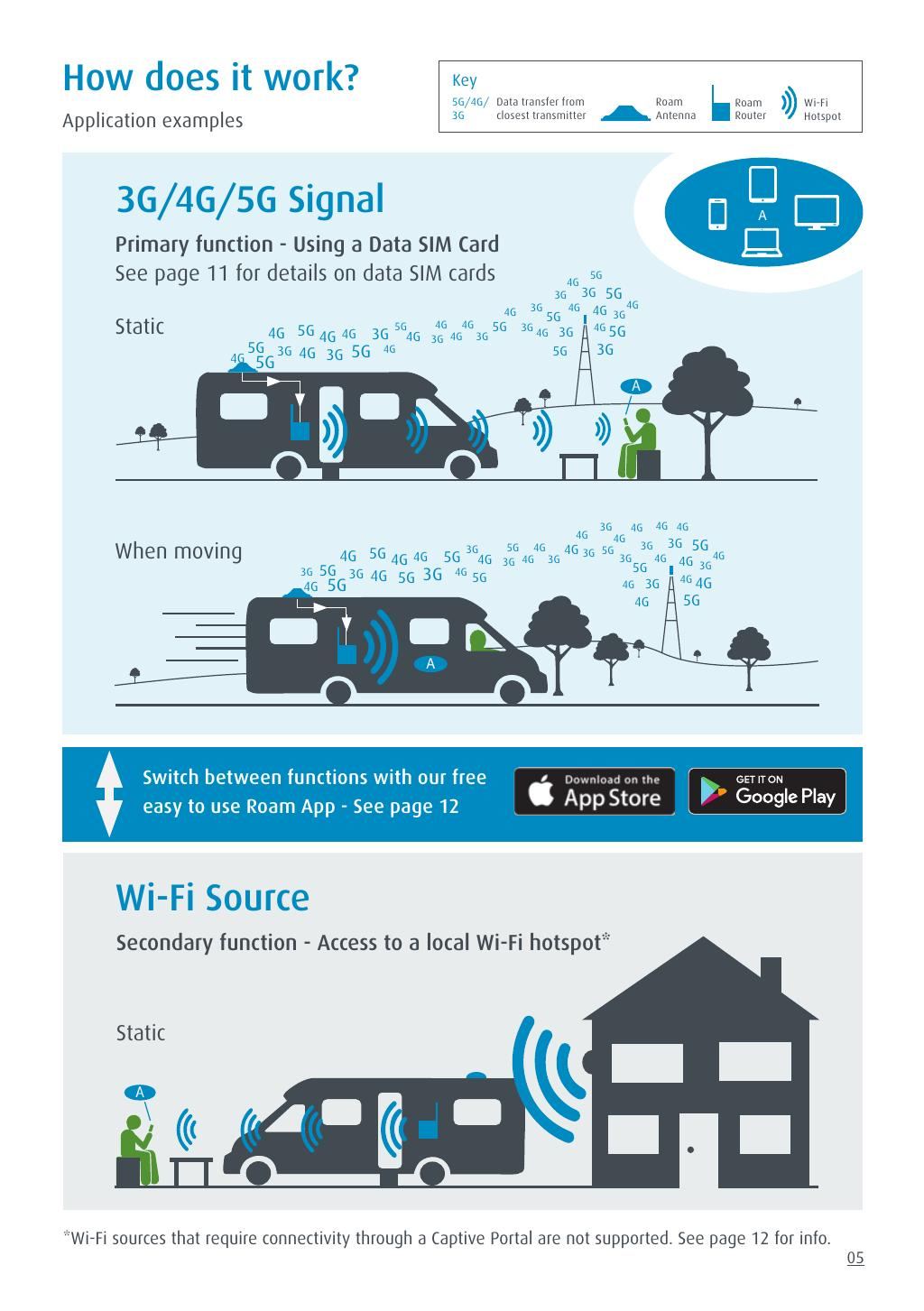
Features include the ability to create a WiFi network using 3G and 4G data, and it is equipped with a 5G ready antenna for future-proofing. The premium router offers higher speeds and better performance, making it suitable for motorhomes, caravans, canal boats, and hospitality vehicles.
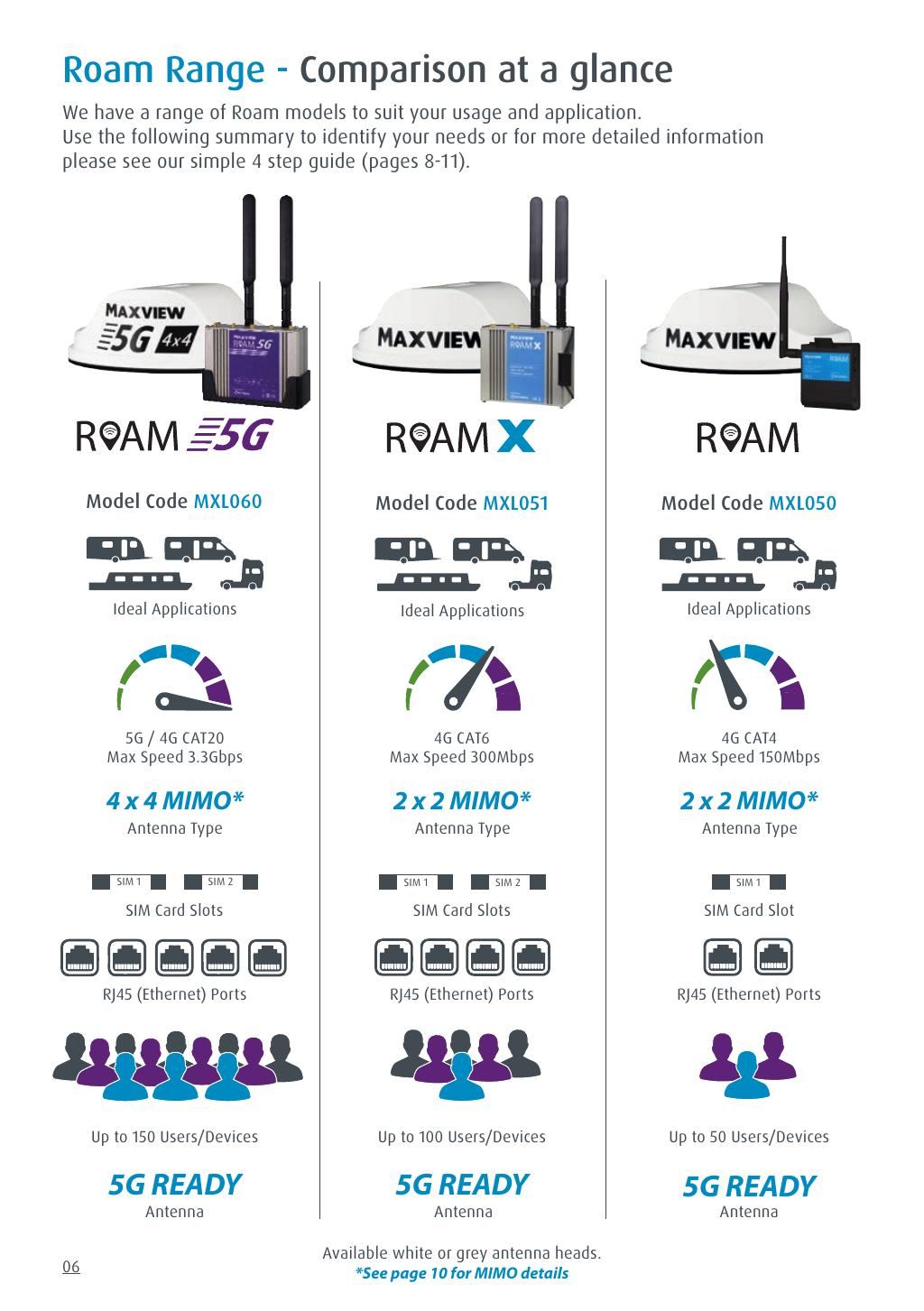
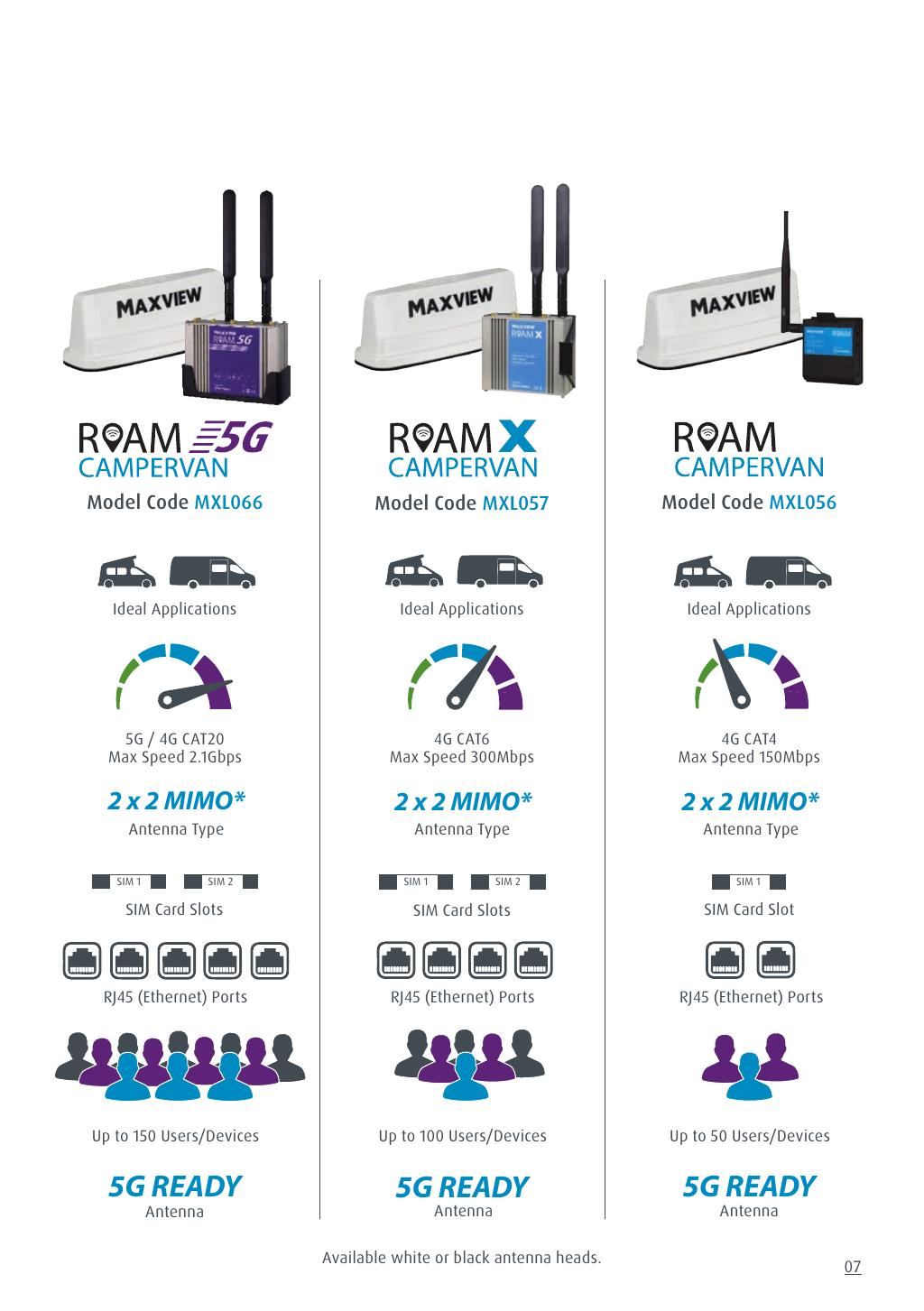
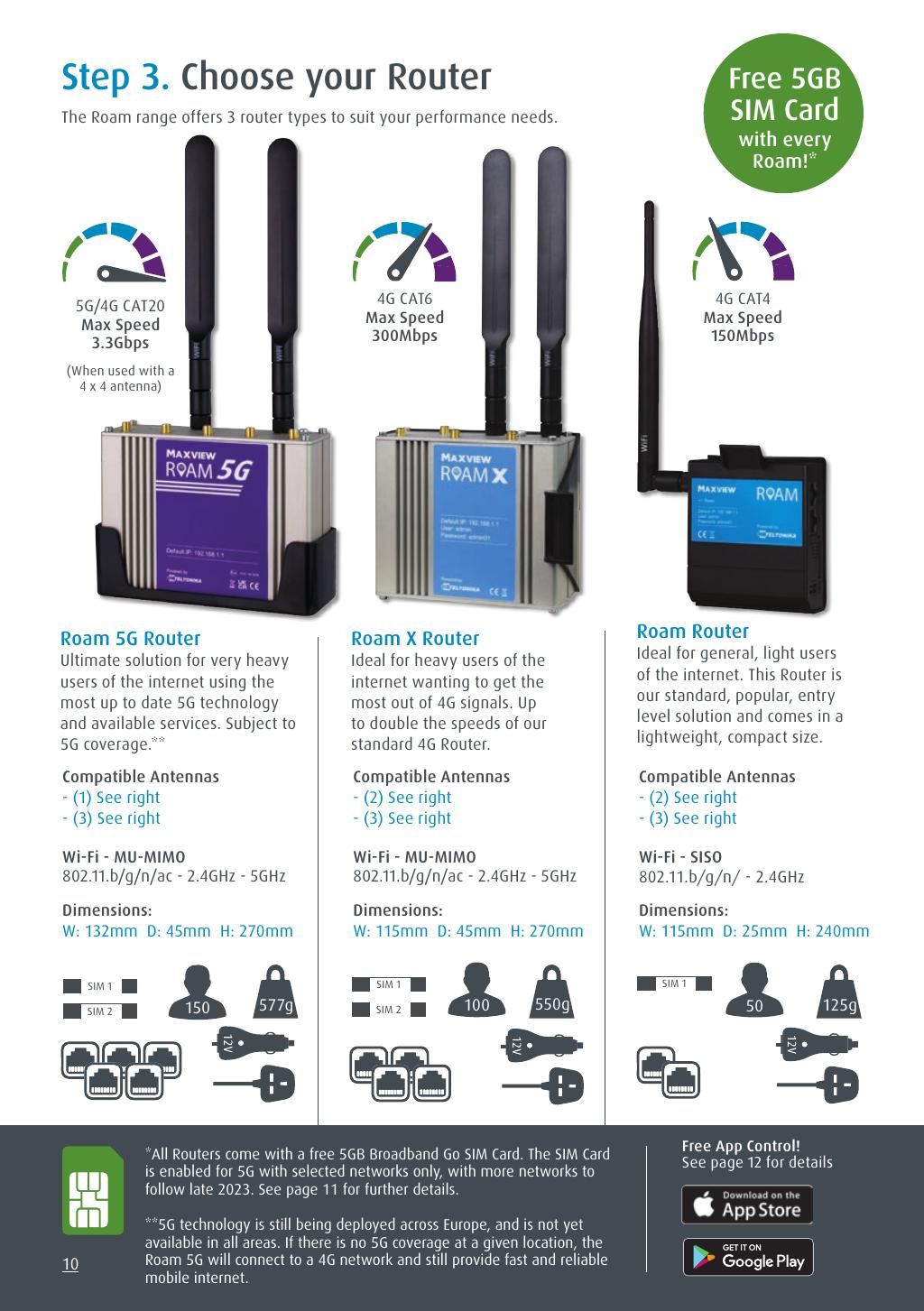
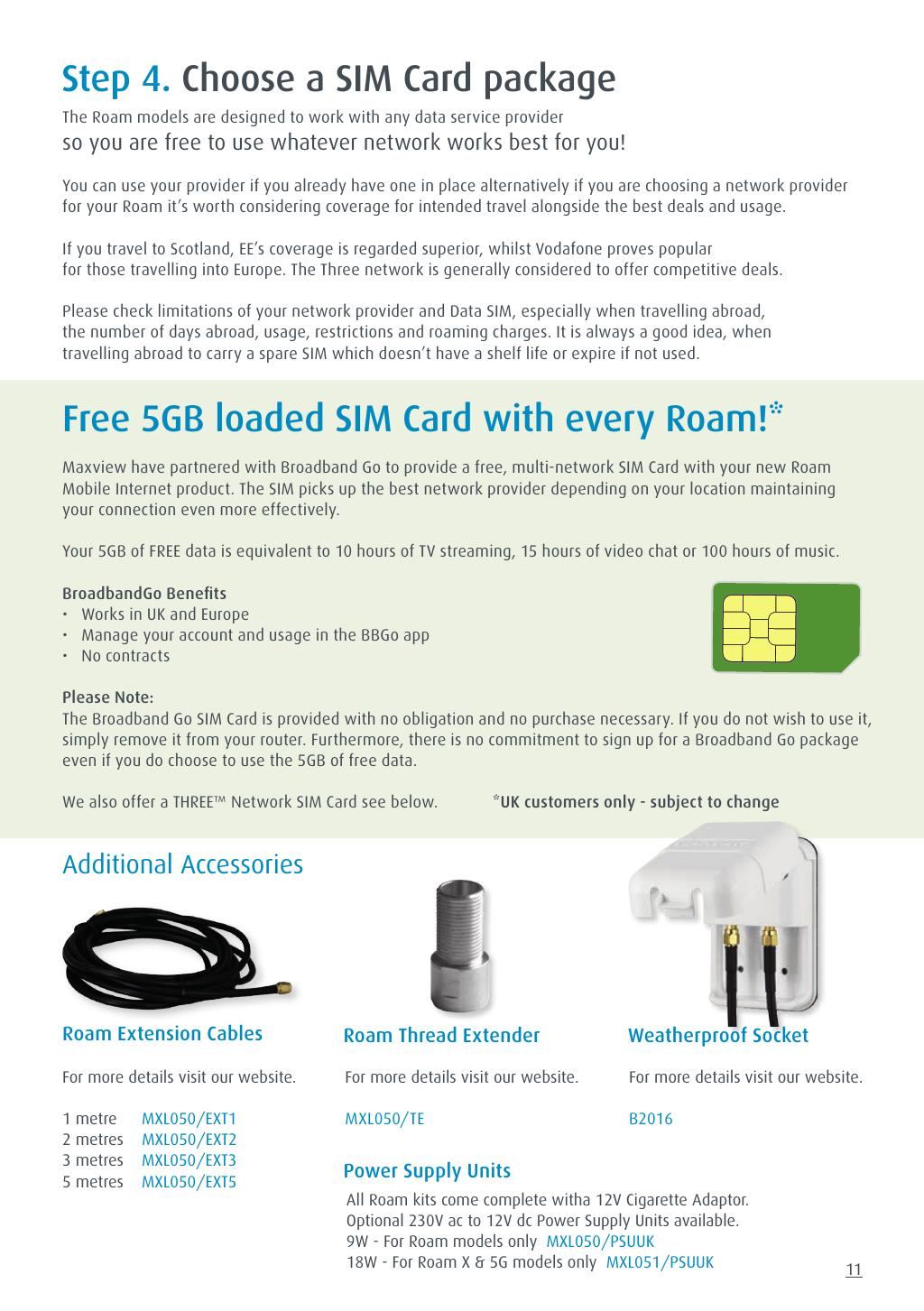
The system includes a 5GB FREE SIM card and supports faster download speeds of up to 150Mbps, allowing you to connect up to 50 devices. It features one SIM card slot and two Ethernet ports for added connectivity.
Key Features
- 5G ready antenna for future-proofing
- Faster download speeds up to 150Mbps
- Connect up to 50 devices simultaneously
- Includes a 5GB FREE SIM card
- Two Ethernet ports for versatile connectivity
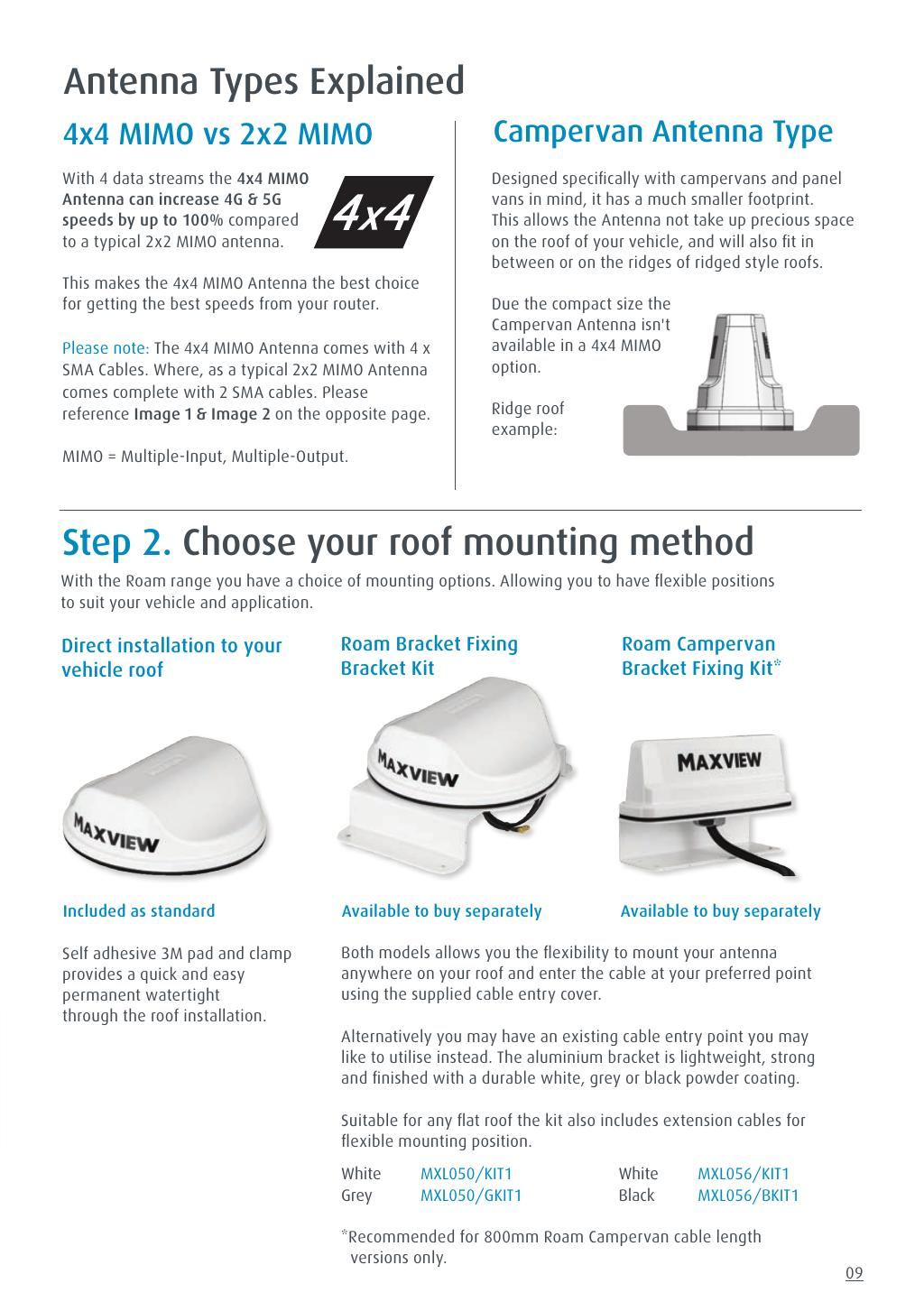
- Omnidirectional MIMO antenna for enhanced performance
Specifications
| Brand | Maxview |
| EAN | 5016163523879 |
| Custom Bundle | No |
| Colour | Black |




Specifications & Datasheet
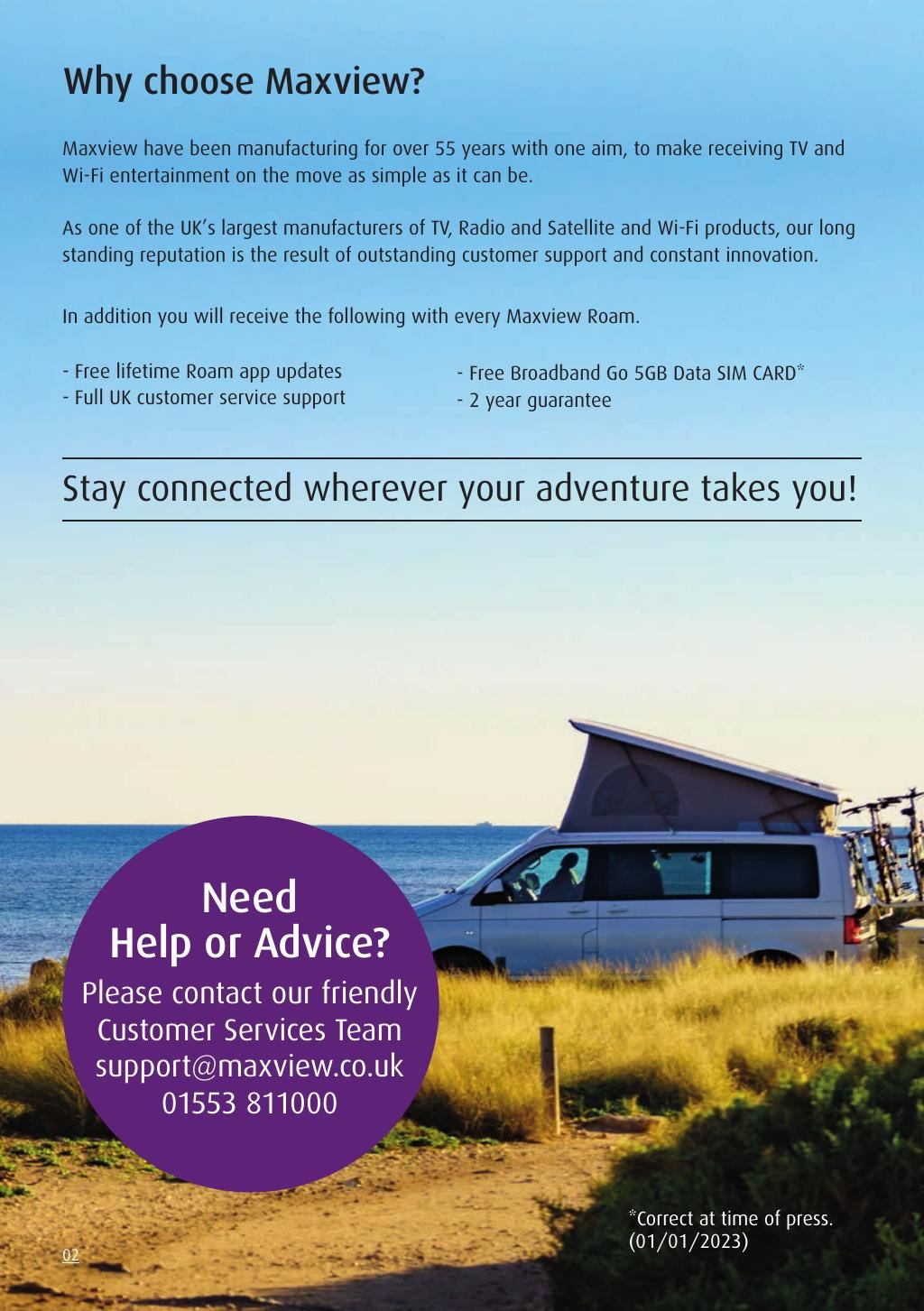
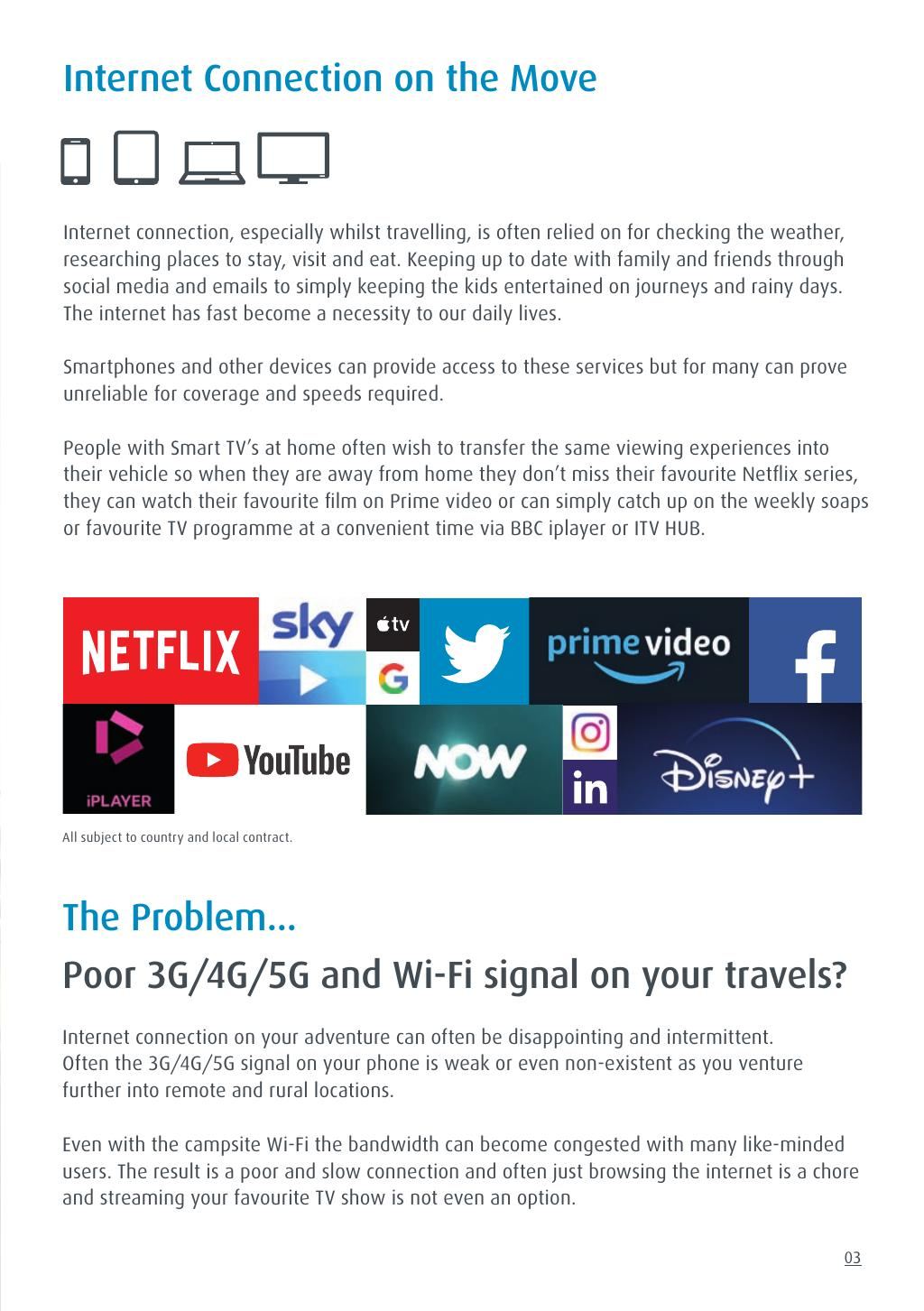
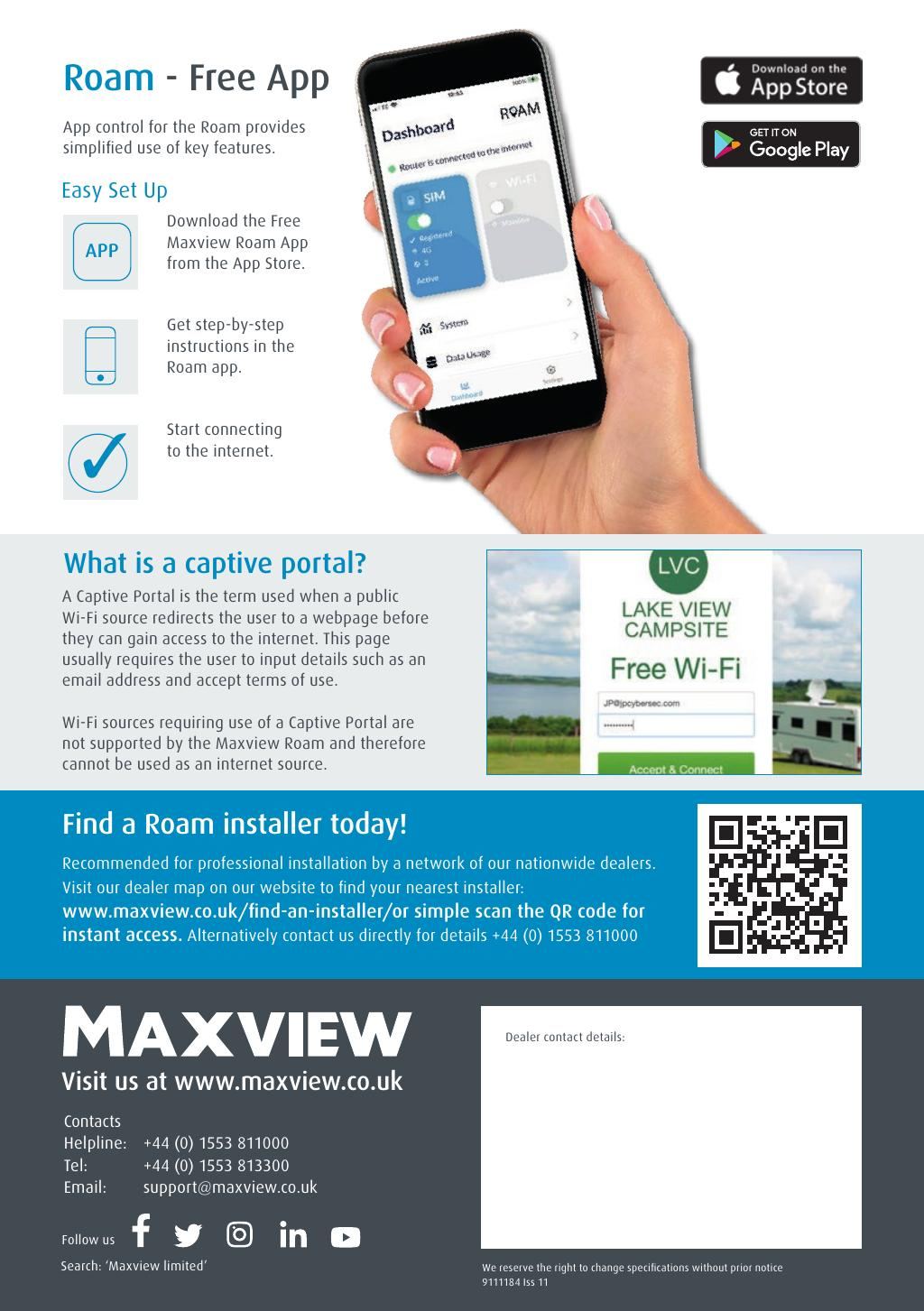
Click any page above to enlarge. Once enlarged, right-click and choose "Save image as" to save the datasheet to your device. Use ‹ / › to flip pages, × to close. Rendered from the manufacturer's official datasheet supplied with the product.
‹›‹›‹›‹›‹›‹›‹›‹›‹›‹›‹›‹›