Welcome To Our Store:
Features:
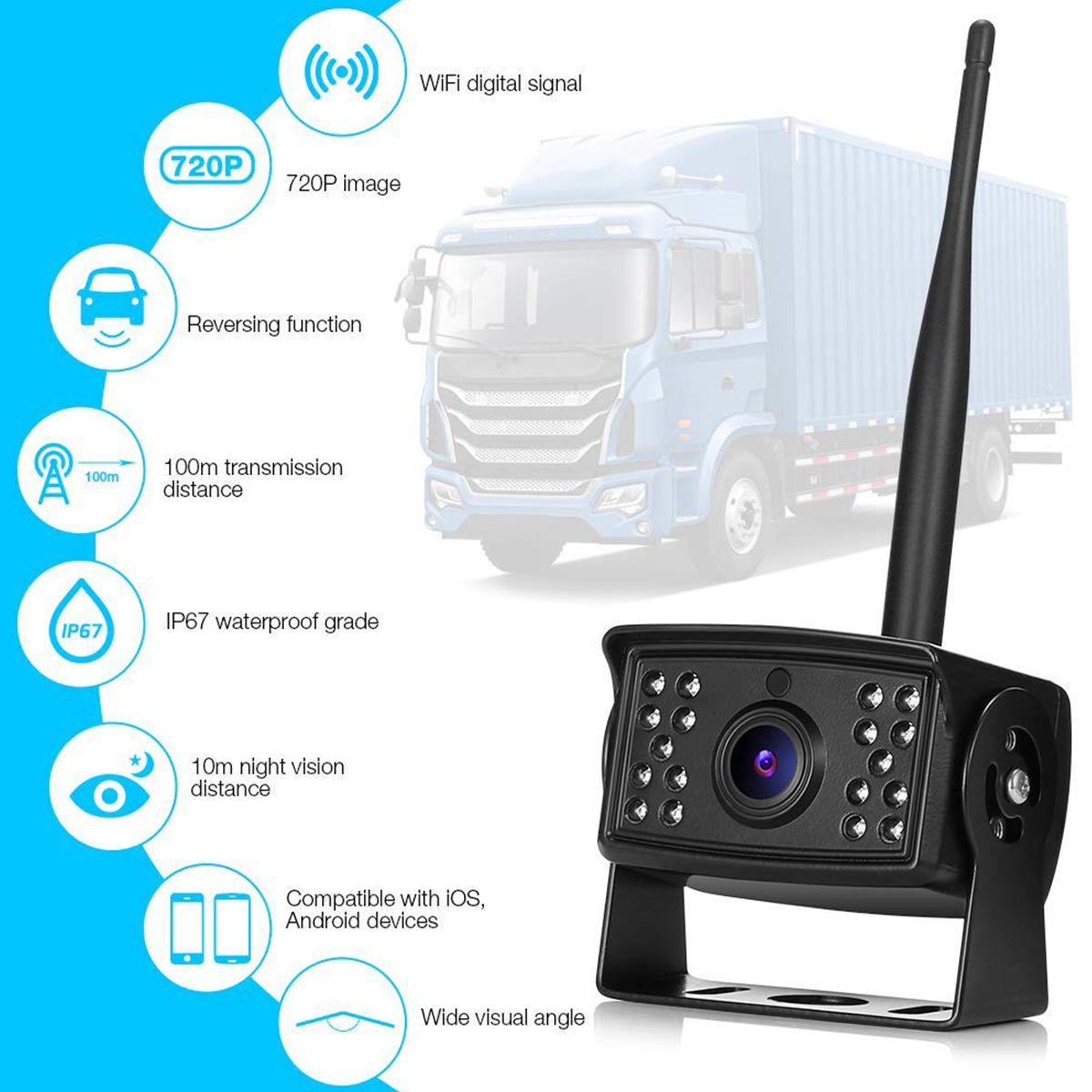
Improved Technology for Wireless Signal---- No Interference/ No Signal Shut On& Off/Updated Digital Signal Tech
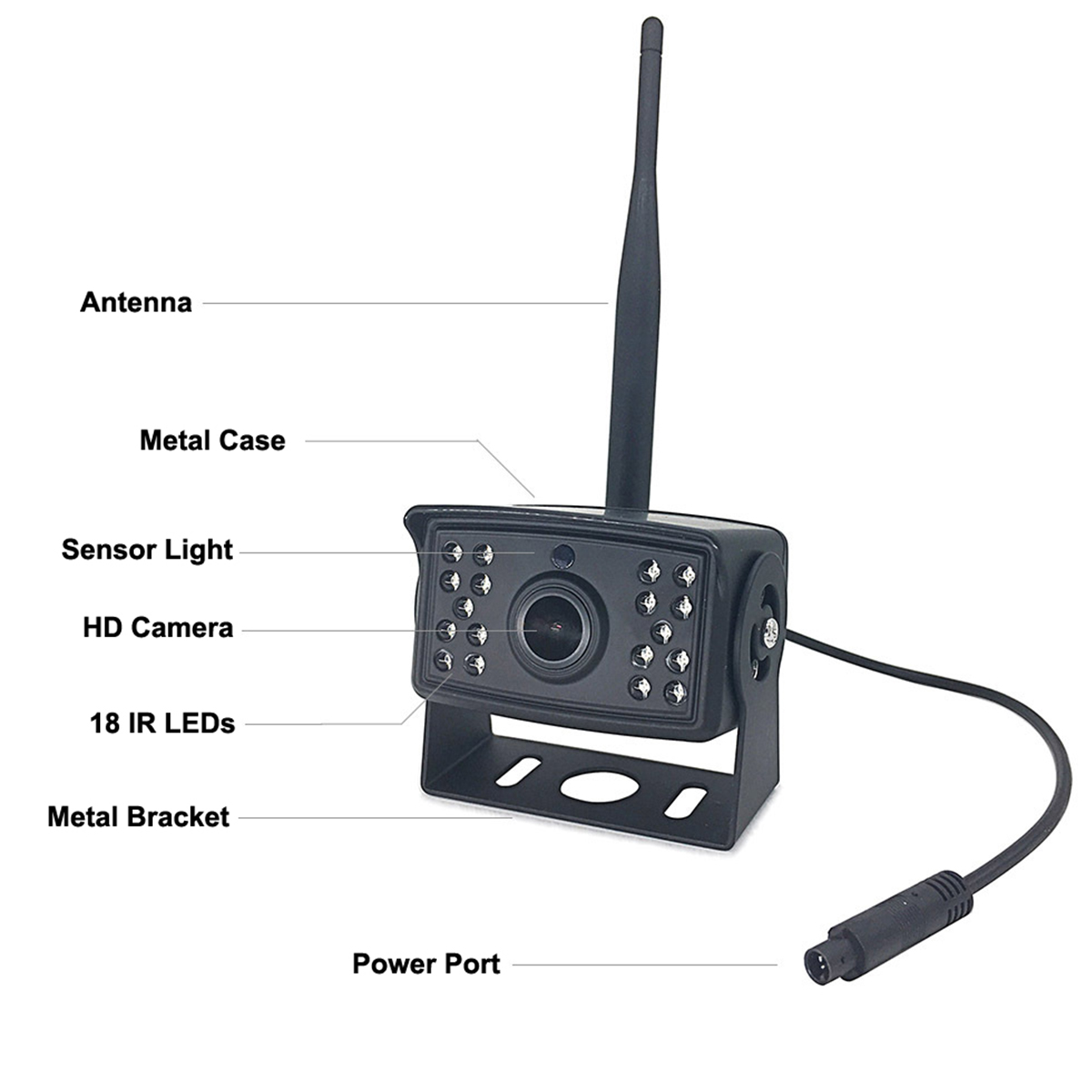
High Definition Camera---- Sharp Image/ New Chip of Camera/ Update Glass Lense
Waterproof Level---- Waterproof Under Water/ Waterproof IR Light Design/ Waterproof Cover of the Camera
Wide View Angle Design---- 150 Degree view angle/ Full view & no dead spot/ Bring more convenience view experience
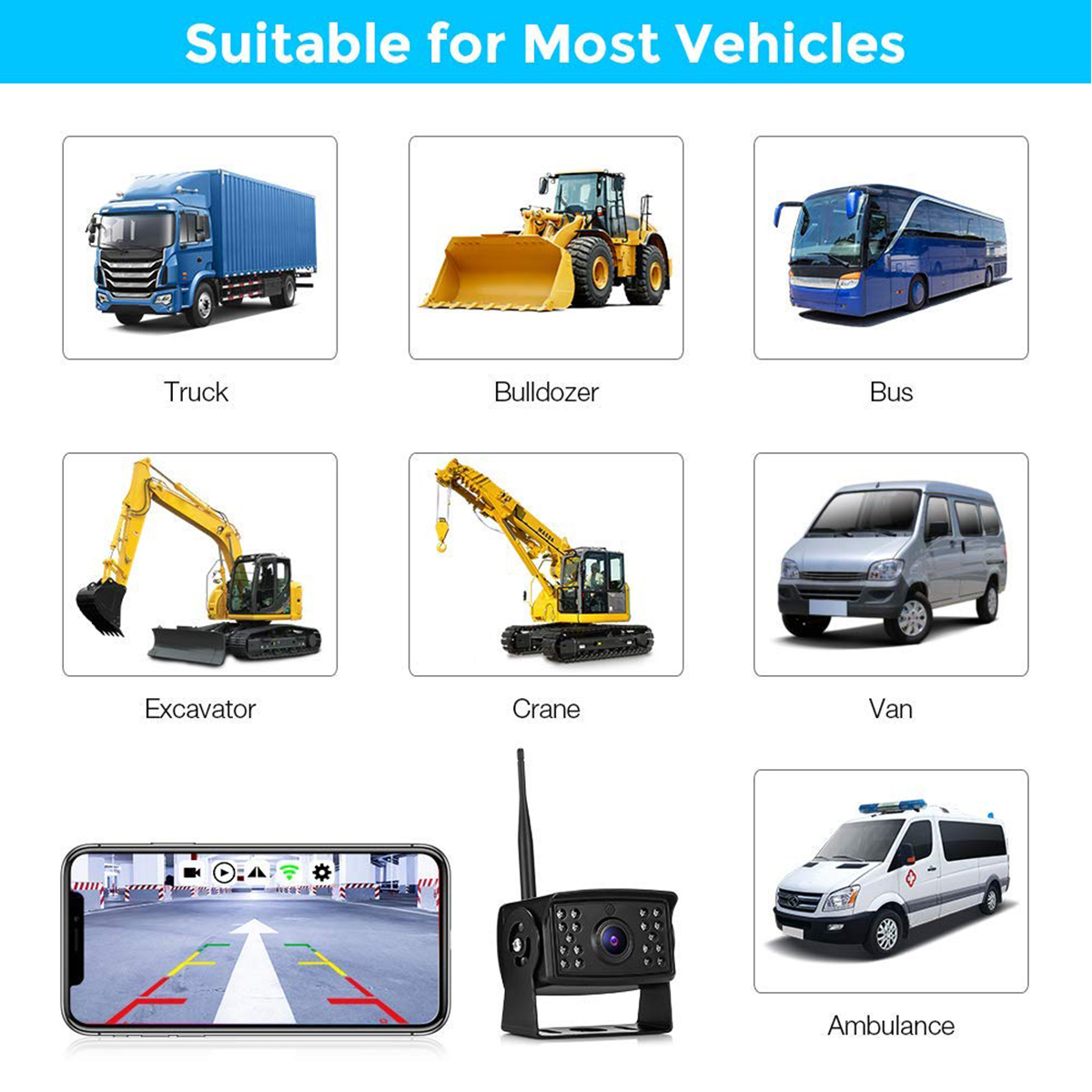
Bring You Safety Driving---- Assistance to your life/ Assistance when backing/ Assistance when driving on the road
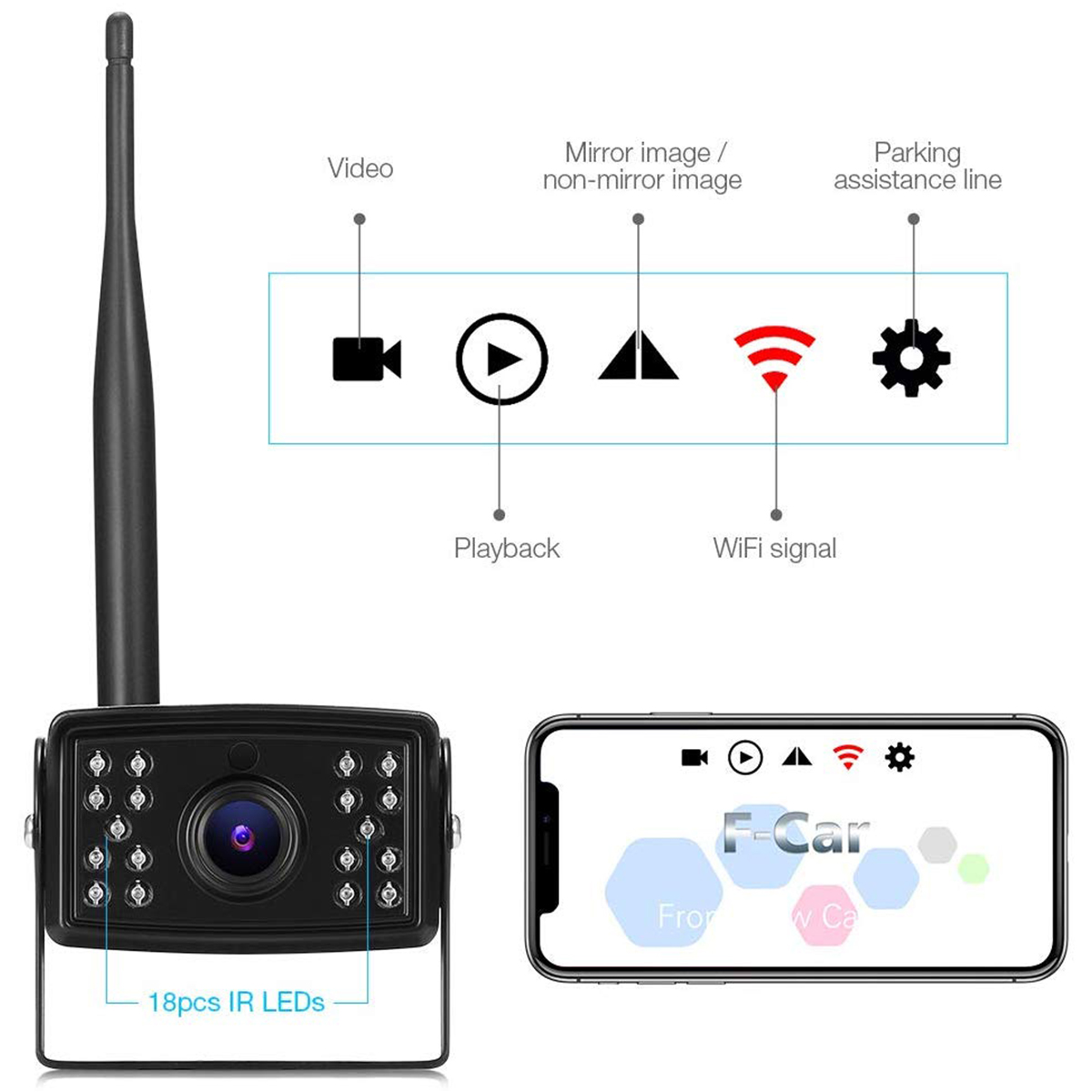
Night Version Automatically---- Special design of the 18 LED lights/ Clean image showing even in night/ Auto start work when in darkness or night
Specifications:
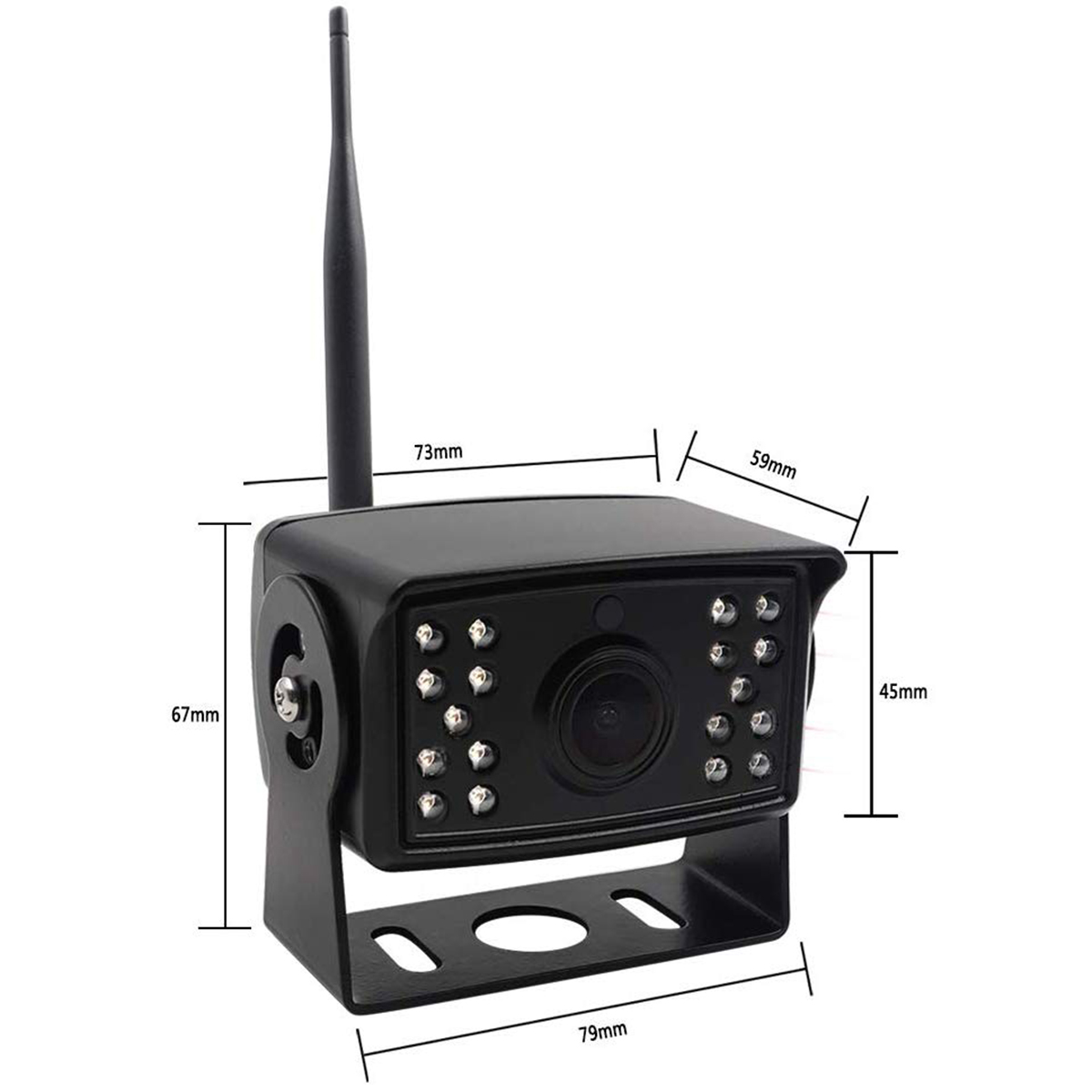
1/4 CMOS
Total Pixels:720*504 pixels
Power Supply: DC 9-35V
Lens Angle:120 degree
Mini Lumination: 0 Lux (IR*18)
Waterproof : IP67
Download the application:
1.Scanning and downloading qr codes; Open the scan window and scan the qr code of the product manual.
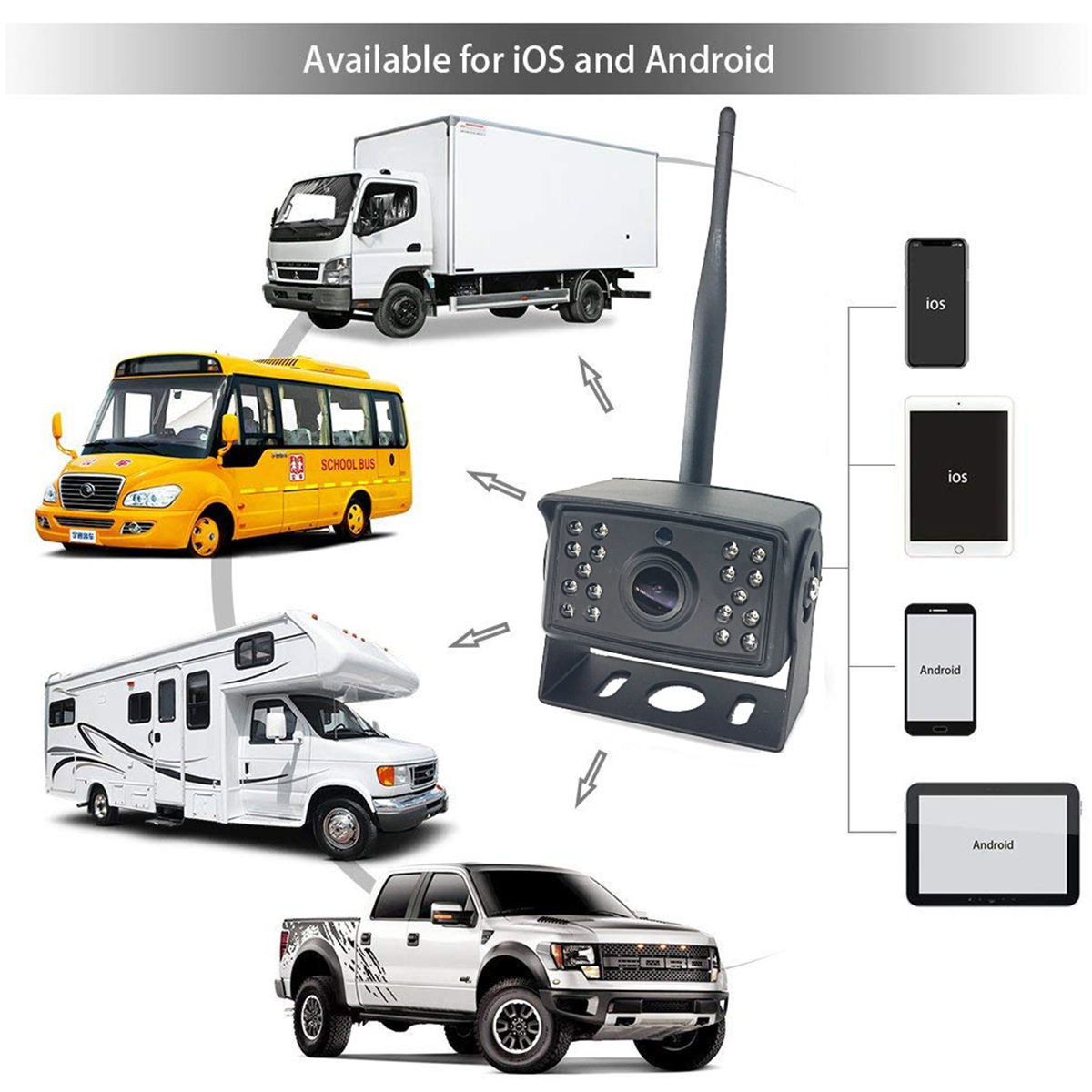
IOS Download Android Download
2.Search for download
Apple devices enter the APP Srore search; F - Car download
Android devices go into Google play search; F - Car download
Use skills:
●Android device use
After connecting to the WIFI of F-Car SSID, the APP video will pop up automatically. When 4G network is needed, click exit, and the connection between F-Car and the software background will be automatically disconnected.
●IOS old system usage:
1.After software installation, set static IP; Connect to F-Car name WIFI,
2.enter the WIFI setting interface, remember the two lines of Numbers under "DHCP" (IP address. Subnet mask), click "static" here, and fill the two lines of Numbers under the static button (IP address. Subnet mask).
3.Click back to set successful. Static IP can be set to realize simultaneous communication between WIFI and 4G without affecting the phone's Internet access.
●New IOS system system usage:
1 Find F-Car name WiFi.
2 Remember in the IPV4 address bar; IP Address, Subnet Mask, Router, these three lines of Numbers.
3 Click "Configure IP", select "Manual", fill in the following three rows of Numbers in the bottom, click save.
Product installation (very important, please read carefully):
1.Turn off the on-board power supply, and it is strictly prohibited to power the camera without a good connection.
2.Determine the installation position of vehicle camera. (there are two installation methods)
●In the first installation method, select the position of the camera and place the power cord flat in the car. Adjust your viewing Angle.
●The second installation method, cut open cigarette lighter switch position of the wire, red and black two wire. Red power cord is connected to ACC power supply 12V+ positive position of vehicle fuse box. Black power cord is connected to negative GND wire harness of vehicle, which can be used when starting the vehicle.
3.Connect the power cord to the correct position, adjust the best Angle of view, and fix the support with 3M adhesive.
Trouble shooting:
1. No image
Make sure the camera is connected correctly, open the WIFI list on your phone, and see if you can find the F-Car hotspot generated by the camera.
2. Background operation
You need to turn on the phone Settings and set it to run in the background.
Package Included:
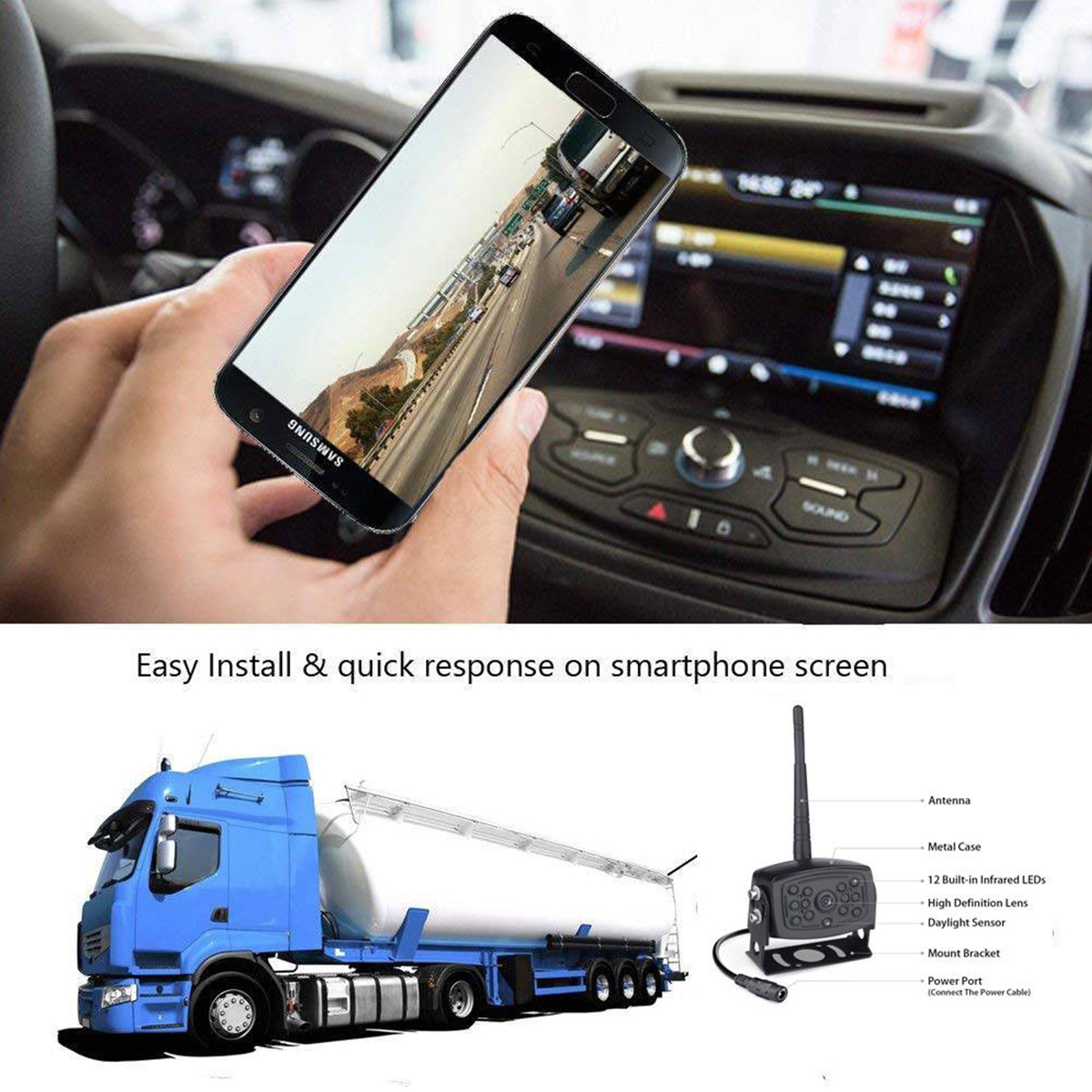
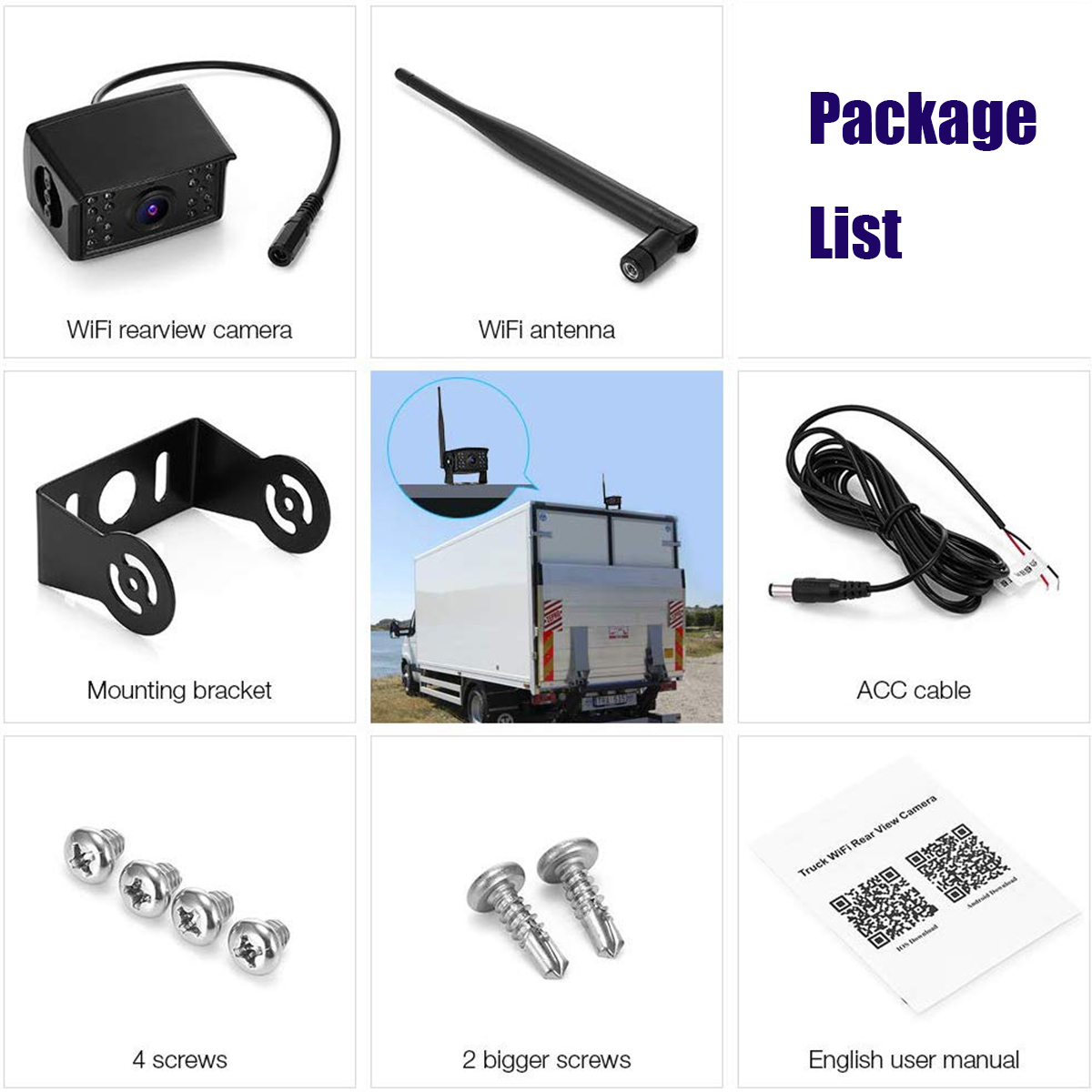
1 x WiFi backup camera
1 x Power cable
1 x antenna
1 x User's manual
2 x screws
1 x tool
Payment
-
1.We ONLY accept payment via PAYPAL.
Delivery details
-
1. Item will be shipped within 24 - 48 hours after full payment is received.
-
2. We only ship to confirmed eBay addresses. Your eBay address MUST MATCH your Shipping address.
-
Terms of sales
-
1.If buyer requests a return when there is no quality problem of the item he received,return postage has to be paid by buyer,and postage for the item won't be returned.
-
2.If item is damaged or defective on arrival,buyer can either requests a refund or replacement,and postage will be paid by us,meanwhile,the item must be returned.
Contact us
- 1.Positive feebacks and Excellent DSR will be much appreciated!
- 2.If you have any problem.please feel free to contact me,we do try respond as quickly as possible. Due to time zone difference, please allow 12~24 hours to get your mail replied.