YH - 19HW 2MP 720pHD DRONE w/WIDE-ANGLE Lens
(Colors:RED & Black/Green come with WIDE-ANGLE lens. White=Standard lens)
(Inspired by DJI Spark)
--**--WE SHIP FASTER THAN ANY OTHER DRONE SELLER ON EBAY (Priority Mail: 1-3 days) AND NO OTHER EBAY SELLER OFFERS THIS YH-19HW with a WIDE-ANGLE LENS (120 degree). All other sellers are offering Standard lens only!! Go ahead, check for yourself --**--
Description: (Entire Description, including all pictures/details, are 100% Accurate and are exactly what should be expected)
YH - 19HW inspired by DJI Spark, provides nearly everything a beginner to intermediate drone flyer wants/needs. Both the drone and the transmitter can be folded to put in your bag, and the battery is easy to replace. The WiFi camera allows you to enjoy the aerial view on your phone with HD picture, while the Altitude Hold keeps the camera stabilized for capturing each moment clearly. Access to G-sensor Mode and Waypoints via the App, and you will able to control the UAV in an easier way.
Main Features:
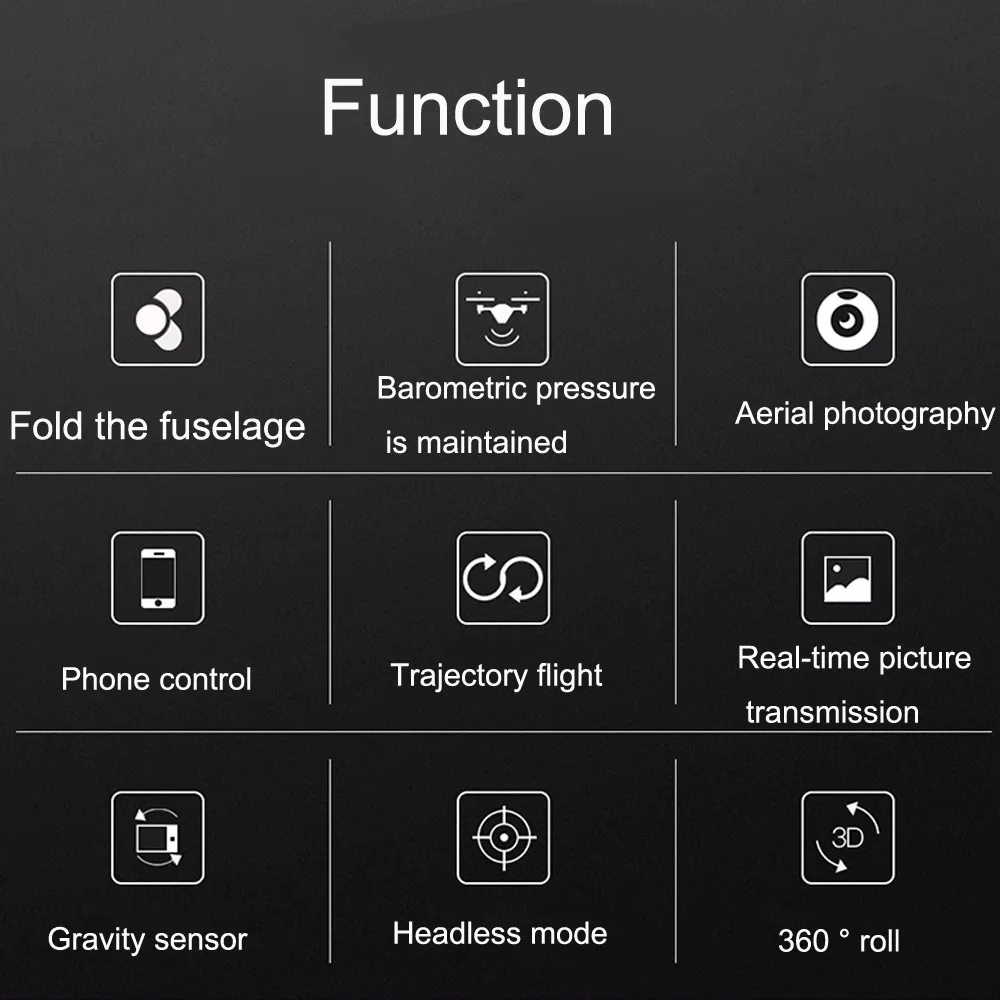
• WiFi camera offers access to incredible real-time FPV and App control
• Gravity sensor Mode (G-Sensor) makes the UAV follow the movement of your phone
• Altitude Hold enabled by the barometer for smooth pictures & video
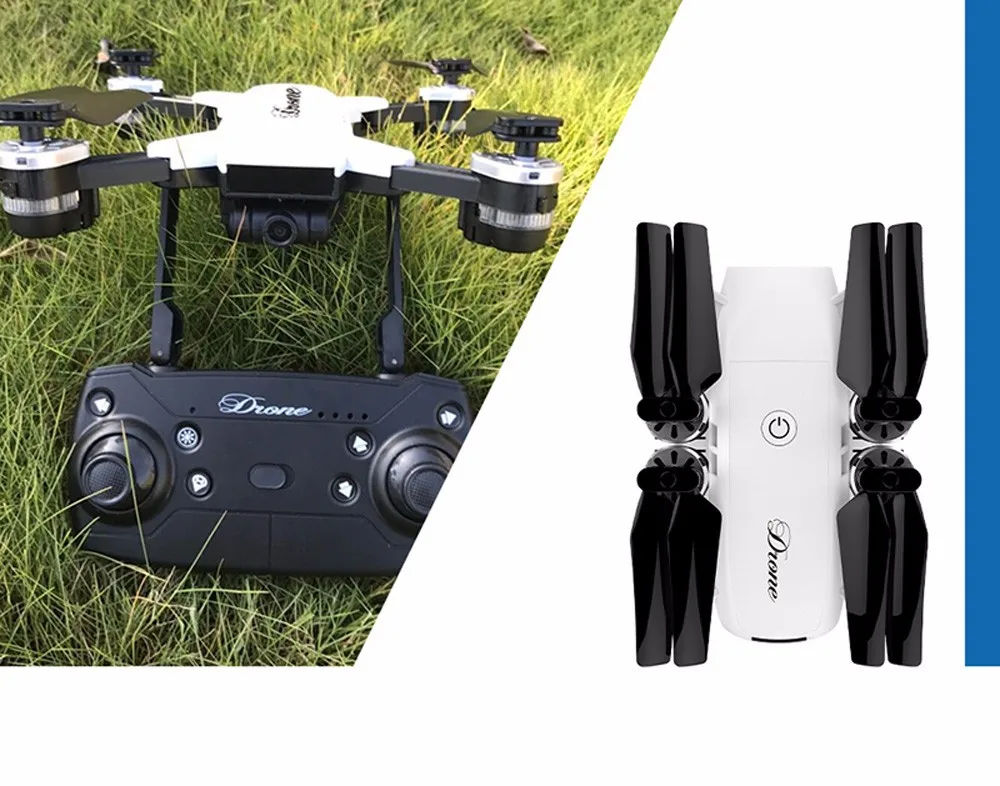
• Excellent portability with foldable aircraft and 2.4GHz 4CH transmitter
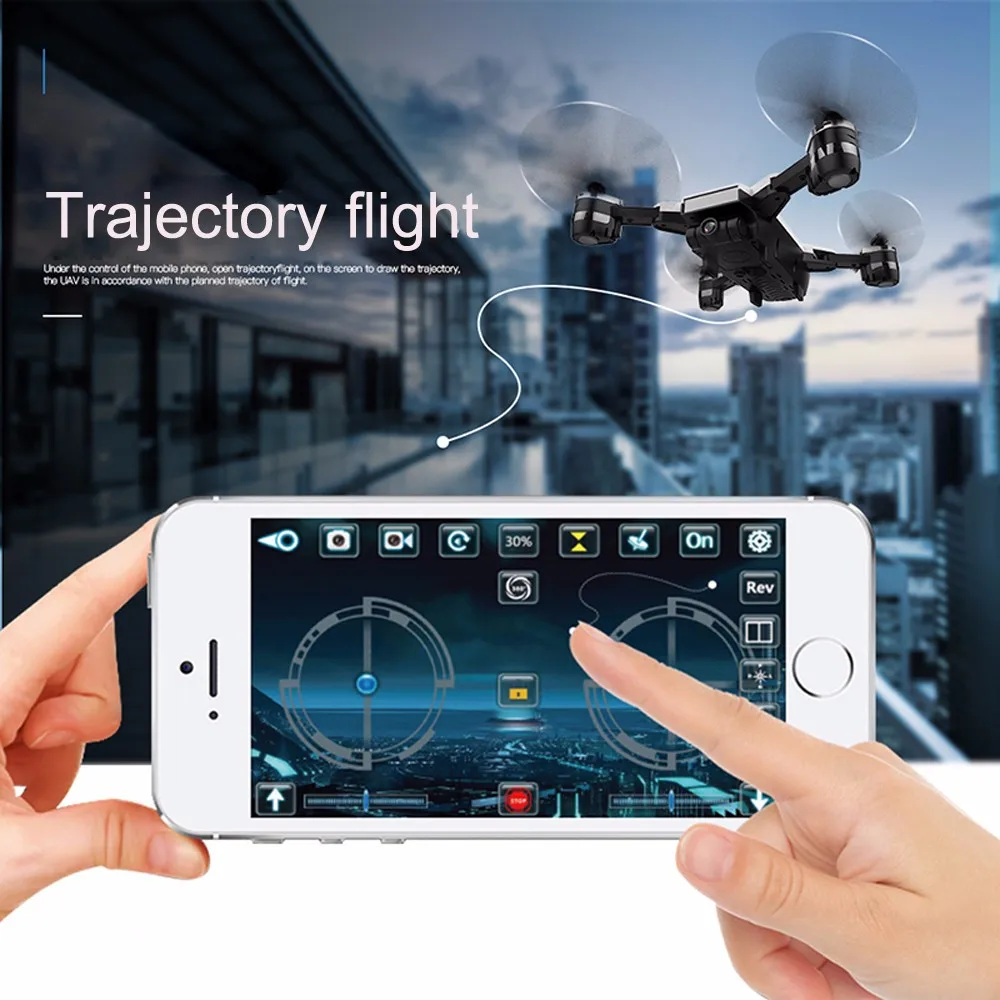
• Waypoints - draw on the App interface to plan the flight path!!
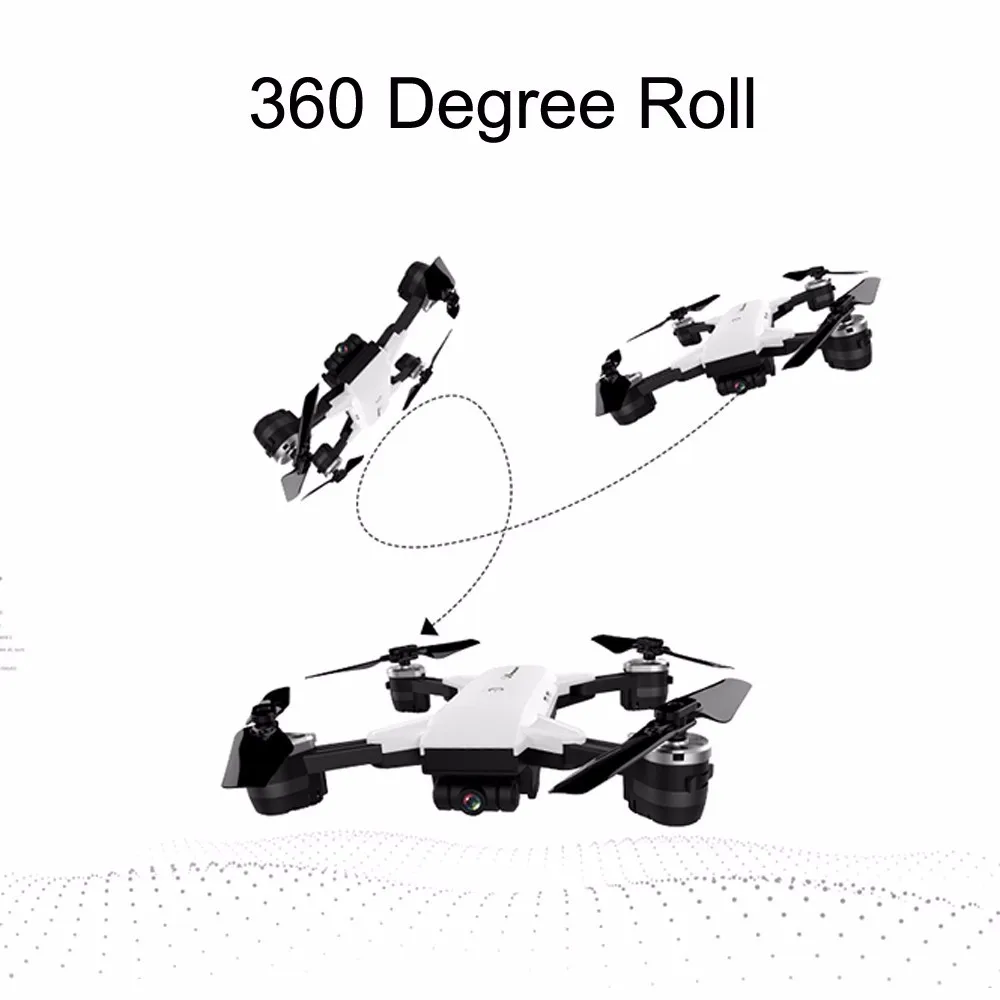
• 3D Flips and Rolls for exciting air show of 360-degree rotations!!
Specifications:
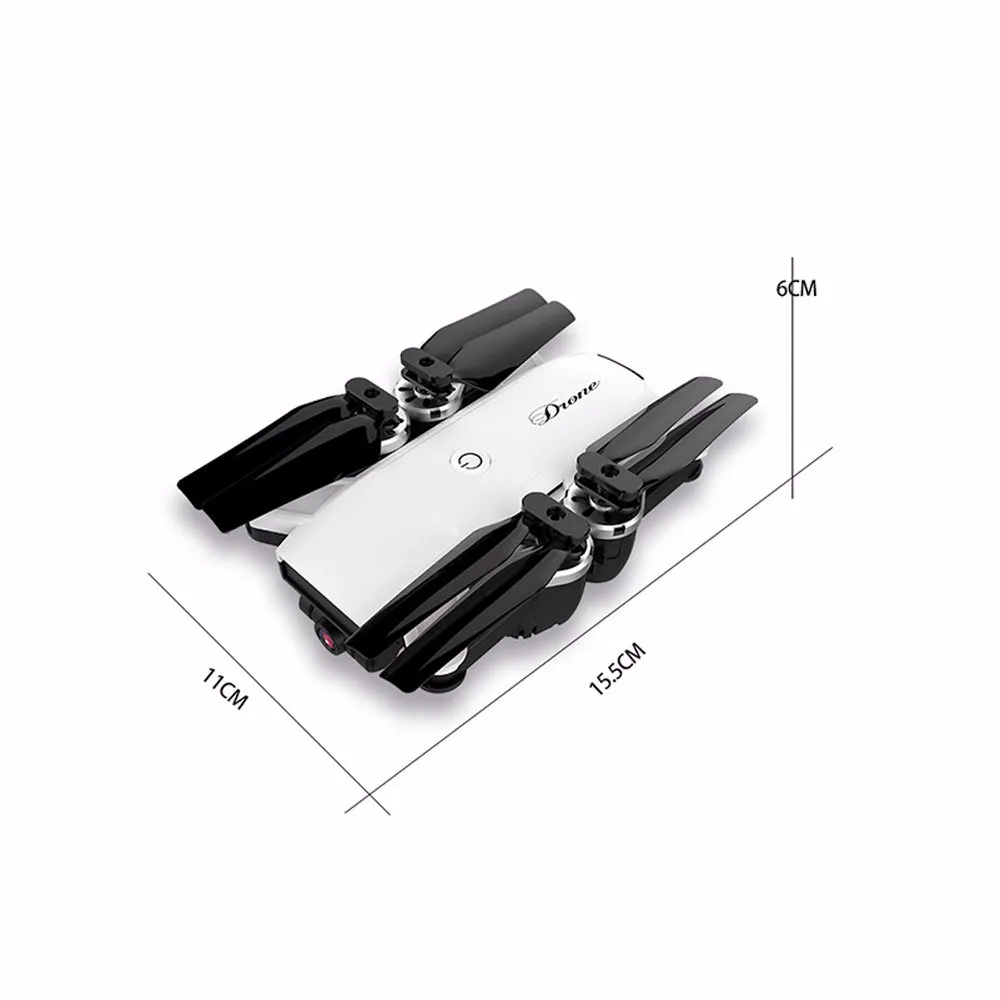
Size: 40 x 33 x 6.5cm ( unfolded, including propellers ); 15 x 10 x 6.5cm ( folded )
App download: QR code on user manual
Compatible system: Android, iOS
Wifi transmission system provides easy and fun FPV flight.
2.0MP 120° FOV wide angle HD camera can take photos and record 720P videos
With high strength metal material, and equipped with omnidirectional, multi angle protection anti-collision cover, the machine has a strong anti wrestling ability
Foldable design, portable and easy to carry.
Unique fuselage design and high quality painting, outstanding appearance.
Upgraded 2.4G 4CH transmitter for your easy control.
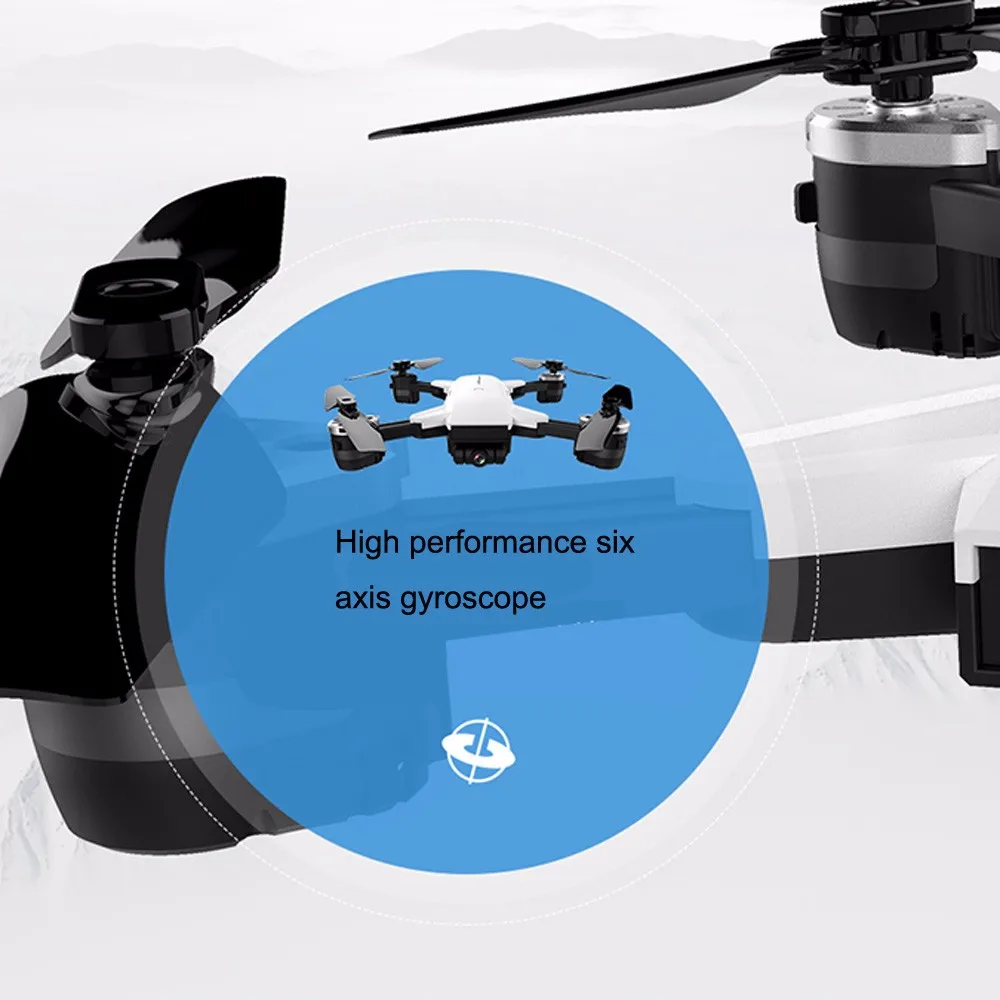
The latest 6-axis flight control system, provides super stable flight.
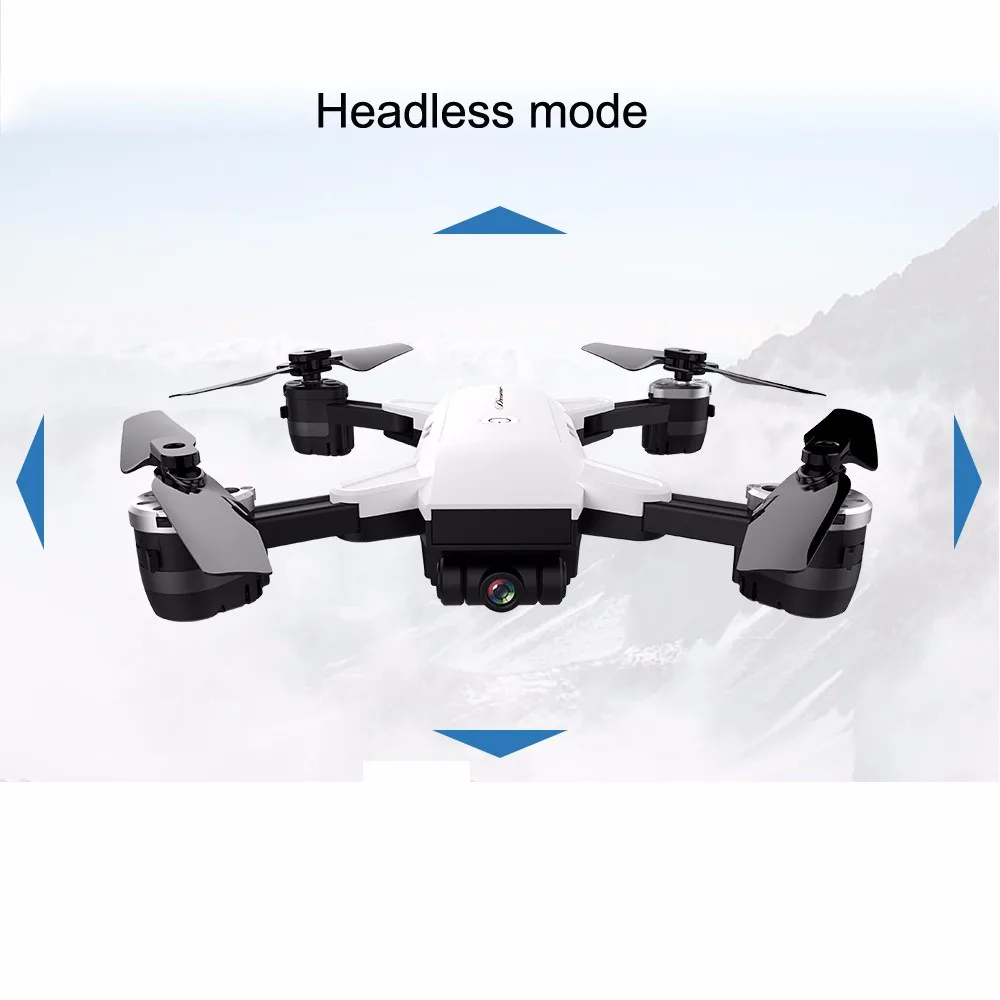
With headless mode, and one-key return care free to fly.
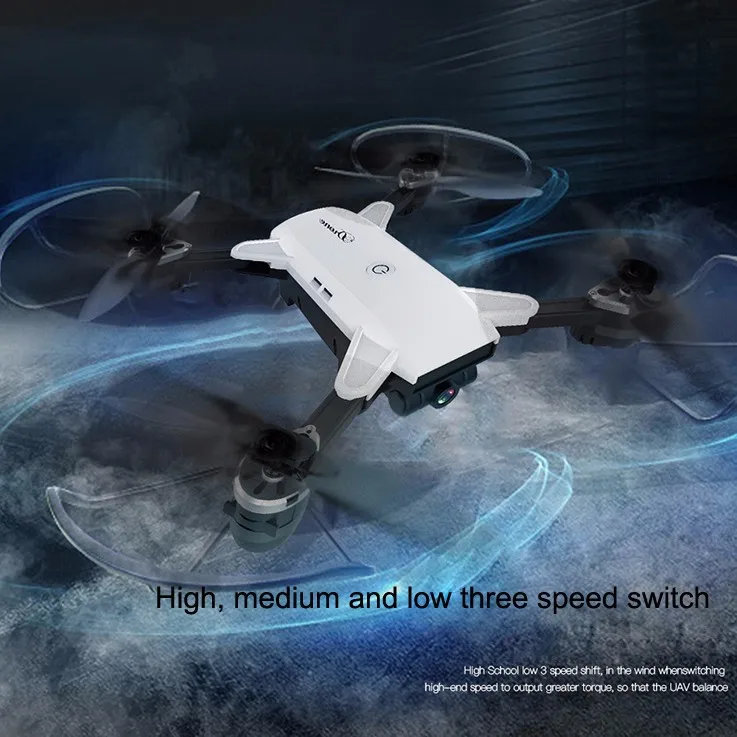
High/low speed mode and 3D flip function provide you cool flying experience.


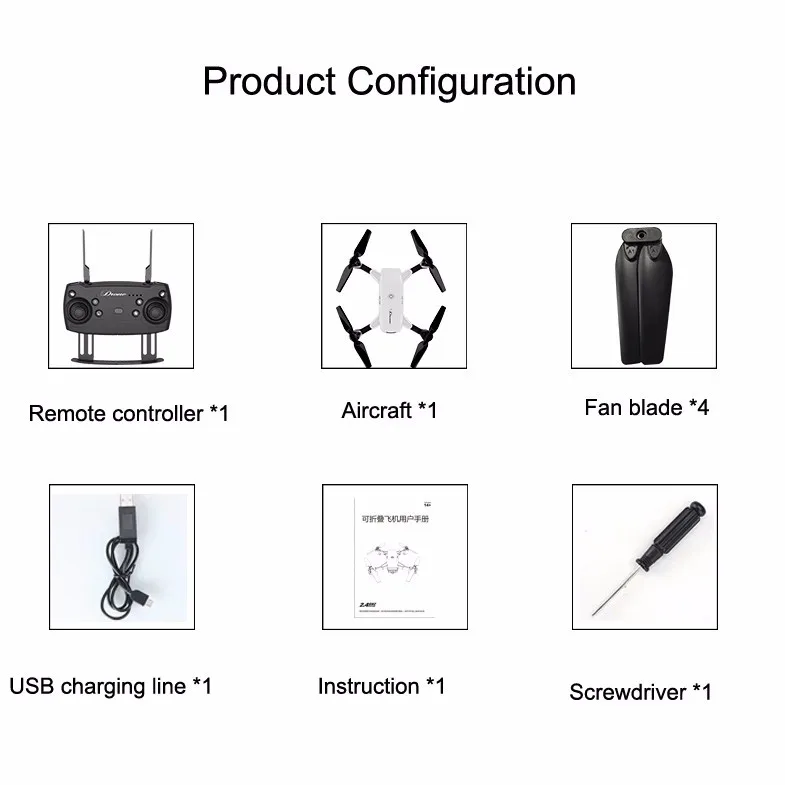
• YH-19HW Drone/Aircraft
• Remote Controller (Can also use Smart Phone to Fly YH-19HW Drone. Follow Instructions in Manual)
• Manual (In-Depth Easy to Read Simple Instructions)
• Propellers ("Standby A/B Wind Vane*w4)
• Propeller Guards ("Shield *4")
• Screwdriver for Inserting Remote Control Batteries (Directions: Unscrew back of remote and insert batteries)
• Spare Screws for Remote
• USB Cable (Charge Drone/Aircraft)
Specification:
General
Type
Quadcopter
Model
YH - 19HW
Features
Brushed Version,Camera 720p HD,Radio Control,WiFi APP Control,WiFi FPV
Motor Type
Brushed Motor
Functions
3D rollover,Forward/backward,Gravity Sense Control,Headless Mode,Height Holding,One Key Automatic Return,One Key Landing,One Key Taking Off,Sideways flight,Slow down,Speed up,Turn left/right,Up/down,Waypoints,WiFi Connection,With light
Size: Medium
Sensor: Barometer
Built-in Gyro: 6 Axis Gyro
Kit Types: RTF/RTH
Level: Beginner-Intermediate Level
Age: Above 14 years old
Connectivity
Remote Control
2.4GHz Wireless Remote Control
Channel
4-Channels
Radio Mode
Mode 2 (Left-hand Throttle),WiFi APP
Control Distance
80-100m
Detailed Control Distance
About 100m
Compatible with Additional Gimbal
No
FPV Distance
About 80m
Transmitter Power
3 x 1.5V AA battery(not included)
Model Power
Built-in rechargeable battery
Battery
Battery
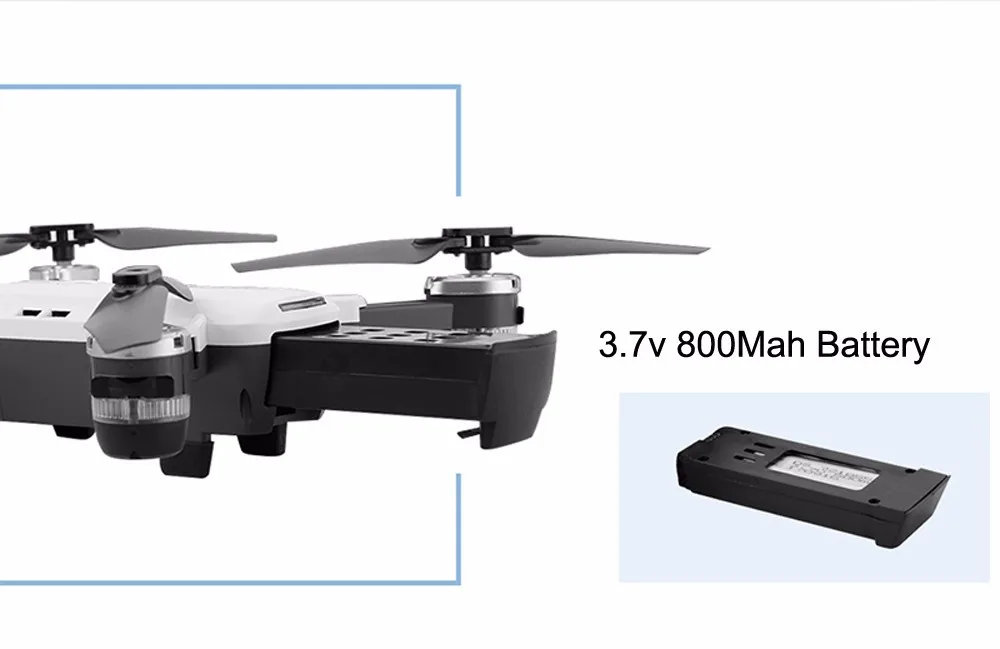
3.7V 800mAh lithium-ion
Flying Time
8-10 mins
Charging Time.
About 80 mins
Camera
Camera Pixels
2MP
Dimension and Weight
Product weight
0.1600 kg
Package weight
0.6100 kg
Package size (L x W x H)
21.00 x 16.50 x 8.00 cm / 8.27 x 6.5 x 3.15 inches
Package Contents
Package Contents
1 x Quadcopter ( Battery Included ), 1 x Transmitter, 2 x Spare Propeller, 1 x USB Cable, 1 x Screwdriver, 1 x Set of English Manuals
General Questions from Drone Flyers
How to bind the quadcopter and the transmitter?
First turn on the quadcopter power switch, place it in a horizontal position, then turn on the transmitter. Push the left throttle lever to the highest position, and then pull it back to the lowest position. You will hear a clear "di, di" sound and the indicator light will stop flashing and just stay lit, meaning the frequency adjustment is completed and your quadcopter is ready to take off.
Why the indicator light of the quadcopter is flashing?
1. The quadcopter is not binding to the transmitter correctly, please refer to the user manual to re-modulate the frequency;
2. Battery power is insufficient, recharge the battery.
Why one of the blades spin slower than others?
1. Check the tightness of the blades ;
2. Adjust the trim key ;
3. Re-modulate the frequency, the quadcopter must be put on a flat ground;
4. Re-calibrate gyroscope.
How to distinguish the steering of a blade?
Blades are usually marked with A, B or R. Diagonal direction blades have the same steering, adjacent blades have opposite steering.