
Sealey Twin Piston In-line Air Sander 400x70mm 8cfm
The Sealey Twin Piston In-line Air Sander 400x70mm 8cfm (Part Number: SA32).
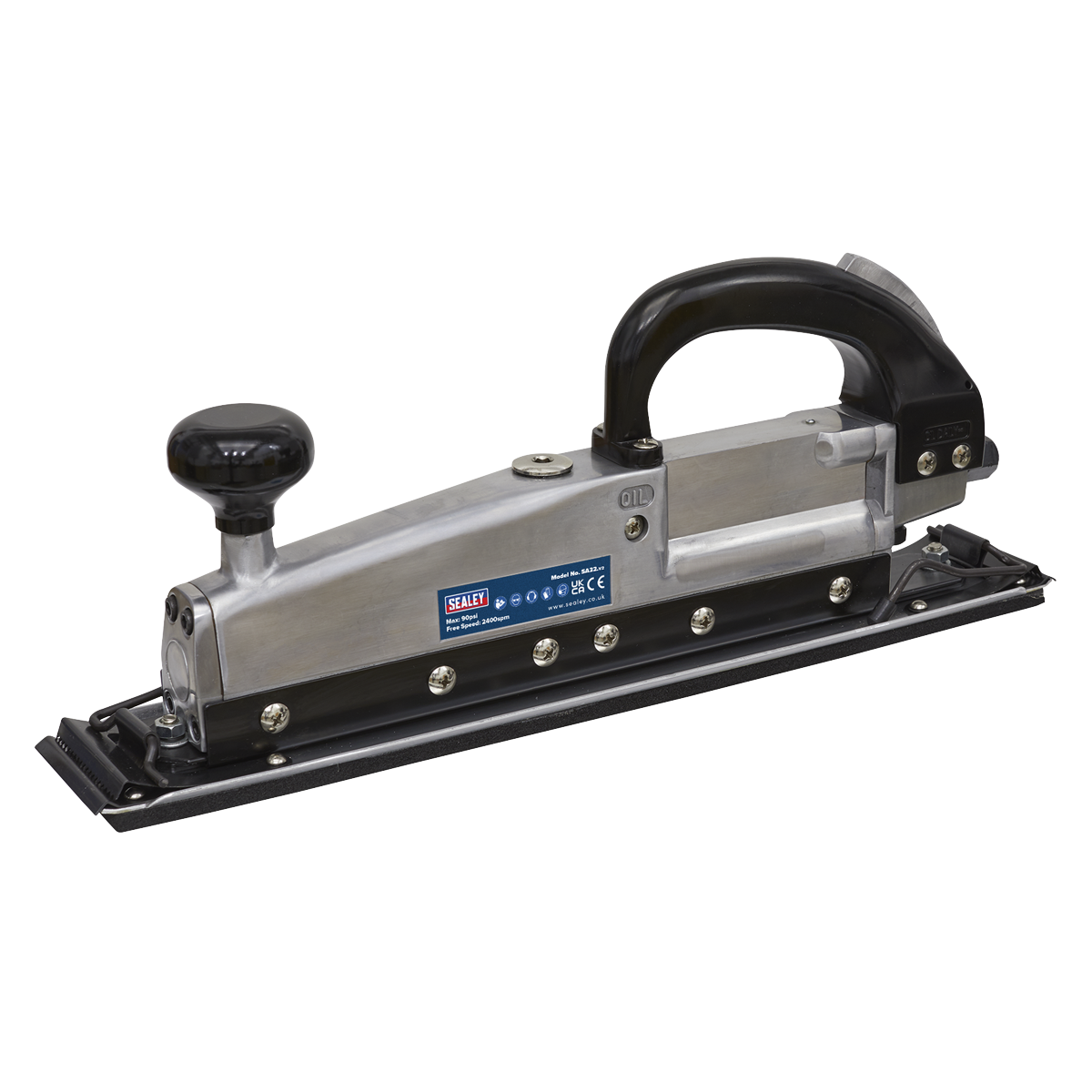
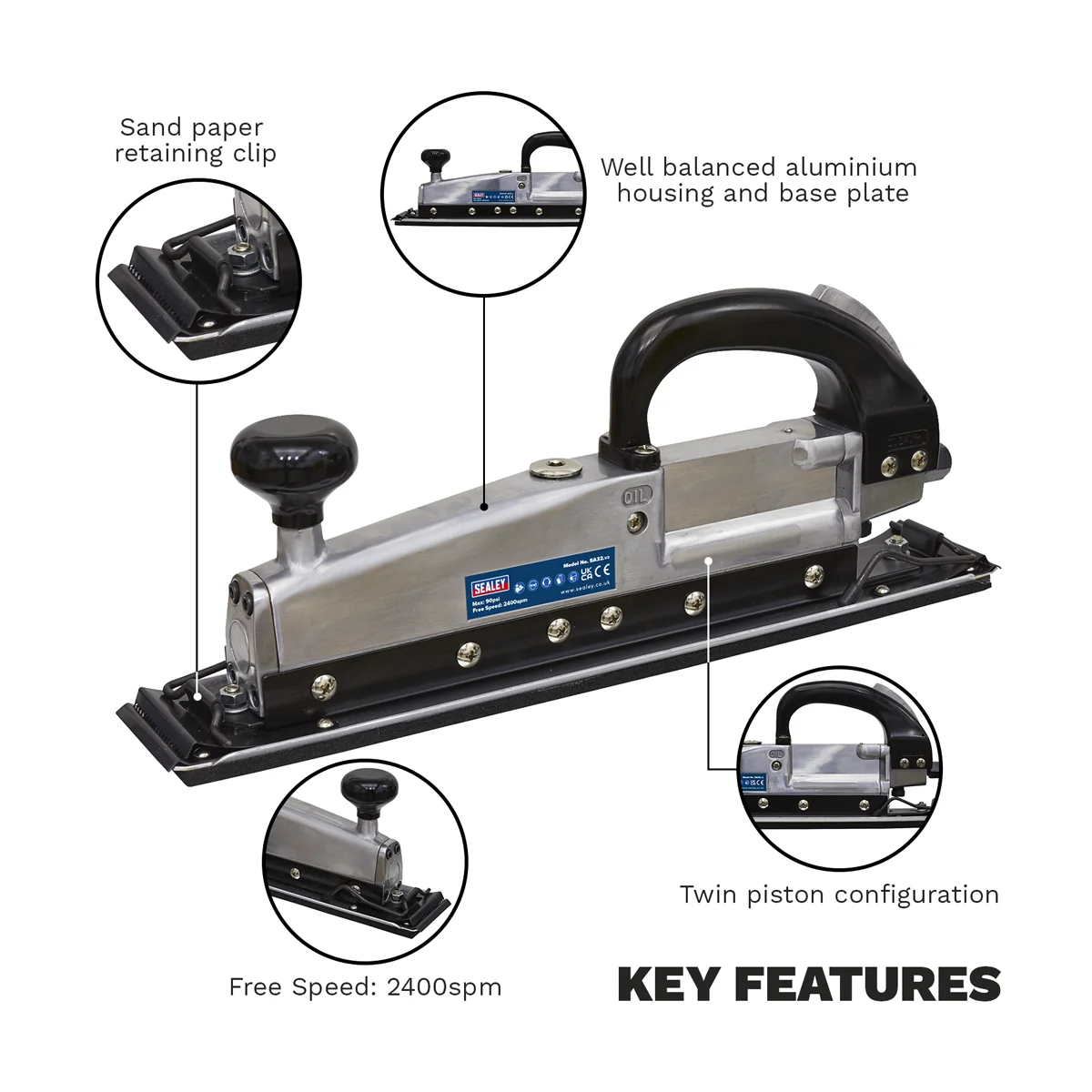
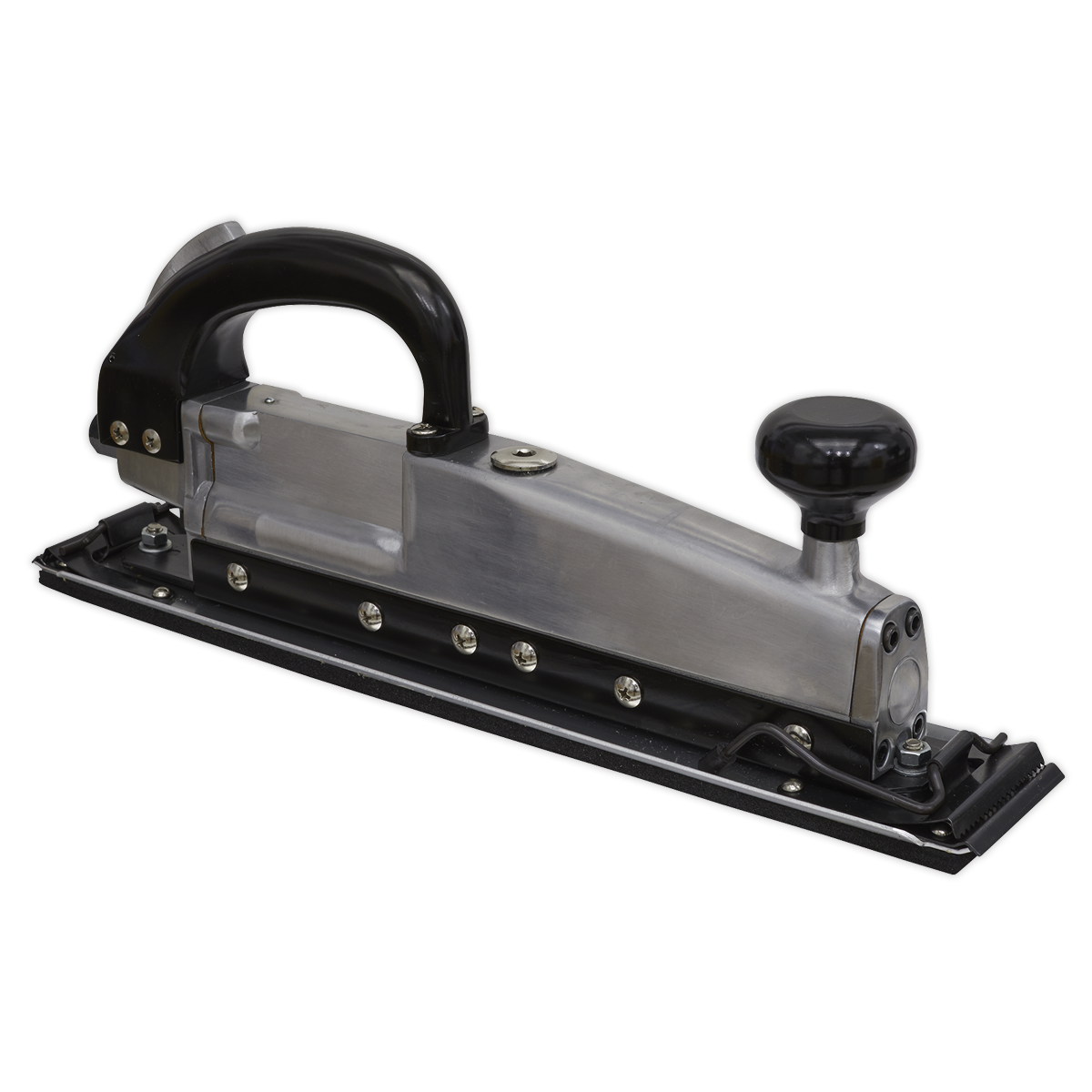
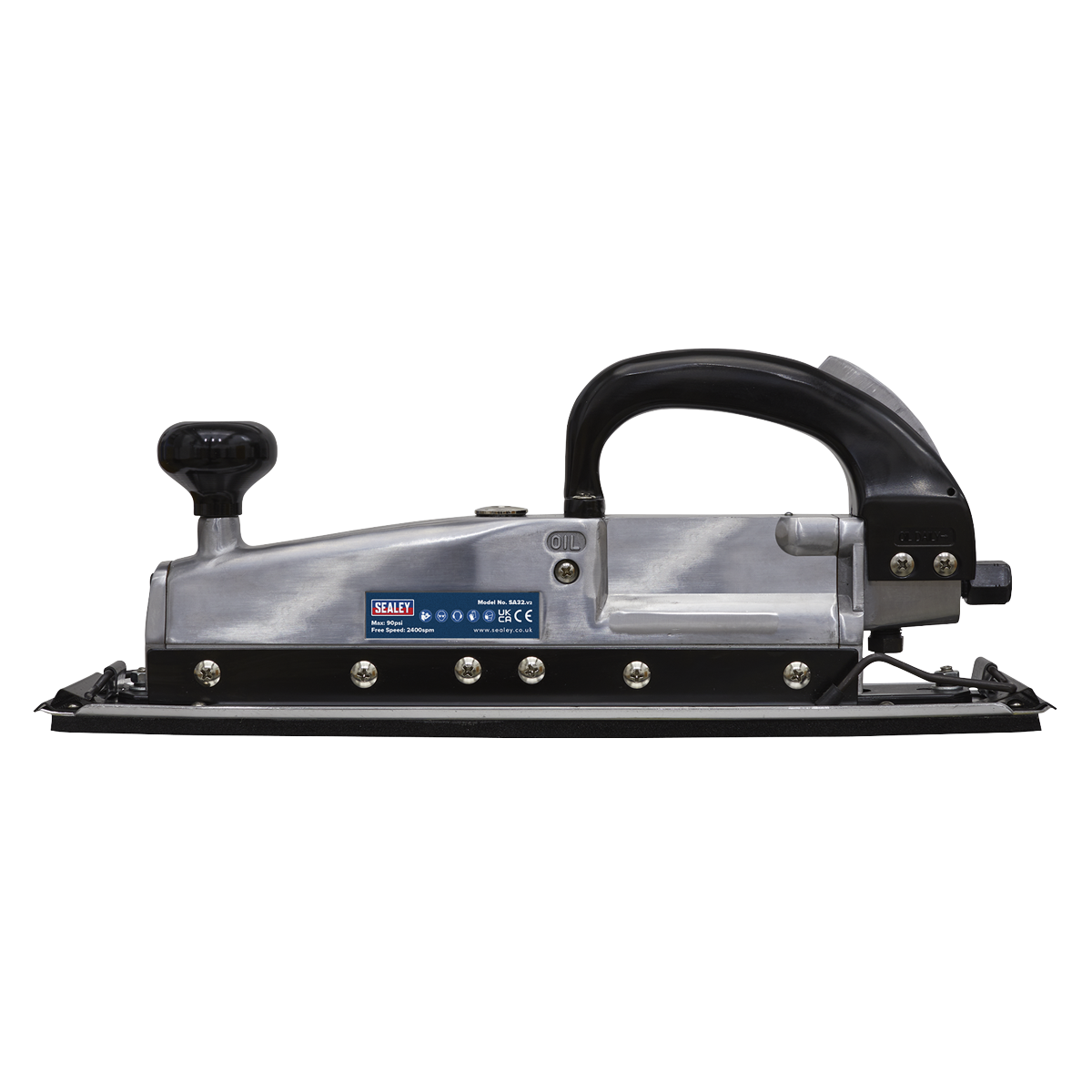
The Sealey Twin Piston In-line Air Sander is engineered for efficiency and comfort in heavy-duty applications. With a pad size of 400 x 70mm and a no-load speed of 2400spm, this air sander is perfect for bodyshop use.
- Twin piston configuration for effective forward and backward strokes.
- Reduces vibration for comfortable operation.
- Well-balanced aluminium housing and base plate.
- Accepts 115mm papers or sheets.
- Operating pressure of 90psi and air consumption of 8cfm.
Specifications
| Brand | Sealey |
| EAN | 5024209156363 |
| Type | Air Power Tools |
| Sub-Type | Sanders |
| Item Weight | 3.16 kg |
| Custom Bundle | No |
| Model No | SA32 |
| Air Consumption | 8cfm |
| Inlet Size | 1/4"BSP |
| Nett Weight | 3kg |
| Noise Power/Pressure | 107/96dB(A) |
| No-Load Speed | 2400spm |
| Operating Pressure | 90psi |
| Pad Size | 400 x 70mm |
| Stroke | 25mm |
| Vibration/Uncertainty | 8.47/1.33m/s² |
| Manufacturer Part Number (MPN) | SA32 |
Why Choose Sealey?
The UK workshop's favourite equipment brand.
- Massive professional range — hand tools, power tools, jacks, lifting, diagnostics and garage equipment.
- Workshop specification — designed for daily professional use.
- Genuine Sealey — full part numbers and technical data on every listing.
About Sealey
Sealey is a British family business and one of the UK's biggest names in professional tools and workshop equipment, with a catalogue running to tens of thousands of lines. From vehicle service tools and lifting equipment to hand tools and consumables, Sealey is a fixture in garages and workshops across the country.


Specifications & Datasheet
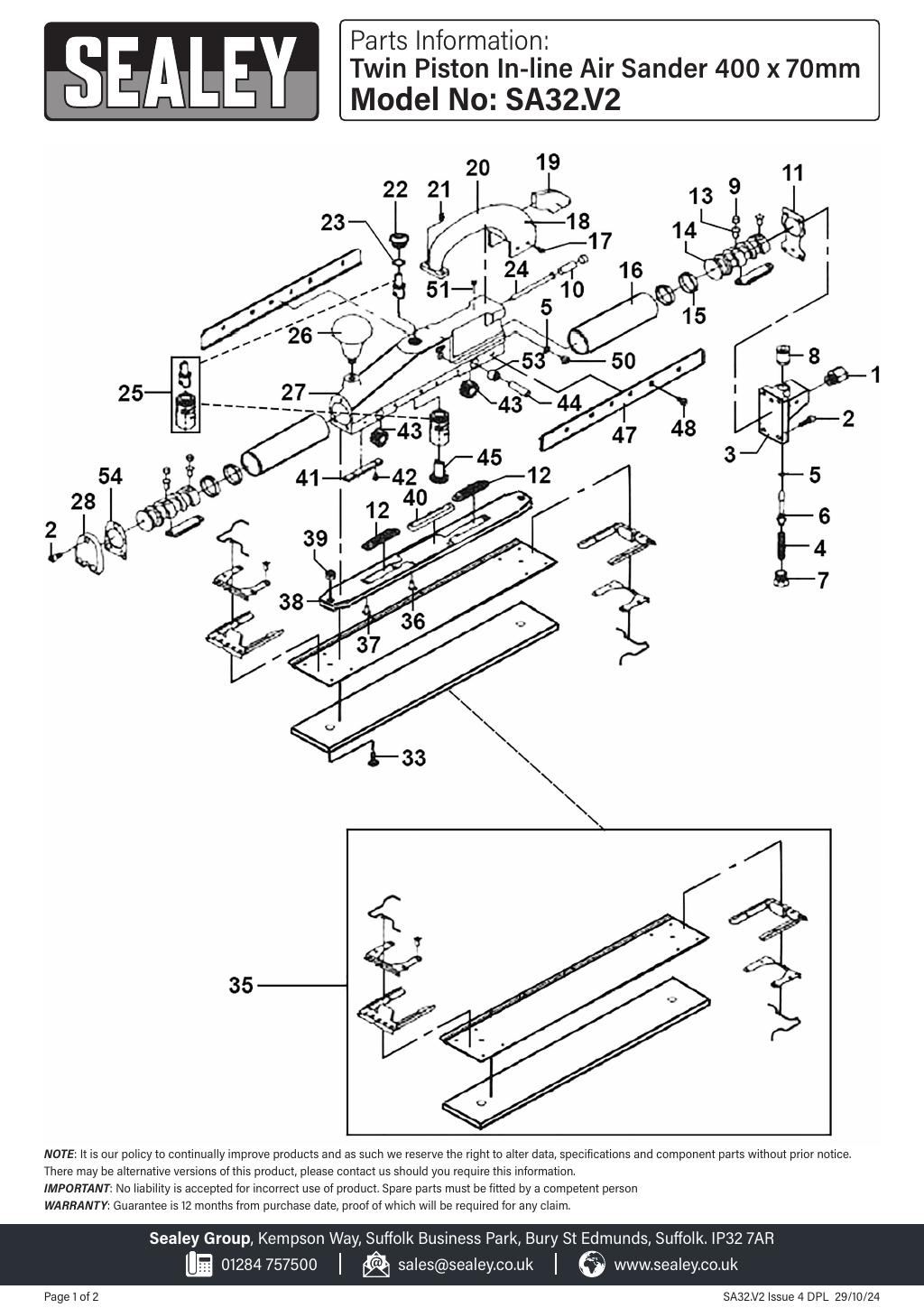
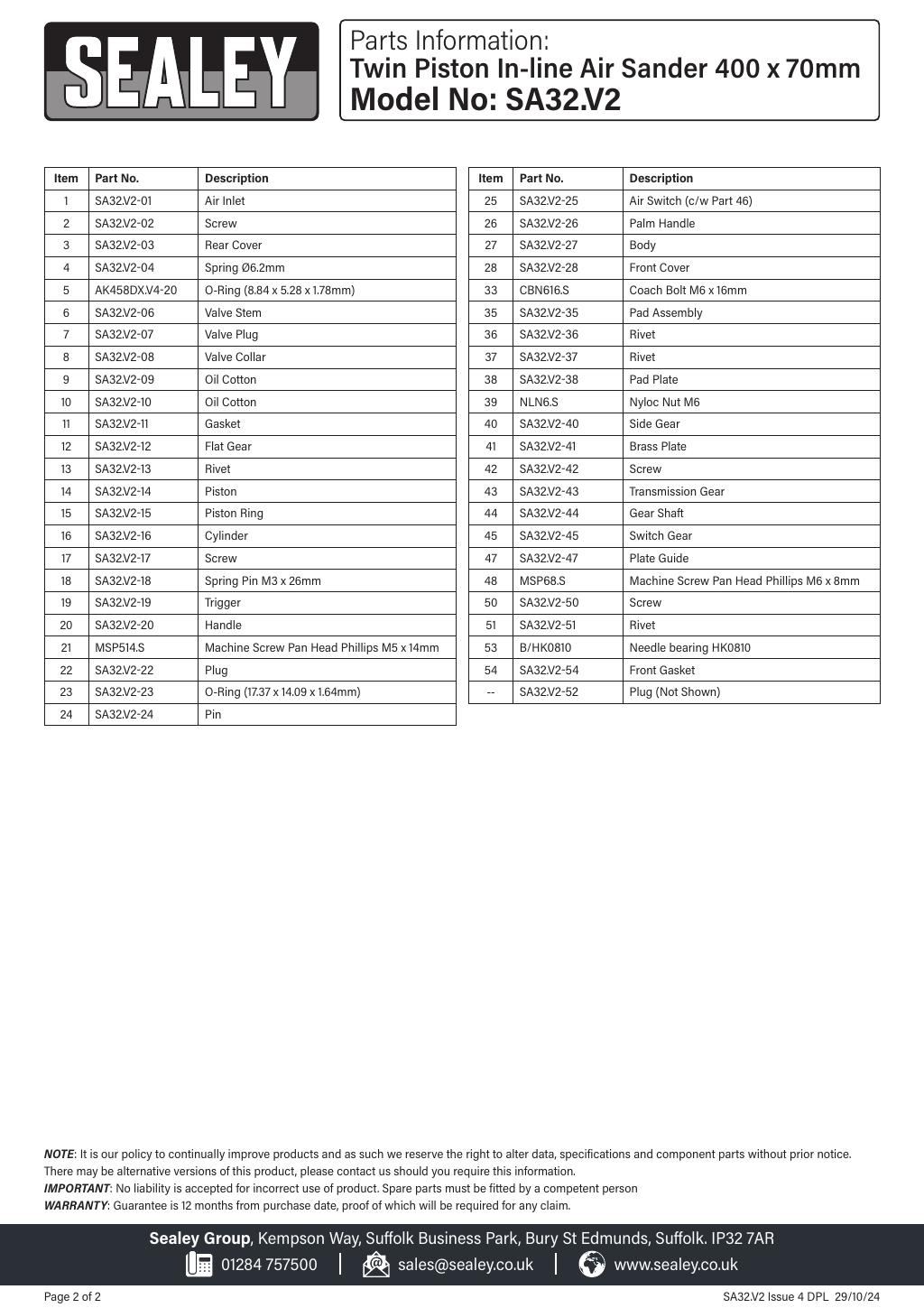
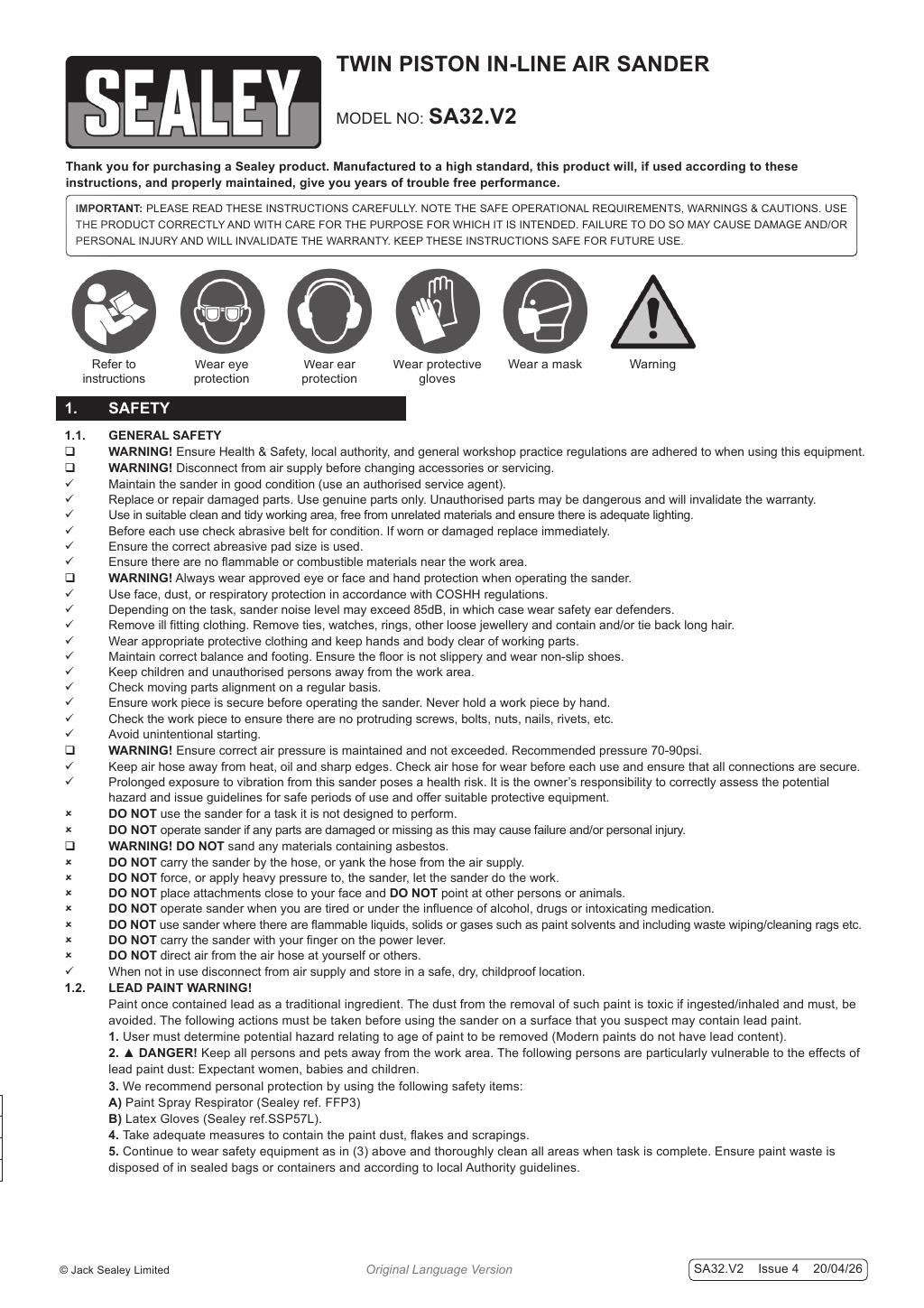
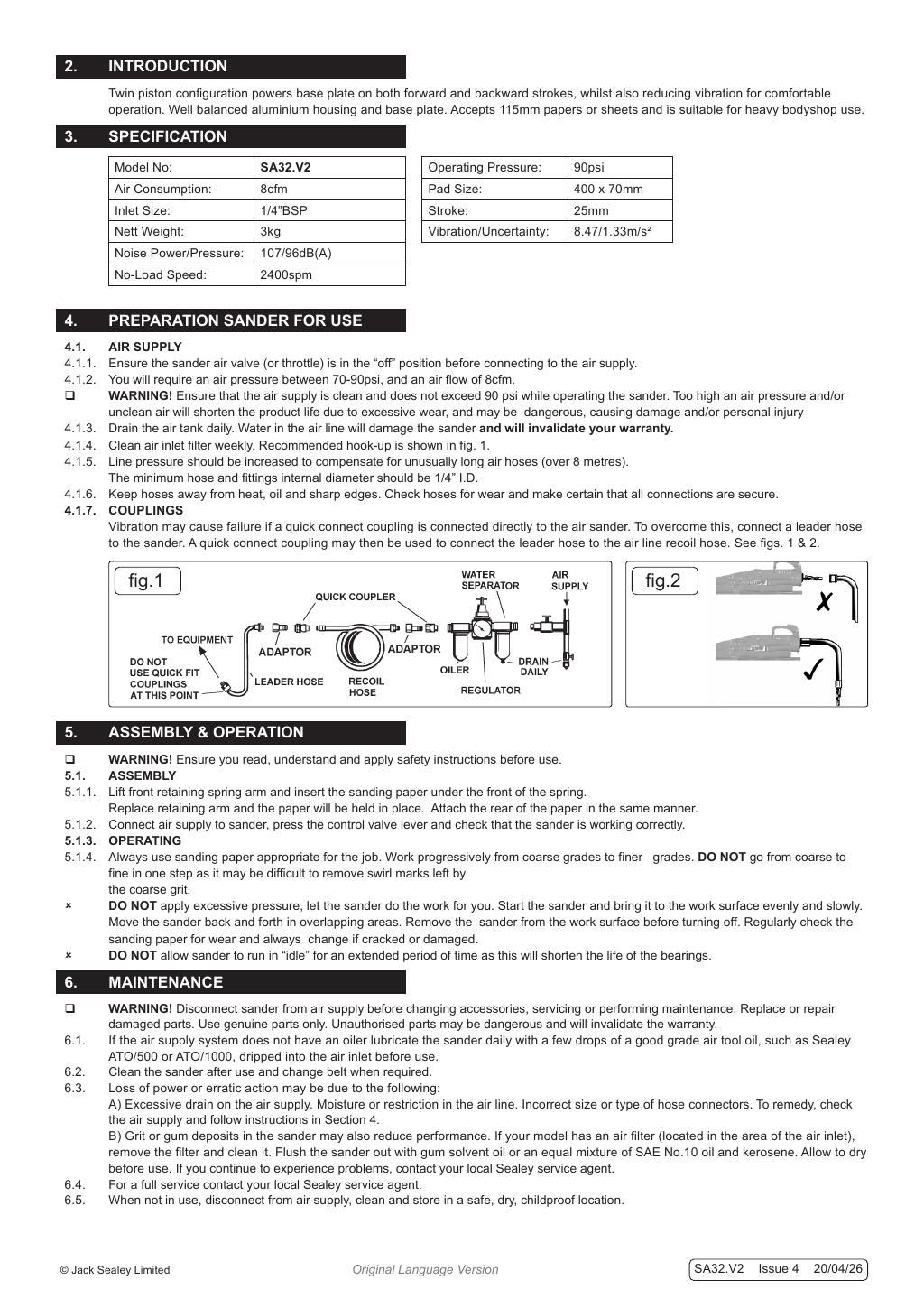
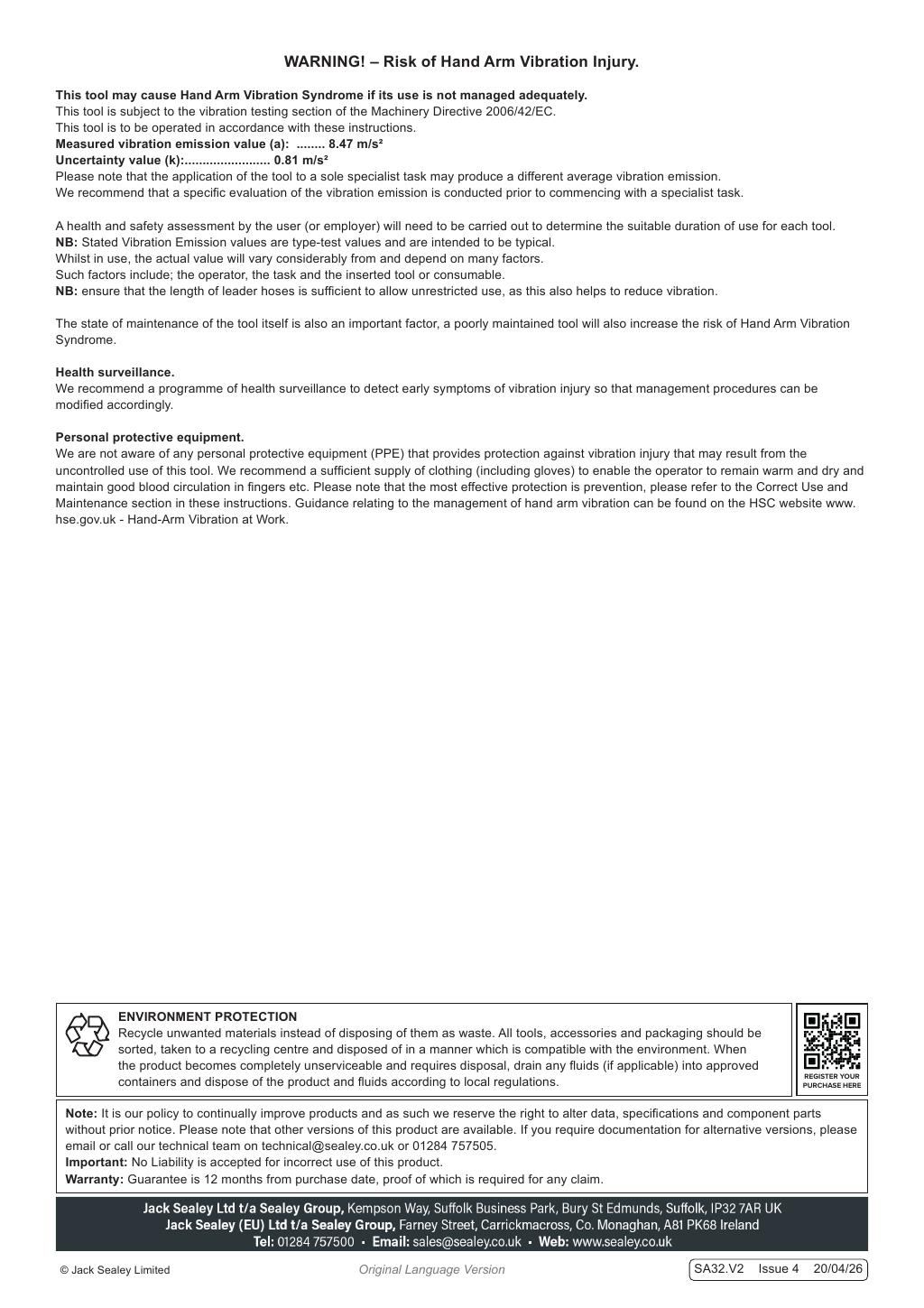
Click any page above to enlarge. Once enlarged, right-click and choose "Save image as" to save the datasheet to your device. Use ‹ / › to flip pages, × to close. Rendered from the manufacturer's official datasheet supplied with the product.