
RAID 5 Mode is the Most Cost-effective Choice For 5-bay Hard Drive Enclosures

If you need to store a large amount of data while ensuring data security and integrity, RAID 5 mode is definitely a good option. Before performing any operation, PLEASE backup all your data to avoid data loss or damage.
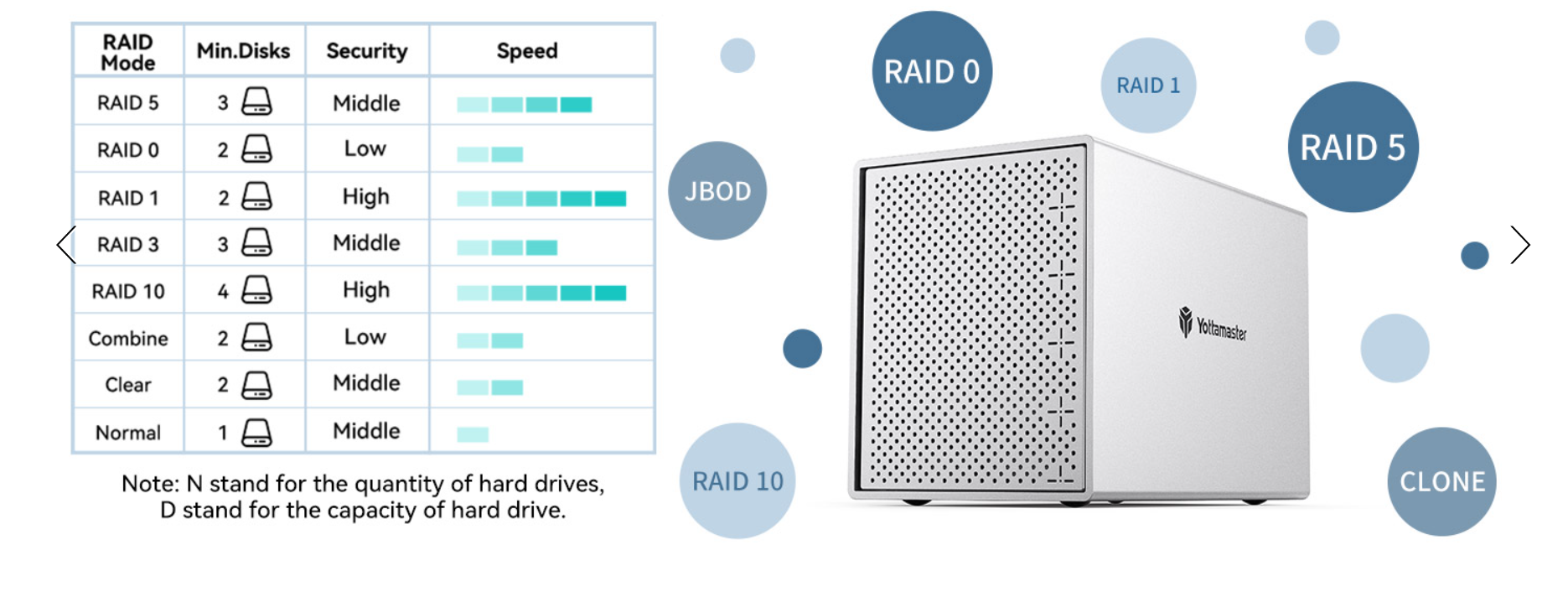
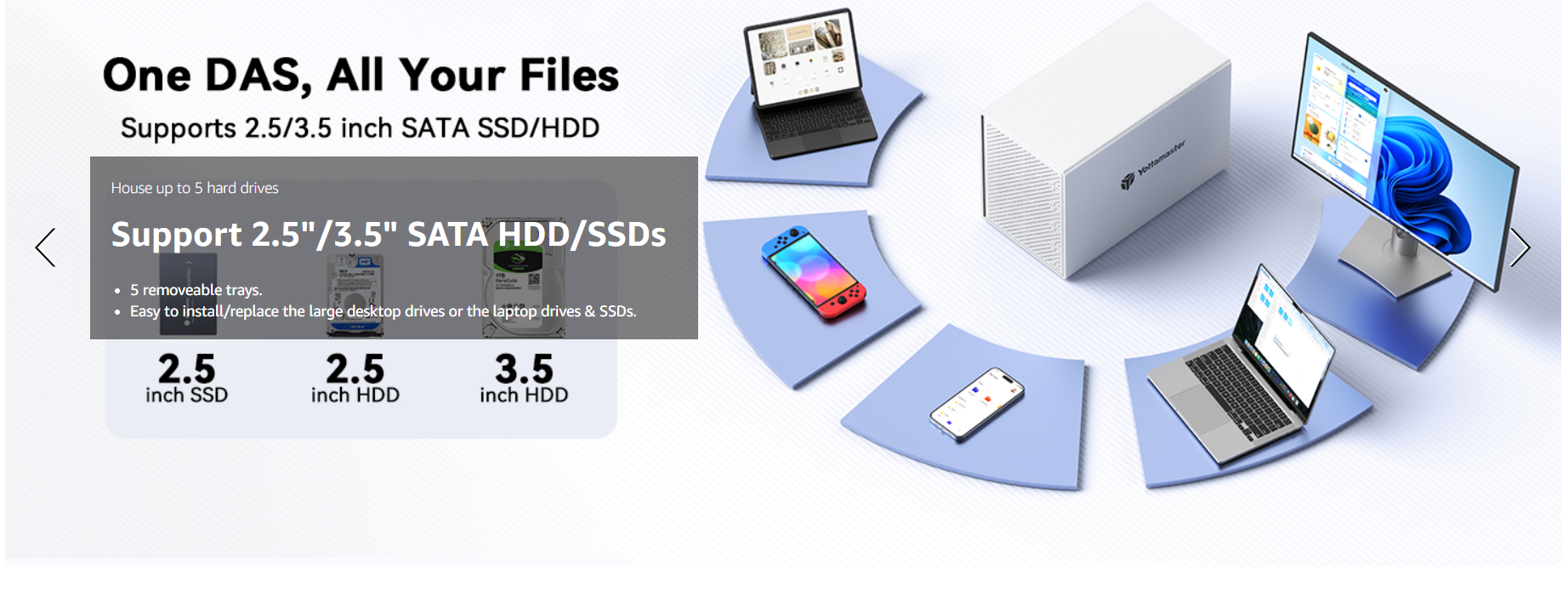
If you are looking for a solid solution to accommodate your growing need for external drives, and if you prefer having all your drives housed in a single enclosure instead of having multiple drives connected to the back of your iMac, our product offers the perfect solution. With hardware RAID 0/1/3/5/10/JBOD/CLONE array modes, you have control over speed, capacity, and data redundancy. It provides a large capacity for archiving, and the enterprise-class drives deliver exceptional performance to enhance your productivity.
Key Features:
- Single disk support up to 18TB
- Convenient PUSH design for easy hard drive replacement
- USB3.1 to SATA 3.0 6Gbps transfer speed, backward compatible with USB2.0/1.1
- Dimensions and Weight: L x W x H: 25.2 x 13.6 x 16.9 cm, 9.92 x 5.35 x 6.65 inches. Weight: 3.33kg / 117.36 oz / 7.33 lb.
Troubleshooting Guide:
To ensure proper functionality, connect the device directly to your computer rather than using a hub.


Use a 4-bay or 5-bay Hard Drive Enclosure and Configure it in RAID 5 Mode
If you want to strike a balance between storage capacity and data security while choosing the appropriate RAID mode, we suggest to use a 4-bay or 5-bay hard drive enclosure and configure it in RAID 5 mode.
RAID 5 can provide data protection and error correction mechanism across multiple hard drives. In RAID 5 mode, your data is stored across multiple hard drives, with each hard drive storing part of the data and its corresponding parity information. If one hard drive fails, your data is still safe, and it can be recovered through the parity data on the remaining hard drives. Moreover, RAID 5 requires less parity data than other RAID modes, which means that it can provide a higher storage capacity compared to other RAID modes.
Steps for replacing broken hard drives:
If one of the HDD is broken, the corresponding led light will turn RED. Do not change the current RAID mode, or all data will lost!!
1. Safely eject the device from computer, turn off the device.
2. Using a new hard drive to replace the broken one. Note: Brand new drive has to be formatted!
3. Turn on the device. The device will automatically rebuild the current RAID mode.

Five LED Indicator Lights
- Blue light: Power on
- Blinking blue and red alternately: Reading data
- Red light: Hard drive error

Precautions for Power Supply Plug
Please refer to the picture attached to insert the plug as the indicated direction, or the enclosure won't work properly if the plug is inserted in a wrong direction.
Make sure that the flat end of the power connector is facing up.