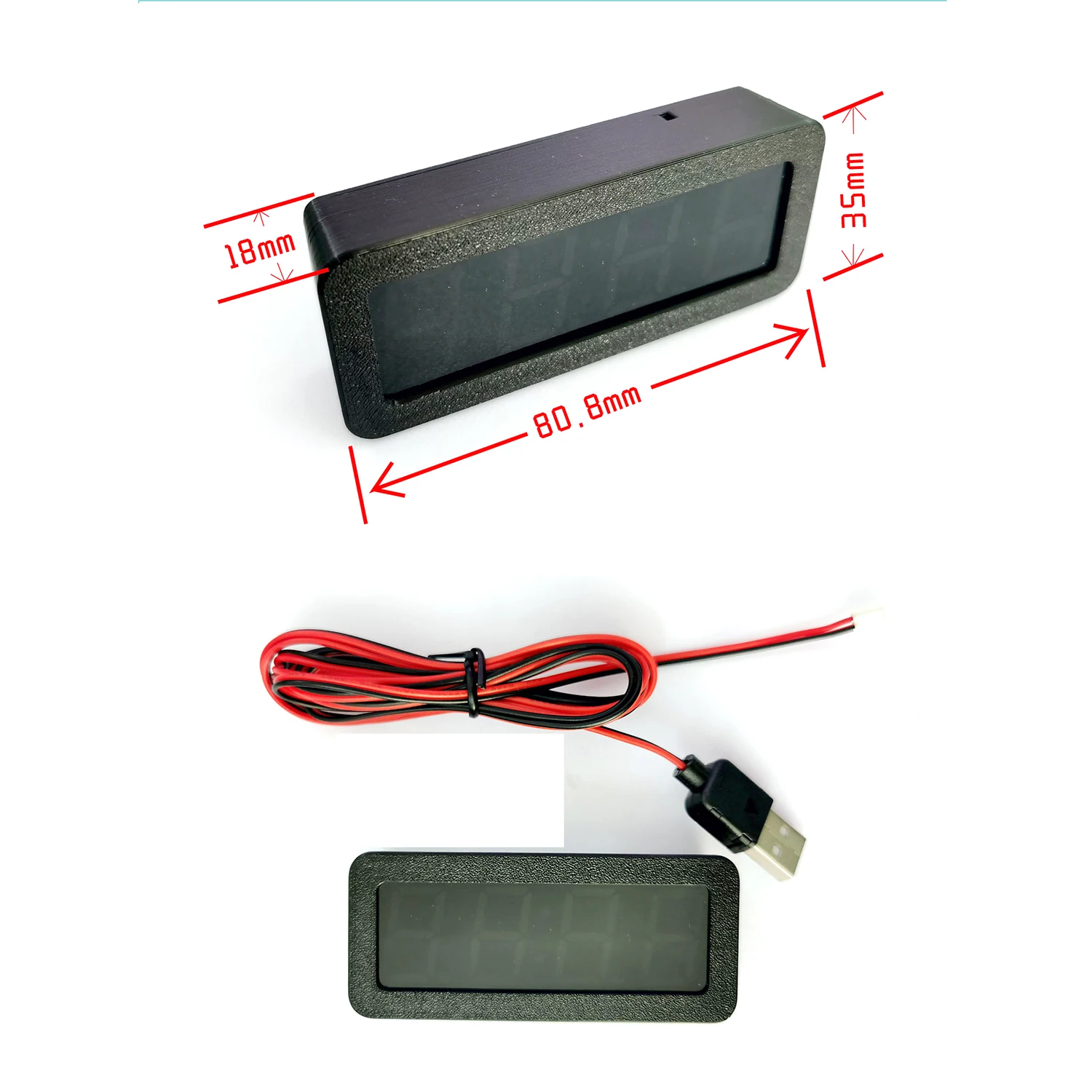
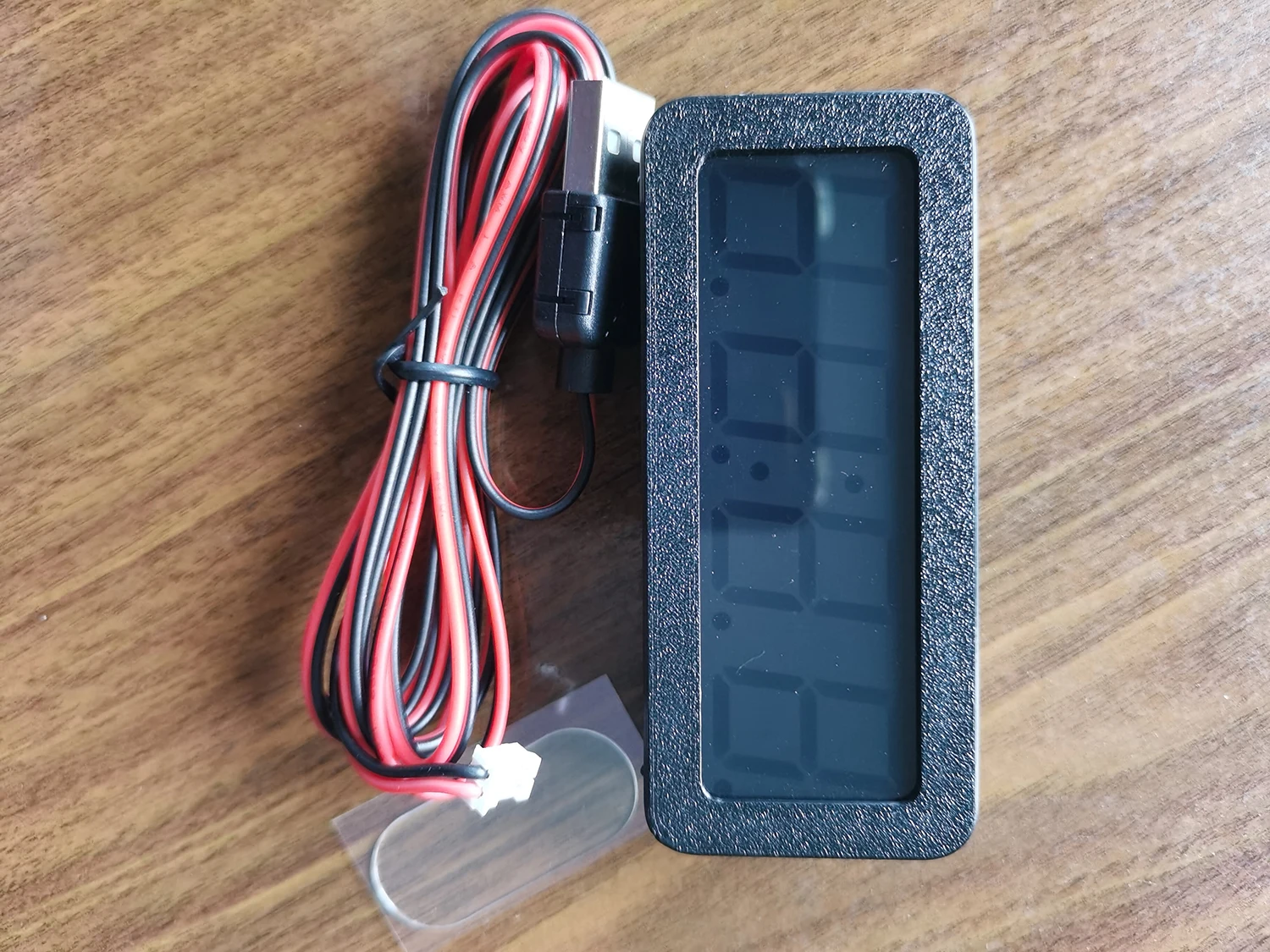
Module electrical parameters:
Power supply voltage :DC5~15V(cut off the USB head to connect to the car 12V) Maximum current :80mA
Product Description:
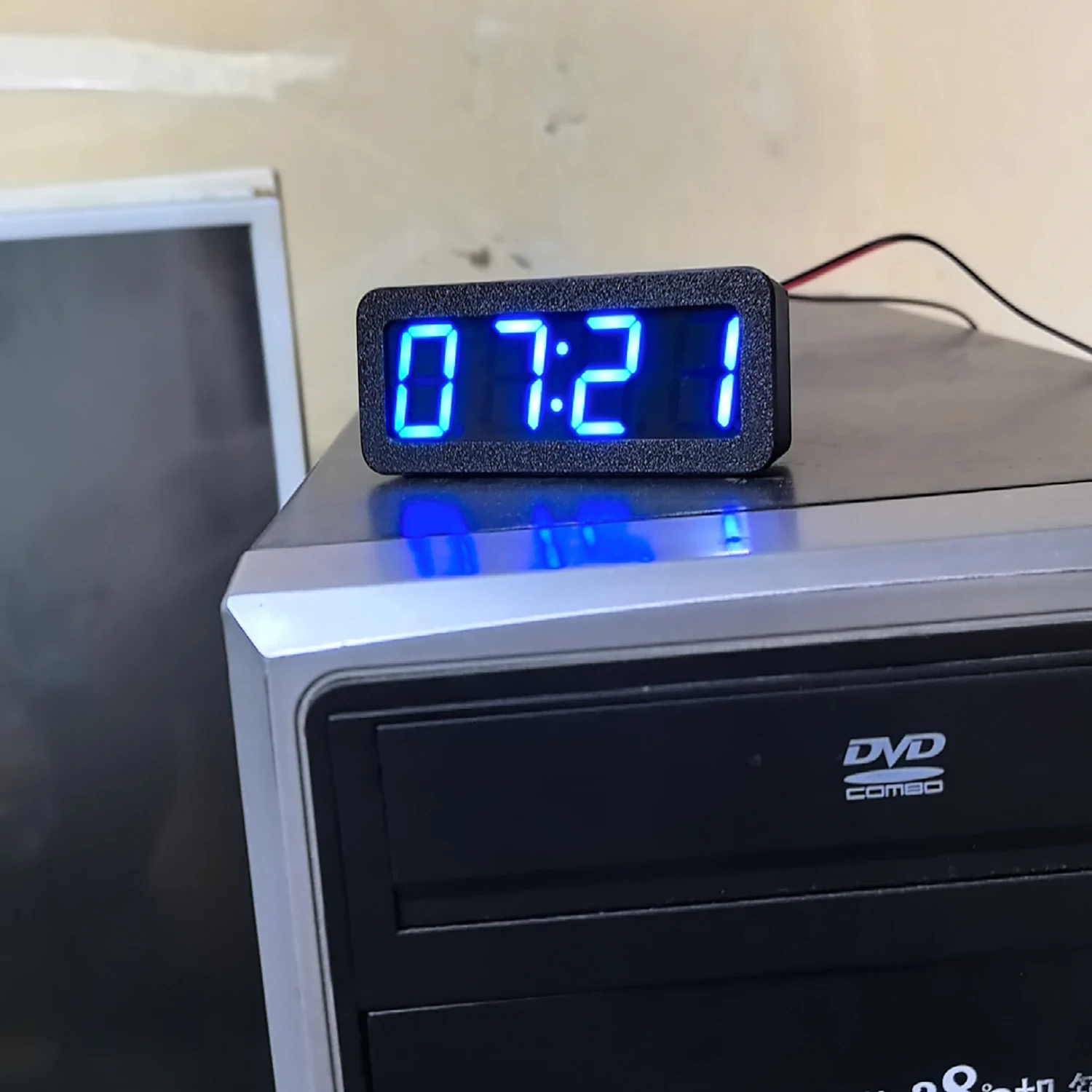
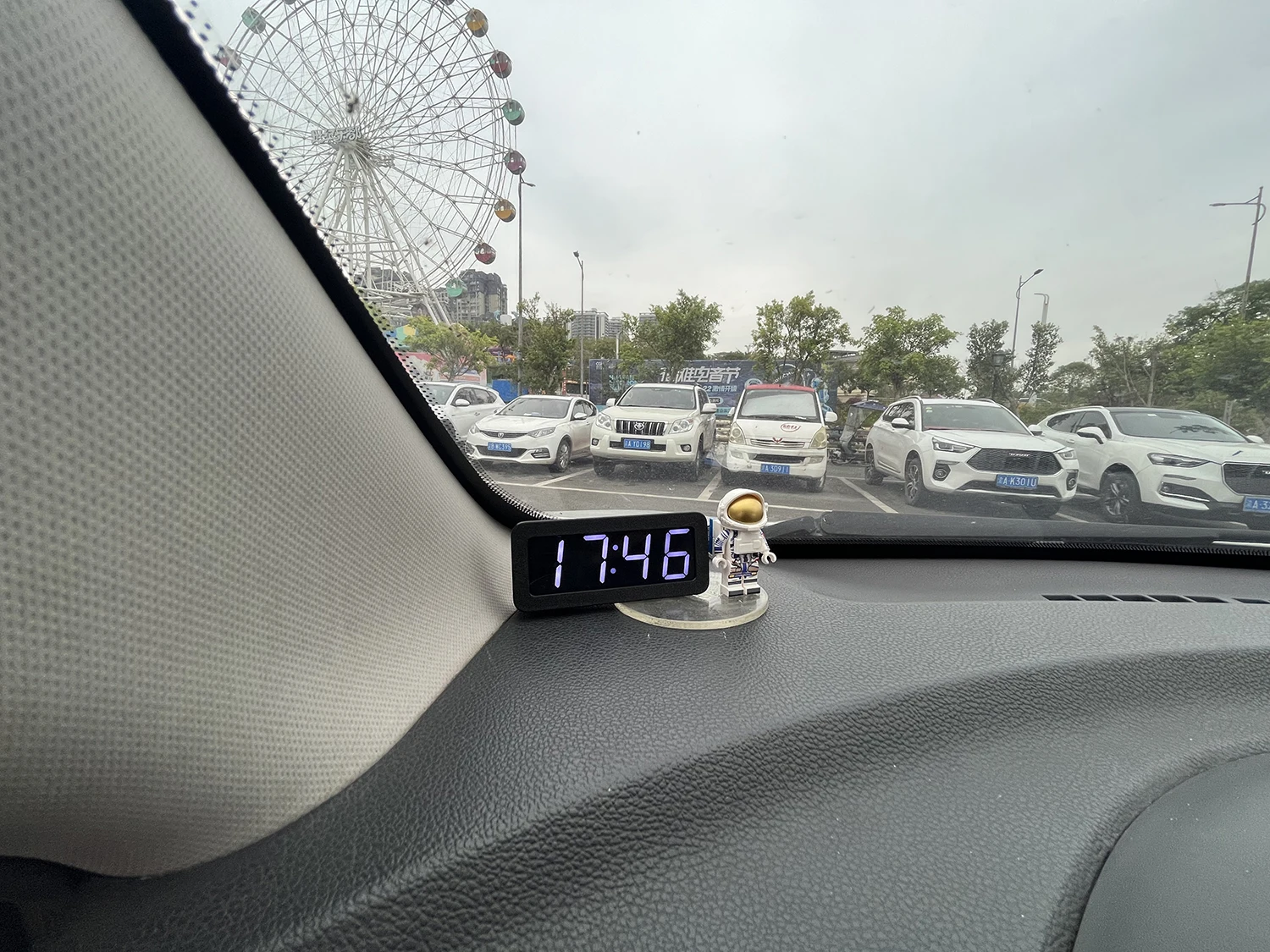
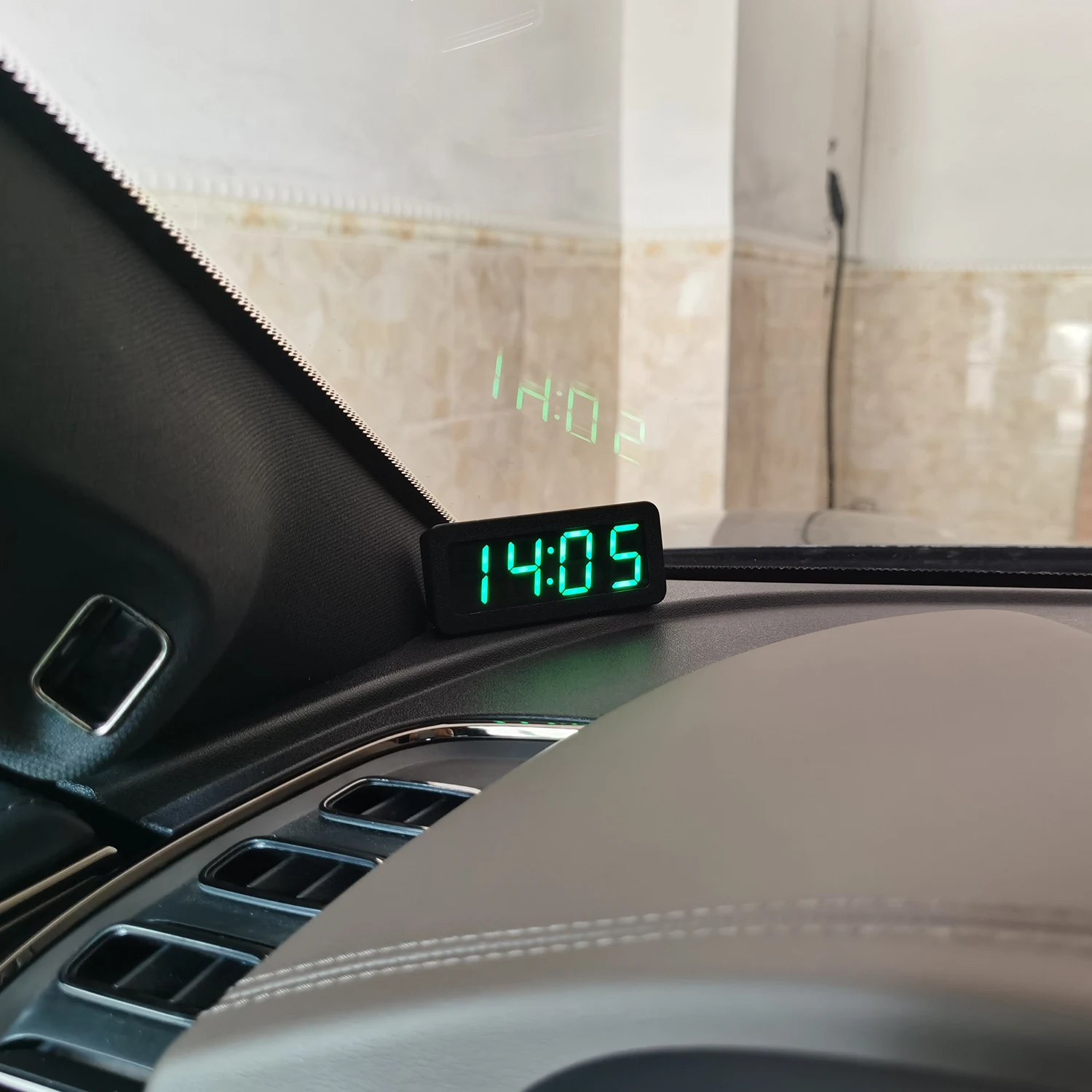
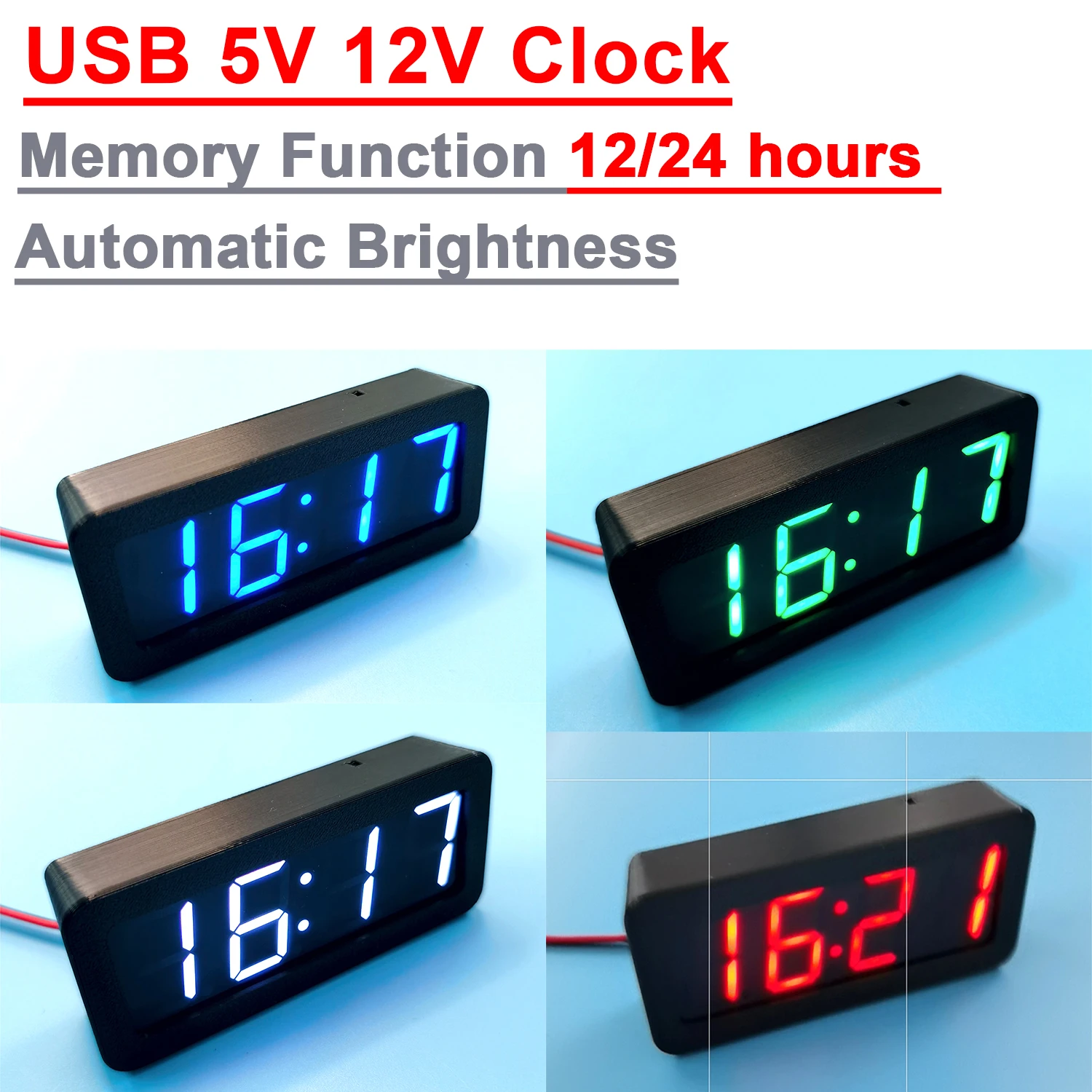
GPS and Beidou satellite timing car clock, no need to manually set the time, the car will automatically receive GPS or Beidou satellite calibration time in outdoor open areas. Normal use of the car can maintain the time minute-by-second, long-term accuracy. The clock has an automatic brightness function, which automatically adjusts the screen brightness according to the ambient light, so that the driving at night is not dazzling. And has the function of time zone setting, can also be used abroad. There are 12 - and 24-hour options.
Brightness, auto brightness, 12/24 hours setting instructions:
Press and hold the button on the back. The screen shows AL:1. This is the switch for the automatic brightness function. Short press after release to change the value. AL:1 is open. After adjusting the automatic brightness, long press the key to enter the next setting LL: x, which is the setting of manual brightness value. After releasing the key, short press the key to change the value. The adjustment range is LL:1~5, and the parameter can take effect only after the automatic brightness function is turned off. Then long press the key to enter the next setting FF:, which is the switching option of 12 and 24 hours system, FF:12 is 12 hours system, FF:24 is 24 hours system, after adjusting this parameter, finally long press the key to save and exit.
Time zone Settings:
Under the normal display state, press the key five times within 1 second to enter EE:, which is the time zone setting. Press short to change the value, which ranges from -12 to 12. Adjust the time zone for foreign users. After setting the time zone value, press and hold for 2 seconds to save and exit.