PowerMerge LE Software for Mac OS Classic |
Brand New • Disk Works Perfectly
|
On a 1.4MB Floppy Disk
|
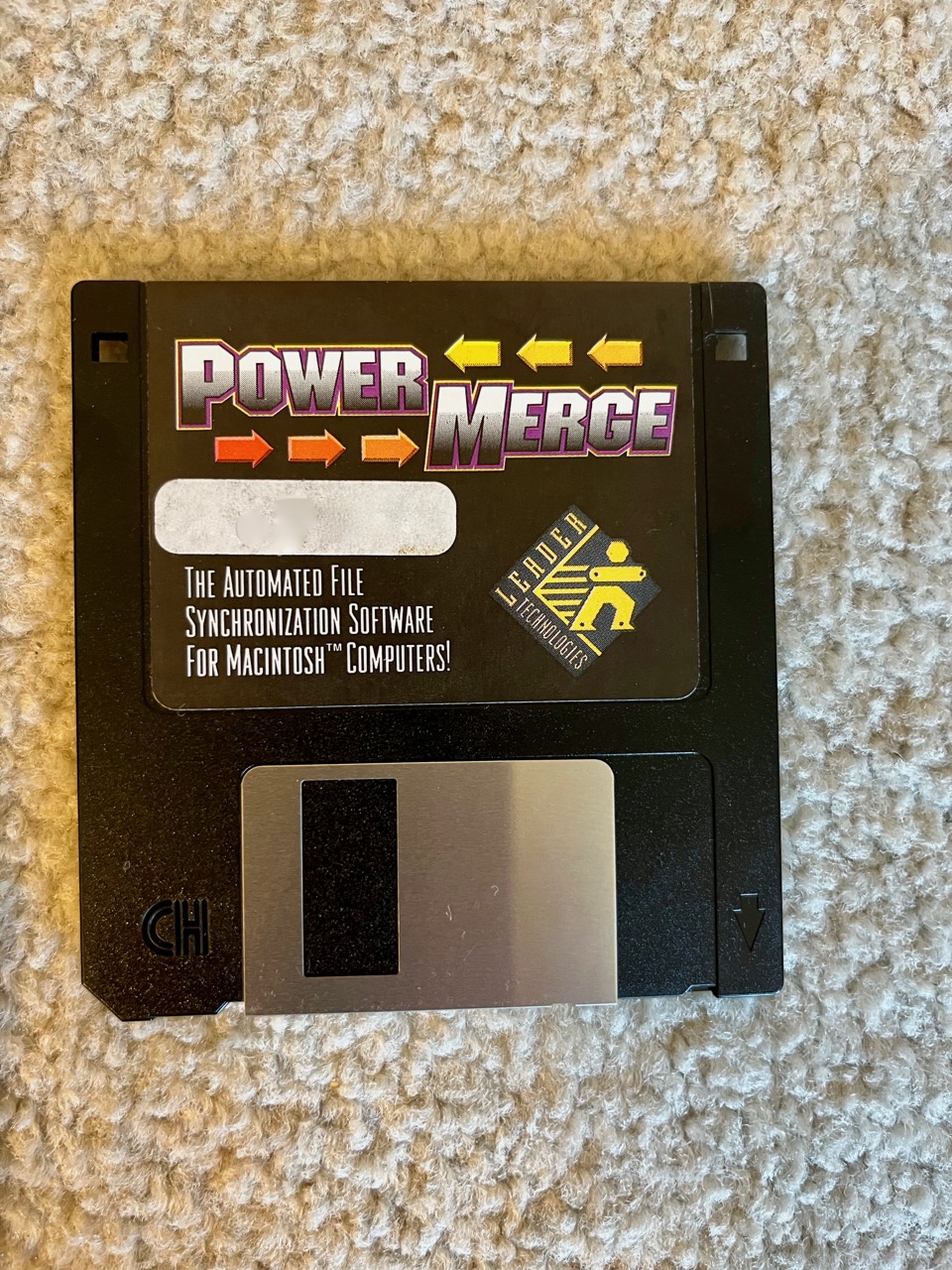

PowerMerge for Mac OS Classic
Automated File Synchronization for Classic Macs.
Backup utility that offers full duplication, that is it can remove files on the destination or source or both that have been moved or whose names have changed. This is one of the very few utilities I've found that allows this both ways in a synchronization. A free light version is available. For Macv OS 7 - 9
PowerMerge is easy to learn and use, yet powerful enough to perform a wide variety of complex file management chores, such as:
Synchronizing your files between your PowerBook and your desktop Mac.
Performing online backup to an external hard drive.
Quickly transferring different sets of files to your PowerBook when you need to travel.
Keeping sets of files current between two locations with your PowerBook as the go between.
Synchronizing files between your Macintosh or Duo Dock and another computer on a network.
Taking only certain types of documents with you when you travel.
If you are anxious to try PowerMerge, an electronic Guided Tour document named "PowerMerge LE Guided Tour" is on the diskette. You should double-click on this document and then use the File…Print command to make a hardcopy that you can use while learning PowerMerge. The Guided Tour uses the "Samples" folder directly from the diskette.
To install PowerMerge Limited Edition on your Macintosh, you only need to drag the application itself, to your hard disk. No other files or documents are needed.
PowerMerge documentation is also provided in the form of a HyperCard Stack titled "PowerMerge Documentation". Double clicking this stack will open the documentation and provide you more information on how the PowerMerge program can be used. Another HyperCard Stack named "PowerMerge Q & A" answers commonly asked questions about PowerMerge and also provides some information about disks, networks and file transfer topics in general.
PowerMerge Limited Edition itself has online Help in the form of Balloon Help and also a Help command that can be accessed under the Apple Menu. Balloon help can be very useful to the first time PowerMerge user.
-------------------
-
See my other auctions, Click here.
- I'm a VERIFIED user of Paypal. This means that your Paypal-purchase from me is GUARANTEED!
- Credit Cards (preferred) - Through Paypal. Your item will ship out the next business day with this free payment service. Click on the link below. (It will help to join before the auction ends.)
- Use the link below to join:
| Pay me securely with PayPal! |
 |