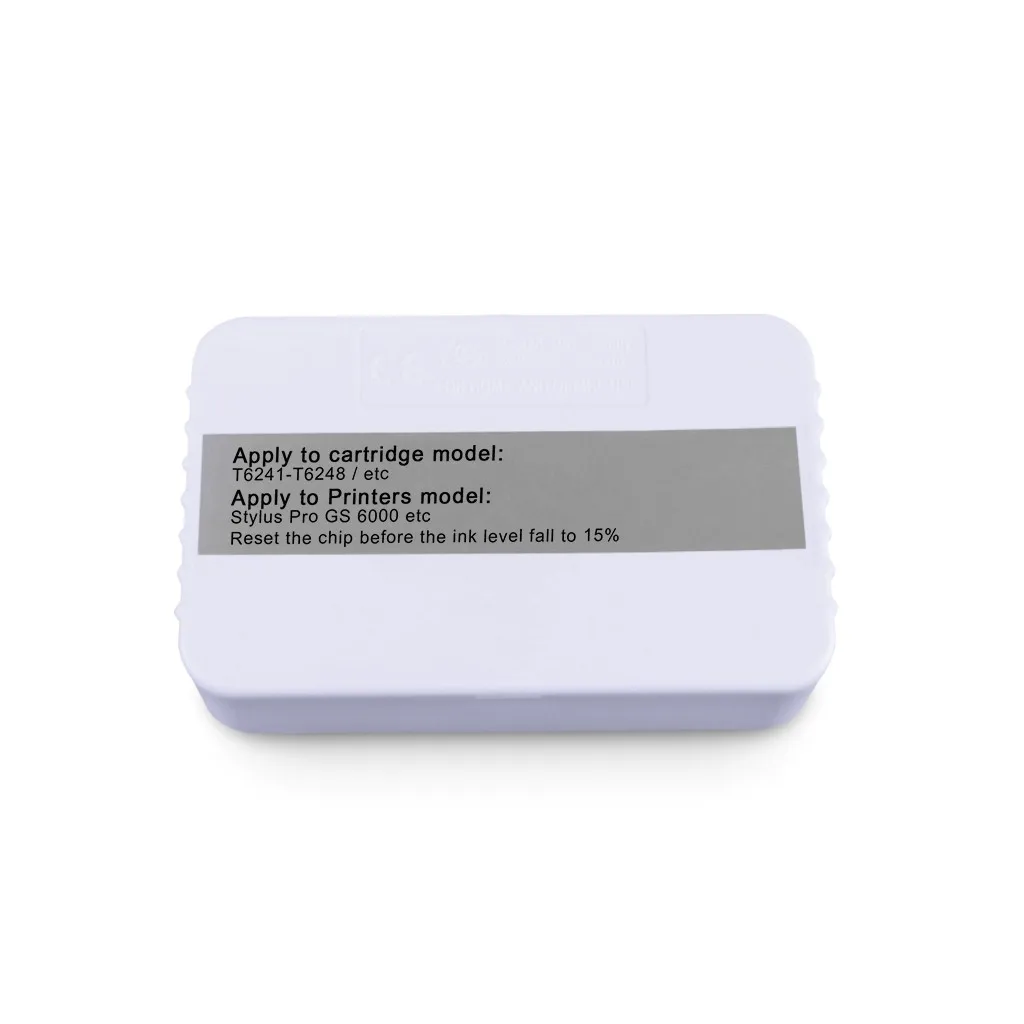
T6241-T6248 Ink Tank Cartridge Chip Resetter For Epson Stylus Pro GS6000 GS 6000 GS-6000 Printer
Product Information
|
Product Name
|
|
Ink Cartridge Resetter
|
|
|
|||
|
Cartridge Status
|
|
Reset original chip
|
|
|
|||
|
Suitable Printers
|
|
For Epson GS6000 Printer
|
|
|
|||
|
MOQ
|
|
1 Piece
|
|
|
|||
Instructions for Resetter:
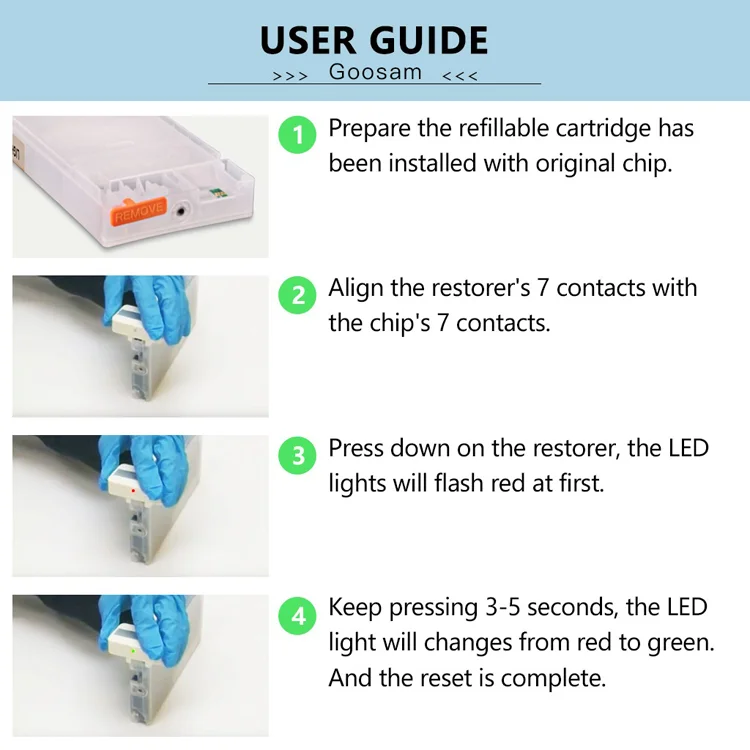
1. There are two types of Chip Resetters for Epson large format printers. One is for Cartridge Chip, the other is for Maintenance Box. However, the operation way are the same:
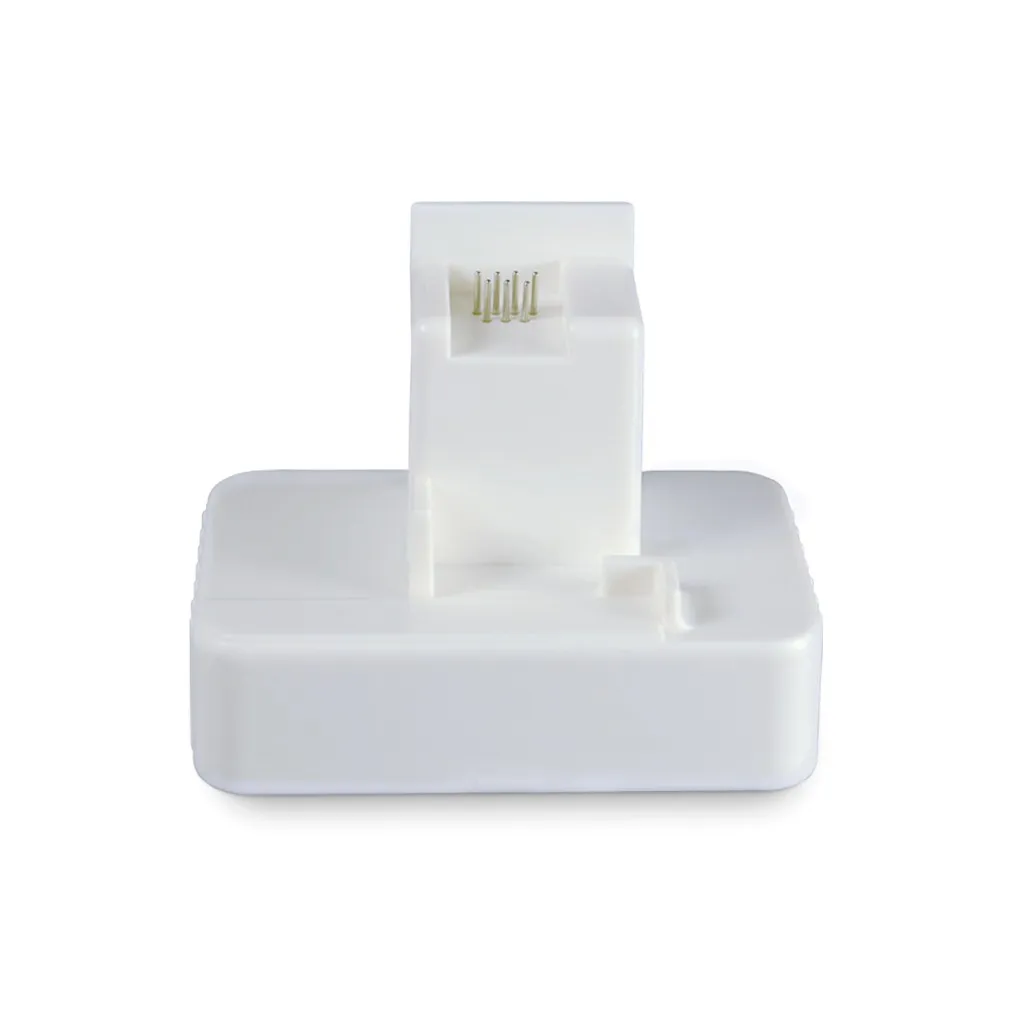
2. Fit the chip to the groove of chip resetter,and enable the probe of chip resetter contacts the contactor of the chips.
3. Press the 2 components together. If the red light gleams ,it means the connection is fine.
4. 5 seconds later, the red light turns to green light, it means the chip data has been refreshed.
5. If you resetting the maintenance box, take out the sponge from the waste ink tank and clean it. Refill the ink,the cartridge will be work again.
Instructions for Resetter:
1.Better reset the chips before the ink level fall to 15%;
2. We suggest you choose our printing inks which perfectly match the cartridge!
Products Description
Save Your Budget!
Reset Original Chip, save your budget!
Widely use
Compatible for Epson GS6000 Printer