 |
|
 |
 |
 |
 |
 |
|
|
 |
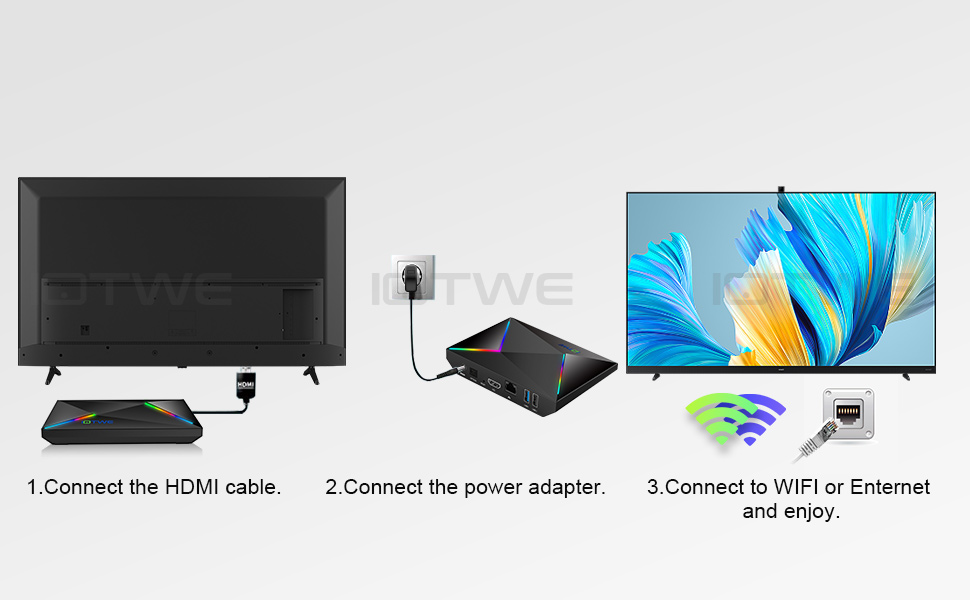 |

| Question: Cannot boot/open for the first time? Answer: Our QC team has tested the item in detail before we ship it out, so I believe we can solve the problem together. In this situation, please try the following: 1.Here is step how to set up the TV box. A. Connect the charger to the TV box and the power outlet B. Connect the HDMI cable between the TV box and the TV set C. Set your TV to HDMI mode. Please check if you have connected the cables properly. 2. Check if there is a red or blue light on, or no light at all, and report to me. |
Question: How to solve the video blur of the TV box? Answer: If it happened in some of them, it may be the problem for the video quality, it is not depend on the box, you can try to set the resolution to max (1080P or more), then check if it works well.Or you can set it in other app. |
|
Question: Problems with WiFi setting or connection? Answer: 1. please try to reset the device:( Setting )-( Backup & Reset )---- ( Factory Data Reset )-----( Reset Device )----( Clear All ) 2.Please check if you have successfully connected the device to your wireless router and if the signal is strong? If the signal is very weak or it is out of range, then try to use it near your wireless router; if it is unable to connect, then please check your wireless router setting and also try to connect to another router. 3. Could you please plug your network cable directly into the RJ45 port to see if it can work. |
Question: How can I set the language of the IOTWE TV Box? Answer: 1.In this situation, please check the setting /Setting-Language/English. 2.If it still can't work, please do as follows: A:Press : Setting - Backup & Reset ---- Reset Factory Data ----- Reset TV Box ---- Clear All (or:Settings--other--more Settings-- Backup & Reset ---- Factory Data Reset ----- TV Box Reset ---- Clear All ) B: and then when you turn on the power for the first time, please choose the language you want. 3 You can also enter in the apps, and there is an icon like a compass, please click it to change the language. |
Am 27.11.2024 hat der Verkäufer die folgenden Angaben hinzugefügt:
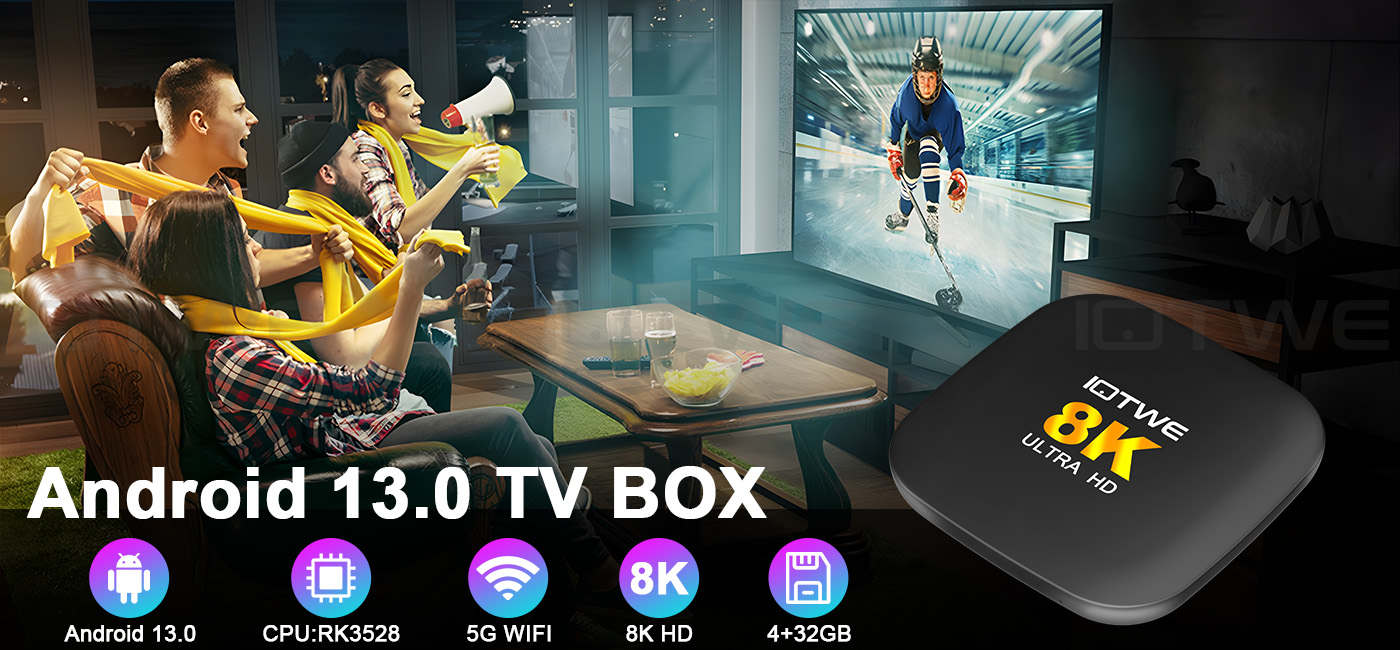 |
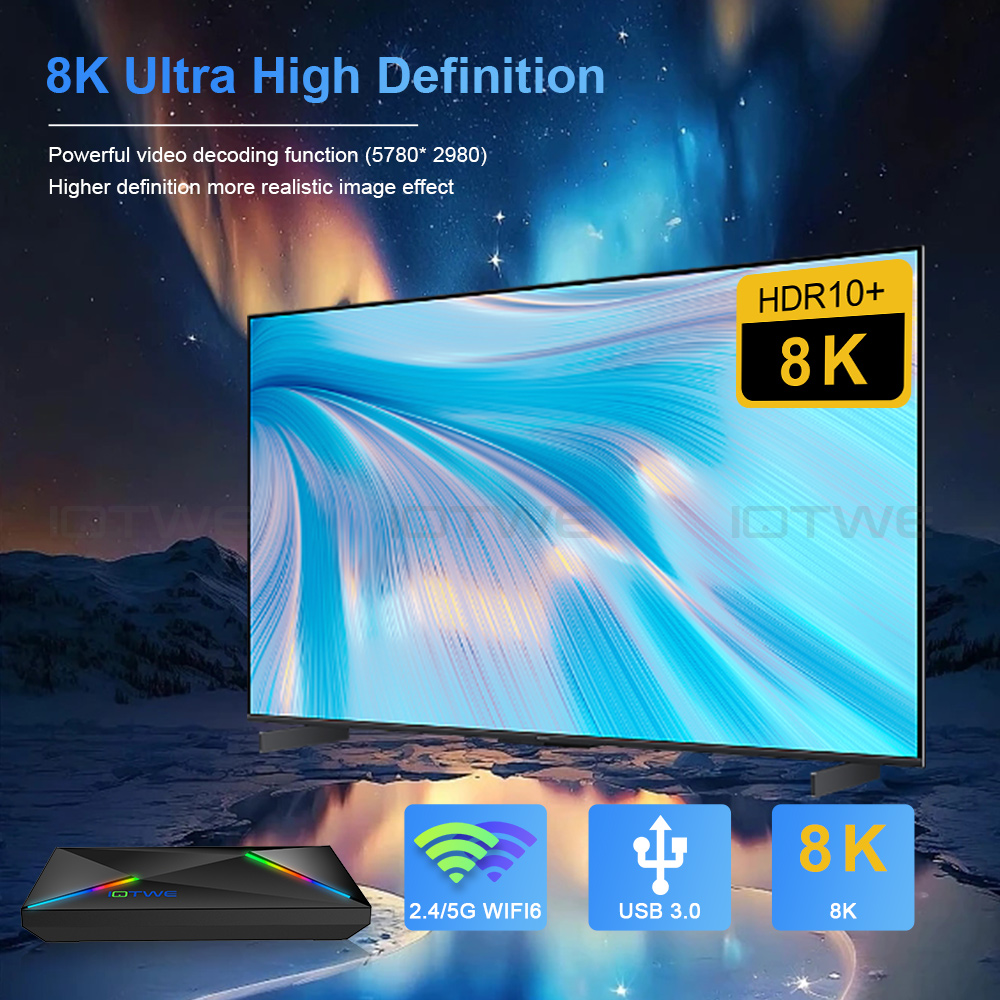
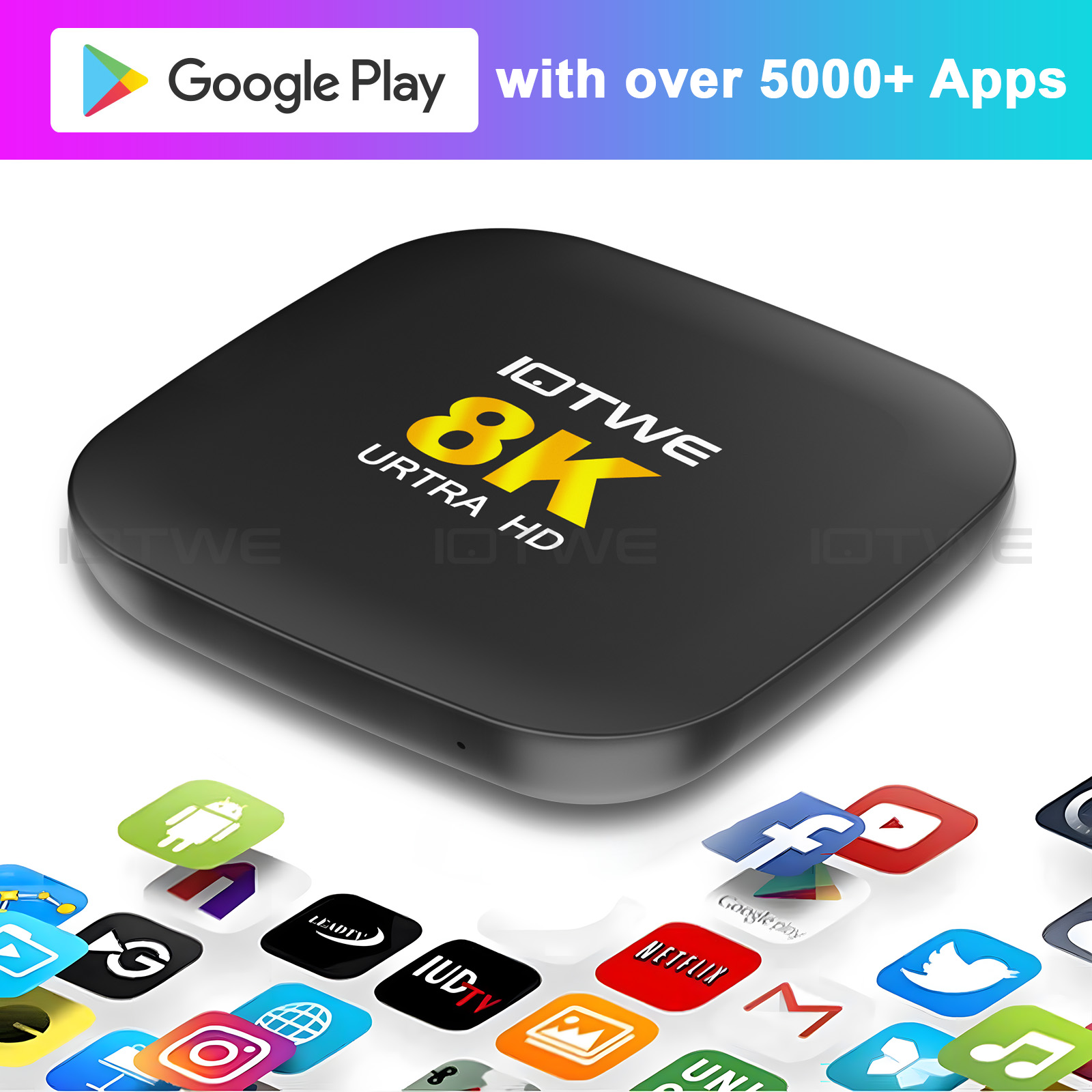
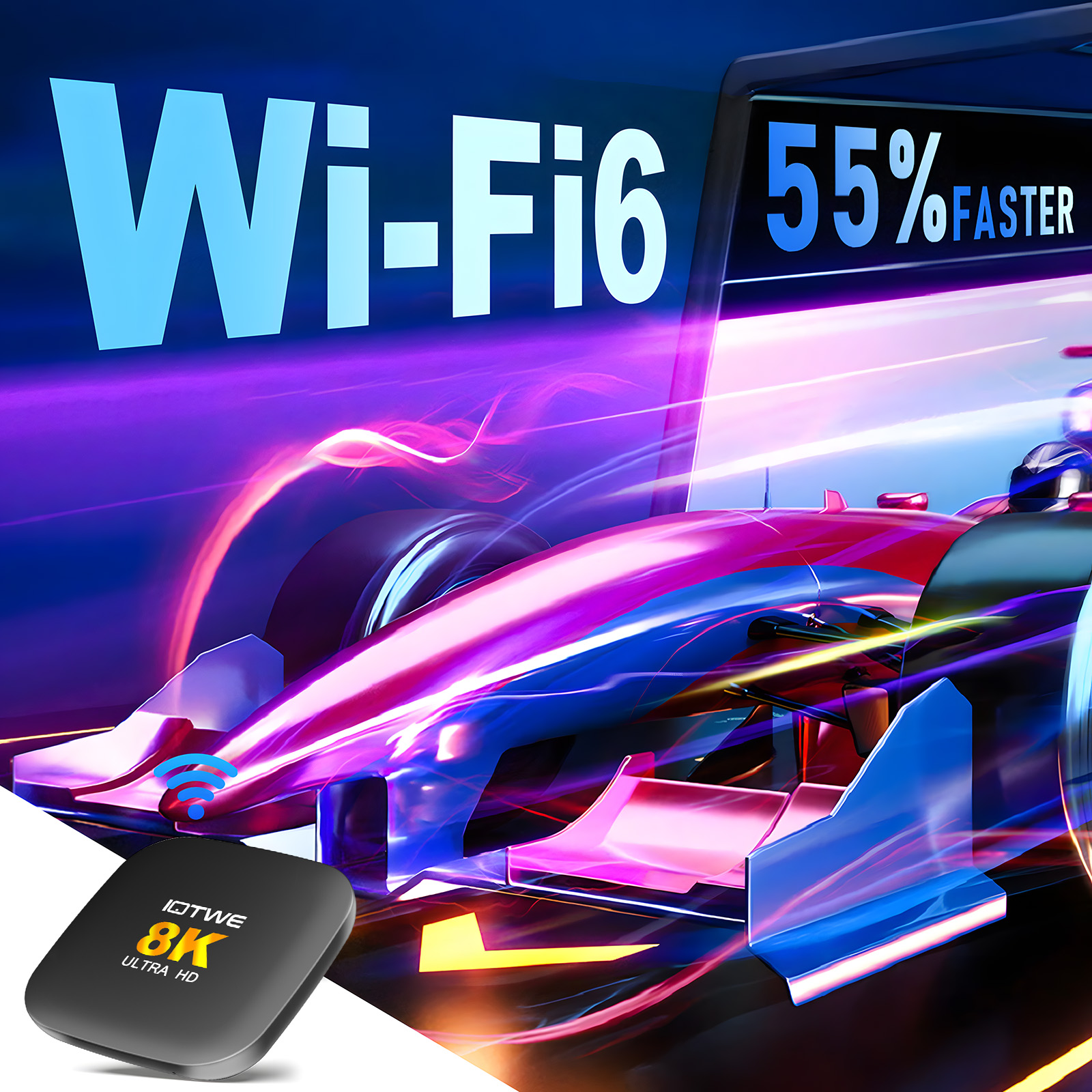
We present to you the Android 13.0 TV box with Rockchip RK3528 M2 that newly appeared in the year 2025.We introduce the H96 Max M2 TV box, which, with its outstanding features, is set to revolutionize your home entertainment. This box is equipped with the powerful RK3528 chip, ensuring excellent performance and smooth operation. It runs on Android 13 and offers a seamless and intuitive user interface with enhanced security and access to a wide range of applications. Enjoy breathtaking visual clarity with support for full 8K resolution, which brings every detail to life with astonishing precision. Benefit from fast and reliable internet connections with WiFi 6, guaranteeing smooth streaming and improved overall network performance. Enhance your viewing experiences with the advanced technology of the H96 Max M2. |
 |
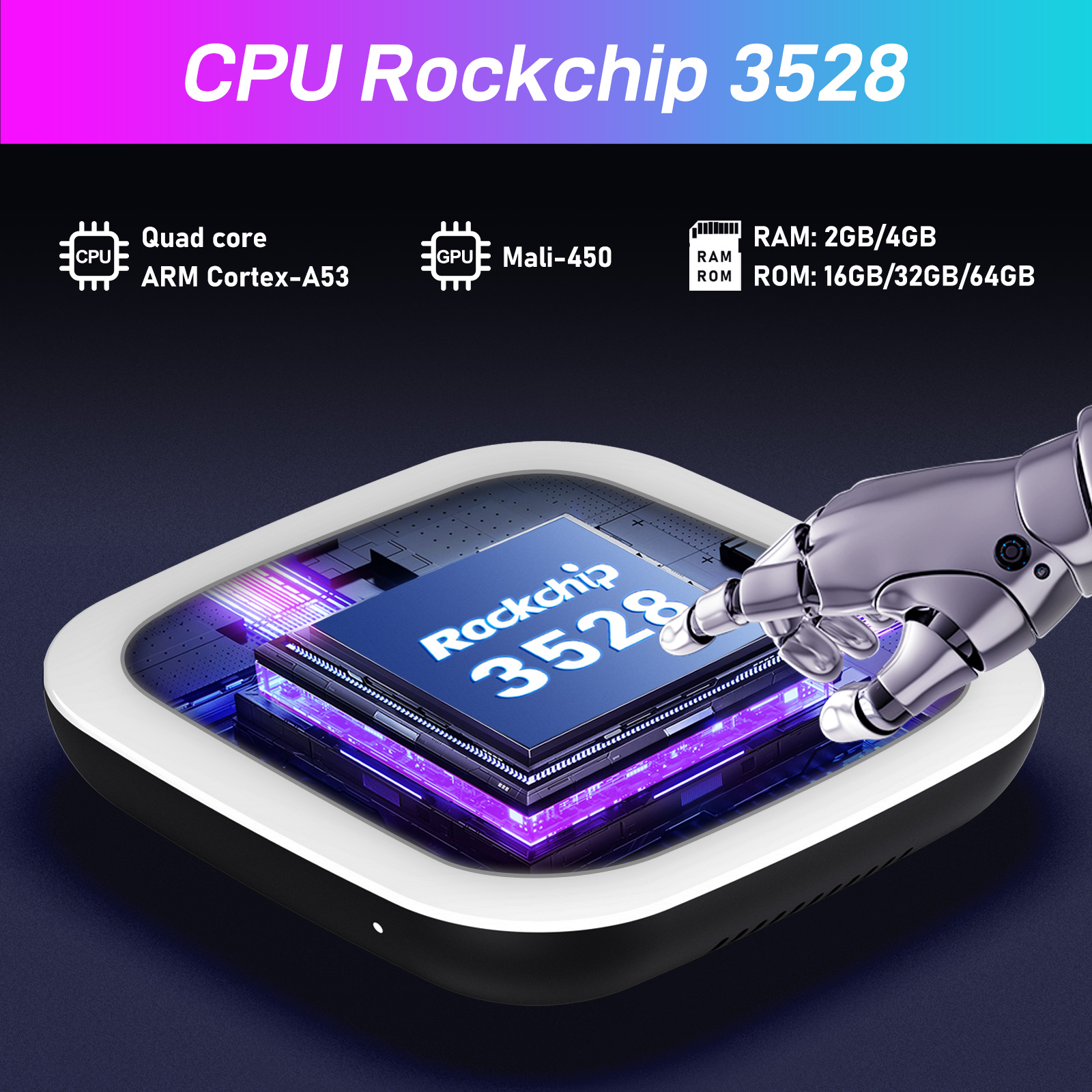
Robust chip performanceThe H96 Max M2 TV Box, powered by the advanced Rockchip RK3528 processor, offers exceptional performance and energy efficiency, ensuring smooth operation and reduced power consumption. Its integrated C PU delivers stunning visuals, perfect for high-definition and 4K content. With built-in Al capabilities, the device supports advanced functionalities like voice recognition and image processing. The RK3528 also supports the latest connectivity standards for fast, stable connections and is compatible with Android 13.0, keeping your device up-to-date with the newest features and updates. Elevate your entertainment experience with the H96 Max M2.
|
 |
 |
 |
 |
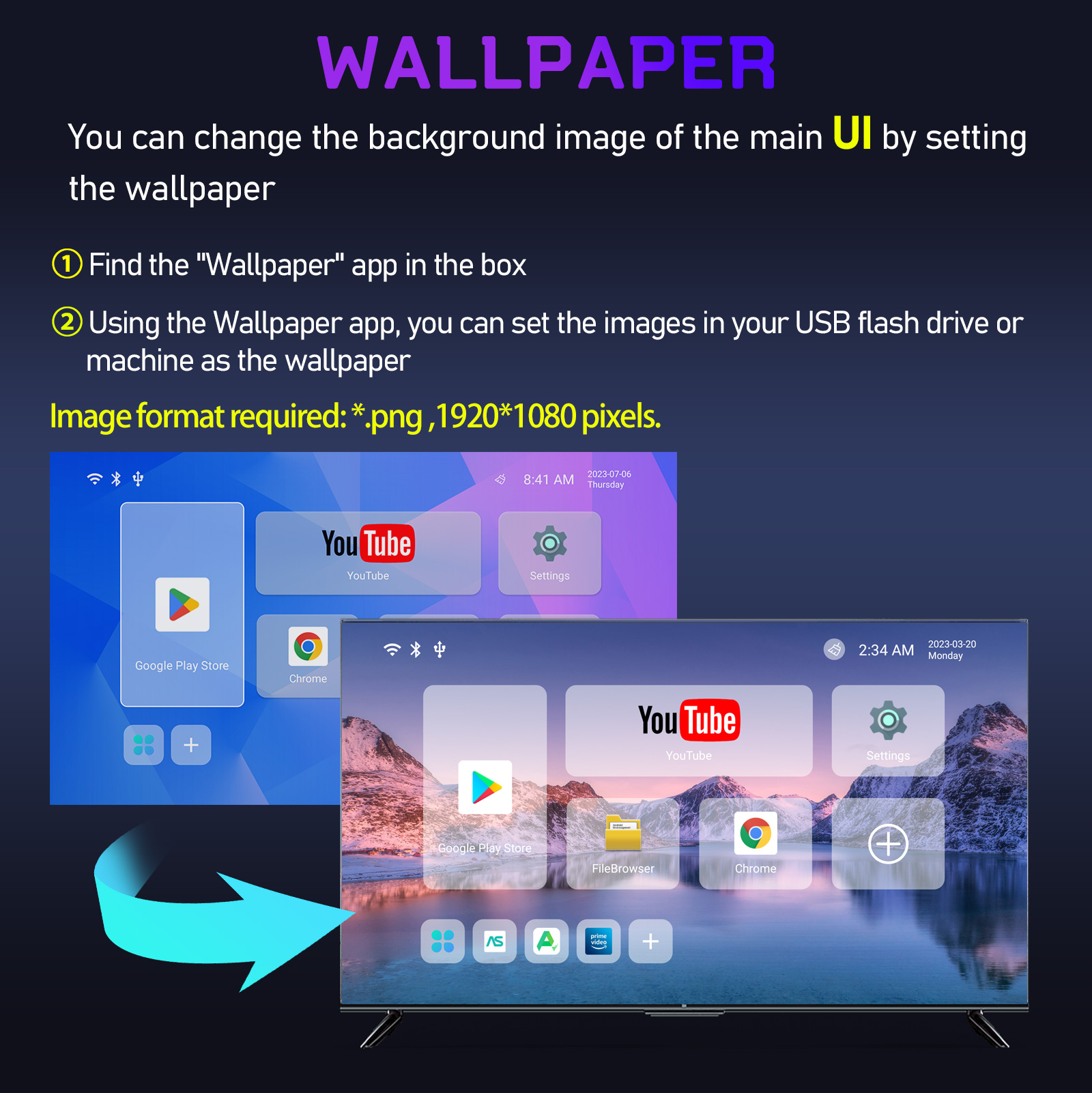
Customization of the startup screen. You are in control of the main interface. Our process for customizing the user interface (UI) of the H96 Max M2 TV box initially involves consultative discussions to understand the customers' preferences and branding guidelines. Subsequently, we design the user interface, taking into account the layout, color schemes, and functionality. After receiving customer approval, our development team integrates the design into the firmware and conducts thorough testing and optimizations to ensure compatibility and performance. We provide ongoing support and maintenance to guarantee a seamless user experience. |
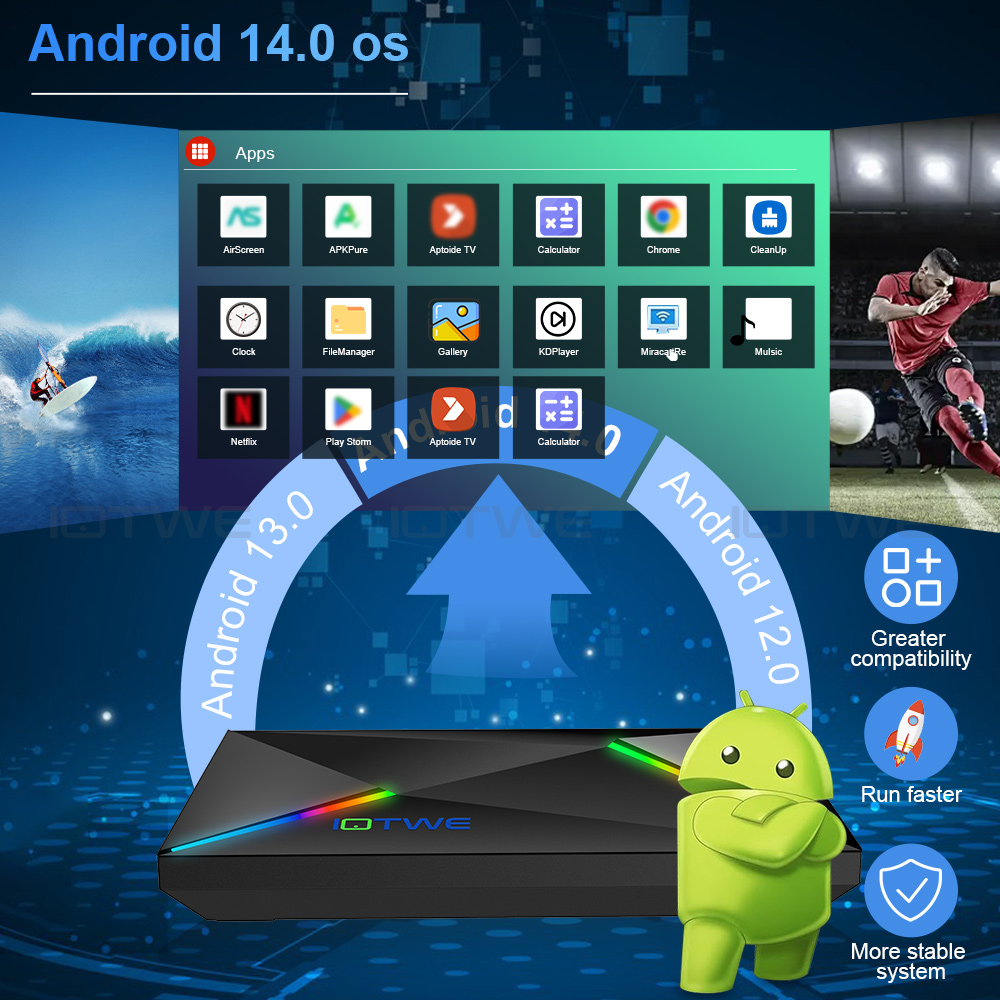
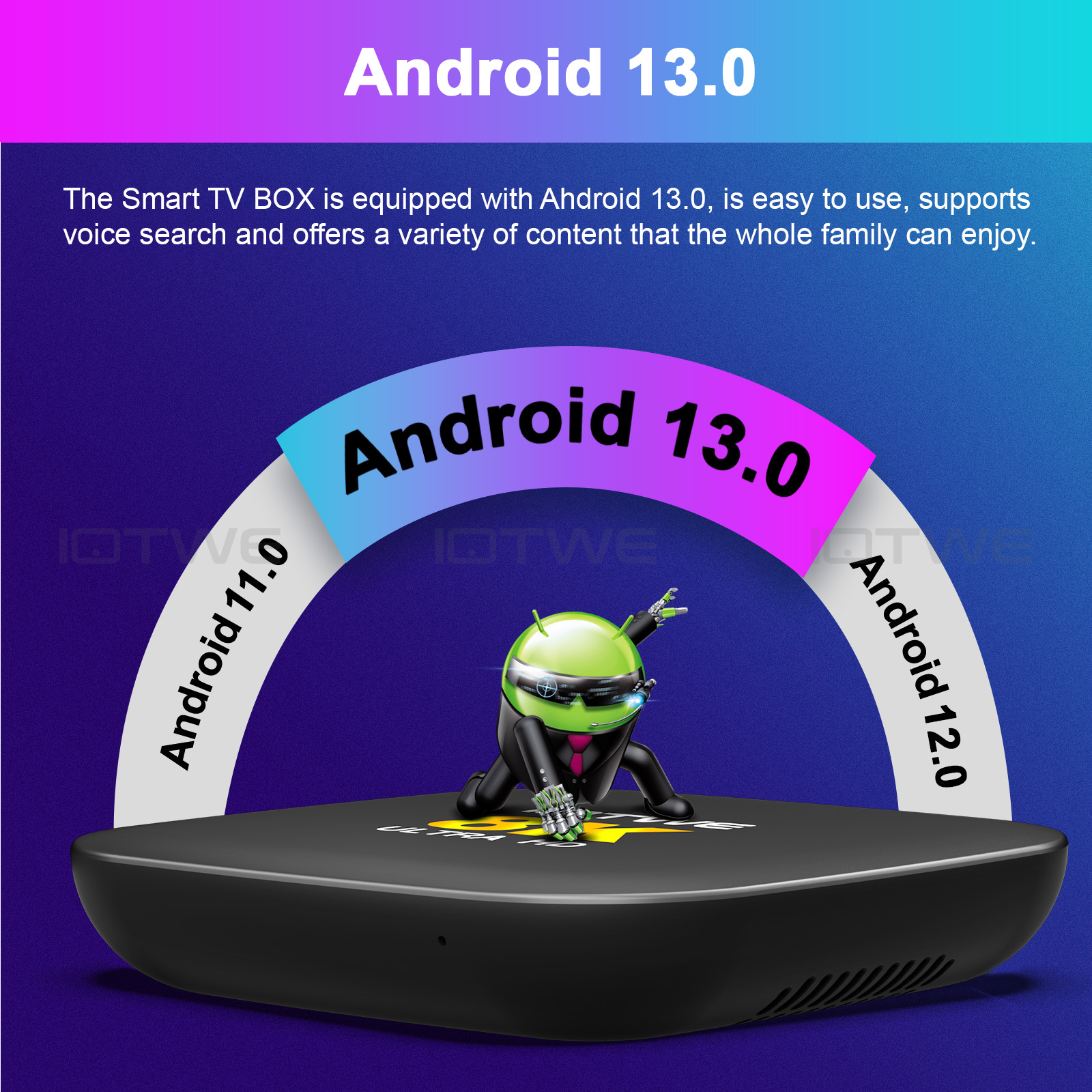
The latest system for a more seamless operation. Our TV box, which runs on the latest Android 13 operating system, offers several advantages to enhance your entertainment experience. With improved performance, security, and compatibility, along with a more intuitive user interface and future - proof features, it ensures a seamless and up to date entertainment experience.
|
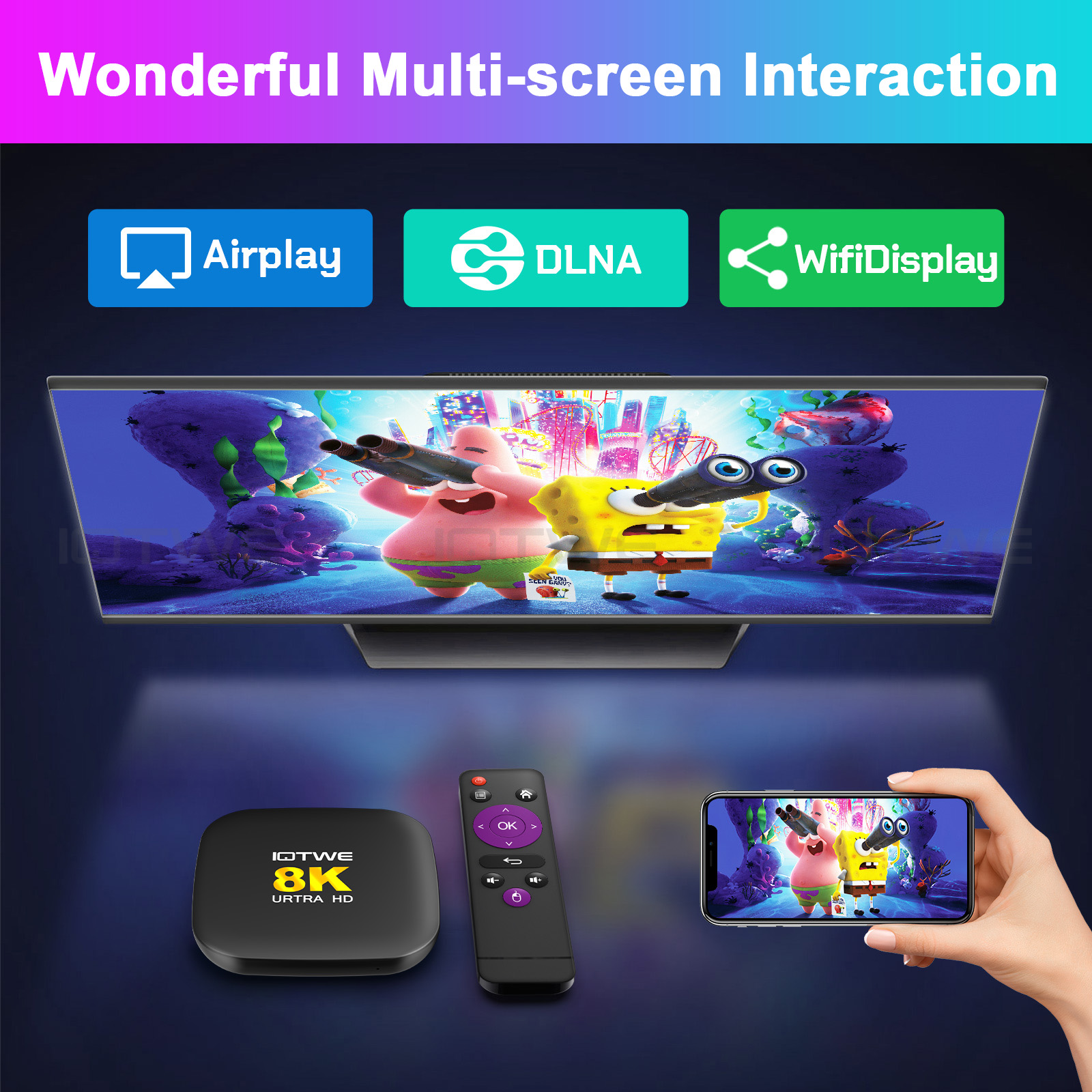
Ausgezeichnete Interaktion zwischen mehreren Bildschirmen Our M2 TV box supports Airplay, DLNA, and WifiDisplay technologies, thus offering diverse connection options for streaming and sharing multimedia content. With Airplay, users can wirelessly stream content from Apple devices. DLNA, on the other hand, enables seamless sharing between compatible devices. The WifiDisplay function allows for easy screen mirroring from Android devices or Windows PCs. These features enhance the flexibility and convenience of our M2 TV box, ensuring users enjoy a seamless multimedia experience. |
 |
 |
 |
 |
| Question: Cannot boot/open for the first time? Answer: Our QC team has tested the item in detail before we ship it out, so I believe we can solve the problem together. In this situation, please try the following: 1.Here is step how to set up the TV box. A. Connect the charger to the TV box and the power outlet B. Connect the HDMI cable between the TV box and the TV set C. Set your TV to HDMI mode. Please check if you have connected the cables properly. 2. Check if there is a red or blue light on, or no light at all, and report to me. |
Question: How to solve the video blur of the TV box? Answer: If it happened in some of them, it may be the problem for the video quality, it is not depend on the box, you can try to set the resolution to max (1080P or more), then check if it works well.Or you can set it in other app. |
|
Question: Problems with WiFi setting or connection? Answer: 1. please try to reset the device:( Setting )-( Backup & Reset )---- ( Factory Data Reset )-----( Reset Device )----( Clear All ) 2.Please check if you have successfully connected the device to your wireless router and if the signal is strong? If the signal is very weak or it is out of range, then try to use it near your wireless router; if it is unable to connect, then please check your wireless router setting and also try to connect to another router. 3. Could you please plug your network cable directly into the RJ45 port to see if it can work. |
Question: How can I set the language of the IOTWE TV Box? Answer: 1.In this situation, please check the setting /Setting-Language/English. 2.If it still can't work, please do as follows: A:Press : Setting - Backup & Reset ---- Reset Factory Data ----- Reset TV Box ---- Clear All (or:Settings--other--more Settings-- Backup & Reset ---- Factory Data Reset ----- TV Box Reset ---- Clear All ) B: and then when you turn on the power for the first time, please choose the language you want. 3 You can also enter in the apps, and there is an icon like a compass, please click it to change the language. |
Am 27.11.2024 hat der Verkäufer die folgenden Angaben hinzugefügt: