
Sealey LED Inspection Light LED601 5W COB 180mm Rechargeable
The Sealey LED Inspection Light LED601 5W COB 180mm Rechargeable (Part Number: LED601).
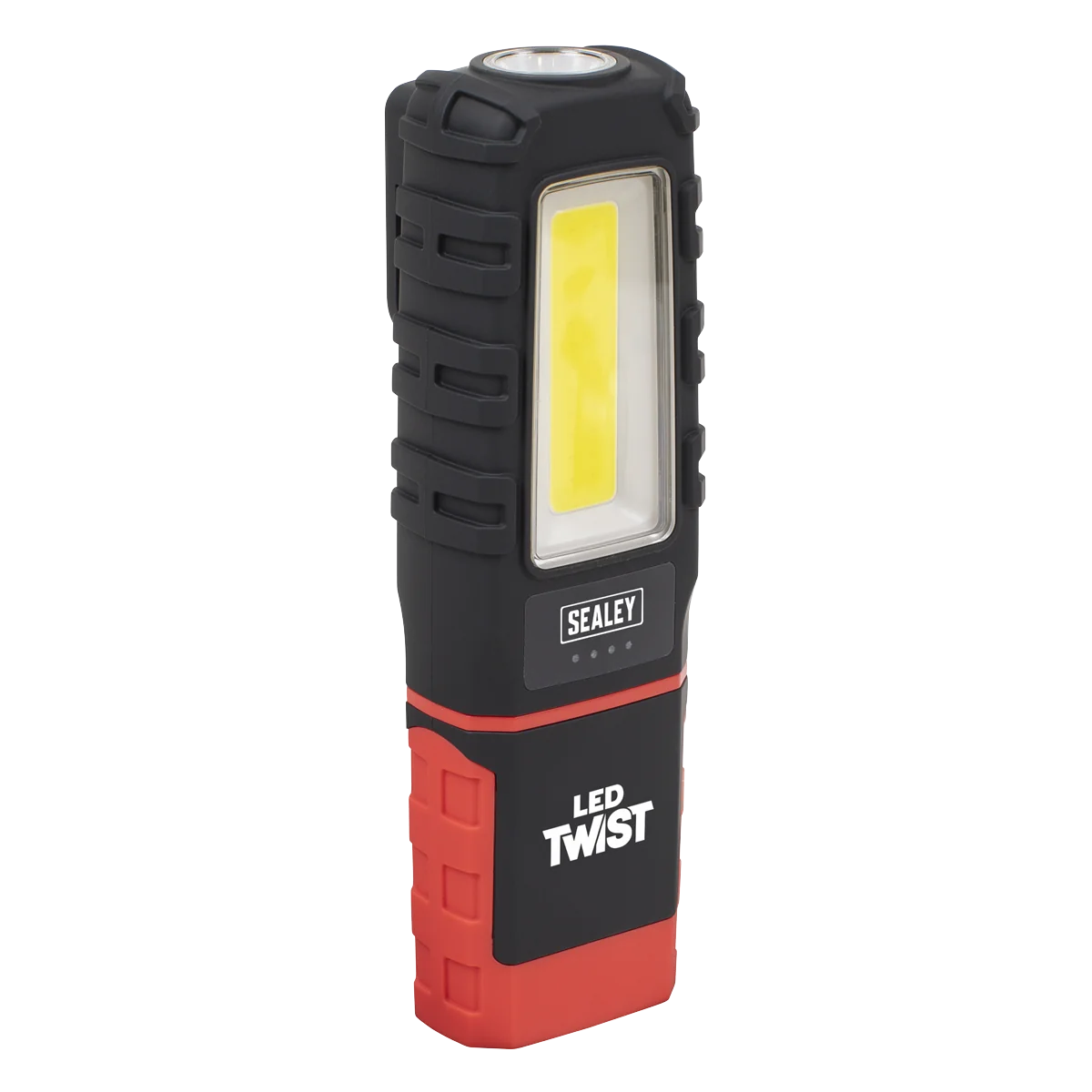
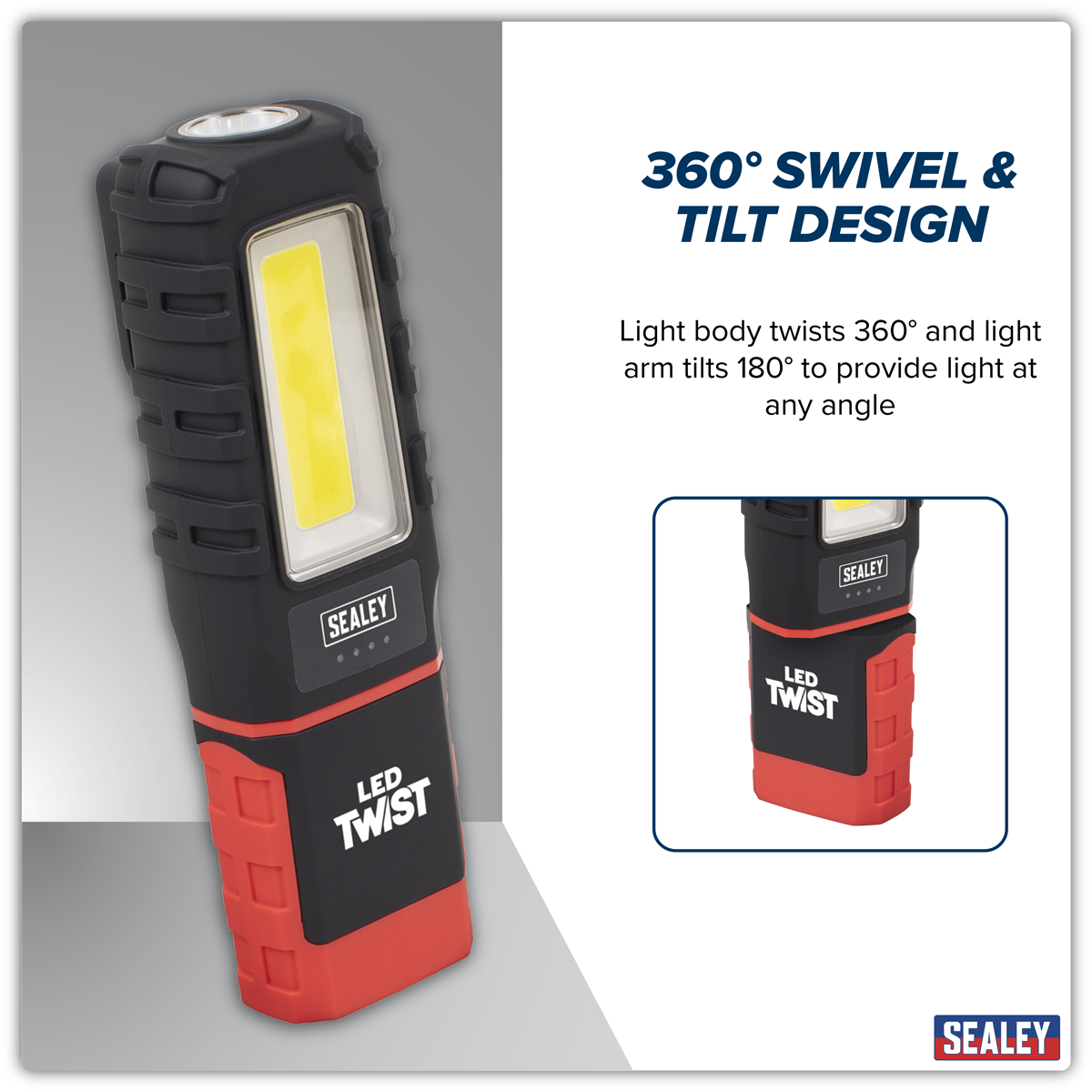
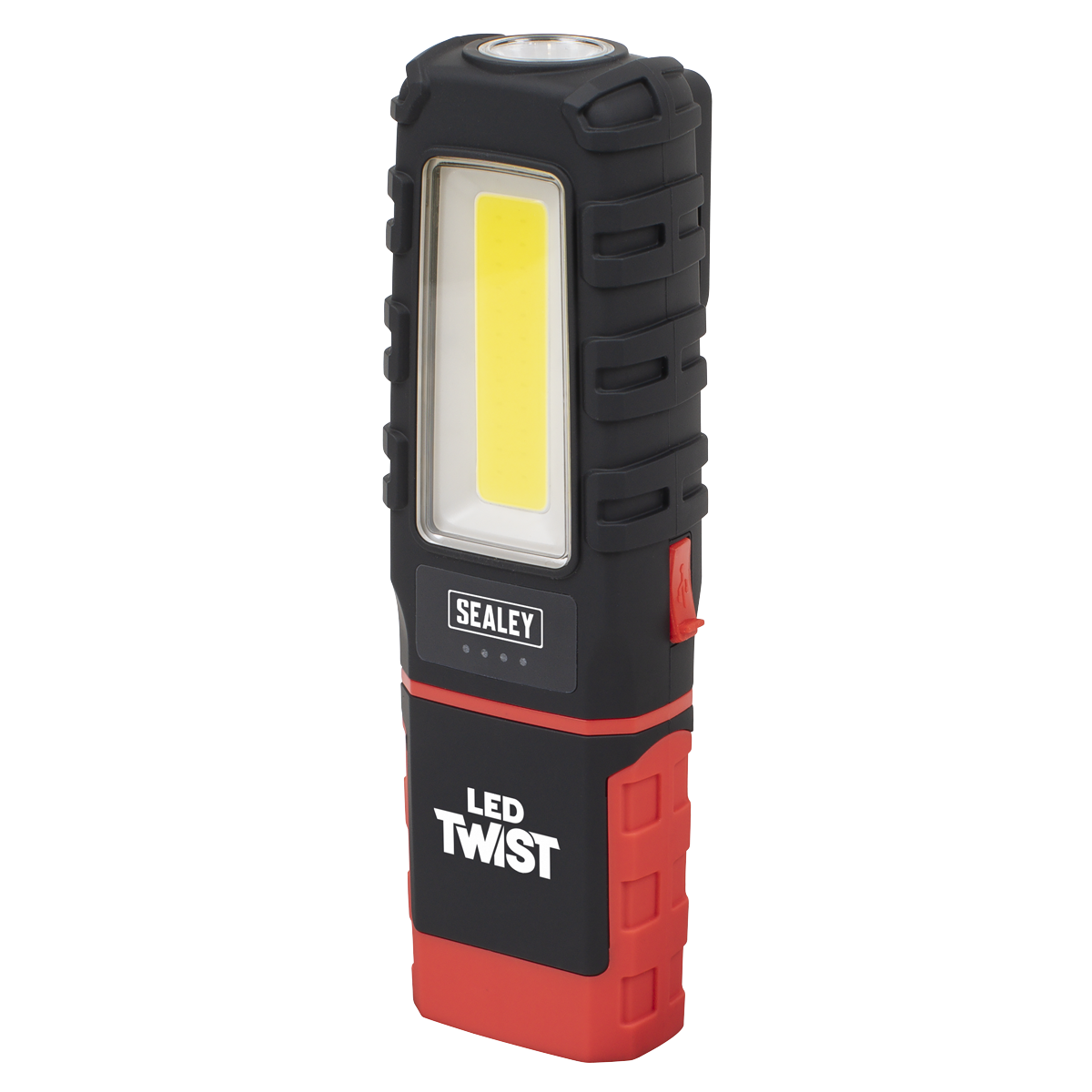
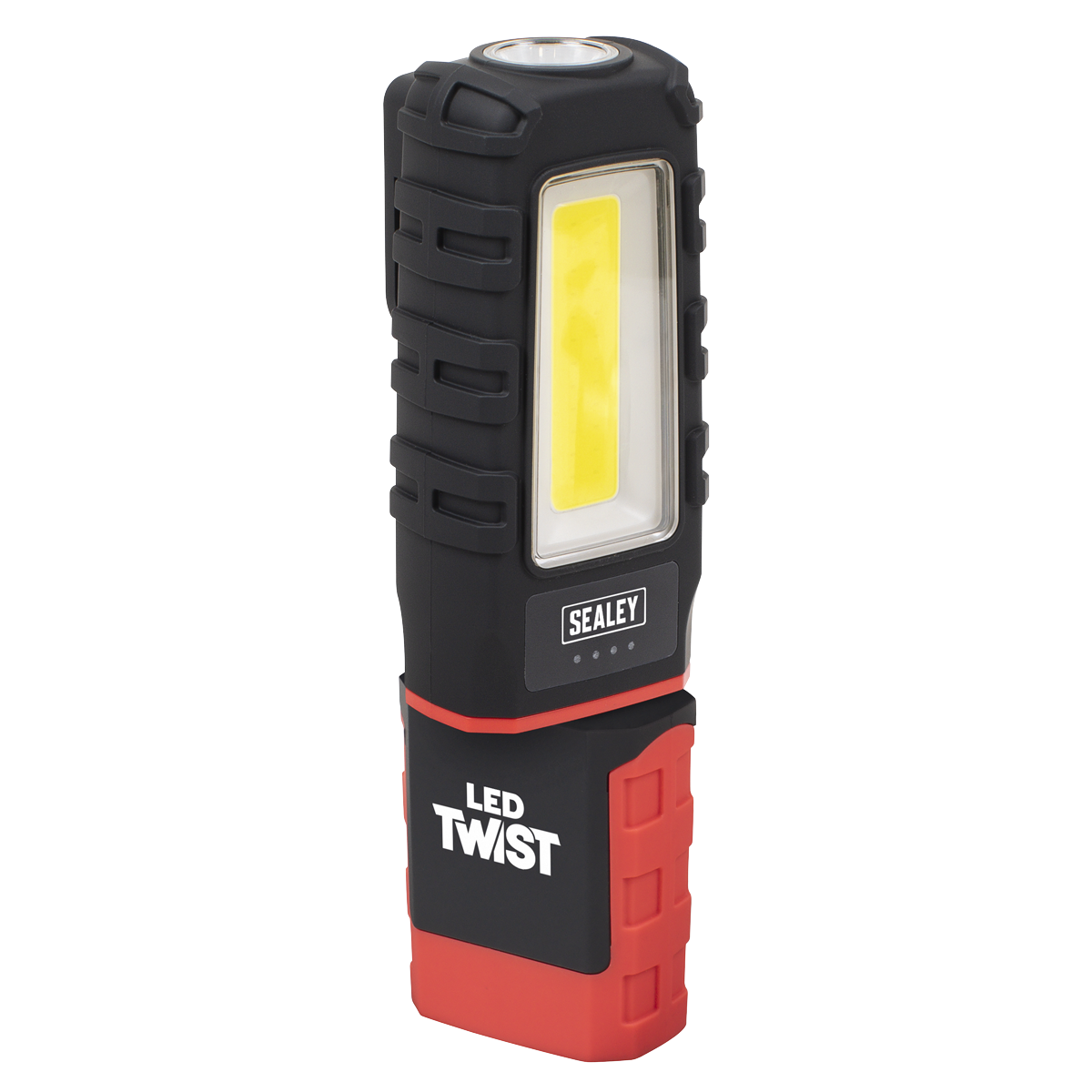
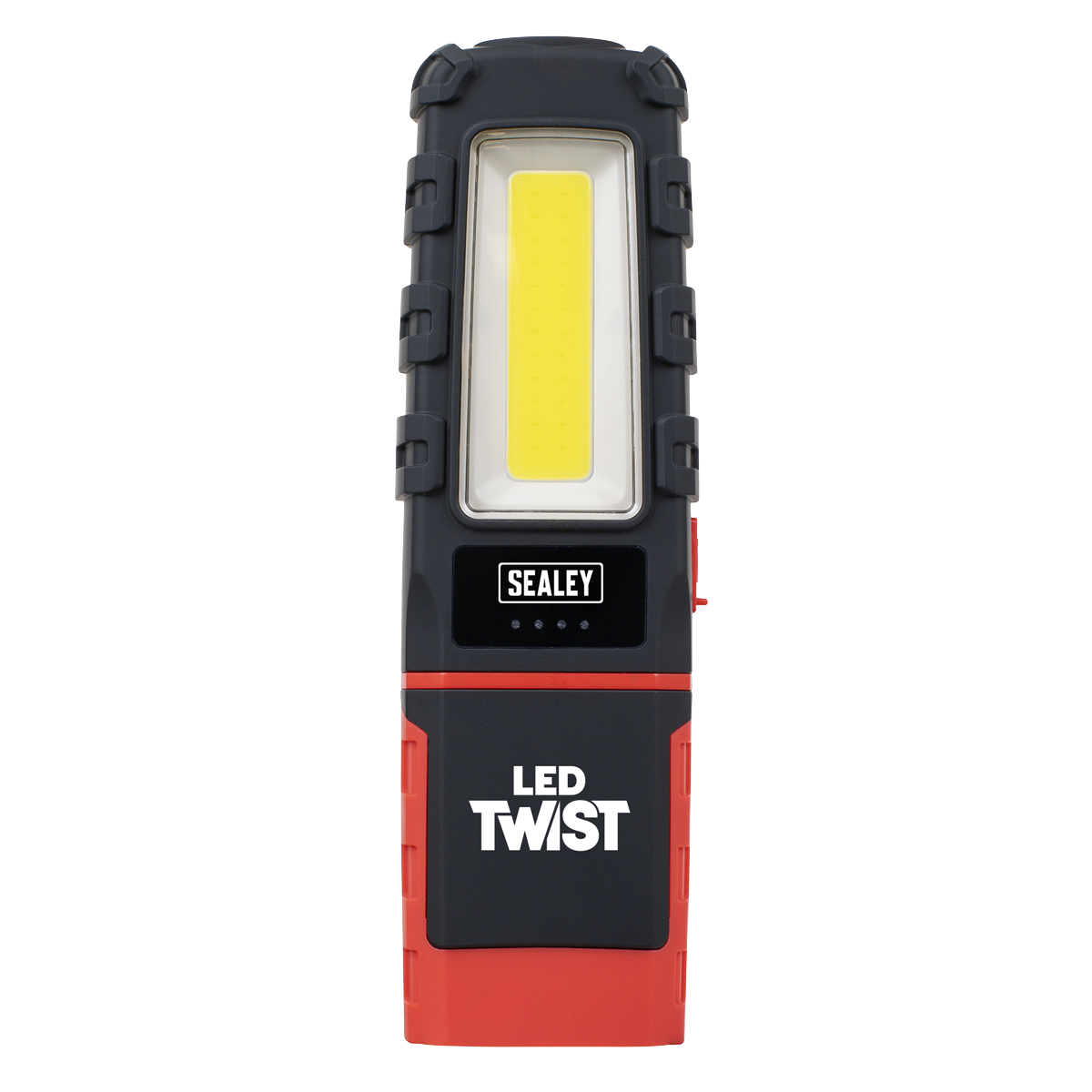
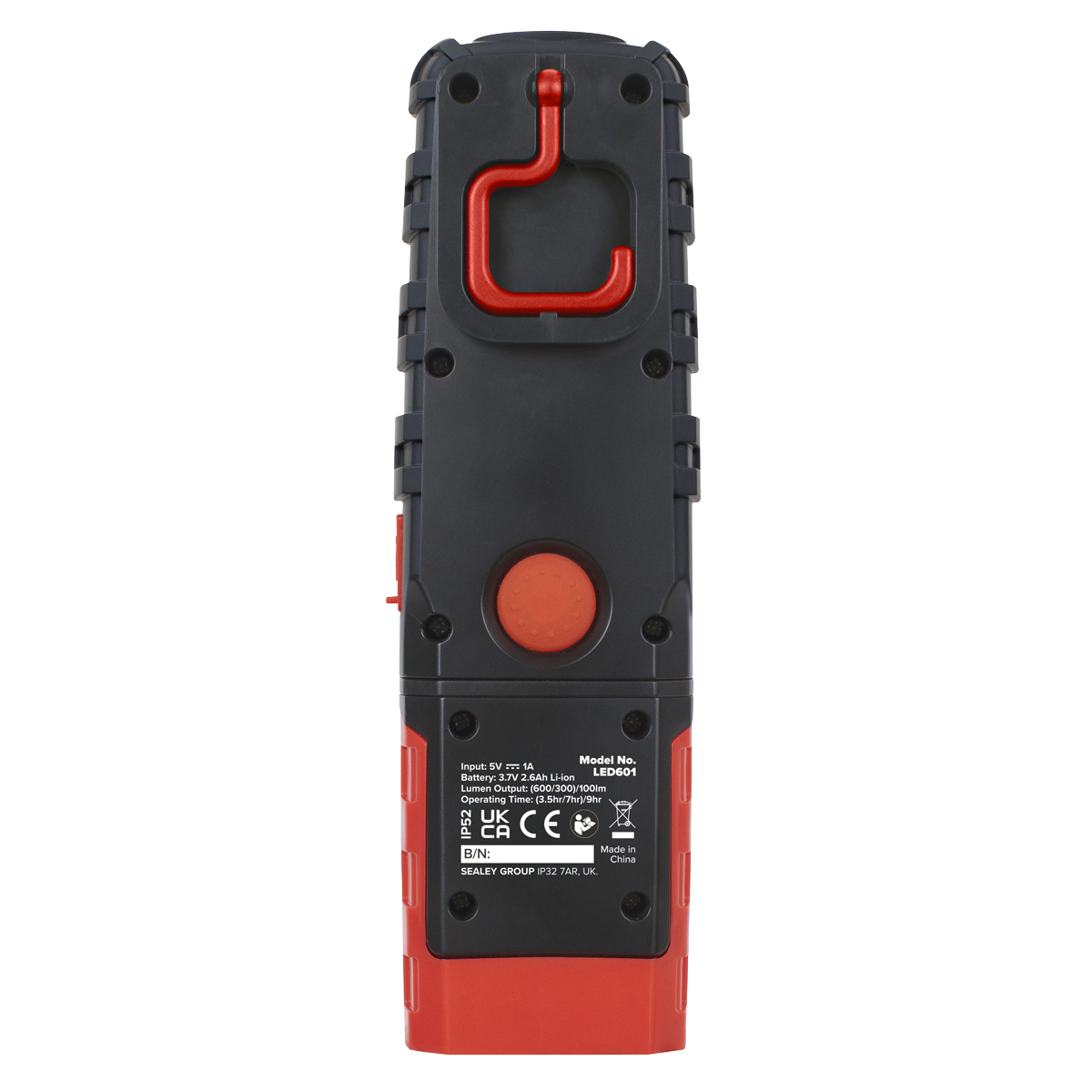
The Sealey LED601 Rechargeable Inspection Light is designed for convenience and efficiency, featuring a powerful 5W COB LED light source that produces up to 600 lumens of brightness. This inspection lamp is perfect for hands-free operation, thanks to its swivel hanging hook and rubber-covered magnet base.
- Super Bright: 600 lumens from the 5W COB LED and 100 lumens from the 1W SMD torch.
- Flexible Design: The light body twists 360° and the arm tilts 180° for optimal positioning.
- Rechargeable: Equipped with a 3.7V 2.6Ah lithium-ion battery, it offers long-lasting performance.
- Quick Charging: Fully charges in just 4 hours via USB Type-C.
- Long Operating Time: Up to 9 hours on low settings.
Specifications
| Brand | Sealey |
| EAN | 5054630408274 |
| Type | Lighting & Power |
| Sub-Type | LED Inspection Lamps |
| Item Weight | 0.24 kg |
| Custom Bundle | No |
| Model No | LED601 |
| Battery | 3.7V 2.6Ah Li-ion |
| Charging Time | 4hr |
| IP Rating | IP52 |
| LED Type | 5W COB + 1W SMD |
| Length | 180mm |
| Lumen Output | Side(High/Low)/Top - (600/300)/100lm |
| Nett Weight | 0.214kg |
| Operating Time | Side(High/Low)/Top - (3.5/7)/9hr |
| Manufacturer Part Number (MPN) | LED601 |
Why Choose Sealey?
The UK workshop's favourite equipment brand.
- Massive professional range — hand tools, power tools, jacks, lifting, diagnostics and garage equipment.
- Workshop specification — designed for daily professional use.
- Genuine Sealey — full part numbers and technical data on every listing.
About Sealey
Sealey is a British family business and one of the UK's biggest names in professional tools and workshop equipment, with a catalogue running to tens of thousands of lines. From vehicle service tools and lifting equipment to hand tools and consumables, Sealey is a fixture in garages and workshops across the country.




Specifications & Datasheet
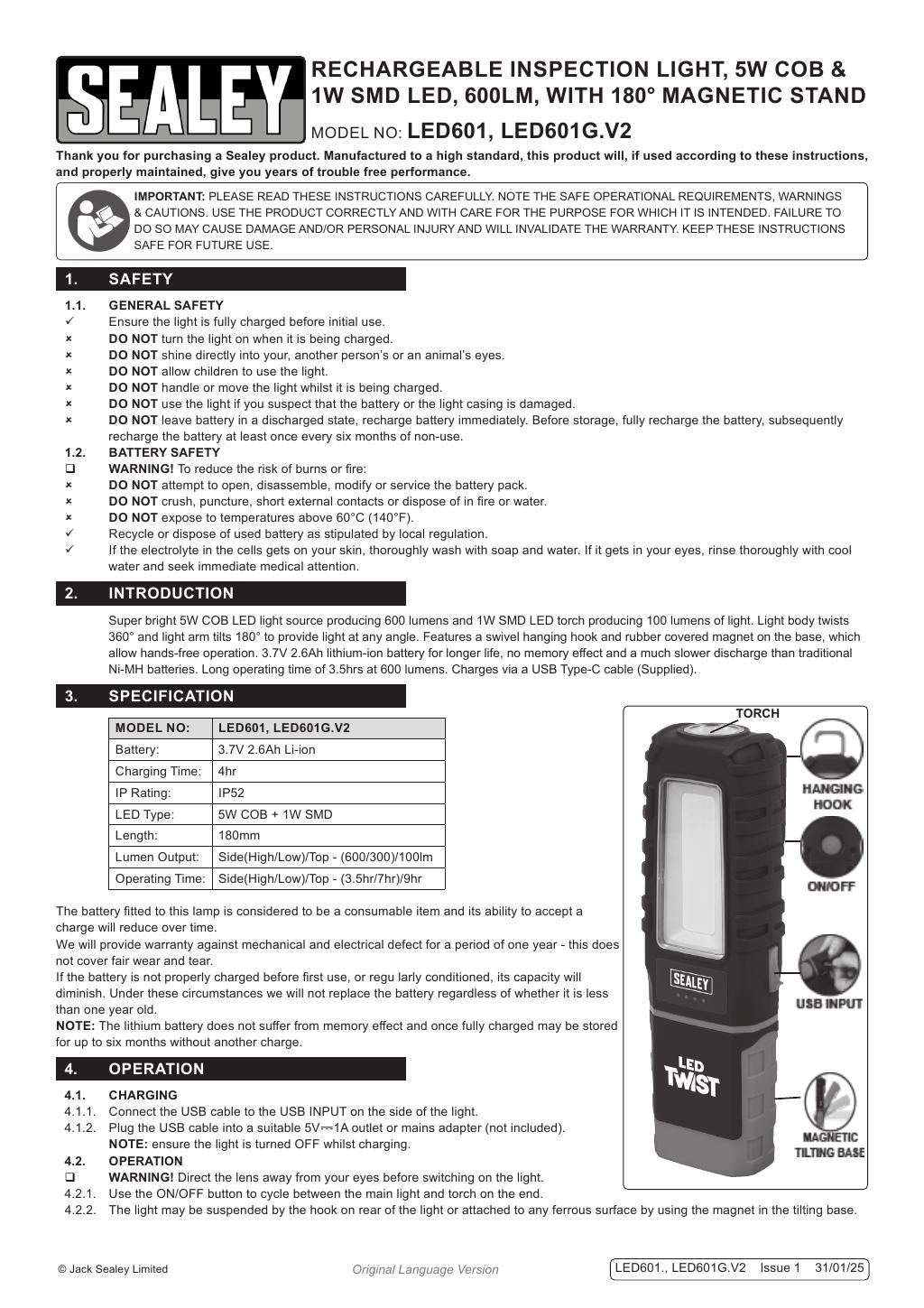
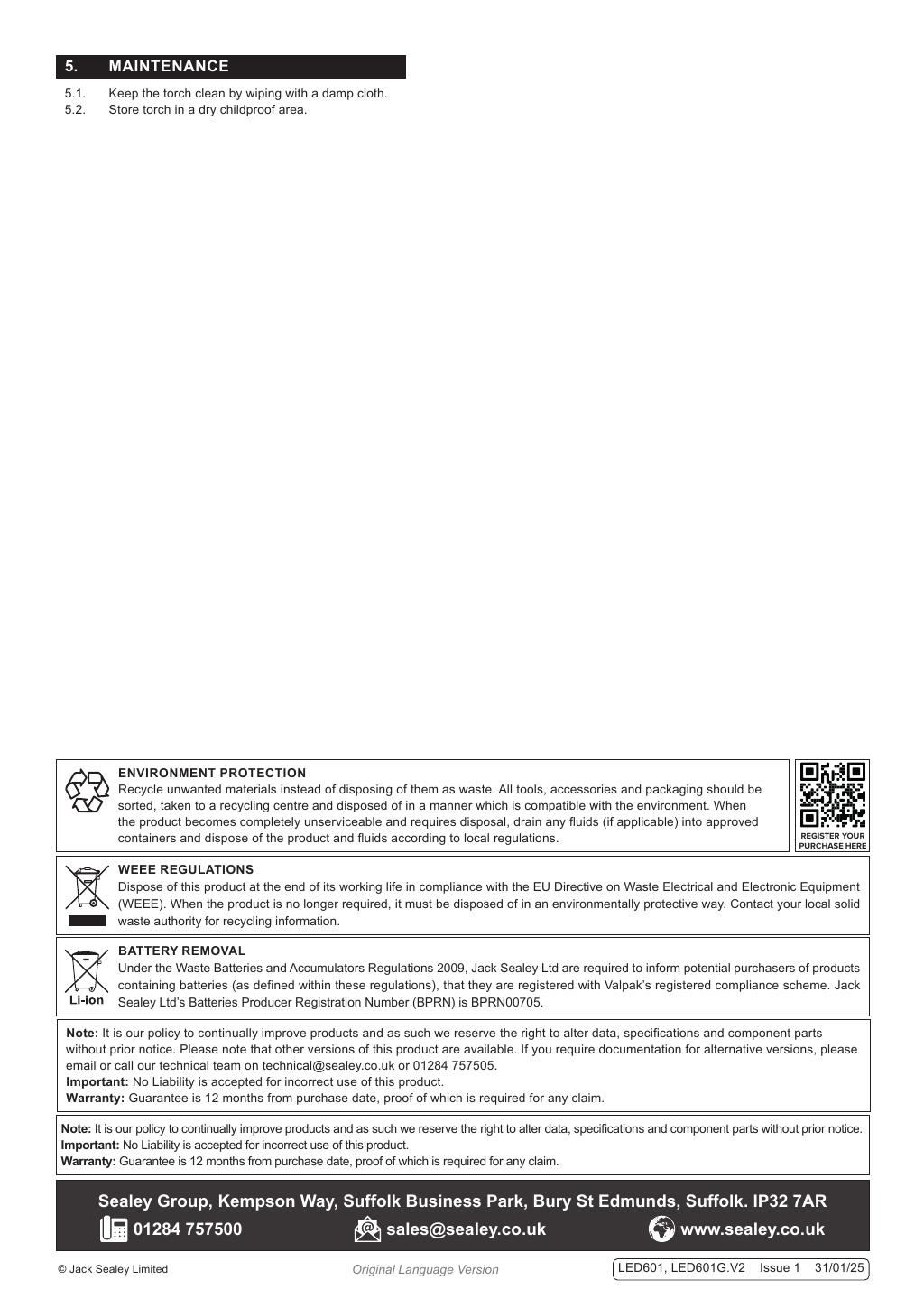
Click any page above to enlarge. Once enlarged, right-click and choose "Save image as" to save the datasheet to your device. Use ‹ / › to flip pages, × to close. Rendered from the manufacturer's official datasheet supplied with the product.