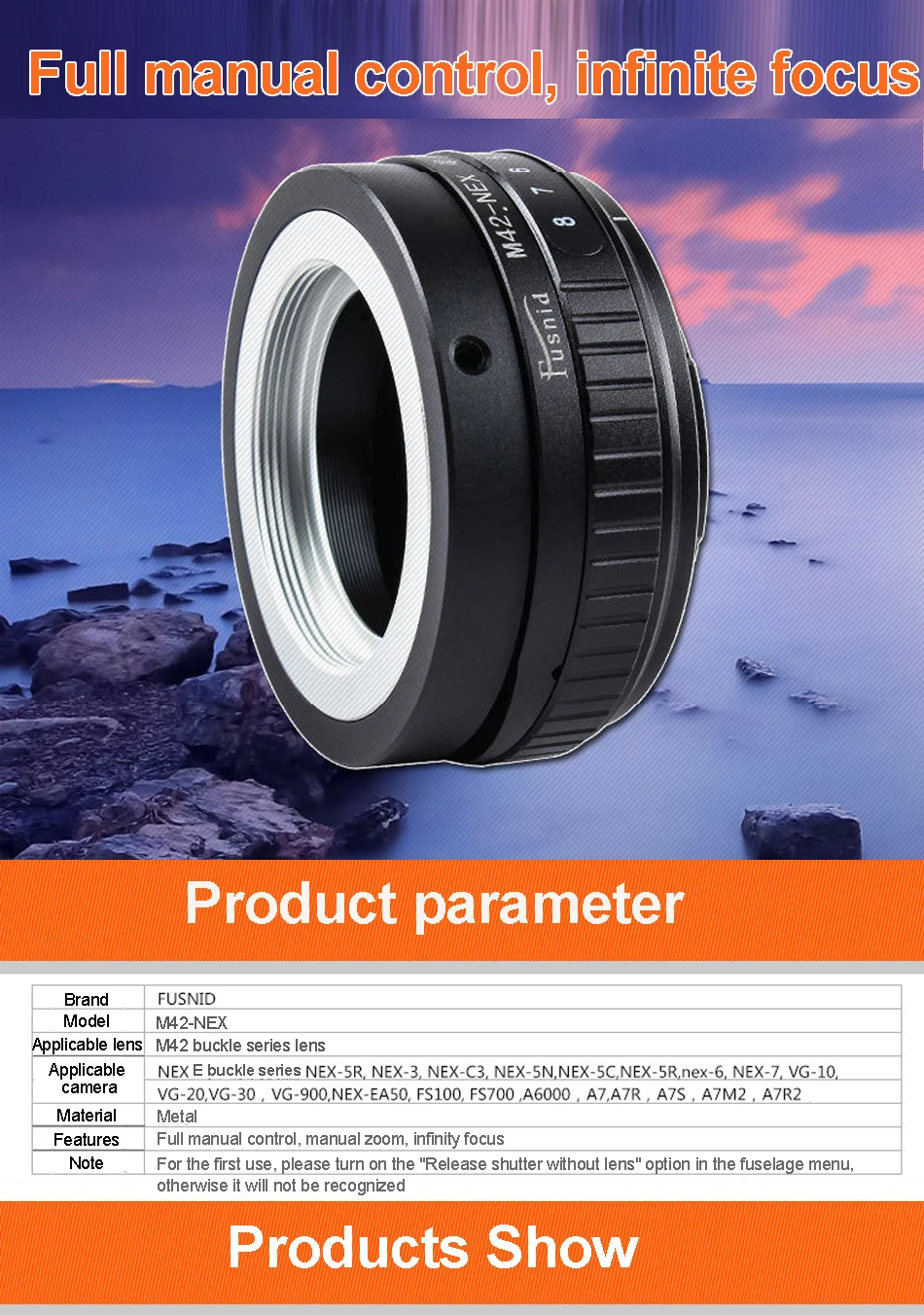
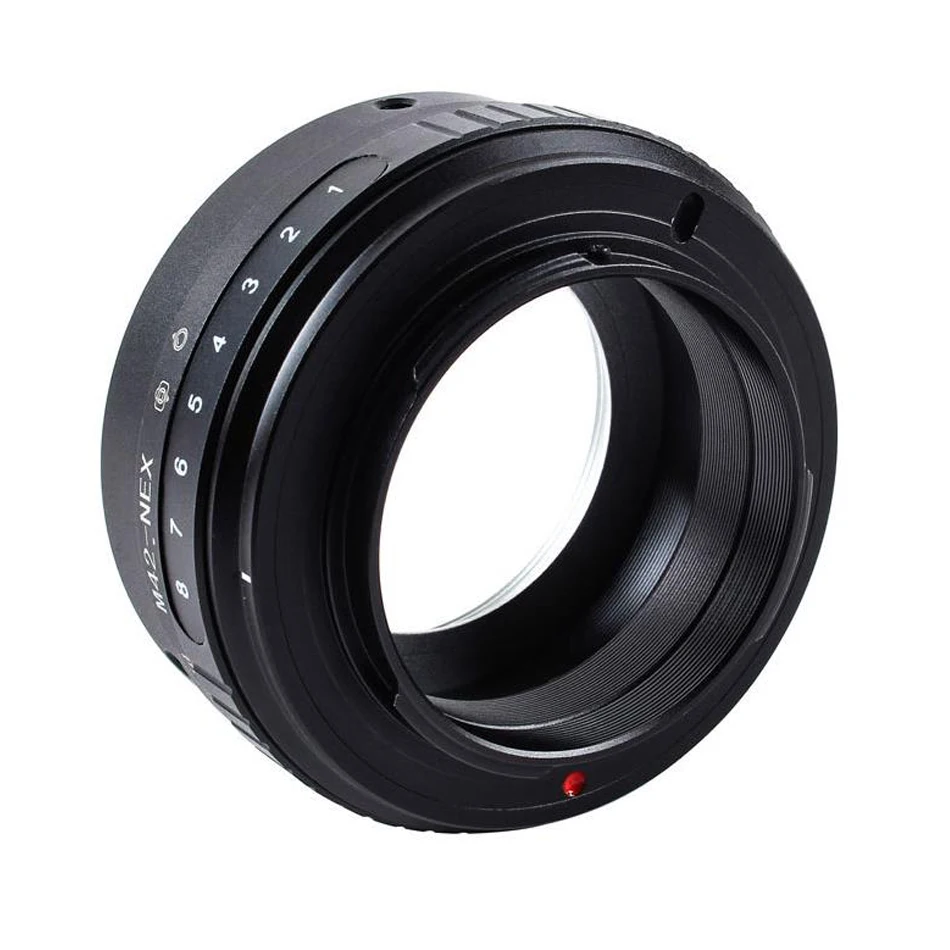
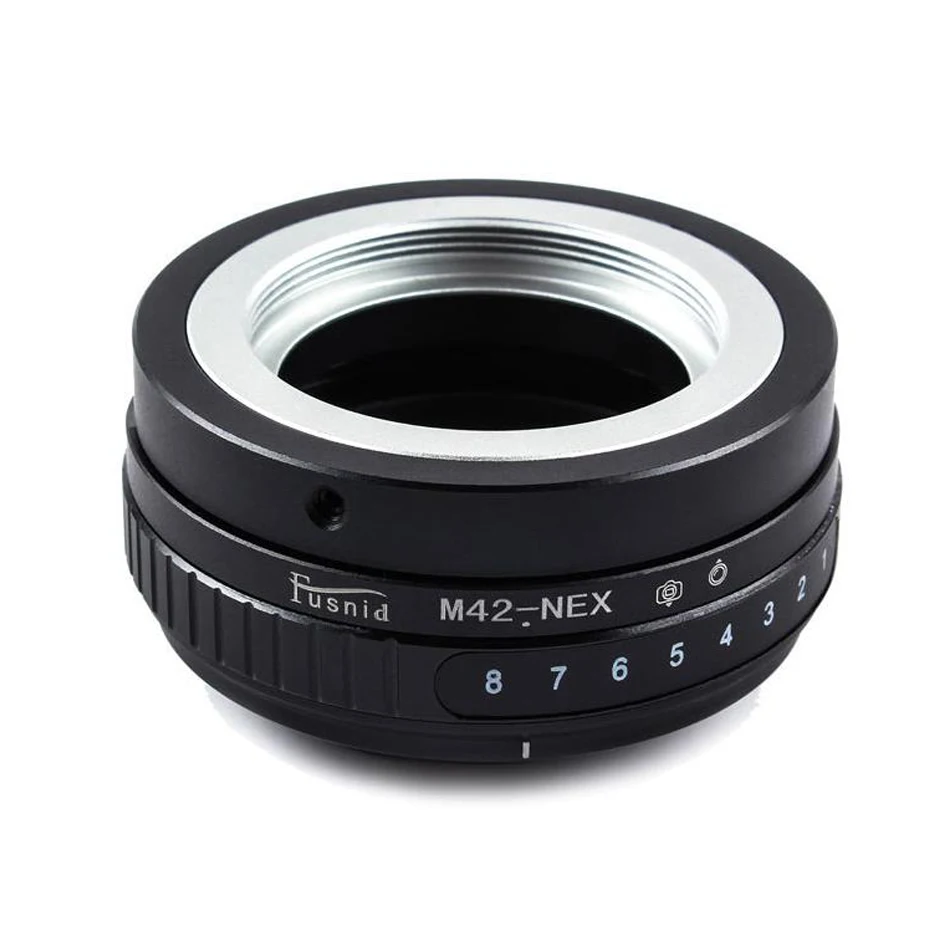
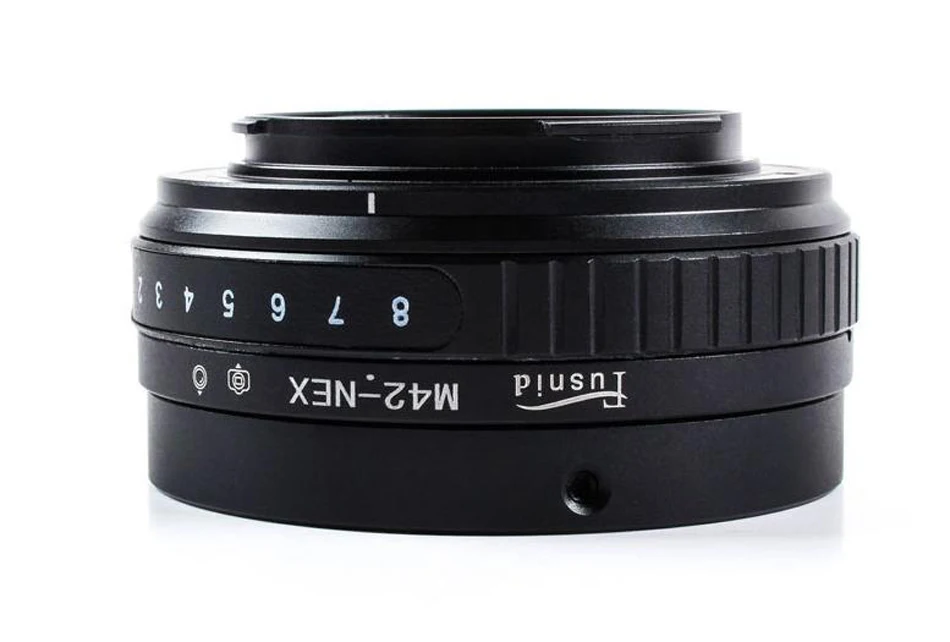
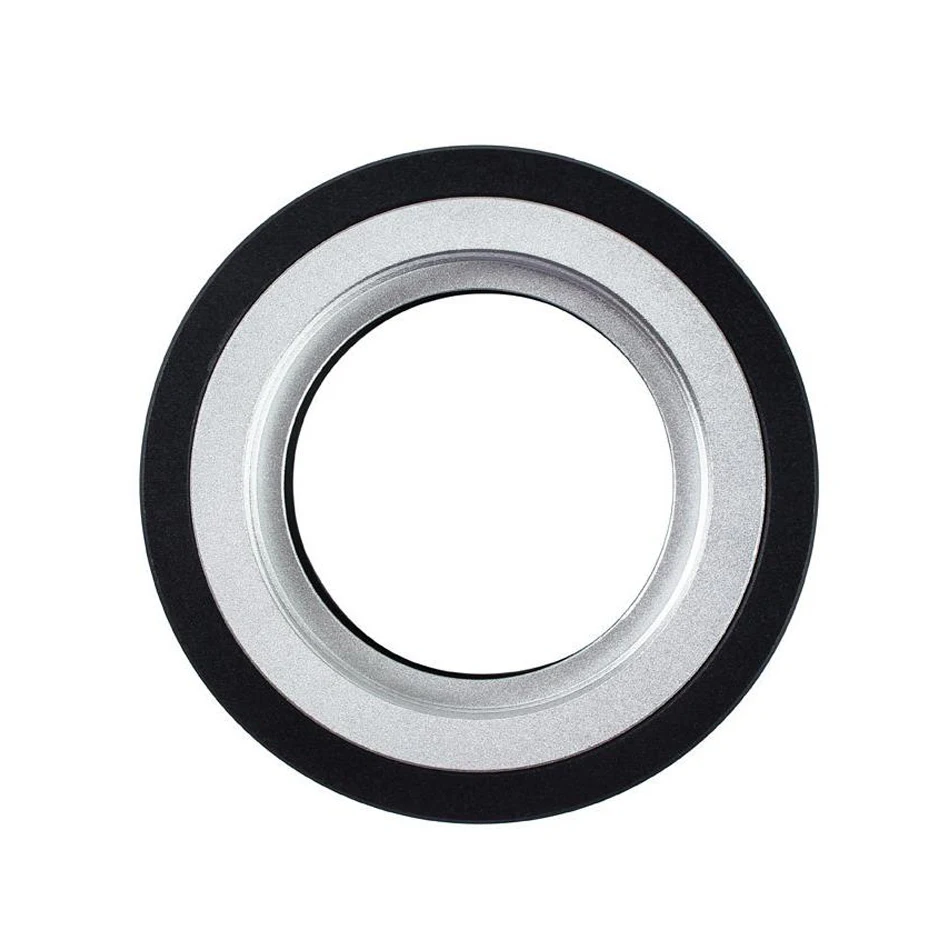
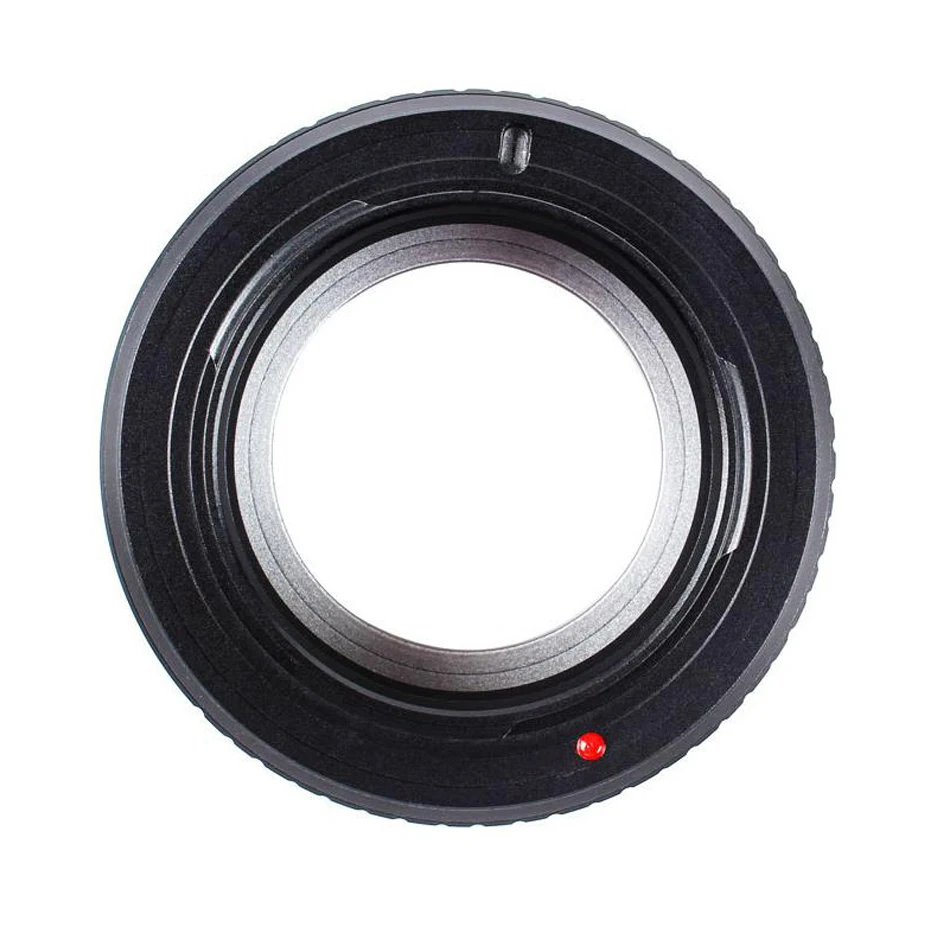
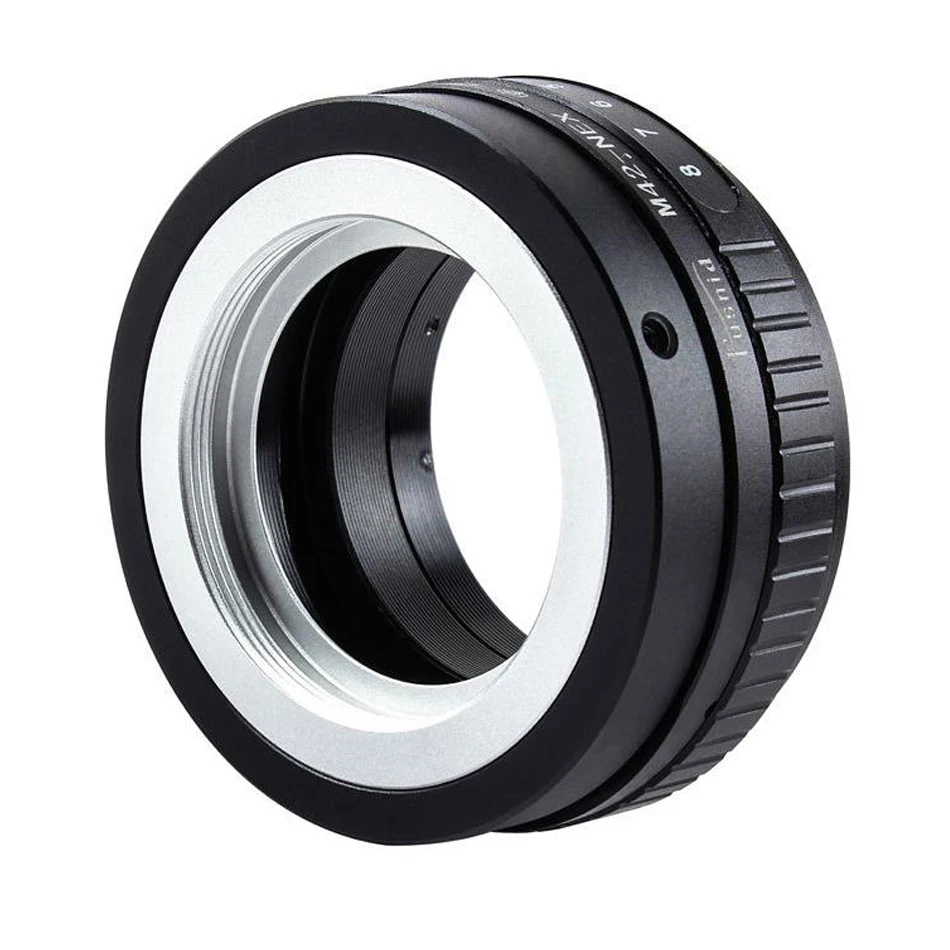
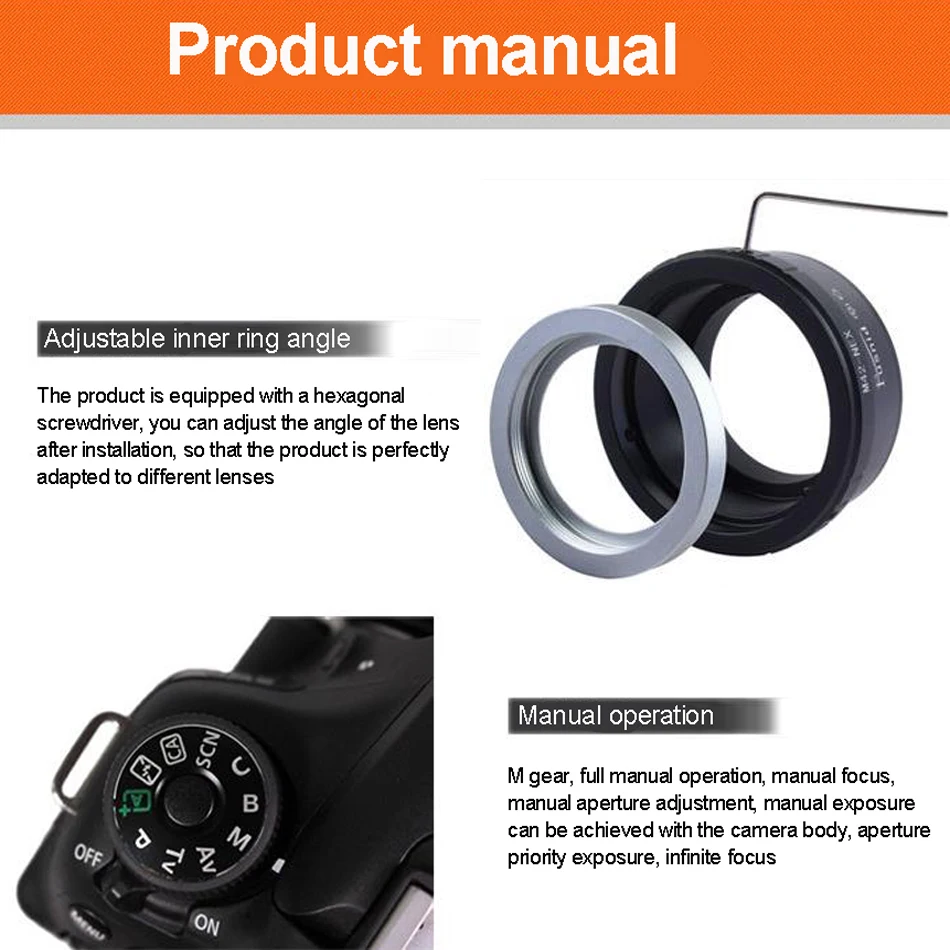
FUSNID M42-NEX Tilt Lens Adapter M42 screw lens to For Sony E A5100 A6000 A3000 5T 3 5N VG10 NEX-3, NEX-5, NEX-7, NEX-C3, NEX-5N
Use of NEX adapter
1. First, enter the setting option "Shooting without lens" in the camera menu to turn on. Generally, the peak assist focusing is turned on by default, that is, the red peak is dense when the focus is in focus. It is best to use the adapter ring
2. Use LCD to focus, composition and light metering are all easy to control, all are manual focus, convenient and quick
3. Use MF to zoom in and focus (usually software B, the button in the lower right corner), 7 times or 14 times to zoom in and focus, to achieve the focus function
4. You can use M file or A file (support automatic metering) mode to shoot, enjoy the fun of manual