
Sealey Heavy-Duty Racking Unit 640kg Capacity 2560kg Total
The Sealey Heavy-Duty Racking Unit 640kg Capacity 2560kg Total (Part Number: AP6572).
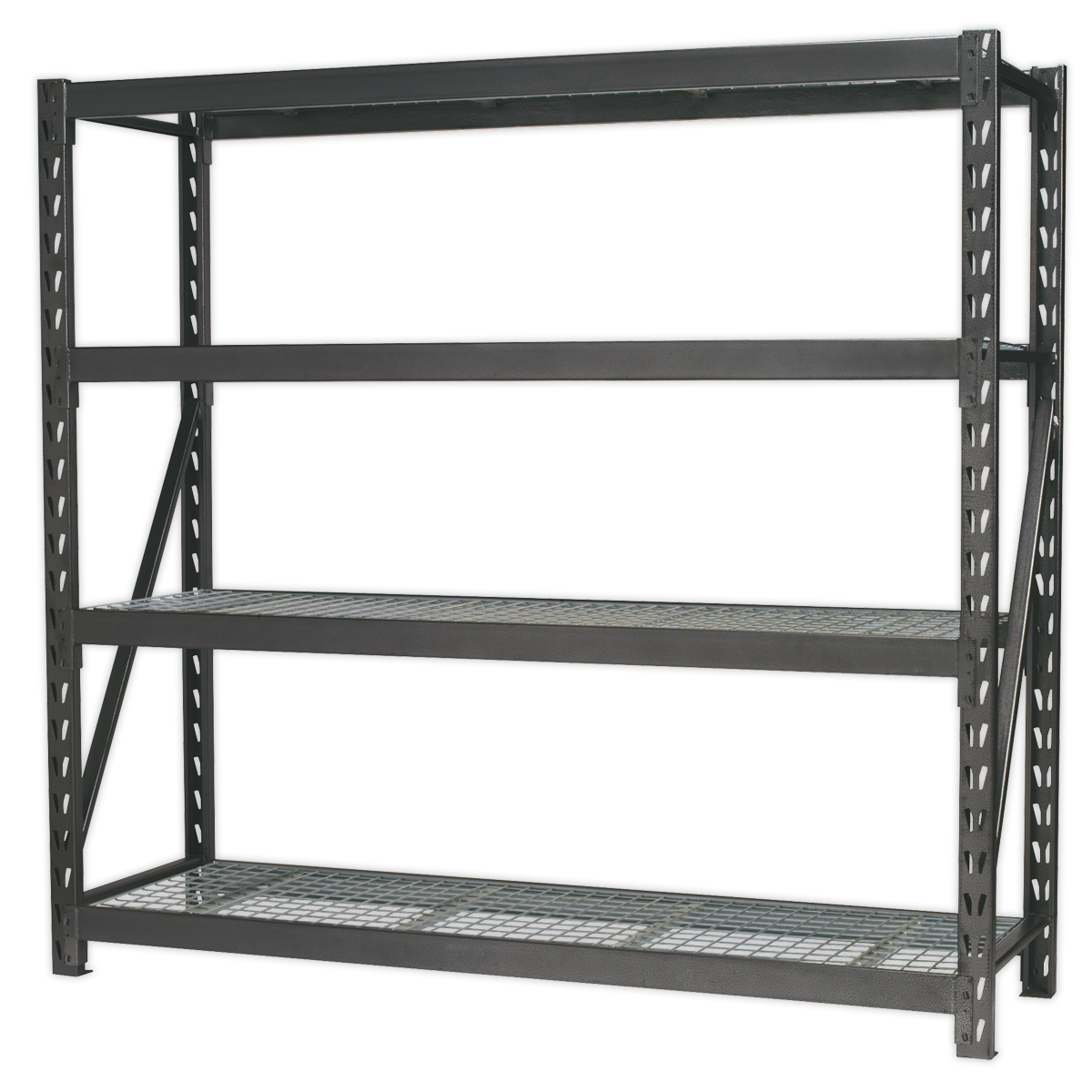
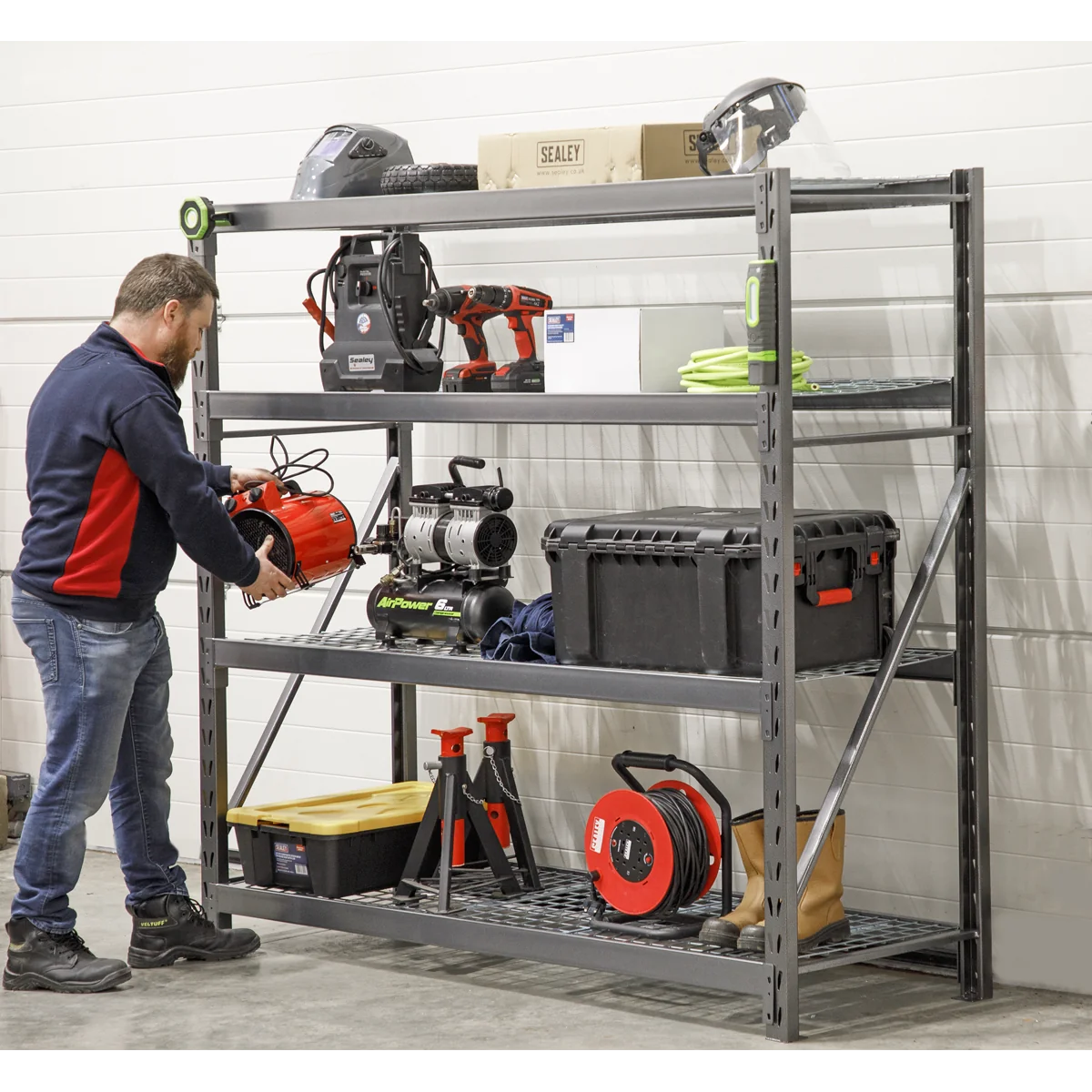
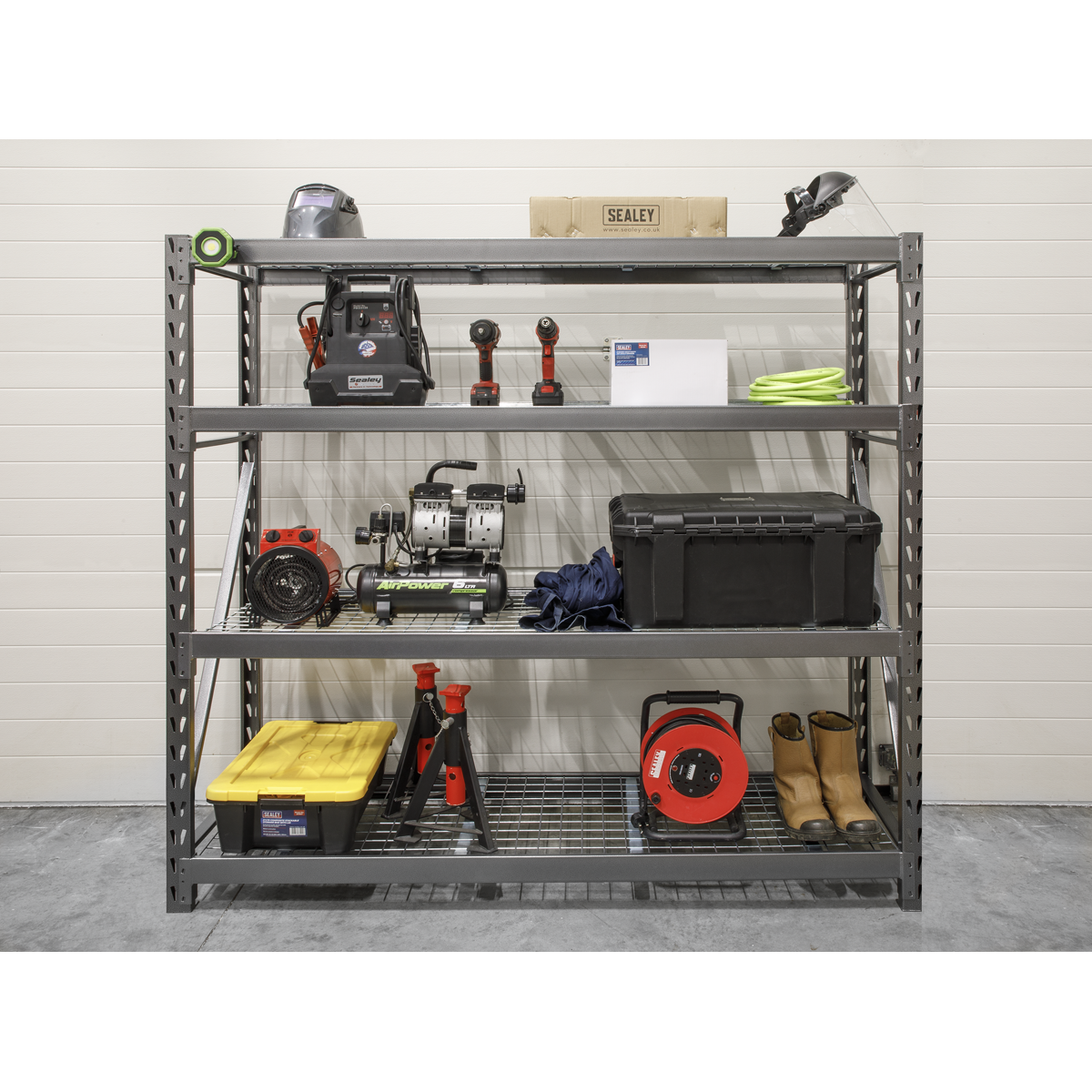
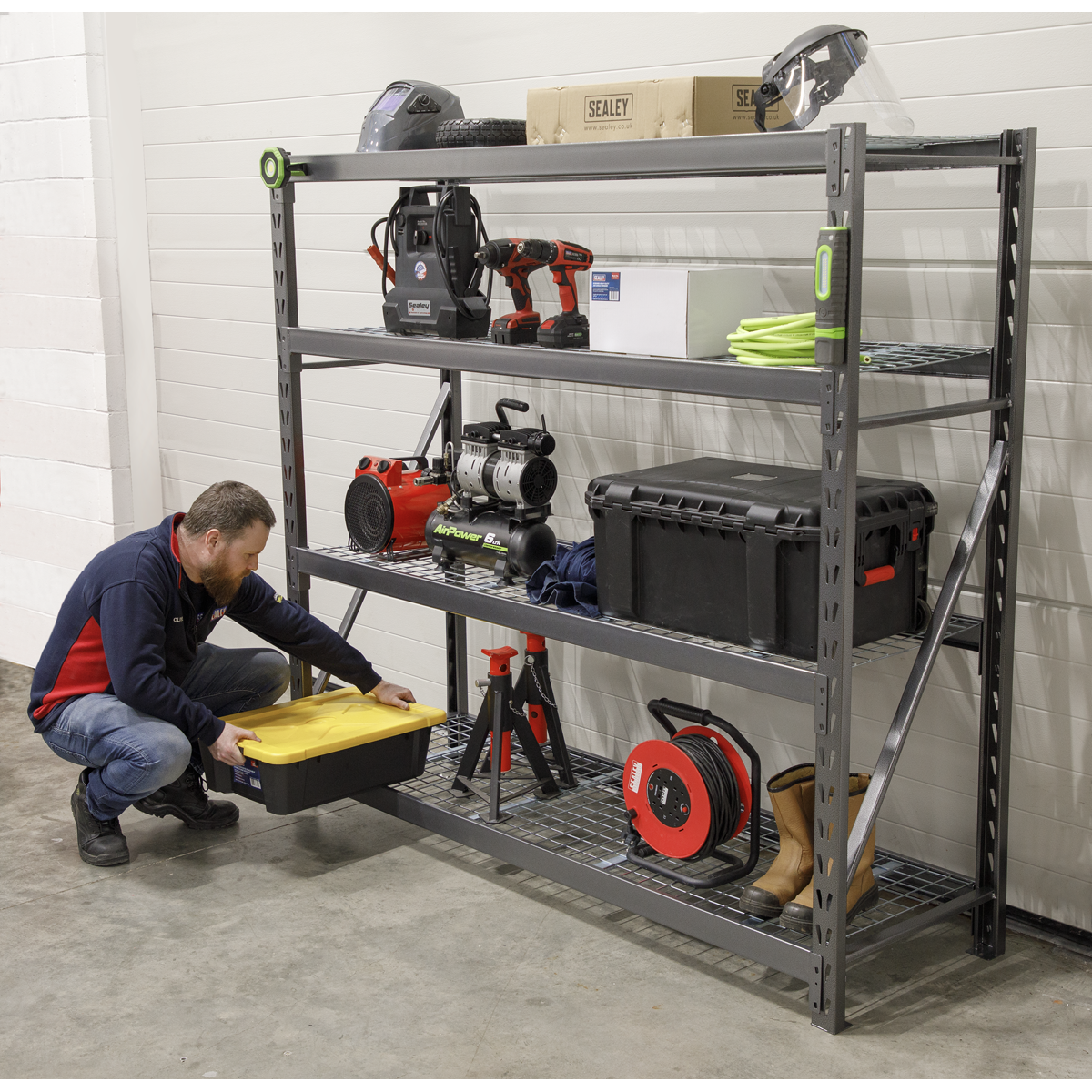
The Sealey Heavy-Duty Racking Unit is designed for maximum strength and durability, making it an ideal storage solution for various environments including workshops, bodyshops, and warehouses.
- Constructed with a fully painted steel frame and four heavy-duty wire mesh shelves.
- Each shelf has a capacity of 640kg, supporting a total maximum capacity of 2560kg per rack.
- Features a boltless design for easy assembly without tools; clips together in minutes.
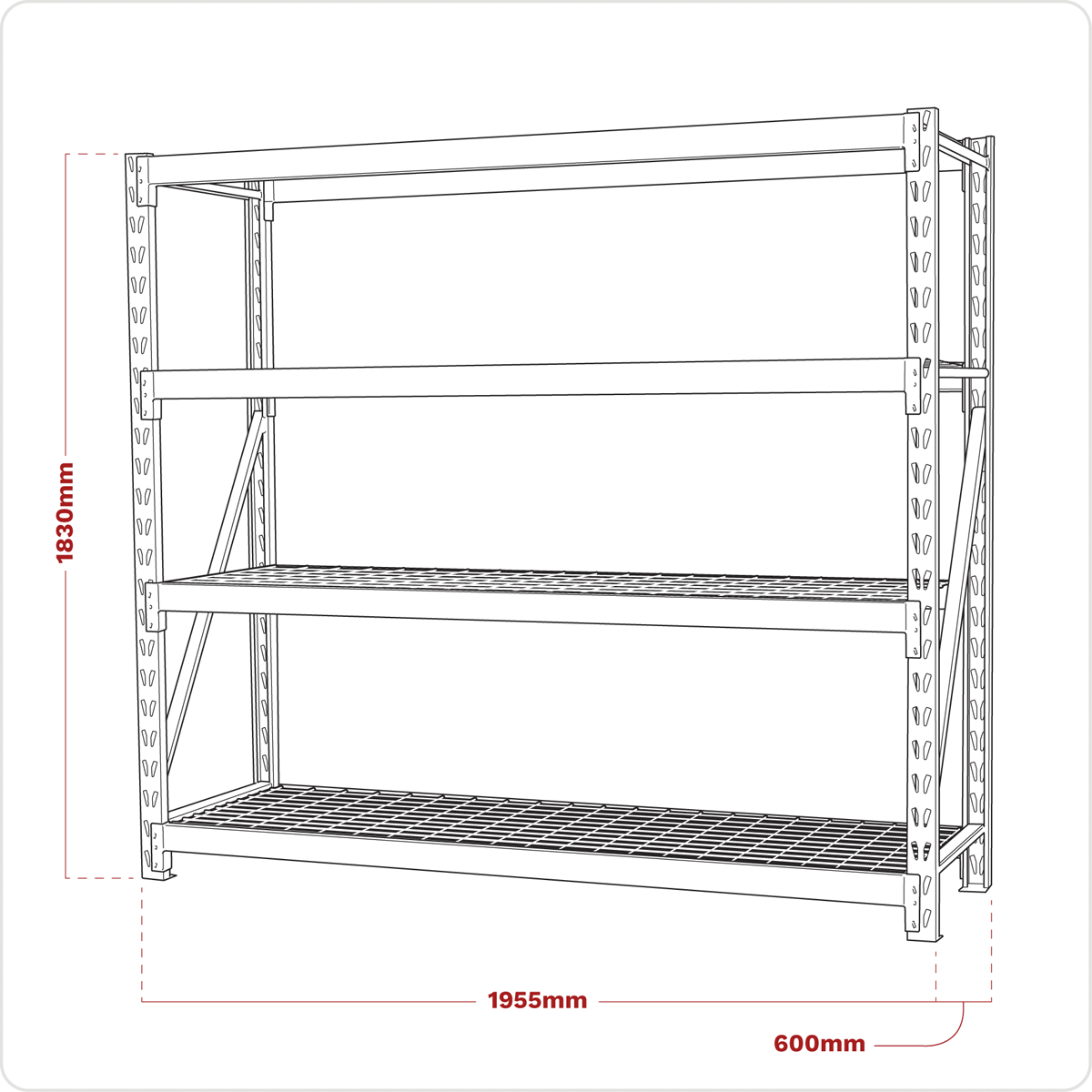
- Overall dimensions: 1955 x 600 x 1830mm.
Specifications
| Brand | Sealey |
| EAN | 5051747346710 |
| Type | Storage & Workstations |
| Sub-Type | Racking |
| Item Weight | 75 kg |
| Custom Bundle | No |
| Model No | AP6572 |
| Capacity | 2560kg |
| Nett Weight | 70.88kg |
| Overall Size (W x D x H) | 1955 x 600 x 1830mm |
| Shelf Capacity | 640kg |
| Manufacturer Part Number (MPN) | AP6572 |
Why Choose Sealey?
The UK workshop's favourite equipment brand.
- Massive professional range — hand tools, power tools, jacks, lifting, diagnostics and garage equipment.
- Workshop specification — designed for daily professional use.
- Genuine Sealey — full part numbers and technical data on every listing.
About Sealey
Sealey is a British family business and one of the UK's biggest names in professional tools and workshop equipment, with a catalogue running to tens of thousands of lines. From vehicle service tools and lifting equipment to hand tools and consumables, Sealey is a fixture in garages and workshops across the country.




Specifications & Datasheet
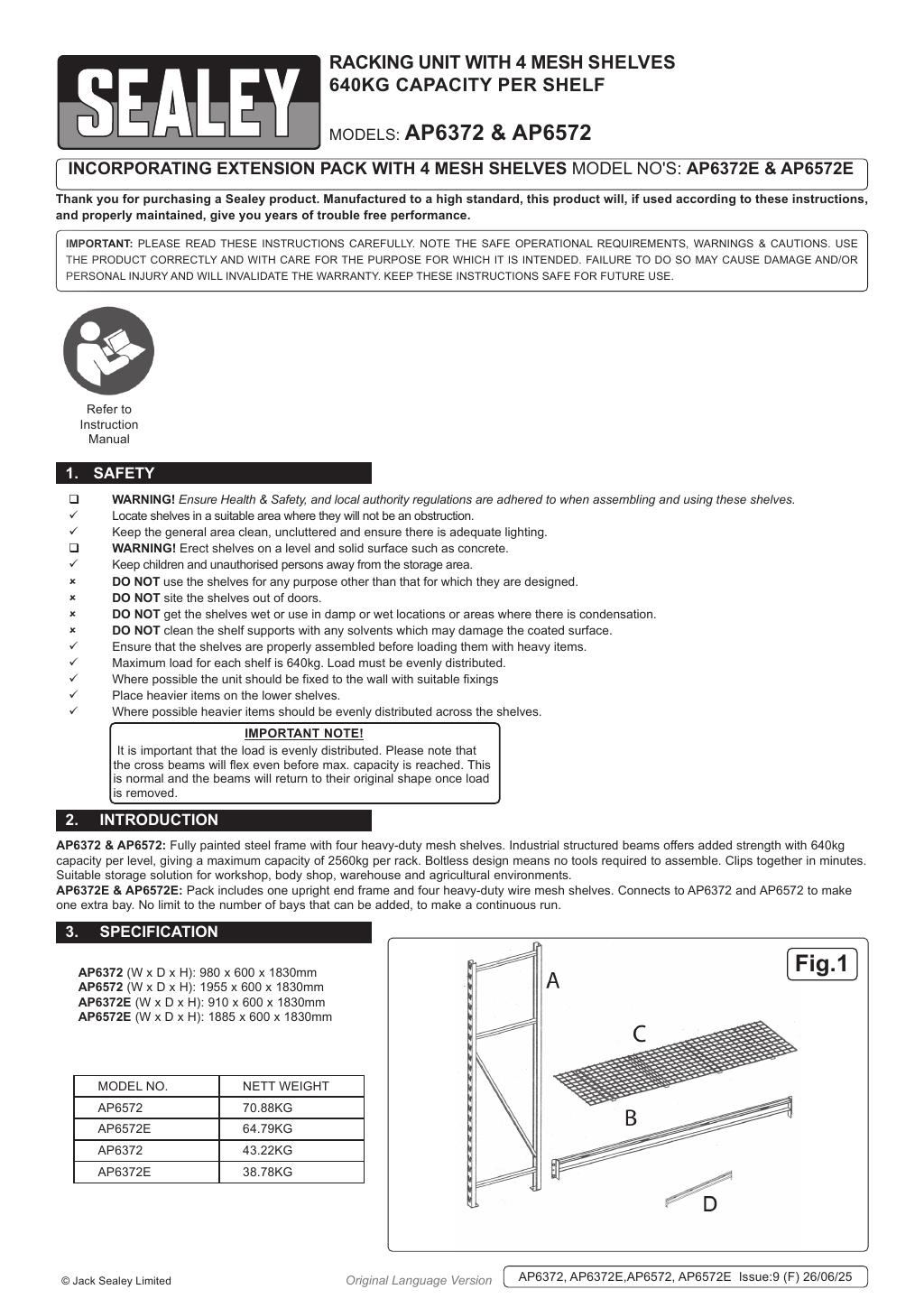
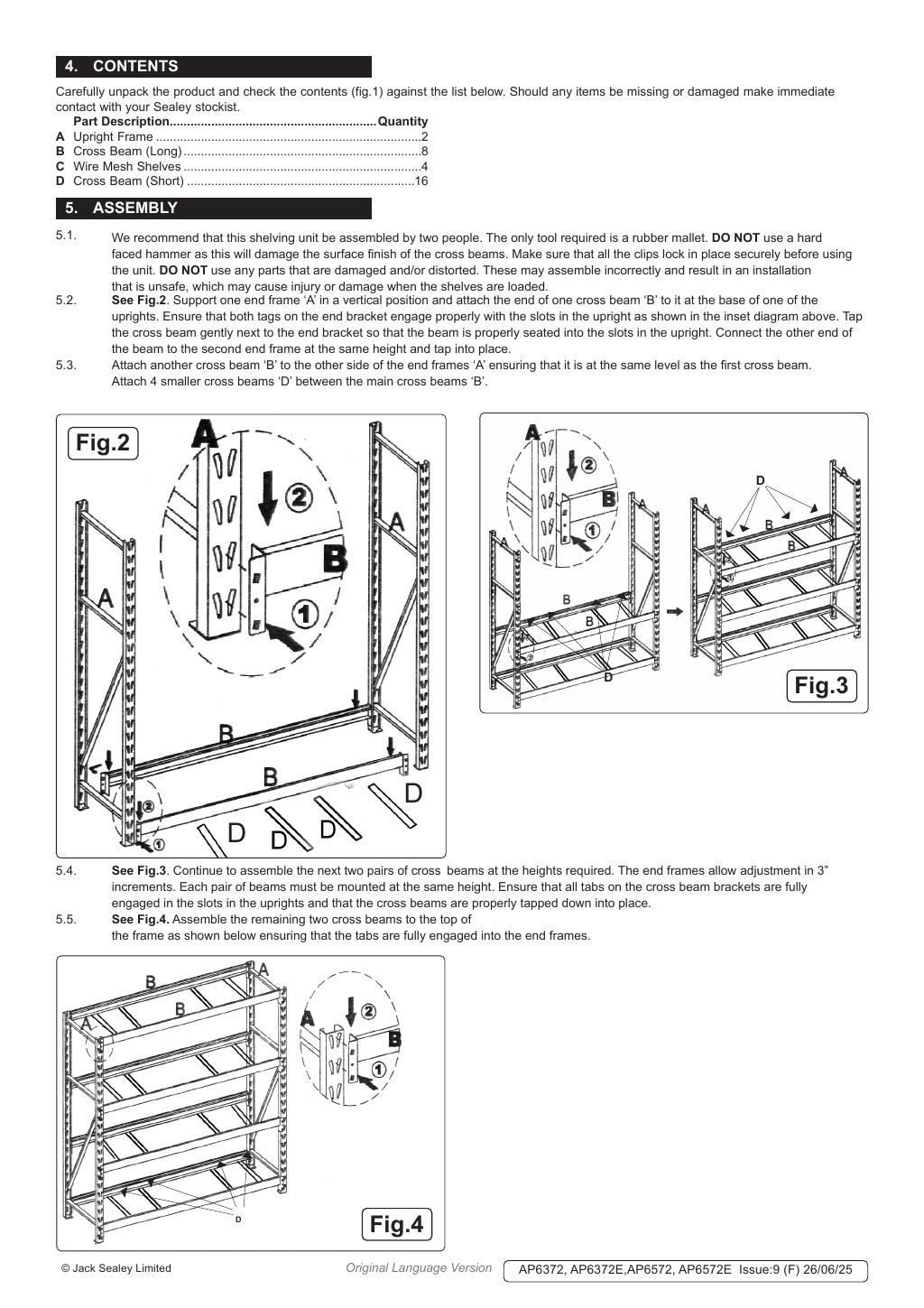
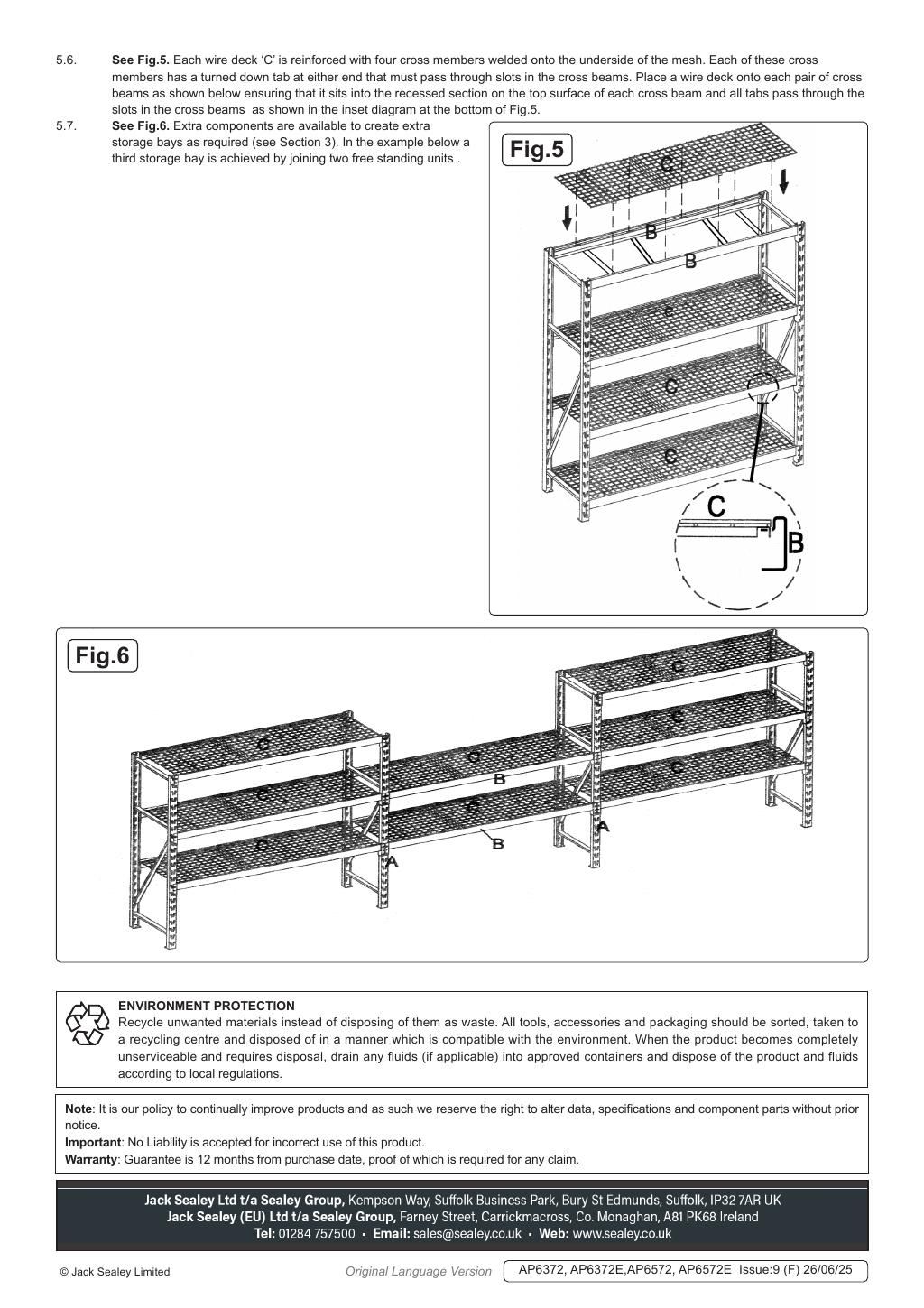
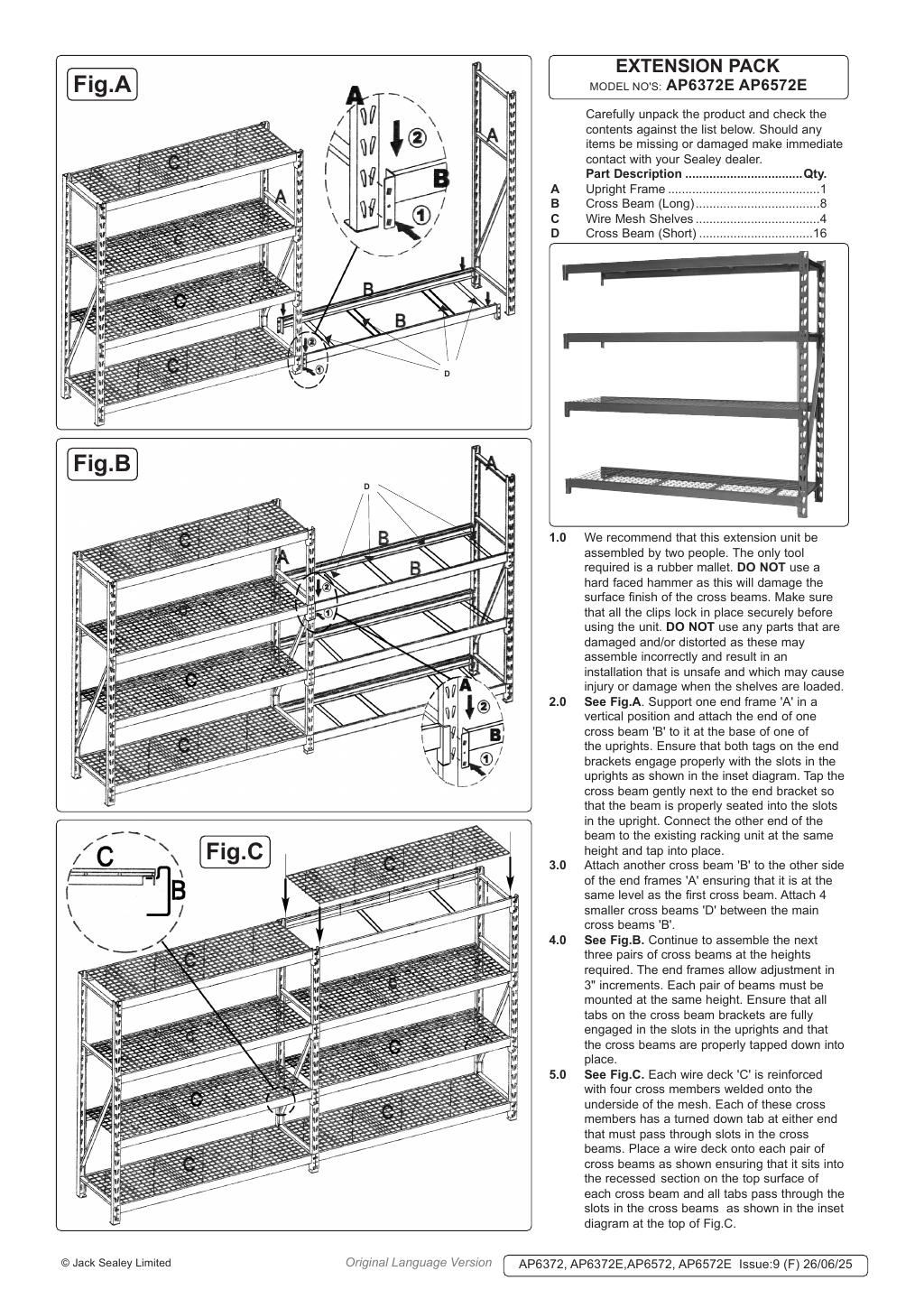
Click any page above to enlarge. Once enlarged, right-click and choose "Save image as" to save the datasheet to your device. Use ‹ / › to flip pages, × to close. Rendered from the manufacturer's official datasheet supplied with the product.