Spider-Man Mask Moving Arachnid Eyes Chin Control Eyes Helmet Masks Props Gift
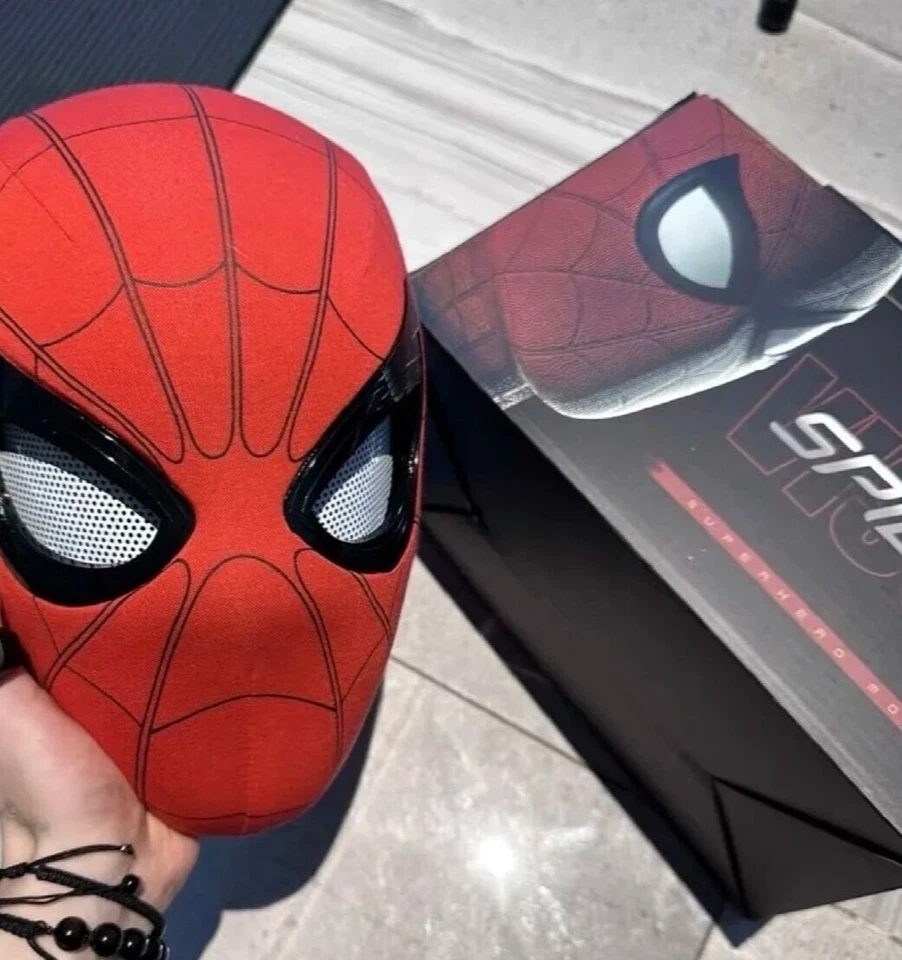
💡 Spider Mask Versions & Features 🕷️
Ring Version:
Remote Control Blinking: Control each eye's blink or close individually with a remote, giving you full customization of your mask's expression! 👁️👁️
Chin Control Version:
Chin-Activated Blinking: Open and close your mouth to make the chin trigger the blinking or closing of both eyes at once (cannot control each eye individually). Perfect for a simple yet interactive experience! 😯
Appearance:
Both versions look identical, so you can choose based on your preferred functionality! ✨
Ring 2.0 Version:
Limited Visibility: With the lights on, the outside view is obscured. Once the lights are on, they cannot be turned off during use. 🔦👀
Ring 3.0 Version:
Clear Vision + Adjustable Lights: See through the spider's eyes and turn the lights on or off at will. A "ding~" sound will signal when the lights are turned on. 🕷️💡
Sound & Light Control: A truly immersive experience with the ability to control both the light and sound effects.
Gwen Lighting Feature:
Interactive Light Control: Simply touch the upper right corner of the forehead to turn the eye lights on or off. A continuous sound will play when the light is on, adding an extra layer of realism to your cosplay! 🌟🔊
Get ready for an interactive, immersive experience with these unique Spider Masks! 🕸️🎭
Product Information:
Material:fabric + ABS plastic
Box size: 28.5*25.5*24CM
Mask size: 19*28CM (size does not include neck)
Packaging: single independent packaging
NOTE:
1.Please be accompanied by adults when playing. Do not swallow.
2.Without original gift box, we will use PE Bag to pack it well and protect it well,pls dont worry .
3.Due to the difference between different monitors, the picture may not reflect the actual color of the item. We guarantee the style is the same as shown in the pictures.
Instructions for use:
After receiving the package, please charge the helmet and remote control for approximately 30 minutes. Please first turn on the switch inside the helmet to display a blue light; Press and hold the button in the middle of the ring again to turn on the switch. Display blue light. Then it can be used normally. If the remote control does not work after turning on the switch according to the above method, please contact our customer service and we will send you a new remote control. Thank you!!!