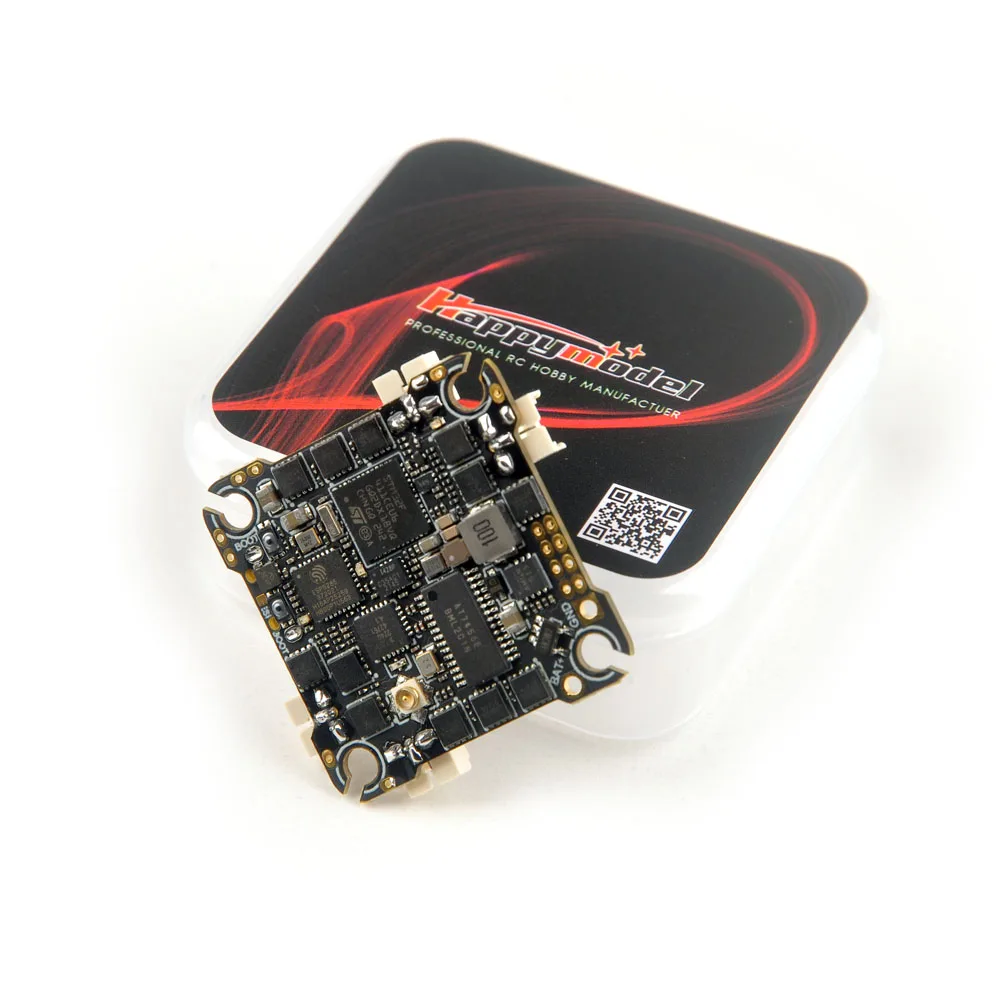
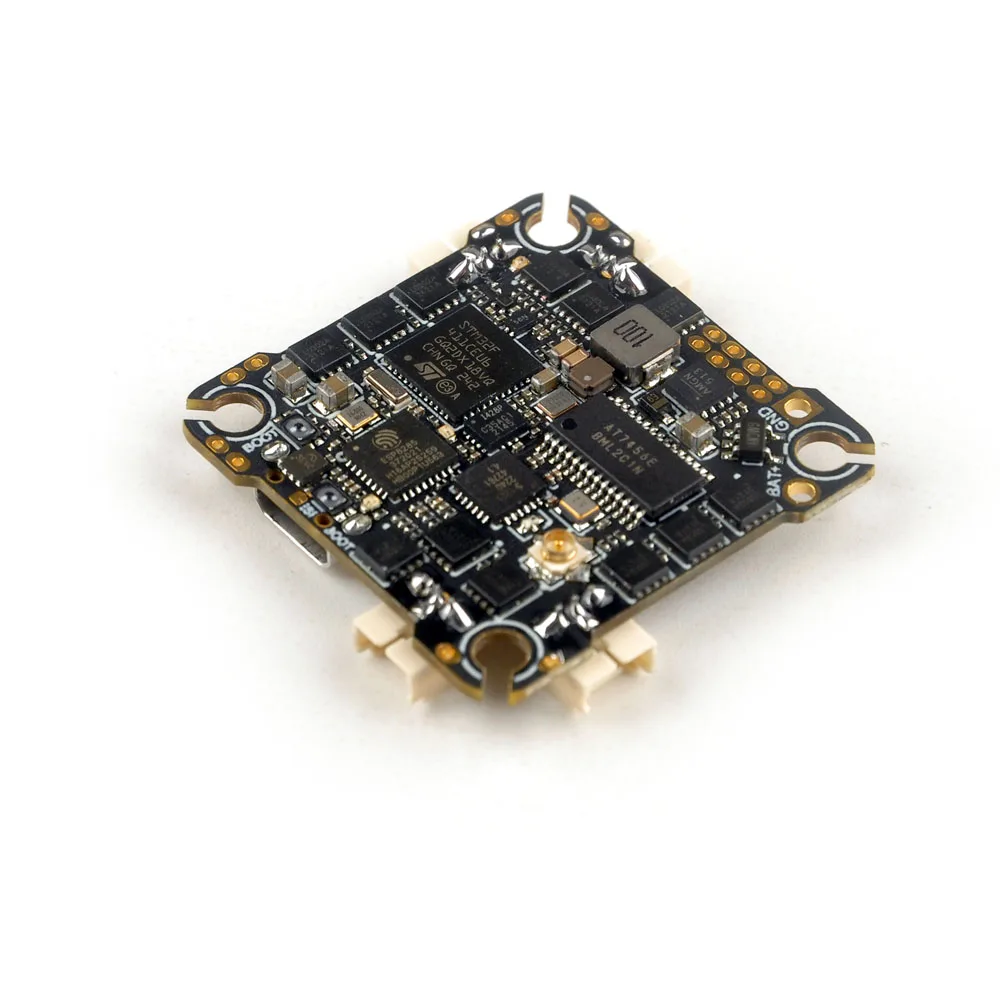
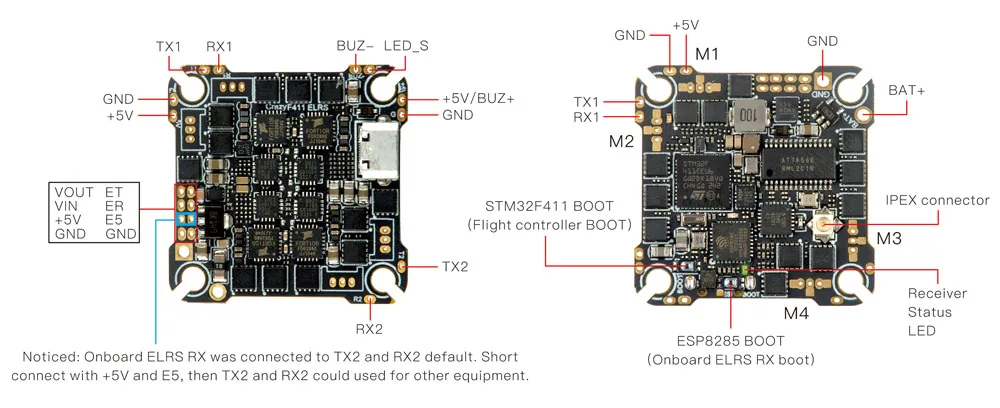
*”ET”and “ER” pads are used for communication with ESP8285, you can connect
“TX” of FTDI tool to “ET” pad and connect “RX” of FTDI tool to “ER” pad
for upgrade onboard UART ELRS receiver firmware. Need to short connect
“+5V” and “E5” pads before that.
The
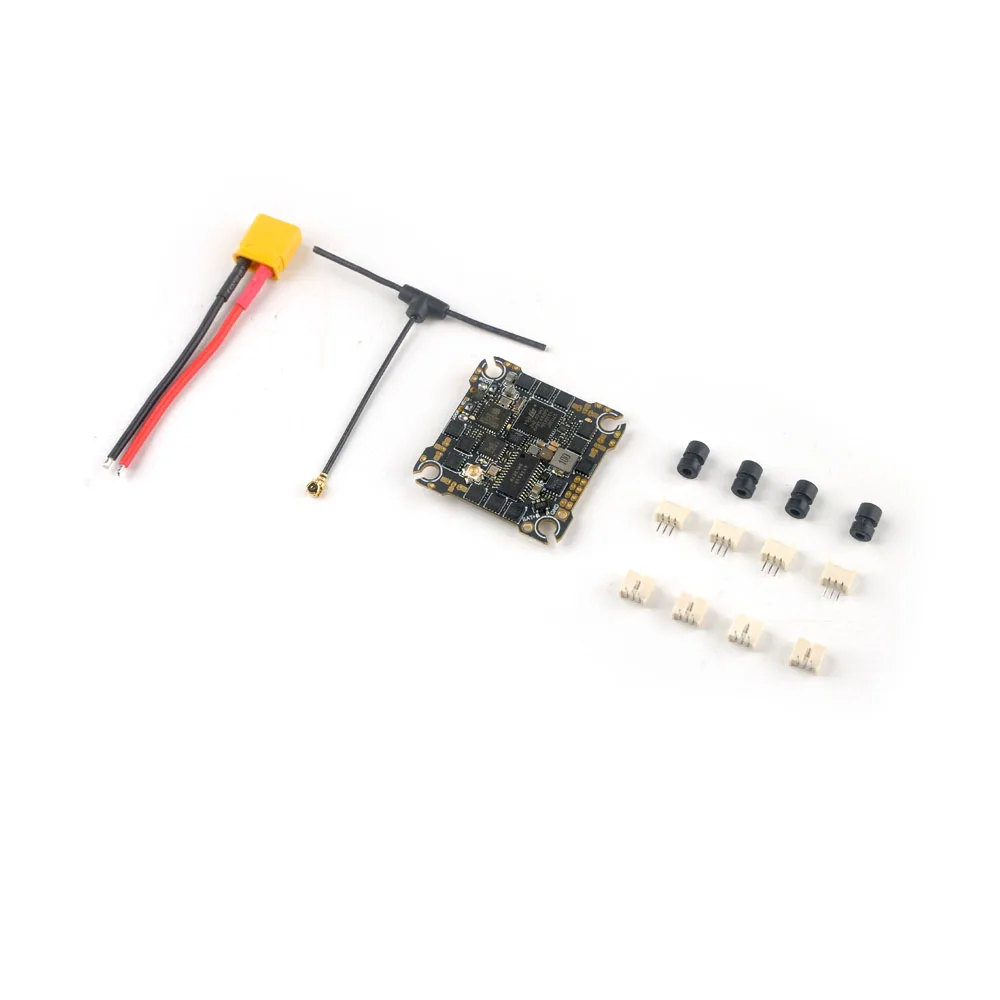
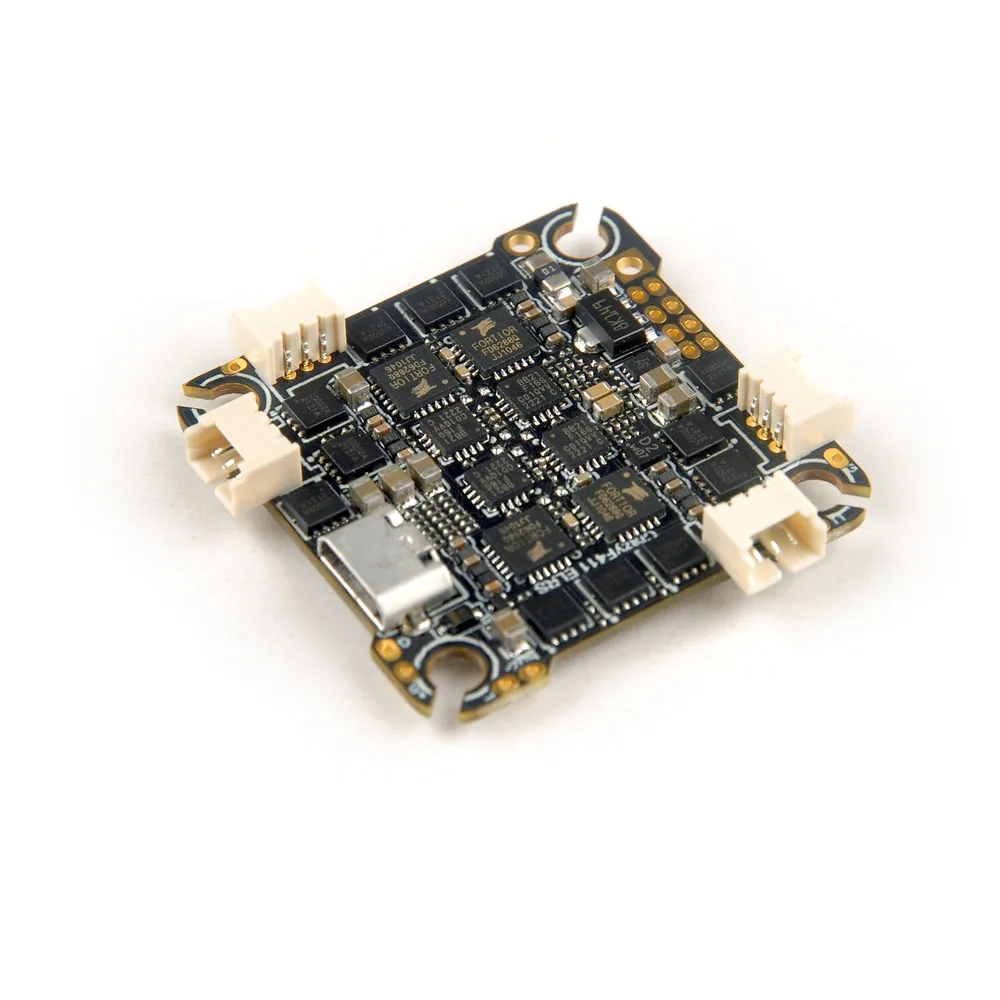
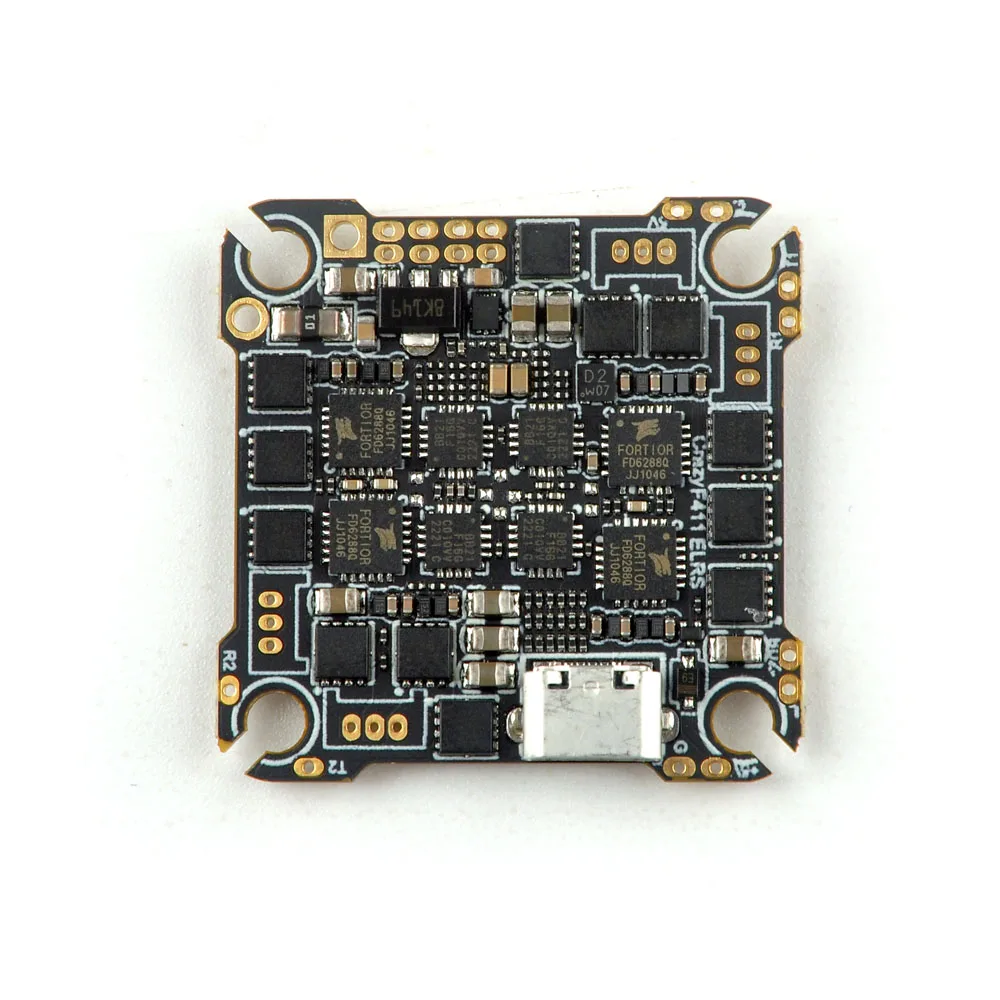
CrazyF411 ELRS flight controller comes with integrated UART 2.4GHz
ExpressLRS receiver and 20A Blheli_s ESC(Bluejay firmware pre-installed)
which could support 2-4s. Bigger Mosfet could support high to 20A
currents would be better for 2-4S toothpick drone or long range FPV
drone. And because the 2.4GHz ExpressLRS receiver is equipped with the
SX1280 radio frequency chip with high sensitivity, high packet rate and
low latency, this flight controller is the one that all Race/Freestyle
pilots needed. The built-in ELRS receiver is UART communication with
MCU, it’s the same like Happymodel EP1 which you can update firmware by
betaflight pass-through or WIFI, very simple. The default firmware is
ELRS V3.0.1. This flight controller would be used for Crux35 to instead
ELRS X1 flight controller.
Specifications:
Flight controller | MCU:STM32F411CEU6 (100MHZ, 512K FLASH) |
Onboard 4in1 ESC | MCU upgraded to EFM8BB21 |
Onboard UART ExpressLRS 2.4GHz Receiver | Packet Rate option: 25Hz/50Hz/150Hz/250Hz/500Hz |
Onboard voltage and Amperage meters settings | Voltage meter scale setting 110 |
Binding procedure:
Supply
power to the flight controller by plug USB, wait until the green LED on
the FC is off, immediately turn off the power, and then repeat again
the above steps. When the FC is powered on for the third time, the green
LED light will start to double-flash, which means that the RX enters
the binding modePlease
make sure your ExpressLRS tx module firmware is v3.x.x. And go to
ExpressLRS.lua from “TOOLS” menu of your radio transmitter. Then hit
[Bind] to binding with the onboard ExpressLRS receiver. The green LED
should blinking slowly first then turn to solid, that means binding was
successfully. If the green led still keep double flash after binding
,please change Model Match tab value from “off” to “on” or from “on” to
“off”
Receiver LED status meanings:
Green
LED solid means bind successful or RC link established; Green LED
double-flash means get into bind mode; Green LED flash slowly means no
RC signal input from TX module; Green LED continuous flash fast means
ExpressLRS wifi enabled.
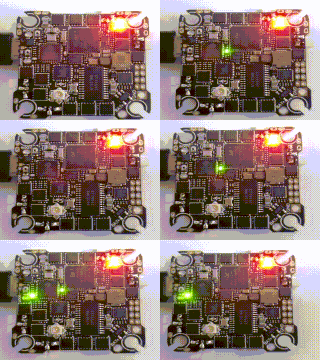 Bind successful
 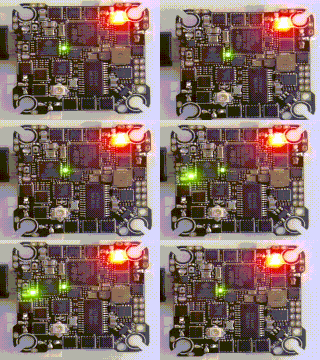 Bind mode
 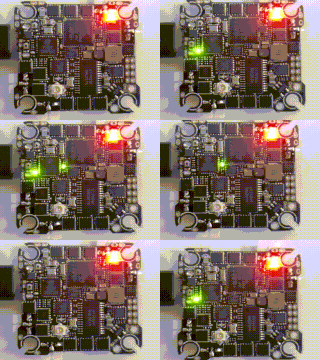 No RC Input
 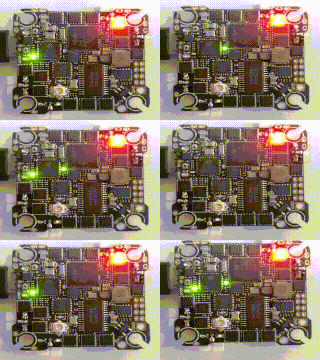 Wifi mode