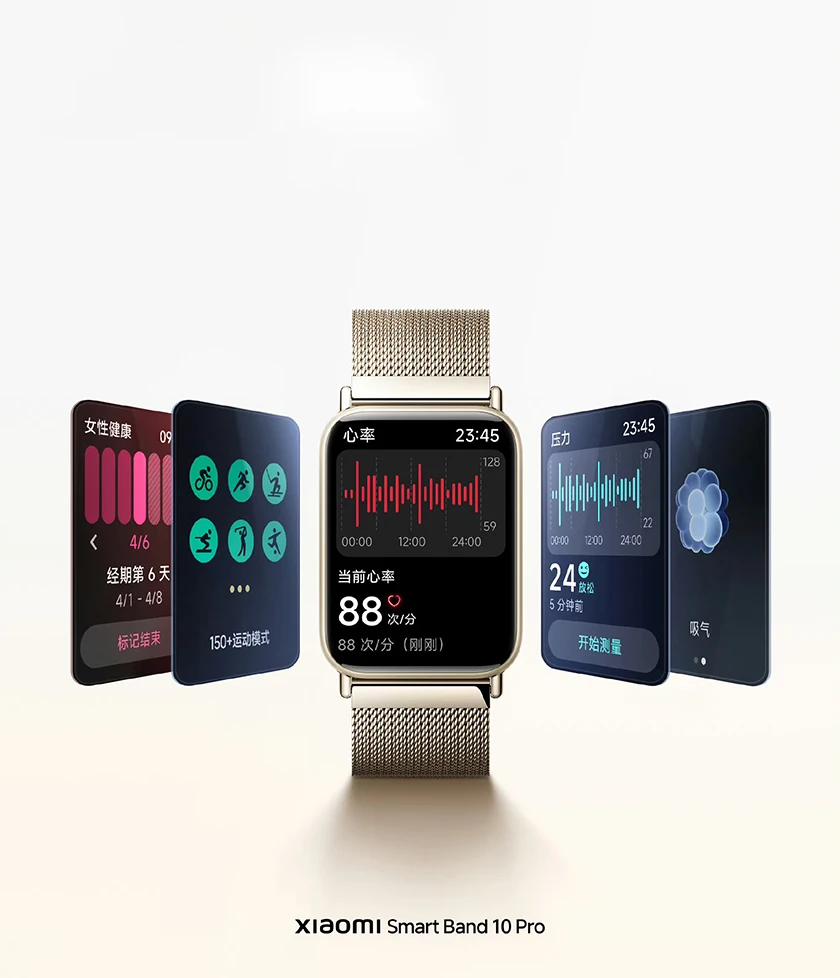
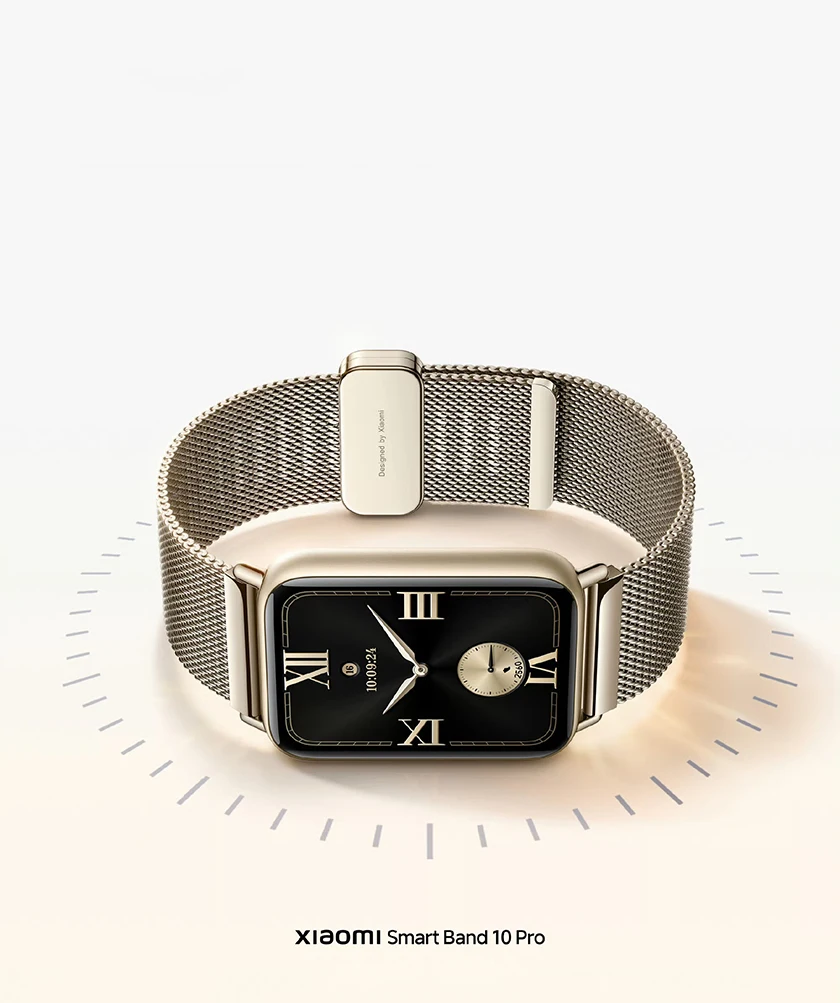
Xiaomi Band 10 Pro NFC Chinese Version
Note:
This is Chinese version, Band Language support English and Chinese, please select the language of the band before matching, and must set the region to China in the App.
The NFC function is only available in mainland China.
Chinese (CN) Version How to use:
1. Make sure phone is iOS 14.0 or Android 8.0 and above and charge it full
2. Phone Scan the QR code to Download the latest App "Mi Fitness"
3. Open app "Mi Fitness" and phone bluetooth. Then Login account. Set the region to China in the app(mi fitness app>profile>app settings>region>China)
4. In the app, Choose to add devices, band close to phone, Follow the prompts (Please go to an open place without other devices nearby, and make good network and bluetooth).
Parameters
Model:
Metal version: M2551B1
Ceramic version: M2553B1
Main dimensions
Metal version: 43.84 x 32.1.6 x 9.7mm (excluding heart rate protrusion)
Ceramic version: 43.97 x 33.35 x 9.7mm (excluding heart rate protrusion)
Screen resolution: 336 x 480
Screen size: 1.74 inches
Battery capacity: 350mAh
System languages: Simplified Chinese, Traditional Chinese, English
Xiaomi Smart Band 10 Pro
Slim aluminum alloy frame
1.74-inch screen
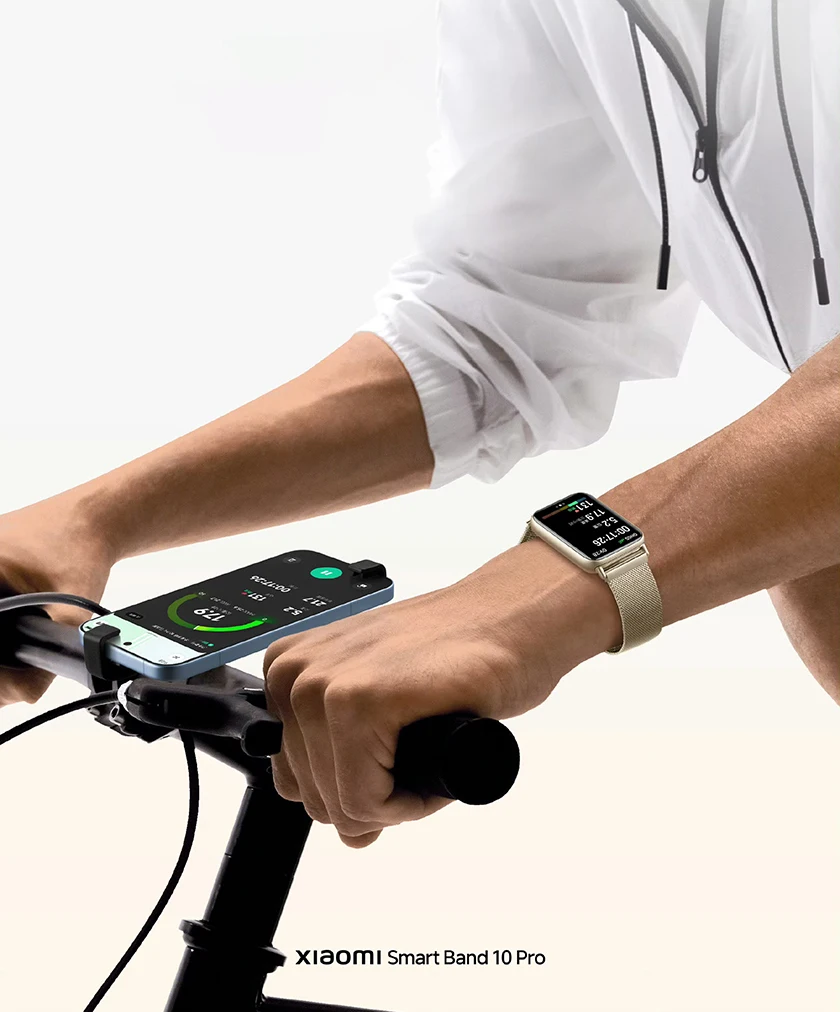
New cycling mode