
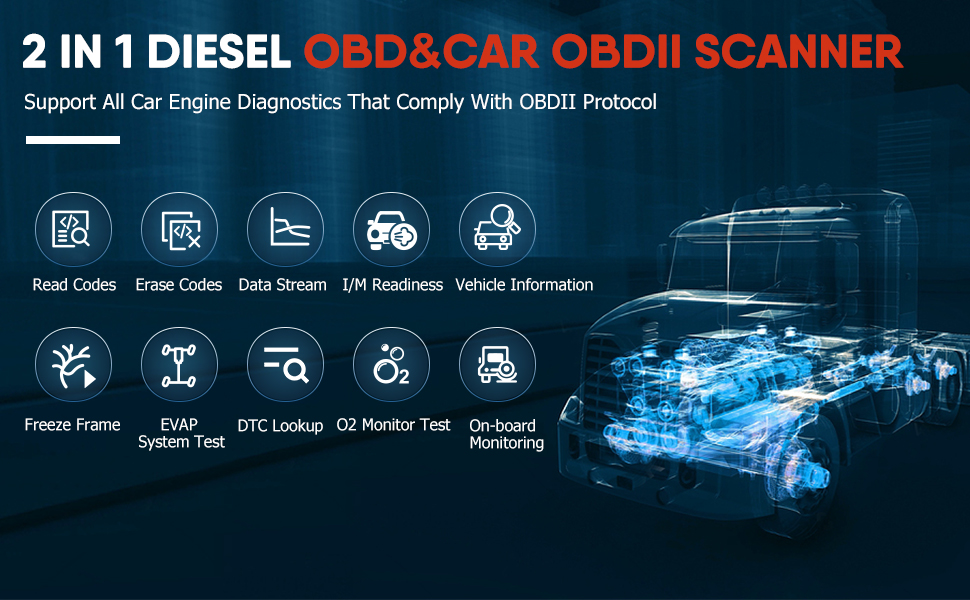
Basic Function: read fault code, erase fault code, read history DTCs, graph live data stream, retrieve ECU information,
Power Transmission: Engine, Construction engine, Hybrid, VCS(Vehicle Computer Simulation), Transmission, Integrated Control, Integrated Security System, Motor Control, Battery/SCR.
Chassis: Anti-lock braking system, EZGOC(Wheel Brake Special System), Retarder.
Carbody: Immobilizer, SRS Airbag, SWS (Smart Writing System), Headlamp Auto-leveling, ABS, ASR, EBS, ESCOT, ESP, EPS, AT System, Smoother, HSA/ CFS, BCM, BCM(MIMAMORI), VIM(Vehicle Interface Module), UDS, Gas Treatment, DCU/ BCU, Instrument System, Suspension System, Pro-shift, Inverter, Kneeling, Drivetrain, Scanning Cruise/LDWS/PCS, Tire Pressure Monitoring System, Ldfing Stop System, Clutch System, Anti-theft devices, Blocker, PESS(Passive entry and start system), PIM(Powertrain interface module), Chassis ESC, Air Suspension, Headlamp Auto-leveling.
Special Features: DPF Regeneration, Maintenance Light Reset diagnostic scanner for FUSO/HINO/ISUZU/UD/VOLVO/HYUNDAI/KIA, Engine Oil Reset code reader for HINO
Wide Compatibility: This HD3200 scan tool integrates commercial vehicle OBD standard diagnostic protocols, including SAE J1939, SAE J1708, SAE J1850 PWM, SAE J1850 VPW, ISO 14230-4, ISO 9141-2, ISO 15765-4 and ISO 27145-4.
Wide Range of Application: The HD3200 code reader is the ideal scan tools for truck owner, maintenance personnel, automobile maintenance training schools, car dealer, auto repair shop owner, automotive engineer, home mechanic, DIY beginner, truck/bus drivers, agricultural machinery (engines comply with standard diesel OBD agreement) to have quick and easy access to vehicle electronic control units and sensors. It can easily read/clear fault codes, analyze live sensor data, and save or export into PDF.
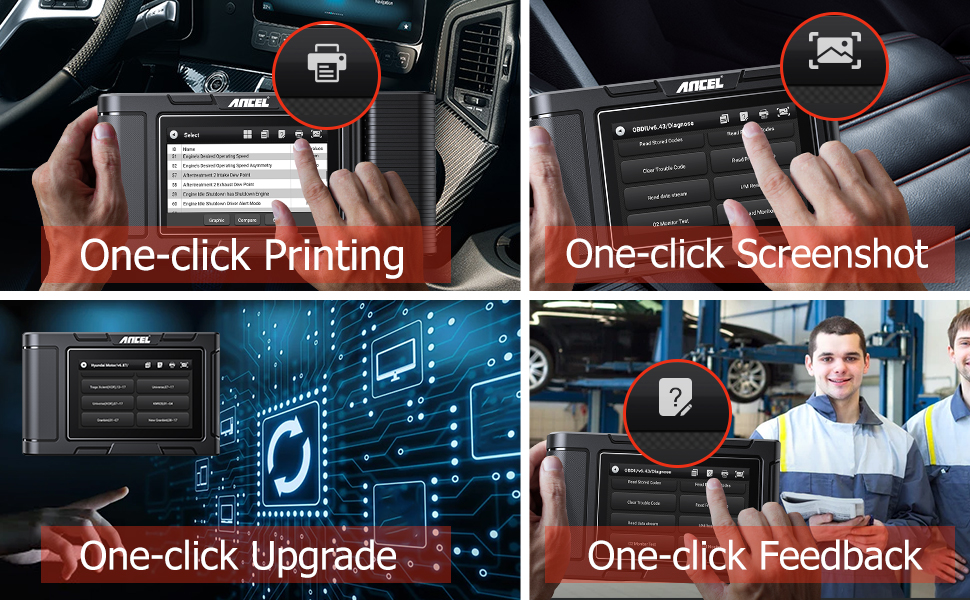
One-click Printing
HD3200 scanner supports the printing function, which can print diagnostic report data such as vehicle information, fault codes, and data streams, and can also print software interface.
Note: The printer and HD3200 diagnostic scanner are sold separately.
One-click Screenshot
This function allows you to save important information about vehicle diagnosis through one-click screenshots, and then you can view the screenshots in “DATA MANAGEMENT”.
One-click Upgrade
With this scan tool, you can one-touch update the diagnostic software via wifi anytime and anywhere, and no need to update on the computer. Then you will get the latest diagnostic systems and vehicle database of this scanner.
One-click Feedback
This diagnostic tool supports one-click feedback. You can give us your feedback via this function if you have diagnostic problems, ANCEL's professional technical team will provide you with excellent solutions.
Create/Email report
In the model menu, click the "Report" icon in the upper right corner to start creating Report.
Data Management
You can view the data saved by the system of HD3200 code reader, including diagnostic reports, screenshots, feedback data.
Warm Tips:
1.For 24v vehicles, please enter into menu "Diesel OBD" (UD volvo please enter into "Diesel OBD", the UD menu will not be applicable.) ; For 12v vehicles, please enter into "OBD-II".2.Full Systems diagnosis are compatible with 24v heavy duty trucks (All the diagnostic 24v trucks must fit for the standard Diesel OBD protocol, or this hd scanner will do not support.)
3.For the 12v vehicles, this heavy duty truck scanner only supports full OBD2 functions.
D-P-F Regen & Oil Light Reset are special designed for Hino, Isuzu, Fuso, UD.


