


Overview
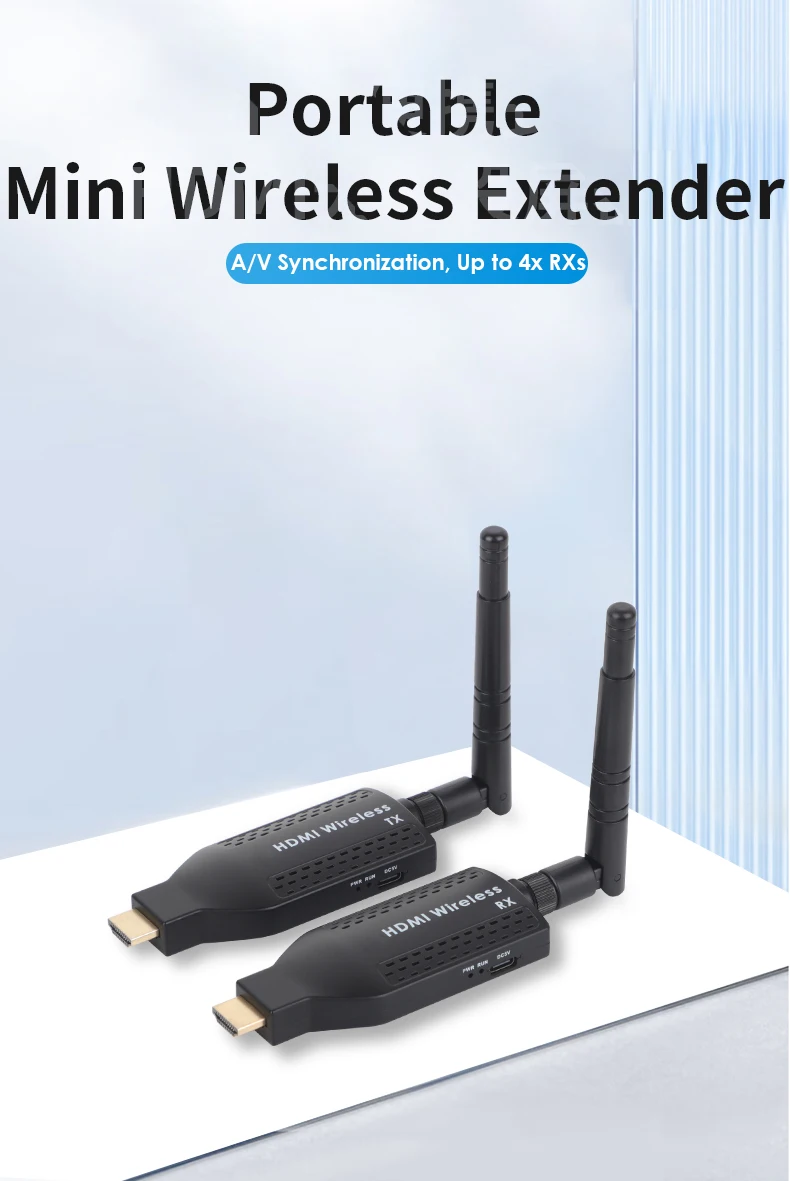
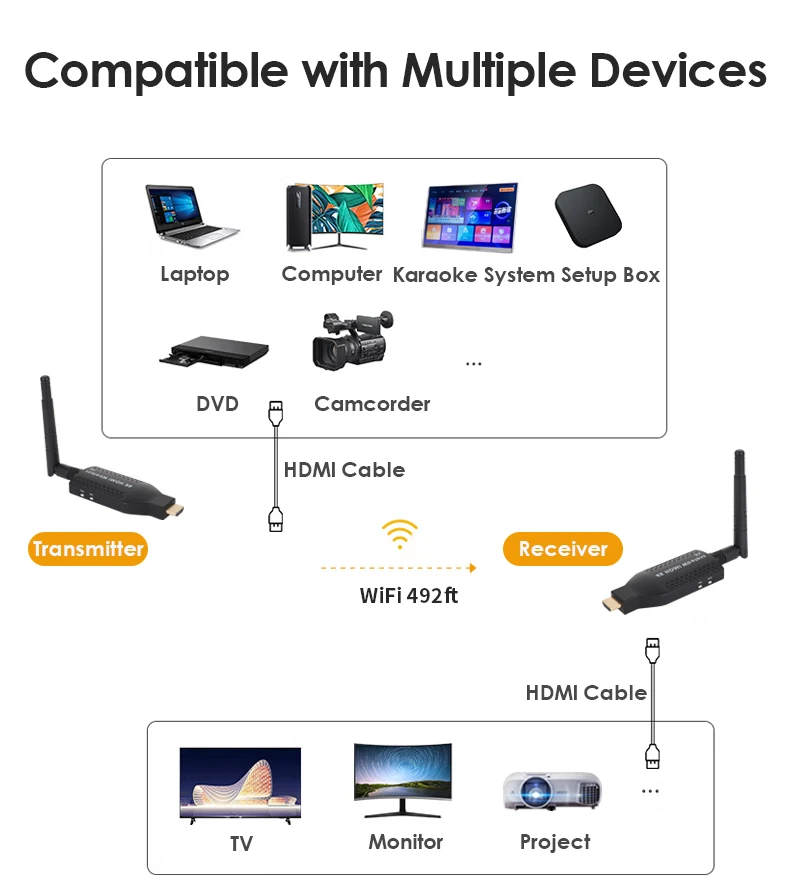
Wireless HDMI extender - stream 1080p video up to 492ft, lag-free for gaming & movies. No cables, easy setup!
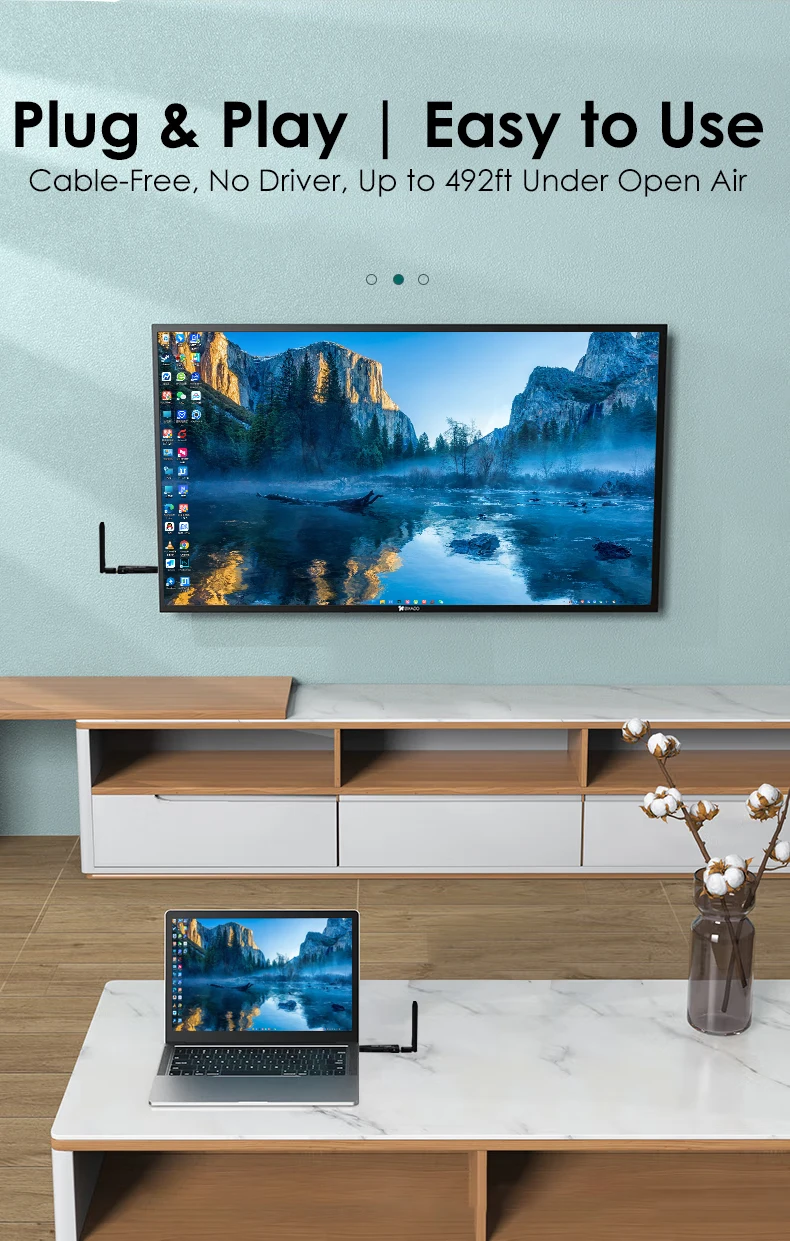
Plug and Play
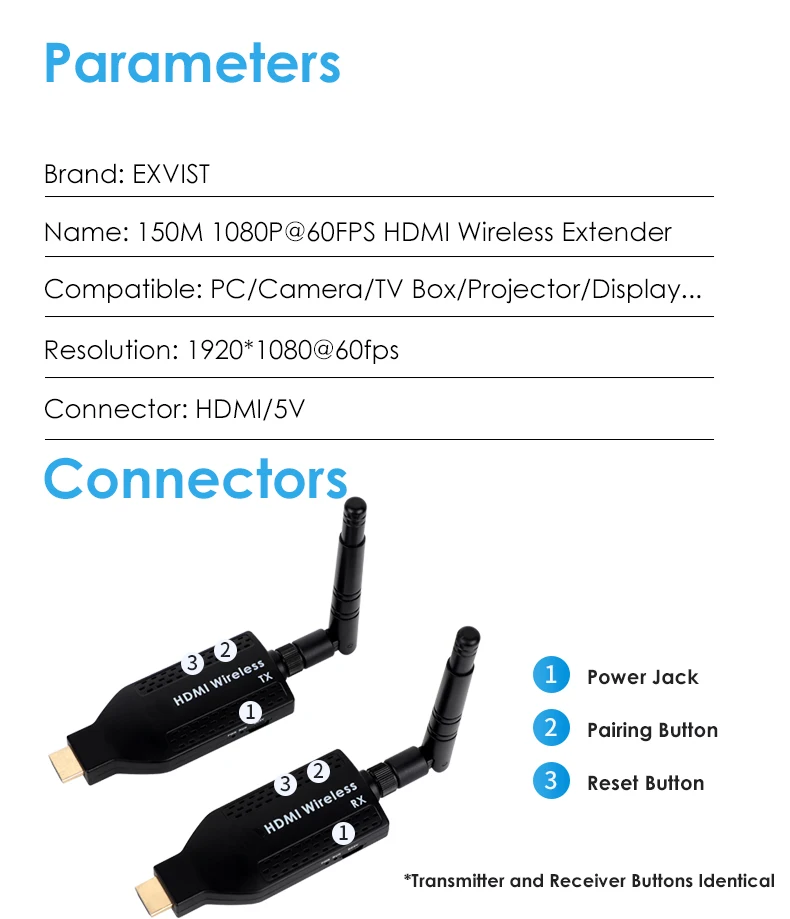
Wireless HDMI transmitter has Plug & play in seconds – no drivers, no setup! Just connect HDMI and enjoy instant wireless 1080p streaming
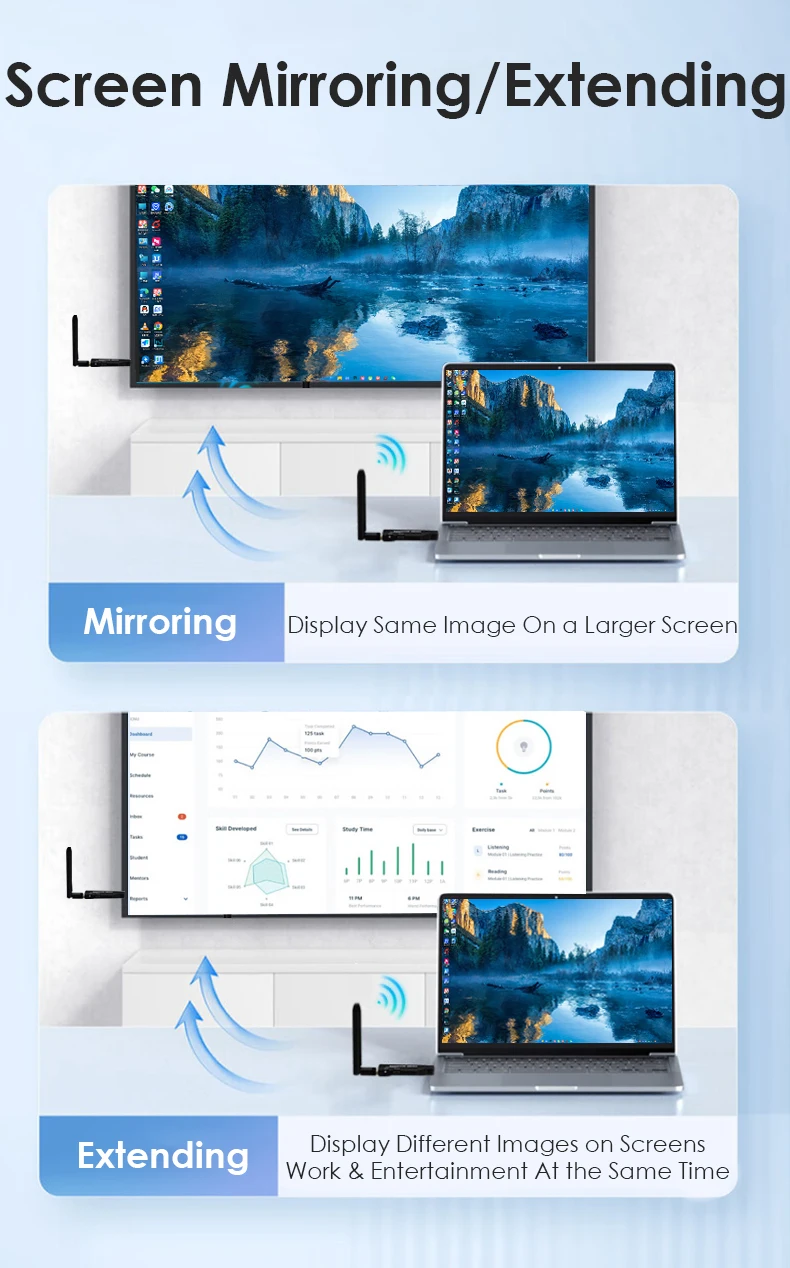
Screen Mirroring/Extending
Up to 492ft(150m)
1080P HDMI Extender up to 150m in open areas - perfect for outdoor events, large venues & drone live feeds without messy cables!
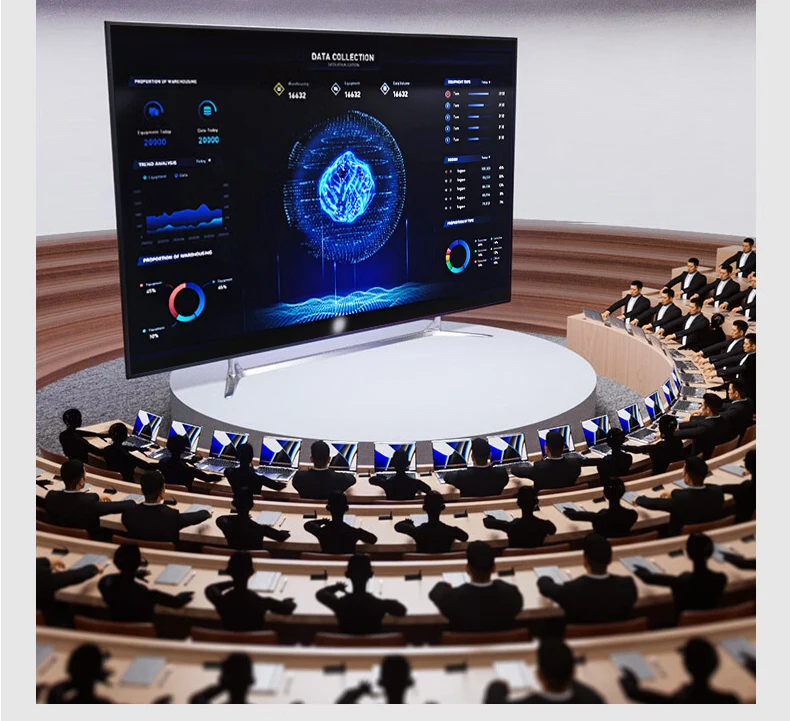
A/V Synchronization
Wireless Video Transmitter enjoy flawless AV sync with zero delay-HDMI wireless extender delivers perfectly synchronized high-quality audio and video for immersive viewing
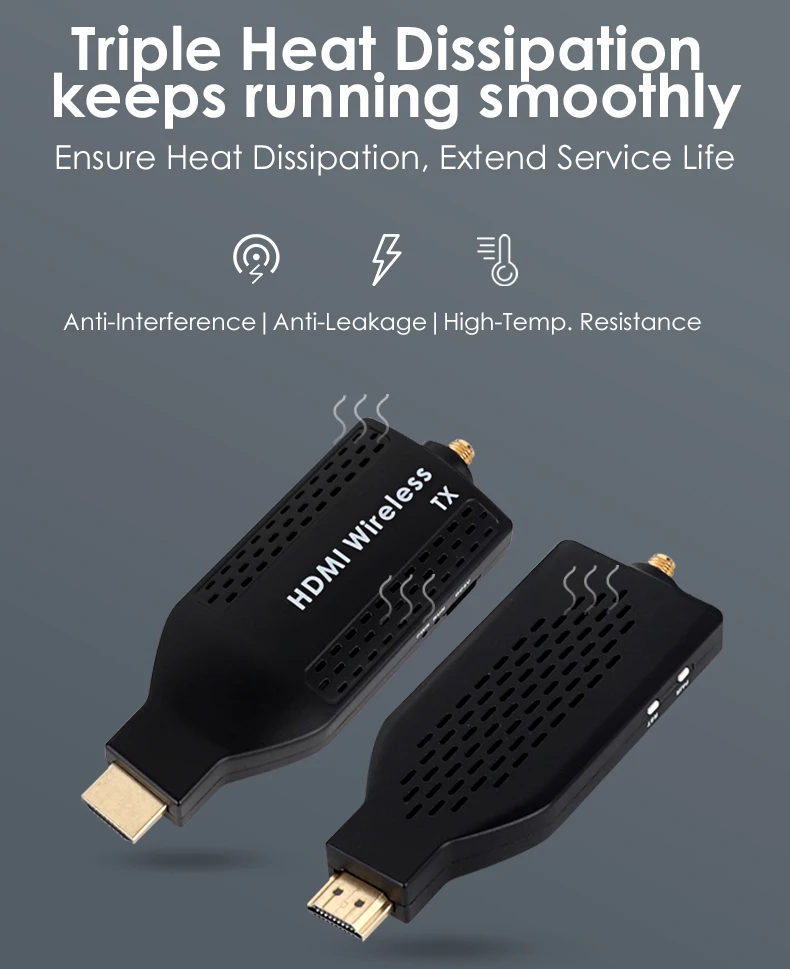
Triple Heat Dissipation
High-Resolution Wireless Transmission has triple cooling system ensures stable 1080p streaming-no overheating even during long gaming sessions or outdoor live events
FAQ
1. Why is the monitor connected to the receiver only showing half of the image?
This issue often happens when the input HDMI signal is set to 1080i resolution. To fix it, adjust the HDMI output resolution of the source device (such as a set-top box, DVD player, or camera) to 1080P or 720P. This change will ensure that the monitor connected to the receiver can display the full image properly.
2. What factors can affect wireless signal transmission of wireless transmitter and receiver?
Wireless signals may be obstructed or reflected by certain building structures. For example: Signals cannot easily pass through reinforced concrete floors, load-bearing walls, elevator shafts, or metal structures like steel roofs. Metal objects reflect wireless signals, which can disrupt the transmission. This principle is similar to how radar works, utilizing the reflection of signals to detect objects. To improve wireless transmission, it's recommended to reduce interference from such materials by positioning devices in optimal locations.
3. How do I address the issue of my RX device always displaying Connect to TX ?
If your RX device is continuously displaying Connect to TX, the following steps may help resolve the issue: Ensure that the TX (transmitter) device is powered on and operating normally. Verify its connections and power source. If the image is stuck at the RX (receiver), try shortening the transmission distance between the TX and RX devices. This can help improve the stability of the signal transmission.