Introduction:
Enjoy ad-free mobile app, wireless, wide viewing angle, 2-way talk, Bluetooth chime with various ringtones, automatic/manual record photo/video, night vision.
Installation is extremely easy. Simply use the adhesive tape supplied.
Doorbell mobile app connection:
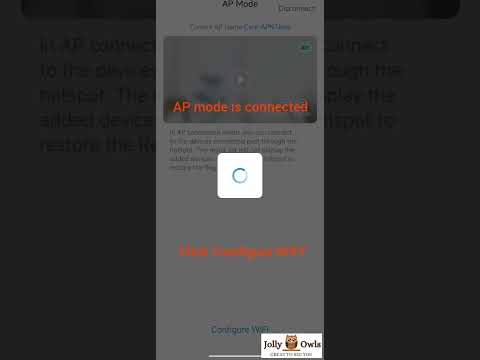
Doorbell mobile app connection tutorial
Video will open in a new window
Using the eBay App? Paste link into a browser window:
Please download the Weihome Pro app from http://120.79.165.16/weihome/index_en.html or scan barcode (Android download the first Apk file, and iPhone the third file from Apple Store). Register account (Gmail is recommended)

Reset doorbell before connection. Press doorbell button 15 seconds until blue light flashing and hear 'reset successfully' and 'configure the network'. In weihomePro app, click '+' symbol at the top right corner - 'Add Device' -- 'Pairing with AP connection' -- 'Reset doorbell' -- 'Set up WiFi' - 'Configure Wi-Fi'
Enable Bluetooth to pair with Chime. Press Chime's pair button for 5 seconds until light flashing to pair with the doorbell.
Items in Box:
- 1 * Doorbell
- 1 * Chime
- 1 * USB cable
- 1 * Adhesive tape
- 1 * Screw
- 1 * Screw driver
- 1 * Manual
- Does not include 3x AAA batteries, wall fixing screws
Q: Can I use 4G/5G to connect with the doorbell?
A: You can use 4G/5G to view the doorbell on weihome app. For the first time set up with weihome app, WiFi must be used.
Q: What battery is needed?
A: 3x AAA batteries
Q: Is the weihome app free? Do I need to pay app subscription to use this doorbell?
A: The app is free to use. Functions include rings, live view, etc. However, subscription provides extra functions, such as cloud service. It is your decision to use the subscription or not.
Notification:
Free delivery is offered to successful transaction.
30 days return/refund guarantee (Excluding misuse of the item and damaged item)
All products (WiFi connection, batteries) are tested by manufacturer and seller on Android and IOS mobiles. Software app connection and battery life can not be used to justify for free delivery/return (It varies with the connection and application environment, such as mobile, WiFi, places, number of doorbell rings).