Overview:
This wireless switch is a low-cost, affordable device that allows users to remote turn on/off connected appliance of different types and brands via app EWeLink from anywhere anytime in the world, and by setting timing schedules for your appliances, you can maintain an carefree life. It also can be controlled by RF remote controller indoors. It can connect and control four appliances on APP at the same time, and you can independently turn on/off each of the four gangs. It also supports timing turning on/off the appliances at a specified time, and share to others so that you can control your smart home together with your family. You can also voice control your home appliances by Amazon Alexa, and for Google Home/Nest, and enjoy intelligent life and make your home smarter.
Features:
*App Support: Free iOS and for Android mobile App EWeLink.
*Sync Status: device status timely provided to the EWeLink.
*Remote ON/OFF: Turn 4 electrical devices on/off remotely from anywhere.
*RF Remote control: Turn on/off by 433MHz RF Remote indoors,Only support 433MHz Learning code.
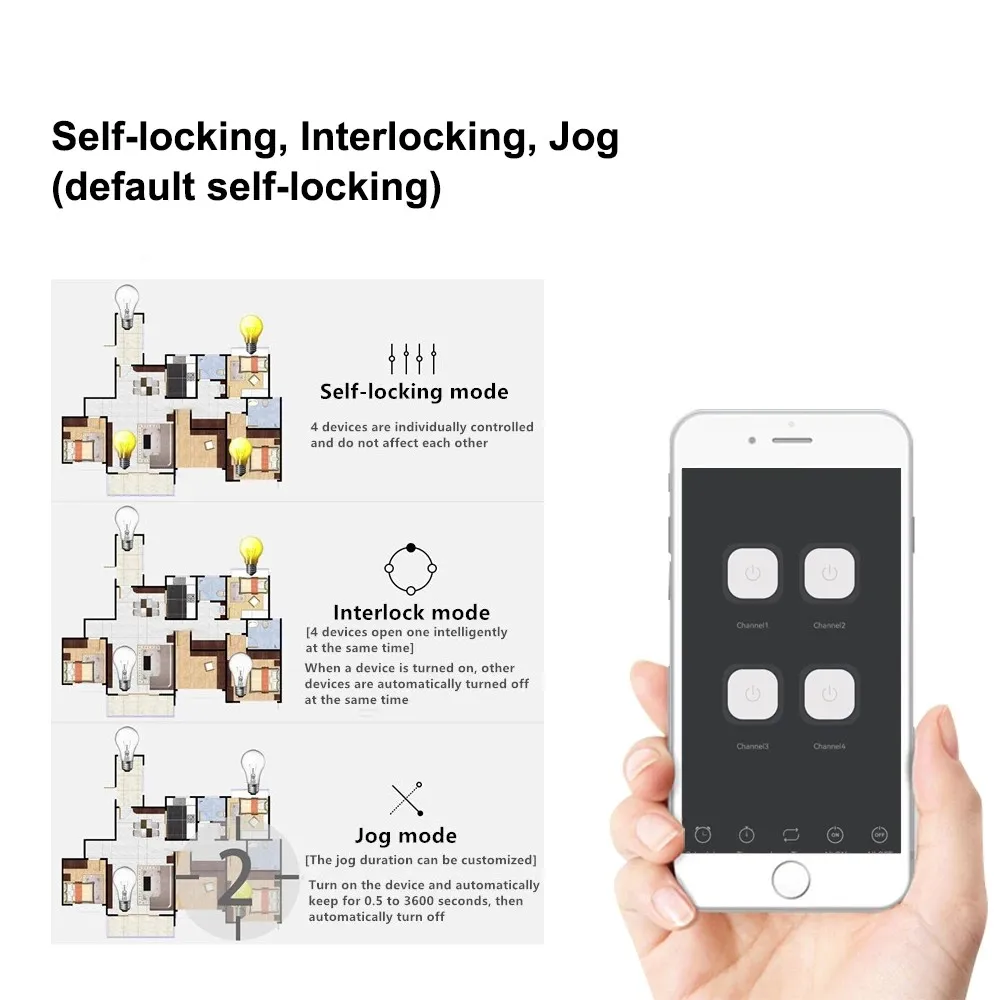
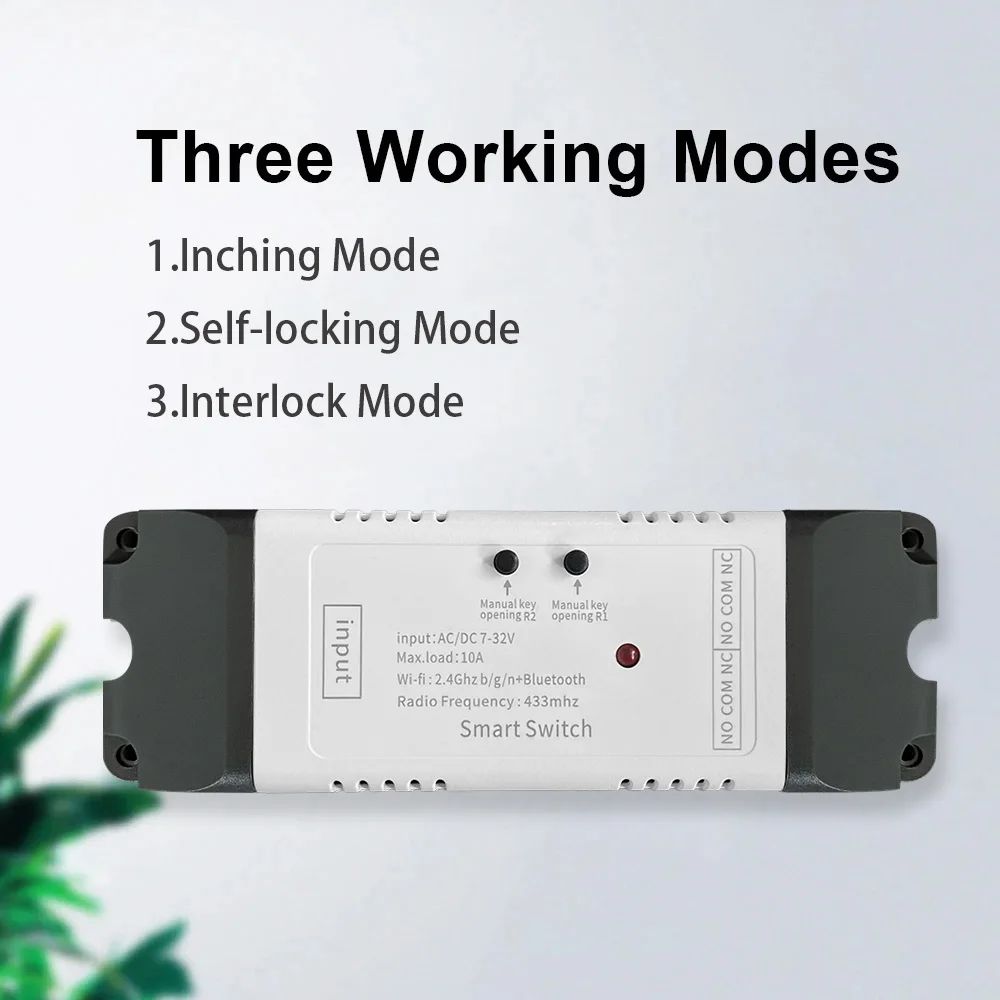
*Working Modes: 2CH Switch among interlock/self-locking/inching modes,
*Independent control: Control each gang separately in APP EWeLink.
*Supports remotely turn on or off connected appliances, for example light, electric kettle, electric rice cooker, electric curtain, etc.
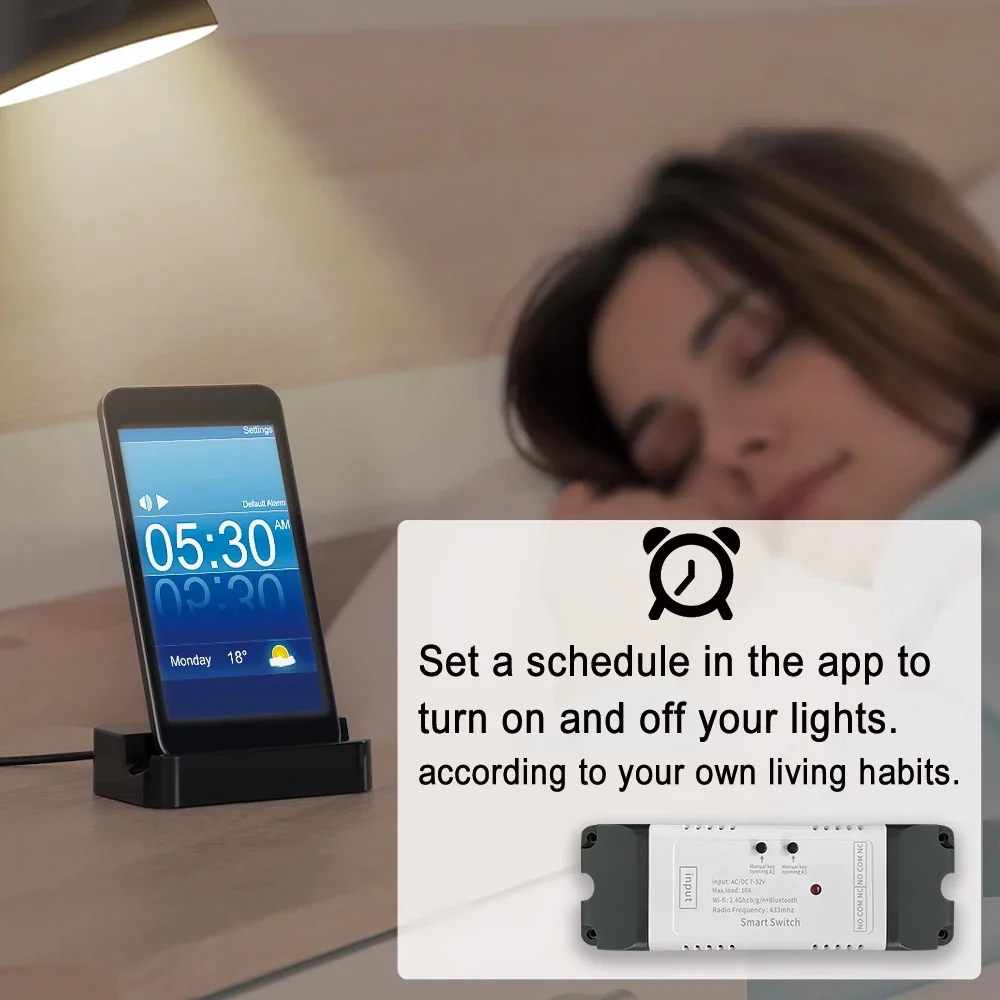
*Timing: Supports 8 enabled countdown/single/repeat timing tasks to turn on/off at specified time.
*DIN Rail Mounted: Great for industrial control.
*Voice Control: Compatible perfectly with Alexa, for Google Home, for Google Nest.
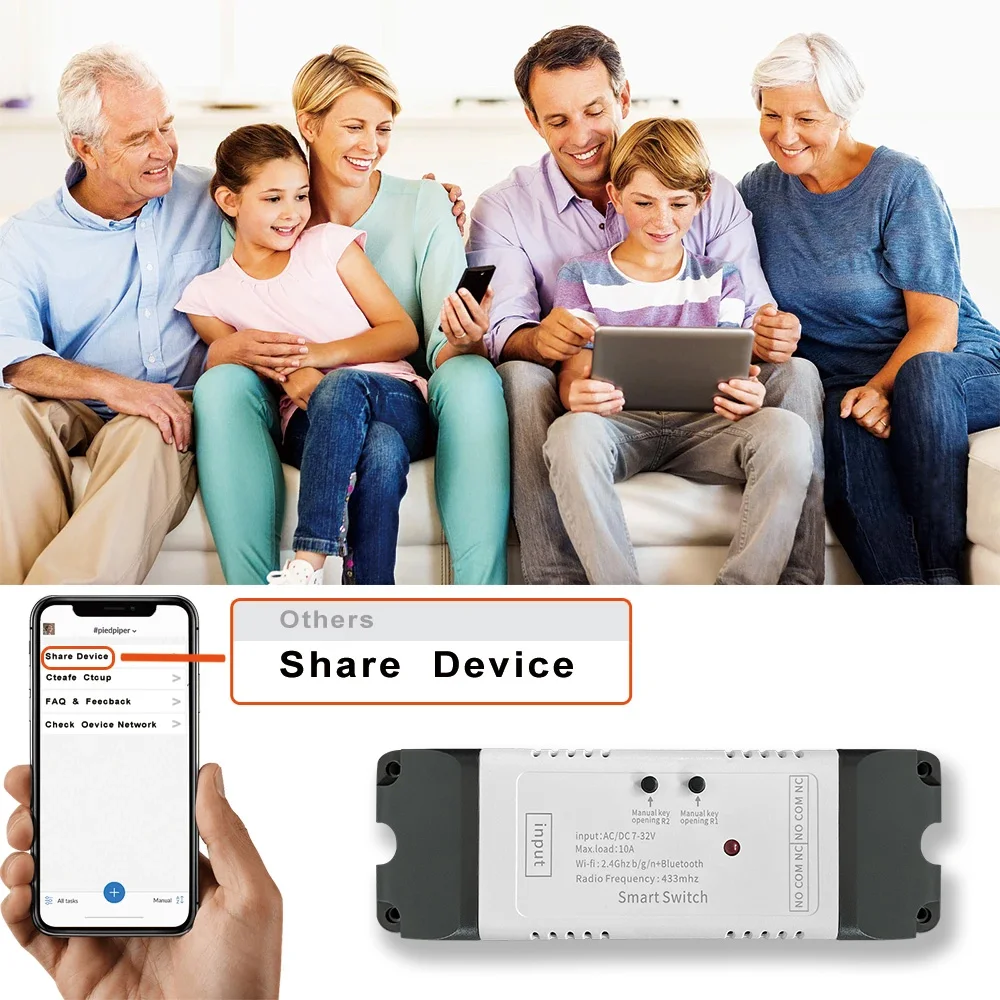
*Share Control: Control your smart home together with your family.
Features:
Max.Current: 2200W /10A
wi-Fi Standard: Wi-Fi 2.4ghz b/g/n
working temperature: -20°C~70°C
Input voltage: 7-32V AC DC or 5V USB
Output voltage: AC85-250V/10A or DC 0-30V/10A
RF remote control: 433mhz EV1527 remote control
This remote control can only work with our receiver
Note:
Your have the correct wif password.
Your smart phone or tablet must have access to APP store or google play.
Your router is MAC-open.
Your smart phone or tablet has connected to a 2.4g wifi with internet.
Default inching time 1s , you can set inching time from 1s to 3600s in APP ( Ewelink ).
The smart switch module has RF function, but without RF remote control. If you need a RF remote control, you can buy [1PCS Remote ].
You are strongly advised to purchase a 433MHz learning code remote control from my shop, clone codes and rolling code remotes are not supported.
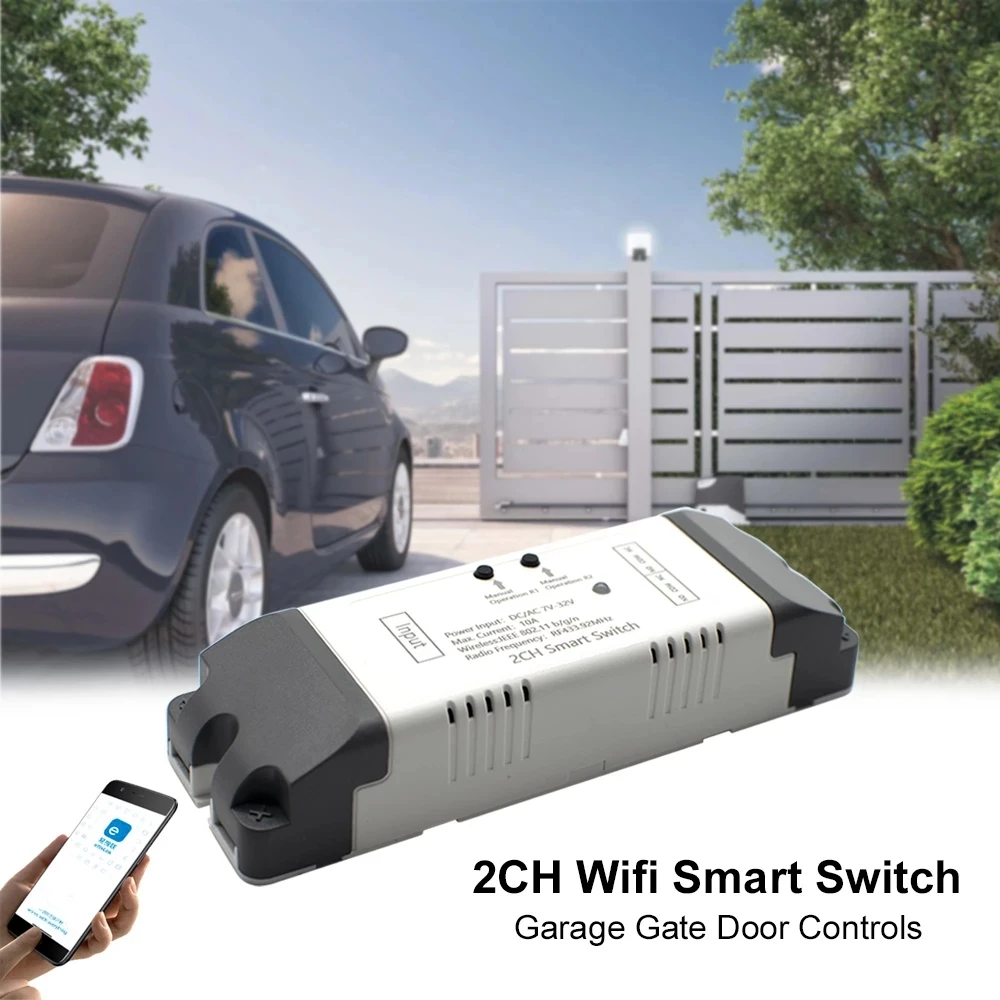
Support EWelink WIFI Control
You can control the connectted home appliance in EWELINK APP anywhere and anytime.Such as light, electric kettle, electric rice cooker, electric curtain, Door system etc.
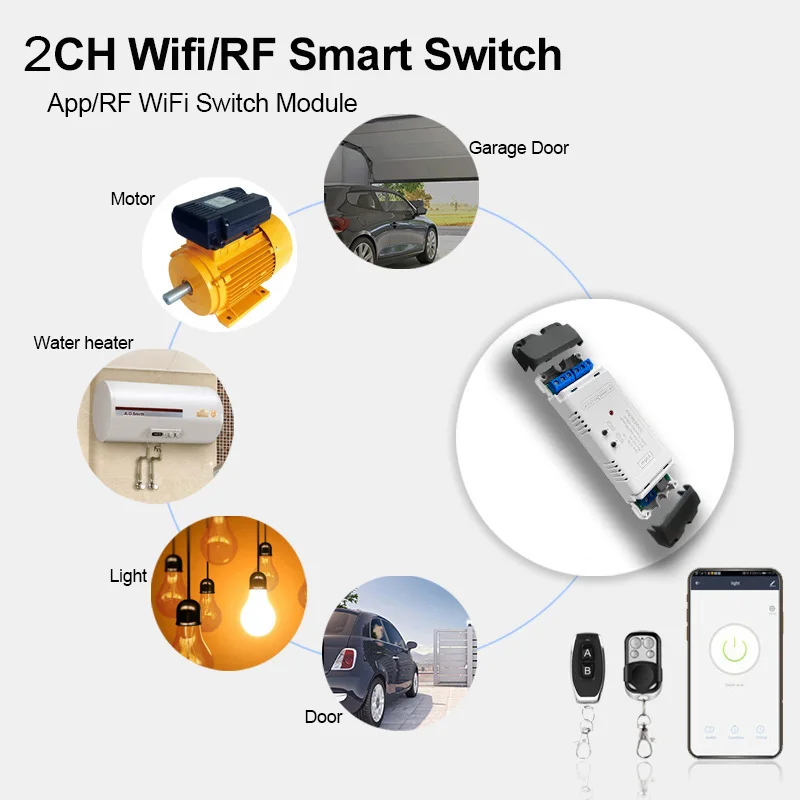
Support 433mhz remote control
You can control your household appliances through our remote control, Such as light, electric kettle, electric rice cooker, electric curtain, Door system etc
Please note that it can only work with our remote control,
It cannot work with other remote controls
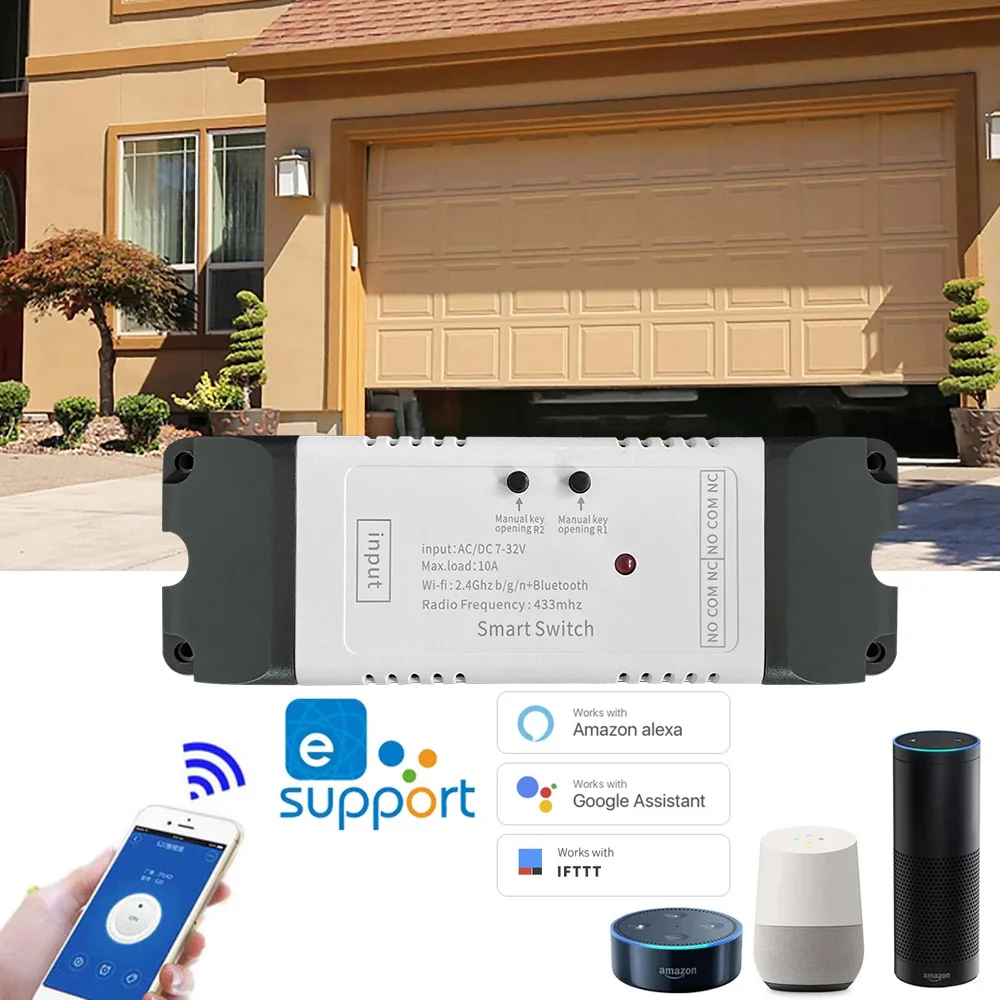
Mobile Phone Control
When you go outside or at home,you could control the device in your smart phone by 2G/3G/4G Mobile Network or WIFI.
(Note:The router need to online.The WIFI module need to keep a close distance with the router and the wifi module need to online in EWELINK APP)
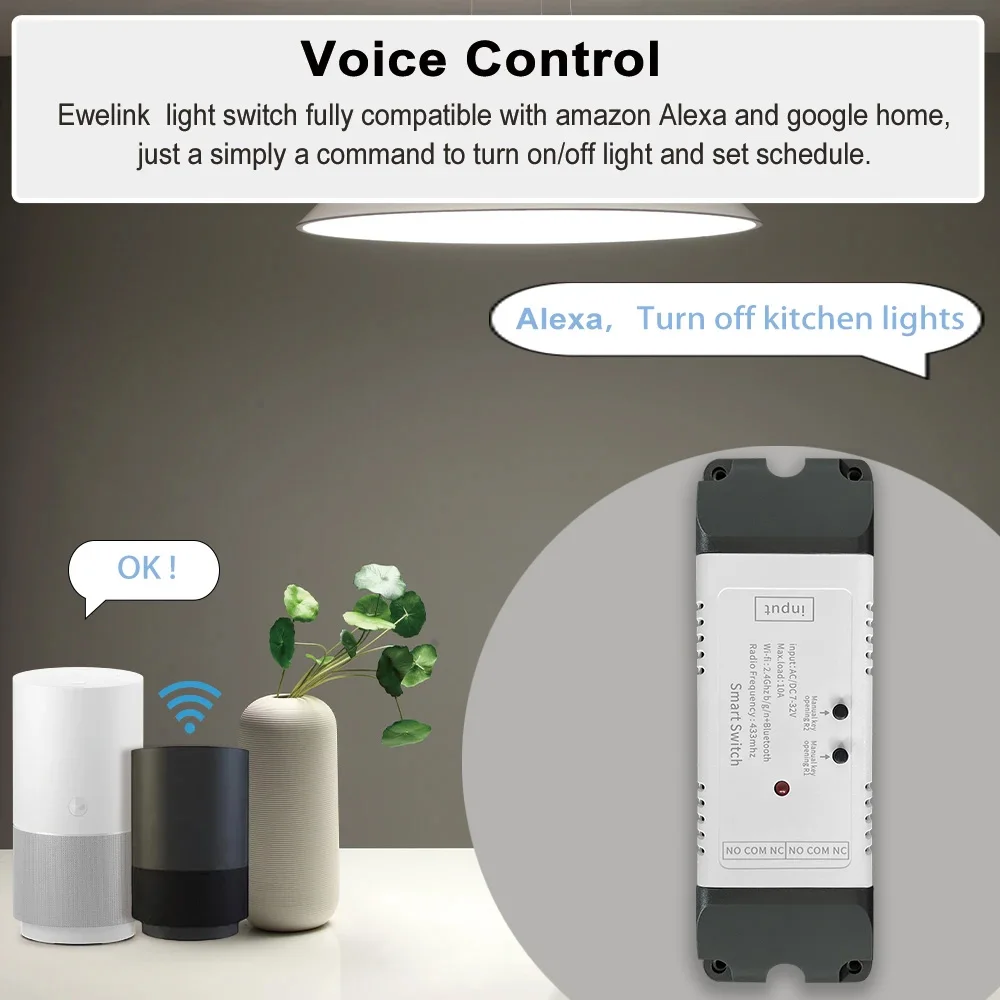
Voice Control
Compatible with Alexa and Google Assistant, you can use the voice control to turn on/off the connectted home appliances .
Share Control
One device can control by Multiple phones,you can share the wifi module with your family.
Group Control
one phone can control Multiple smart device.You can add the wifi module and other smart device in a group,and then you can turn on/off all smart device at the same time.
Timing Function
Set a schedule in the app to turn on and off your lights according to your own living habits
About 3 Working Mode:
Momentary: Press the button, the relay connects, release the remote button, the relay disconnects.
Toggle: Press once the button, the relay connects, press the remote button twice, the relay disconnects.
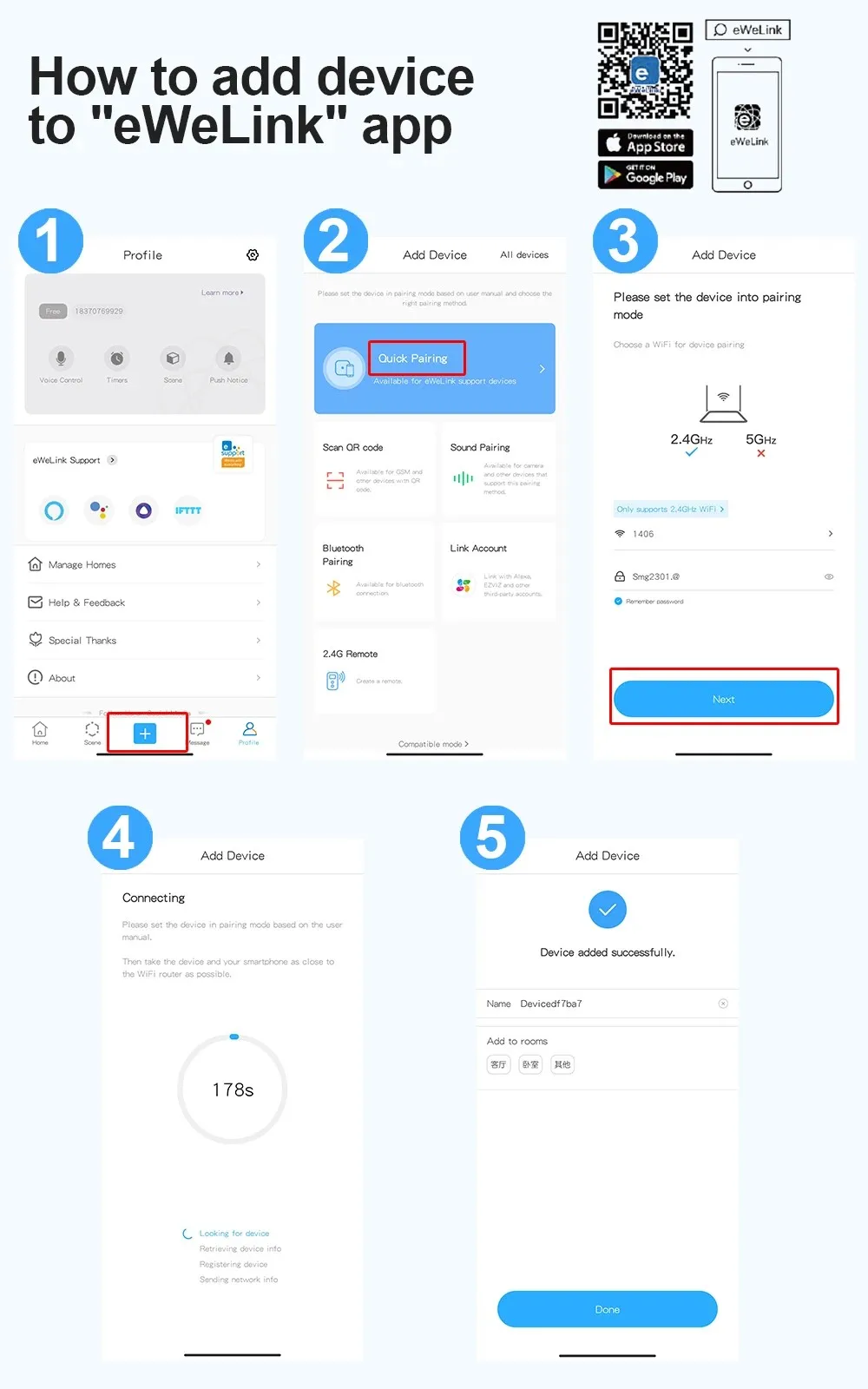
Connect to EWelink APP/RF remote control programming
How to program remote control
Please note that it can only work with our remote control code and cannot work with other remote controls
Press and hold the programming button on the receiver 5 times, then press and hold the remote control button that needs to be programmed,
Easy programming