Smart Console Handheld Programmer FC2360 for Zapi AC Motor FC2463-SMART Forklift


Description:
Compatible with ZAPI Smart Console Model: FC2463 (Replacing FC2360) Working With USB Flash Drive
Compatible with ZAPI Smart Console Model: FC2463 (Replacing FC2360) Working With USB Flash Drive
detail:
Product name: Controller Programmer
Part Number: FC2360 FC2463 FC2364
Warranty:1 Year
Compatible with Zapi AC Motor-Free, Golf Cart Electric Cars
Part Number: FC2360 FC2463 FC2364
Warranty:1 Year
Compatible with Zapi AC Motor-Free, Golf Cart Electric Cars
Package Included:
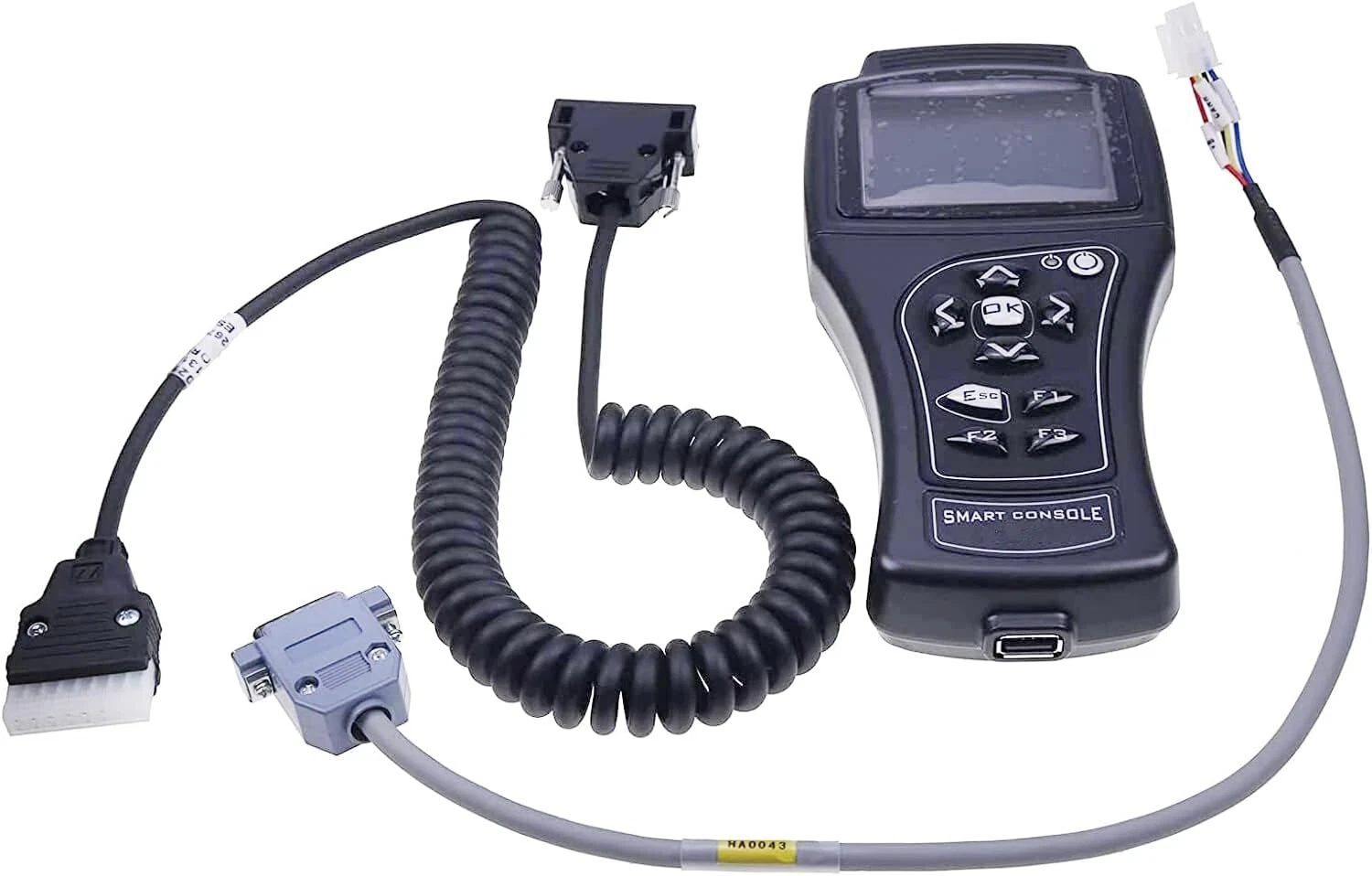
1 x Smart Console
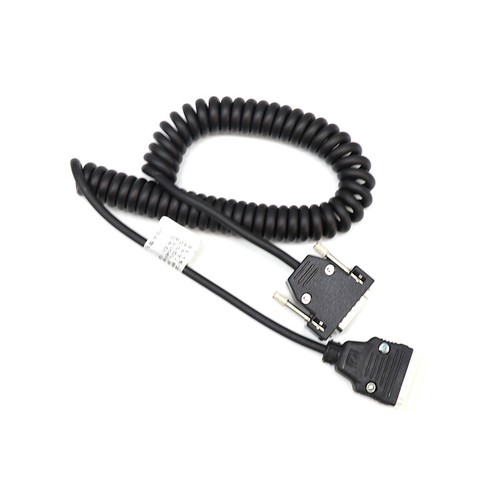
1 x Serial Connector
1 x DEUTSCH Connector
ZAPI Motor Controller Programming & Diagnosing Handset
With this ZAPI smart console, it is possible to interact with ZAPI controllers (choppers) via CAN or Serial communication in order to monitor the real time operation and to change the software parameters in order to better fit the application. The console onboard USB port permits also to import / export controller operational data by using an external flash drive. This handset works with most ZAPI motor speed controllers (typical application: ZAPI H2B DC series winding motor speed chopper and ZAPI AC-2 FZ5197A inverter / windmill current controller). For more details, please feel free to contact us.
1 x Serial Connector
1 x DEUTSCH Connector
ZAPI Motor Controller Programming & Diagnosing Handset
With this ZAPI smart console, it is possible to interact with ZAPI controllers (choppers) via CAN or Serial communication in order to monitor the real time operation and to change the software parameters in order to better fit the application. The console onboard USB port permits also to import / export controller operational data by using an external flash drive. This handset works with most ZAPI motor speed controllers (typical application: ZAPI H2B DC series winding motor speed chopper and ZAPI AC-2 FZ5197A inverter / windmill current controller). For more details, please feel free to contact us.
Technical Details:
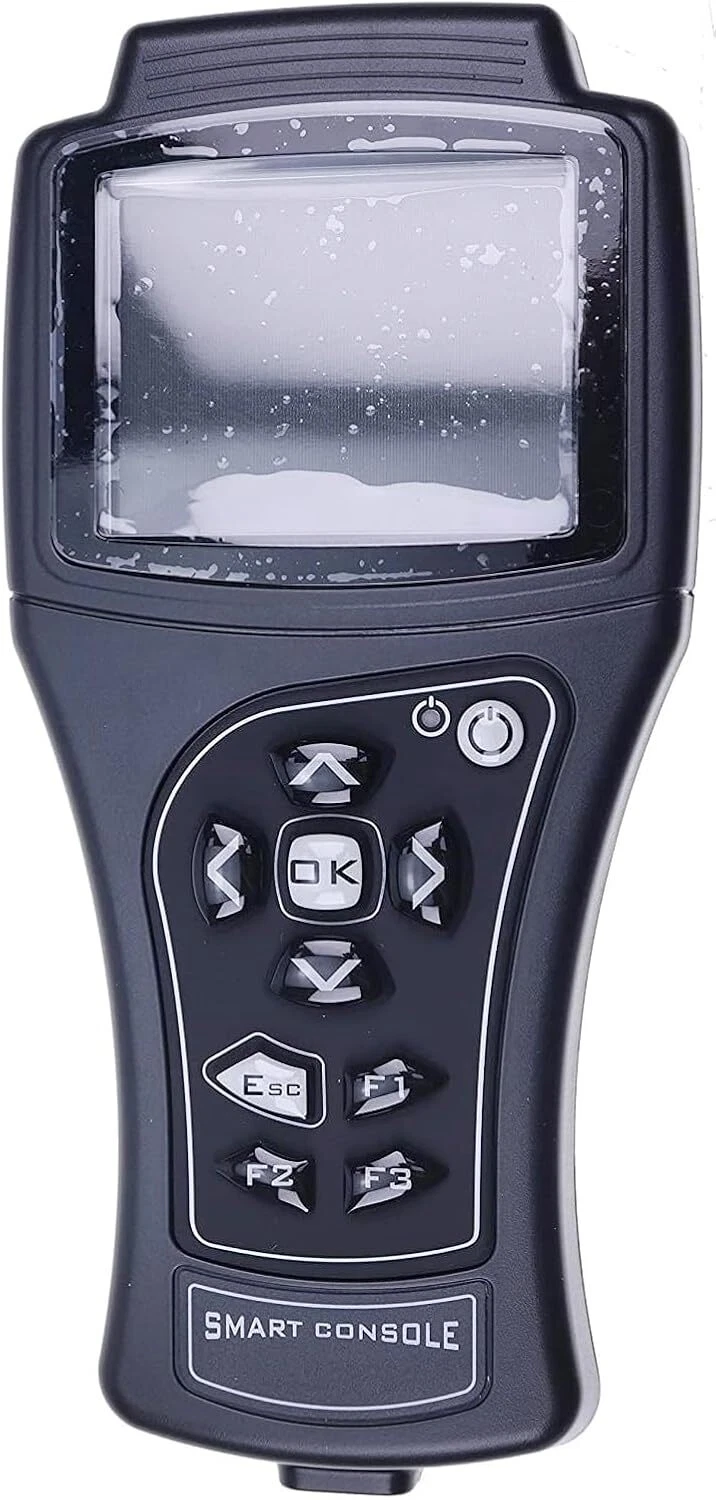
- 3.2" TFT Color Display
- ARM Cortex 32bit Microcontroller
- Connection via CAN or serial line (compatibility mode)
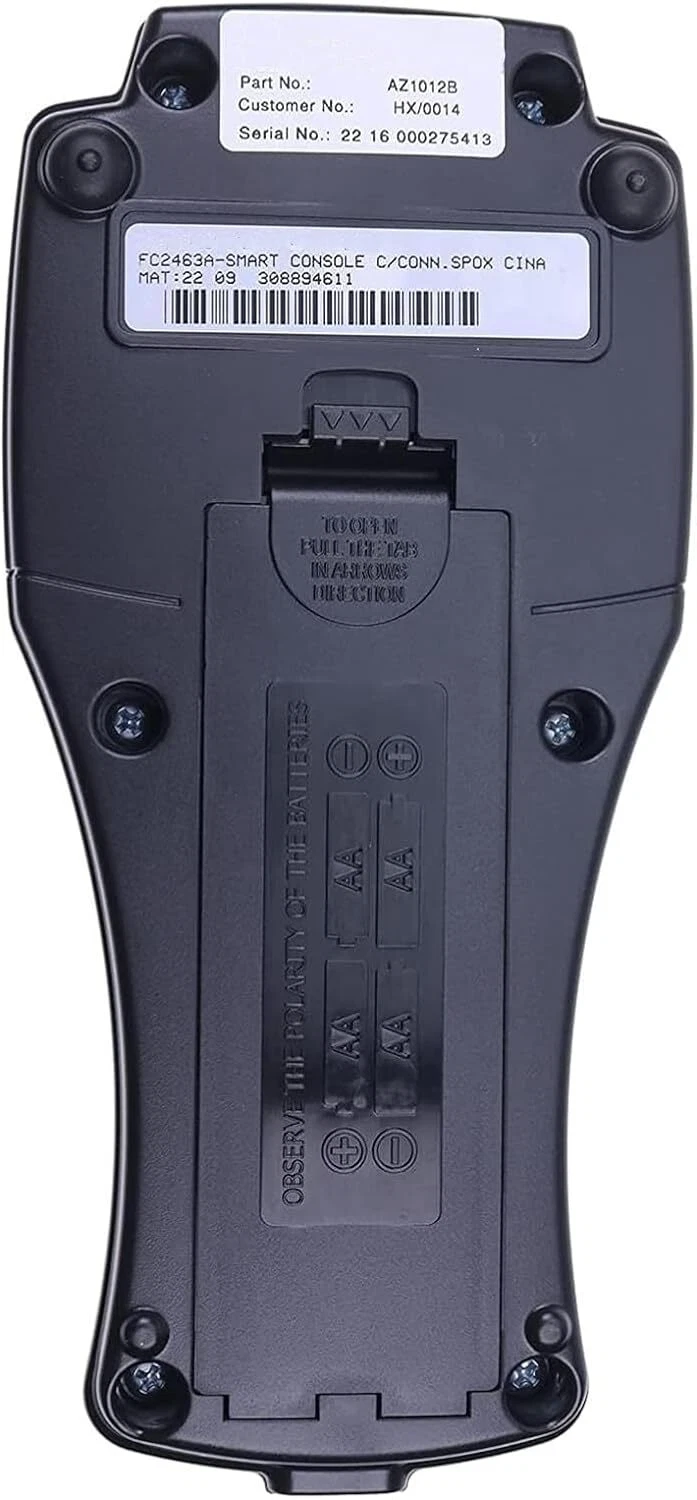
- Power supply from truck battery (24V to 80V) or from onboard
- NiMh AA batteries
- Improved Navigation and Tester Menu
- Interchangeable cable
- 3 user programmable buttons
- USB connection to flash drives
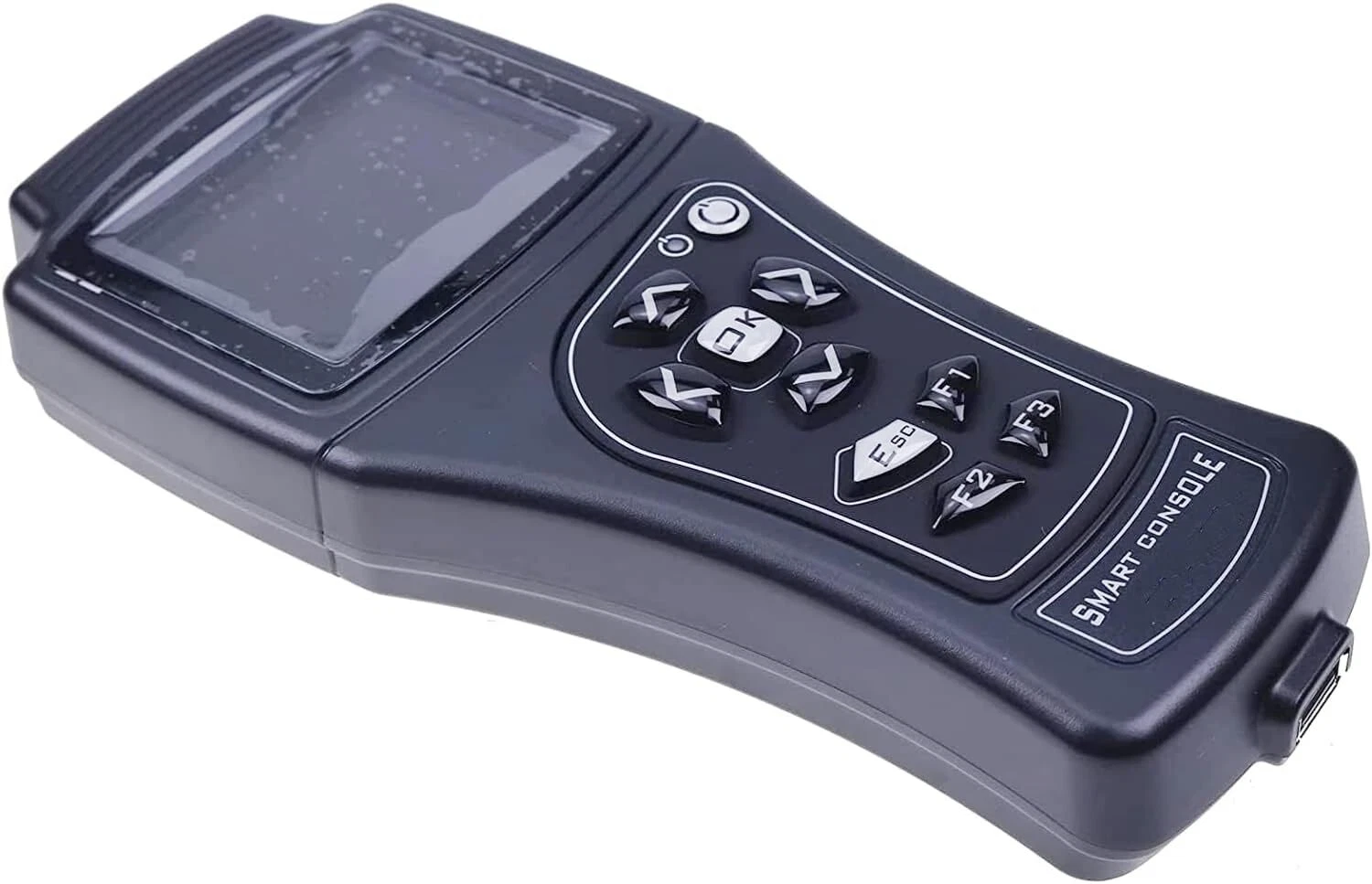
- Dimension: 100x190x60 mm
Man-machine Interface Details:
- Tester: real time display of the analogue and digital measurements in the controllers (battery voltage, motor voltage, motor current, temperature, potentiometer voltage, …)
- Programming Parameters: multilevel password protected access to the controllers parameters
- Save & Restore: possibility to save a set of parameters in an external memory in order to program multiple controllers with the same set in an automated way
- Alarms display: last 5 faults / warnings
- Advanced functions: CAN messages real time data-logging on USB for system analysis; real time data-logging of I/O values shown in the tester menu Sw download for firmware upgrade
How to connect a smart console to a controller / chopper (example: AC-2 inverter):
- Preparing the console: put 4 NiMh AA batteries into the battery chamber; choose the serial communication cable; link the cable's DB15 connector to its mating part on smart console.
- Connecting the smart console to controller (removing the rubber protection cover of controller's 8-Pin connector, and put the cable's serial communication connector to it).
- Preparing the DC source (voltage not higher than the rated voltage of controller), feeding power to the controller by linking the battery positive and negative to controller's B+ and B- terminals.
- Power on the smart console, then you'll see the initial interface (Home Screen) of console.
- Activating the controller: linking the DC source positive to the Pin number 1 of 12-Pin MOLEX connector.
- Choose the console menu "RS232 Console", press "OK" button, the smart console will start to communicate with the controller. When the communication is built successfully between smart console and the controller, the controller's model information appears.
- By pressing the "OK" button, you'll enter the controller's main menu. By choosing a sub-menu, you'll be able to modify the controller's parameters, diagnose the controller's status, check the controller's error, saving or restore the controller setting, etc.


