Description
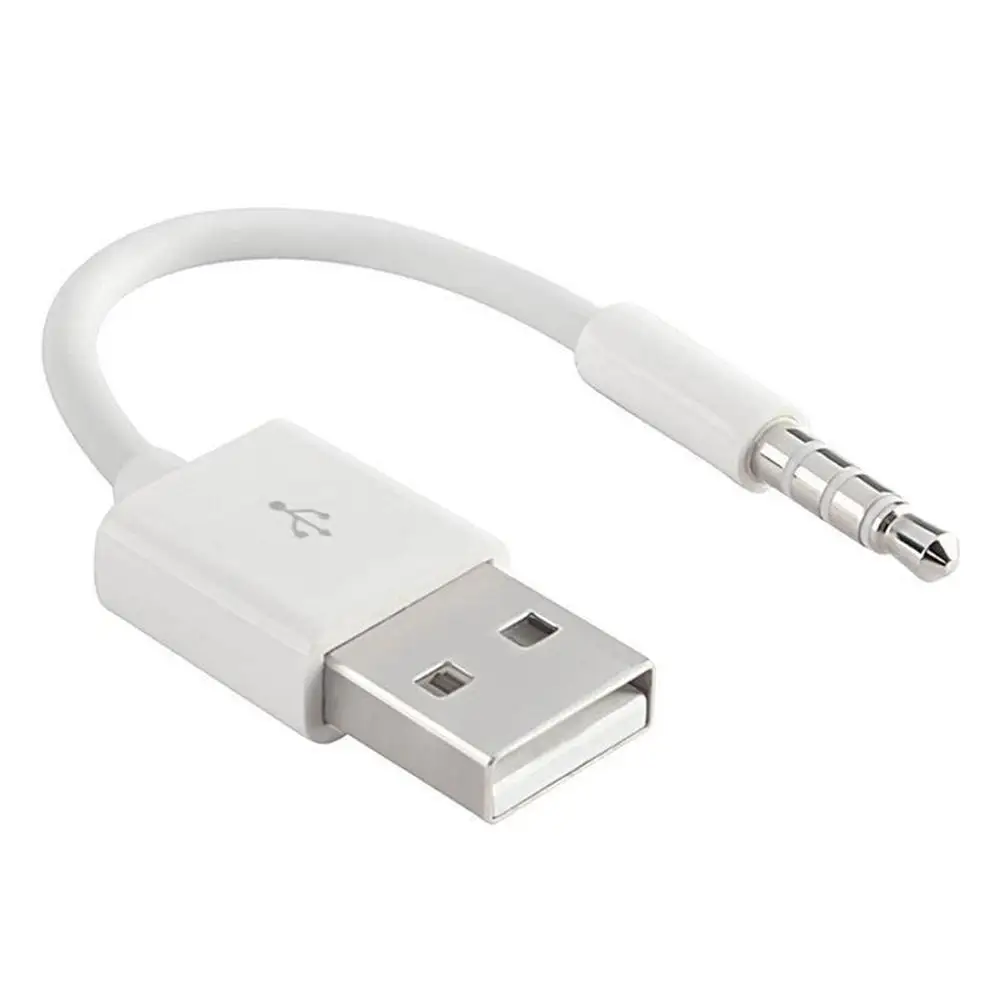
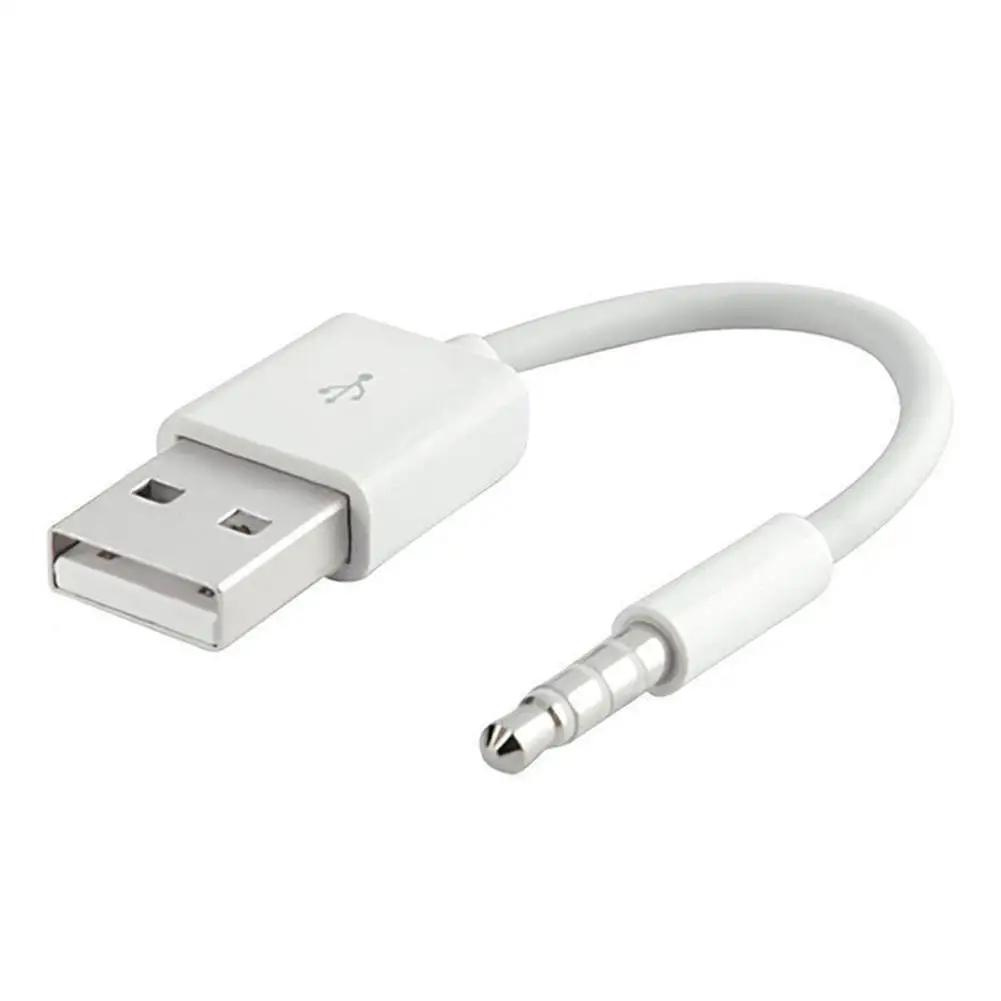
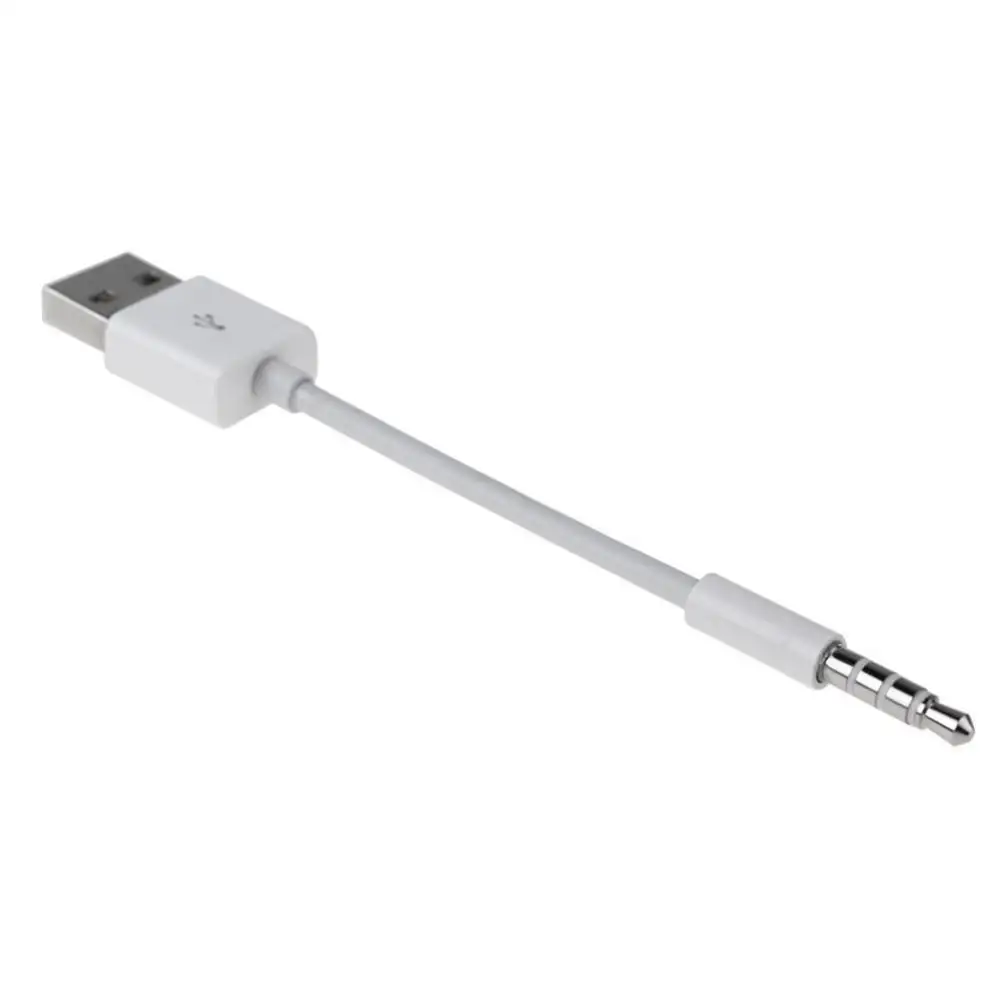
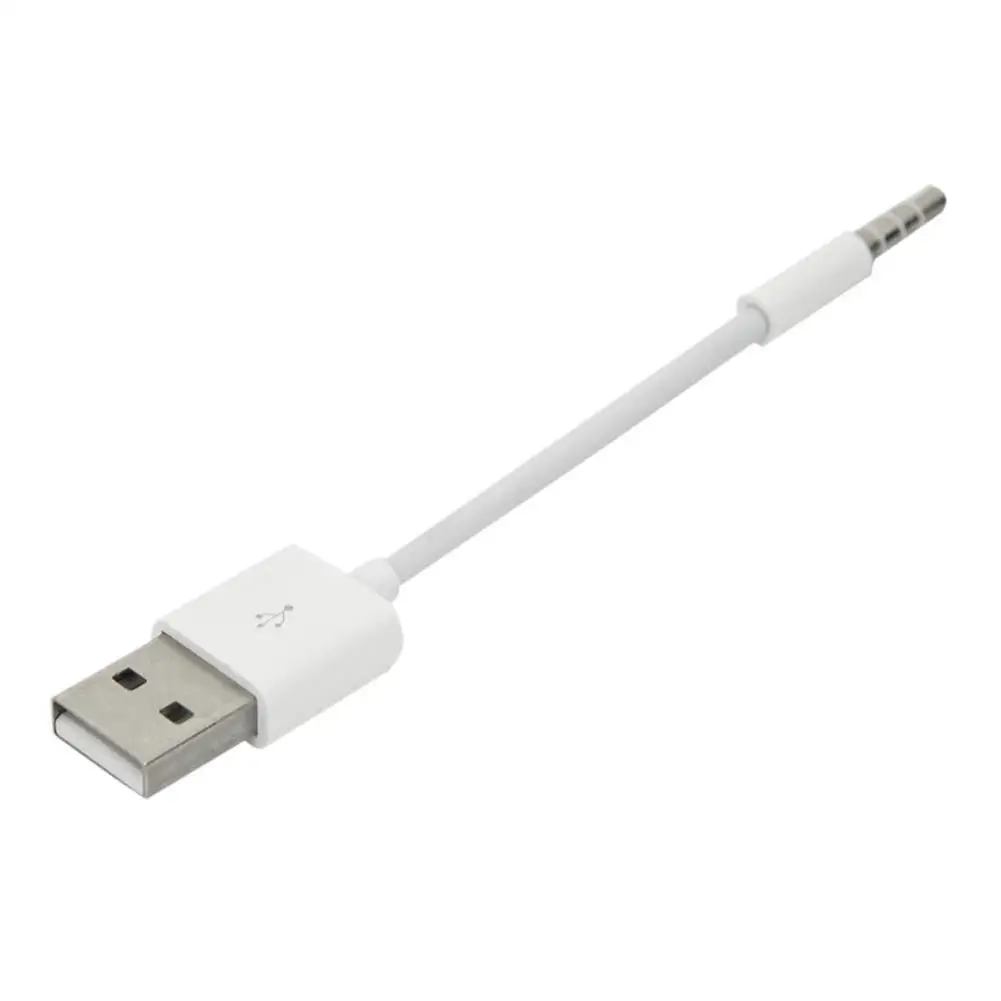
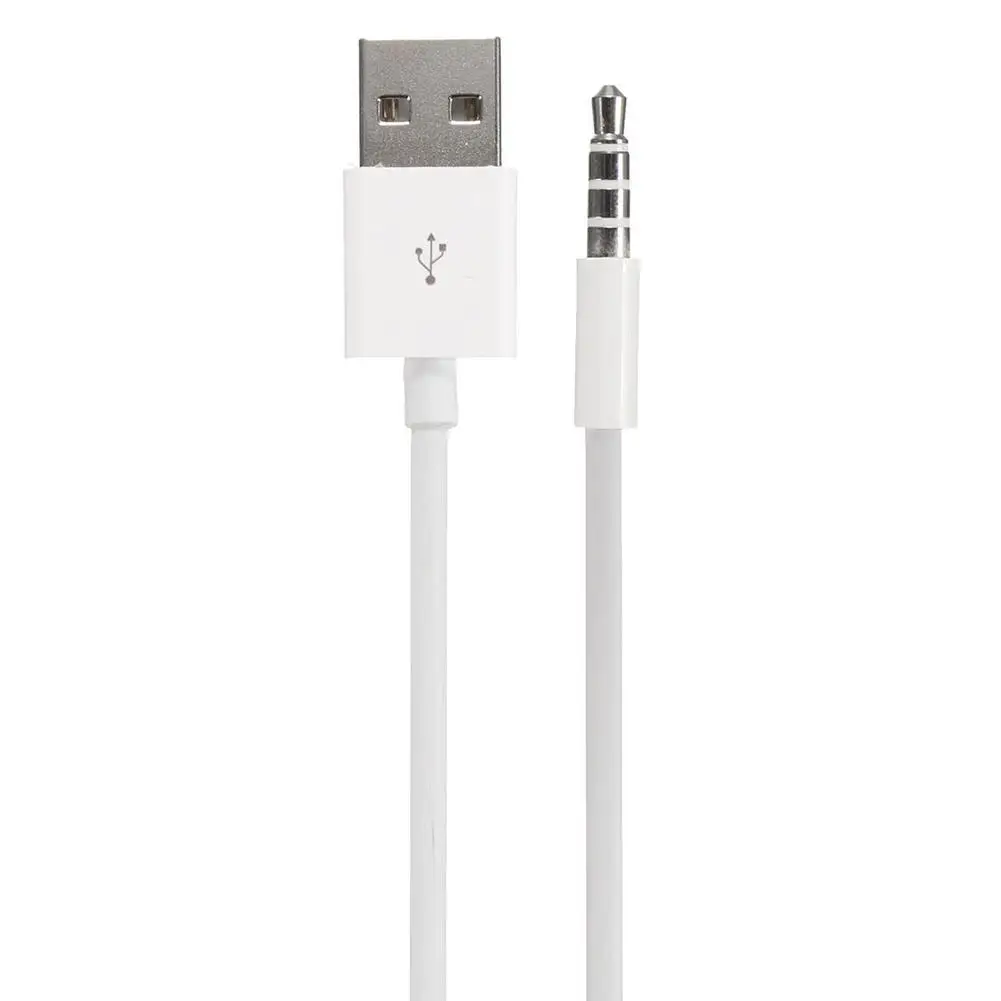
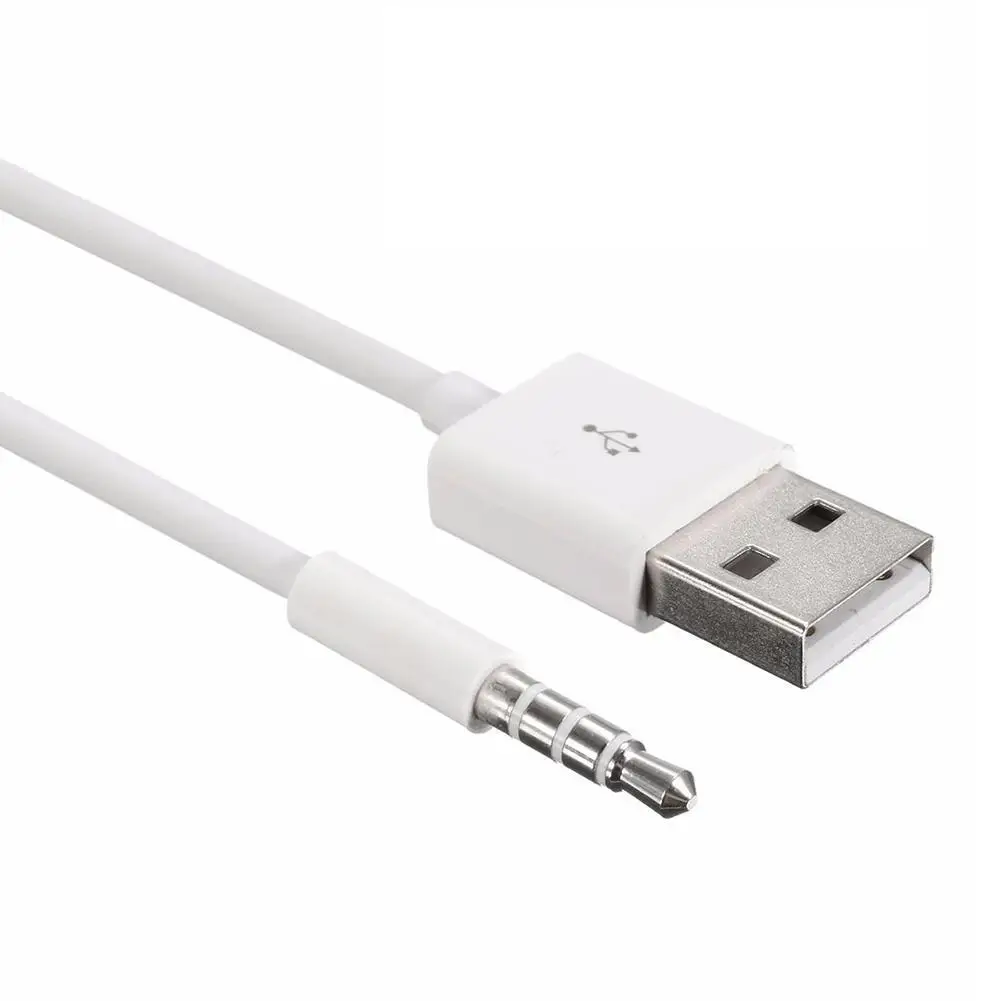
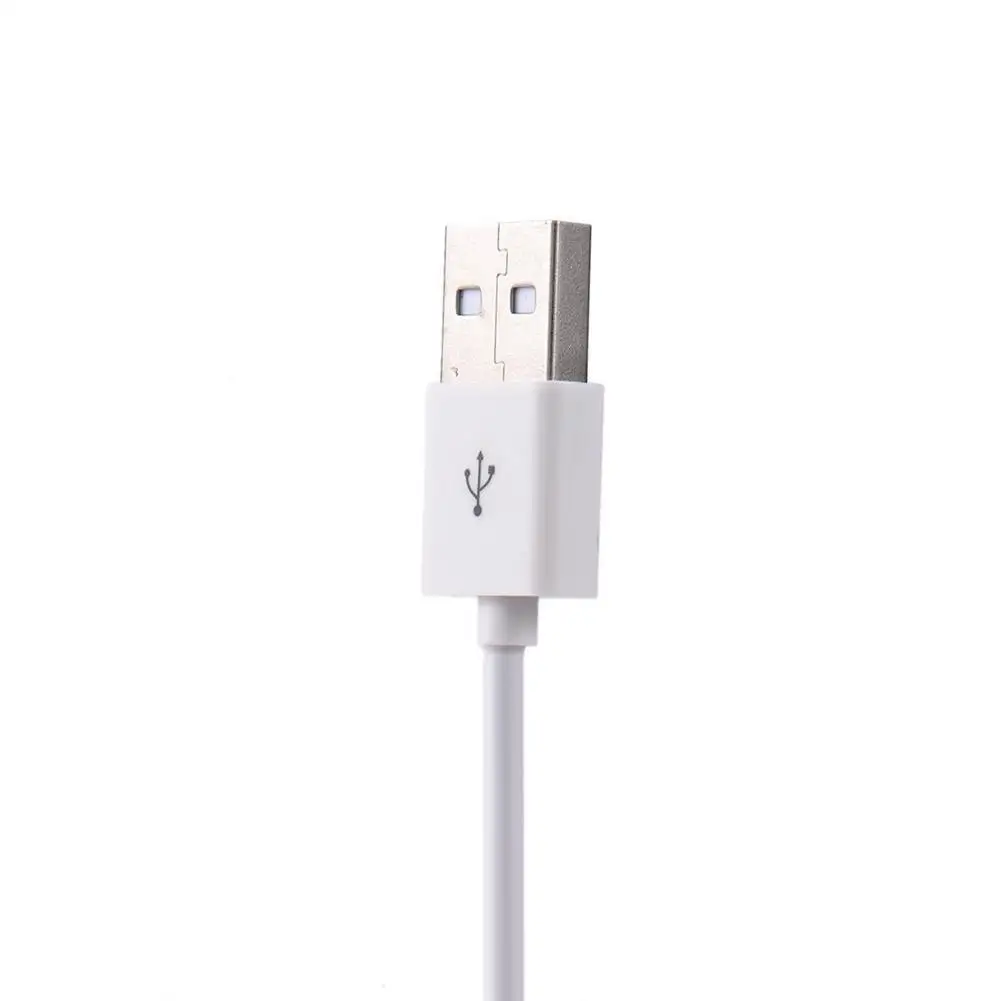
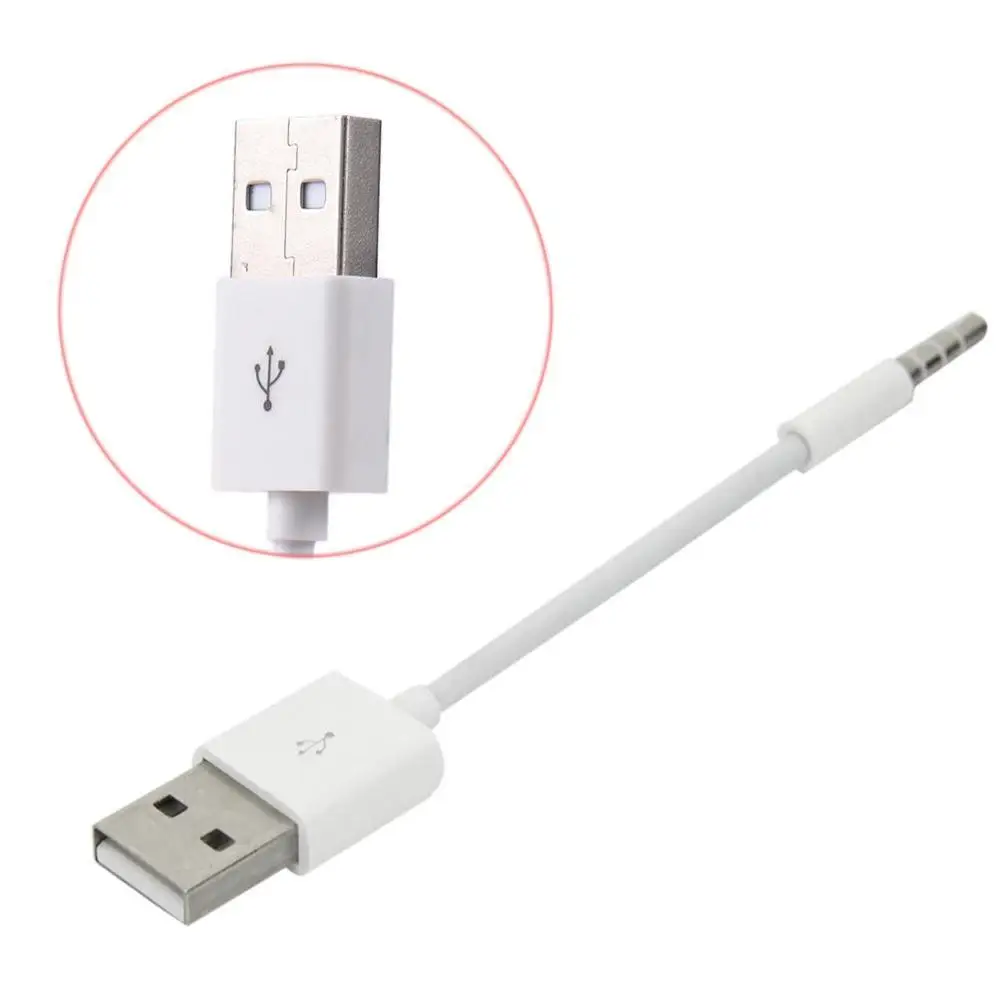
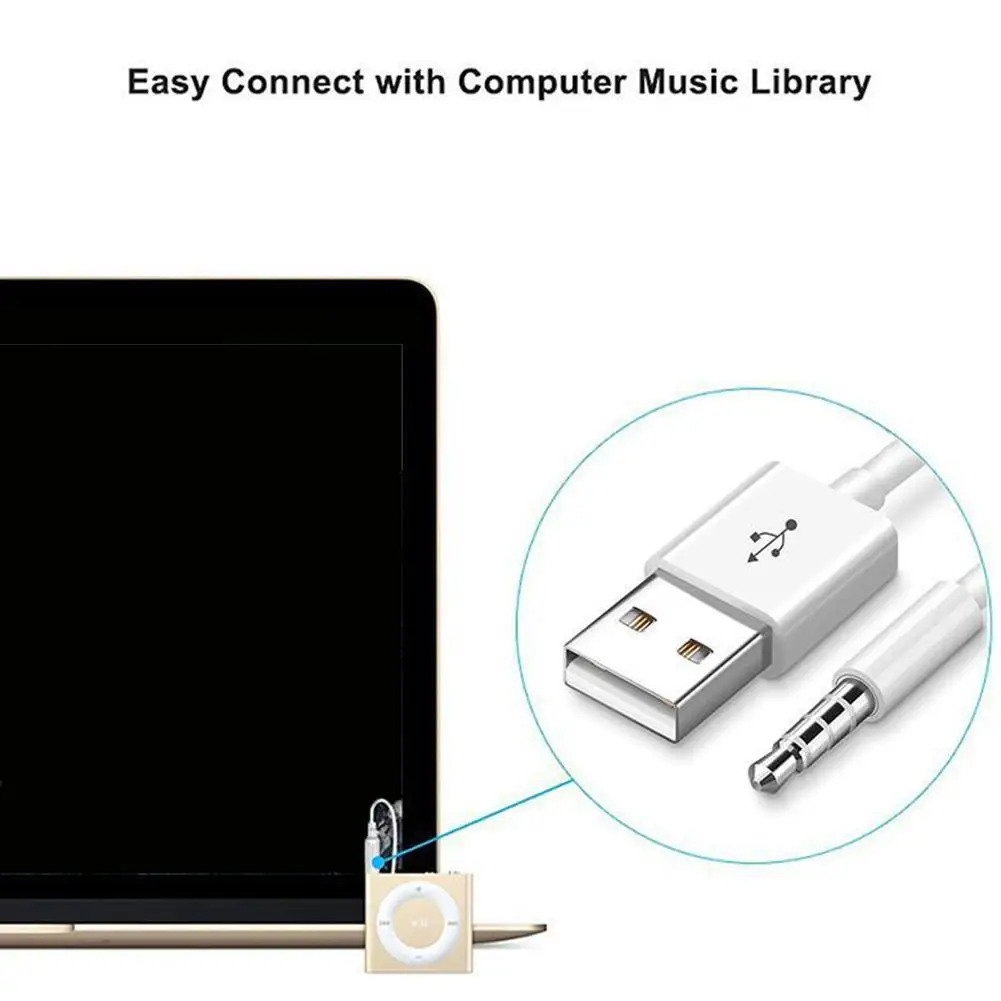
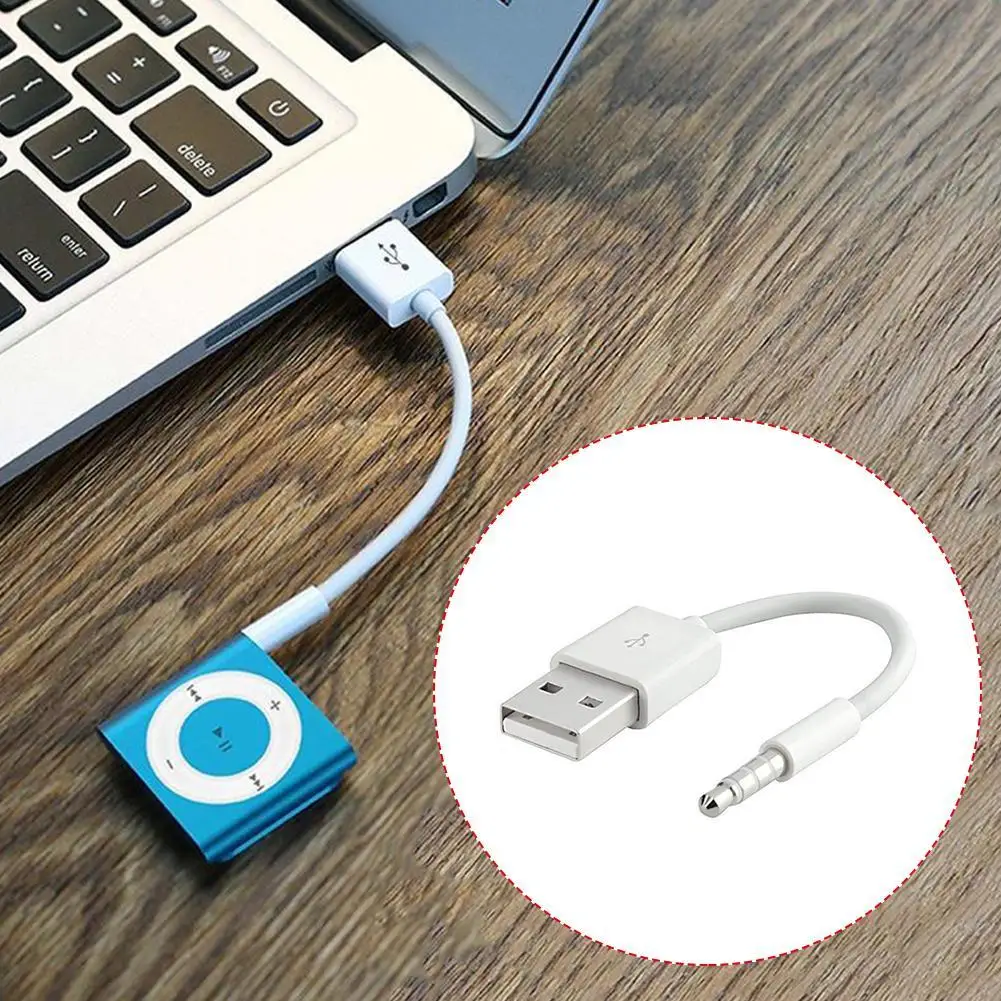
Just Plug the shuffle cable directly into your pc for transfering your music files. The perfect solution for iPod MP3 player users that need fast tranfer of files at all times.
Features:
Easy to use, just plug.
Charge and transfer data simultaneously
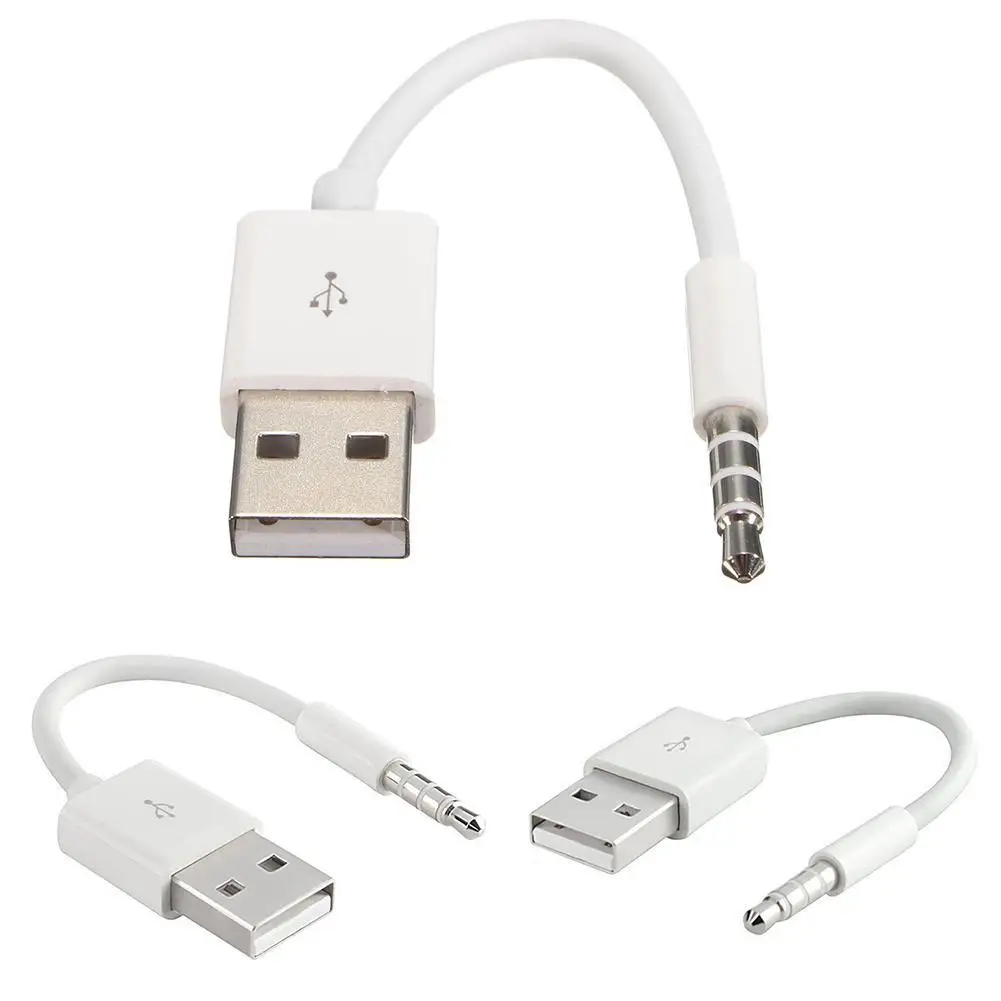
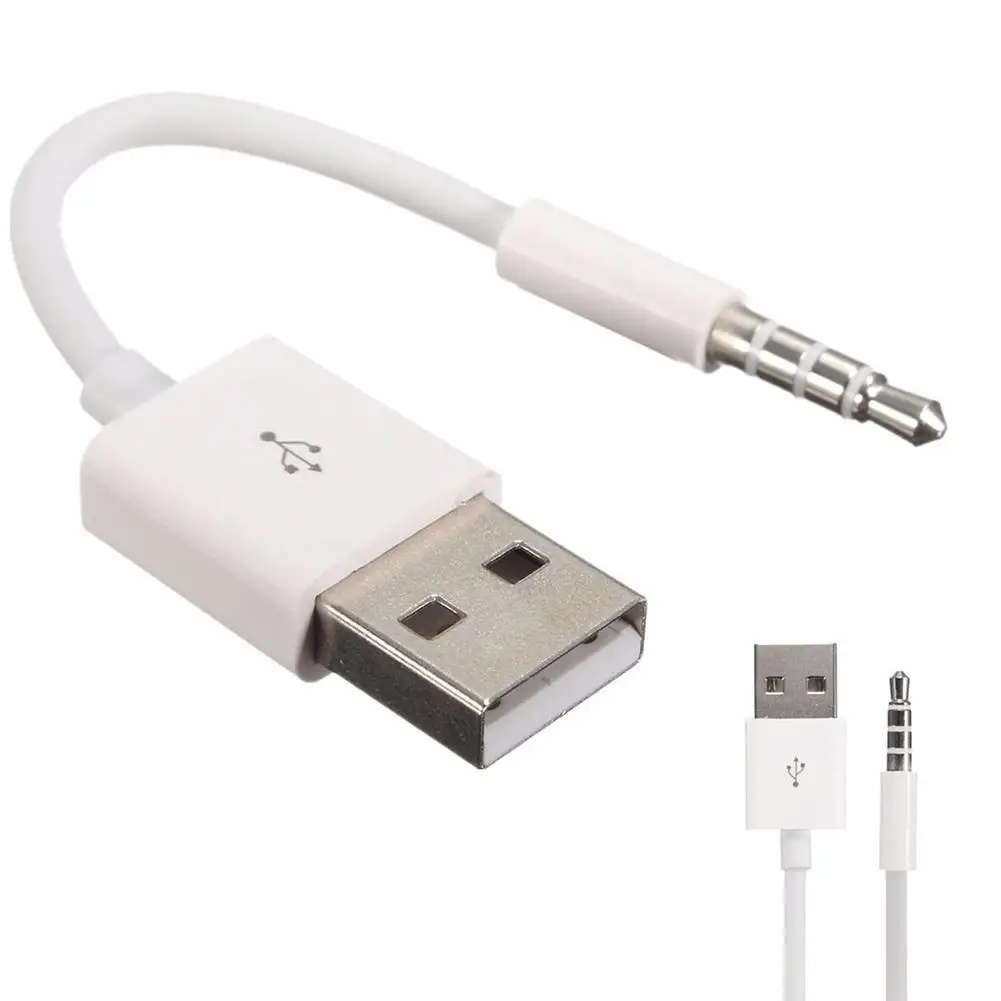
Compact, lightweight and portable, convenient to carry
Charge your shuffle on the go anywhere you can access a USB connection
This USB Transfer Cable allows you to connect your audio devices to USB port.
Fast USB 2.0 data transfer
Package Include:
1 X White USB Cable
Compatible with:
For iPod shuffle MP3 player 7th 6th 5th 4th 3rd 2nd 1st Gen
Dear buyer,Welcome to our store. We guarantee the quality of our products.Welcome to visit.Hope you have a nice day!
Charger Data USB 3.5mm Sync Audio Cable For iPod Shuffle 3rd & 4th Gen Accessory
Whether you're a long-time user of the iPod Shuffle or a new owner looking for the right charging solution, finding the right charger for iPod Shuffle can be a challenge. This USB 3.5mm sync audio cable is specifically designed for the 3rd and 4th generation iPod Shuffle models, offering a reliable and efficient way to charge and sync your device. In this guide, we'll walk you through everything you need to know about this data cable for iPod Shuffle, including its features, compatibility, and how to use it effectively.
What Is a USB 3.5mm Sync Audio Cable and Why Is It Important?
A USB 3.5mm sync audio cable is a specialized cable that serves two main functions: charging your device and syncing it with a computer or audio source. This type of cable is particularly useful for older devices like the iPod Shuffle, which may not support modern charging standards. The 3.5mm connector is commonly used for audio output, but in this case, it also allows for data transfer and charging.
- USB Cable
- A type of cable used to connect electronic devices to a power source or computer for charging and data transfer.
- 3.5mm Connector
- A standard audio jack used for connecting headphones, speakers, or other audio devices. In this case, it also supports charging and syncing.
- Sync Cable
- A cable that allows data to be transferred between devices, such as from a computer to an iPod Shuffle.
This data cable for iPod Shuffle is a must-have for anyone who wants to keep their device powered and up to date with their music library. It's also a great solution for users who want to charge their iPod Shuffle 3rd generation or iPod Shuffle 4th generation without needing a separate charging adapter.
How to Charge an iPod Shuffle 4th Generation with This Cable
If you're wondering how to charge an iPod Shuffle 4th generation, this cable is a simple and effective solution. Here's a step-by-step guide to help you get started:
- Connect the USB end of the cable to a power source, such as a computer's USB port or a wall adapter.
- Insert the 3.5mm end into the charging port on your iPod Shuffle 4th generation.
- Wait for the charging indicator on your device to light up, which means it's charging properly.
- Once fully charged, you can disconnect the cable and use your iPod Shuffle as usual.
This method is especially useful for users who want to charge their iPod Shuffle 4th gen without needing a separate charger for iPod Shuffle. It's also a great option for those who want to how to charge iPod Shuffle with aux cord, as the 3.5mm connector can also be used for audio output.
Compatibility and Specifications of the USB 3.5mm Sync Audio Cable
This charger data USB 3.5mm sync audio cable is designed to work with the 3rd and 4th generation iPod Shuffle models. It's also compatible with other devices that use a 3.5mm audio port for charging and syncing. Below is a comparison of the key specifications of this cable with other similar products:
| Feature | USB 3.5mm Sync Audio Cable | Standard USB Charging Cable | 3.5mm Audio Cable |
|---|---|---|---|
| Charging Support | Yes | Yes | No |
| Data Sync Support | Yes | Yes | No |
| Audio Output Support | Yes | No | Yes |
| Compatibility | iPod Shuffle 3rd & 4th Gen | Most USB Devices | Audio Devices |
As you can see, this cable offers a unique combination of charging, syncing, and audio capabilities, making it a versatile choice for users of older iPod models.
How to Connect an iPod Shuffle to a Computer Using This Cable
If you're trying to how to connect iPod Shuffle to computer, this cable is the perfect solution. It allows you to transfer music, videos, and other files between your iPod Shuffle and your computer. Here's how to do it:
- Plug the USB end of the cable into an available USB port on your computer.
- Insert the 3.5mm end into the charging port on your iPod Shuffle.
- Wait for your computer to recognize the device. You may see a notification or a new drive appear in your file explorer.
- Open the file explorer and navigate to the iPod Shuffle drive to transfer files.
This method is ideal for users who want to how to charge iPod Shuffle while also managing their music library. It's also a great way to how to charge iPod Shuffle 3rd generation without needing a separate charging adapter.
Why This Cable Is a Great Choice for iPod Users
There are several reasons why this USB 3.5mm sync audio cable is a great choice for users of the iPod Shuffle. First, it's specifically designed for the 3rd and 4th generation models, ensuring a perfect fit and reliable performance. Second, it offers both charging and syncing capabilities, which is not always the case with other cables. Third, it's compatible with a wide range of devices, making it a versatile option for users who have multiple devices to charge and sync.
Many users have reported that this cable is a reliable and durable solution for their iPod Shuffle 1st generation or iPod Shuffle 2nd generation as well. It's also a great option for those who want to how to charge iPod mini or how to charge iPod mini shuffle, as the 3.5mm connector can be used with a variety of audio and charging devices.
Where to Buy This Cable and What to Look For
If you're looking to purchase this charger data USB 3.5mm sync audio cable, you can find it on platforms like AliExpress. When shopping for this cable, it's important to look for a few key features:
- Compatibility: Make sure the cable is compatible with your specific iPod Shuffle model.
- Build Quality: Look for a cable with a durable design and high-quality connectors.
- Price: Compare prices across different sellers to find the best deal.
- Customer Reviews: Read reviews from other users to get an idea of the cable's performance and reliability.
By choosing a high-quality cable for iPod Shuffle, you can ensure that your device stays powered and up to date with your music library. It's also a great way to how to charge iPod Shuffle 4th generation without needing a separate charging adapter.
Conclusion
The USB 3.5mm sync audio cable is an essential accessory for users of the iPod Shuffle 3rd and 4th generation. It offers a reliable and efficient way to charge and sync your device, making it a must-have for anyone who wants to keep their iPod Shuffle powered and up to date. Whether you're a long-time user or a new owner, this cable is a great investment that will help you get the most out of your device.
With its unique combination of charging, syncing, and audio capabilities, this cable is a versatile and practical solution for a wide range of users. Whether you're how to charge iPod Shuffle 3rd generation or how to charge iPod Shuffle 4th gen, this cable is the perfect choice for your needs.