Description
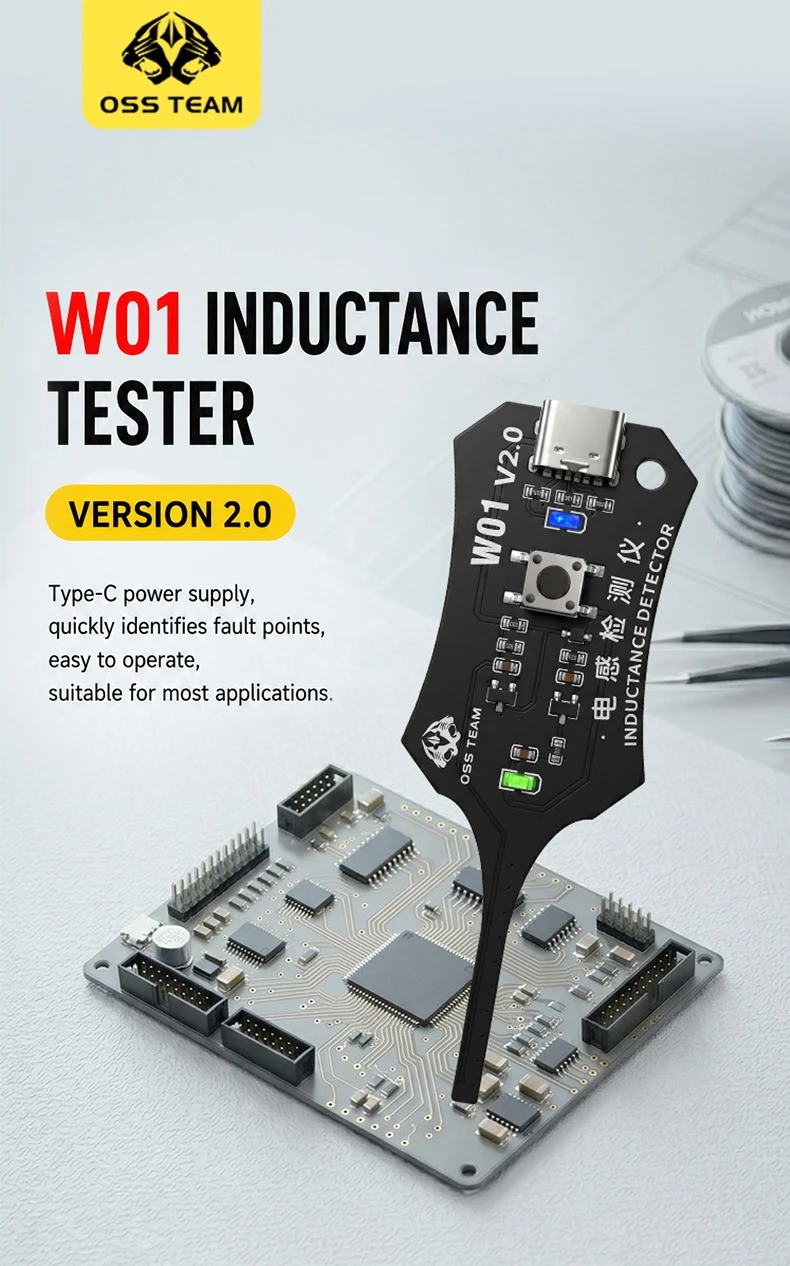
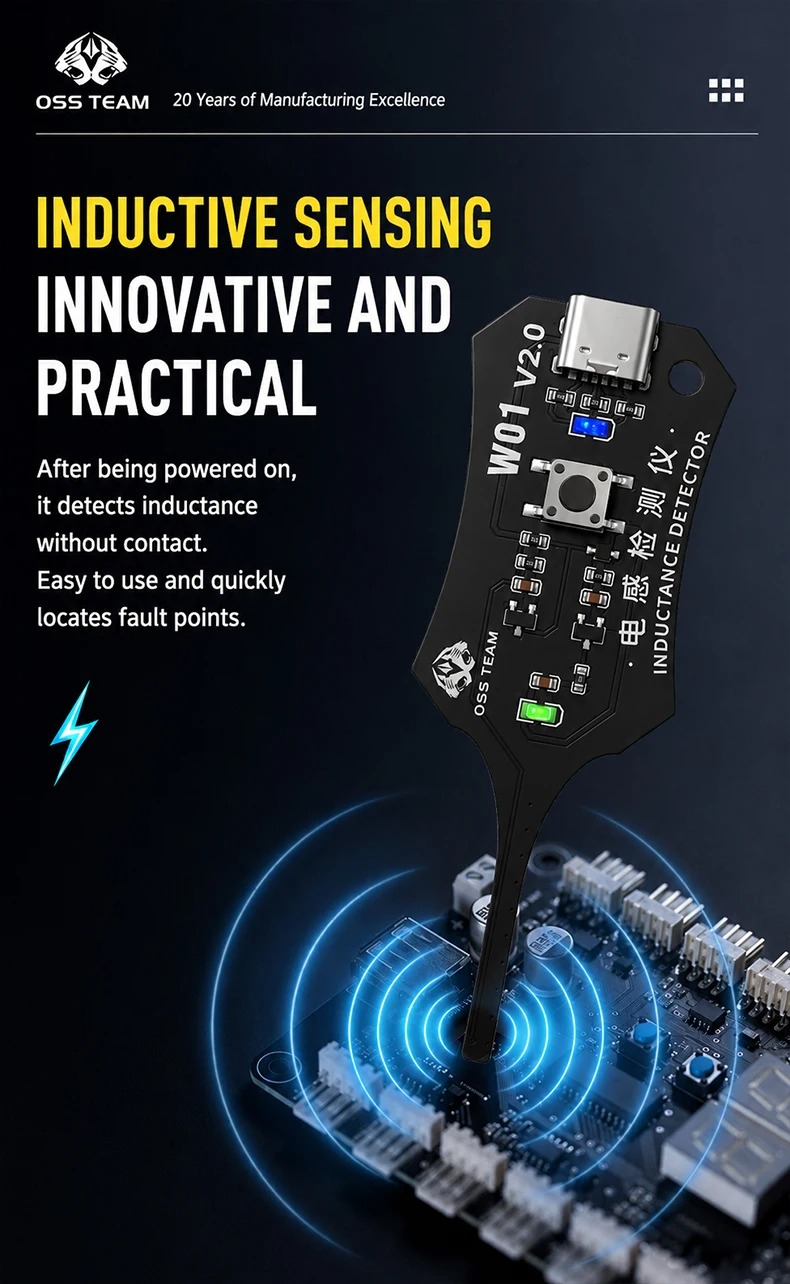
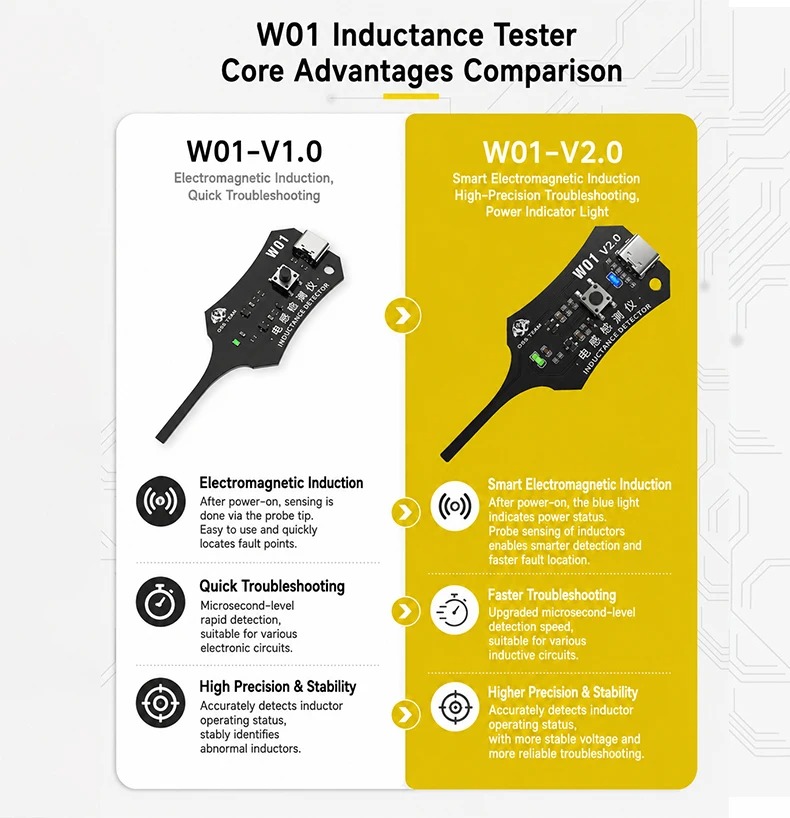
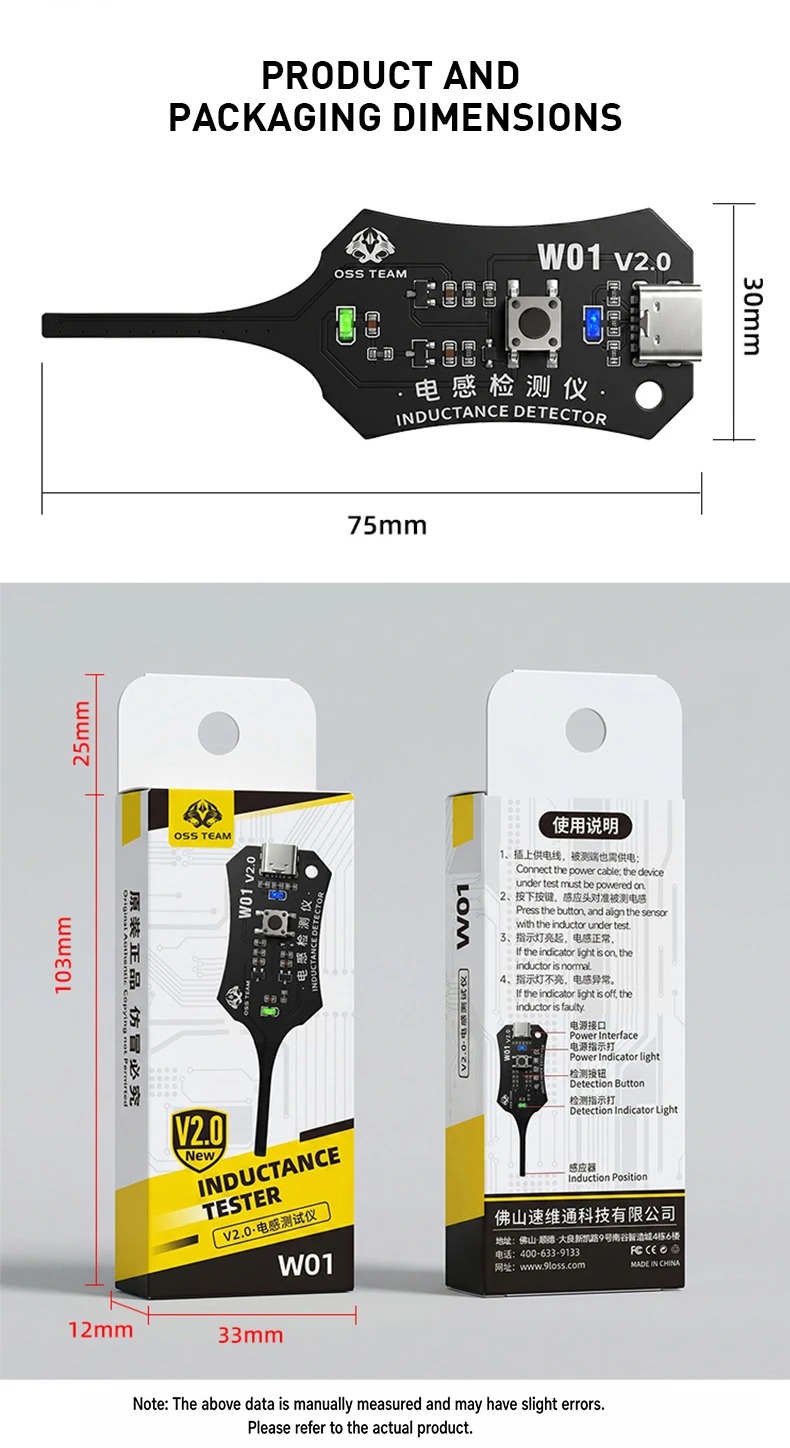
The OSS WO1 2.0 inductance tester features Type-C power supply, high precision, strong stability, easy operation, and quick troubleshooting. It detects inductance by proximity: indicator light on means normal, off means abnormal.
How to use:
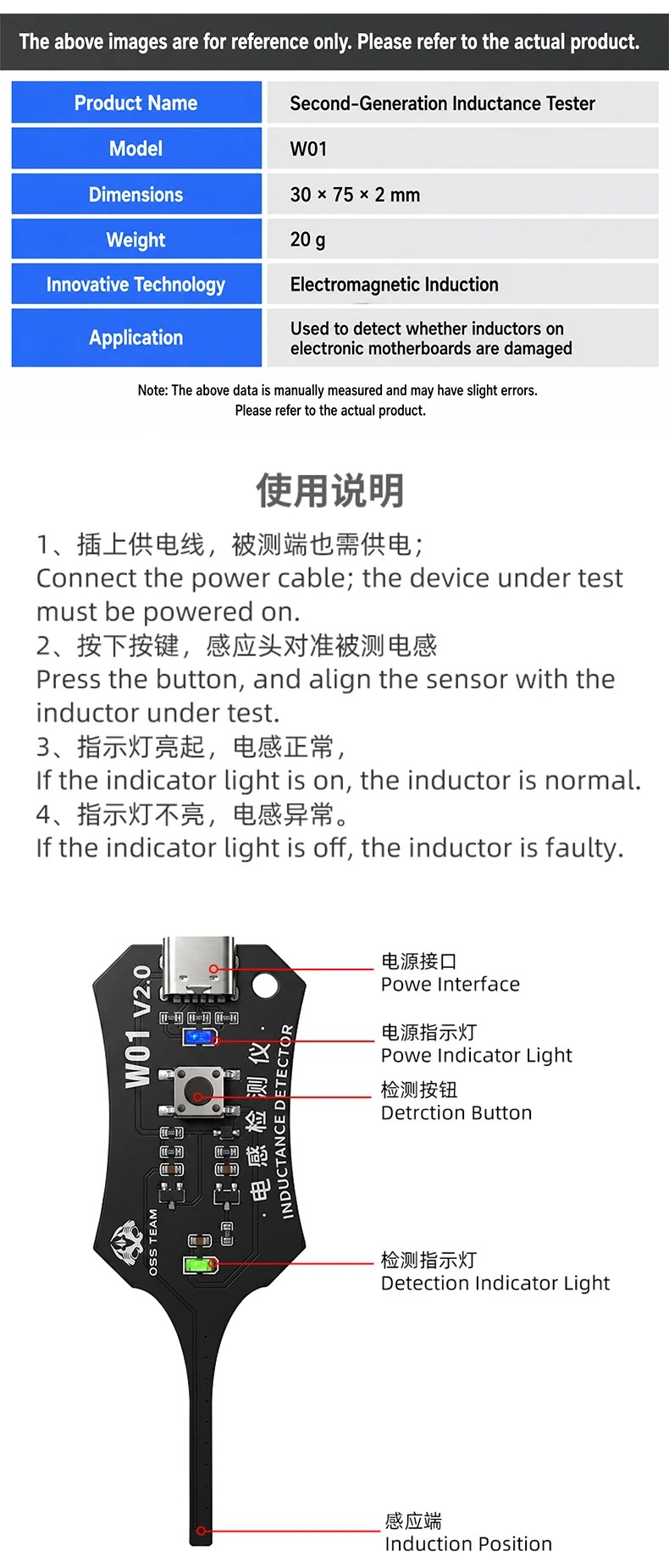
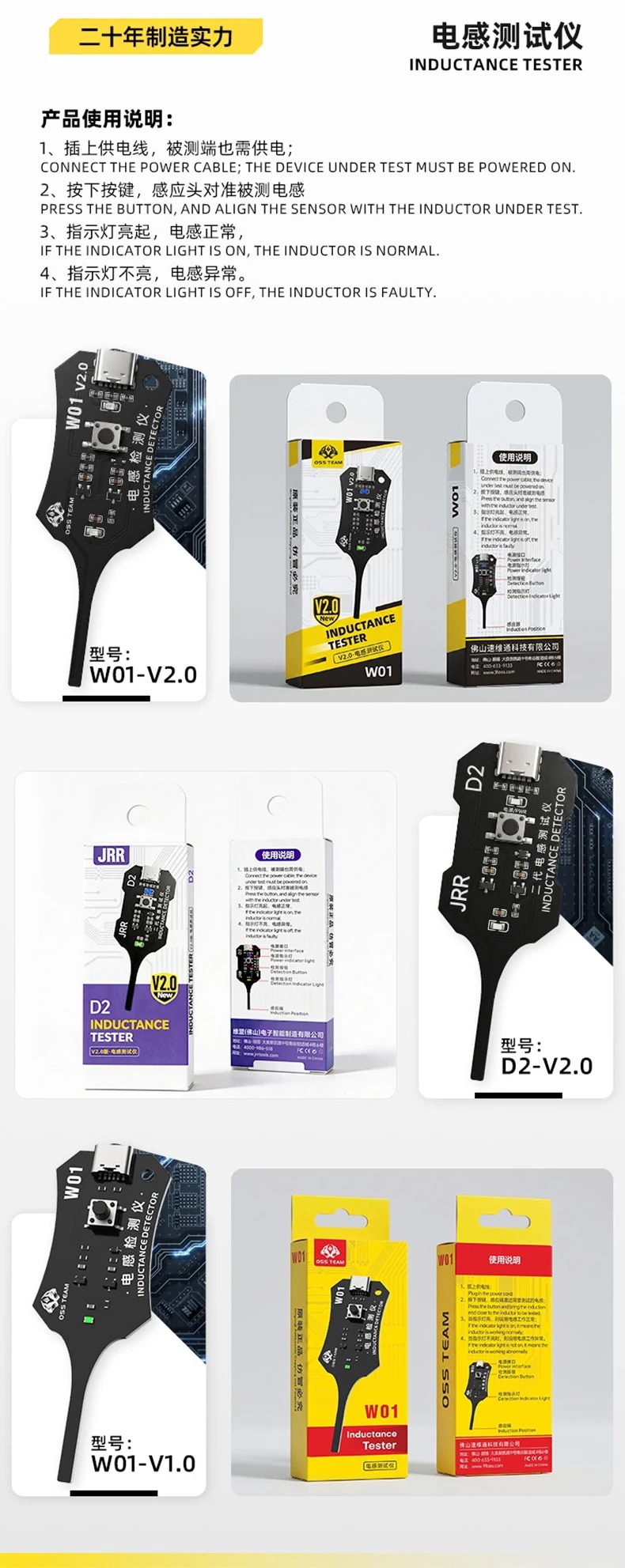
1. Plug In charger lead
2. Press button, the sensing end is close to the inductance to be detected
3. When the indicator light is on, the inductance works normally.
4. When the indicator light is not on, it indicates that the inductanceworks abnormally.
Operation Instructions
First, power on the tester. At this point, the circuit board will show no response. The circuit board under test also needs to be powered on before testing.
When testing an inductor, press and hold the switch, then bring the front end of the small tester board close to the inductor. Do not make direct contact with the inductor, as some inductors are not insulated.
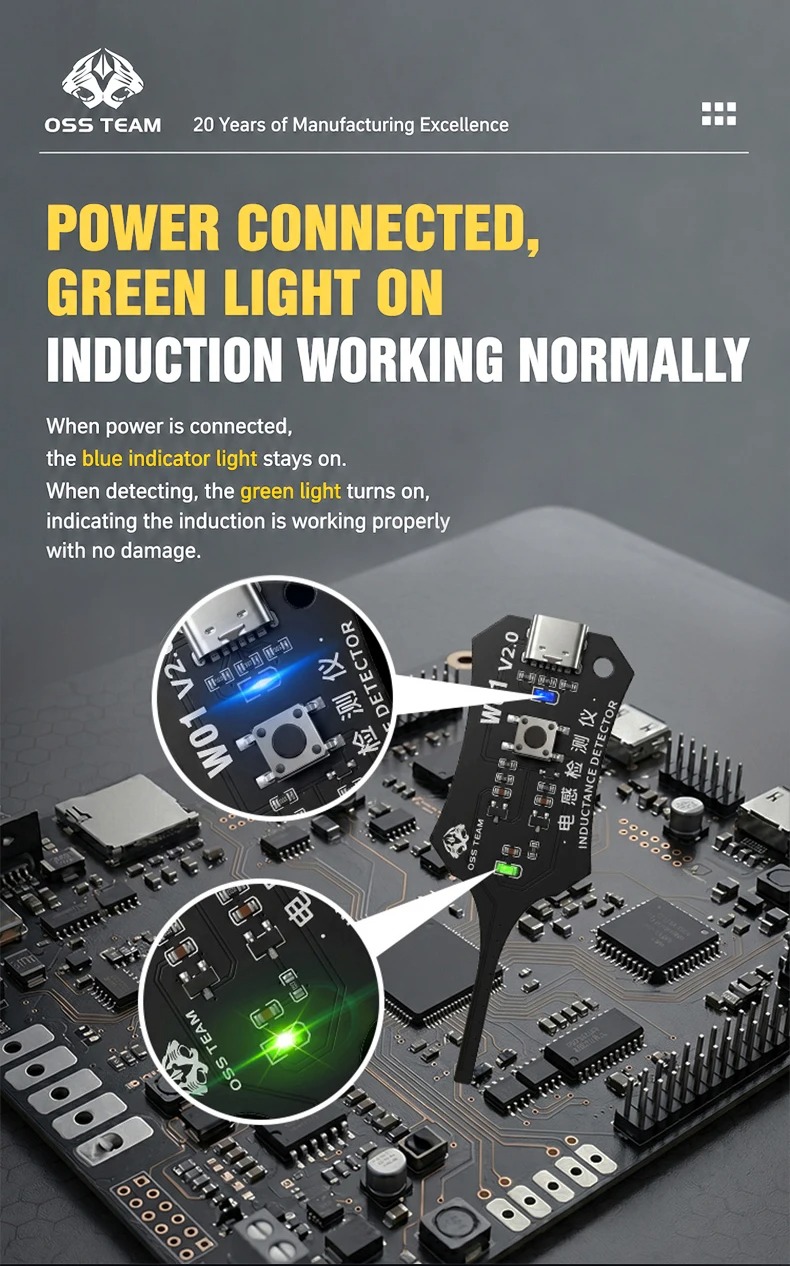
If the indicator light on the tester lights up, it means the tested inductor is in normal condition.
If the light does not light up when the front end is near the inductor, the inductor is faulty and needs repair.
Note
Inductors are difficult to test during electronic maintenance. For this reason, this dedicated inductor testing tool was developed to facilitate testing and repair work.
Special Reminder
This inductance tester only supports inductor testing functions and is not a universal circuit board!!!
Product details