
SAFE & SECURE SHOPPING

100% SATISFACTION GUARANTEED

FAST SHIPPING
You may also like

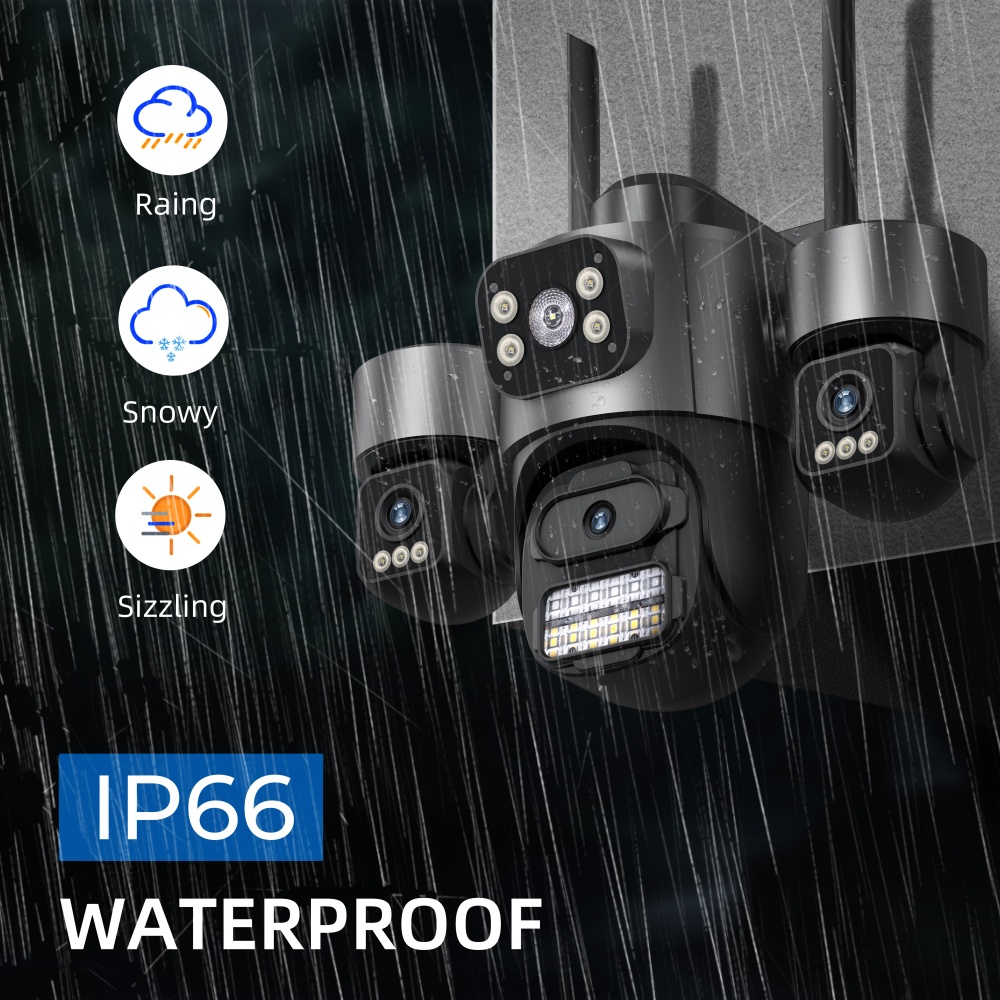
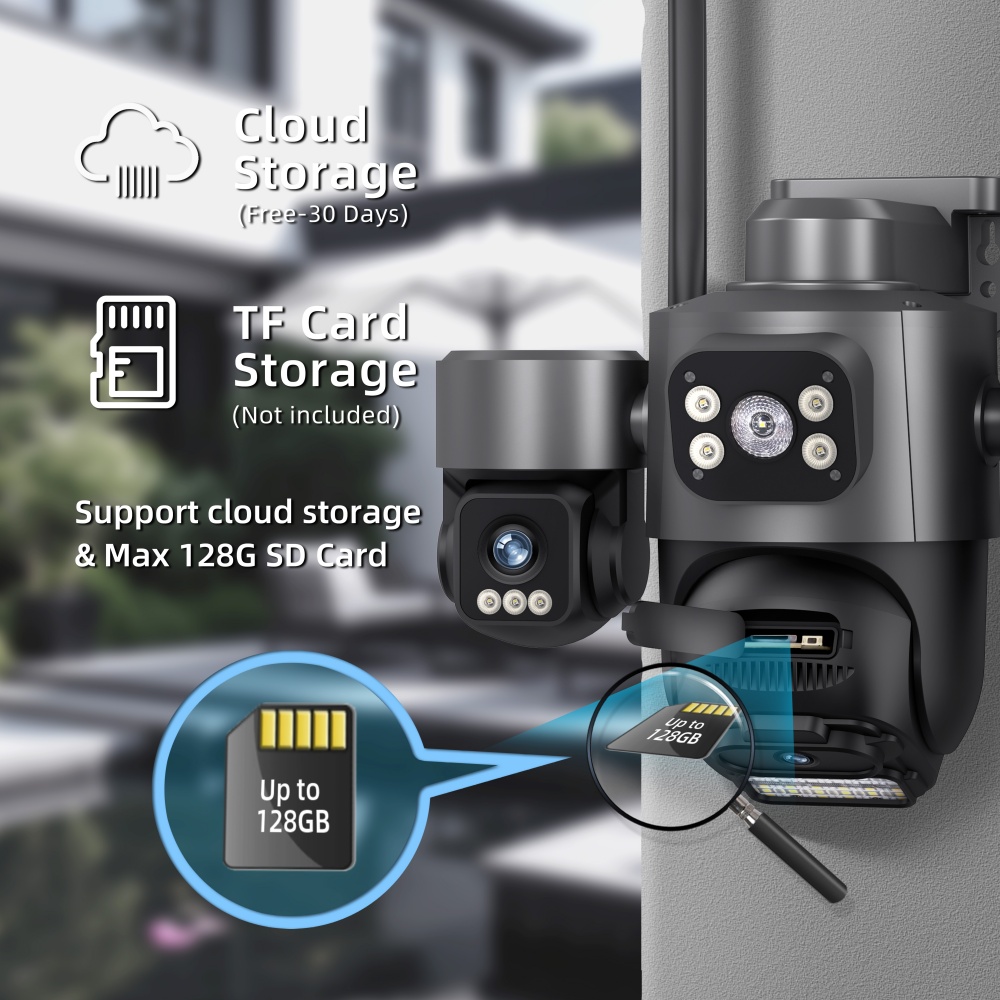
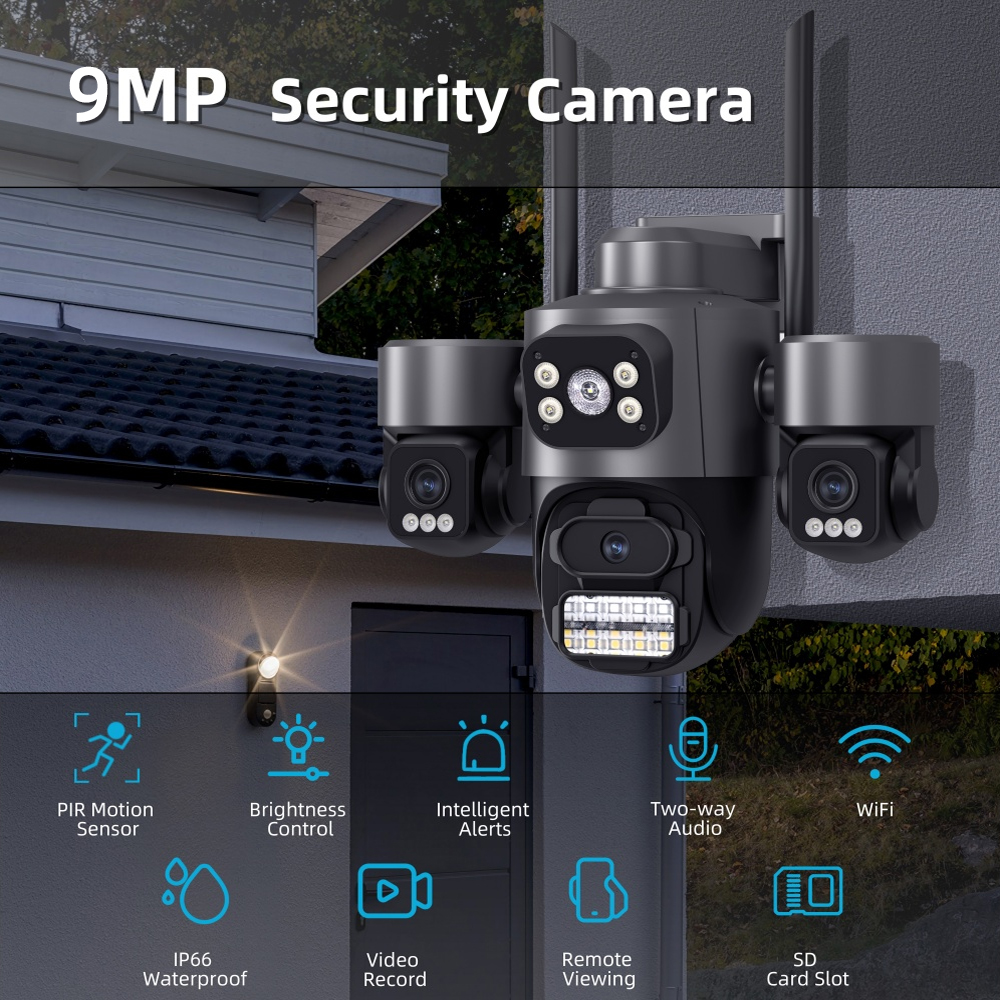
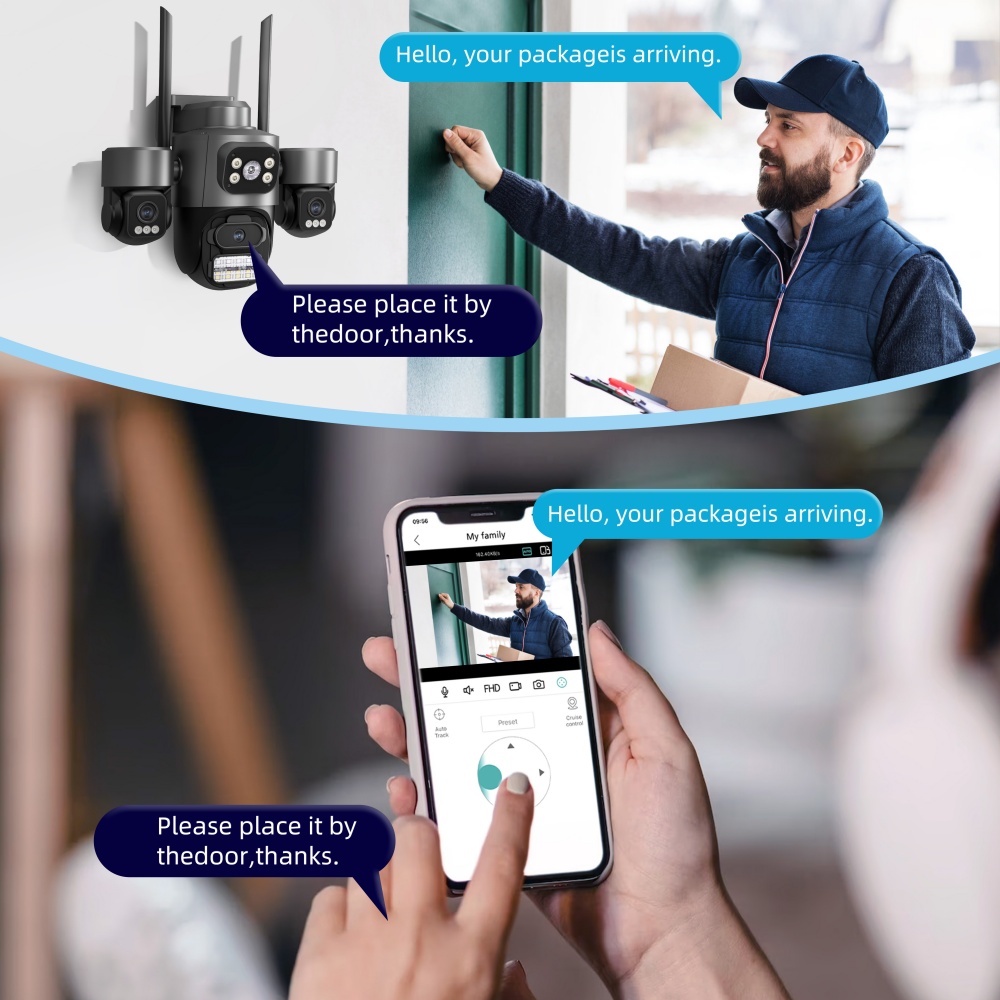
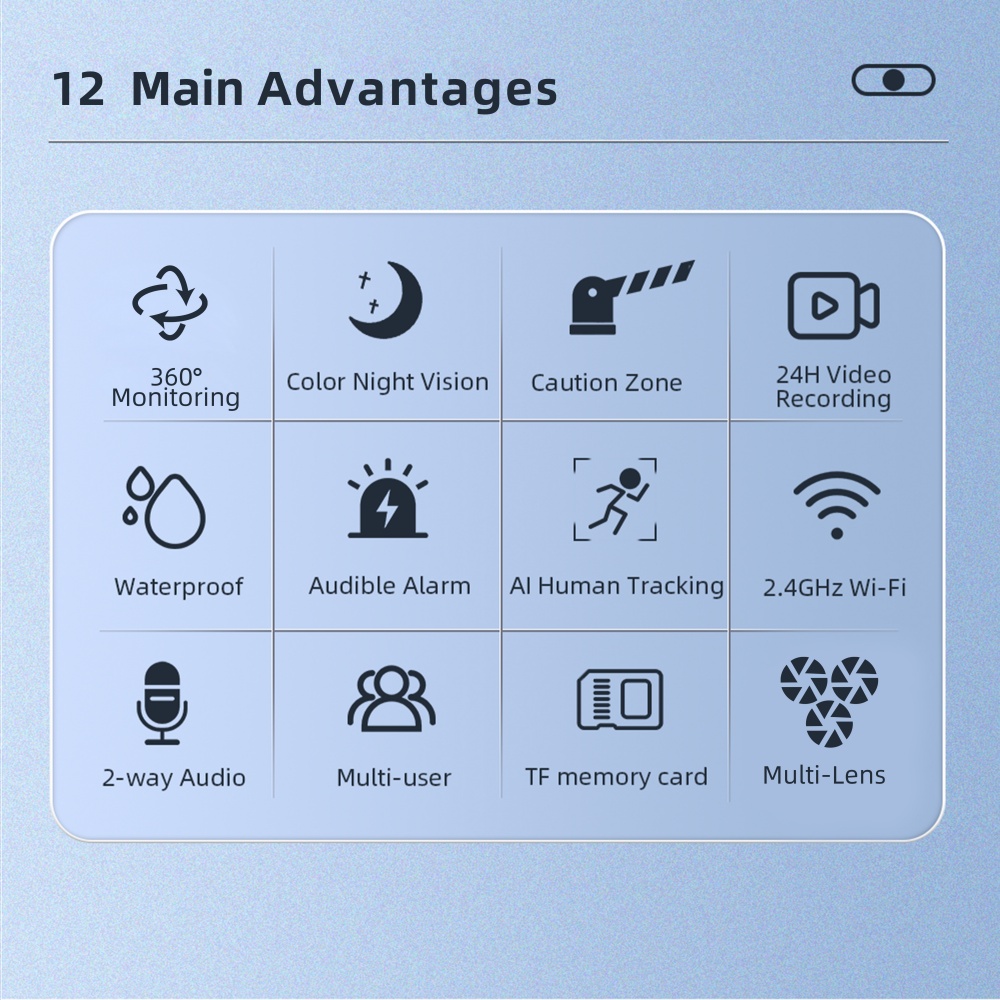
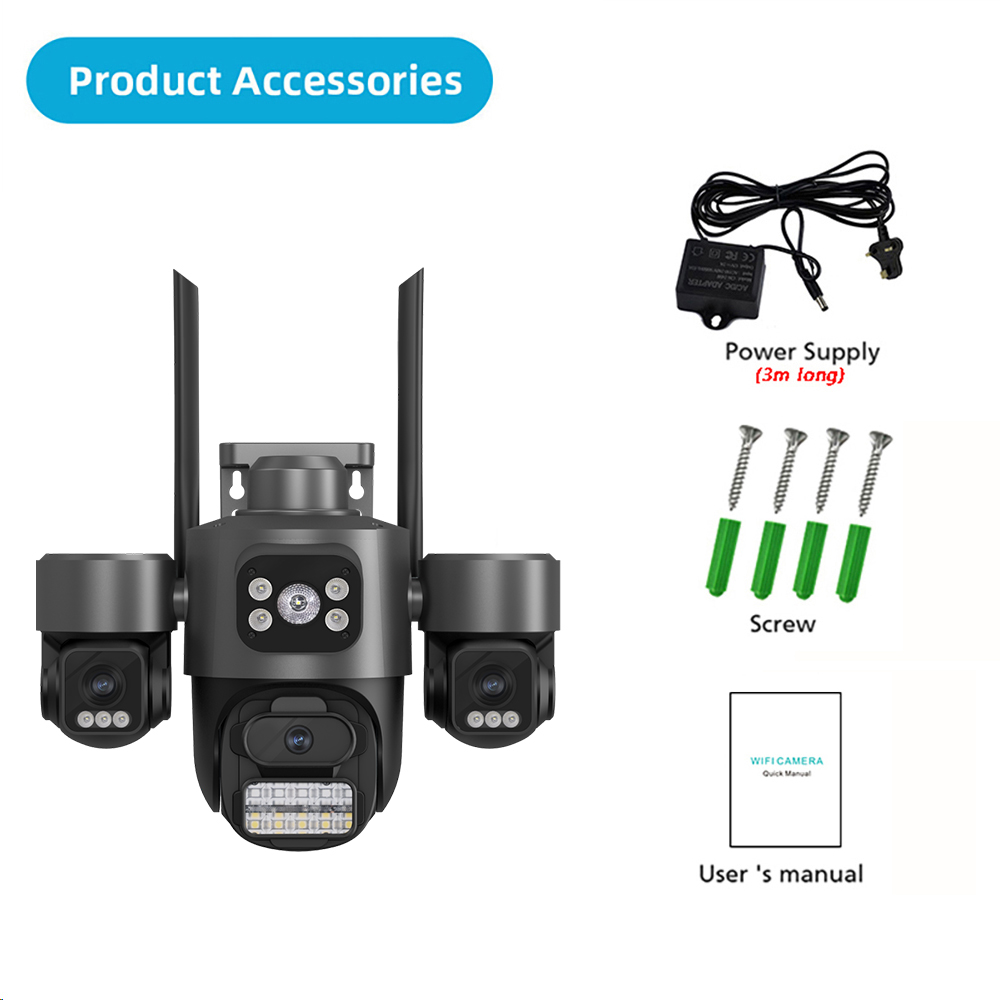
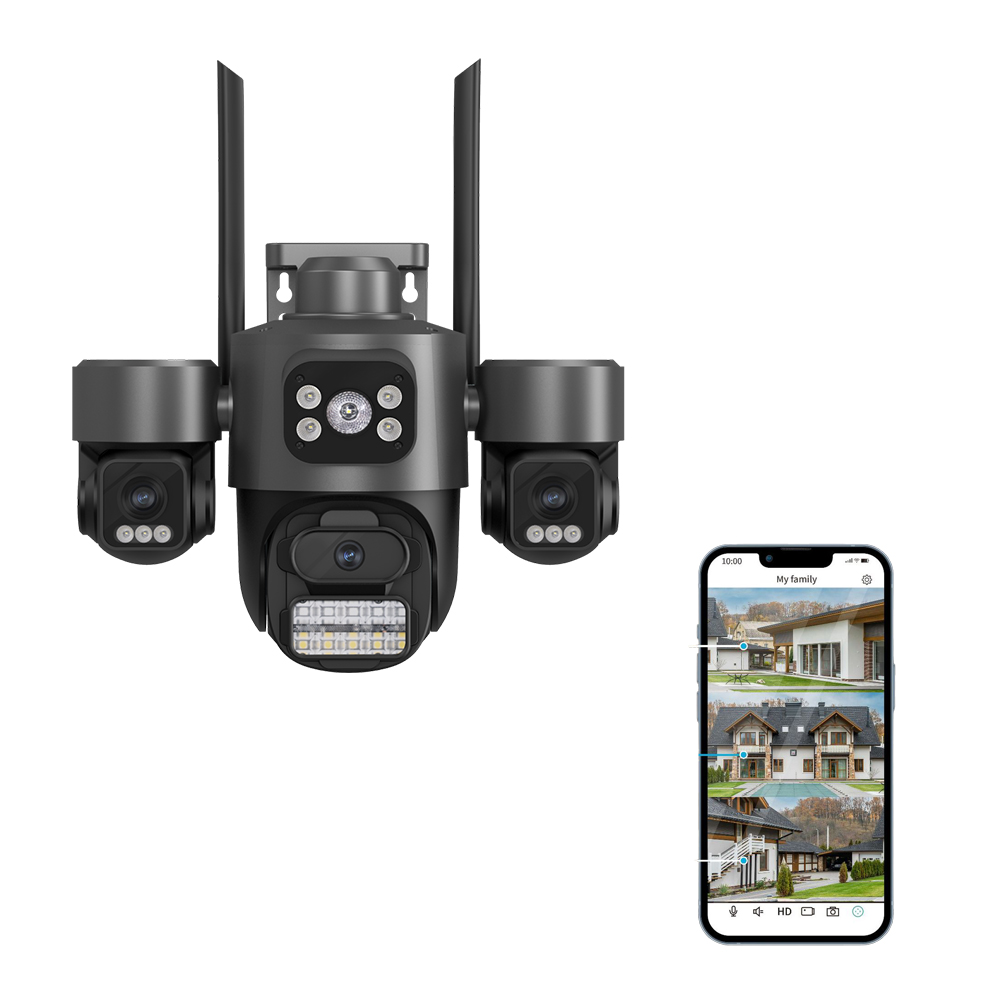
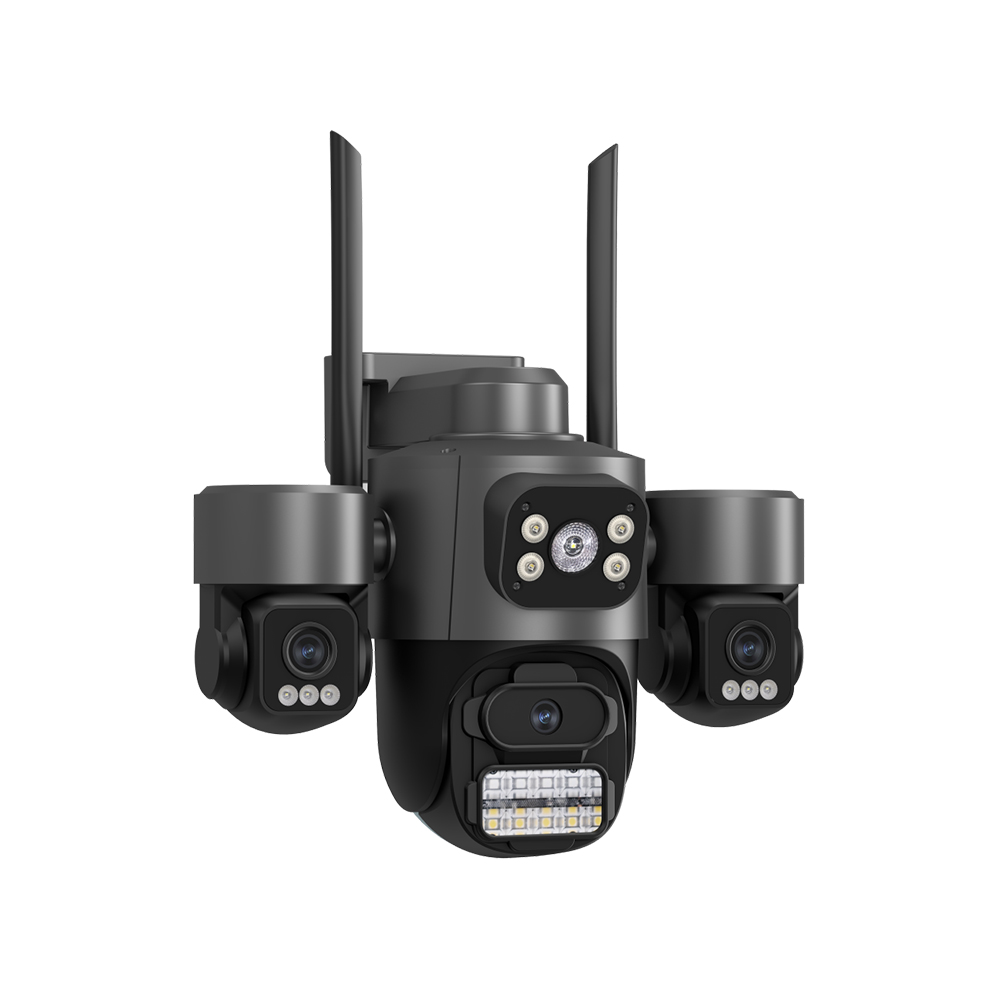
9MP Three Lens PTZ WiFi IP Camera Outdoor CCTV Security Camera AI Auto Tracking
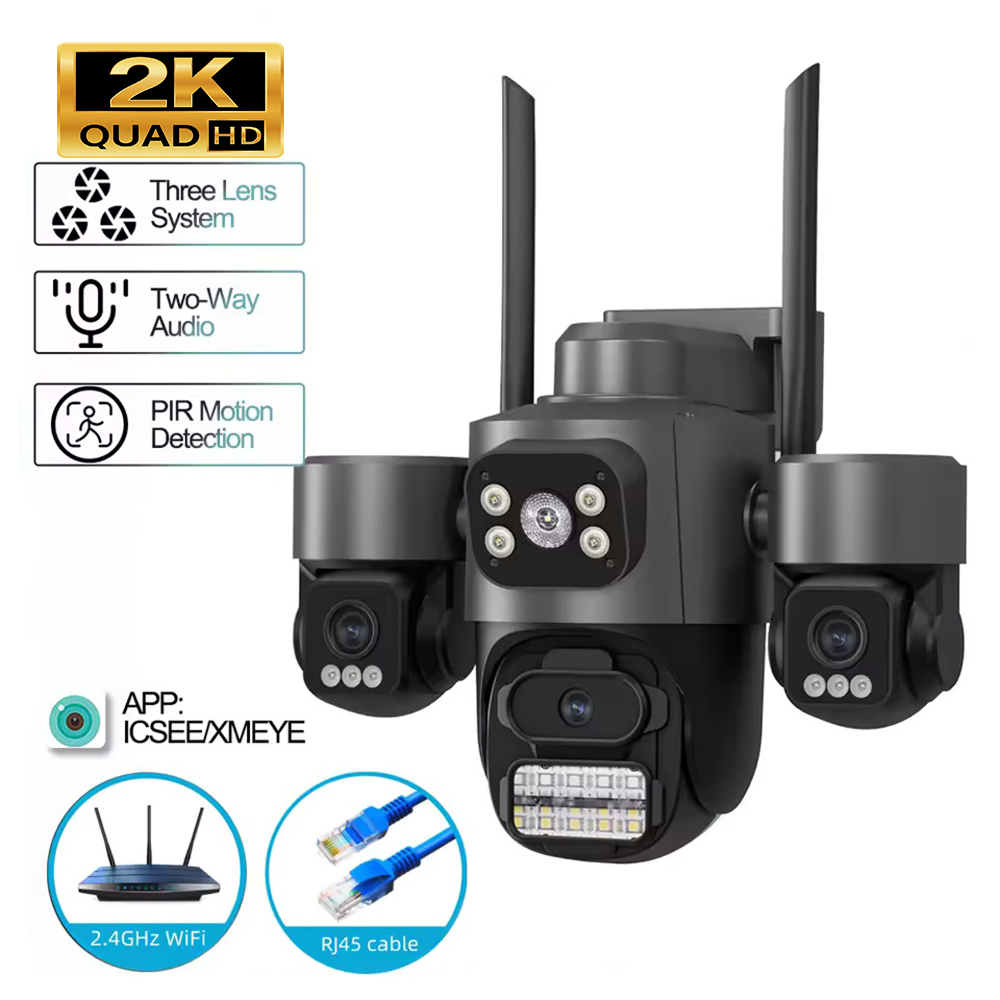
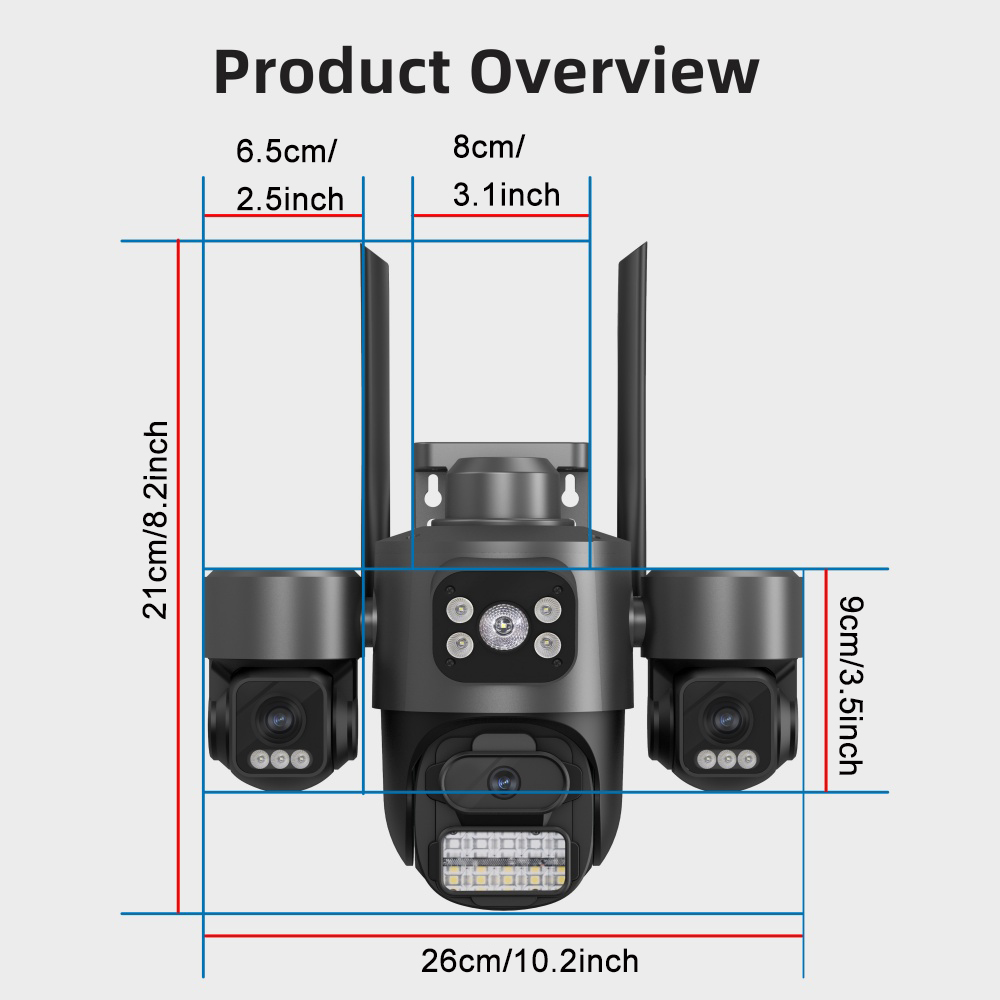
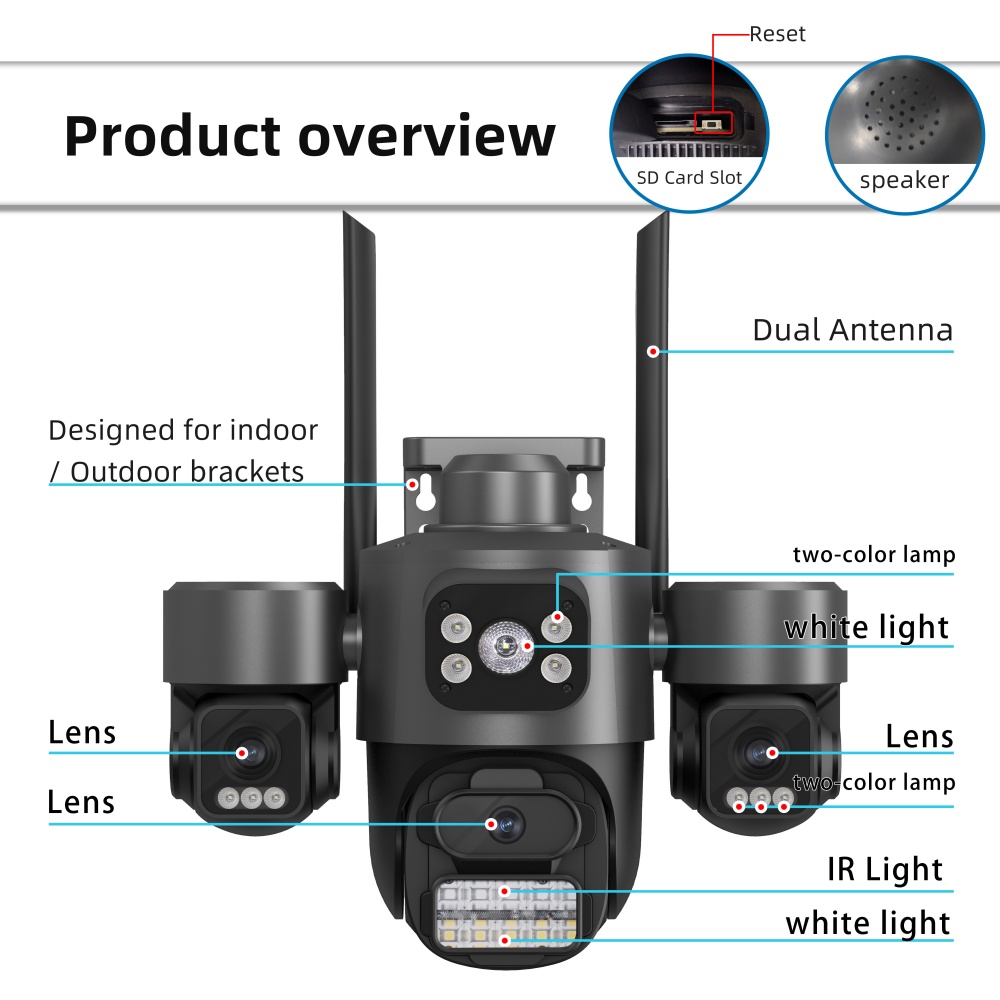
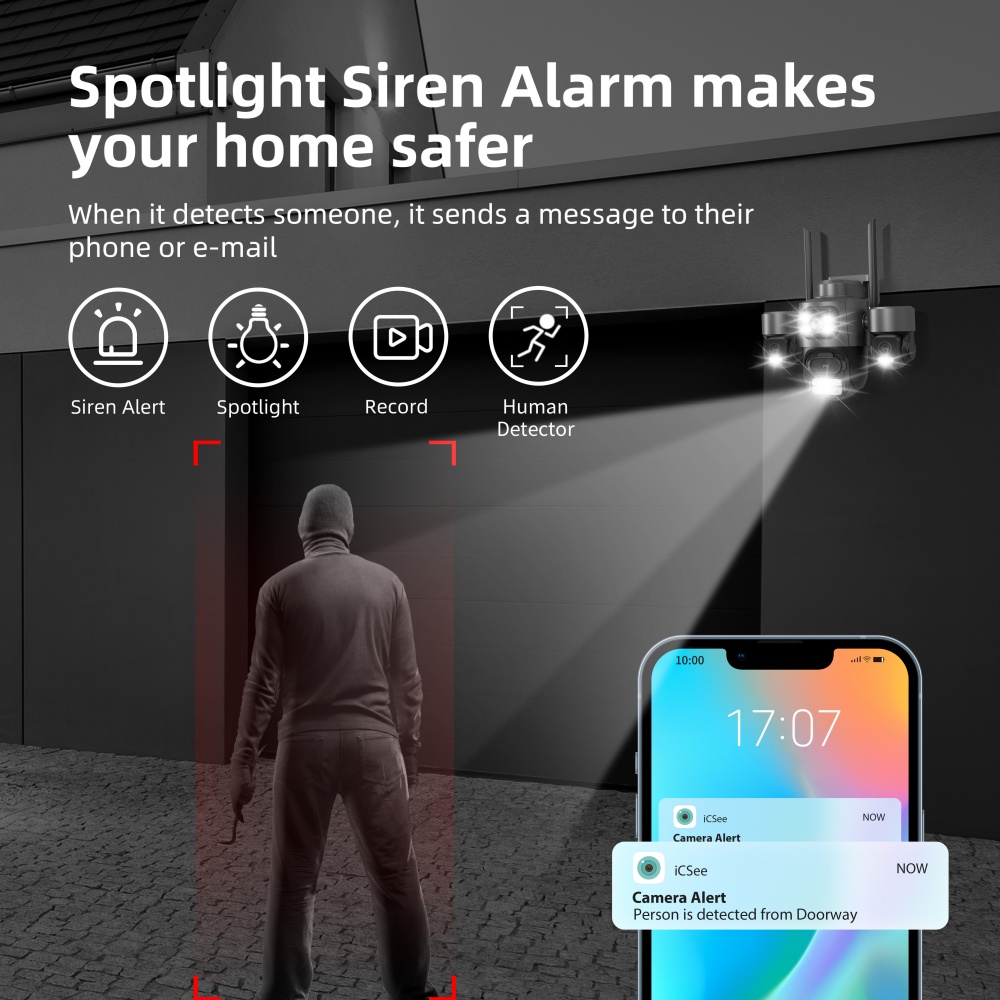


1. This is the payment method we can accept: Paypal

2. You can checkout and pay immediately after the auction ends or you complete the purchases. If you need an eBay invoice sent to you by Email, please contact us before making payments.
3.Once the checkout is completed, you will not be able to include any additional purchases. We start to process and fulfill your order once payment is received. New purchases after the checkout will be processed separately.
4. Payments are expected within 4 days after the order is confirmed. Unpaid item (UPI) strike may be filed with eBay upon non-receipt of payment.
1.How much is the shipping & handling (S&H)? Our shipping and handling charges are clearly stated in the Shipping and Payments section of the item page, and we provide Free Shipping for most items.
2.For multiple purchases, the combine shipping discount will be automatically calculated when you check out and pay all of your purchases together. Items checked out separately may not be combined and the combine shipping discount will not be offered automatically.
3.Please make sure the correct Ship-To address is entered before checking out. Once the payment is completed, you may not be able to change the shipping address. We shall not be held responsible for any wrong or undeliverable addresses.
4.We usually ship within 1-2 business days of receiving cleared payment.
2.For multiple purchases, the combine shipping discount will be automatically calculated when you check out and pay all of your purchases together. Items checked out separately may not be combined and the combine shipping discount will not be offered automatically.
3.Please make sure the correct Ship-To address is entered before checking out. Once the payment is completed, you may not be able to change the shipping address. We shall not be held responsible for any wrong or undeliverable addresses.
4.We usually ship within 1-2 business days of receiving cleared payment.
1. We put buyer's satisfaction at top priority. If you're not pleased with your purchases, we'll be happy to make an exchange or refund the item total price less Shipping and Handling (S&H) charges within 30 days of your purchases.
2. For any Exchange, Refund or Return, the item must be in its original condition, including the box, packaging, and all the accessories or gifts.
3. We'll provide prepaid return shipping label if the return is a result of our error. Postage reimbursement is offered only on standard mails, and it needs to be approved by our staff prior to returning.
4. Please allow up to 7 business days for returns to be processed.
5. Shipping and Handling (S&H) charges are not refundable.
2. For any Exchange, Refund or Return, the item must be in its original condition, including the box, packaging, and all the accessories or gifts.
3. We'll provide prepaid return shipping label if the return is a result of our error. Postage reimbursement is offered only on standard mails, and it needs to be approved by our staff prior to returning.
4. Please allow up to 7 business days for returns to be processed.
5. Shipping and Handling (S&H) charges are not refundable.
1. Customer satisfaction is very important to us and our feedback rating reflects this satisfaction. If you have any question or concern, please contact us via eBay message.
2. We respond to all eBay messages as quickly as possible. Though your question will usually be answered very soon, please allow us up to one business day before you start thinking your message is neglected or the reply is avoided, because there would be time difference, non-working hours or public holidays that have prevented us from making an instant response.
2. We respond to all eBay messages as quickly as possible. Though your question will usually be answered very soon, please allow us up to one business day before you start thinking your message is neglected or the reply is avoided, because there would be time difference, non-working hours or public holidays that have prevented us from making an instant response.