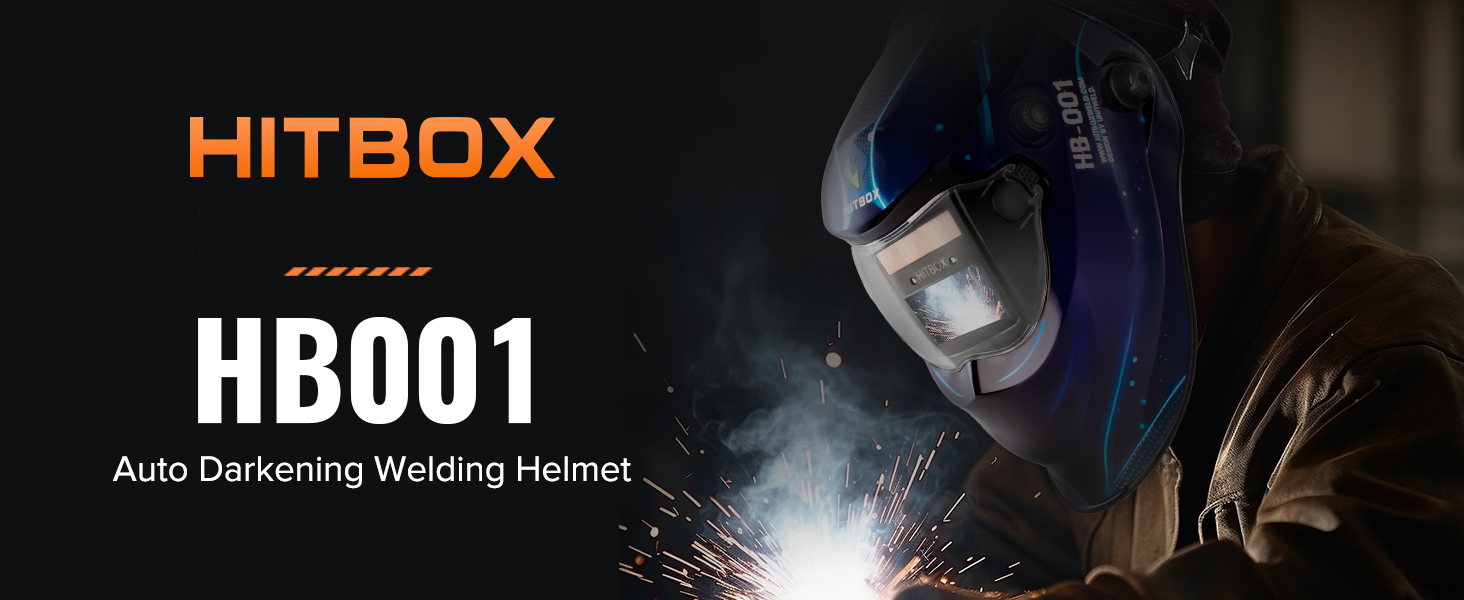
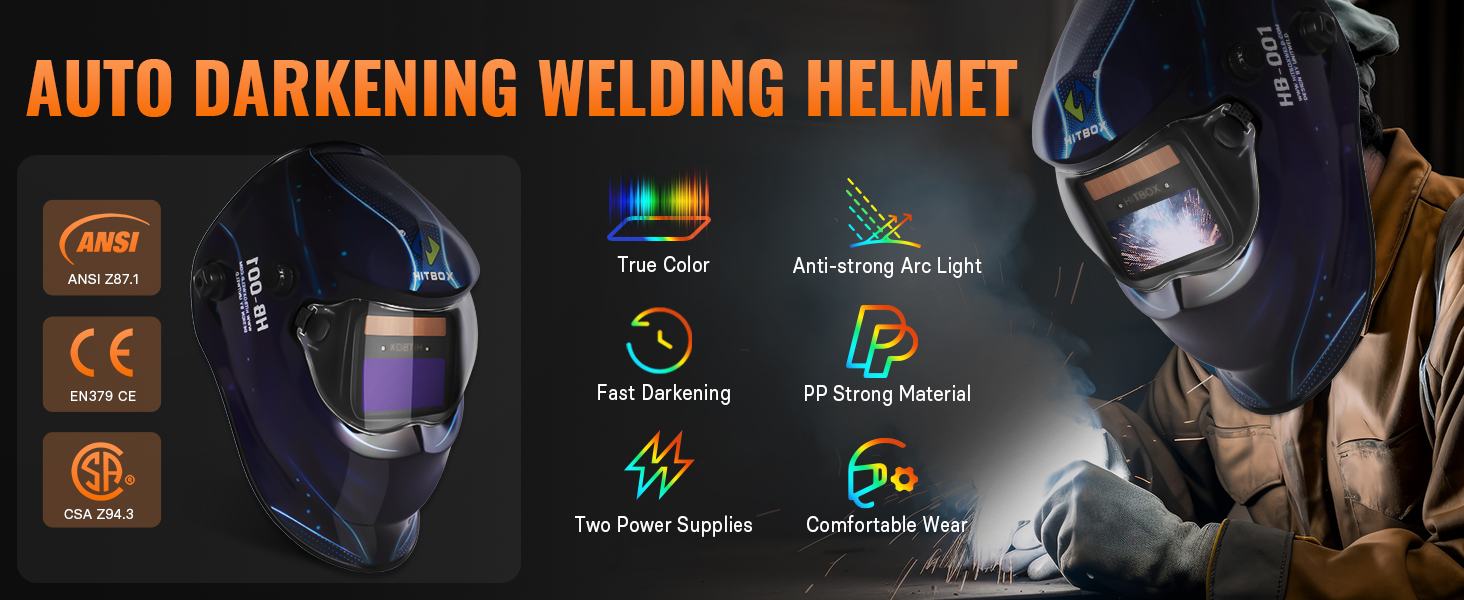
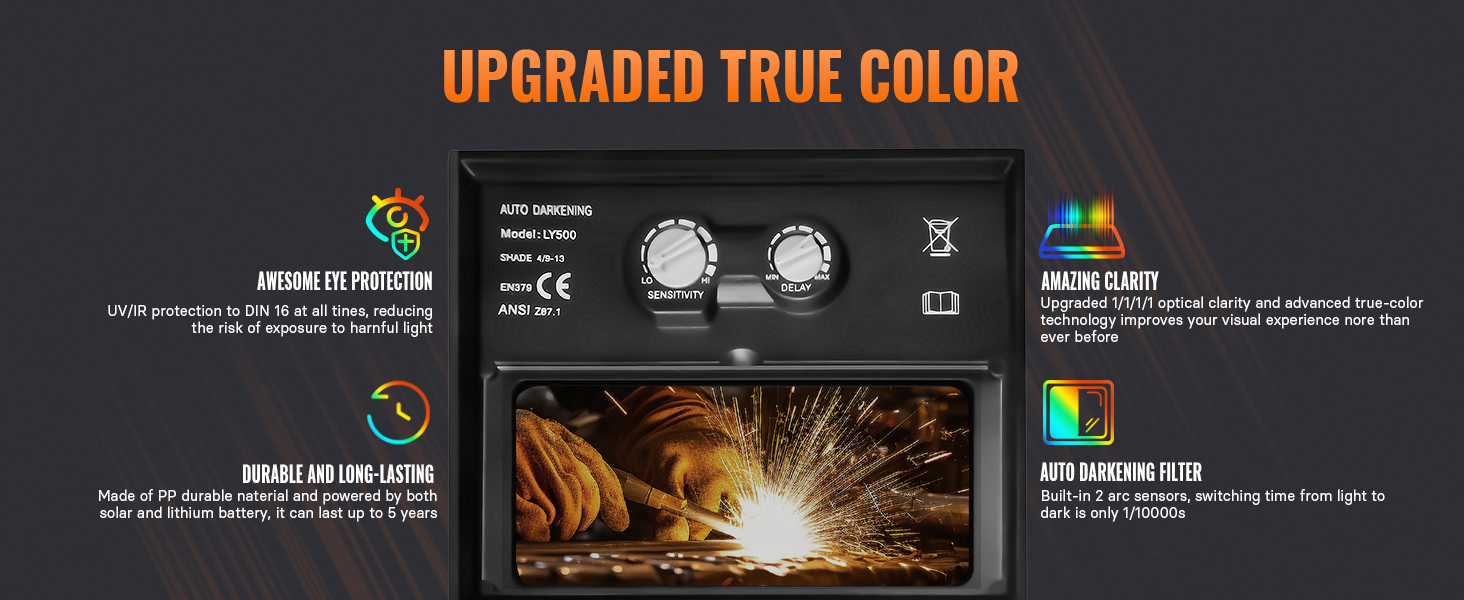
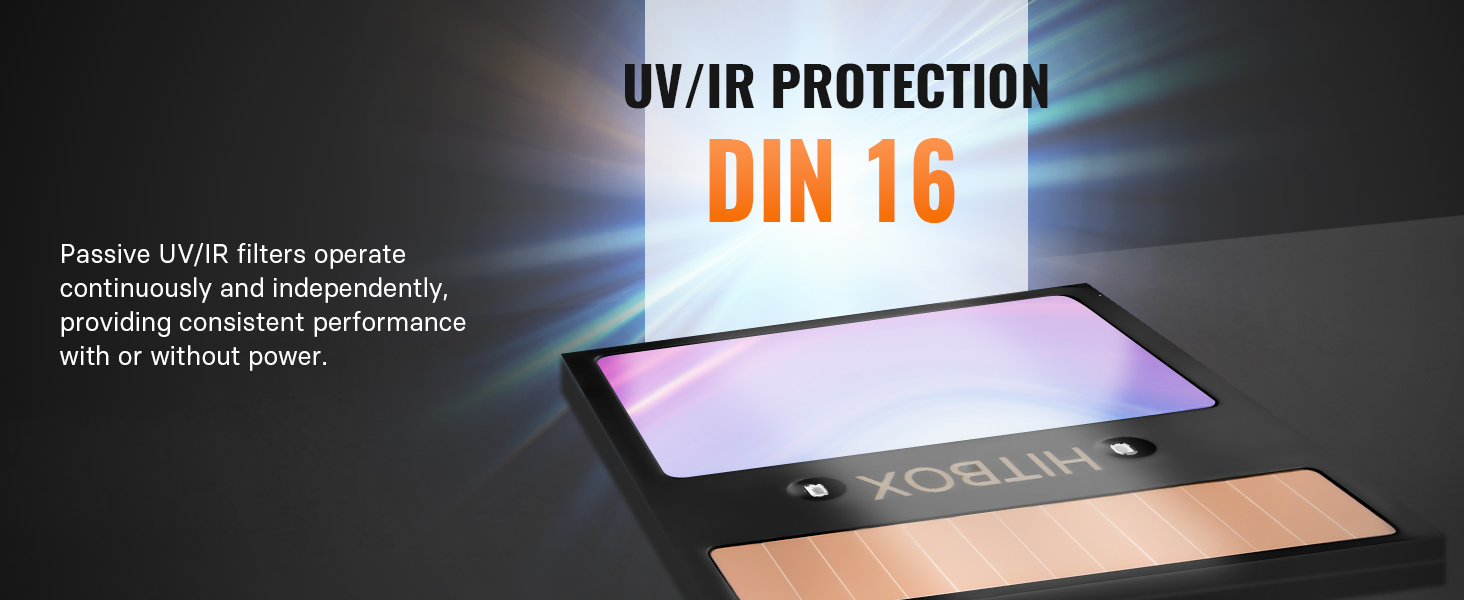
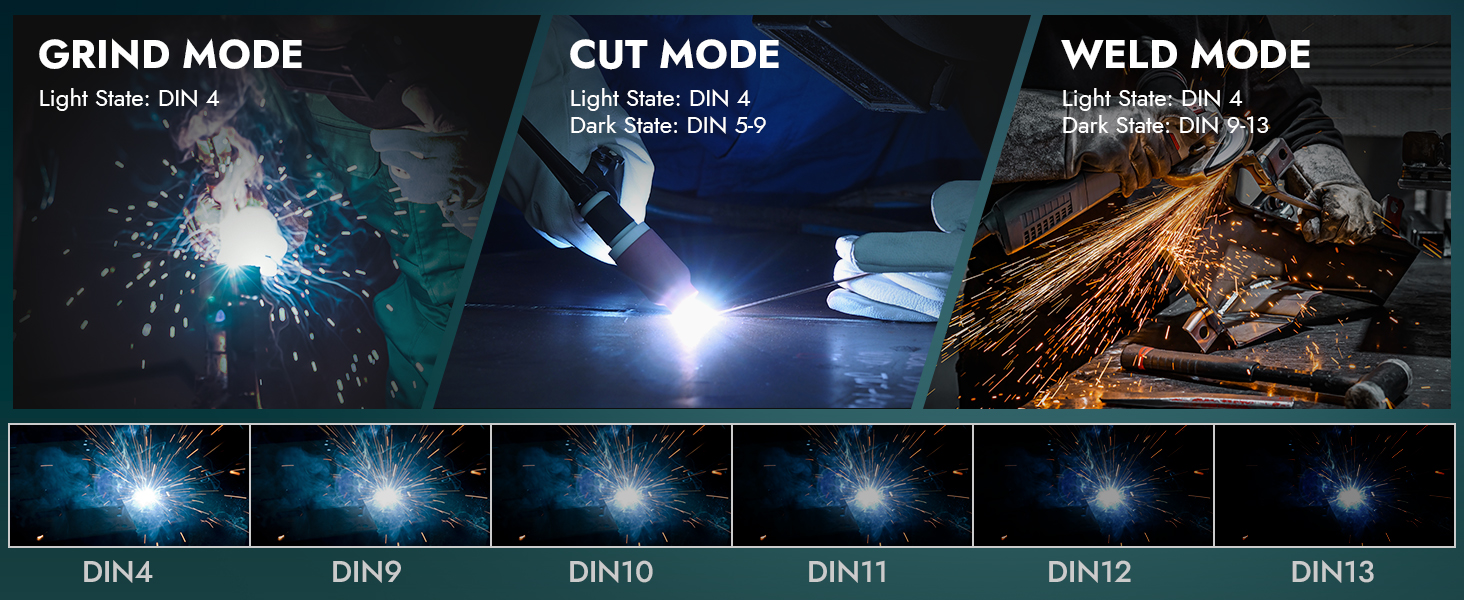
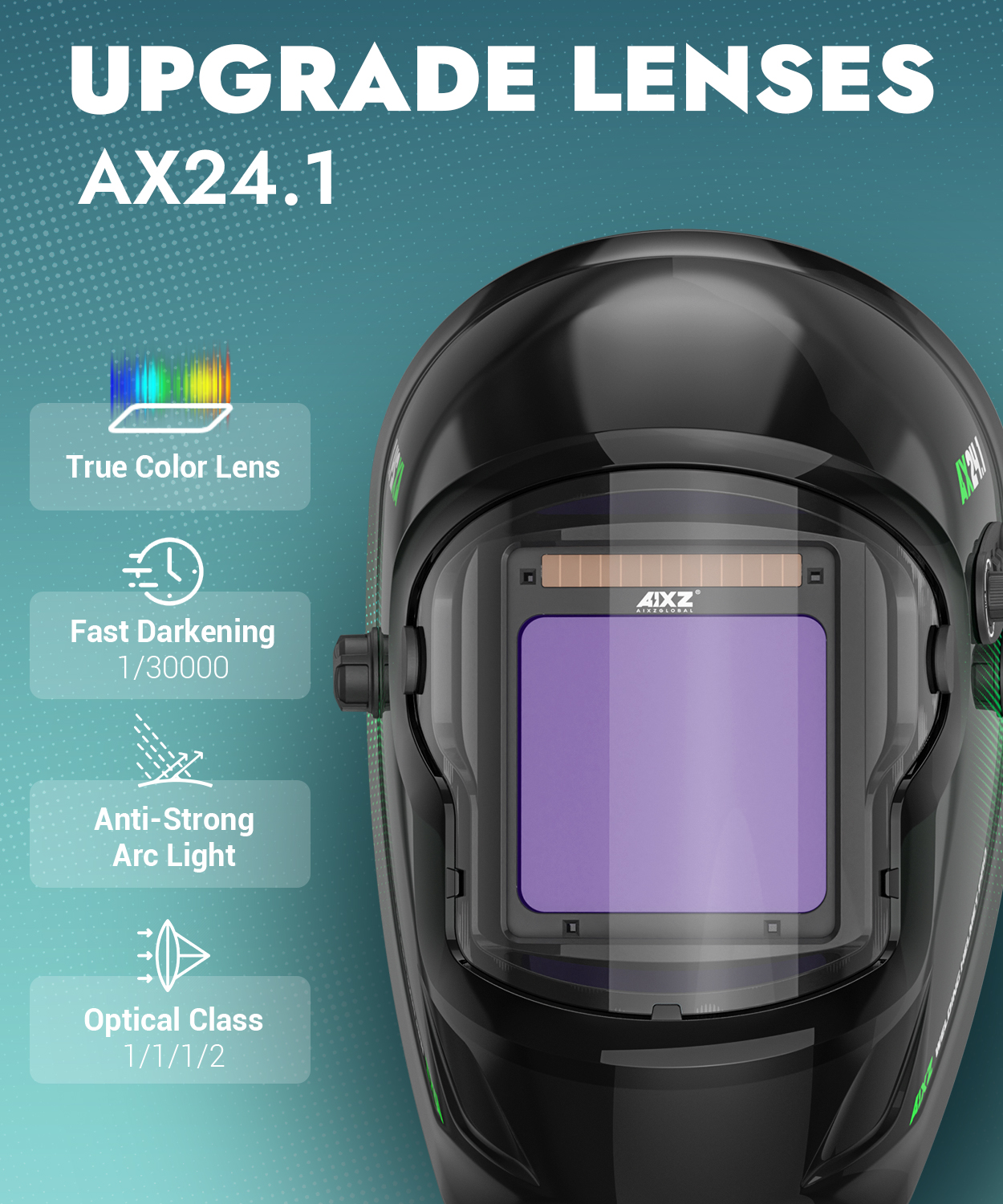
【Ultimate Eye Protection】HITBOX welding caps with safe structure design which conforming to the ergonomic principle. Efficiently auto-darkening filter switches from light to dark in 1/25000 sec, it can prevent your eyes damage from unexpected flashes. In event of electric failure, the welder remains protecting against UV and IR radiation. A smart choice for safety while on Arc,Mag, Mig, Mma, Stick, Tig Welding, or Plasma Cutting.
【Intelligent and Practical】 The auto darkening welding helmet enables welders to adapt to various working environments by controlling the shade of the lens. Sensitivity adjustments from ambient lighting sources.
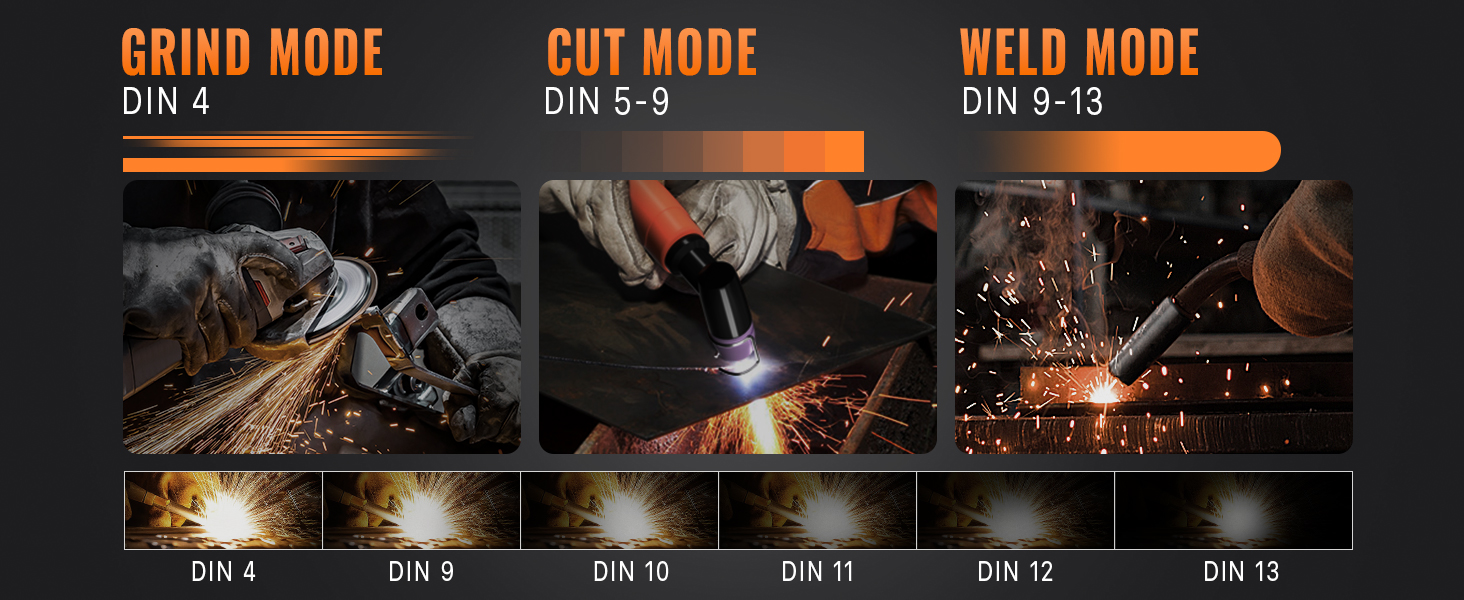
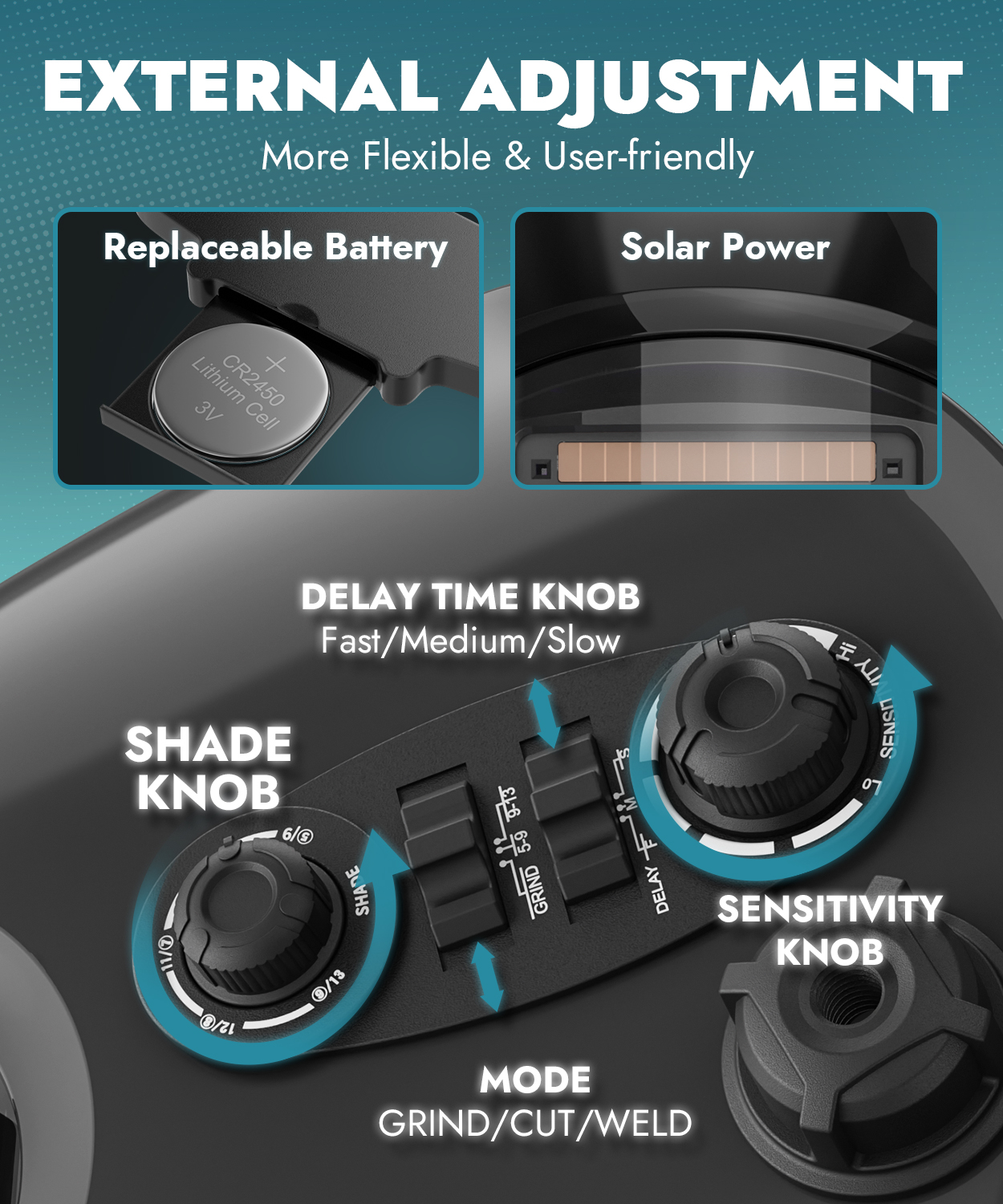
【Manual Adjustment Meets Demands】With sensitivity and delay settings for adaptability on different environments and task duration. Enjoy enhanced visibility and color recognition. Light level of filter is DIN4 and the time from dark to bright state within 0.1s to 0.8s.
【Apply For Different Working Environments】Recommended to automotive, construction, and food & beverage manufacturing, metal production and fabrication, military maintenance, repair and operation (MRO), mining, oil and gas, transportation, etc.
( As you choose:Helmet 1 /2 or Gloves )
1 x User Manual
Operation Instruction
1.START
1.Please note that when device in sleeping mode ( no signal),please turn round knob to wake it up.Note that it's useless topress"SET" and "MODE" buttons.After that users can startmaking setting as per own requirement.
NOTE:"G" is regarded as default setting, filter under GRIND modeis not working.
2.For Function key MODE
SHADE: Slightly press"MODE "button, go into 5-8 dark shade adjustment;Press " MODE " again, go into 9-13 dark shade adjustment. It's a
circling setting.
3.For Function key SET
SENS: Slightly press" SET"button, firstly go into SENS setting."SENS" light will flash,knob in direction:
CW:SENS to max
CCw: SENS to min.
DELAY: Slightly press"SET)"button twice, then go into DELAY setting."DELAY" light will flash,knob in direction:
CW:DELAY to max (longer time)
CCW:DELAY to min (shorter time)
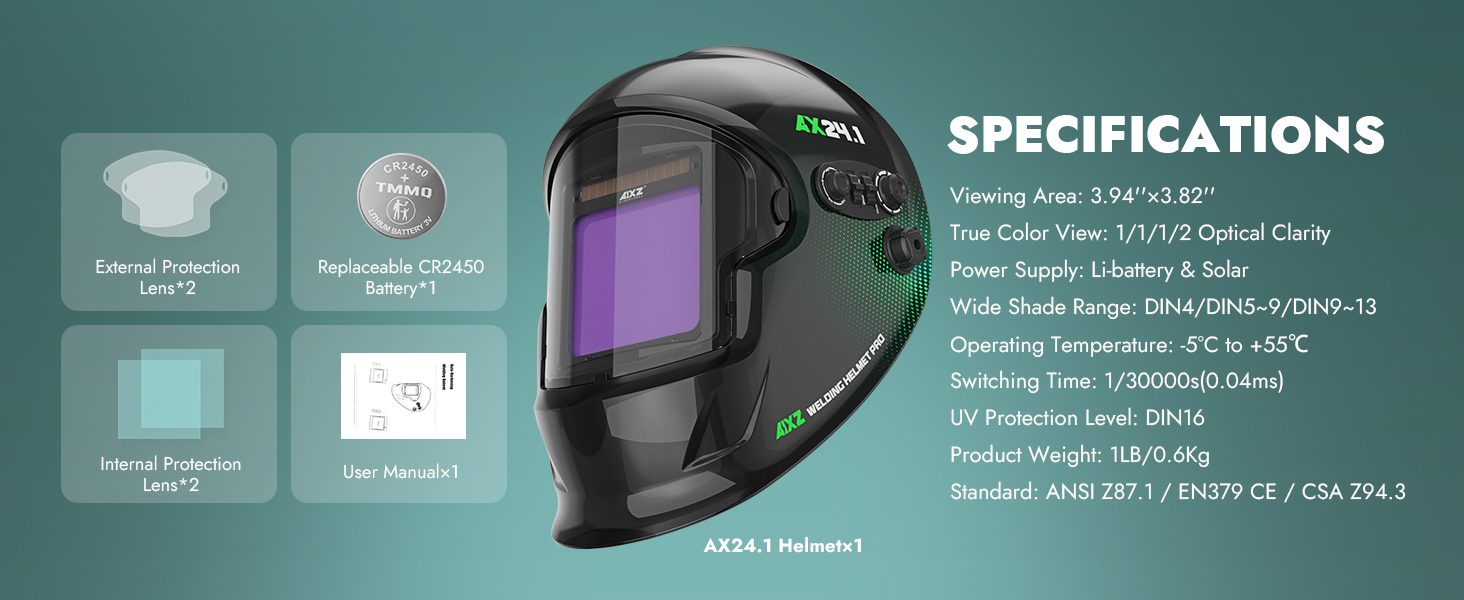
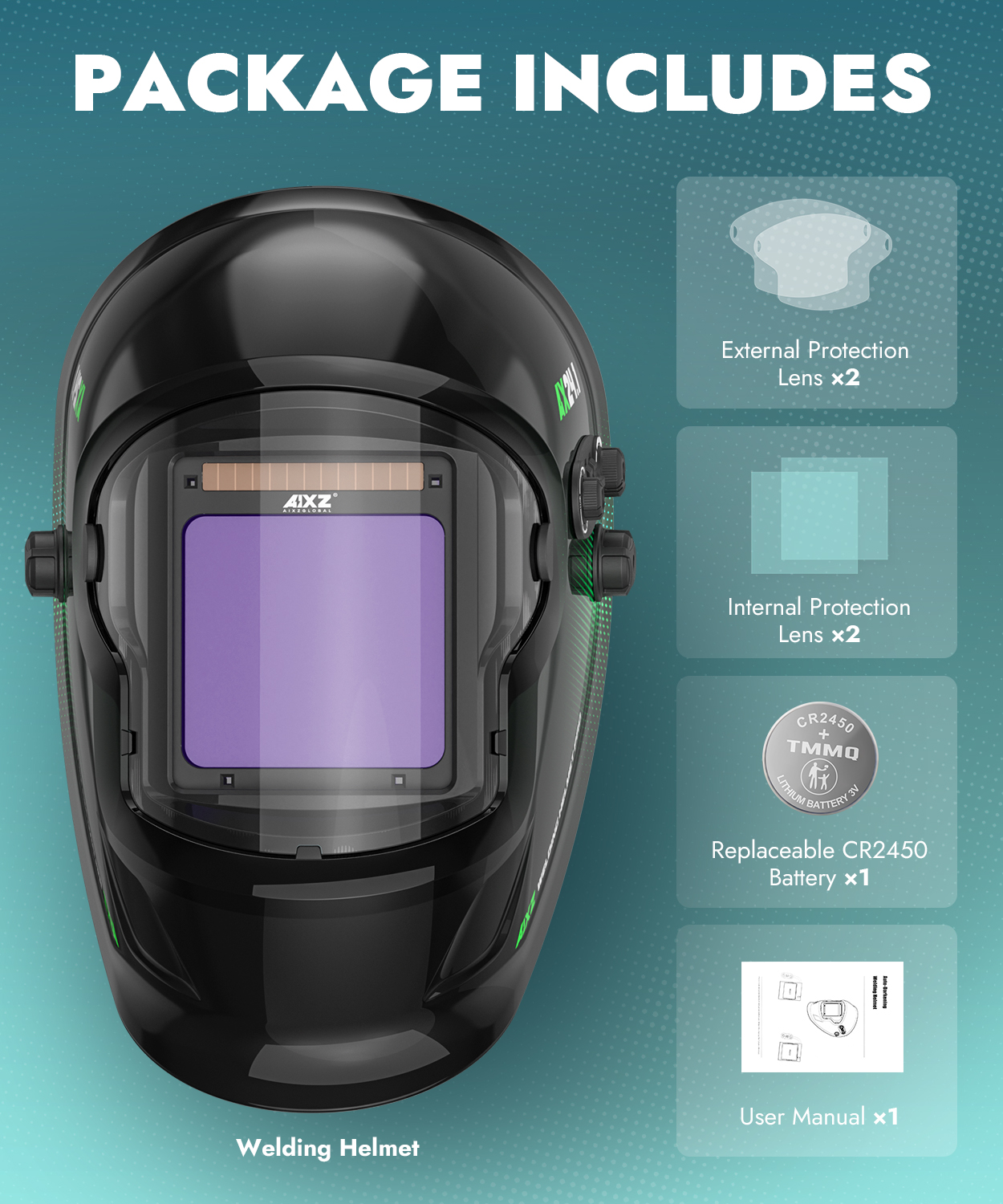
Package Includes
- Welding Helmet
- External Protection Lens*2
- Internal Protection Lens*2
- Replaceable CR2450 Battery*1
- User Manual*1