
Pre-installation Notes:
Tip 1: Pre-installation Testing
During testing, do not remove any protective films or labels. Be mindful of static electricity issues. Before attempting any repairs, ensure you wear an ESD (Electrostatic Discharge) wrist strap. This prevents static damage to the watch's electronic components. Wear safety goggles and take care not to cut your fingers on glass fragments.
Tip 2: Mock-up Testing
Screen replacements are highly delicate products. We strongly recommend testing prior to installation. Conduct a simulated test: separate the watch (mainboard + LCD or screen), connect the audio cable to the new replacement, power on, and complete testing. If testing is successful, proceed with installation. Should the display fail to appear, contact us immediately. Do not force the installation into the watch. Once the screen is installed, we shall not be held liable.
Tip 3: Avoid Excessive Cable Bending
Ensure the LCD cable is not excessively bent. Bends exceeding 90 degrees will cause a black display.
Package Includes:
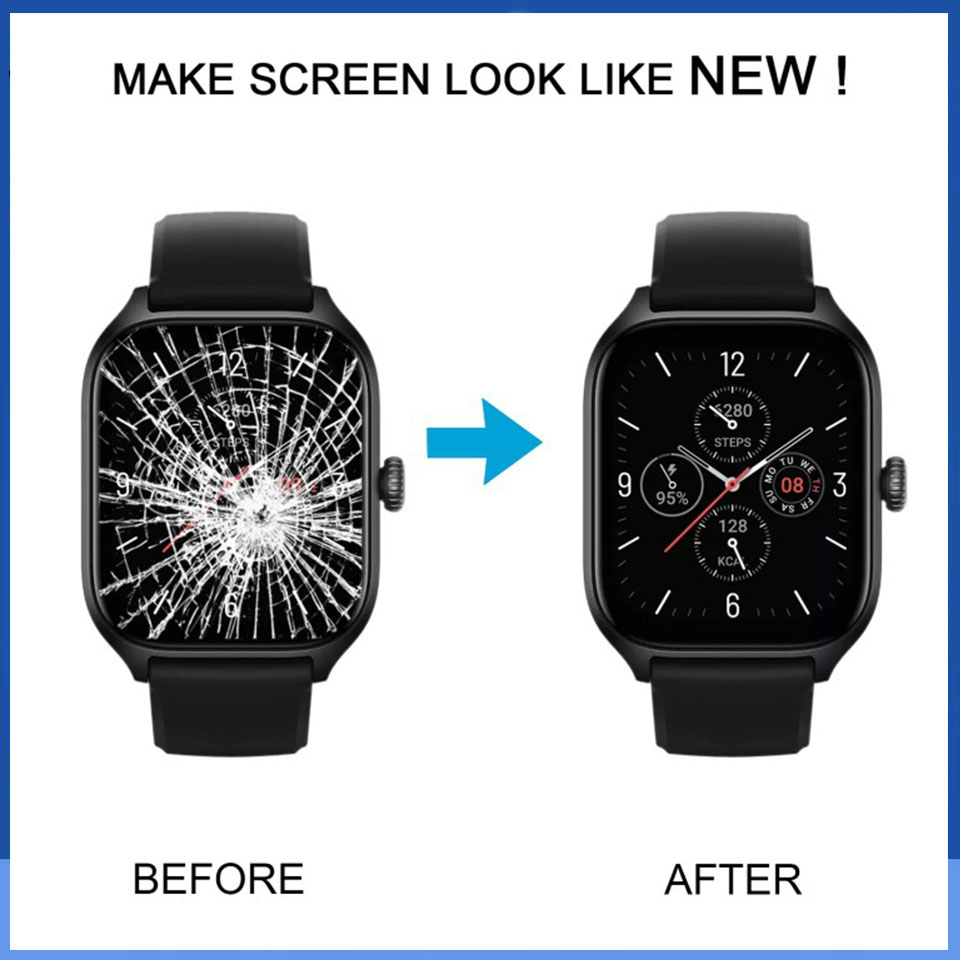
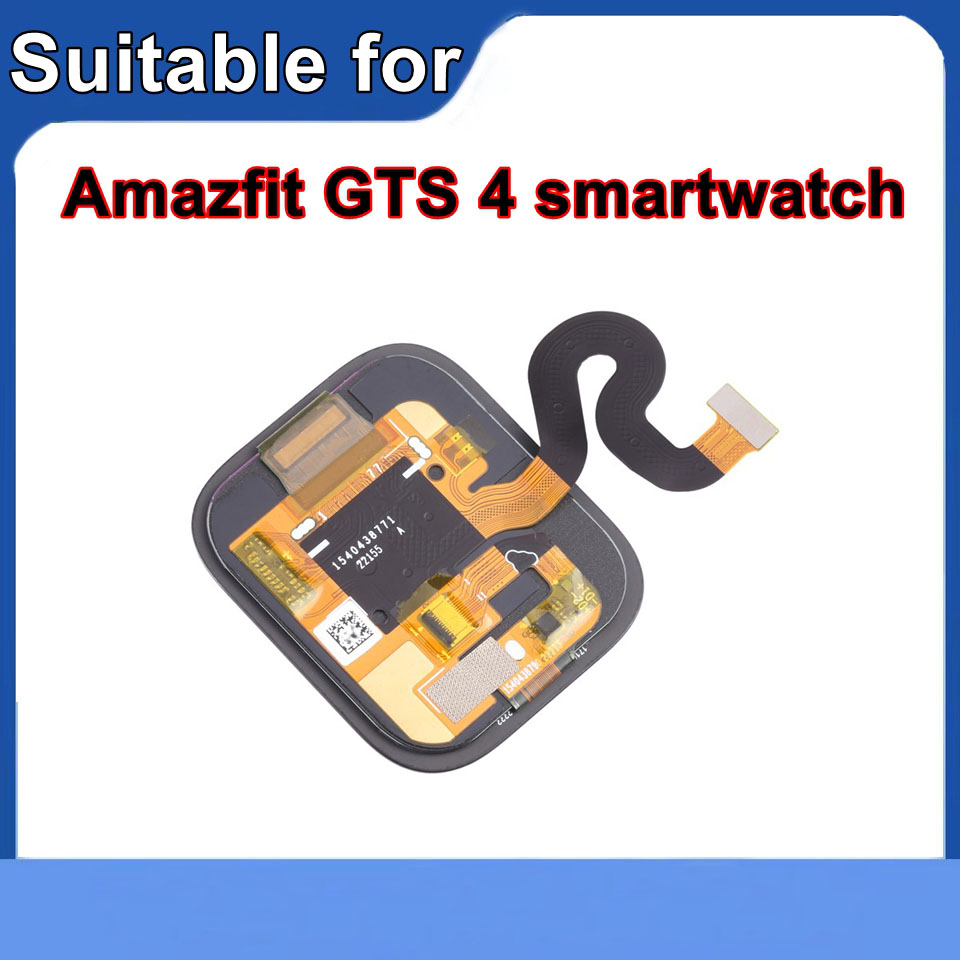
1* Watch Screen Assembly
       |
|
1.We try our best to reply to your emails as soon as possible, however, due to high volume of daily incoming emails and time zone difference, we may not be able to reply your emails immediately. Please allow 1 business days for us to response. If you do not receive any reply from us, please check your email ensuring your mailbox has not reached full size.
2.Due to some ISP SPAM filter settings, you may not be able to receive our replies; if you have problems receiving our emails, you may need to use a different email account to contact us.
3.Please give us the opportunity to resolve any problem. We understand the concerns and frustrations you might have, and will try our best to resolve the issues. Please email us before leaving any negative feedback or open any dispute on PayPal.
4.We care about our valued customers, and will always try to help you. So if you have any problems, please e-mail us immediately.
1.We accept Credit Card, Debit Card and eCheck payments through PayPal.
2.Payment should be done within 7 days after the end of the Auction. Otherwise Unpaid Item Dispute will be filed with eBay.
Items will be shipped within 3 to 15 business day on payment received.Please be sure your shipping address is correct before make a payment cause we ship items to your PayPal confirmed address only
The price does not cover any applicable tax or duty that might be charged by your customs. Buyers are responsible for such charges.
If you want faster shipping way. Please contact us before making payment.
1.100% Customer satisfaction is our top priority.
2. Return/refund is accepted within 30 days after the buyer receives the item. NO exchange will be accepted after 30 days from the date when the item is received.
3.If the customer orders the wrong product, the buyer will be responsible for the cost of returning the product.
4. If you receive an incorrect,damaged,defective,or item not as described,please feel free to contact us for a partial/full refund or resend.
Our office hours are 9:00 a.m to 6:00 p.m (GMT +8) of Monday to Friday .
And our Office is closed on weekends and public holidays.
We apologize for the late reply during the holidays.
1.We try our best to reply to your emails as soon as possible, however, due to high volume of daily incoming emails and time zone difference, we may not be able to reply your emails immediately. Please allow 1 business days for us to response. If you do not receive any reply from us, please check your email ensuring your mailbox has not reached full size.
2.Due to some ISP SPAM filter settings, you may not be able to receive our replies; if you have problems receiving our emails, you may need to use a different email account to contact us.
3.Please give us the opportunity to resolve any problem. We understand the concerns and frustrations you might have, and will try our best to resolve the issues. Please email us before leaving any negative feedback or open any dispute on PayPal.
4.We care about our valued customers, and will always try to help you. So if you have any problems, please e-mail us immediately.
1.We accept Credit Card, Debit Card and eCheck payments through PayPal.
2.Payment should be done within 7 days after the end of the Auction. Otherwise Unpaid Item Dispute will be filed with eBay.
Items will be shipped within 3 to 15 business day on payment received.Please be sure your shipping address is correct before make a payment cause we ship items to your PayPal confirmed address only
The price does not cover any applicable tax or duty that might be charged by your customs. Buyers are responsible for such charges.
If you want faster shipping way. Please contact us before making payment.
1.100% Customer satisfaction is our top priority.
2. Return/refund is accepted within 30 days after the buyer receives the item. NO exchange will be accepted after 30 days from the date when the item is received.
3.If the customer orders the wrong product, the buyer will be responsible for the cost of returning the product.
4. If you receive an incorrect,damaged,defective,or item not as described,please feel free to contact us for a partial/full refund or resend.
Our office hours are 9:00 a.m to 6:00 p.m (GMT +8) of Monday to Friday .
And our Office is closed on weekends and public holidays.
We apologize for the late reply during the holidays.
