Product Description
Specification
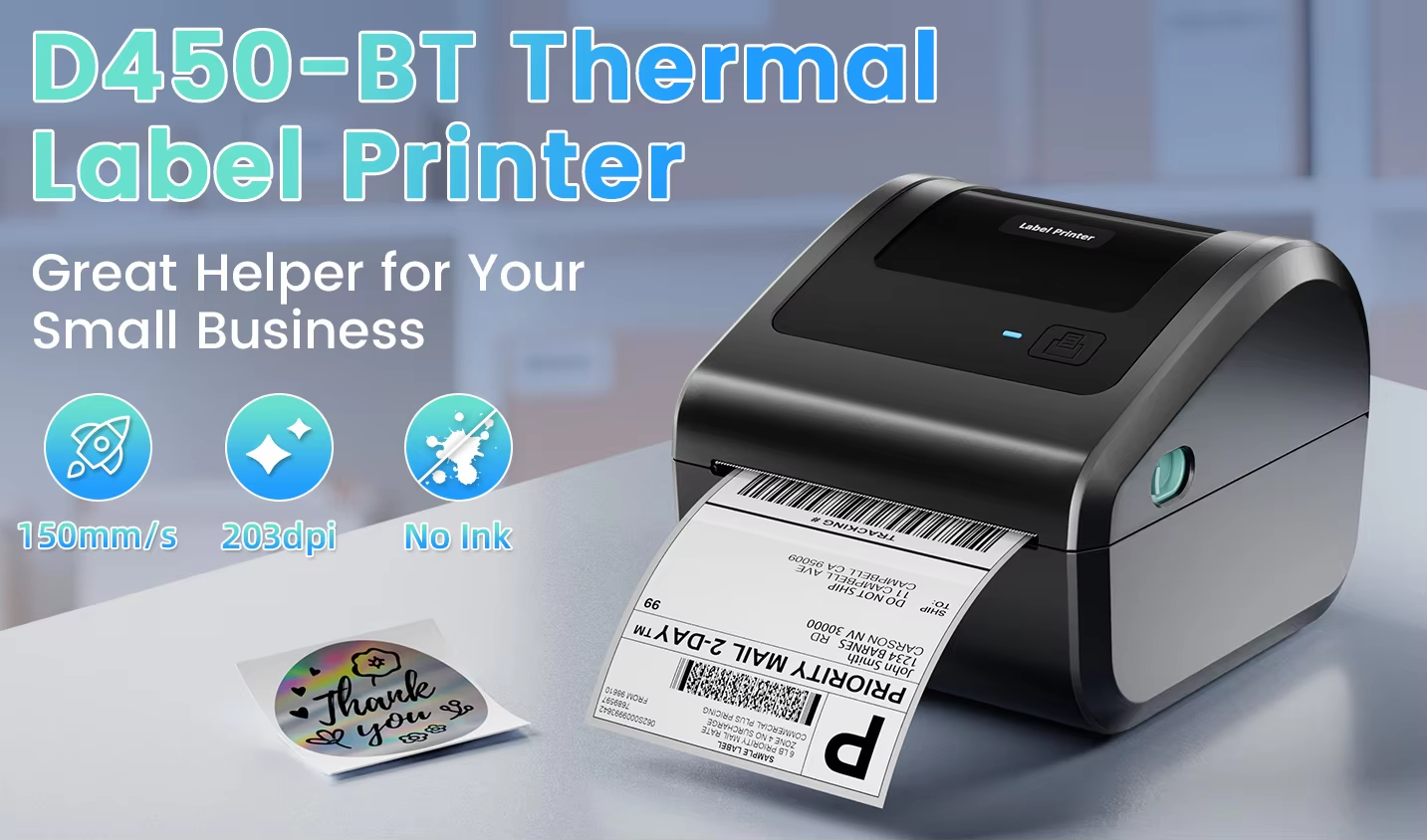
About D450-BT Bluetooth Shipping Label Printer
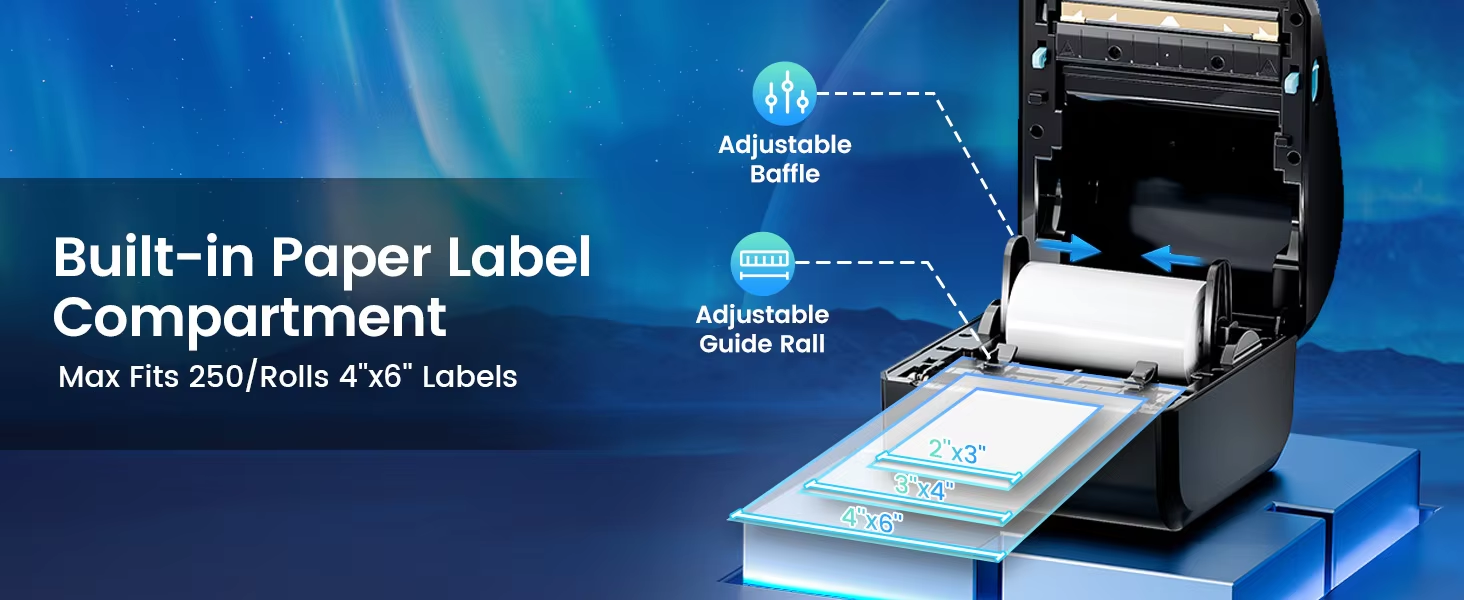
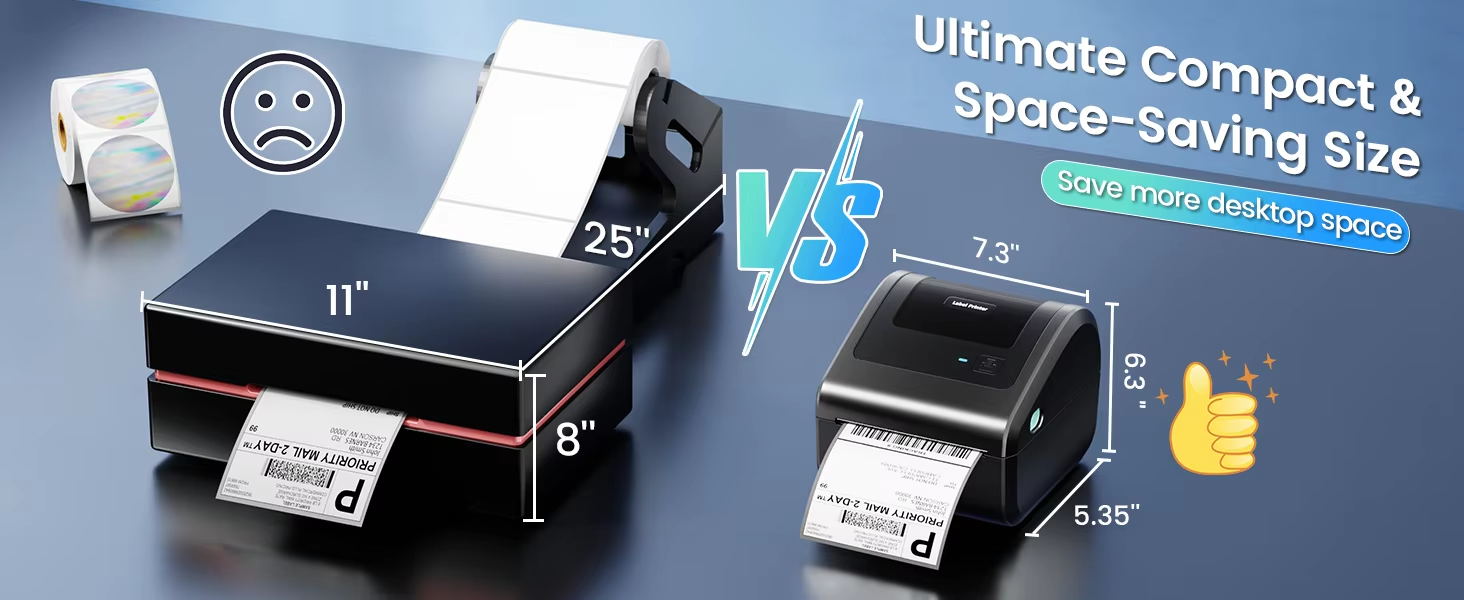
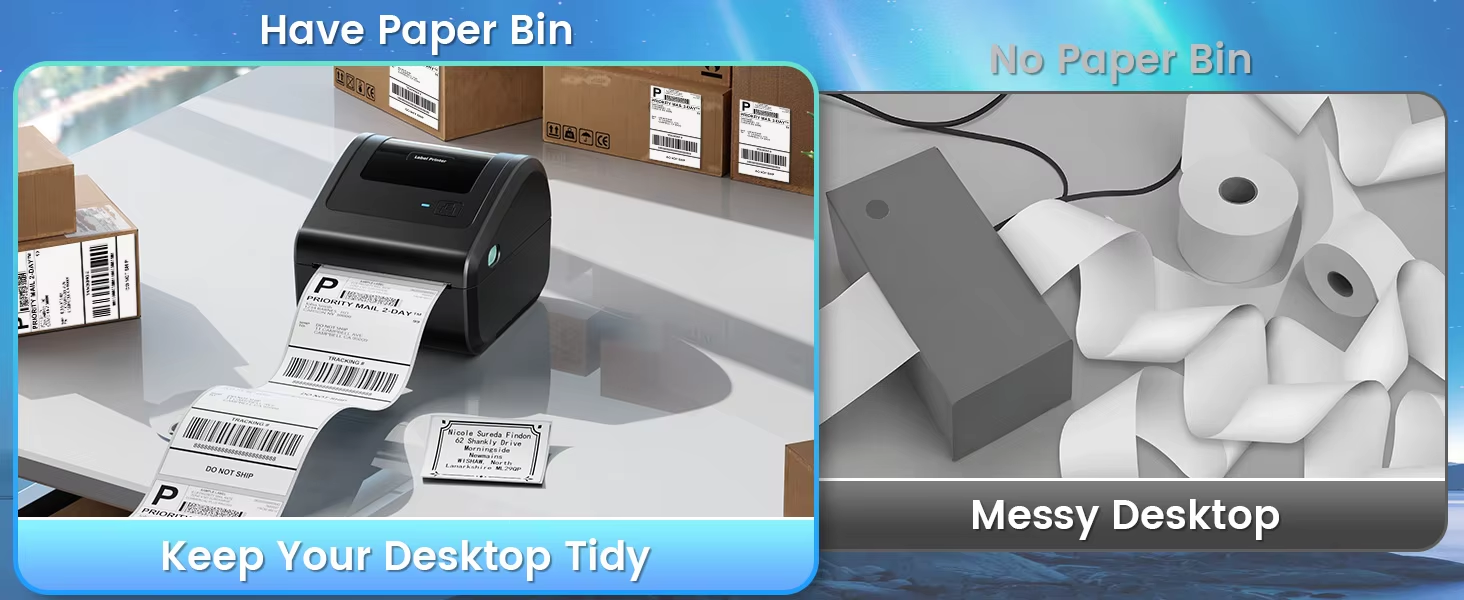
* Compact and Portable: Weighs just 966g (2.13 lbs), measures 185×160×136mm, and has a large paper bin design that can hold up to 250 4x6-inch shipping labels.
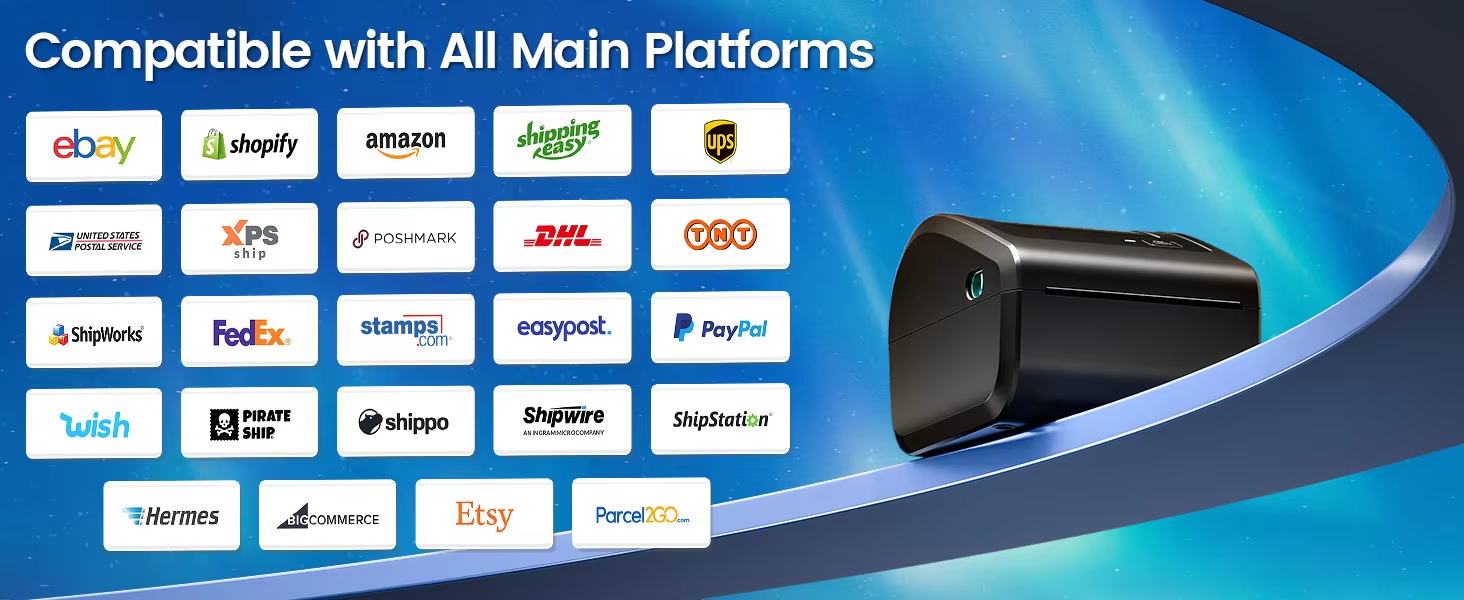
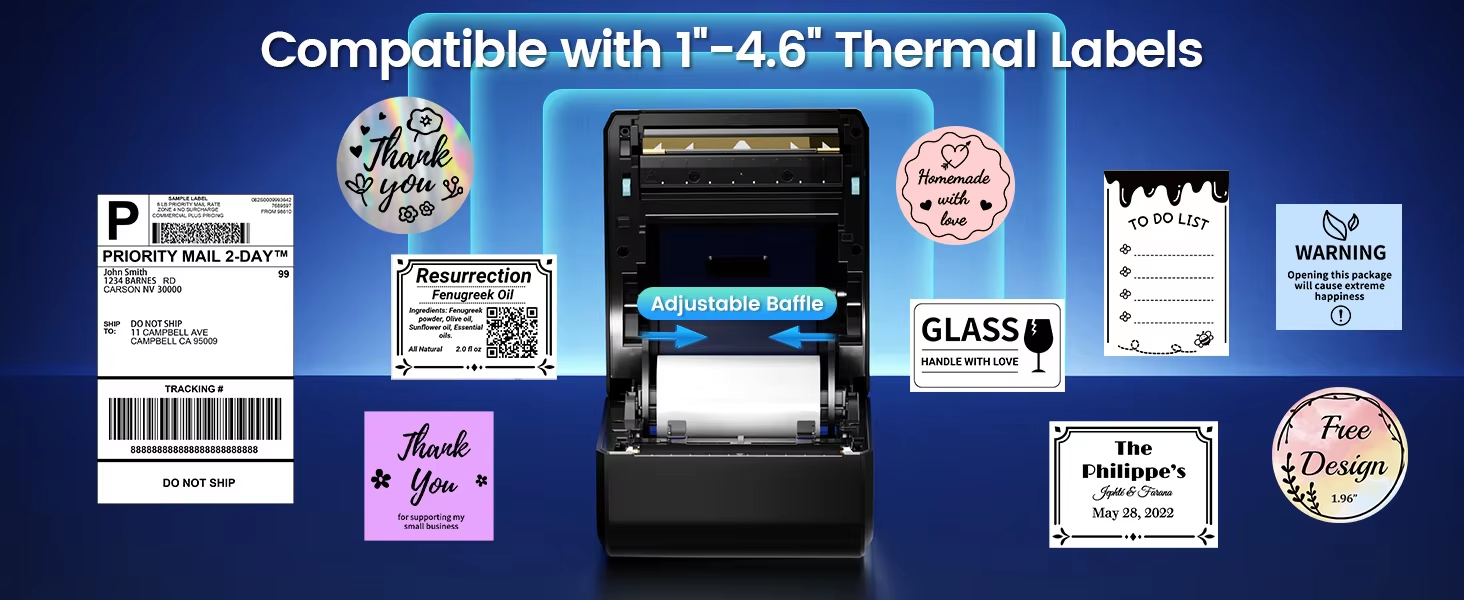
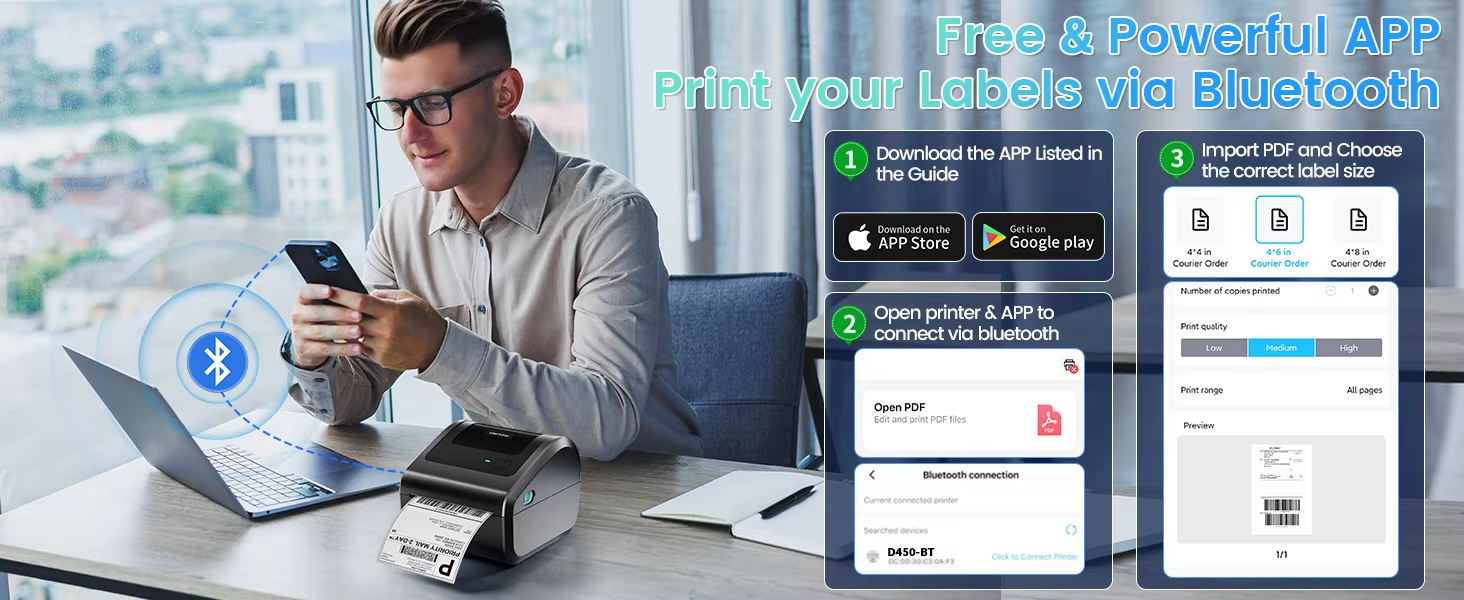
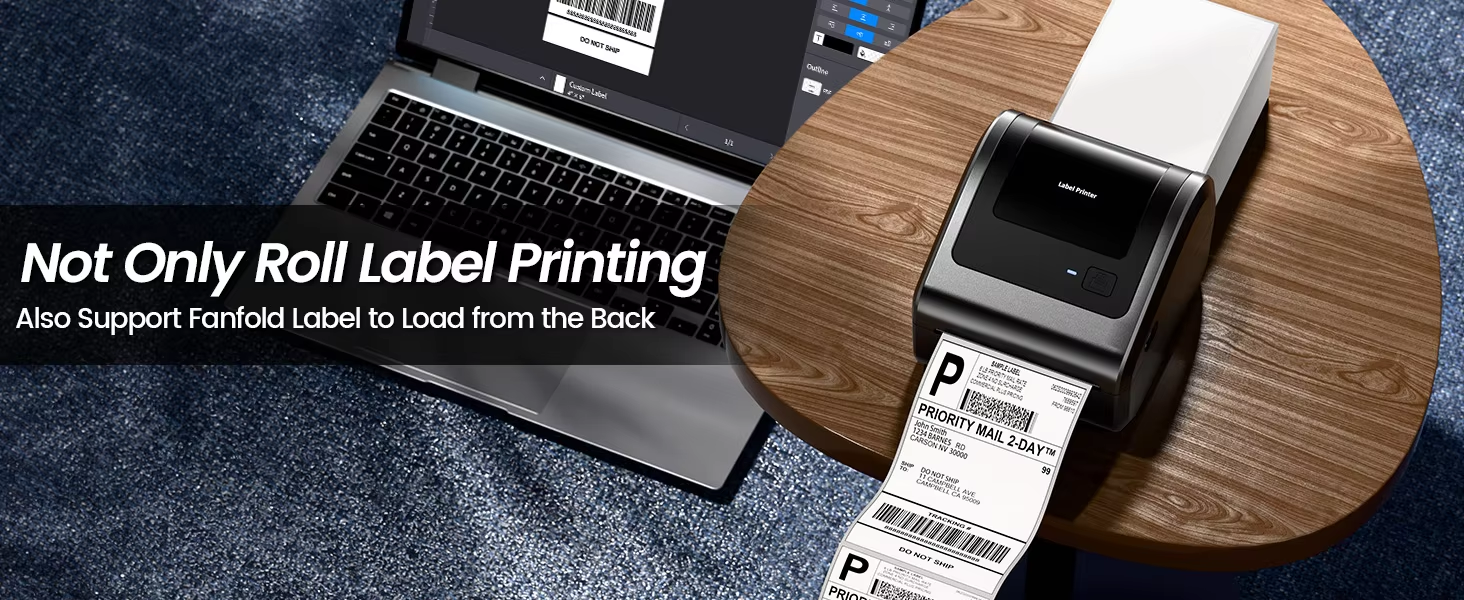
* High Compatibility: Supports all types of shipping labels with widths from 20-115mm. Support iOS and Android cell phones,tablets, and personal computers through Labelife for Bluetooth connection printing.
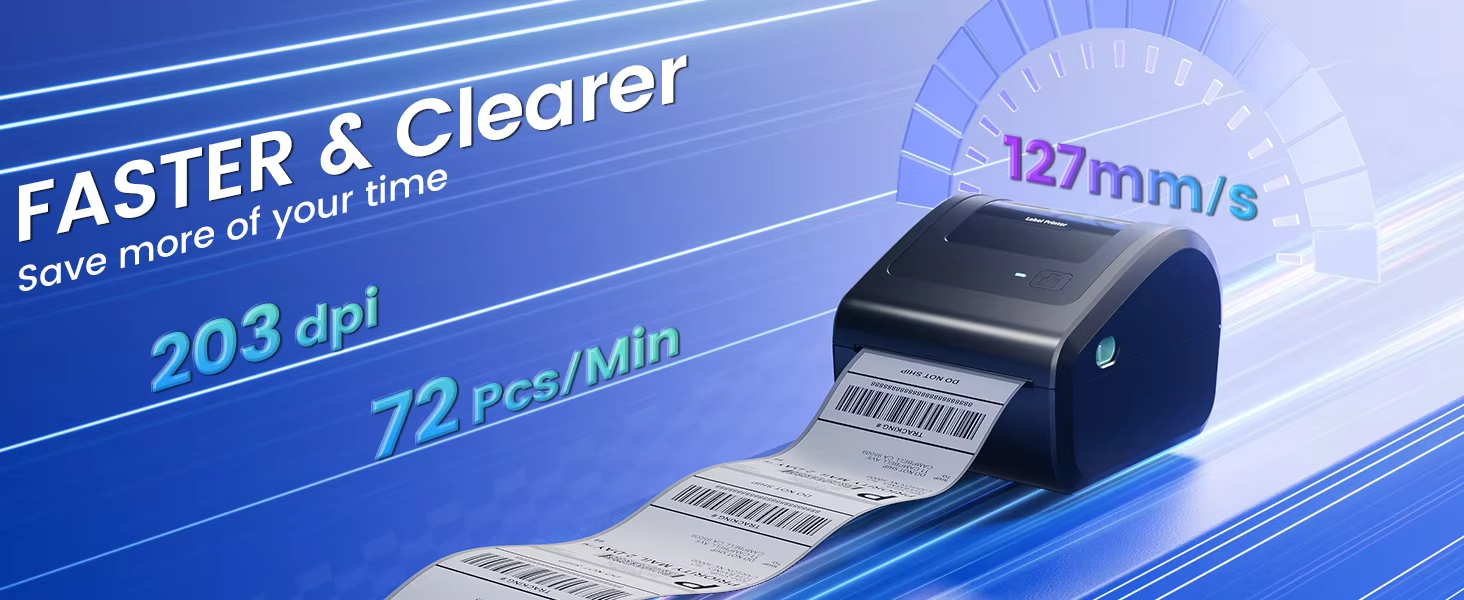
* High Definition: 203dpi printing, dark color imaging, high definition reproduction to ensure print quality.
* Ultra-High Printing Efficiency: Can print 72 label sheets per minute, with a printing speed of up to 150mm/s.
* Inkless Printing: Phomemo shipping label printer uses thermal printing technology, no ink required, installation completed within 3 seconds, more convenient and environmentally friendly.
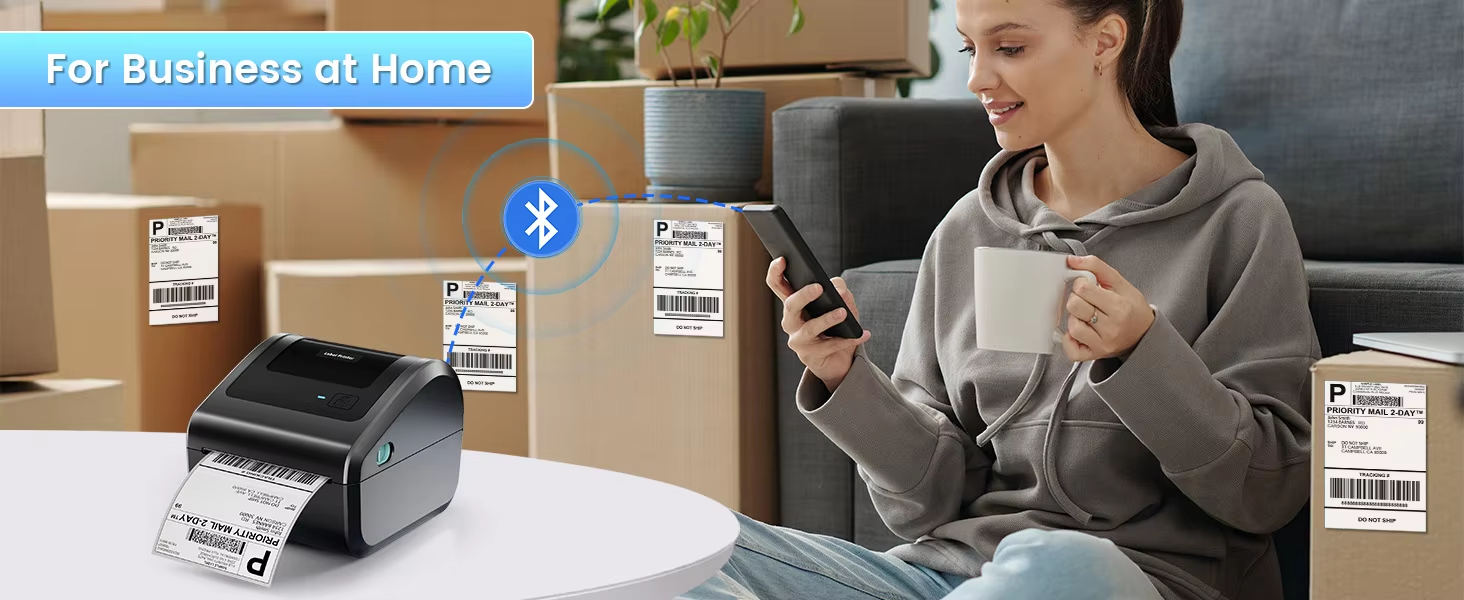
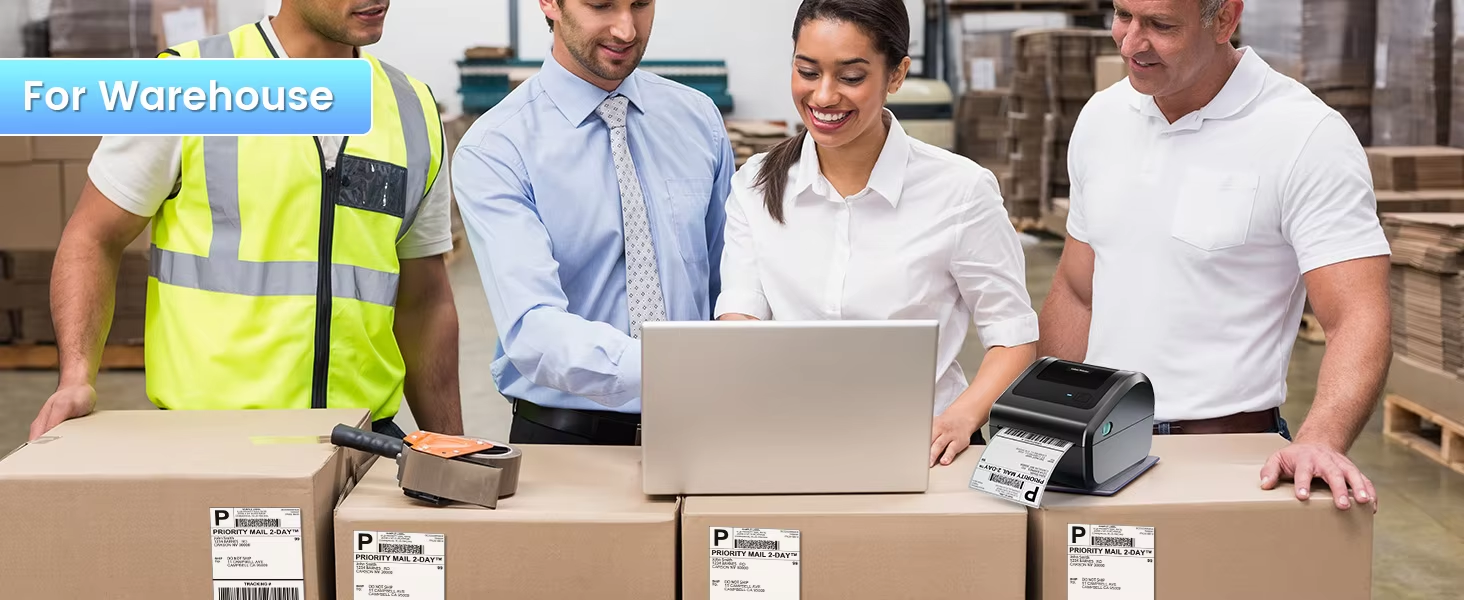
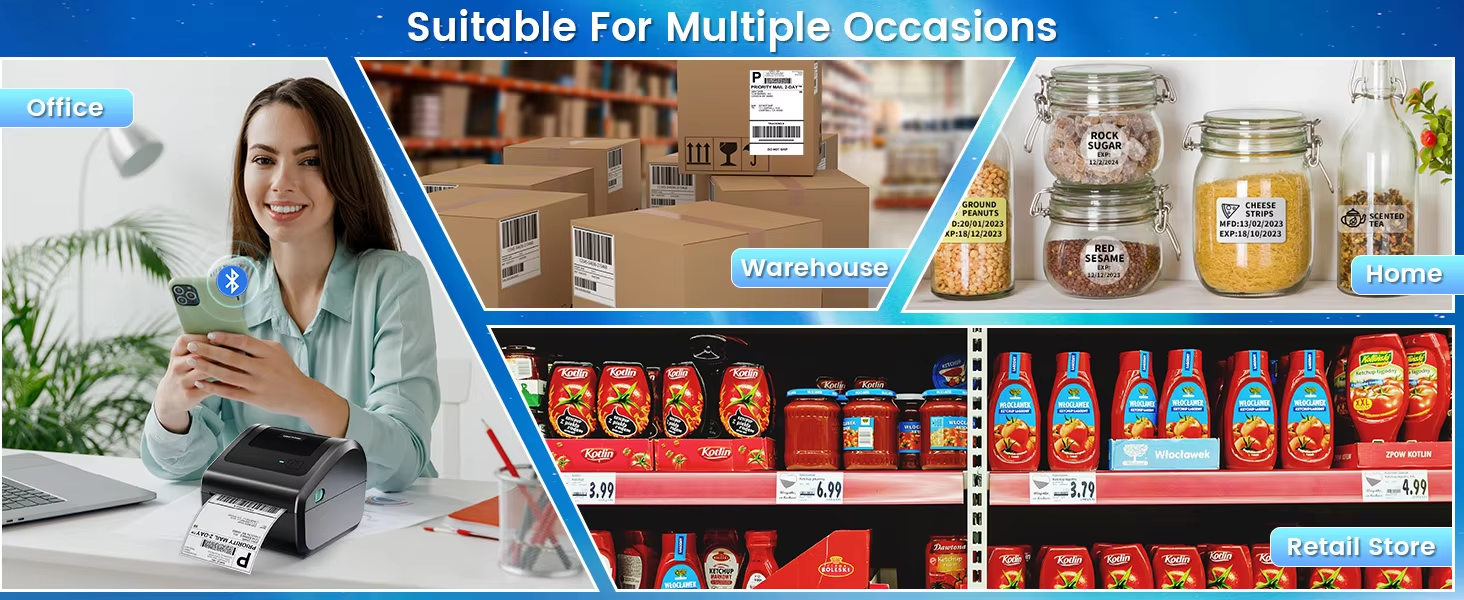
* Wide Range of Application Scenarios: Ideal for warehouse logistics, manufacturing, e-commerce, and retail industry players.
* Multiple Paper Rolls to Choose from: Phomemo Mall has 76 types of consumables the same time to realize your different needs.
A:No, it cannot. Due to the direct thermal printing technology, the shipping label printer can only print in black and white. But we offer color labels in a variety of sizes and materials, you can choose the shipping labels you like.
Q2.Does a shipping label printer use ink or toner?
A: The shipping label printer is an inkless thermal printer. It does not have any ink or toner cartridge. You just need to buy the thermal labels to print.
Q3.Which printer software should I use?
A:The printer software is "Labelife".You can click here to download the software "Labelife" directly.
Q4.Where can I download the driver?
A: You can click below the link to download the driver directly. Enter: https://phomemo.com/pages/drivers -> Download Driver -> Search for your product model.
Q5.Can I print custom stickers with this shipping label printer?
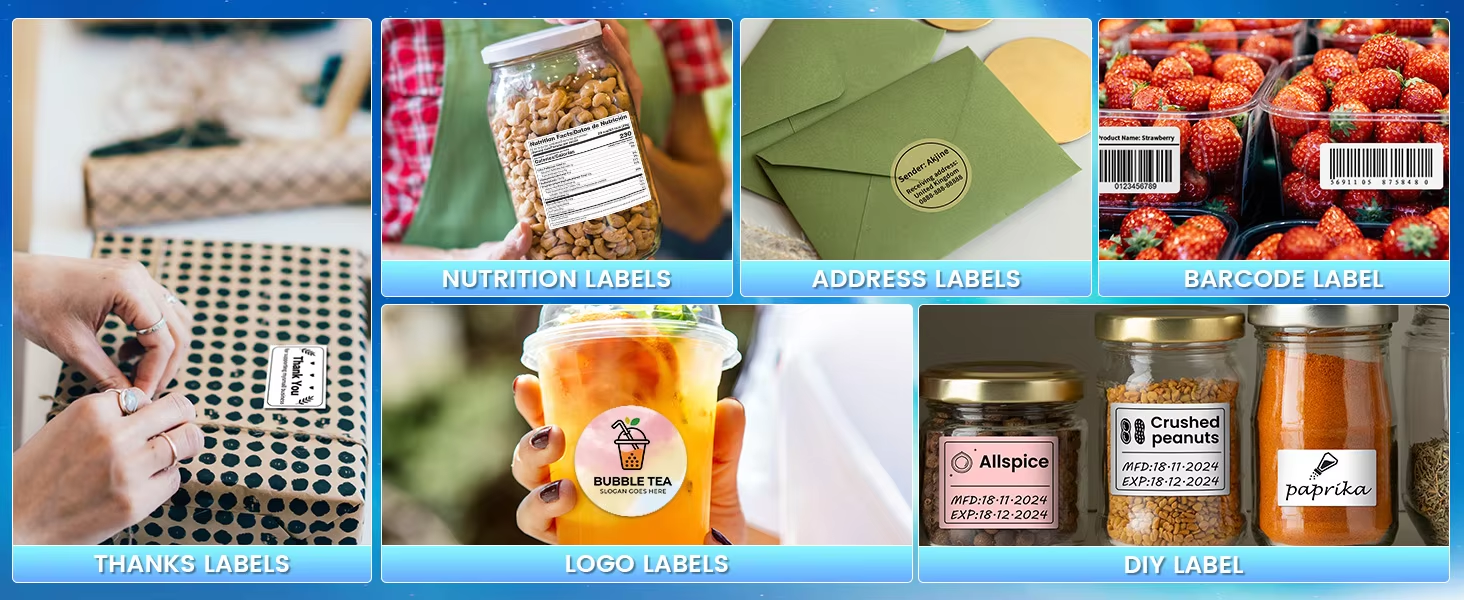
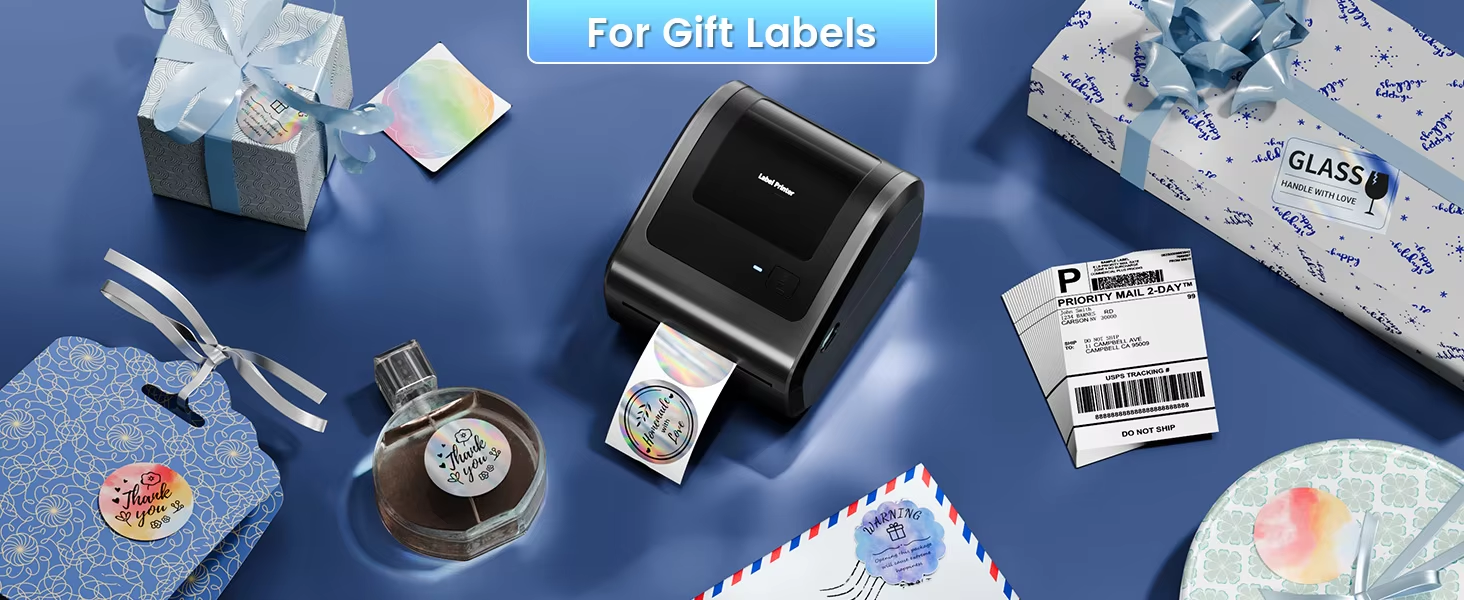
A: Yes, you just need to choose the right size and number of thermal labels to print, our shipping label printers can print different shapes like squares, circles, stars, hearts, and so on. You can also design your labels through our software “Labelife”.
Q6.Can I print shipping labels from platforms directly?
A:No, you need to download the shipping label files from platforms first and save them on your laptop or smartphone. Then you need to download the drive on this web:https://phomemo.com/pages/drivers -> Download Driver -> Search for your product model. You also can download'' Labelife'' software to edit your shipping label and print it.
Shipping&Packaging
On Aug 15, 2025 at 04:18:18 PDT, seller added the following information:
On Apr 22, 2026 at 01:49:12 PDT, seller added the following information: