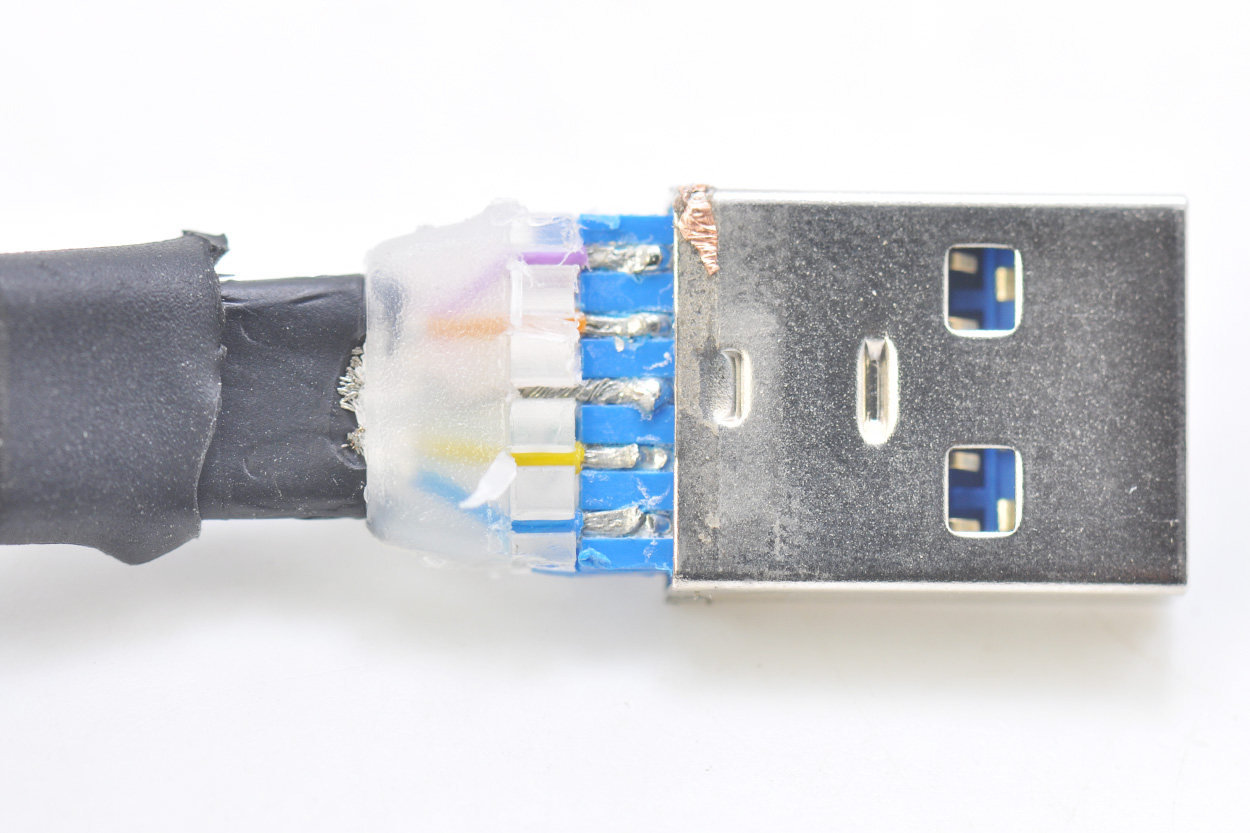
Brand new cable, USB3.0 cable, 107cm, the distribution cable on the DJI drone, charging the mobile phone and data transmission are all good.
This cable is the original USB 3.0 Type-C data cable on the DJI DJI Mavic 2 Pro Zoom, with a length of 1.07 meters. The workmanship is very good, and it can also be used to connect hard drive box speed data. Below is the T7 hard drive box. The test computer is Macbook Pro 16, and it can be seen that it supports USB 3.1 10G speed. The USB 3.1 upgrade is the interface.
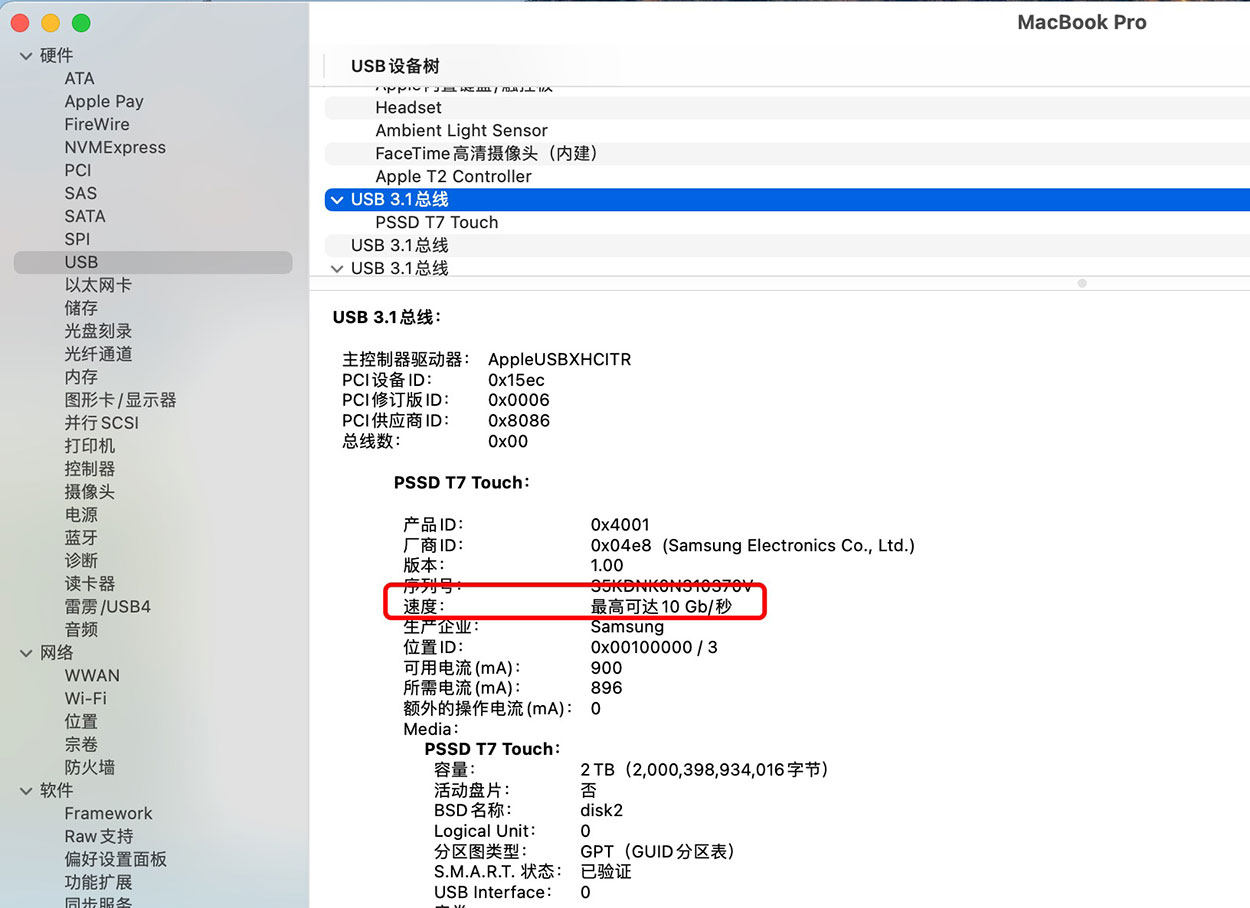
Samsung T7 is connected to the Macbook Pro through the conversion head to test the speed as shown below. 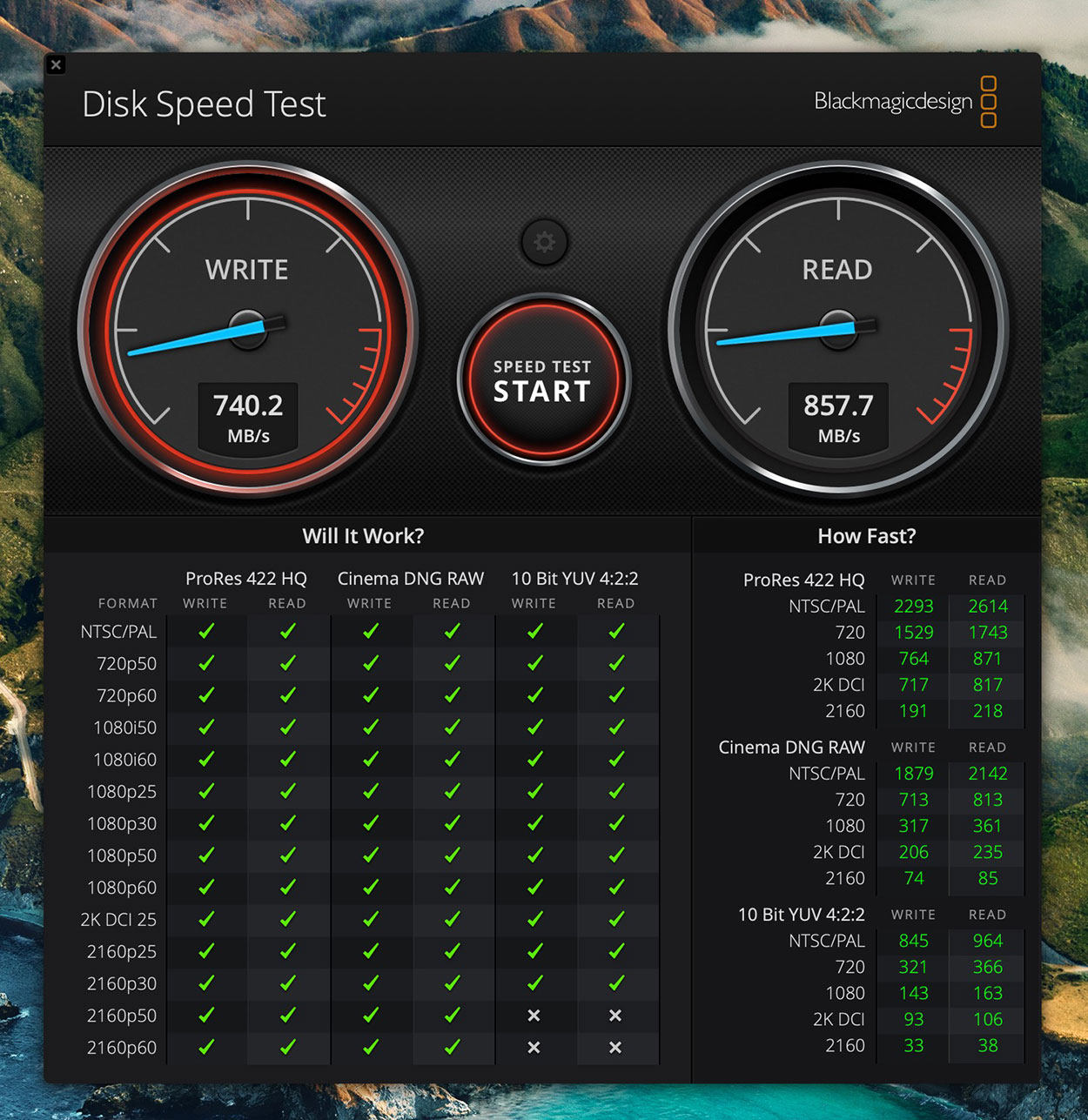
Samsung's T7 connection test is this speed. If you connect it to the USB 2.0 interface, the speed measurement is only a few tens of M, which is normal. The bear sells only the wire. The testing environment has a lot to do with your equipment. The actual goods arrived as shown in the picture below, and there are independent simple plastic covers. 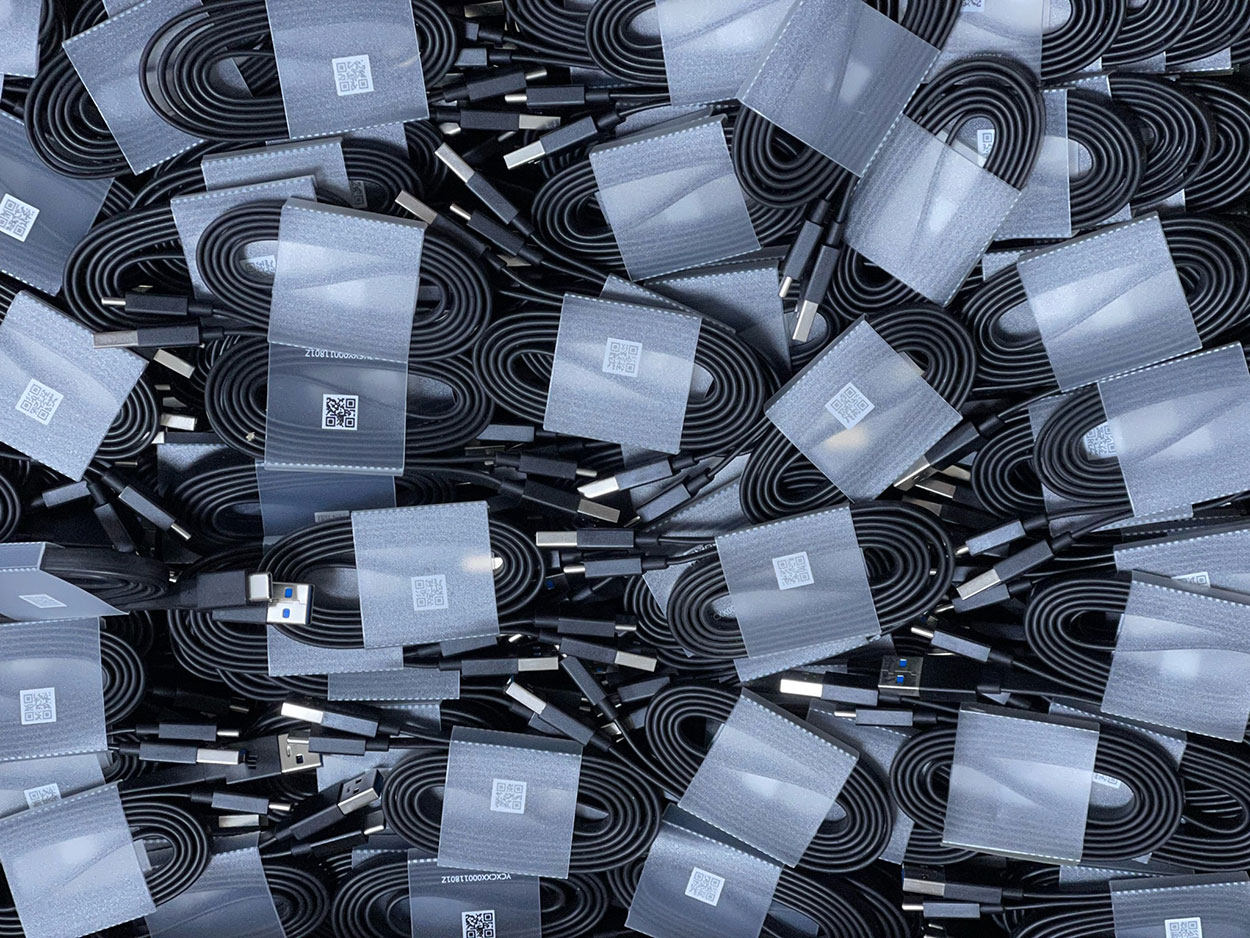
Brand new wire, each wire has a QR code on it, and the information obtained by scanning the code is YCXCXX00011801Z.
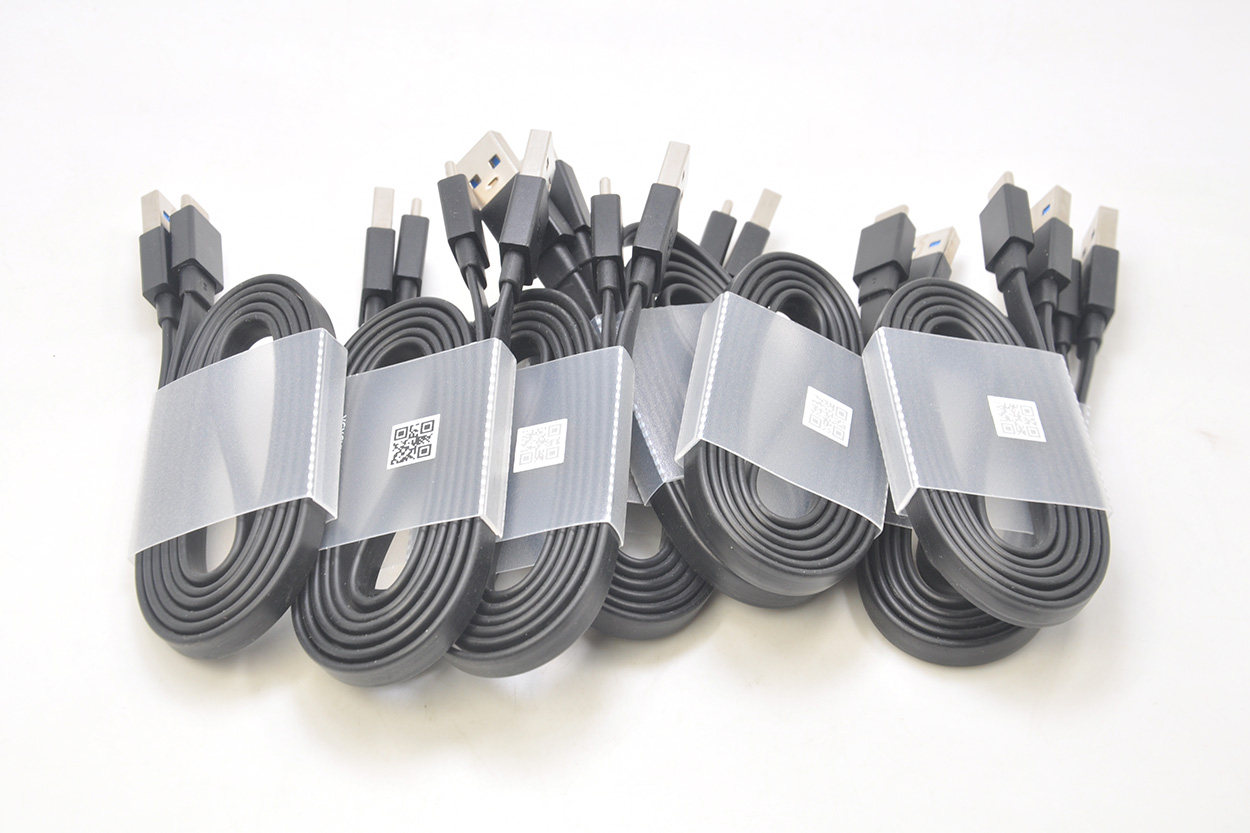
The head-to-head line is 107 centimeters long and weighs 30.2 grams.
Flat Noodle USB 3.0 to USB-C cables are rare.
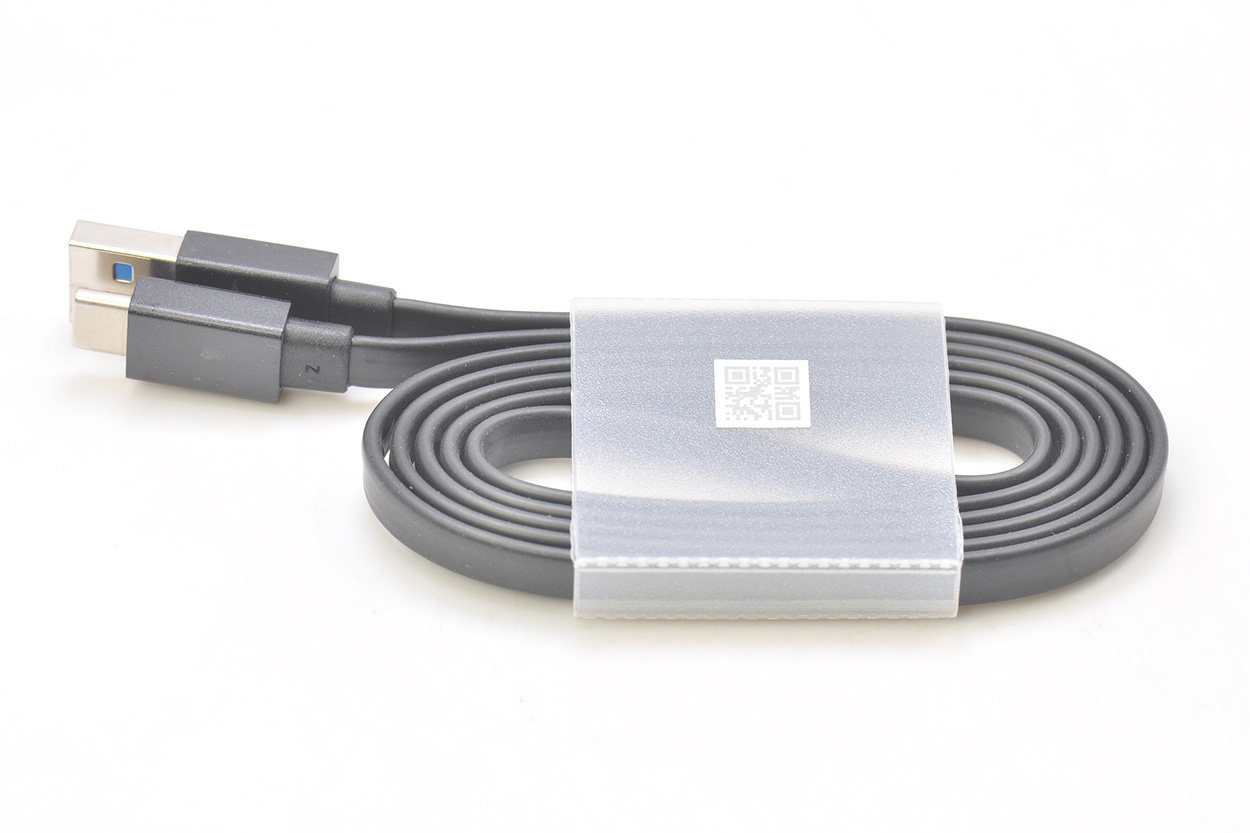
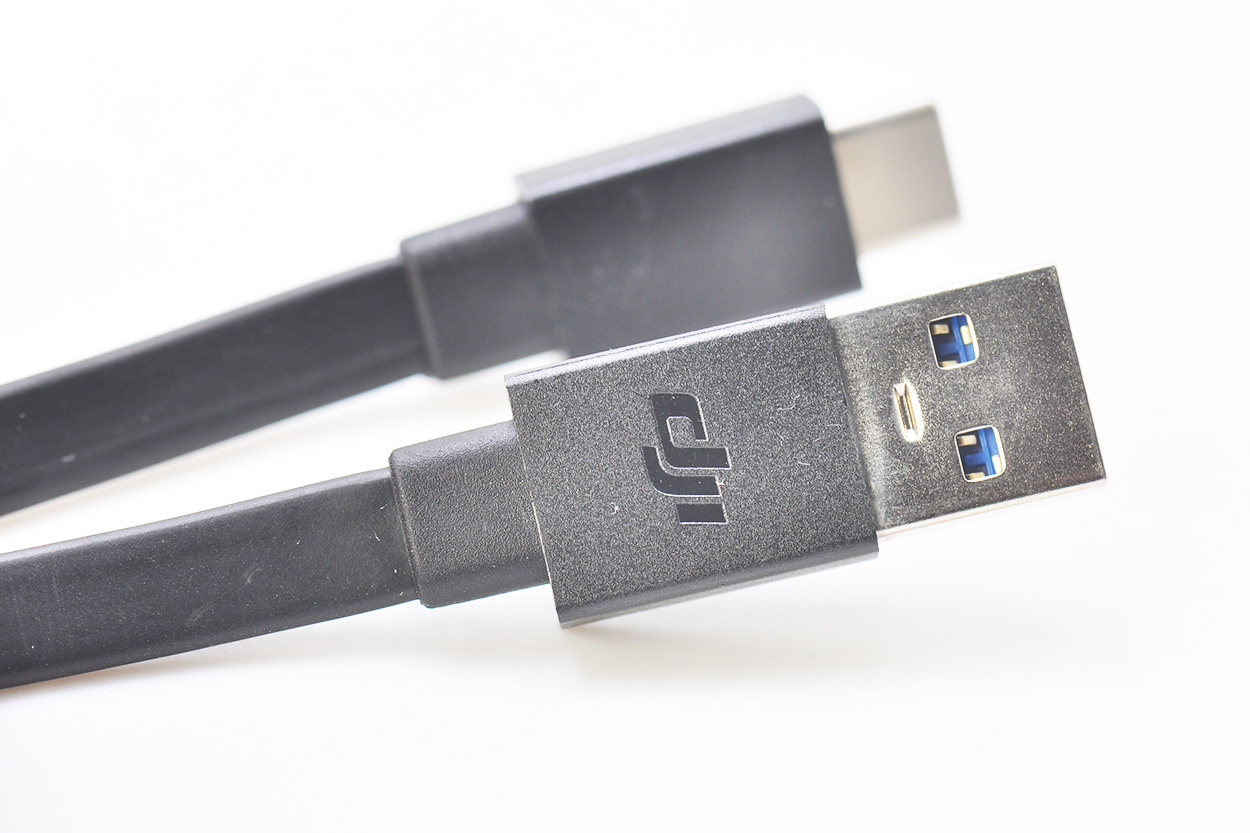
After the lines are spread out, as shown in the figure below, there is the English logo of DJI on the interface.
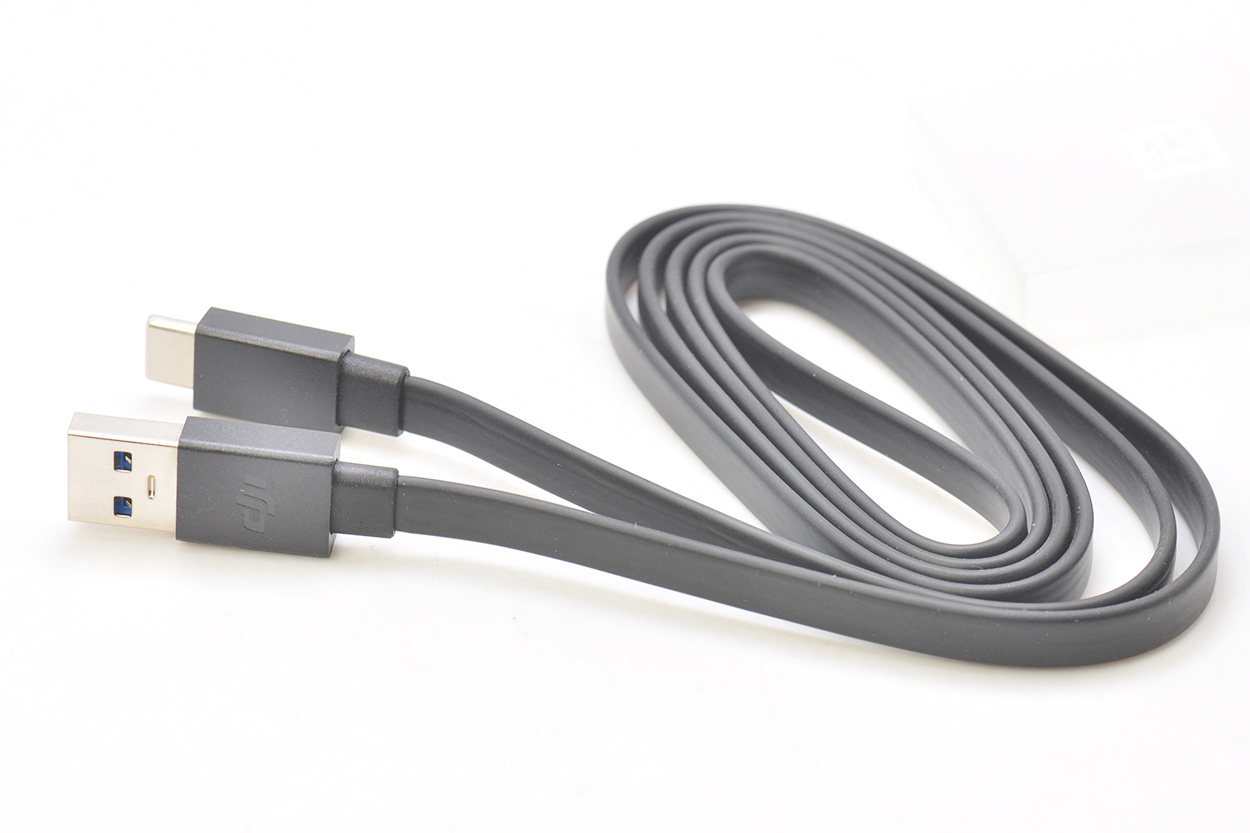
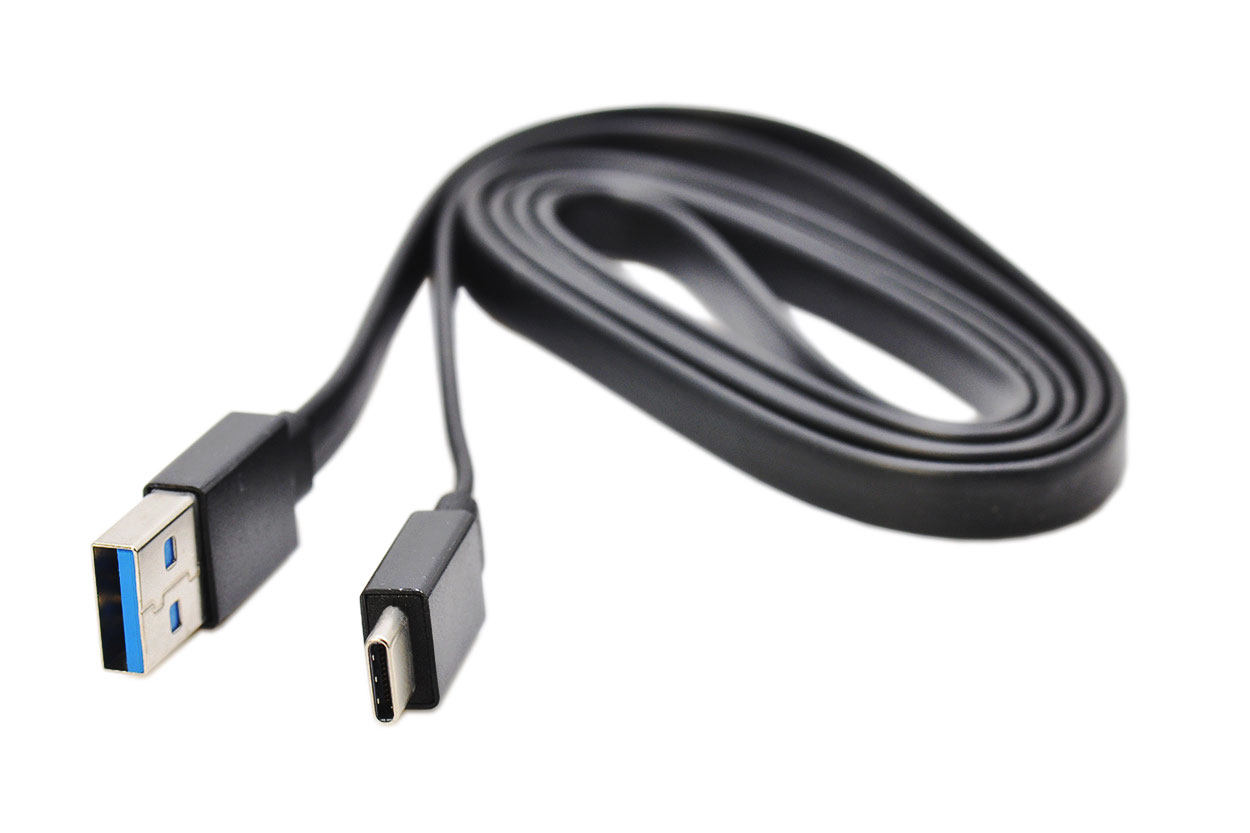
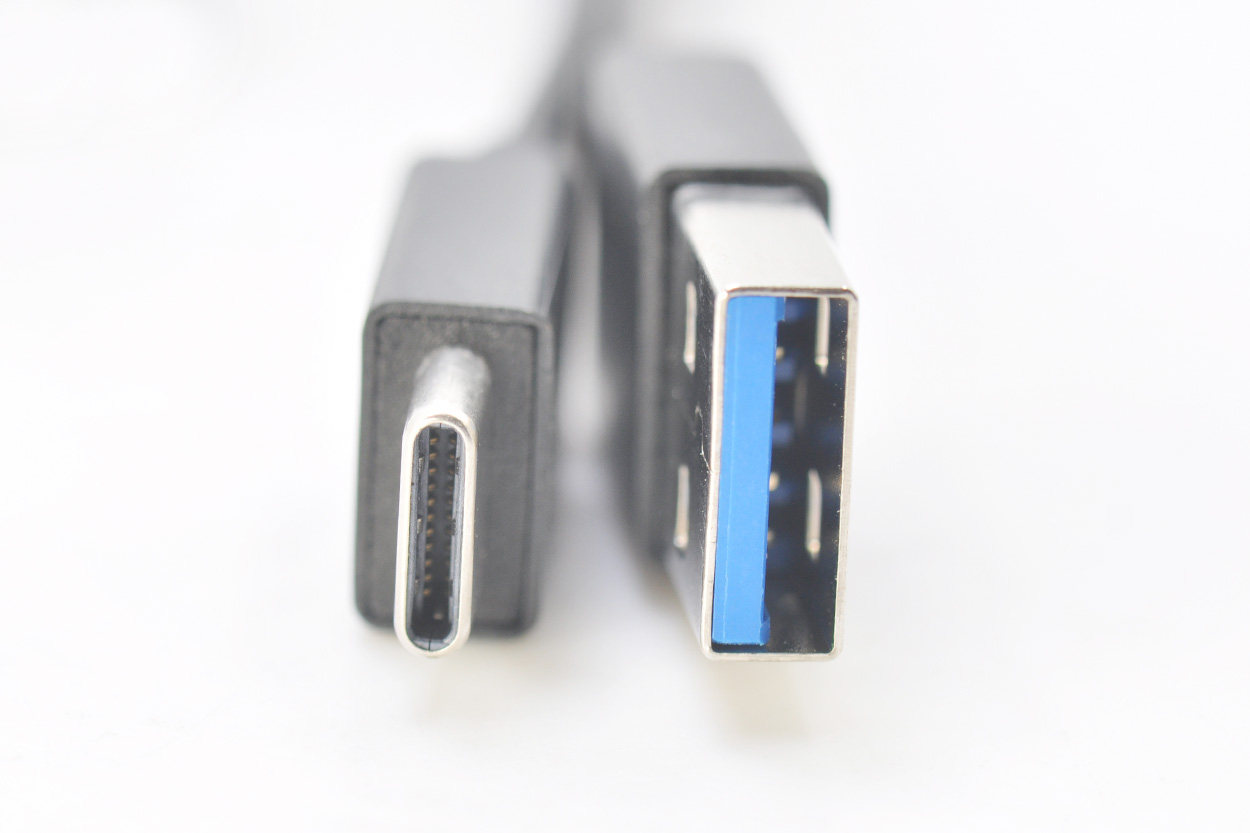
USB 3.0 USB-C interface comparison chart.
DJI's logo details are as follows.
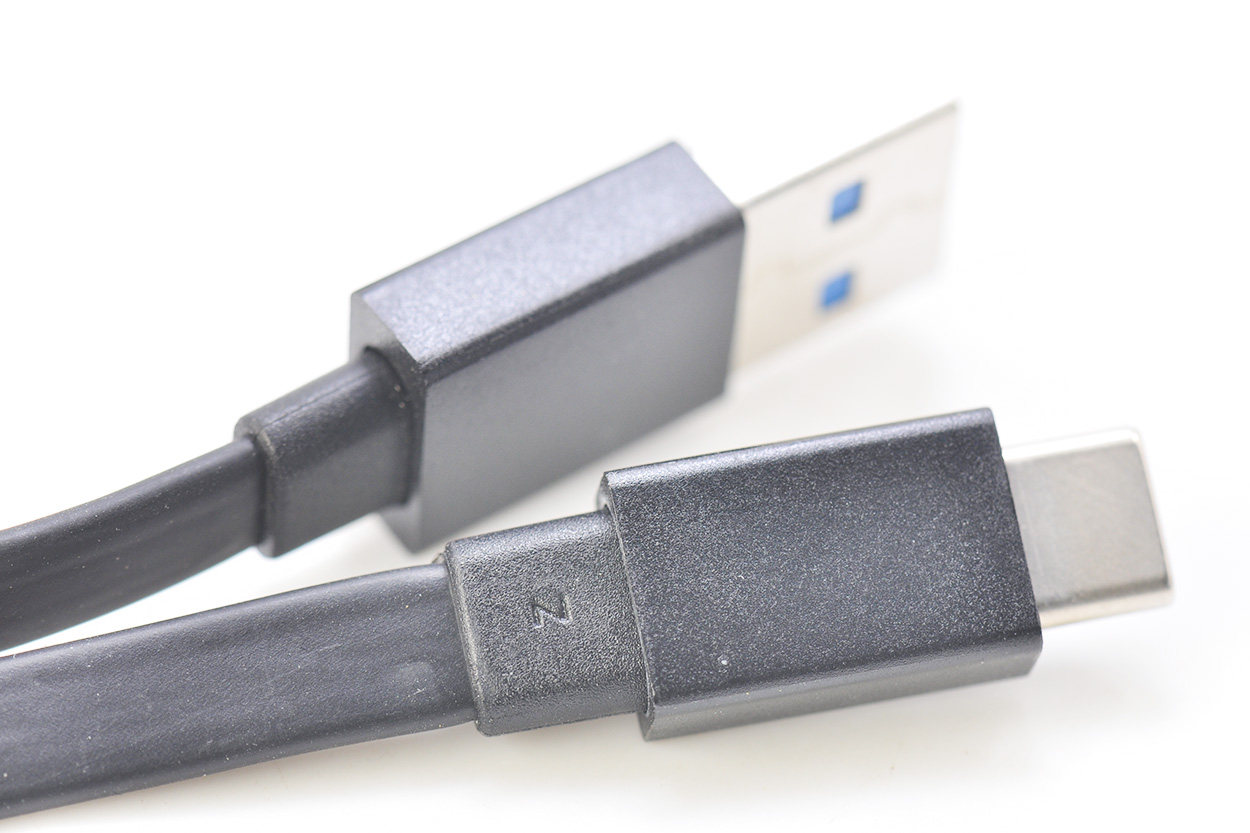
There is a Z print on the USB-C tail plug.
The USB-C interface is seamless steel tube integrated.
It is customary to disassemble it, cut open the inner core and take a look. It may be due to the flat cable. You can see that the data cable is fully shielded. 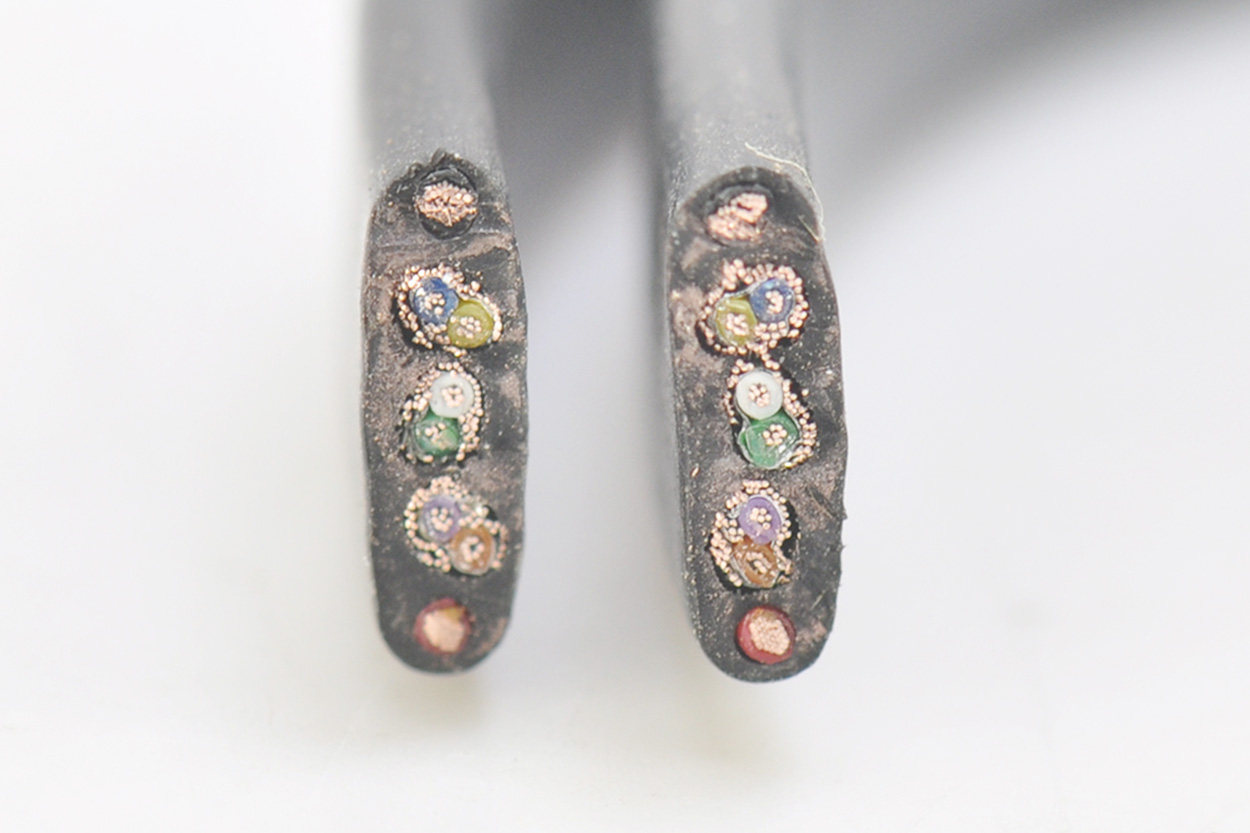
The wire core after removing the outer skin is as follows. 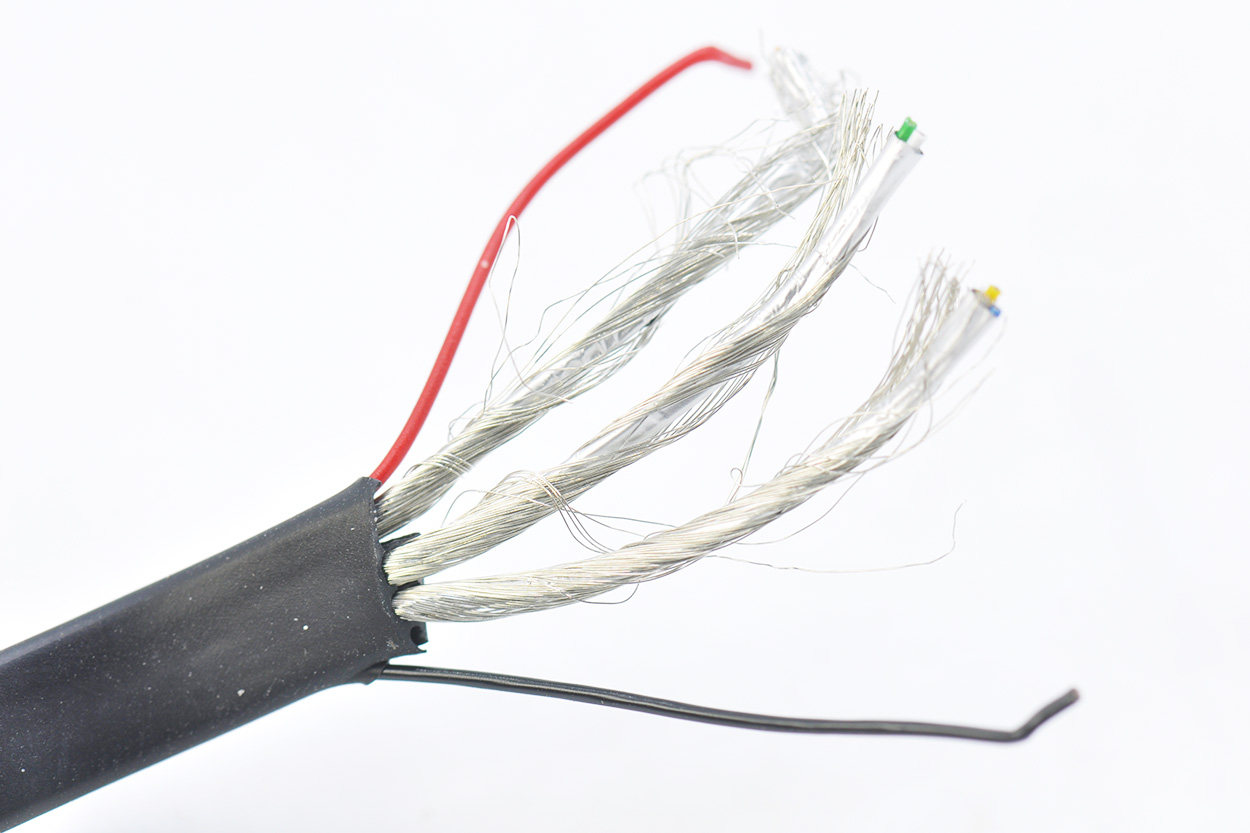
Standard 10-core cable, all data cables are shielded by metal mesh and aluminum foil, the blue and white in the middle are USB 2.0 data cables, and the two groups on the side are USB 3.0 data cables. 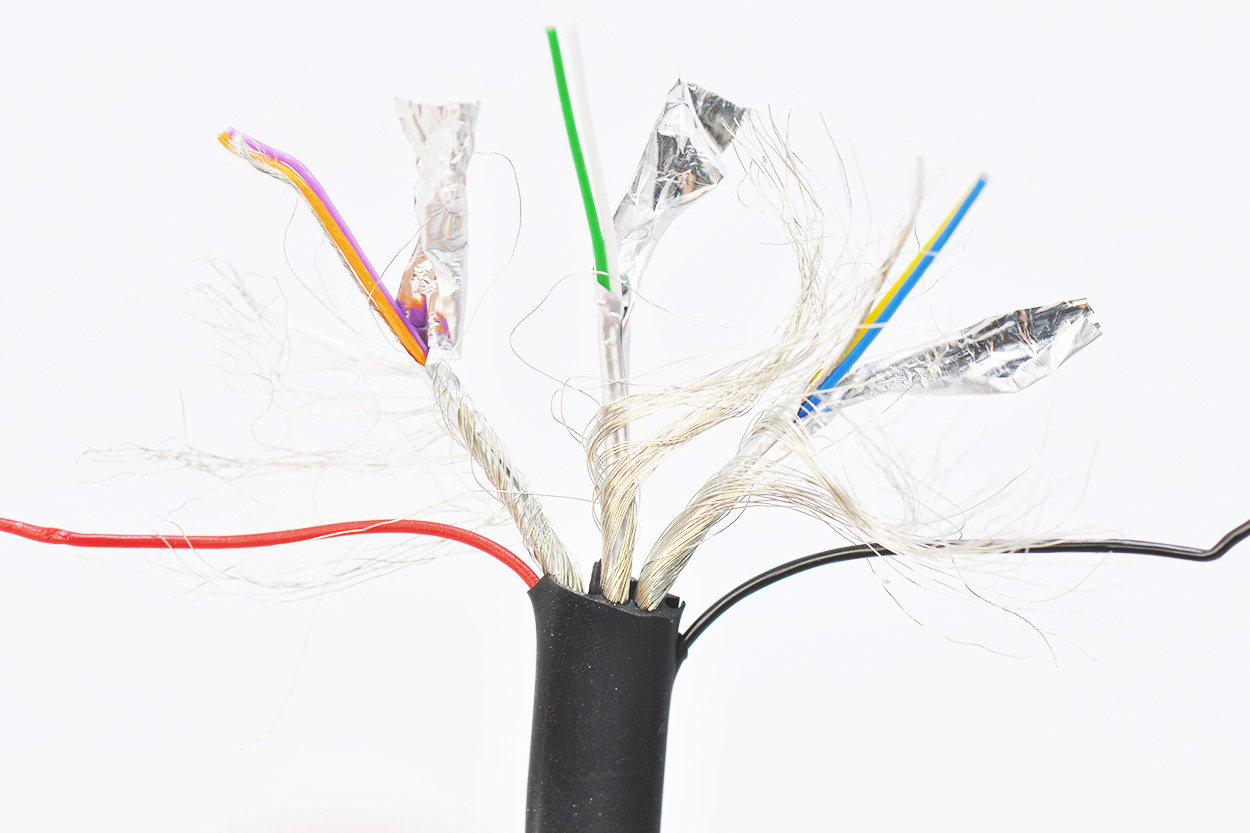
Remove the USB-C interface end again, cut open the outer plastic shell, and you can see the copper foil inside.
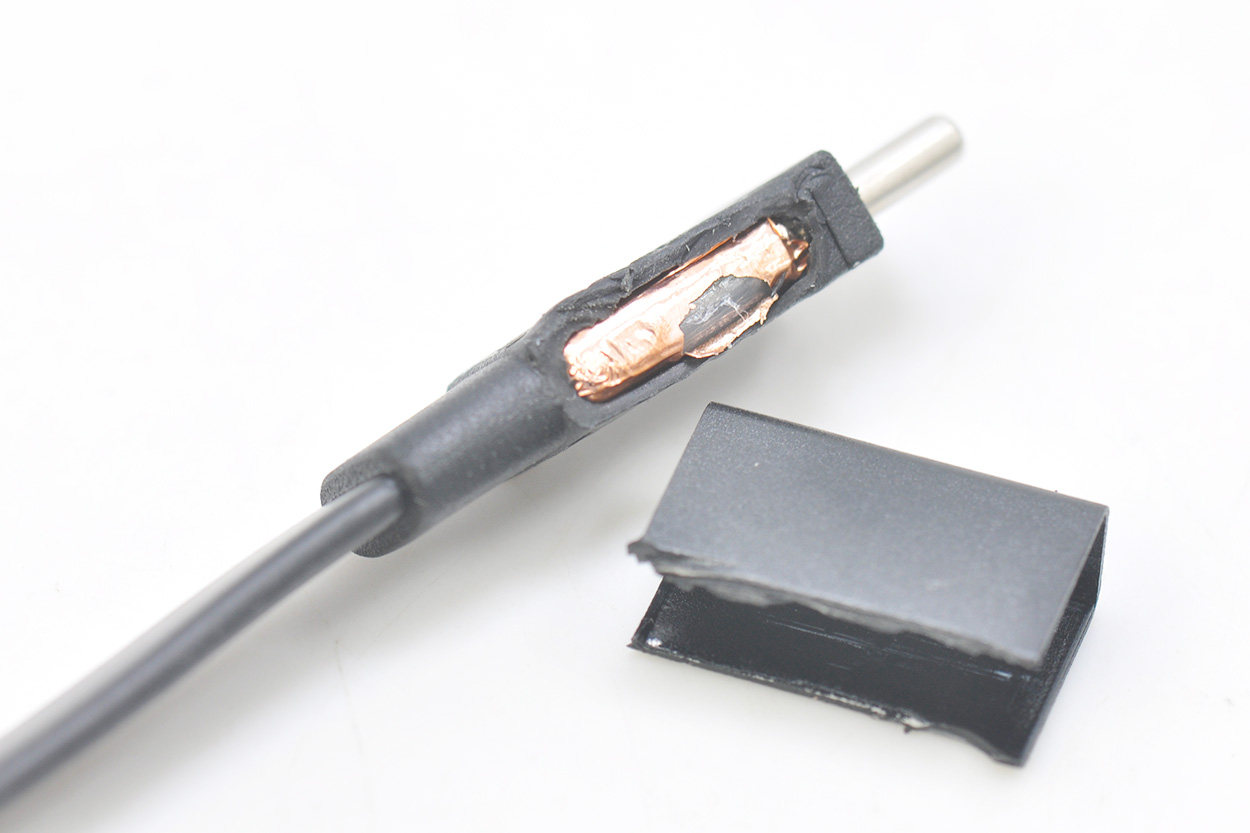
After cleaning the shell, the copper foil shielding inside is as shown below.
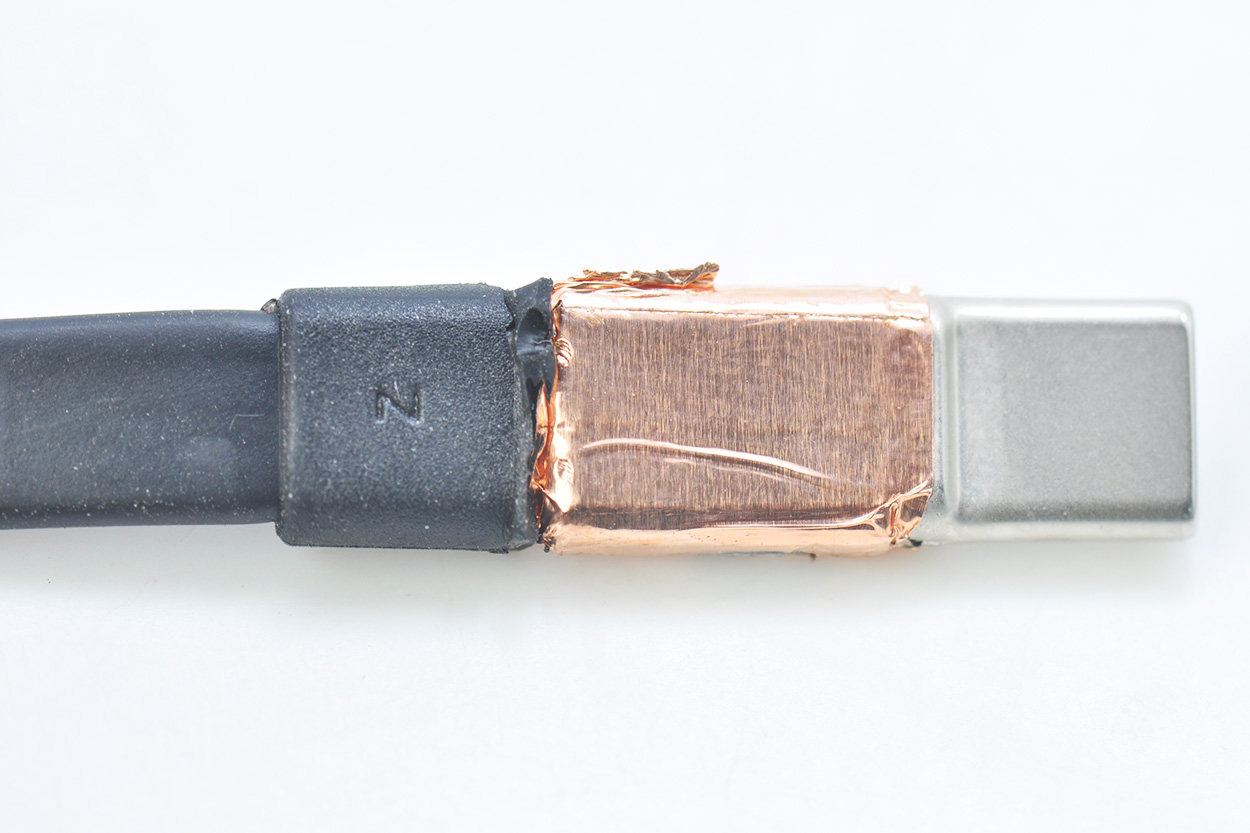
Underneath the copper foil is white glue injection.
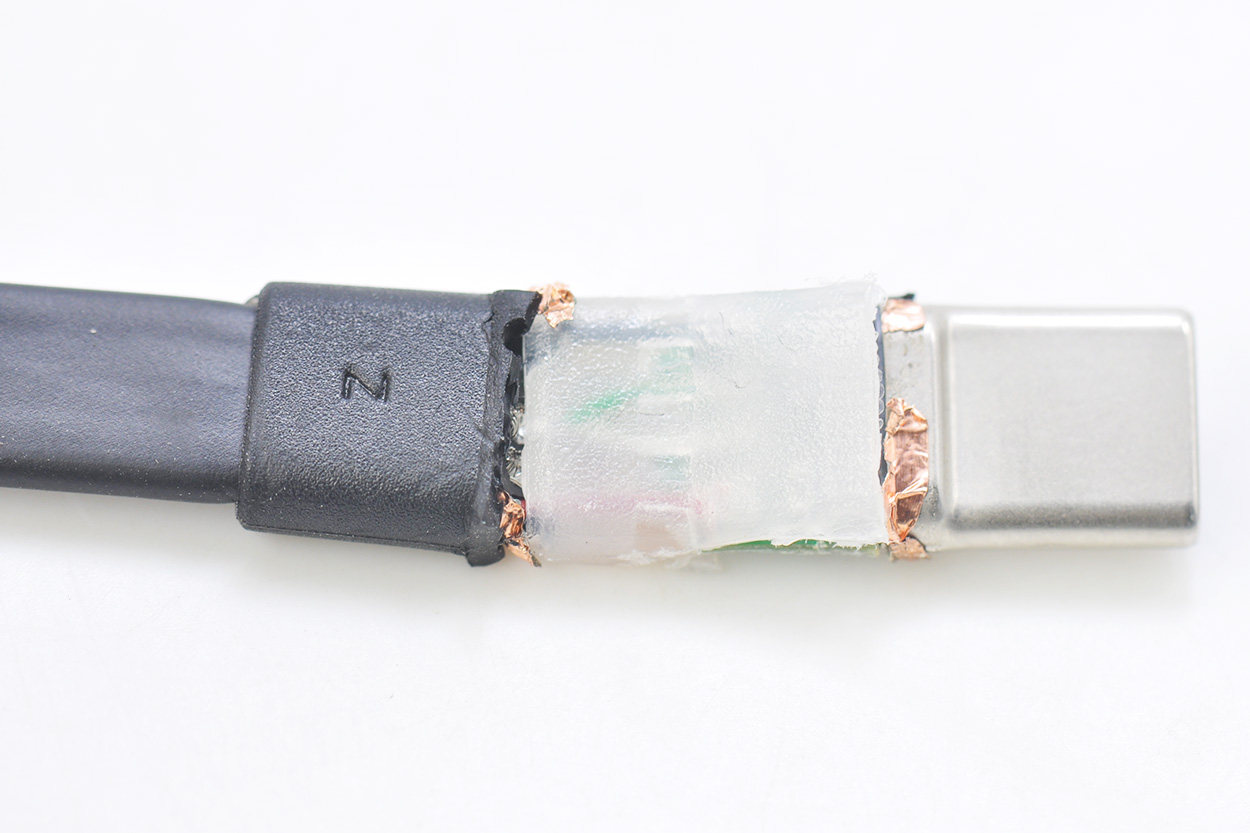
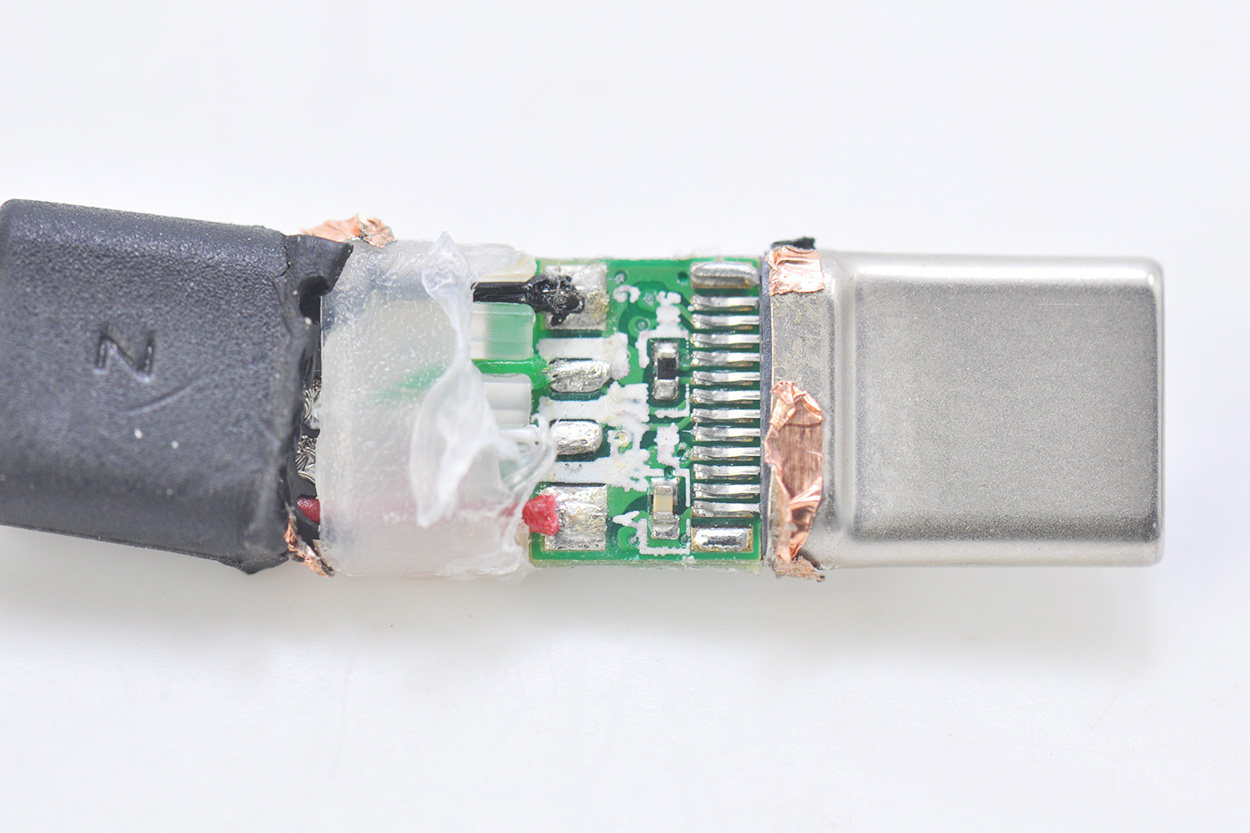
After cleaning the glue injection, there are two pull-down resistors on this side, for a total of four solder joints.
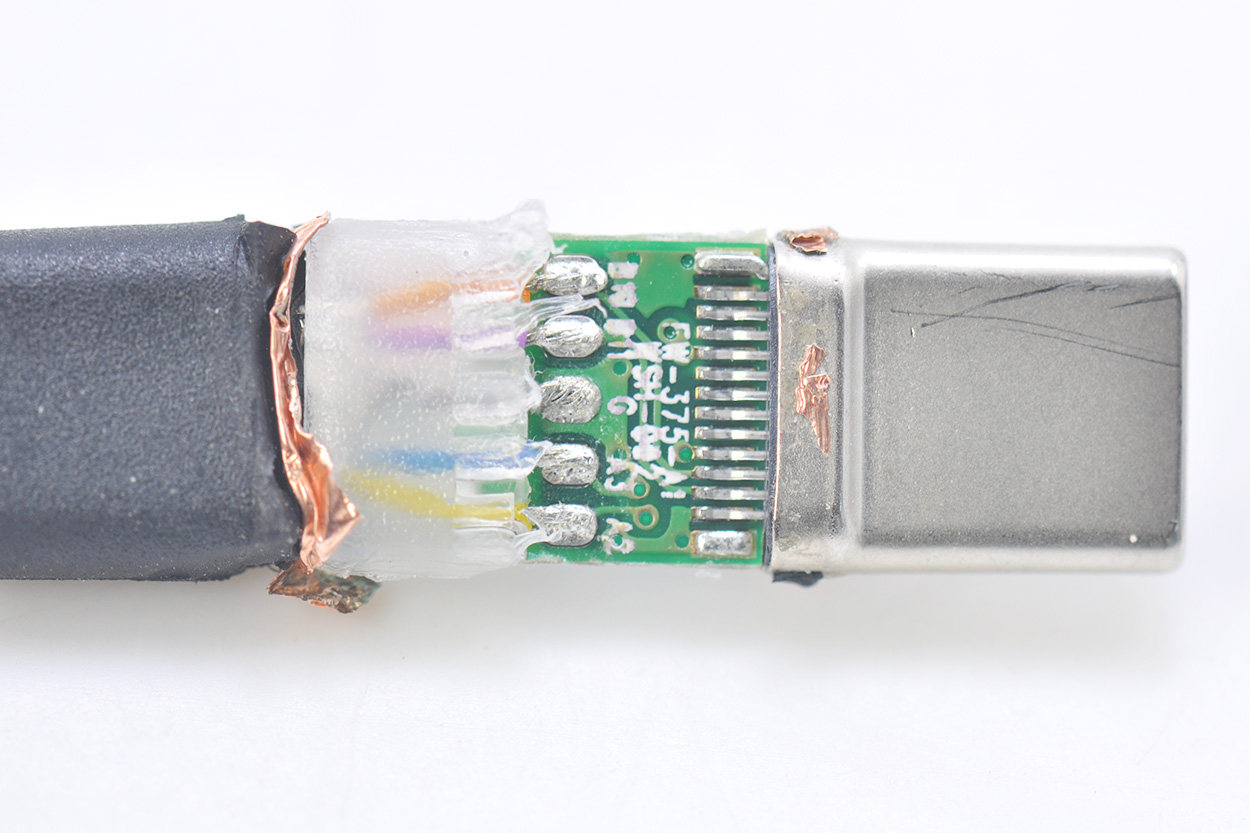
这面有5个焊点,这面主板印有5W-375-A1 SM-002
Take apart the USB 3.0 side again and find that the process is the same.
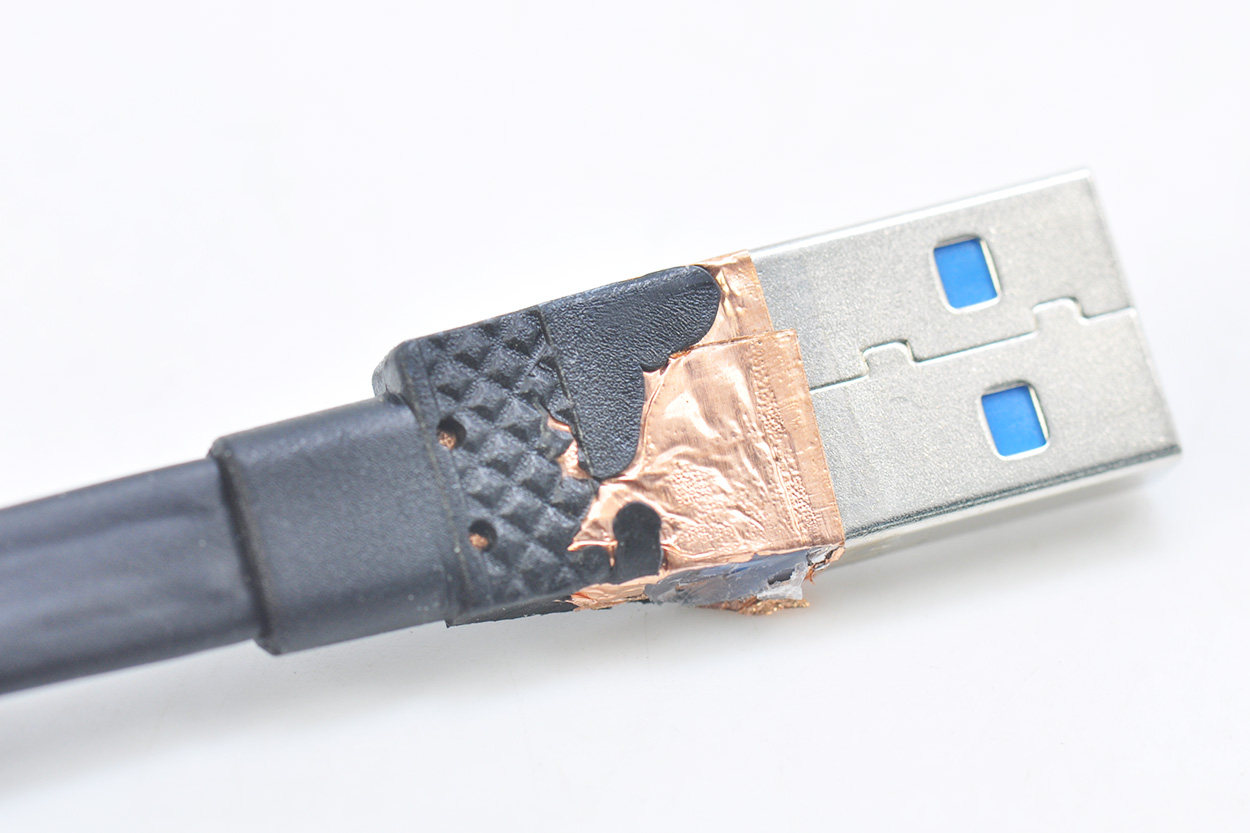
Same copper foil shielding.
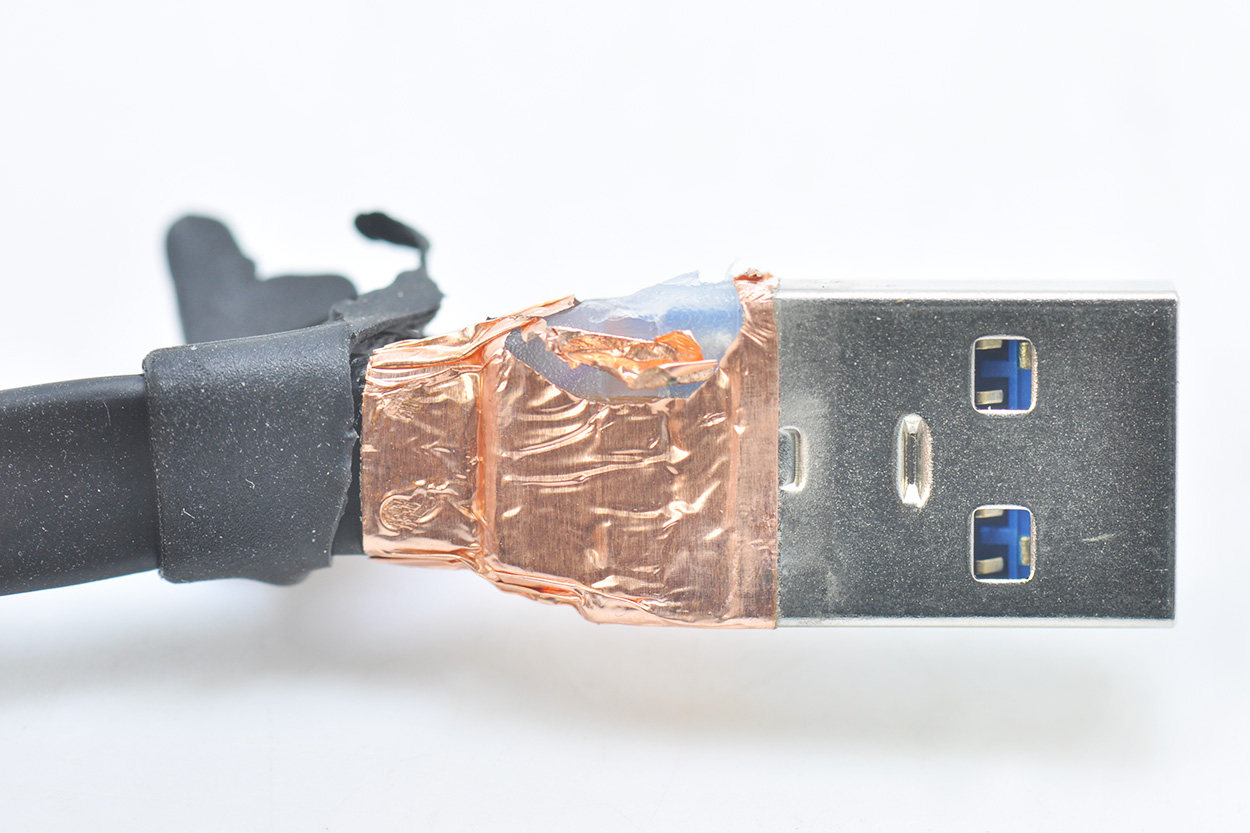
After cleaning up the glue injection, you can see the four solder joints of USB 2.0 on this side.
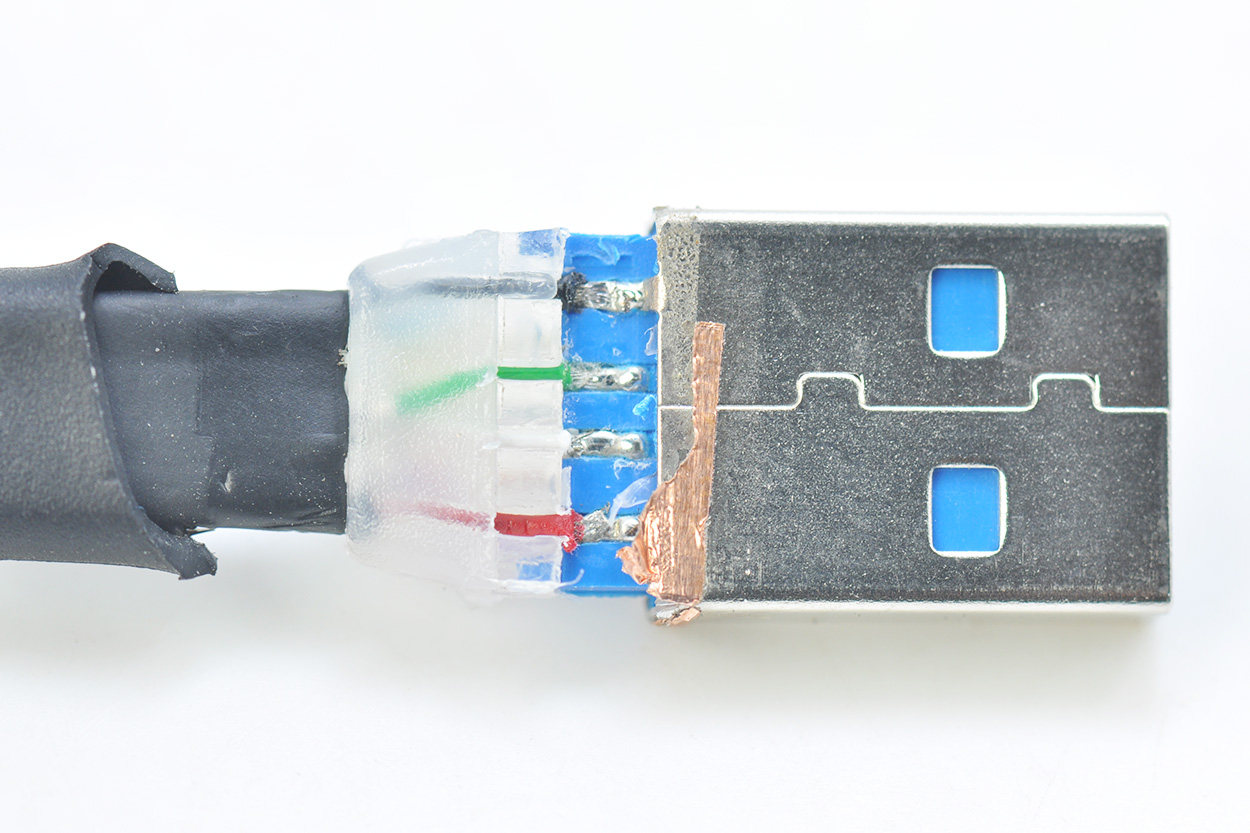
This side is the 5 solder joints of USB 3.0.