C20 Pro Outdoor Smartwatch – Bluetooth Call, 1.83” HD Display, 123 Sports Modes, IP68 Waterproof
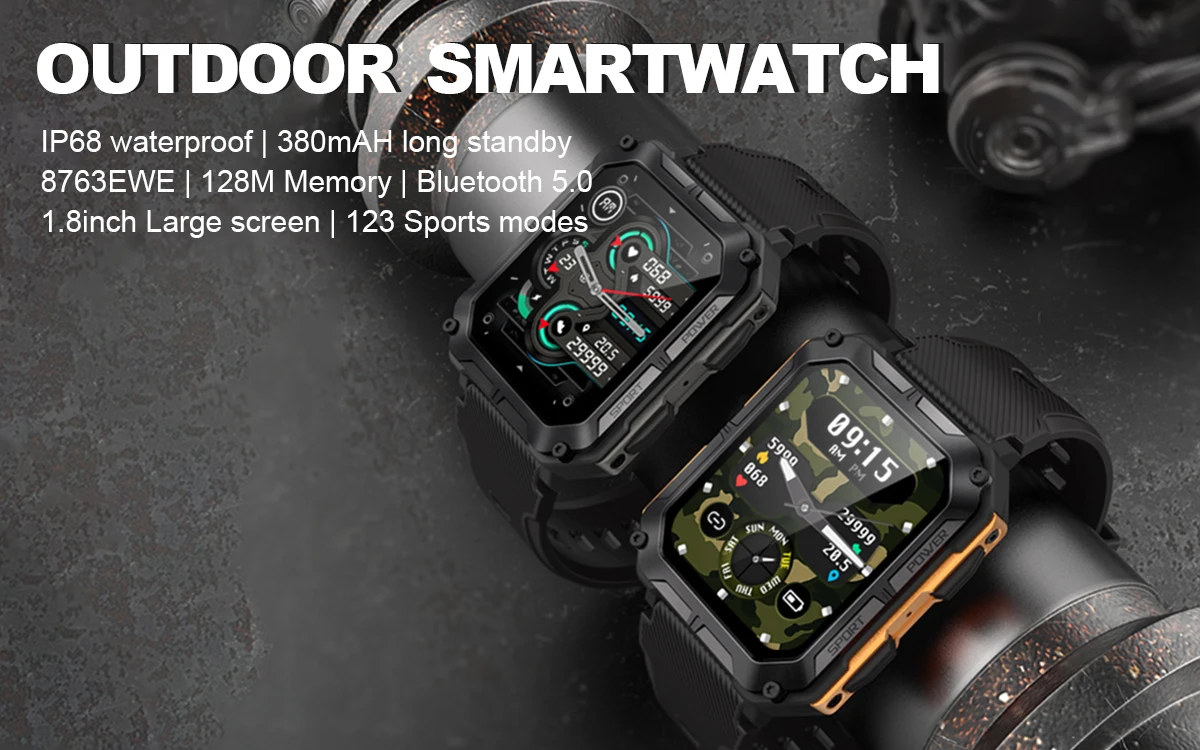
Stay connected, active, and in control with the C20 Pro Outdoor Smartwatch, built for fitness lovers and adventurers alike. Featuring a stunning 1.83-inch HD screen, Bluetooth call support, and 123 professional sports modes, this watch delivers powerful performance in every environment.
With its IP68 waterproof rating, durable design, and advanced HR3605 sensor for heart rate and SpO₂ tracking, the C20 Pro is your perfect all-day companion for workouts, travel, and everyday use.
🔑 Key Features
-
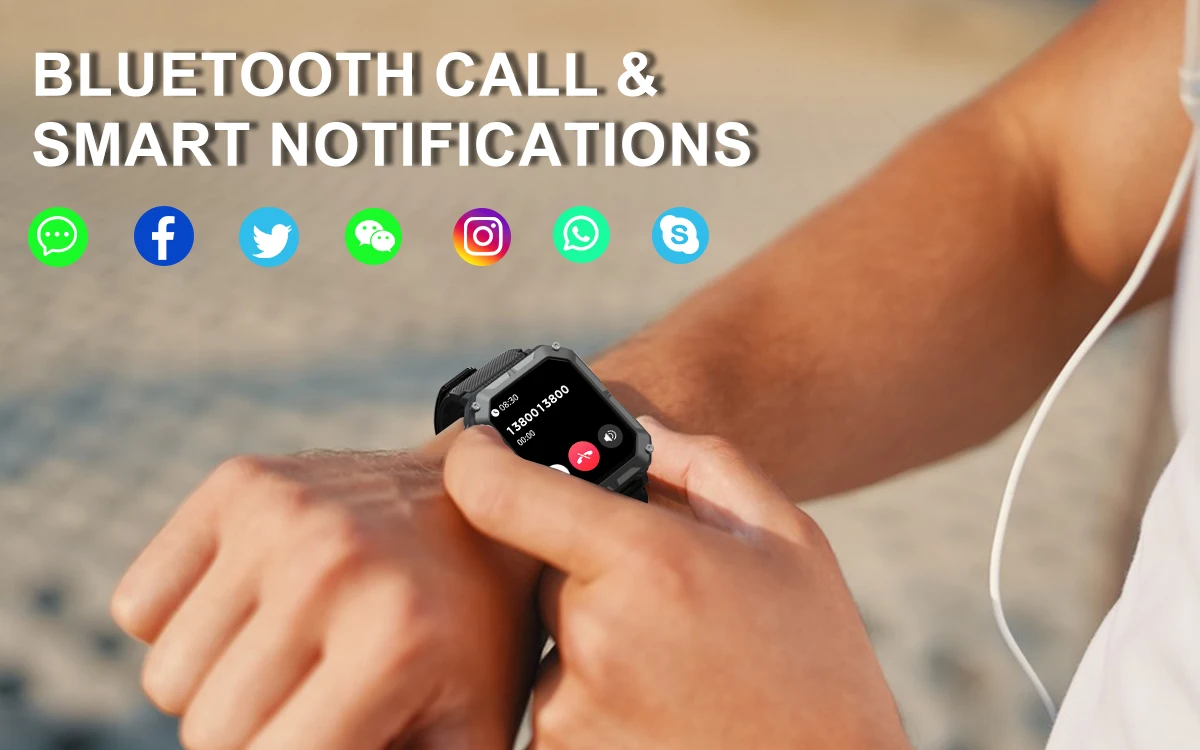
Bluetooth Call & Notifications: Make and receive calls directly from your wrist with one-key BT connection.
-
Brilliant HD Display: 1.83" large 240×286 resolution screen for sharp visuals in any light.
-
Sports Modes: Track running, cycling, hiking, swimming, and more with accurate activity data.
-
Health Monitoring: HR3605 sensor for real-time heart rate and blood oxygen measurement.
-
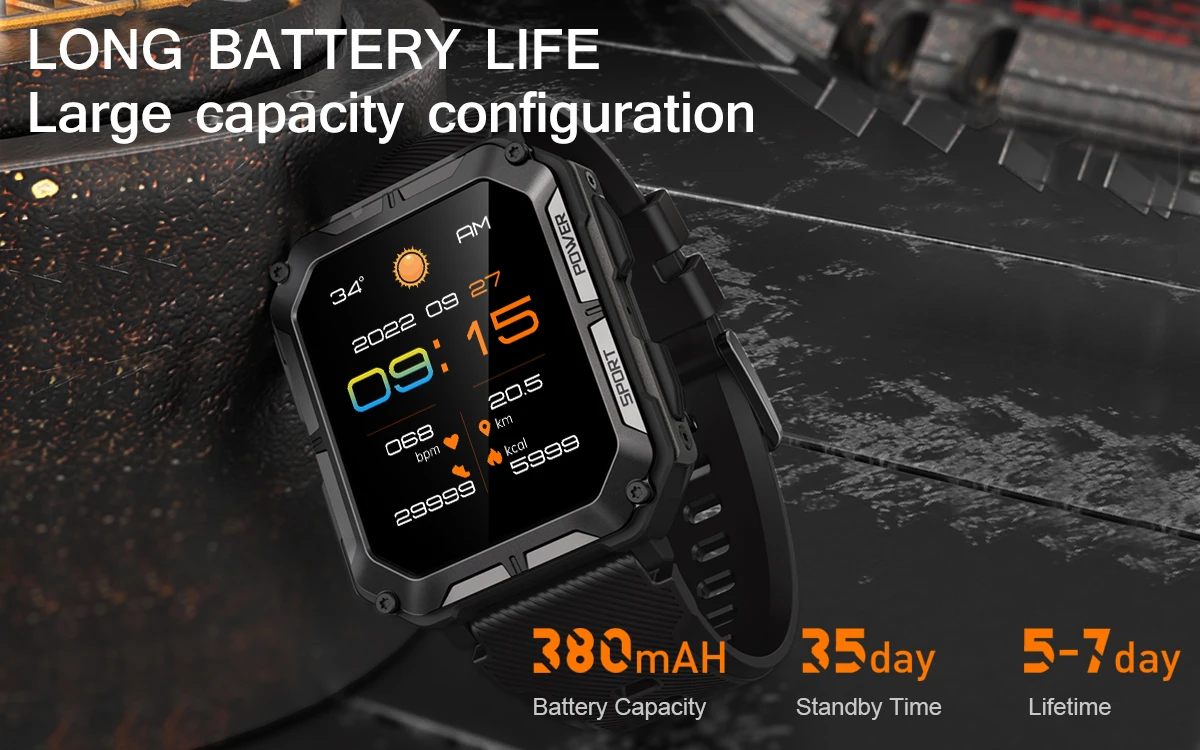
Durable Battery: 380mAh cobalt polymer battery for long-lasting performance, charged via magnetic cable.
-
IP68 Waterproof: Perfect for outdoor adventures and daily wear.
-
Customisable Interface: 8 menu styles and multiple watch faces for personal preference.
-
Smart Assistant Functions: Weather display, music control, camera shutter, sedentary reminder, and more.
-
Multi-Language Support: Bracelet supports 13 languages; APP supports 36 languages including English, Spanish, Arabic, and Russian.
⚙️ Specifications
-
Chip & Memory: 8763EWE with 128M memory
-
Display: 1.83” HD (240×286)
-
Bluetooth: Version 5.0
-
Battery: 380mAh cobalt polymer
-
Charging Method: 2PIN magnetic cable
-
Waterproof Rating: IP68
-
Compatibility: Android 6.0+ / iOS 9.0+
-
Strap: 22mm silicone (adjustable 170mm–248mm)
-
Weight: Lightweight and comfortable for daily wear
📦 Package Includes
-
1 × C20 Pro Smart Watch
-
1 × Magnetic Charging Cable
-
1 × User Manual
🧭 Ideal For
Outdoor workouts, running, cycling, hiking, gym sessions, or as a stylish daily smartwatch with premium comfort and functionality.
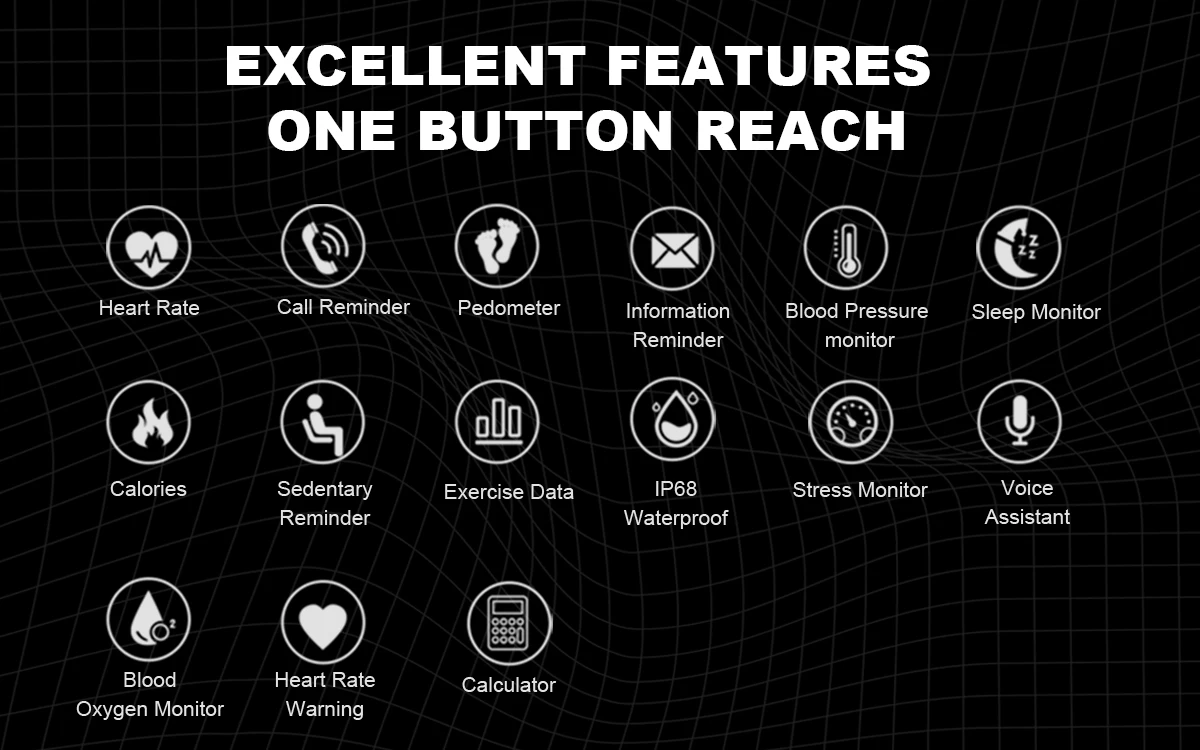
Excellent Features, One Button Reach
Heart Rate, Call Reminder, Pedometer, Information Reminder, Blood Pressure Monitor, Blood Oxygen Monitor, Sleep Monitor, Calories, Sedentary Reminder, Exercise Data, IP68 Waterproof, Stress Monitor, Voice Assistant, Heart Rate Warning, Calculator
BT Call & Smart Notifications
123 Sports Modes
Walking, running, cycling, jumping rope, badminton, blue ball, soccer, swimming, tennis, rugby, golf, yoga, gym, dancing, baseball, elliptical, rowing machine, cross-country running, skiing, bowling, dumbbells, sit-ups, free weights, hiking, etc.

10 built-in dials + 1 custom dial + 1 in-server dial
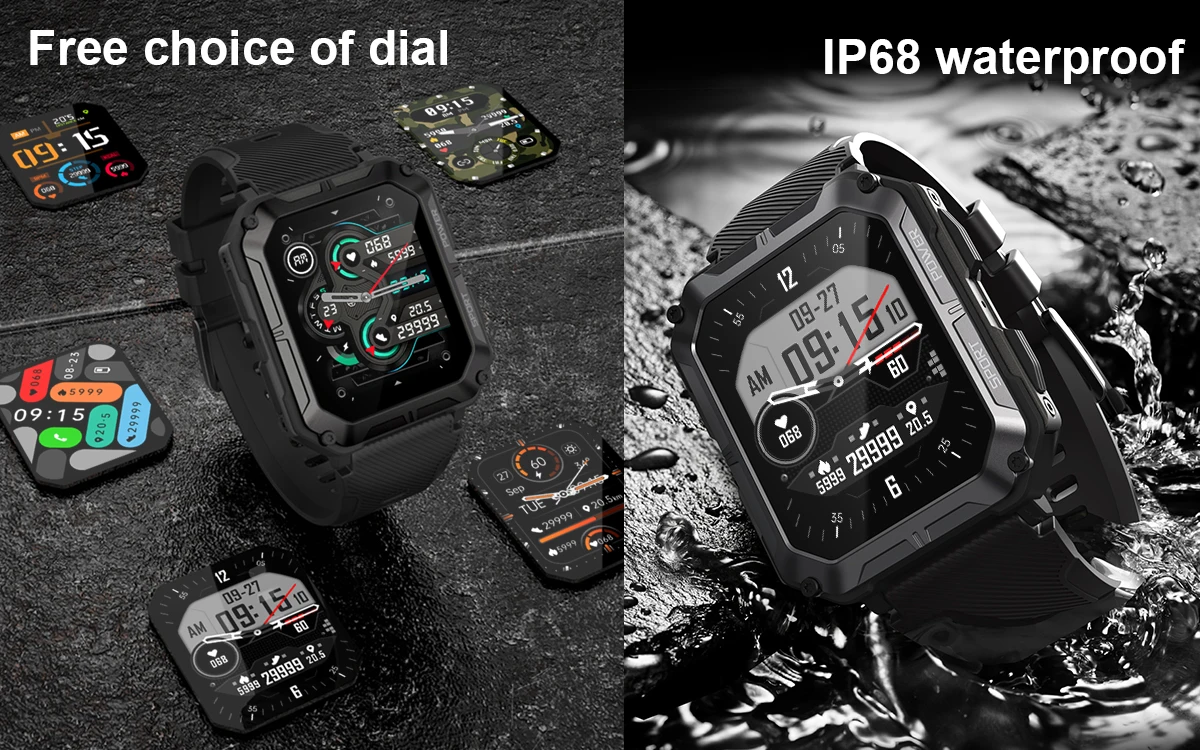
IP68 Waterproof
24 Hours Health Monitoring

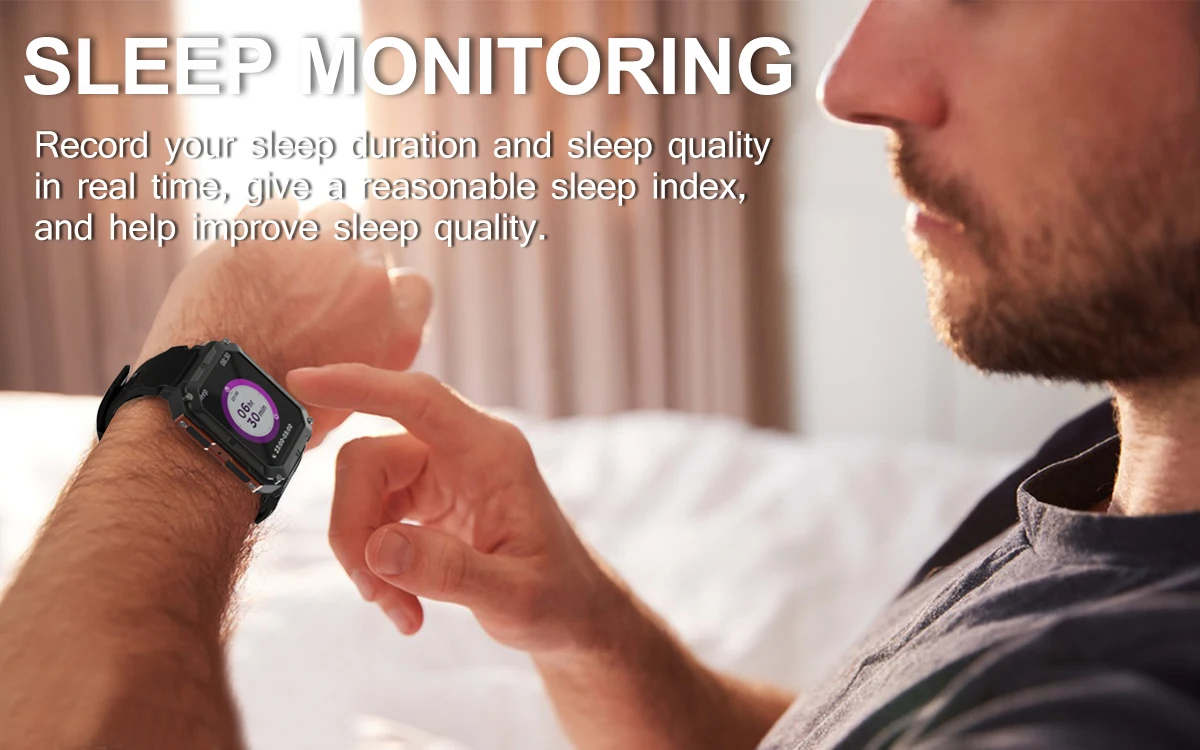
Sleep Monitoring
Record your sleep duration and sleep quality in real-time, give a reasonable sleep index, and help improve sleep quality
380mAh Long Battery Life, Large capacity configuration
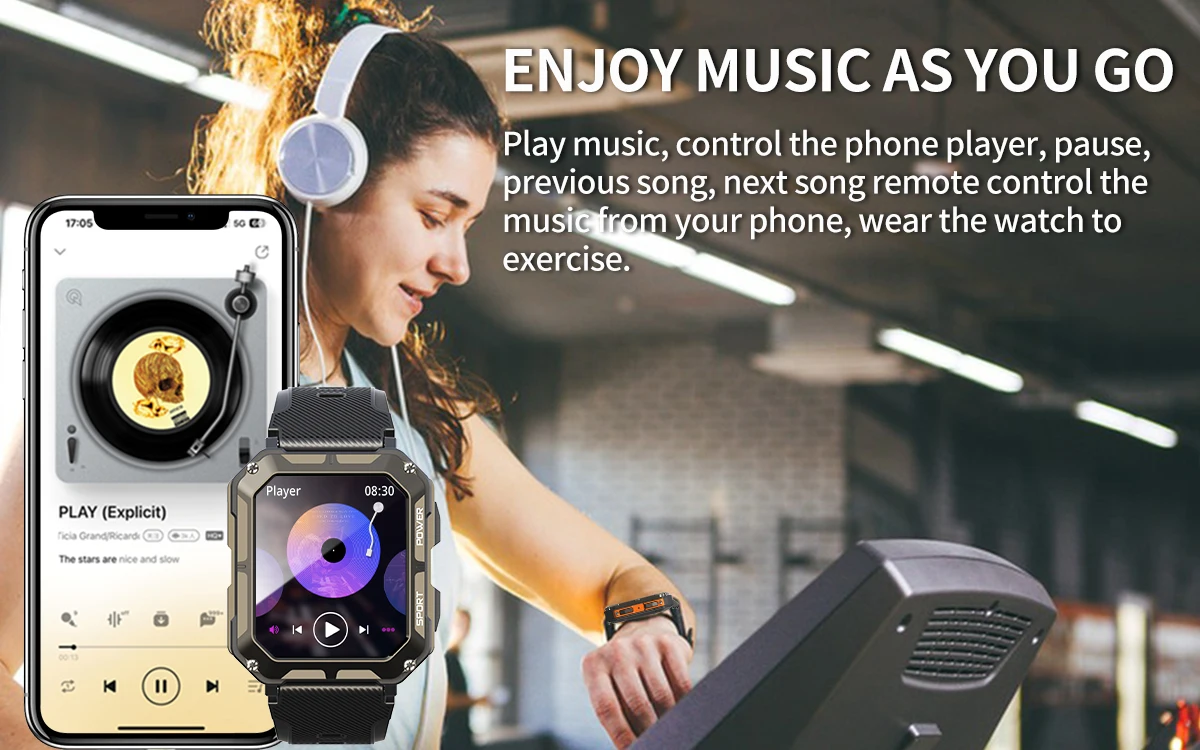
Enjoy Music As You Go
Play music, control the phone player, pause, previous song, next song
How to connect with the smart watch?
Step 1: Download the DaFit App (scan the QR code in the user manual or search for "DaFit" in the App store).
Step 2: Turn on Phone's BT on Setting.
Step 3: Open the DaFit App, Click "ADD A DEVICE"
Step 4: Search the "C20 Pro" device, tap it to bind. (Please fully charged it when the first time to use).
How to use the call receiving and dial functions?
Step 1: After the mobile phone is successfully connected, please click to allow "Pair" and "Allow" notifications.
Step 2: Swipe down the watch homepage, tap "Setting" and turn on the "Call" function.
Step 3: You can now use your watch to receive and make calls.