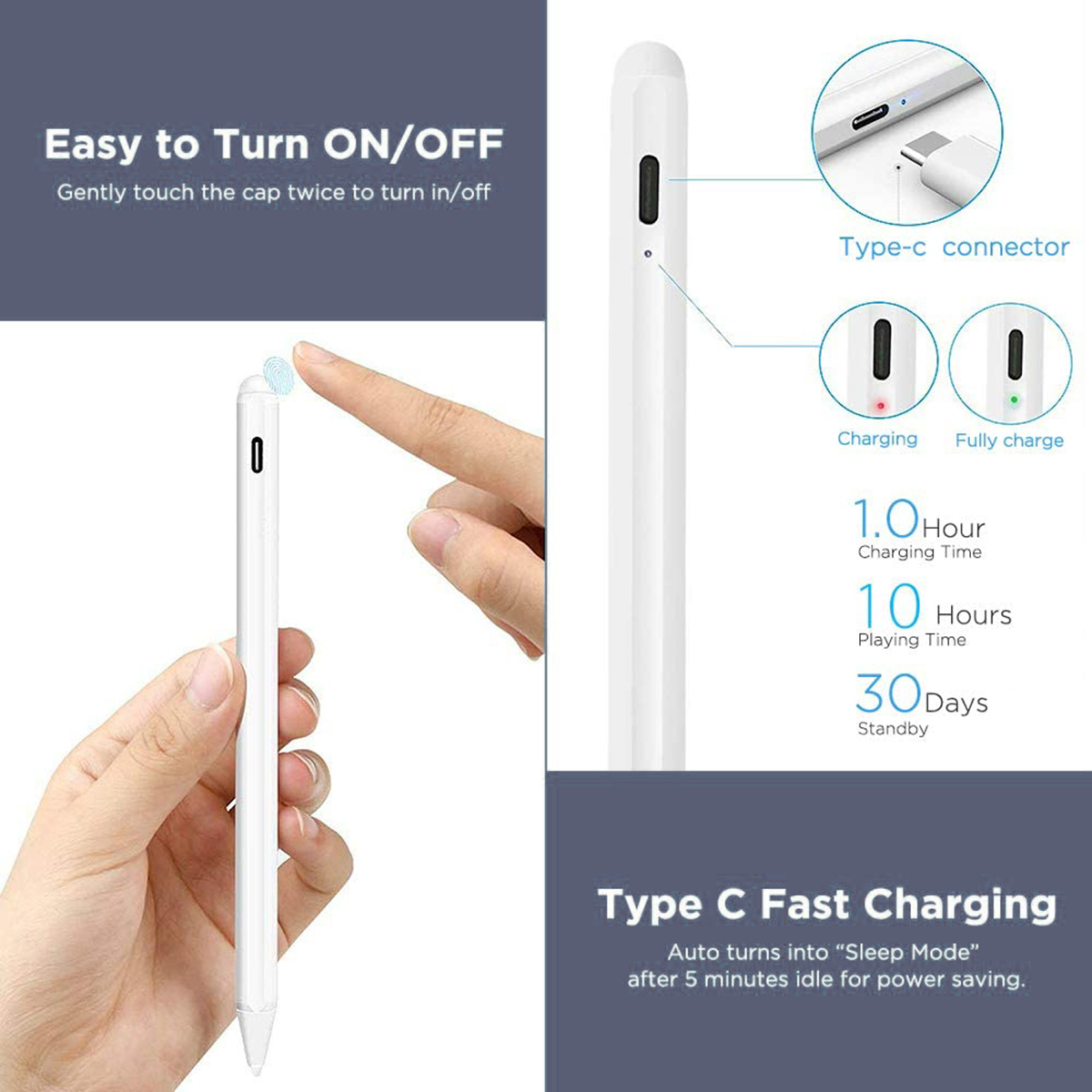
Attention:It is recommended to use other USB devices (such as computer USB ports, power banks, USB converters) other than the charger for charging the stylus. The charger may cause malfunctions.
Fast Q&A
How to turn it on?
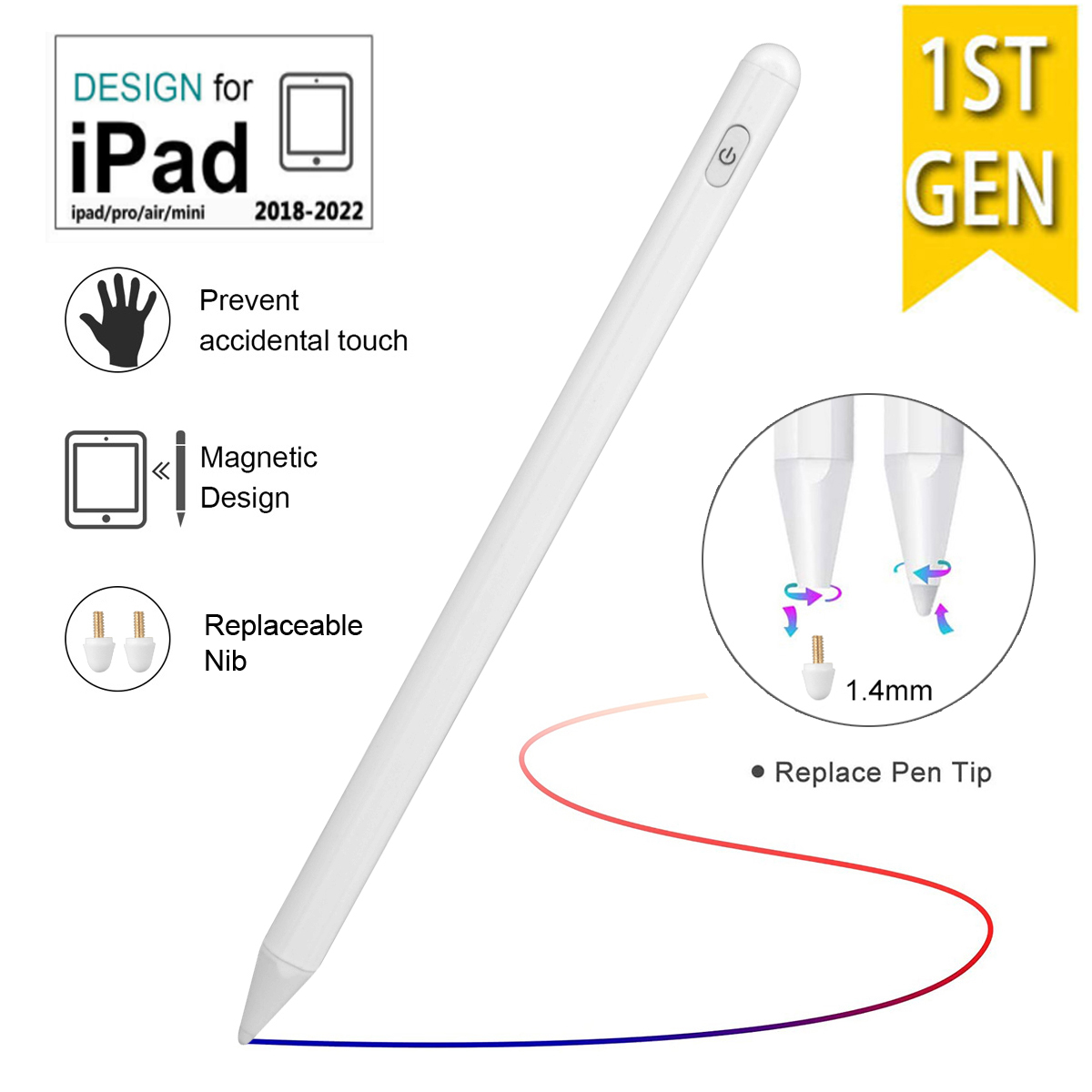
1st Generation : Press the switch to turn it on.
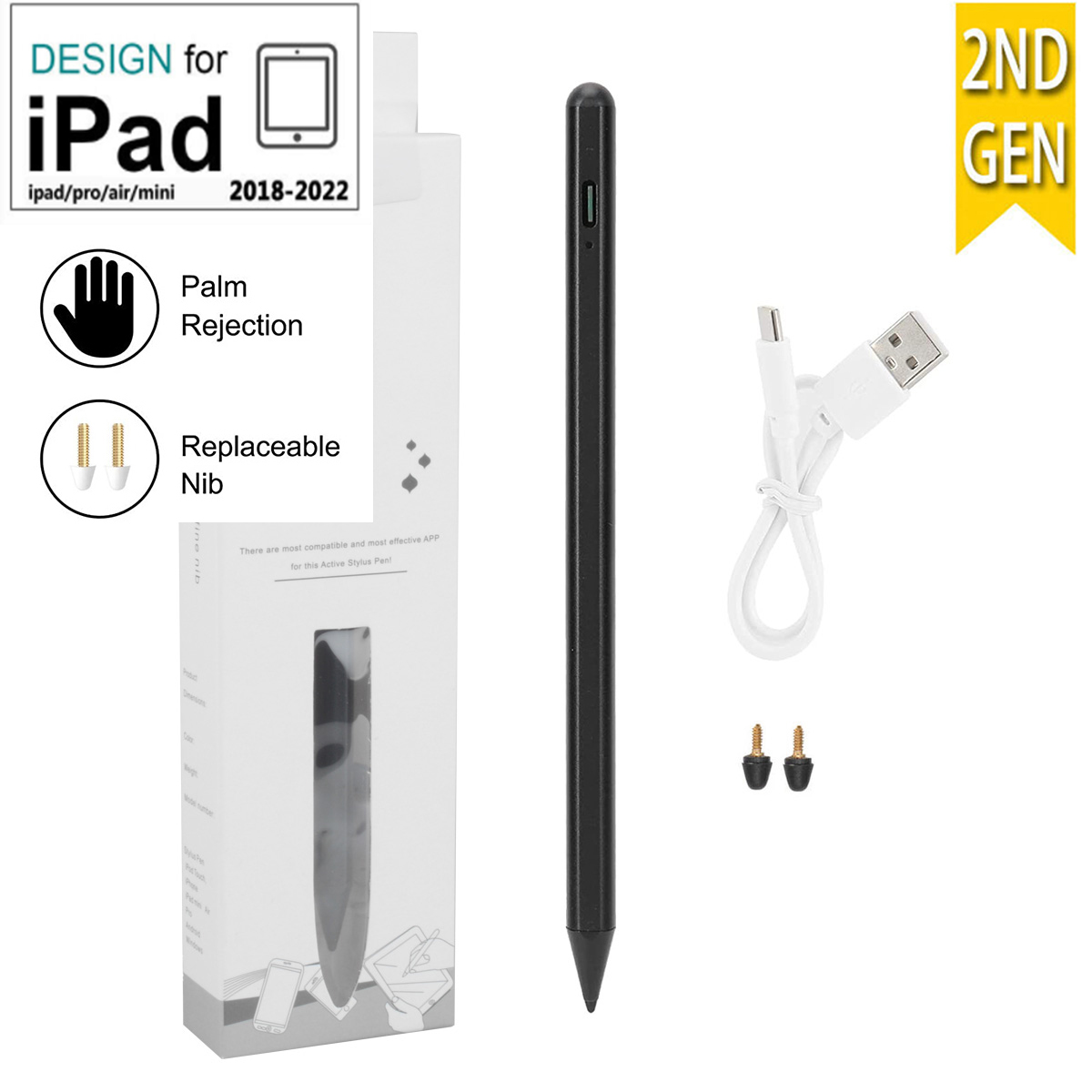
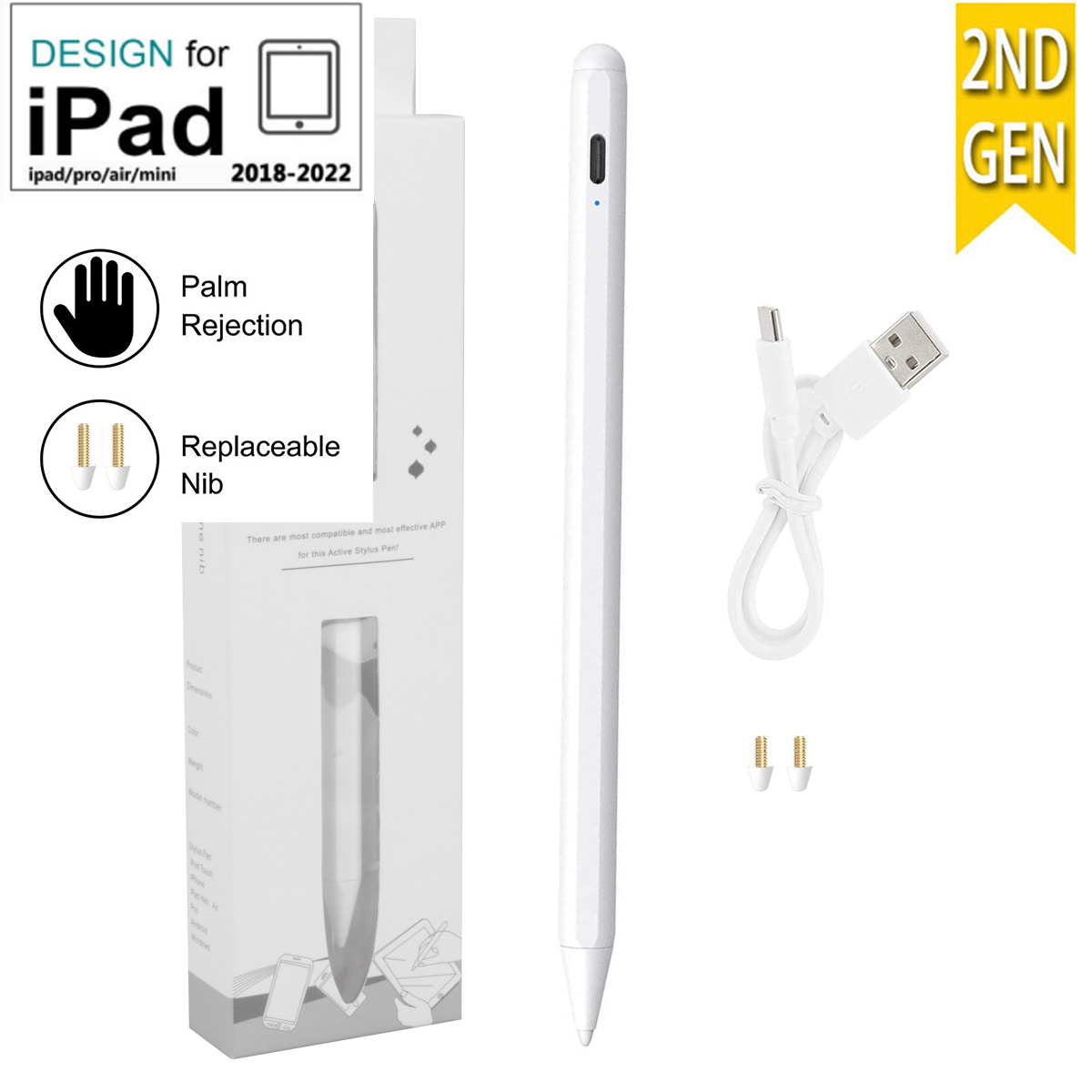
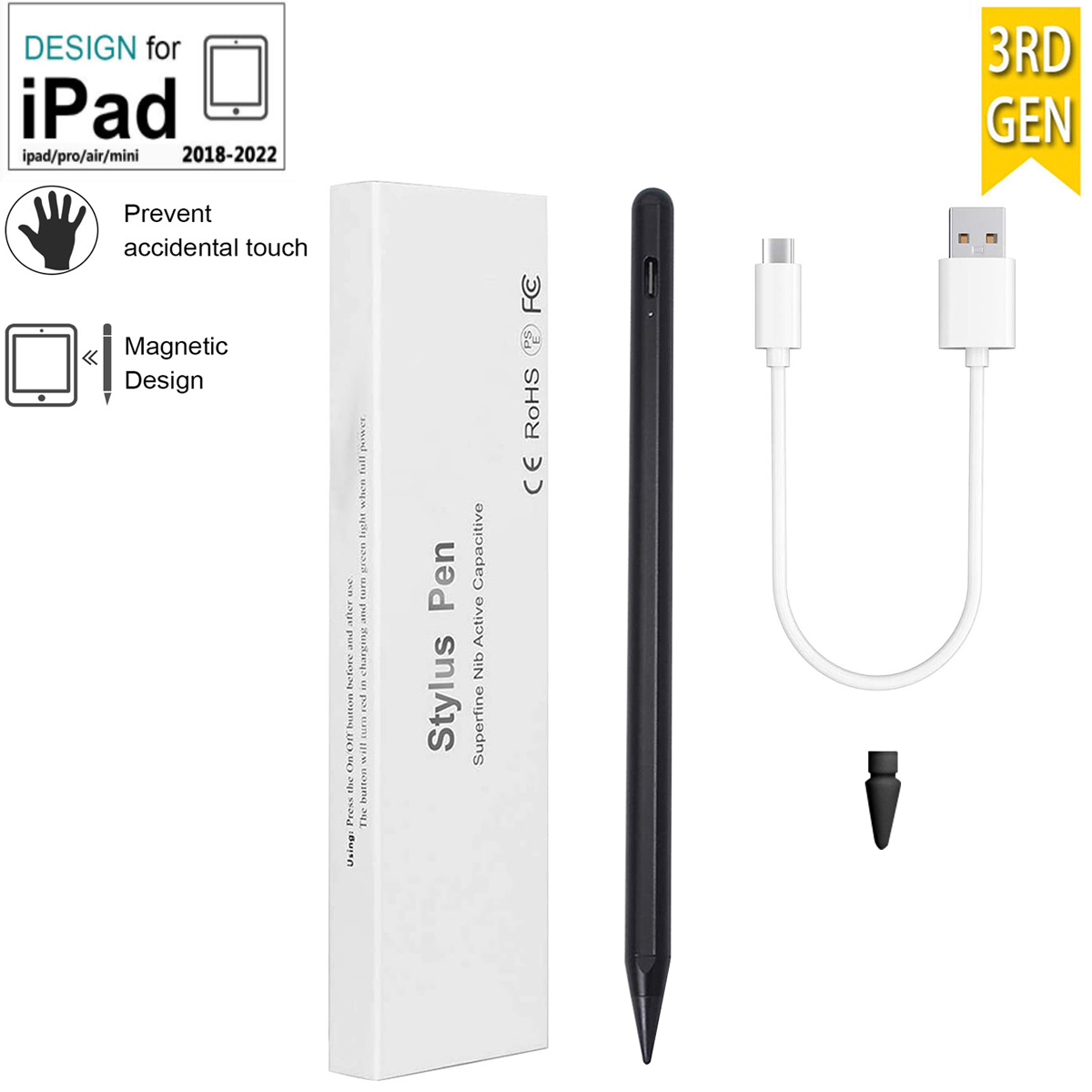
2nd & 3rd Generation : Click the cap twice in a row
4th Generation #1:Press and hold the top for about 3 seconds, the green light is on, connect to Bluetooth
4th Generation #2:Press and hold the top for about 4 seconds, the light is on, connect to Bluetooth
The difference between the 4 generation pens?
Except for the way to turn it on,
Only 3rd & 4th generation Pen support Tilt pressure
The 4th generation can connect to the ipad bluetooth to display the power, just like the original
4th #2 There are 3-segment battery indicator lights on the pen
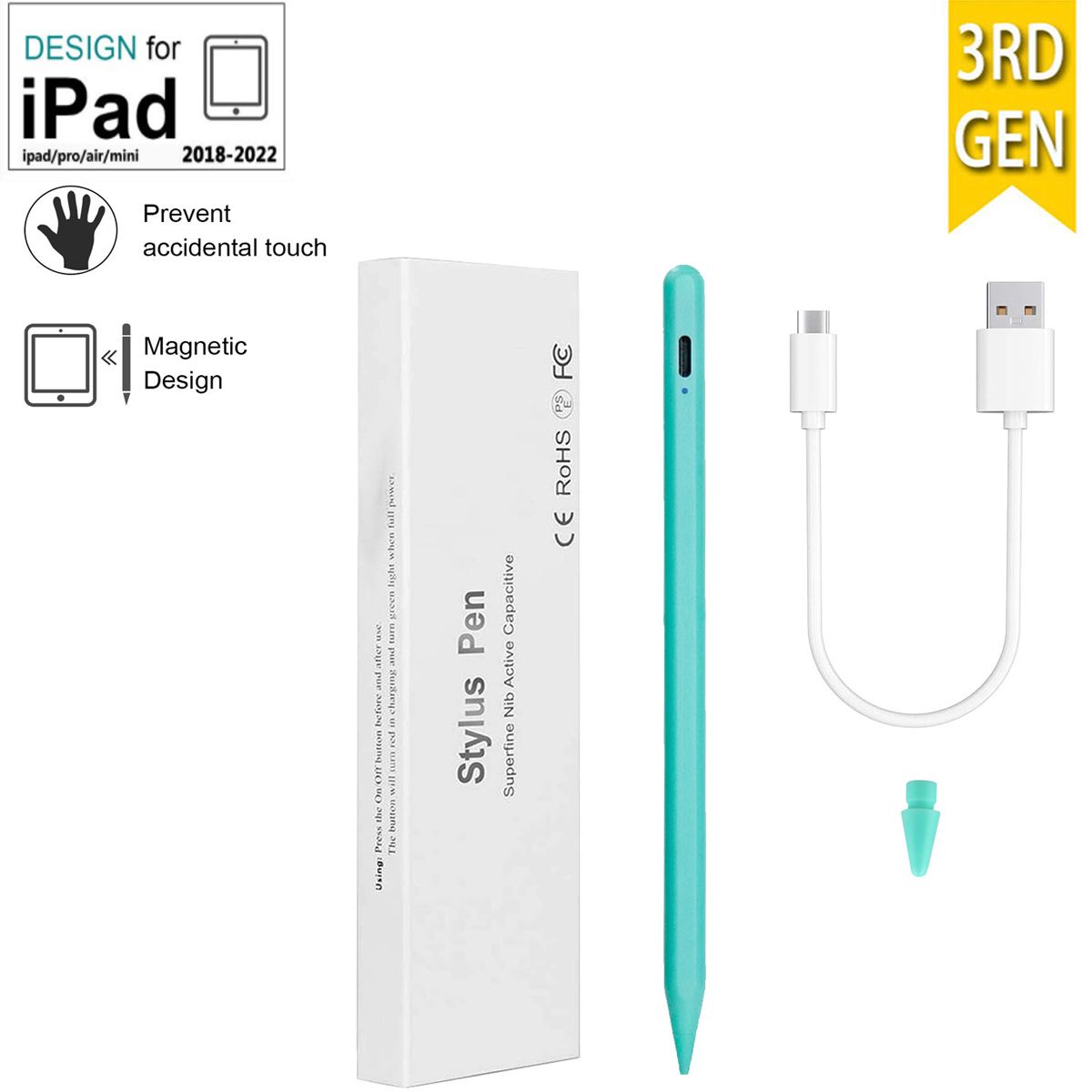
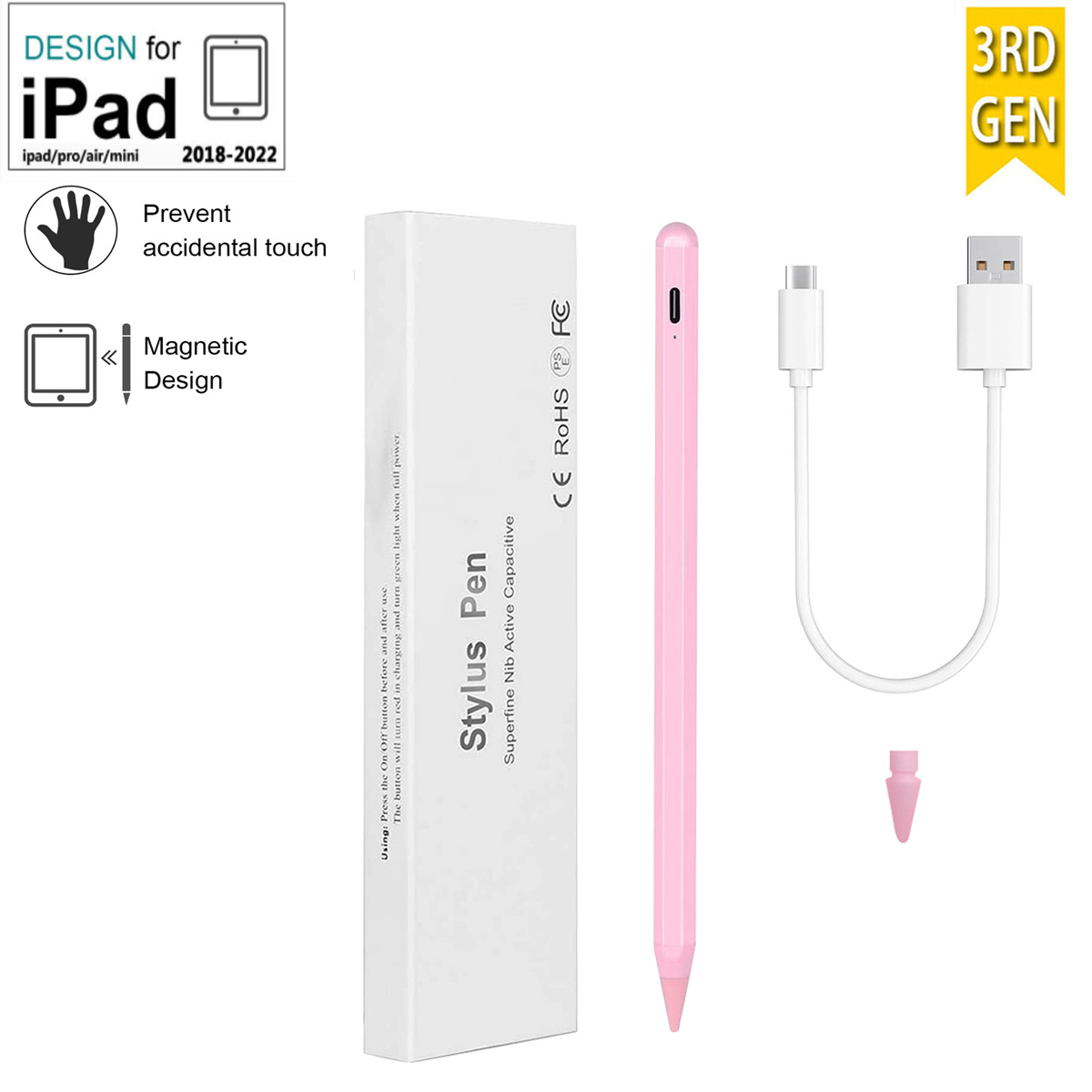
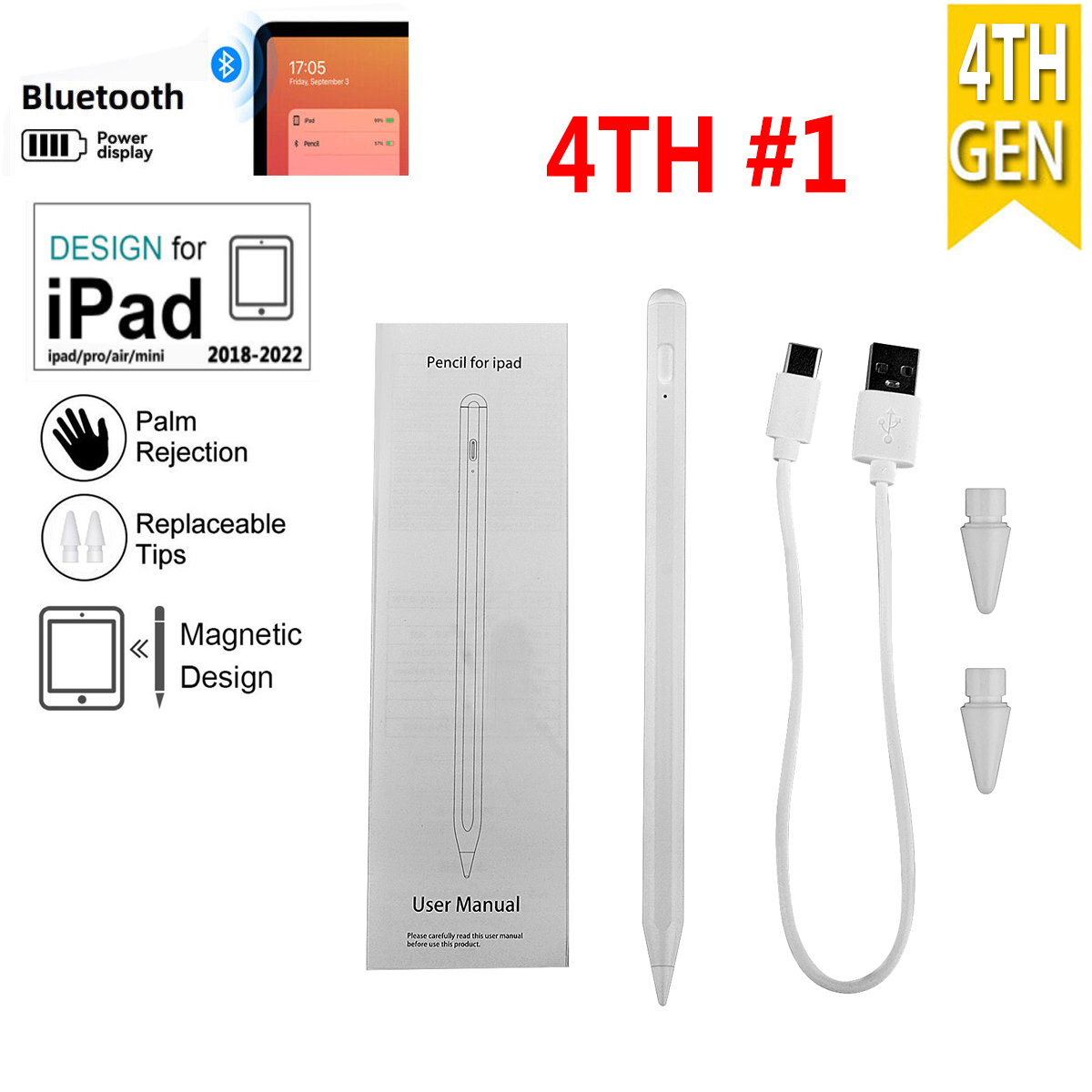
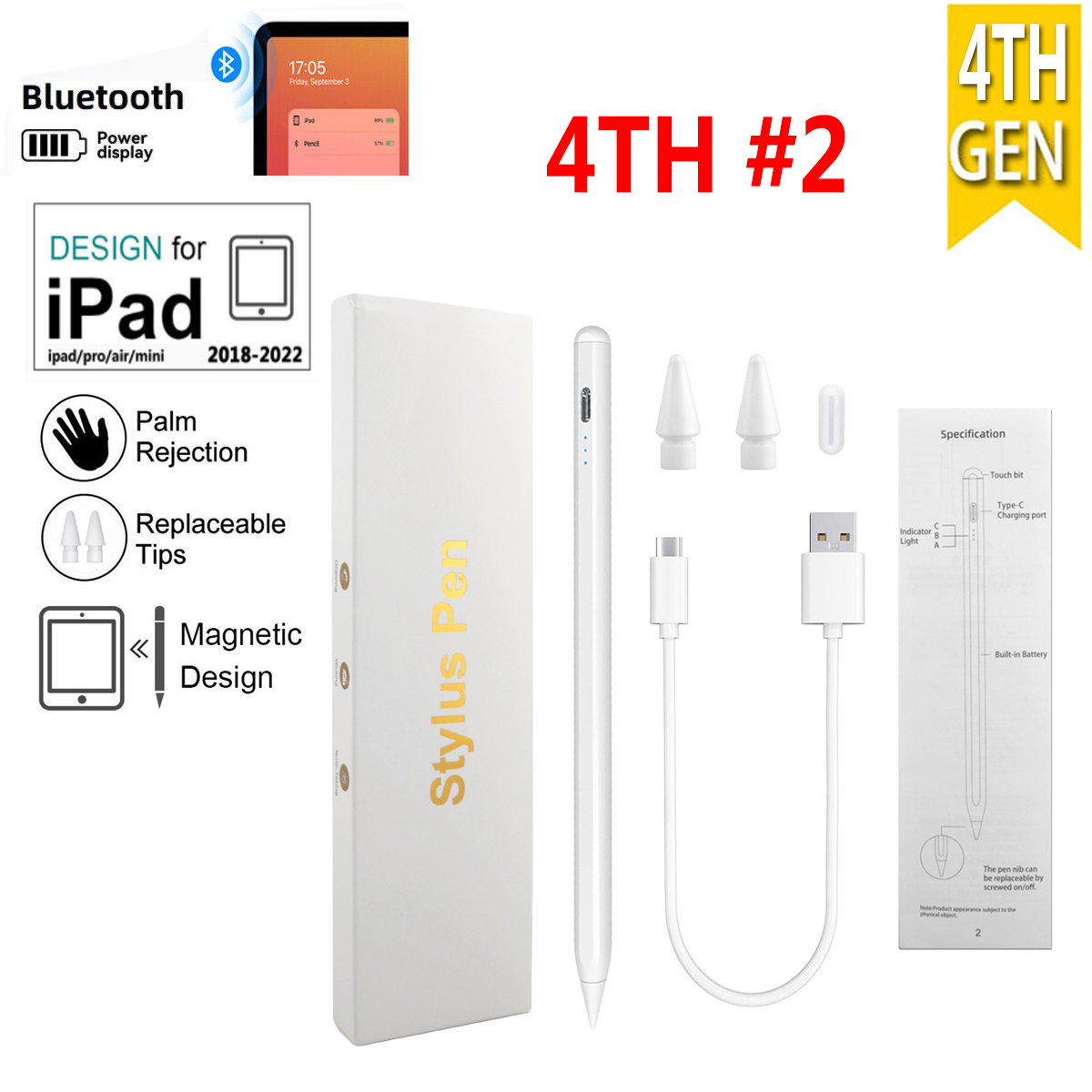
The pencil for iPad is compatible with
For iPad 10.2 2019 (7th generation)( A2197 / A2198 / A2200 / A2232 )
For iPad 10.2 2020 (8th generation)( A2428 / A2429 / A2270 )
For iPad 10.2 2021 (9th generation)( A2603 / A2604 )
For iPad 10.9 2022 (10th generation)( A2757 / A2777 )
For iPad 6th Generation 2018 9.7( A1893 / A1954 )
For iPad Air 3 10.5 2019( A2152 / A2153 / A2154 / A2123 )
For iPad Air 4 10.9 2020( A2324 / A2072 / A2136 )
For iPad Air 5 10.9 2022 ( A2589 / A2591 )
For iPad Mini 5 2019( A2124 / A2125 / A2126 / A2133 )
For iPad Mini 6 2021( A2568 )
For iPad Pro 11 inch 2018( A1980 / A2013 / A1934 / A1979)
For iPad Pro 11 inch 2020( A2228 / A2231 )
For iPad Pro 12.9 inch 2018( A1876 / A2014 / A1895 / A1983 )
For iPad Pro 12.9 inch 2020( A2229 / A2069 / A2032 / A2233 )
For iPad Pro 11 inch 2021( A2301 / A2459 / 2460 )
For iPad Pro 12.9 inch 2021( A2379 / A2461 / A2462 )
For iPad Pro 11 inch 2022( A2435 / A2761 / A2762 )
For iPad Pro 12.9 inch 2022( A2764 / A2437 / A2766 )
models are invalid. Confirmable model on the back of IPAD
Note : Not support iPhone, android, Microsoft devices, earlier versions of iPad.
Feature:
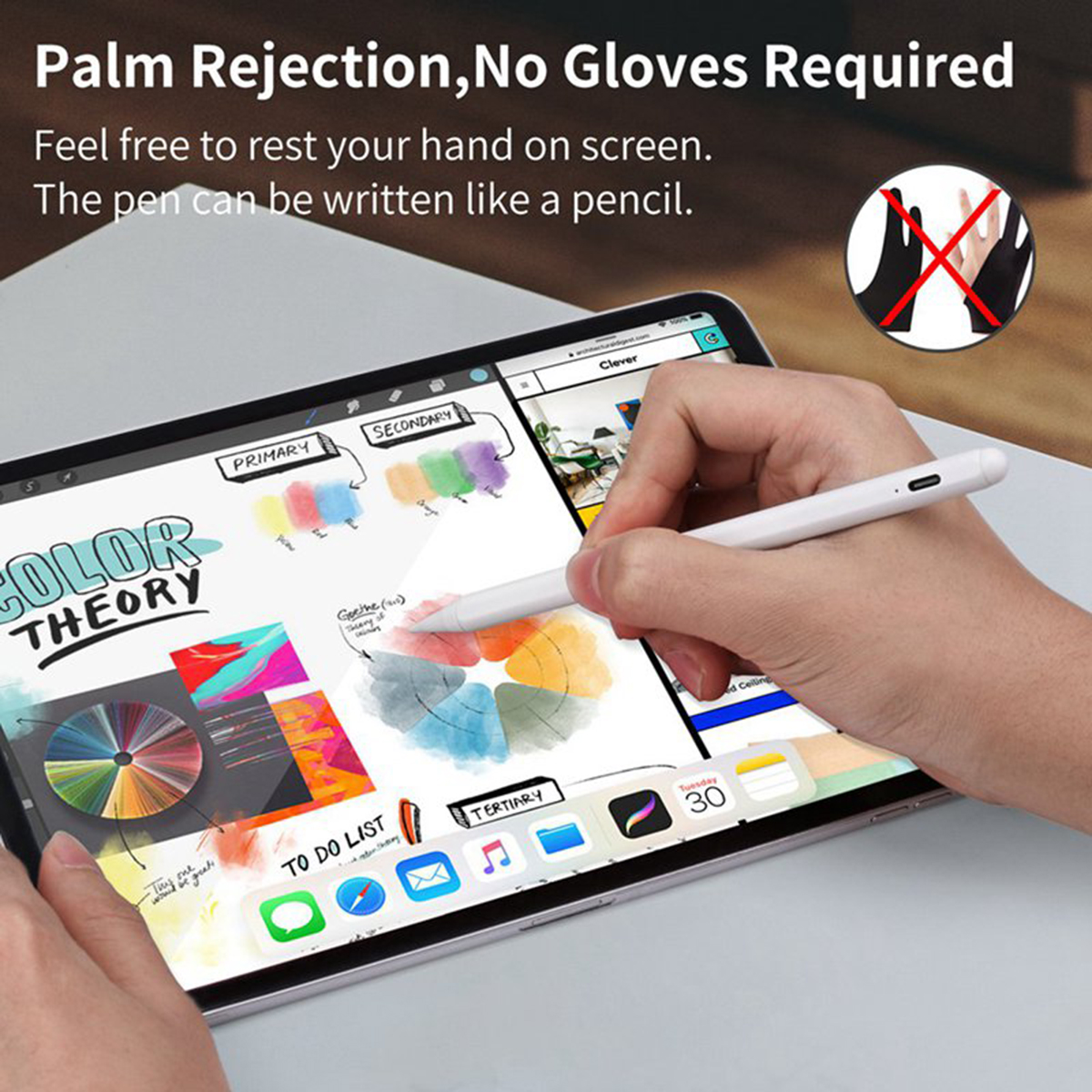
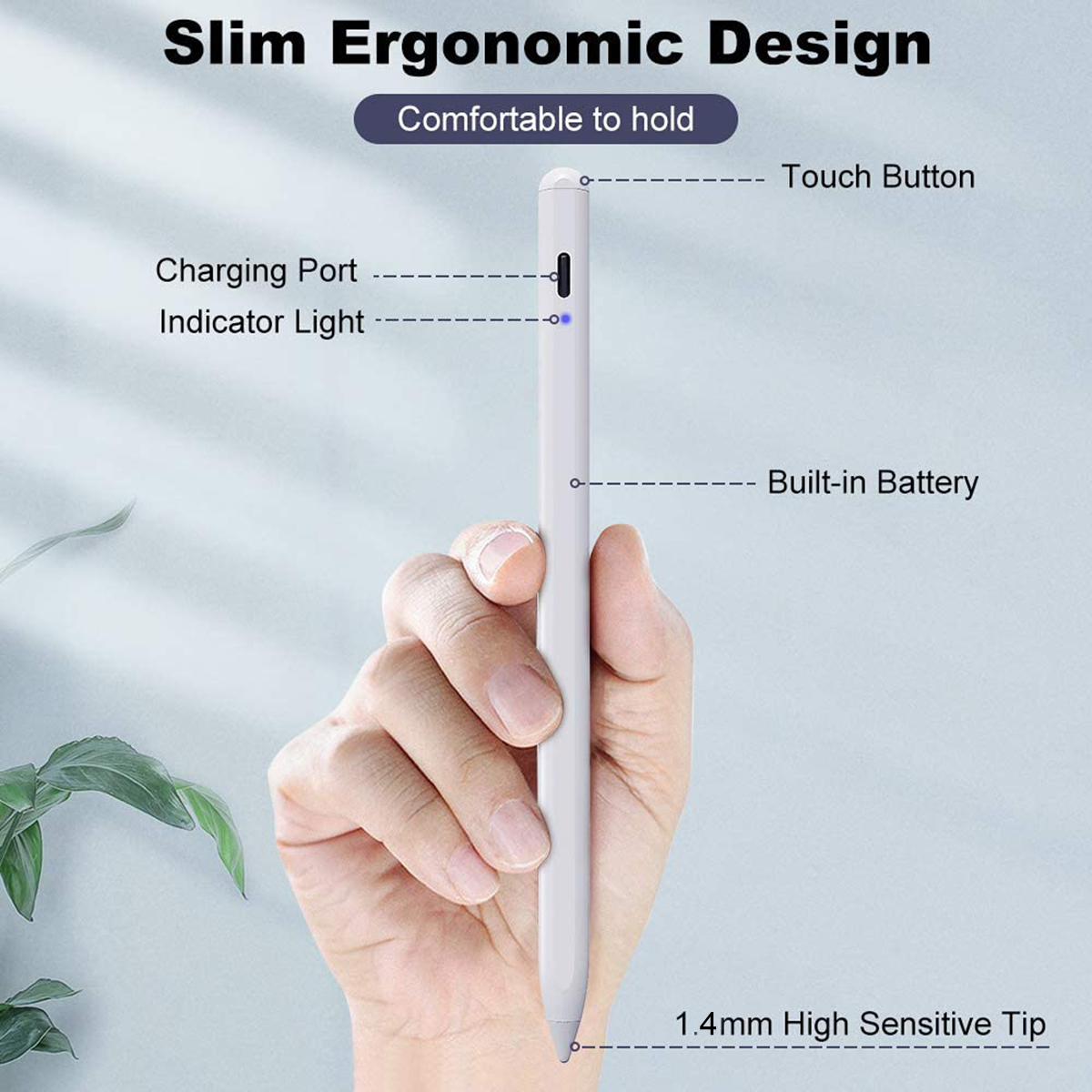
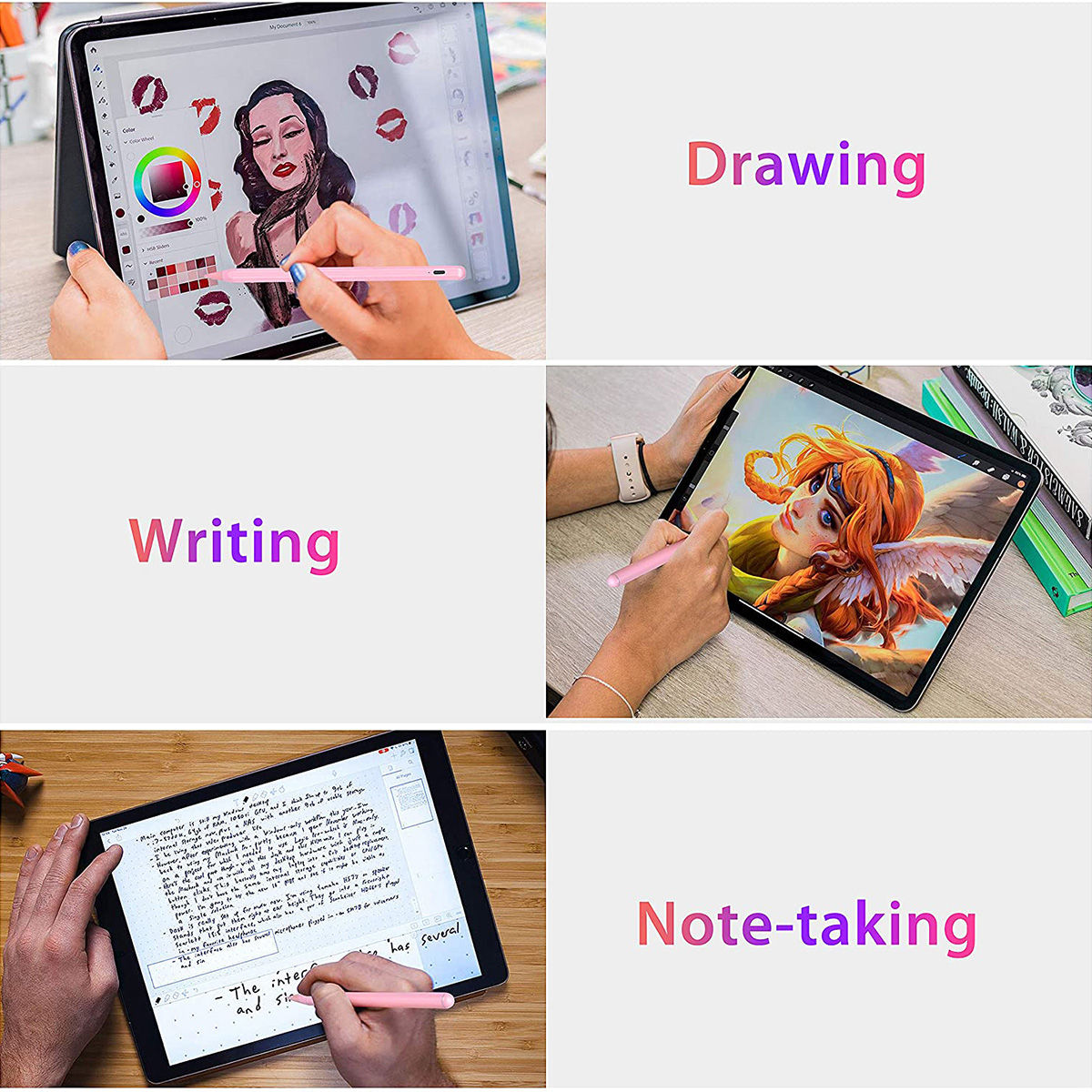
[Palm Rejection Technology]Upgraded iPad pen with palm rejection technology ,you can rest your palm comfortably on the screen while writing or drawing,you don't have to wear the anti-friction glove with this pencil.
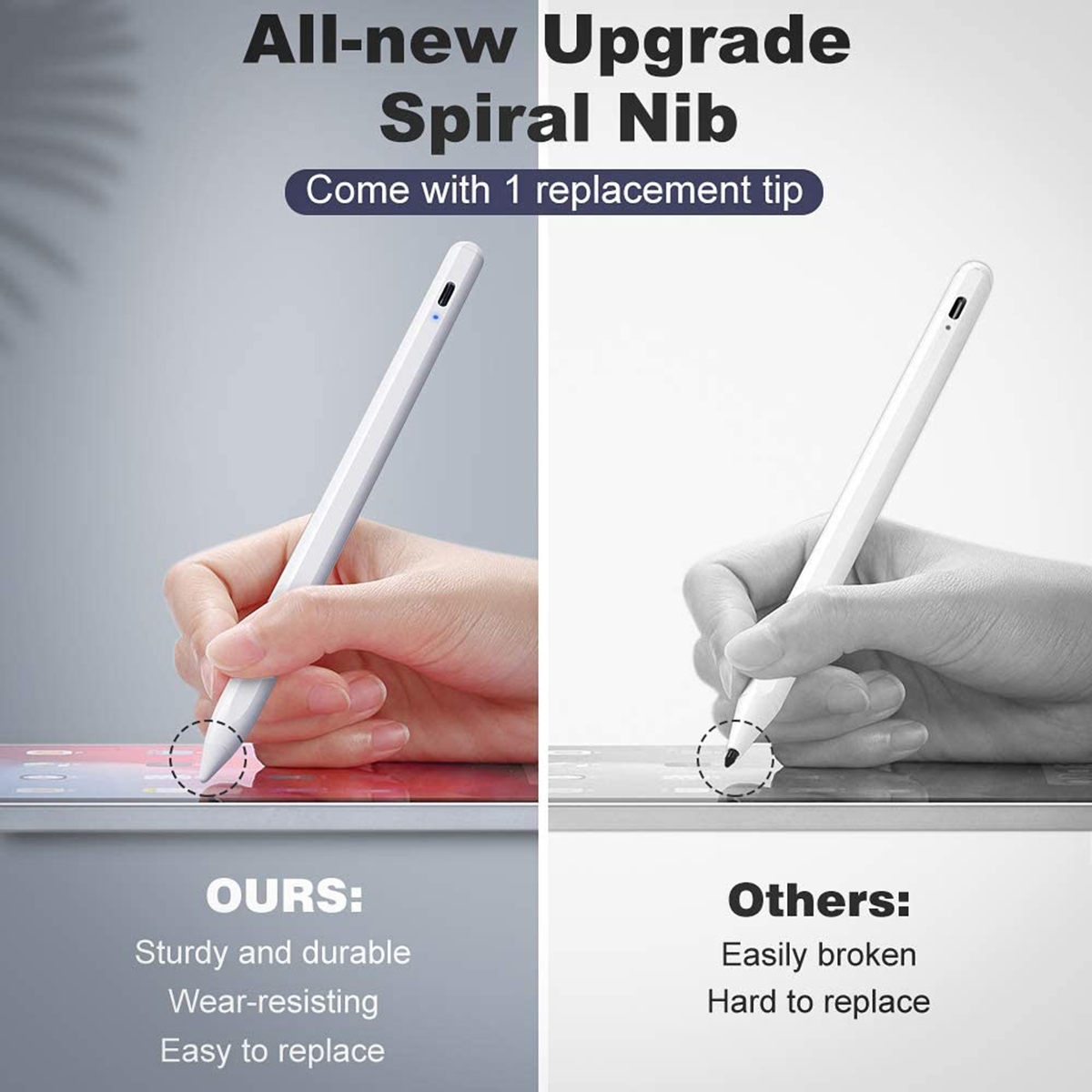
[Pixel-perfect precision] 1.5mm POM tip as official ipad pencil material: better durability and won't create scratches to your screen. Execute finer instructions with no lag/offset/breaking point!
Compared with the ordinary stylus pen, it has higher sensitivity, more accurate signal and more comfortable hand.
Specification:
Material: Aluminum alloy and POM tip (As ipad pencil official material)
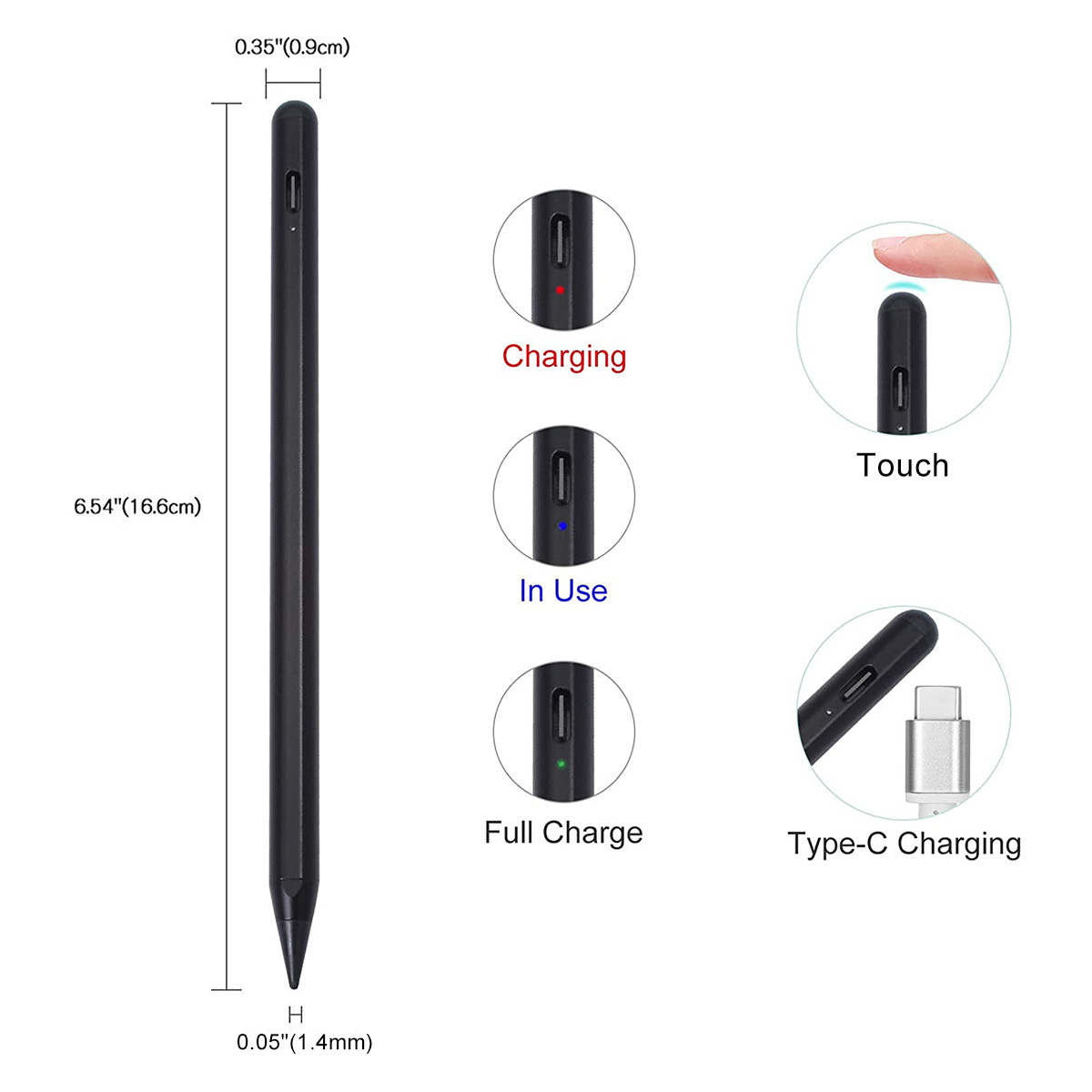
Length:166 mm (6.53 inch)
Diameter:8.9 mm (0.35 inch)
Pen Tip diameter: 1.4mm
Charging time: 1 hour
Working time: about 8-10 hours
Built-in battery capacity: 100mAh
Working current: 8mAh
Input: 5V/0.2A
Power interface: Type-C
Anti-mis-touch function: Yes
Tilt and pressure sensitivity: Yes
Indicator Light : Power interface: Type-C
POM tip as official iPad pencil material: High quality spare tips make you write better.
Touch to Turn On/Off: Easy to turn on/off, just need to touch the nib.
Package Included:
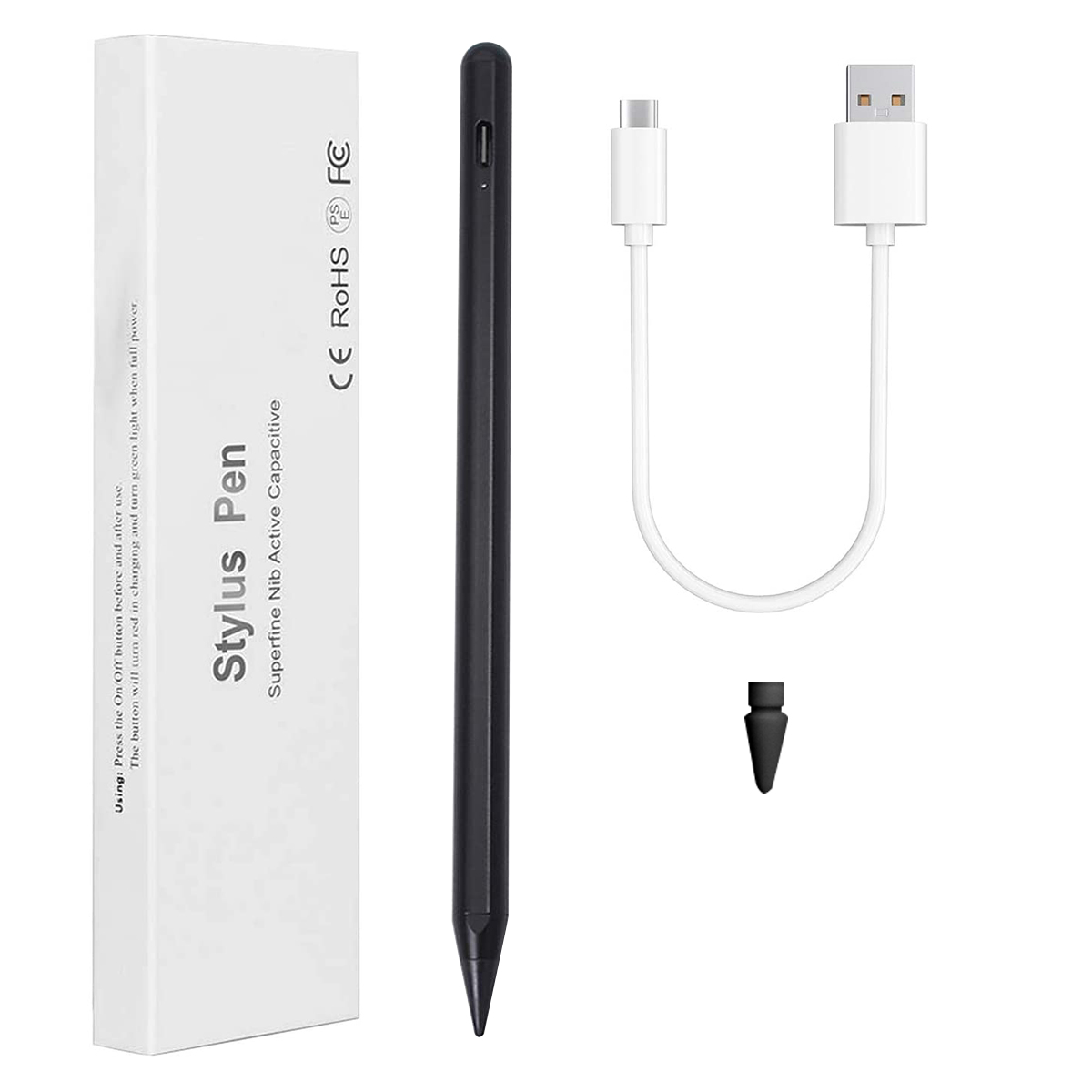
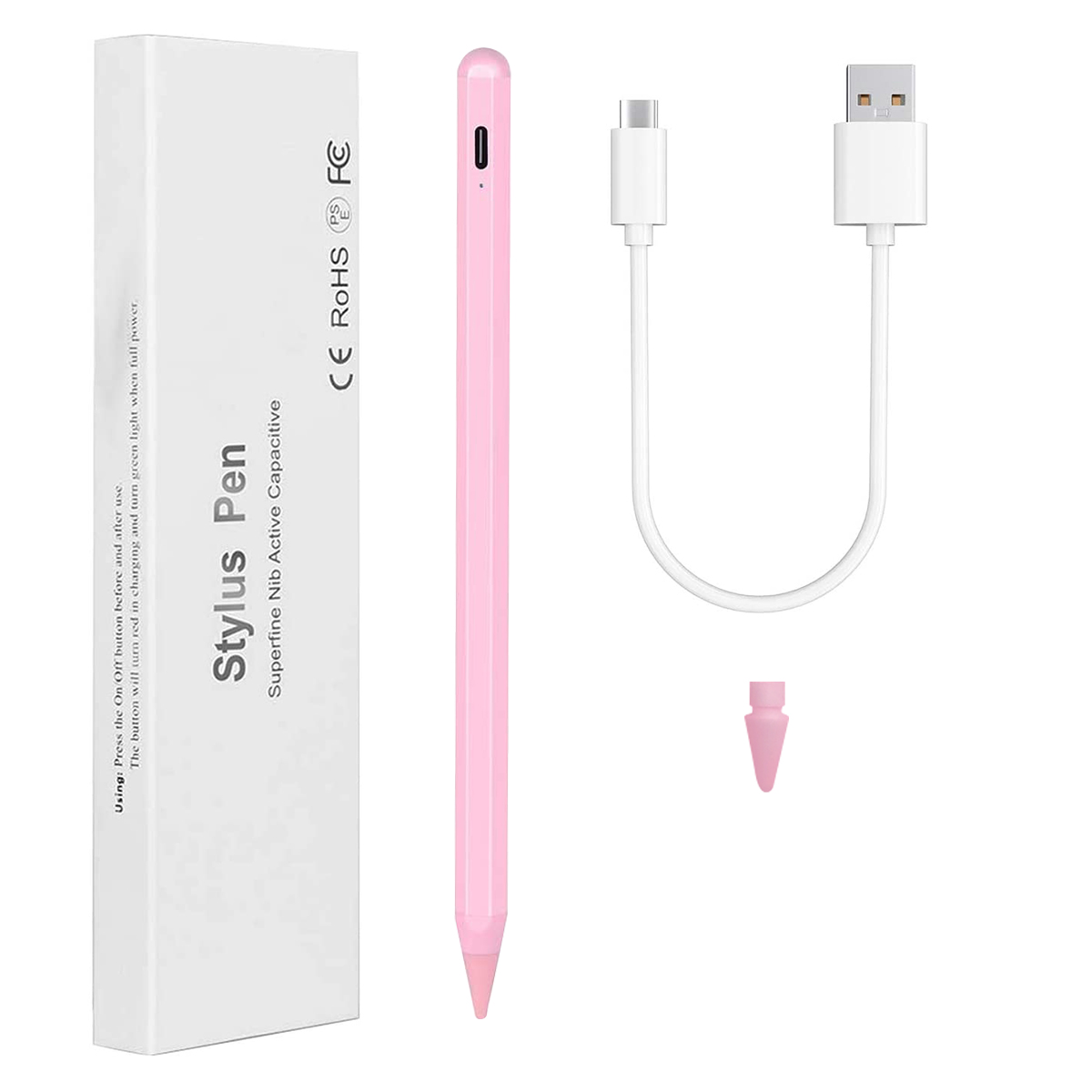
Active Stylus Pen*1
USB Type-C Charging Cable *1
Replacement Tips *1
User Manual *1
Please Note:
Please update your iOS to 12.2 version or above.
Please ensure there is enough power before use.
Unable to use when it is charging.
Recommend to use with the tempered glass screen protector.
Don't use it while your iPad is charging, that may cause skip.