
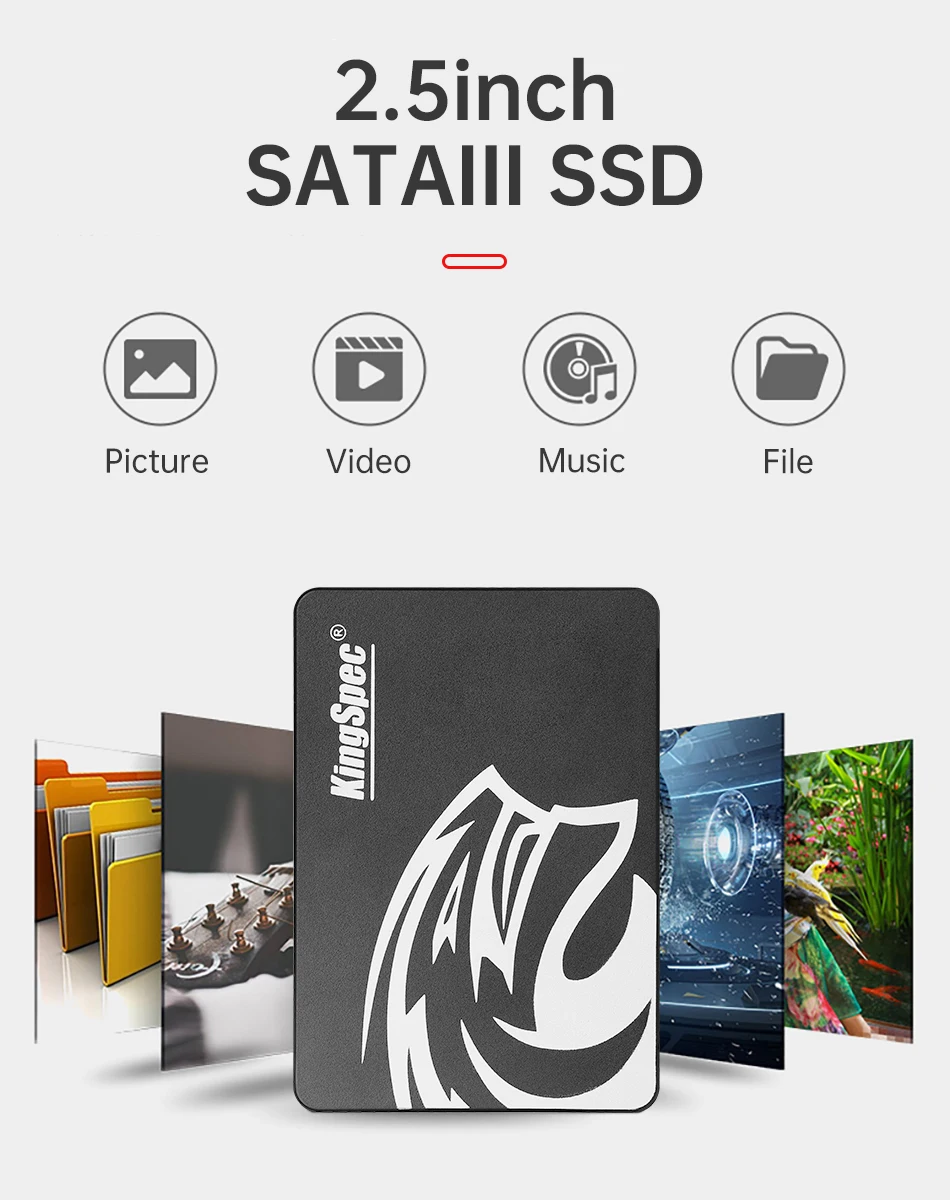
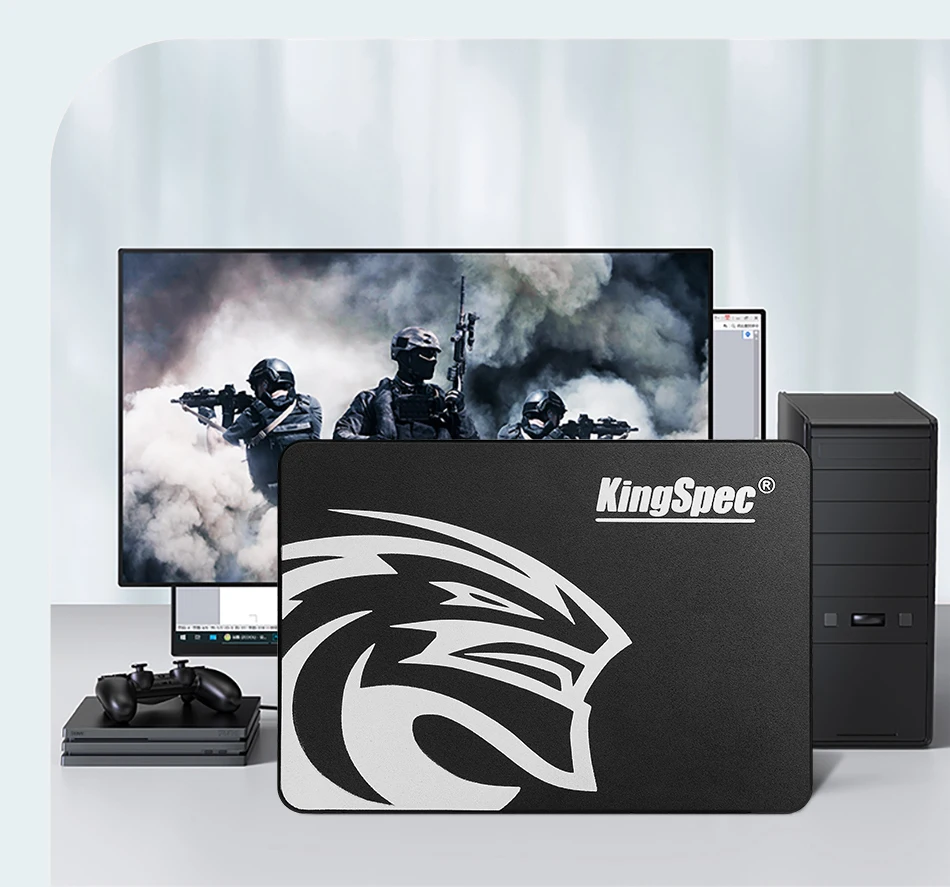
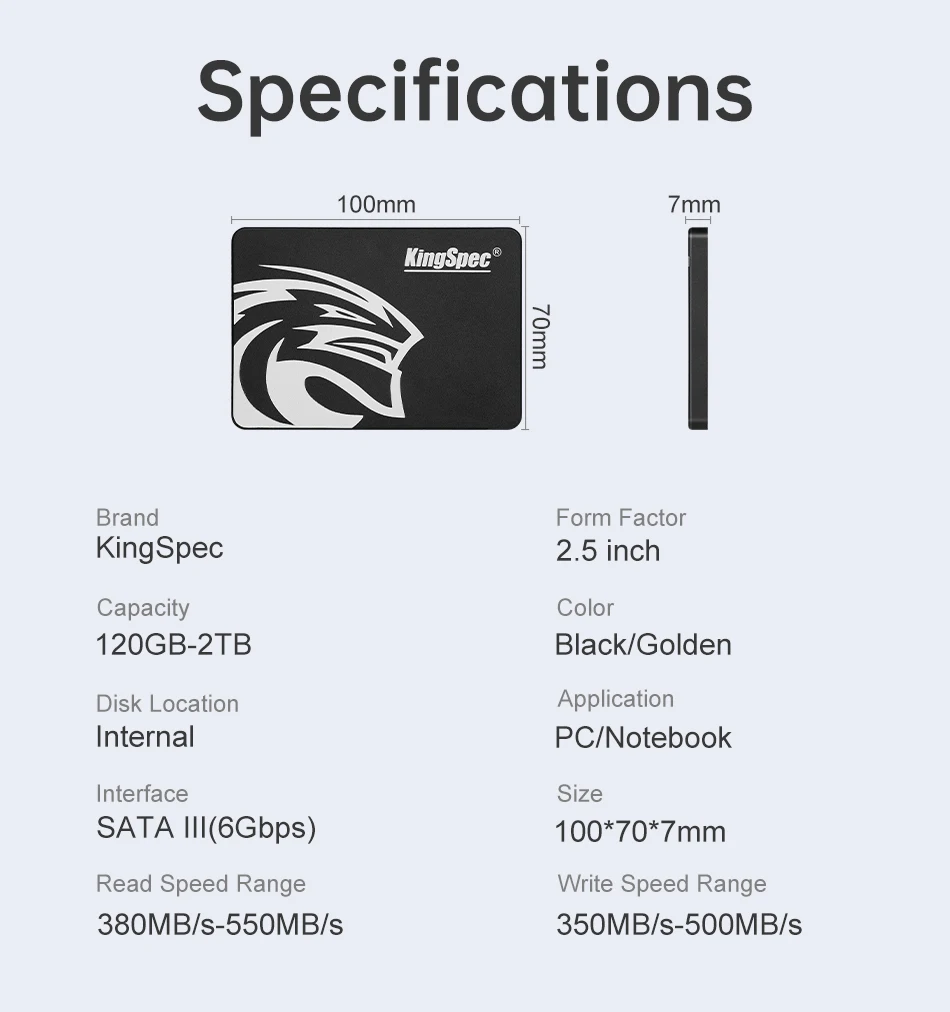
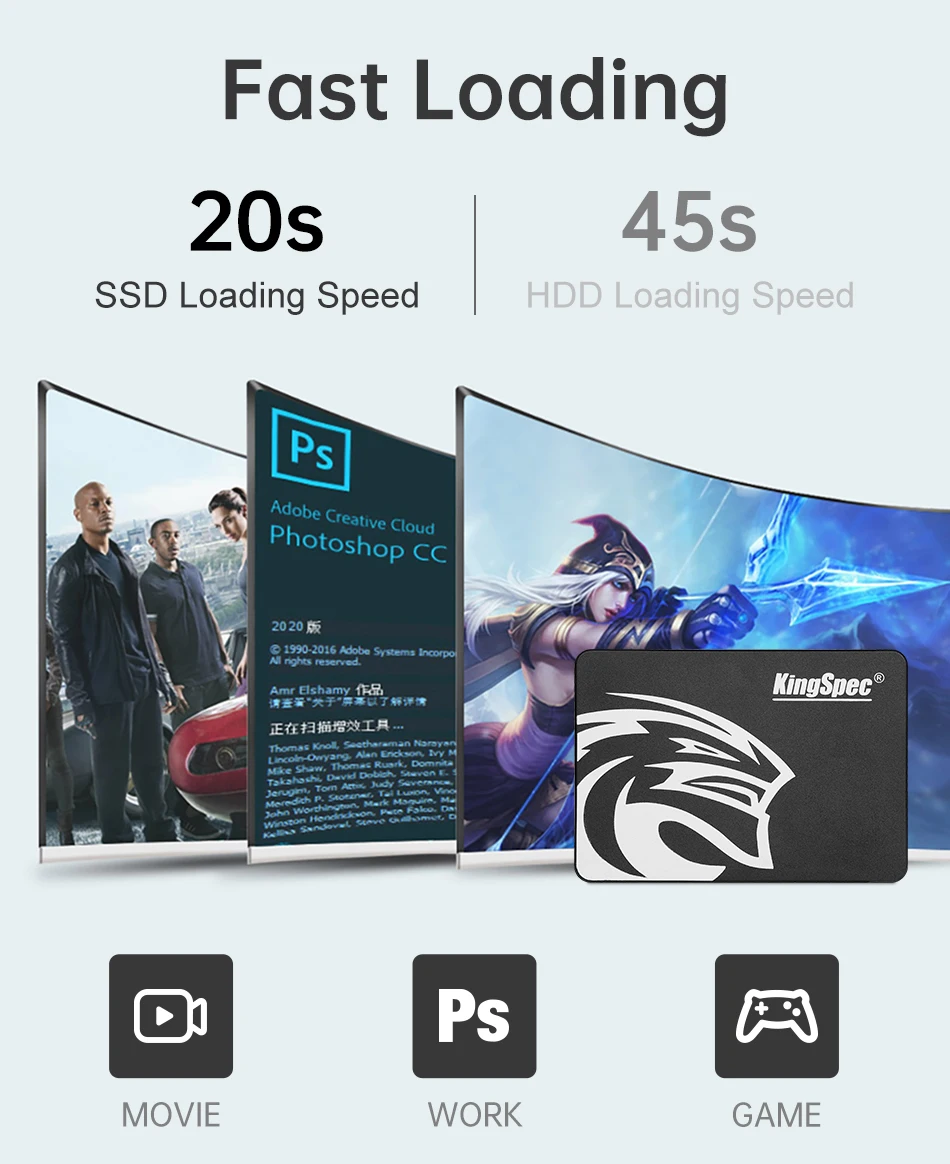
We are not selling software, this window 10 HOME loaded for your convenience, you will need key to activate windows. Upgrading from 7/8.x to window 10 Home --this works with your key, if it does not automatically pick up key, click change key at activation page and enter it manually, internet needs to be connected so it can connect to MSFT servers. Just replace this with your current HDD, it is 6 to 7 times faster , the connections are the same. you can use your old drive as storage. If your old drive is dead or still works(but defective) your pc will activate this ssd to your key automatically. as long as its home edition(we have PRO in another listing) If you are buying this for new machine that does not have window's key this will work but you can not personalize it or get necessary update till you active if with authentic key. (not recommended, no window security) You can purchase key online or on ebay from lic sellers or Microsoft directly. HDDs are a legacy storage technology that use spinning disks to read/write data. SSDs are faster and more power efficient than HDDs. The buyer must have a Microsoft digital license or product key for the exact version of Windows 10 HOME installed. Any questions please email us. |
Virtual/Digital Windows 10 Licenses
A digital license is a virtual product key. If you previously upgraded from an older version of Windows to Windows 10, you have what is known as a digital or virtual license. That means the Microsoft servers already know you have a Windows 10 license for that laptop, which is linked to serial numbers of several pieces of hardware they identified in your laptop and it will be automatically validated by Microsoft without you putting in an actual product key. While you do not need a physical product key in this case, you do need to know if you own Windows 10 Pro or Windows 10 Home as the installed version on the hard drive must match the version you own.
***********************************************************************************************************************************************************************
Frequently Asked Questions:
Can I install this hard drive in any model of laptop?
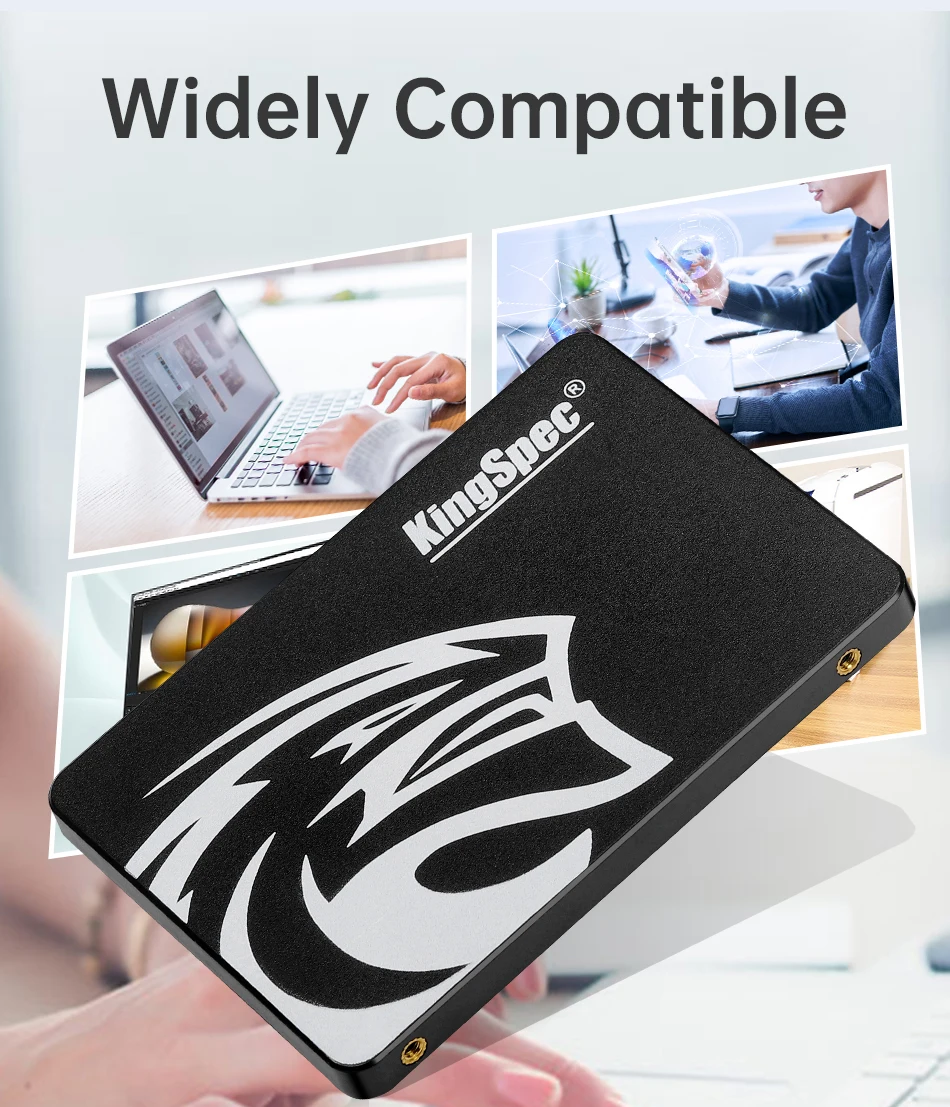
You can install it in any laptop that uses a 2.5" SSD, has Secure Boot disabled in the BIOS and is licensed to use Windows 10 Pro.
Do I need to have a license or product key for the exact version of Windows?
Yes. All Microsoft Windows licenses are version specific.
Does it matter if I had the 32-Bit version installed before and now want the 64-Bit version?
No. A Windows license or key is version specific as in Home or Pro, but will validate either 32-Bit or 64-Bit version of that same OS. Even if you had 32-Bit installed before you can switch to the 64-Bit version and validate it with the same license or key.
What if I do not have a license or key or want a version of Windows that is different from the one on my COA?
If you don't have a product key, or you want to upgrade to Windows 10, then you can purchase a Windows 10 license from Microsoft. There are also a lot of sellers on eBay selling Windows 10 keys.
Corrupted data, files, and folders
Major slowdowns
Stuck spindle motor
Frequent error messages
System crashes
Blue Screen of Death
Bad sectors preventing data access
Failure of the system to boot