International Buyers - Please Note:
a) Import duties, taxes and charges are not included in the item price or shipping charges. These charges are the buyer’s responsibility.
b) Please check with your country’s customs office to determine what these additional costs will be prior to bidding/buying.
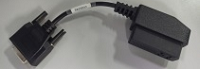
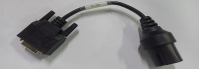
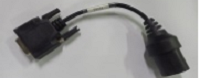
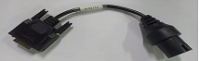
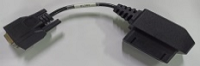
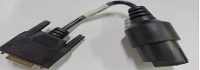
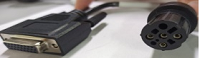
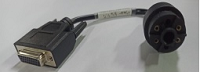
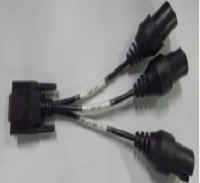
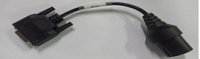
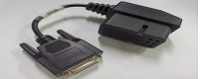
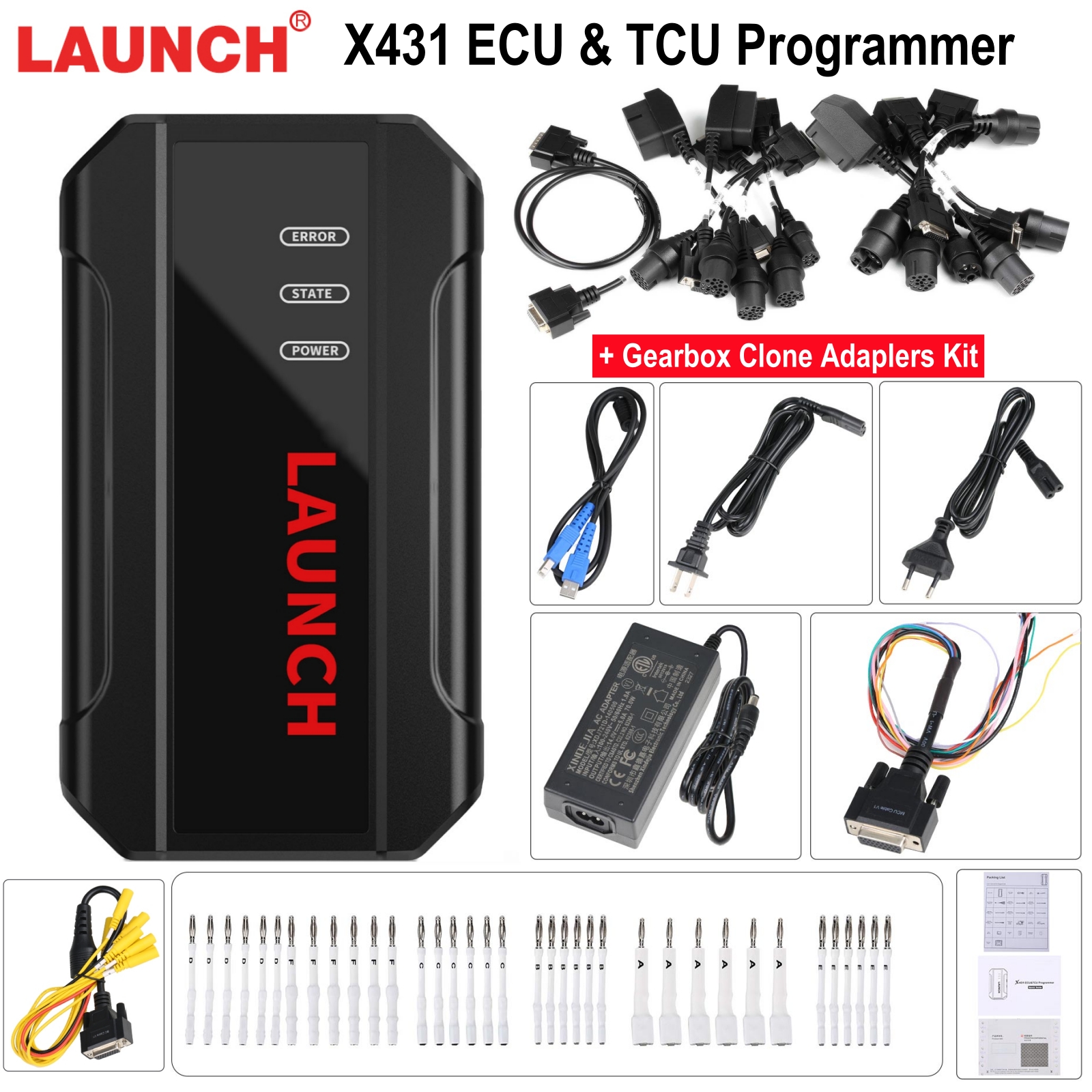
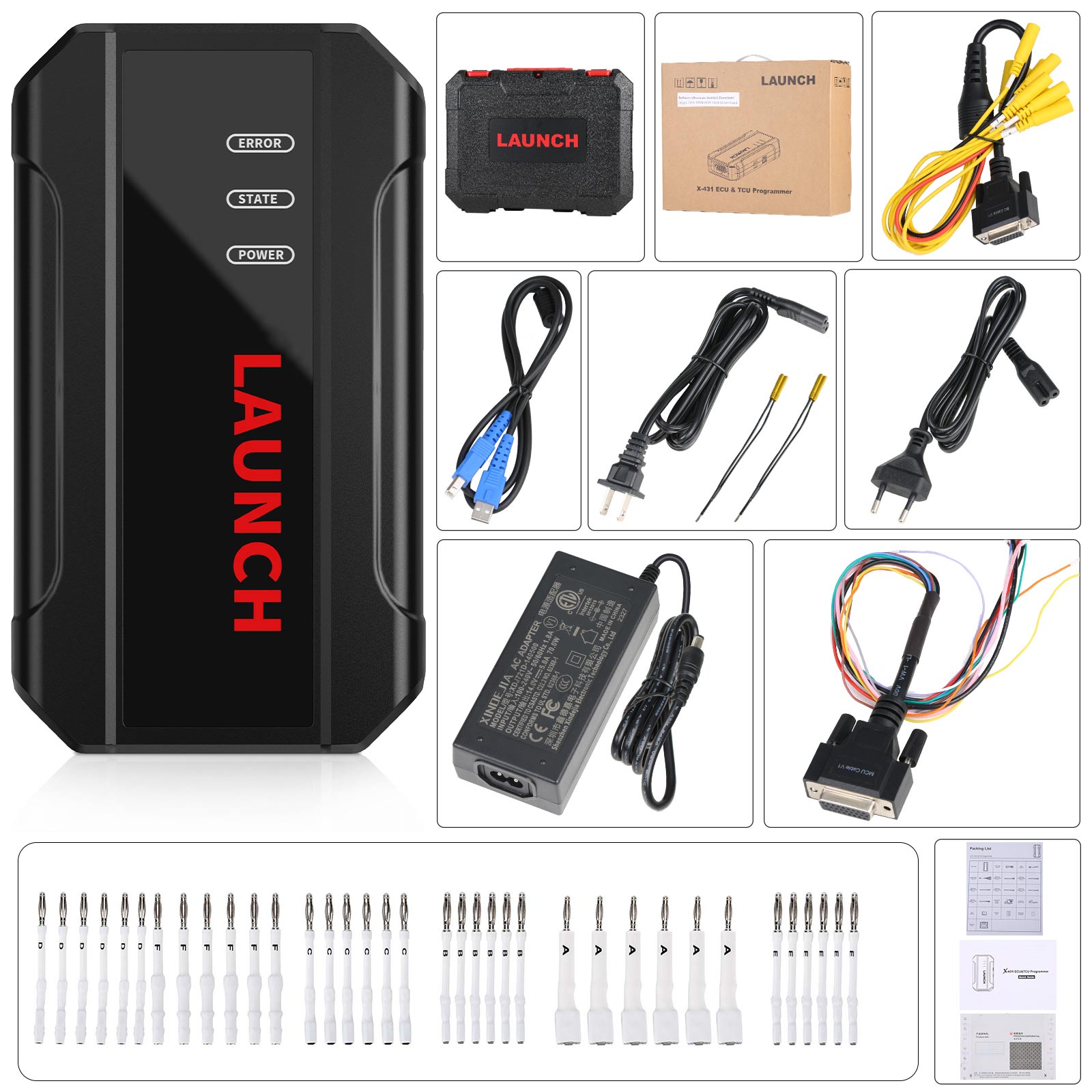
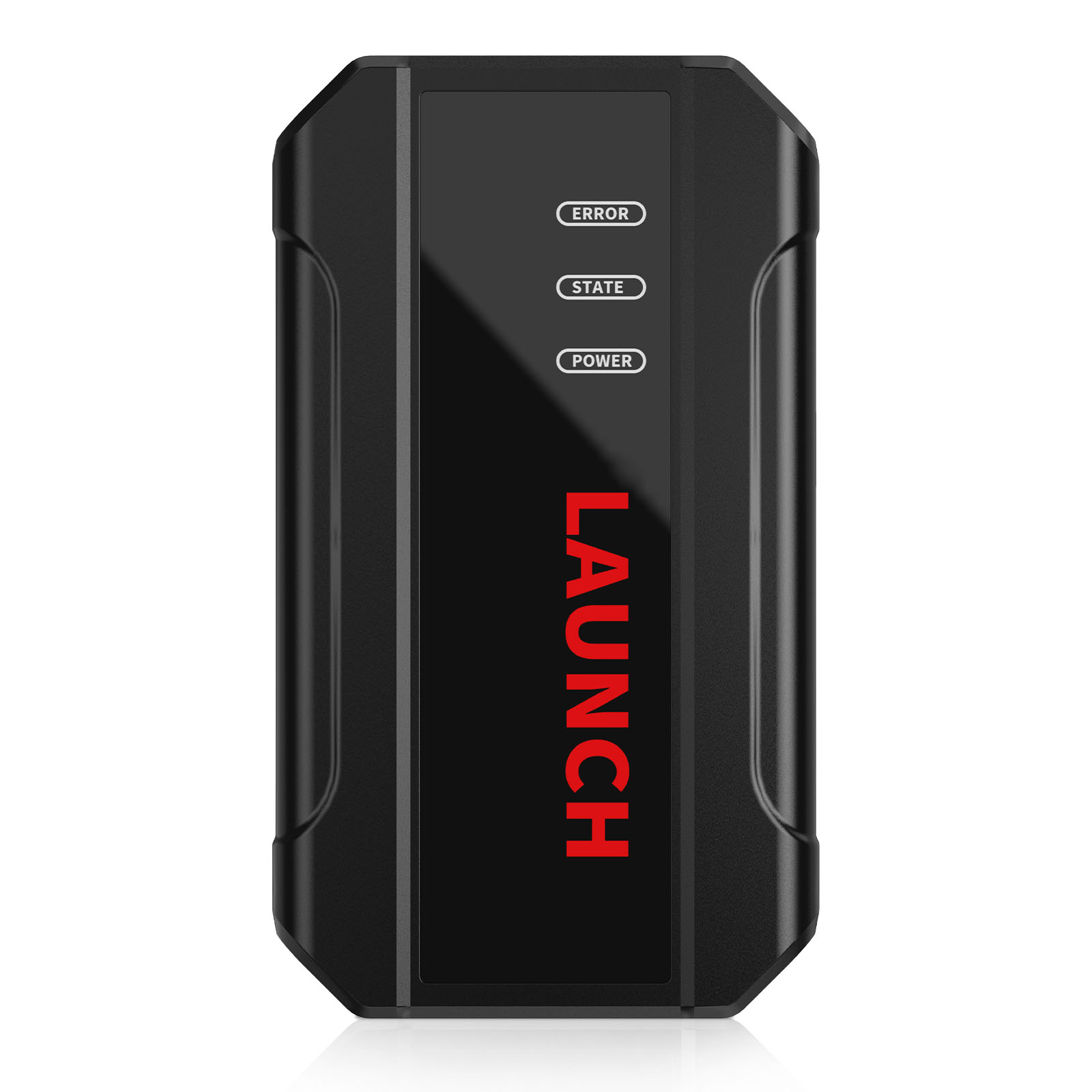
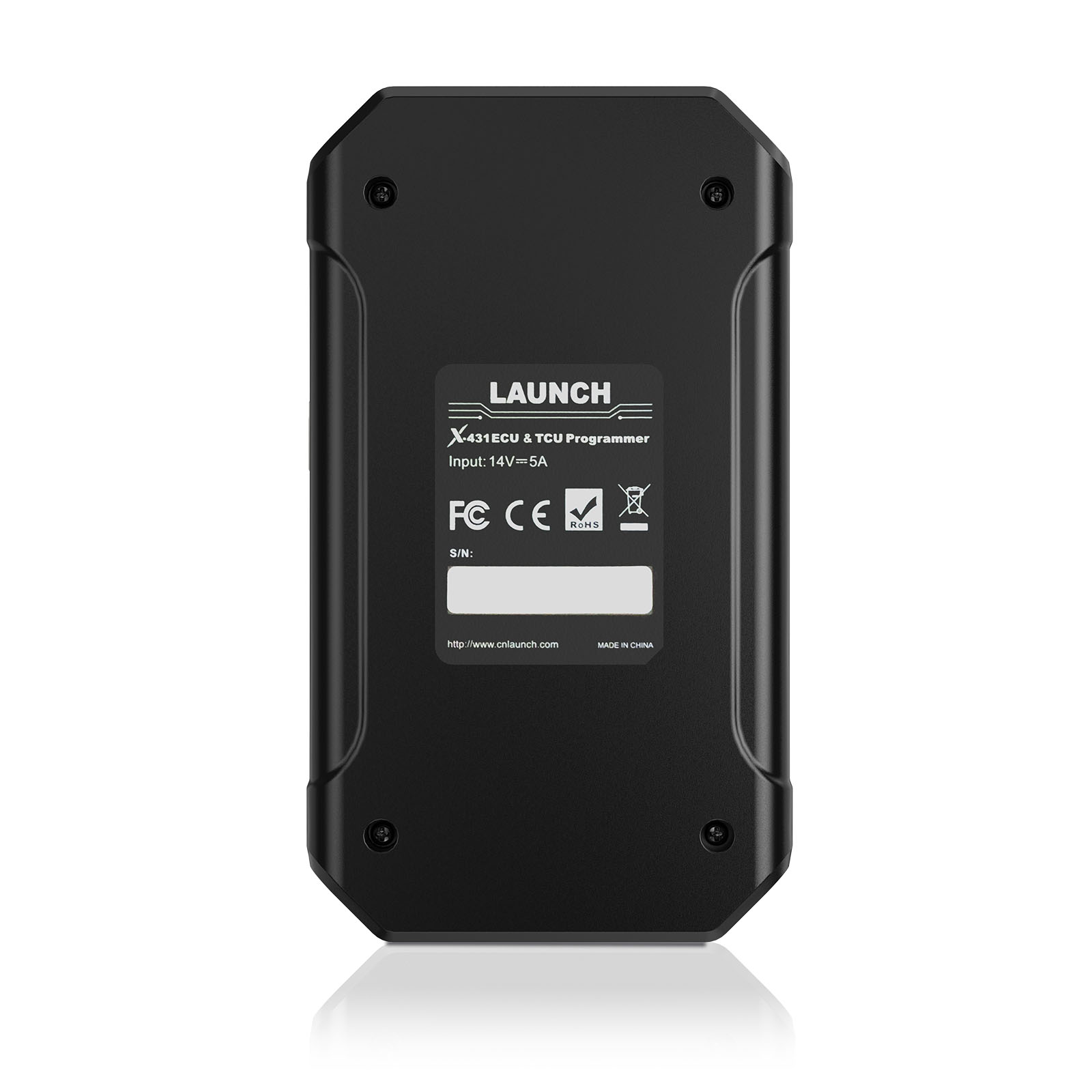
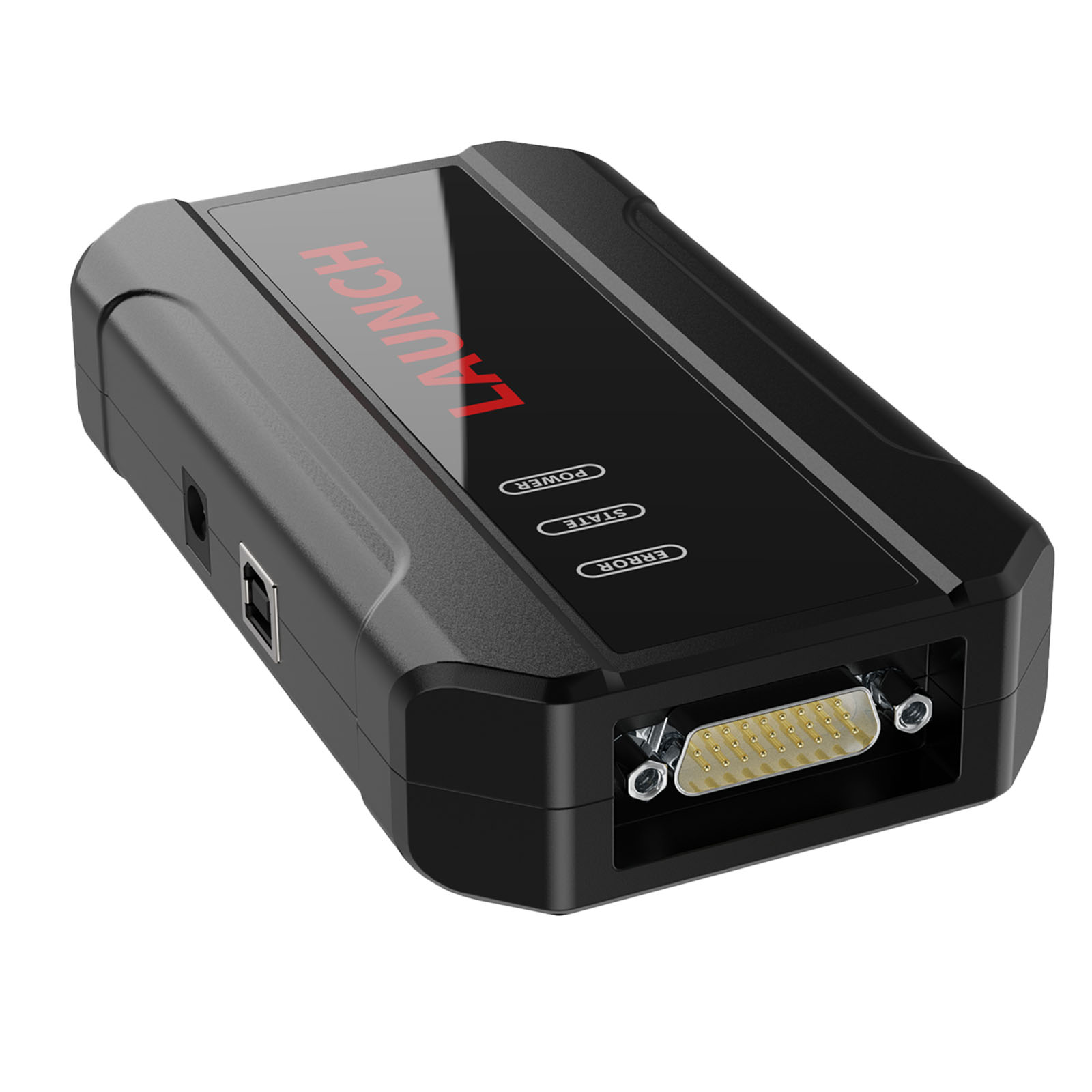
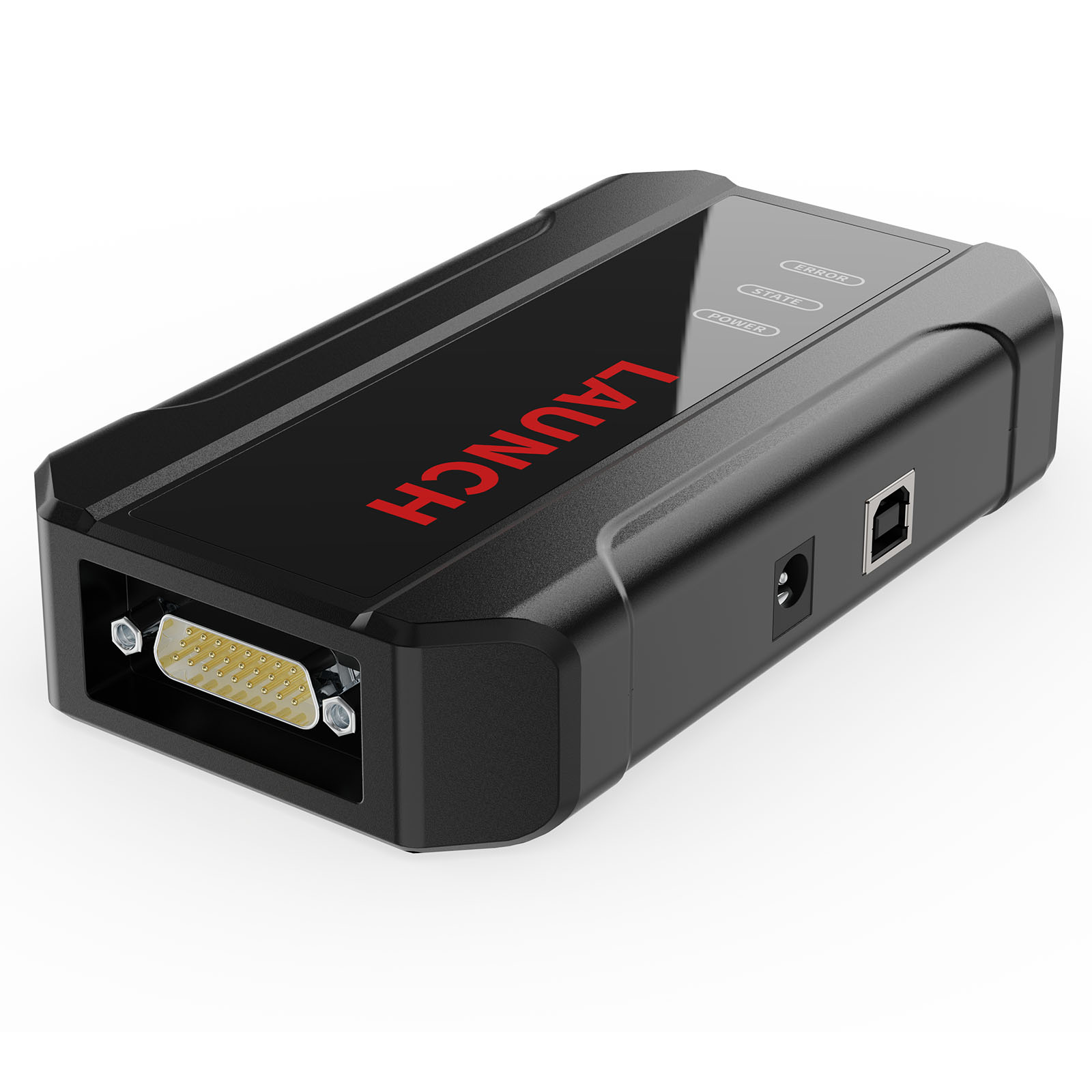
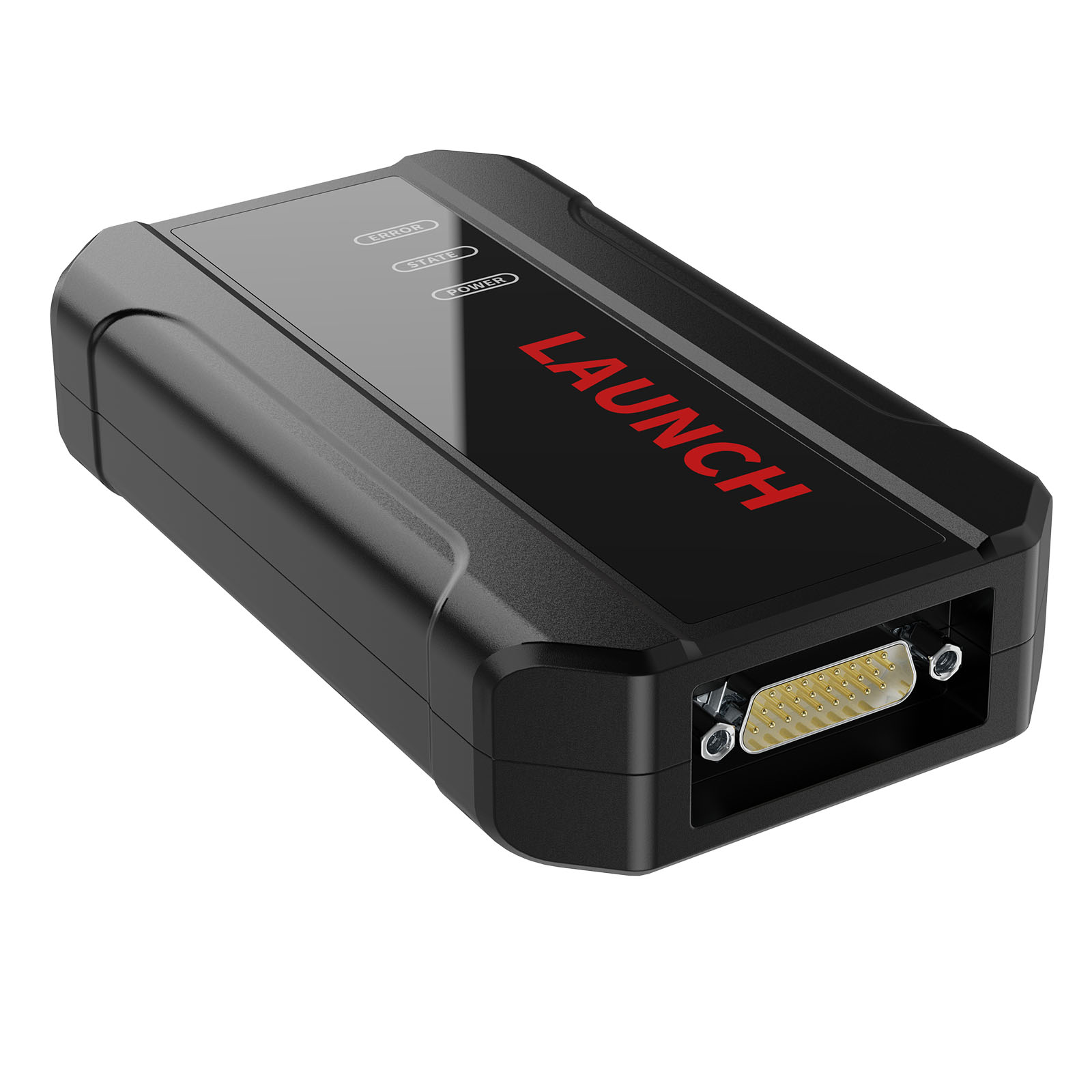
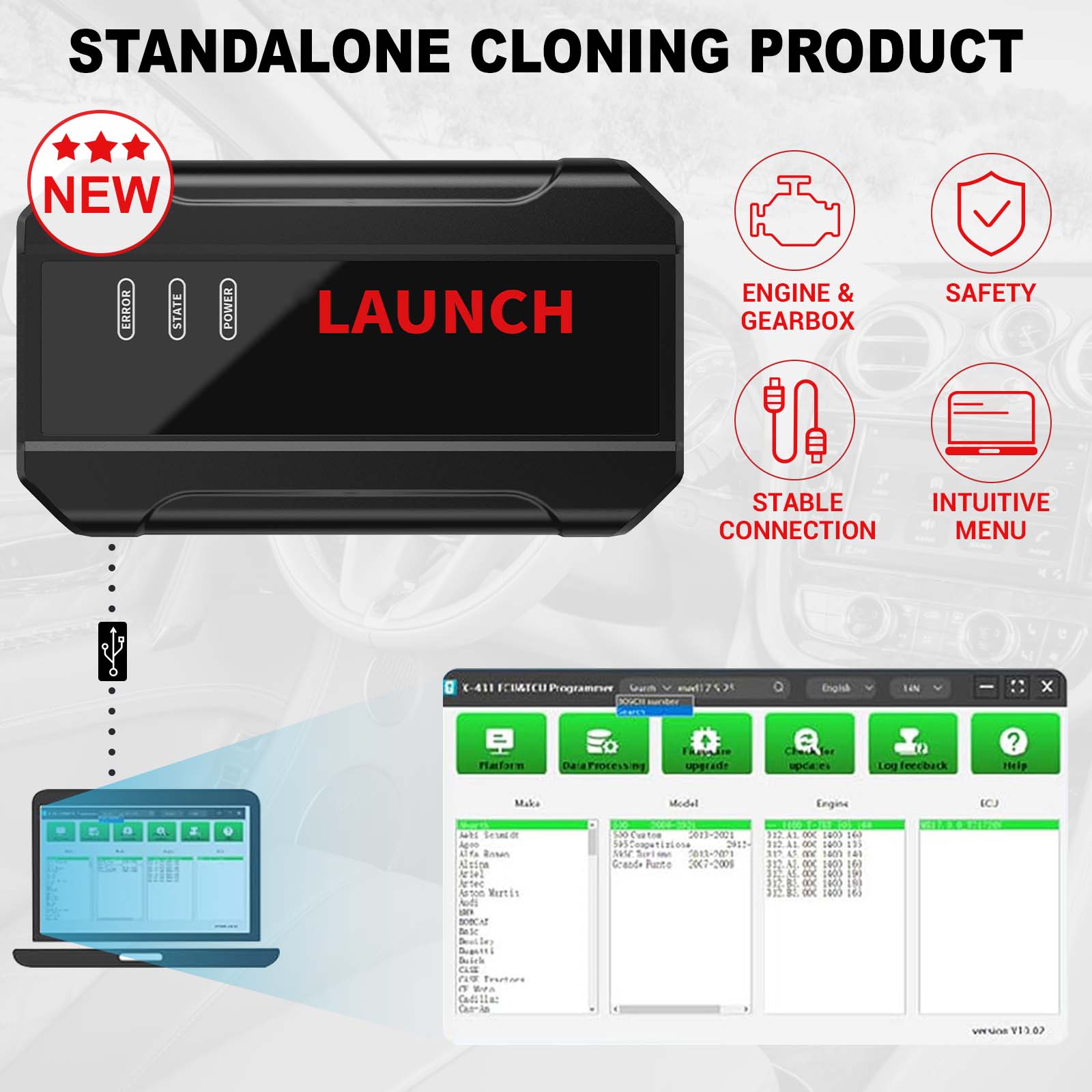
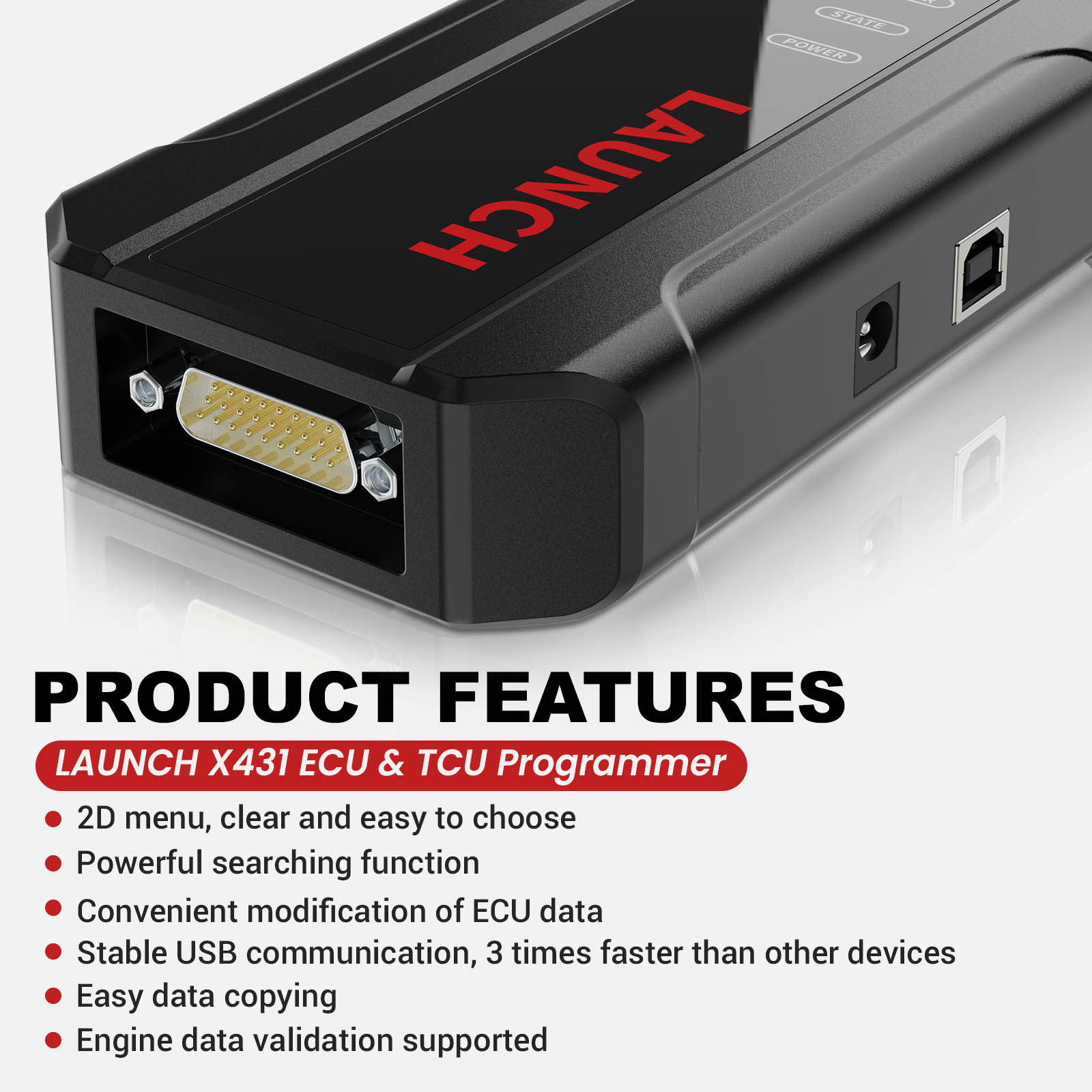
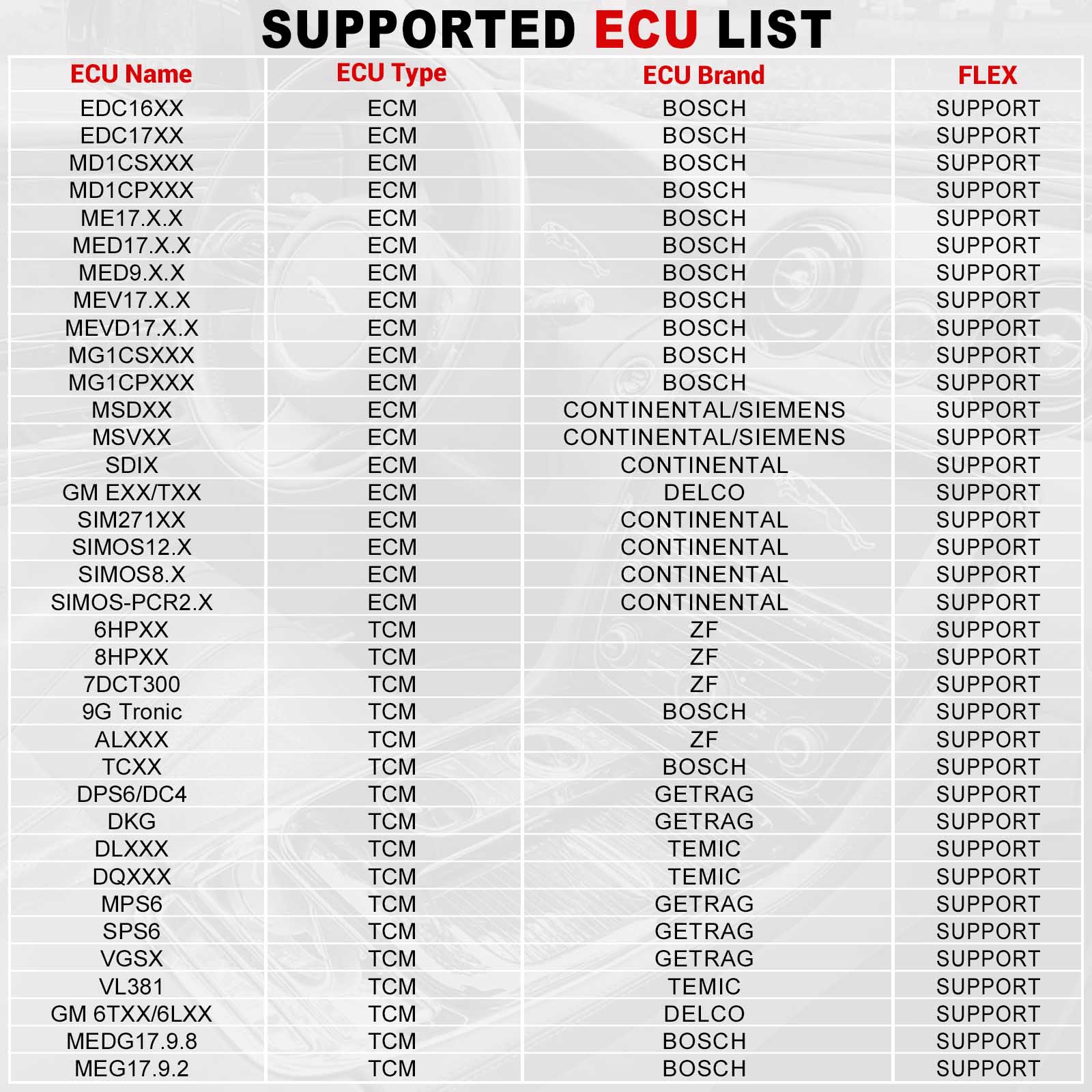
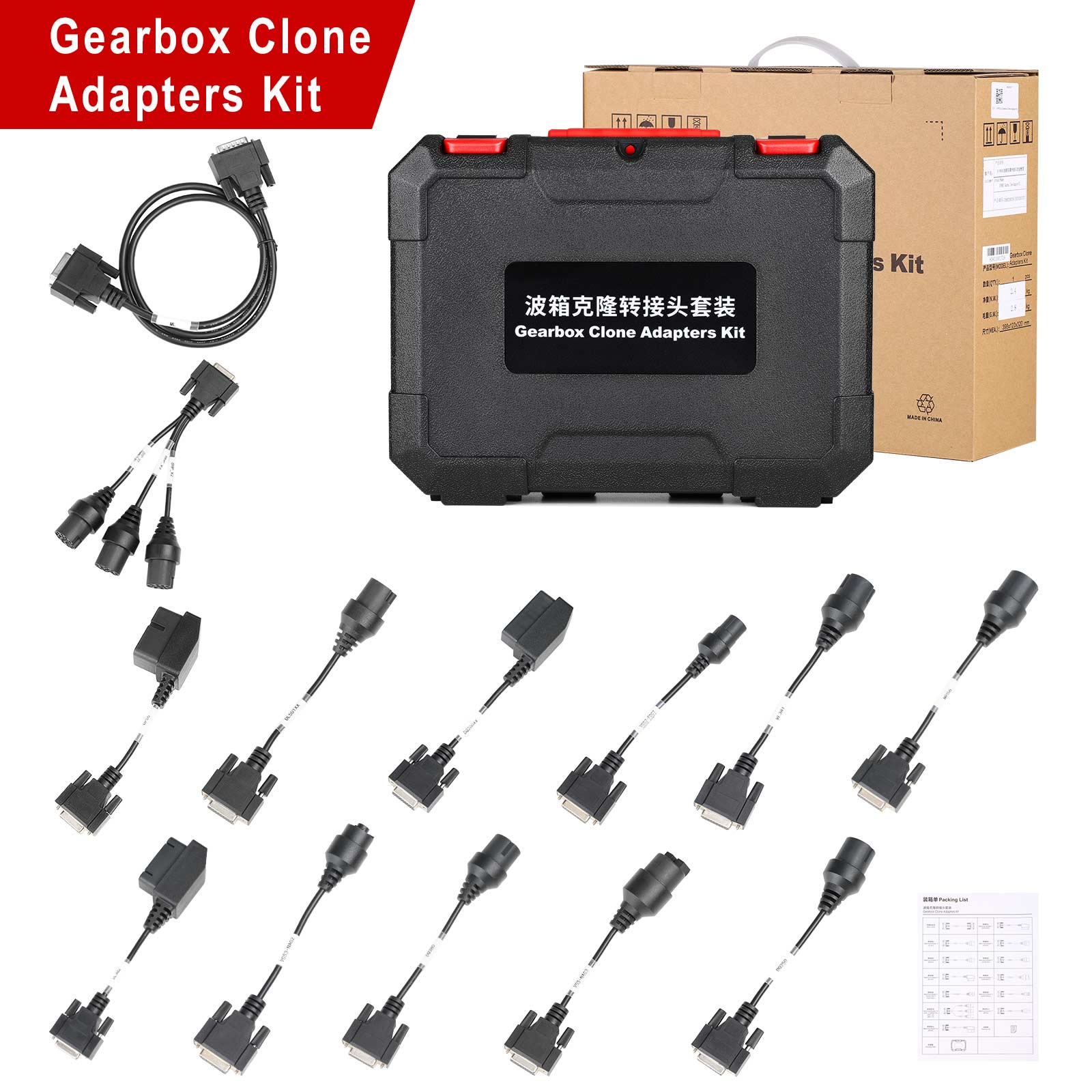
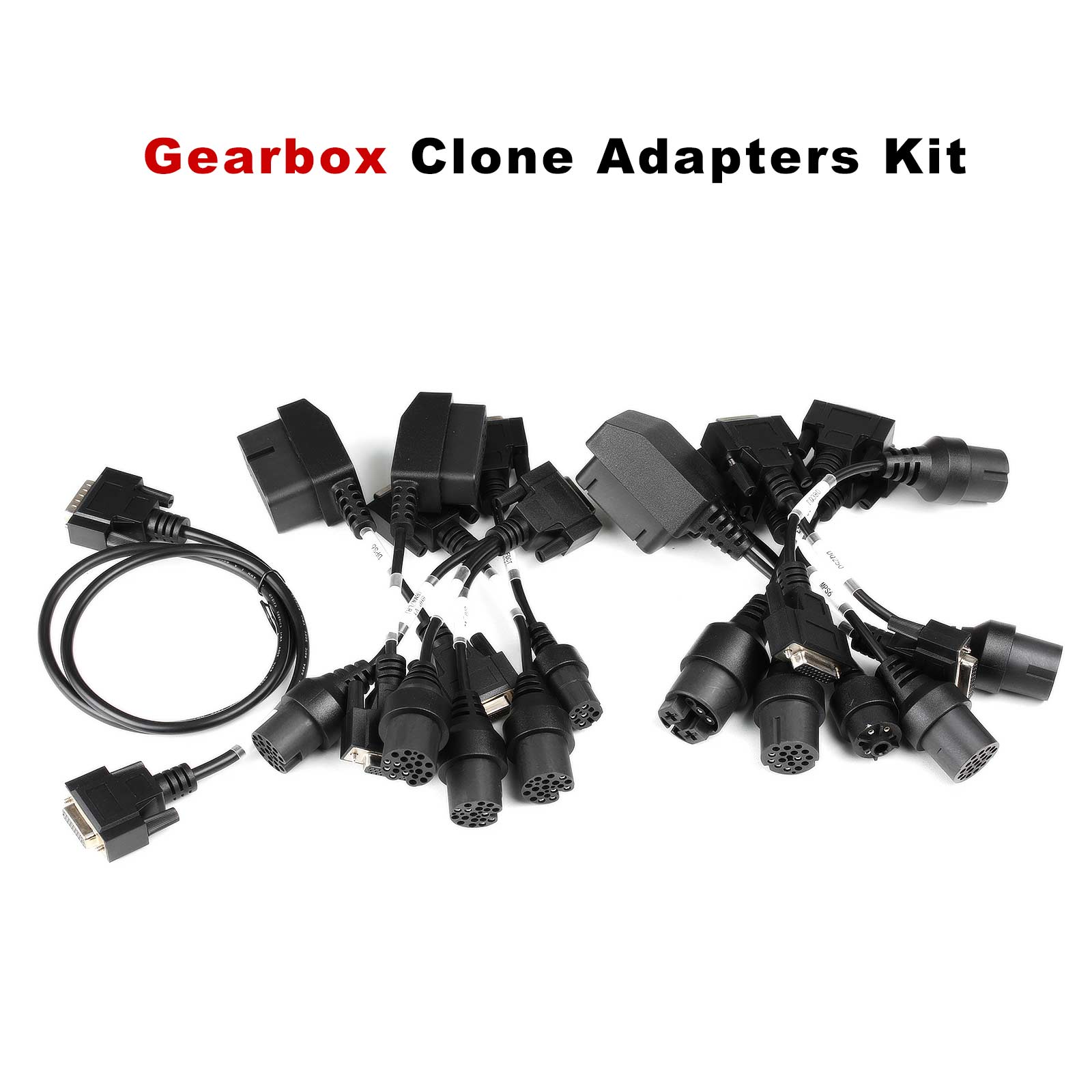
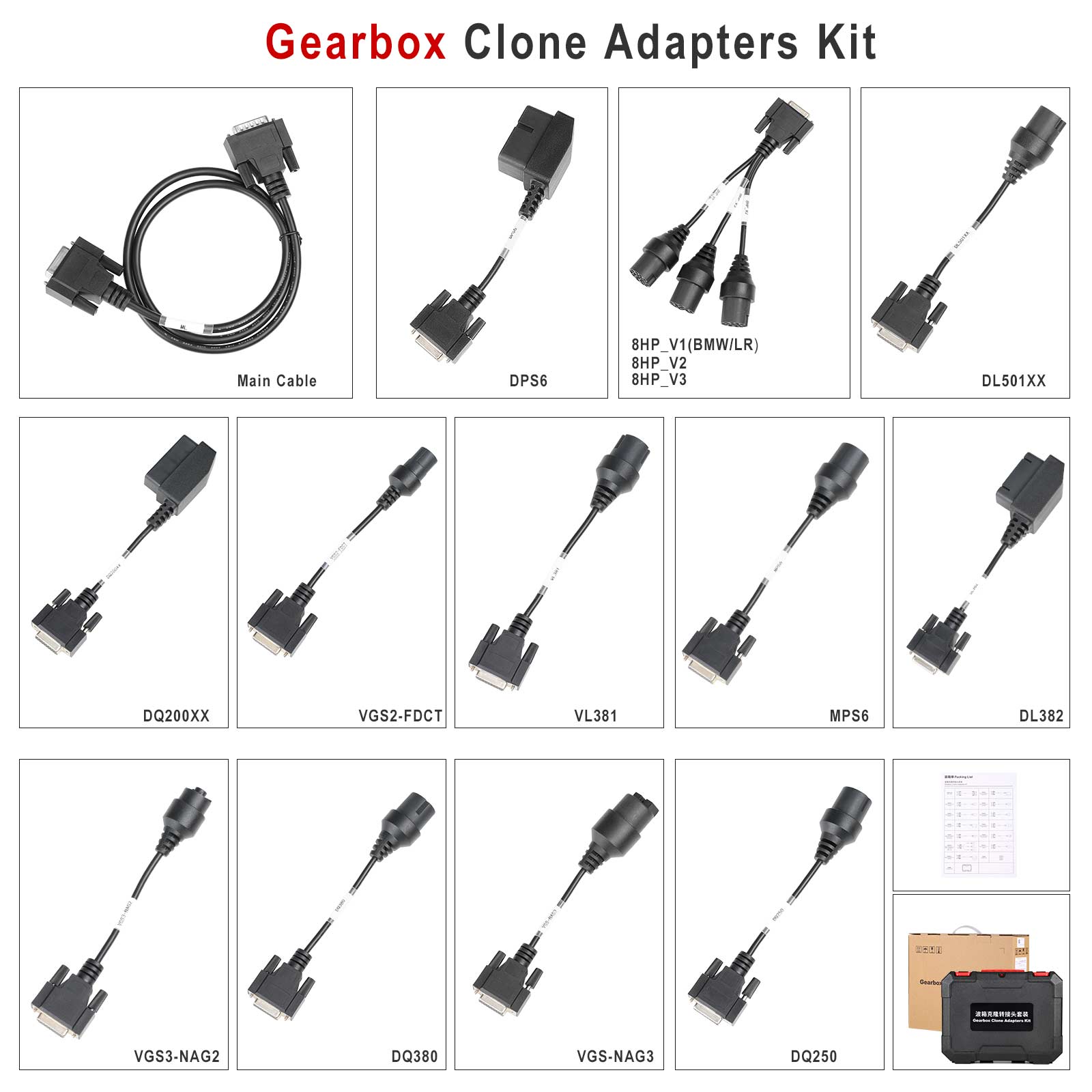
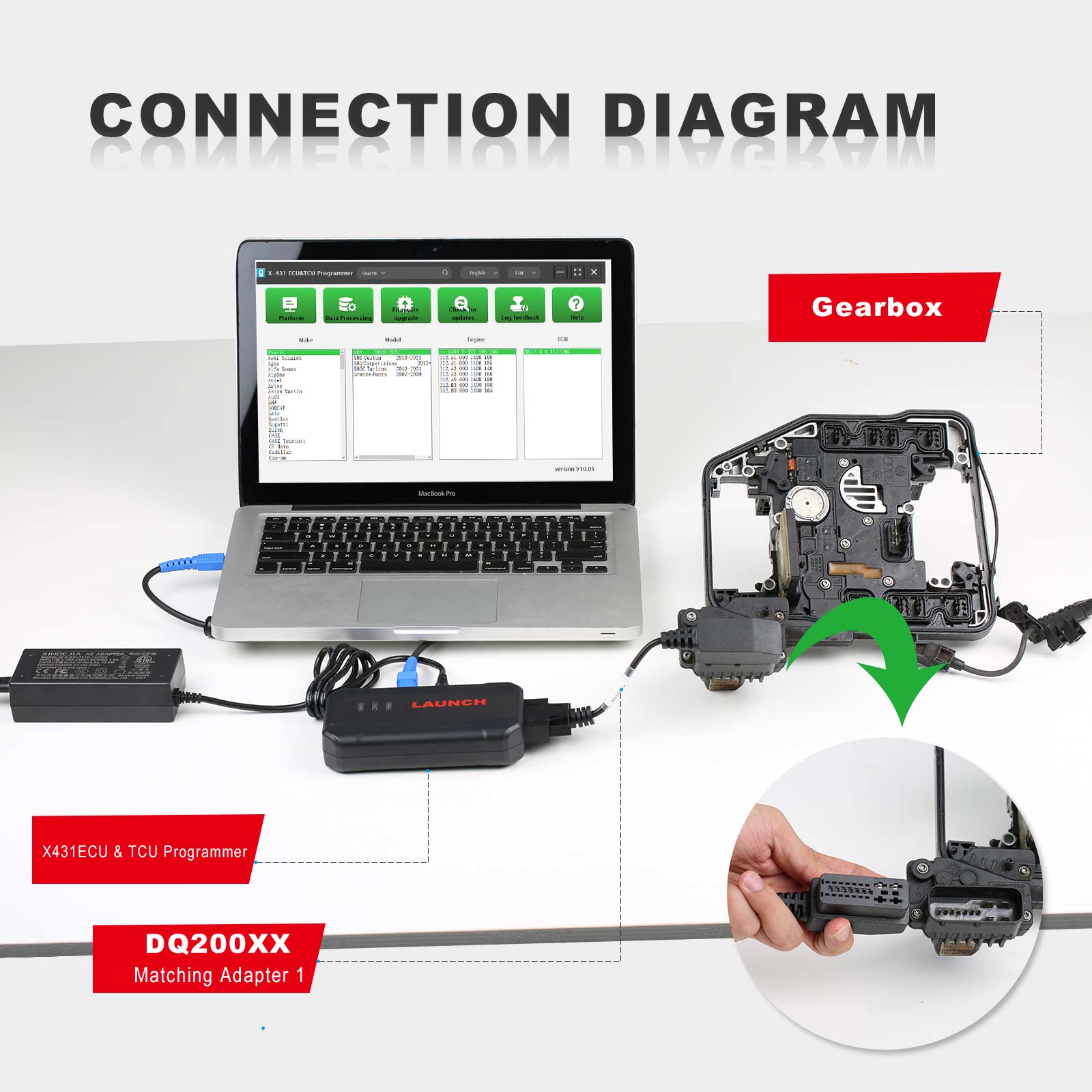
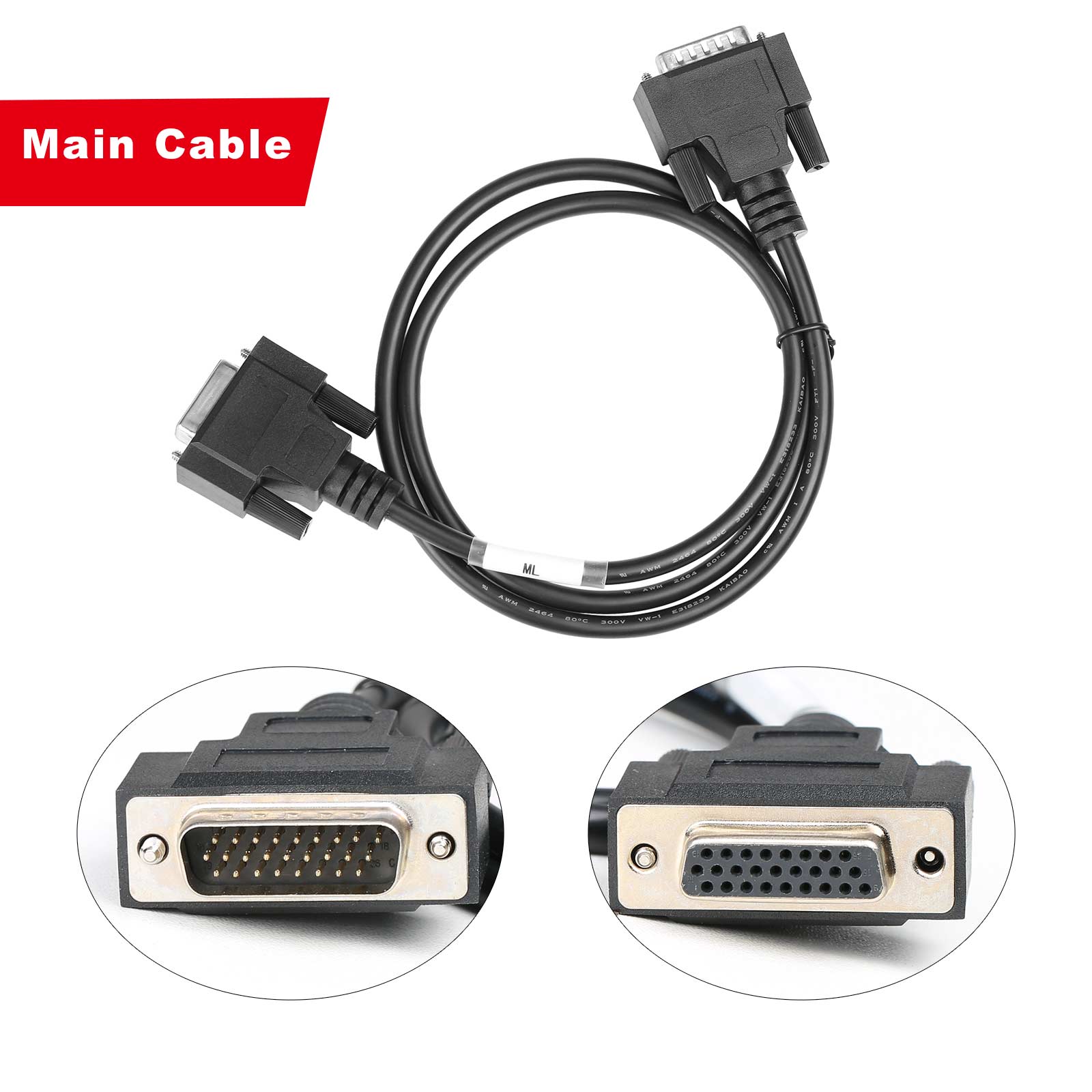
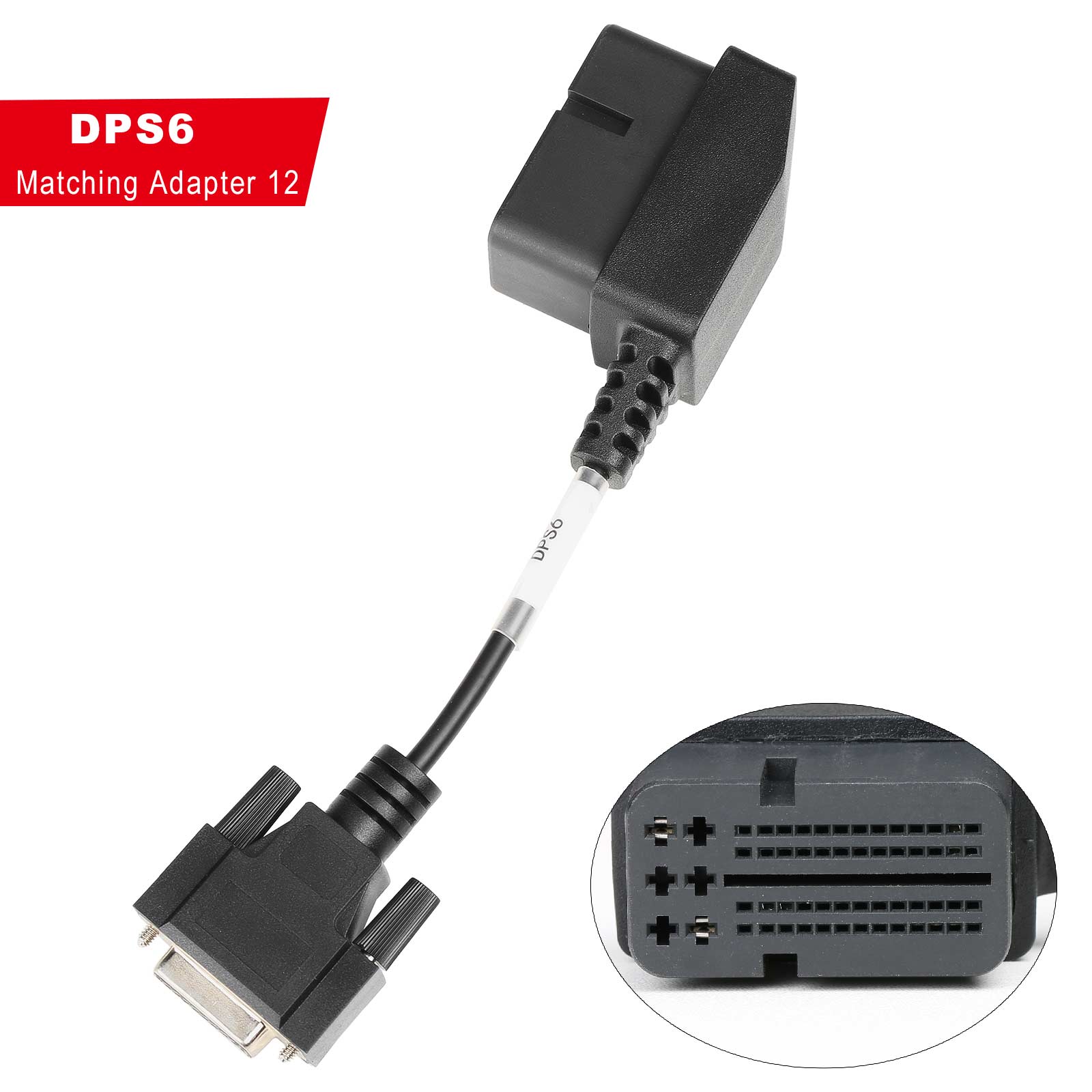
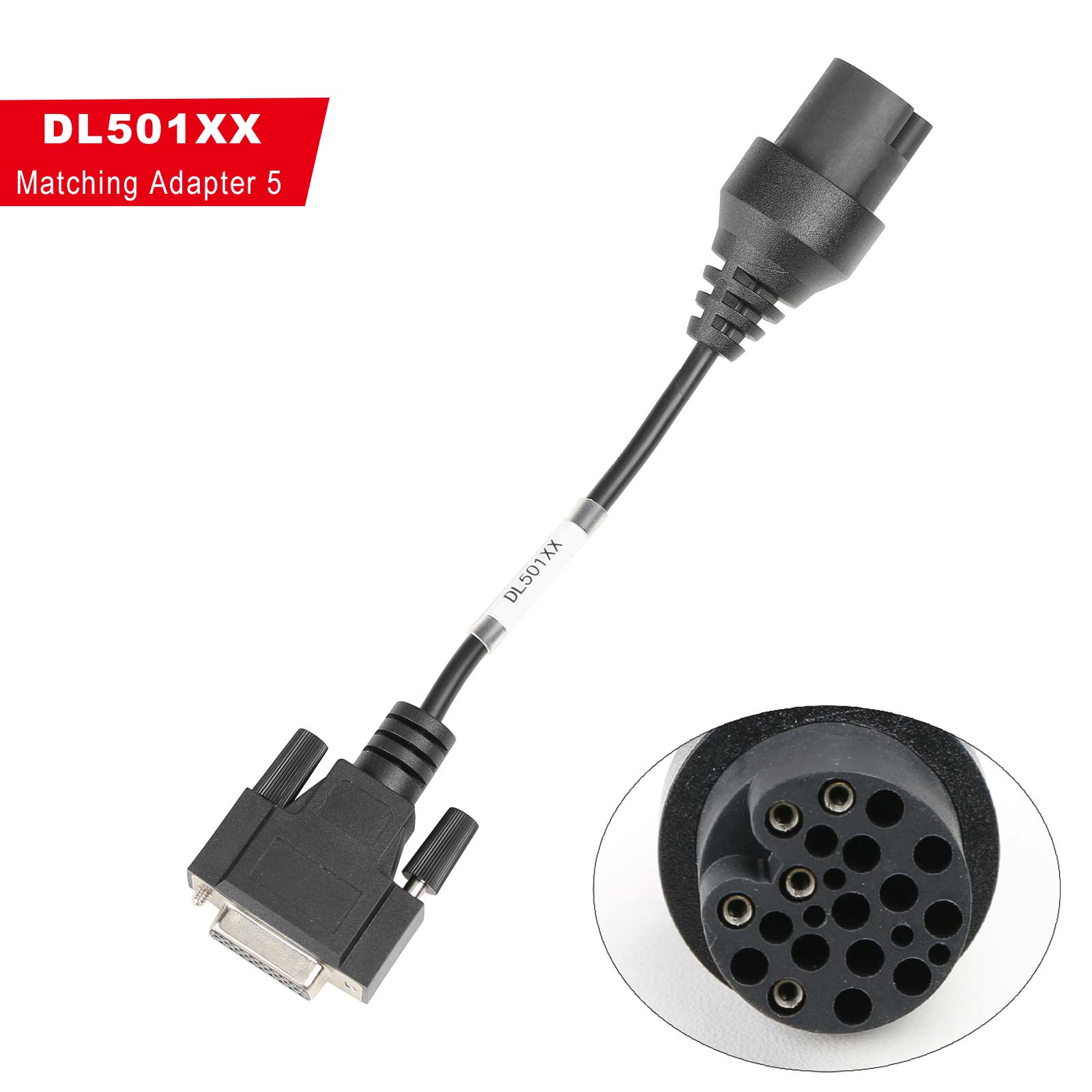
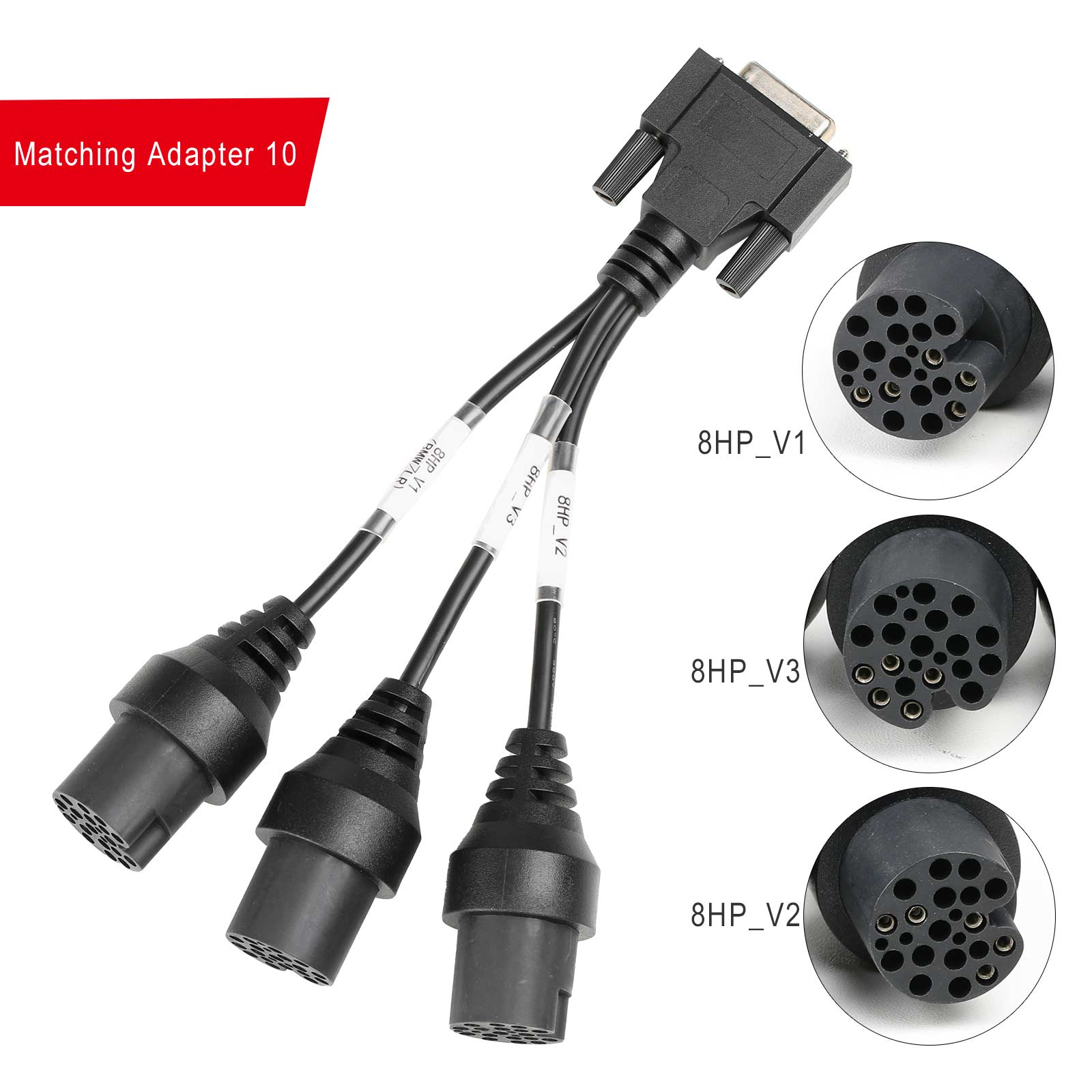
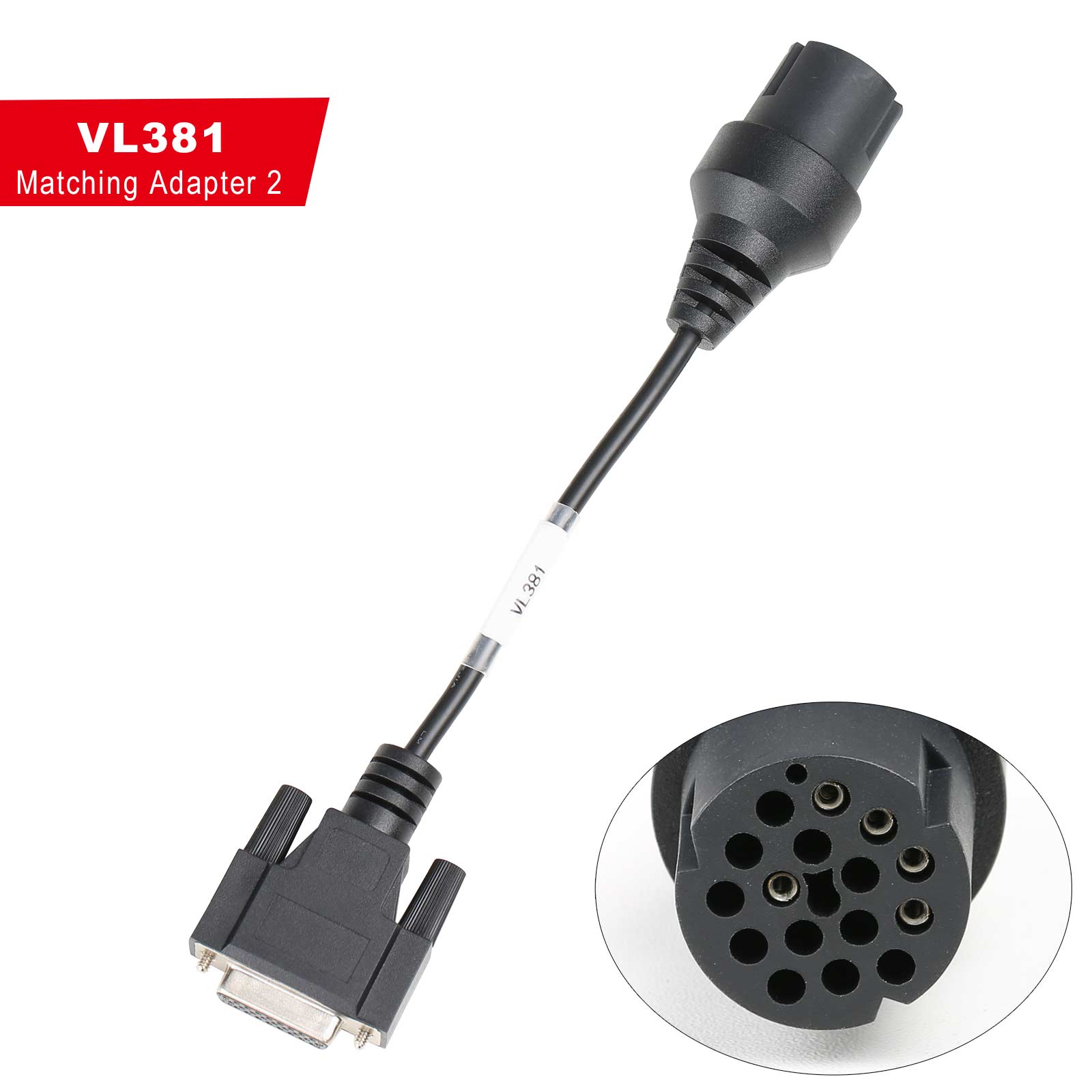
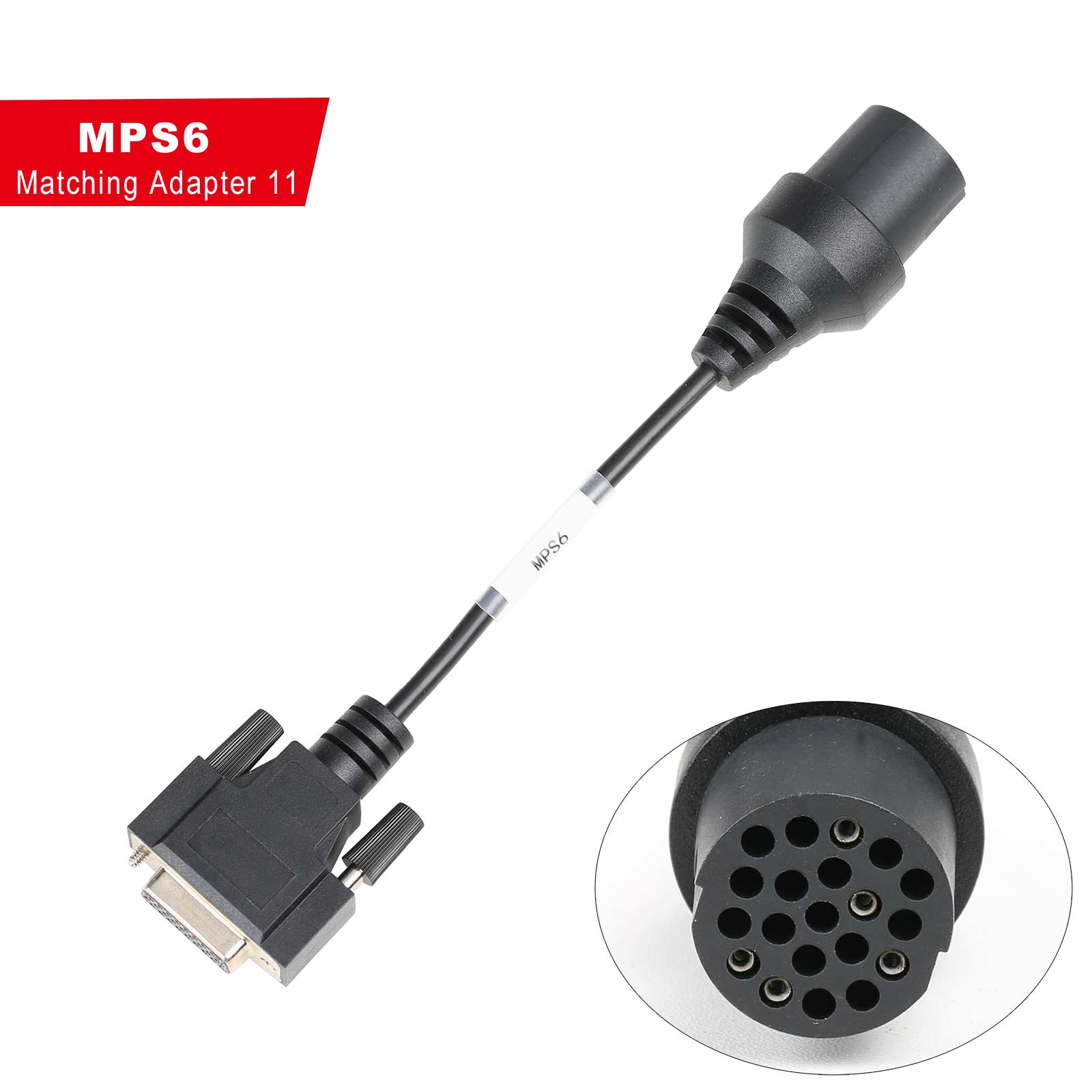
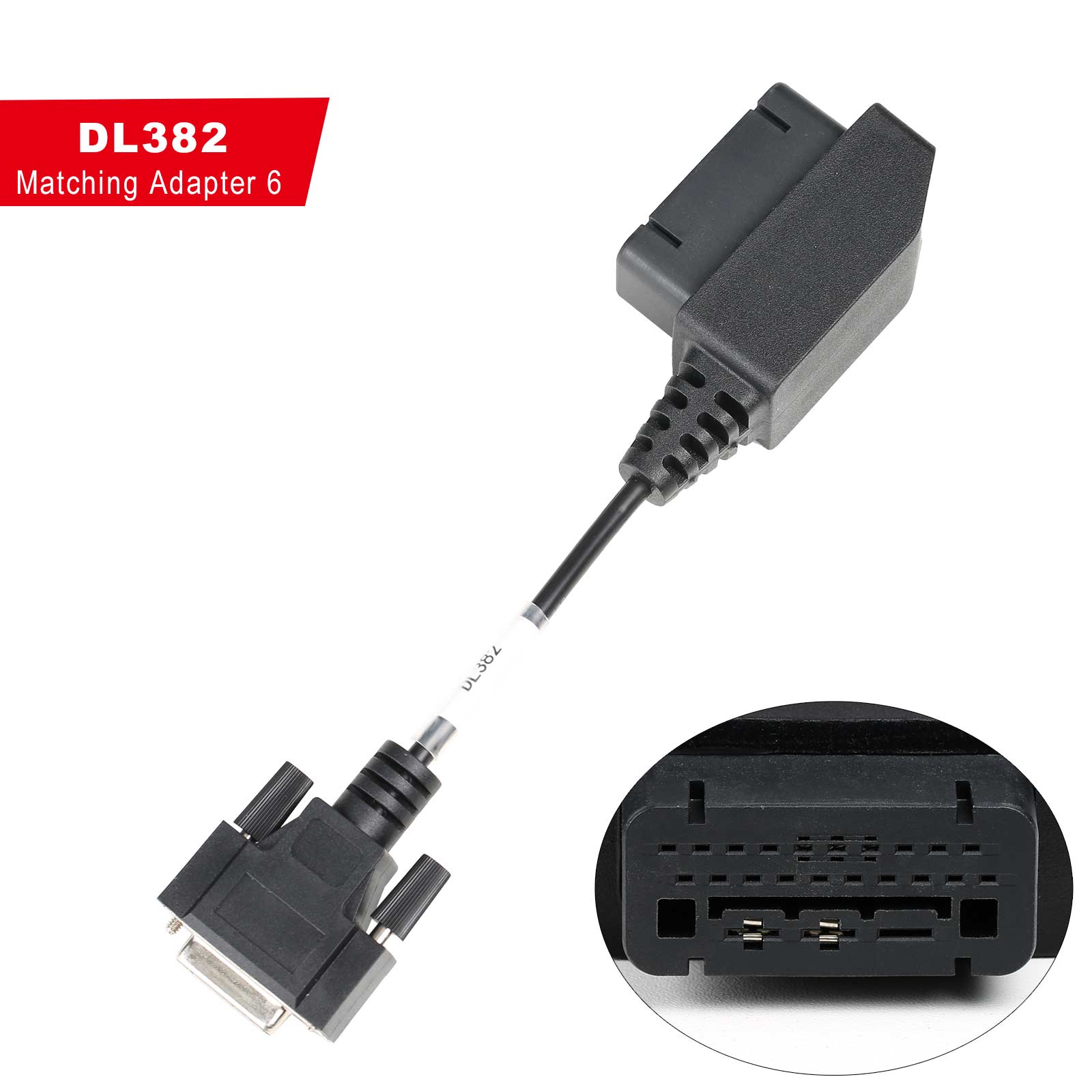
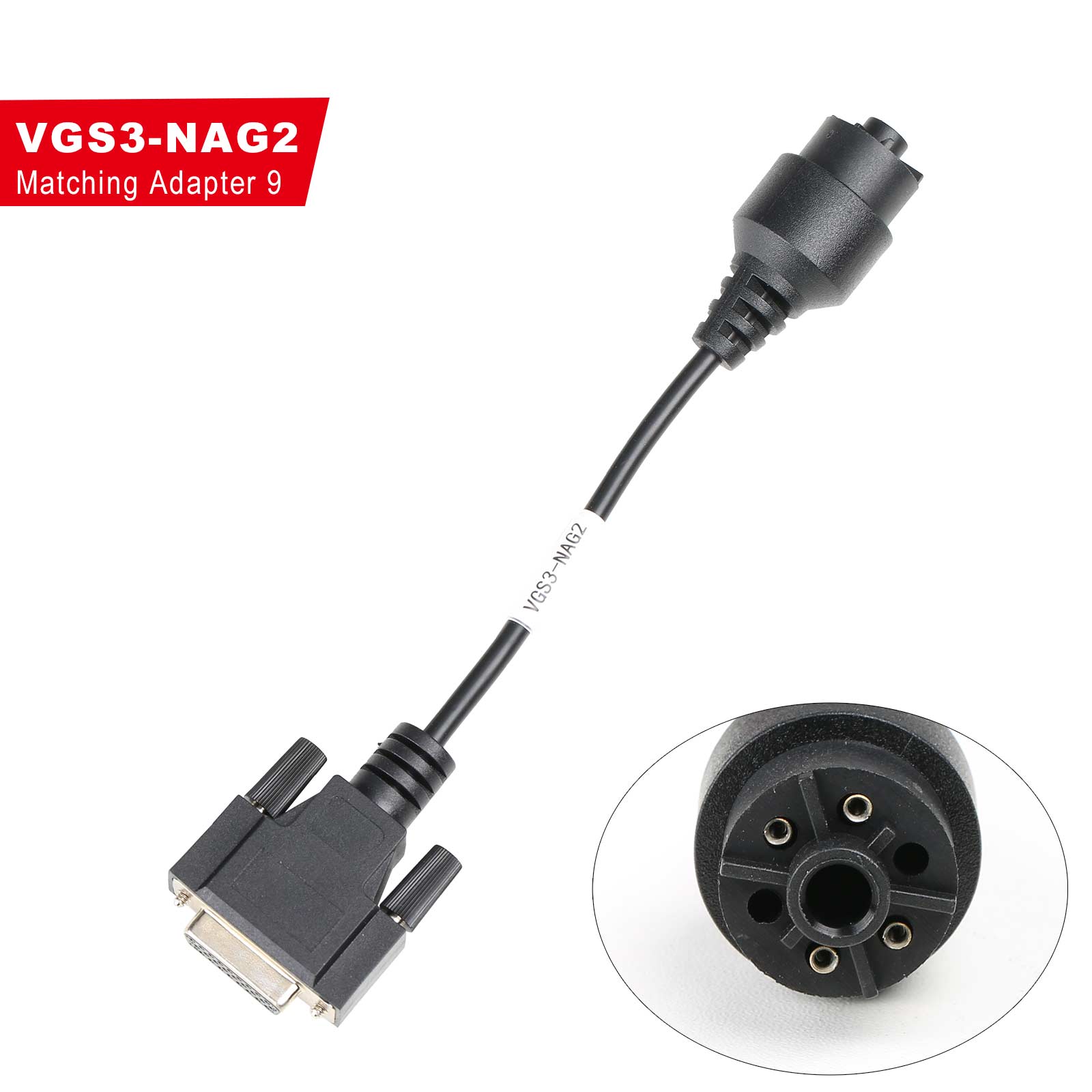
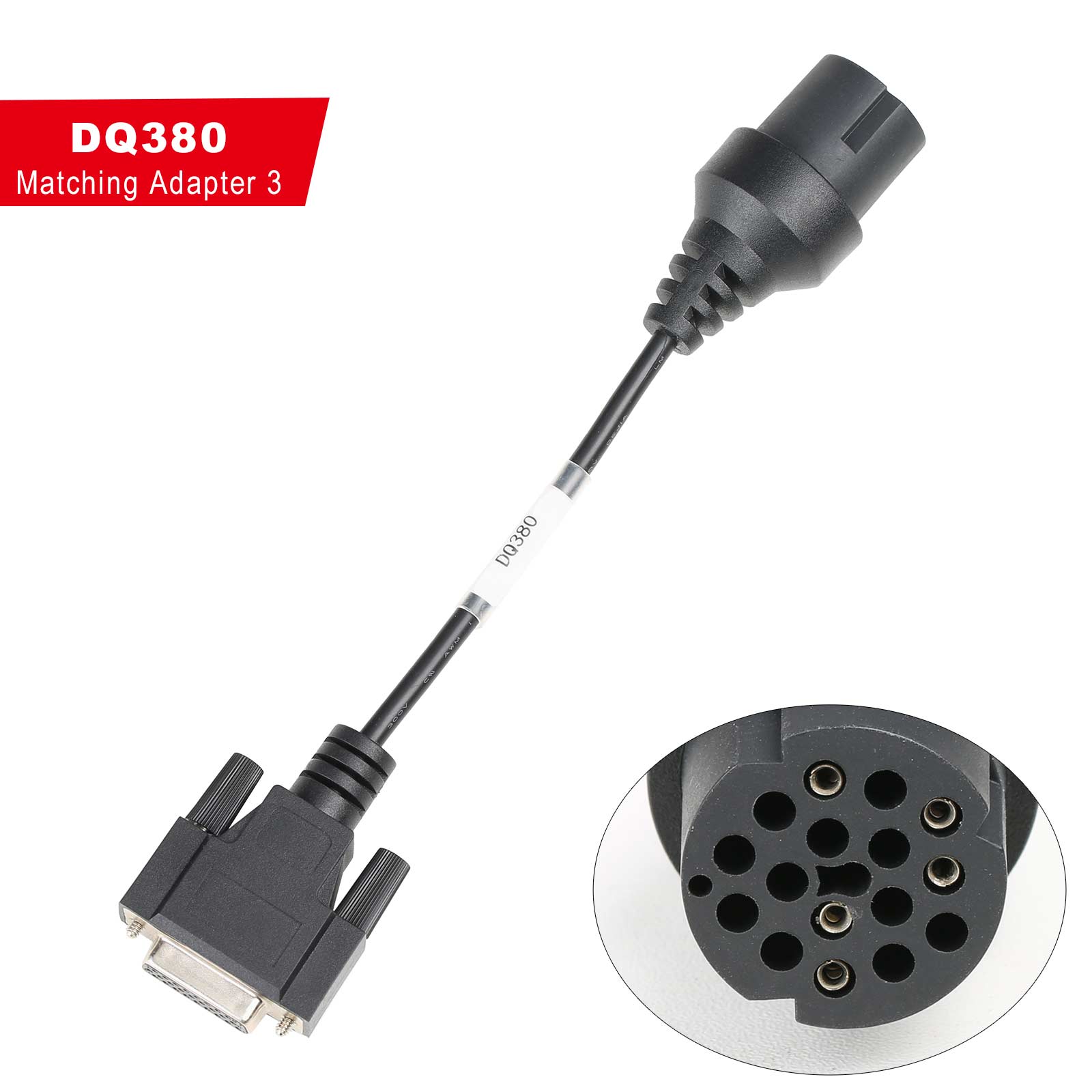
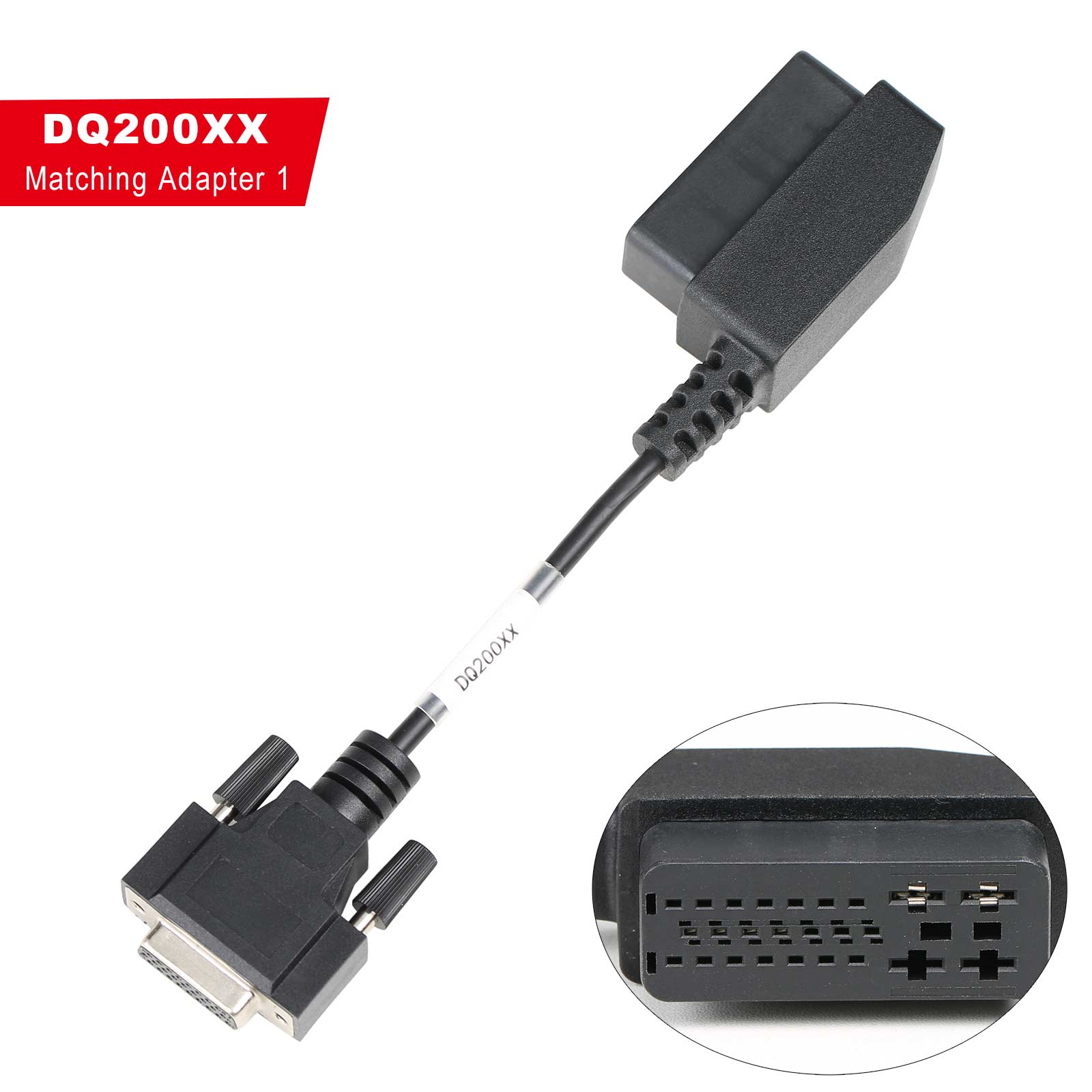
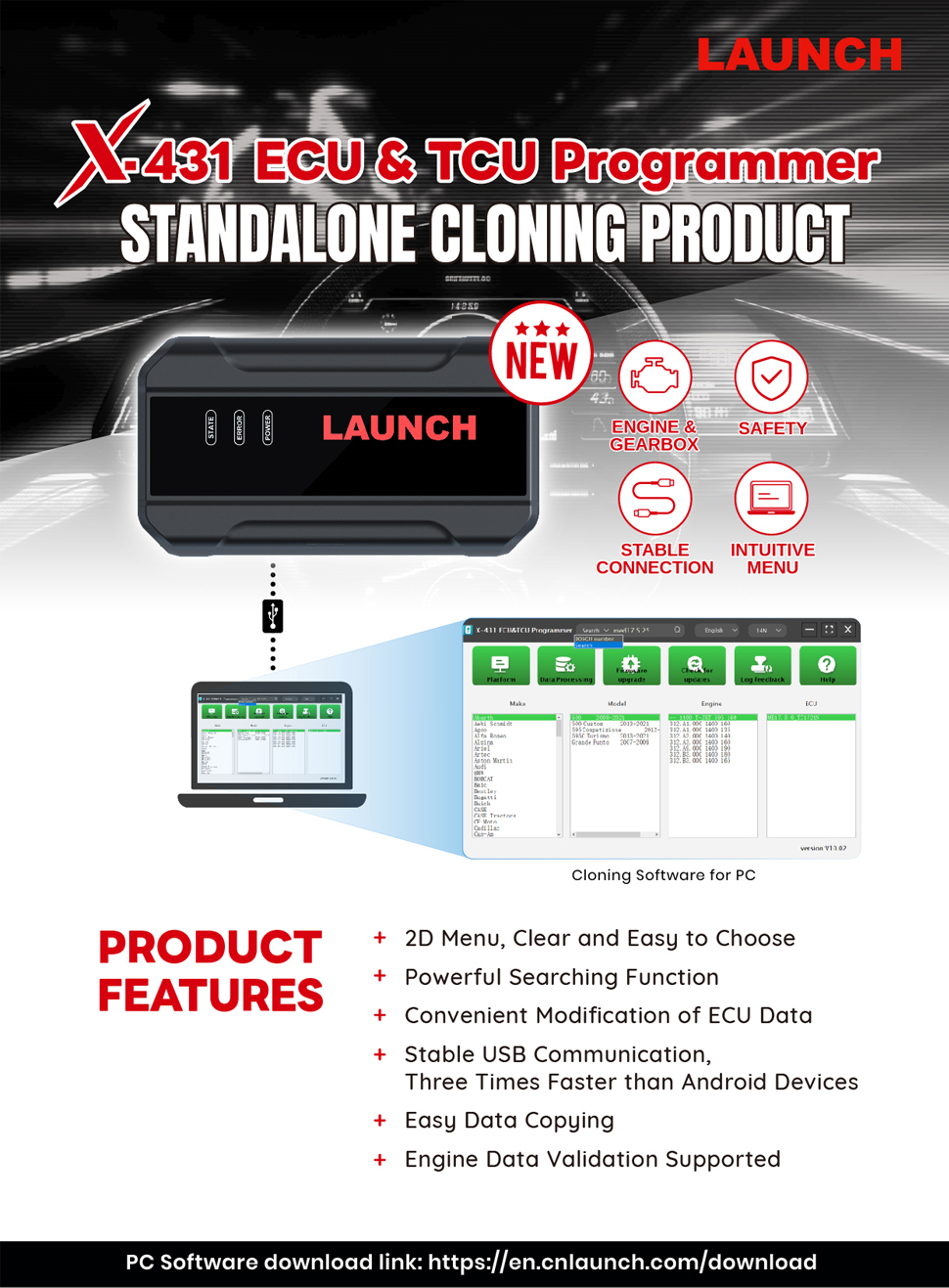
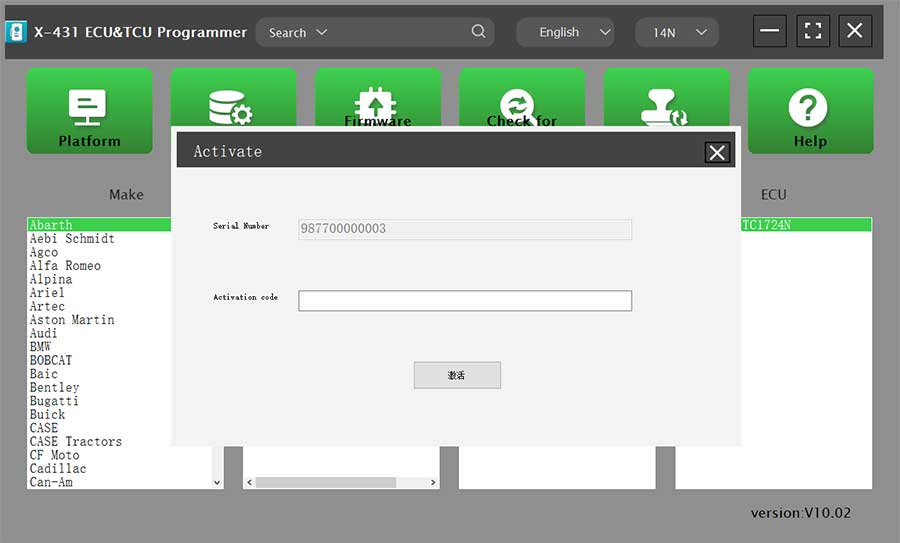
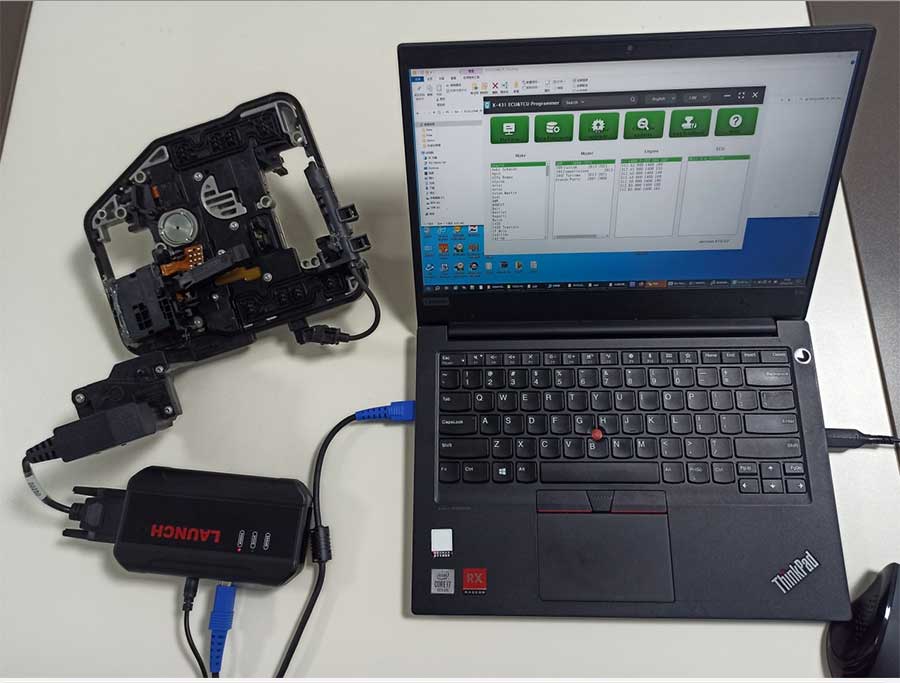
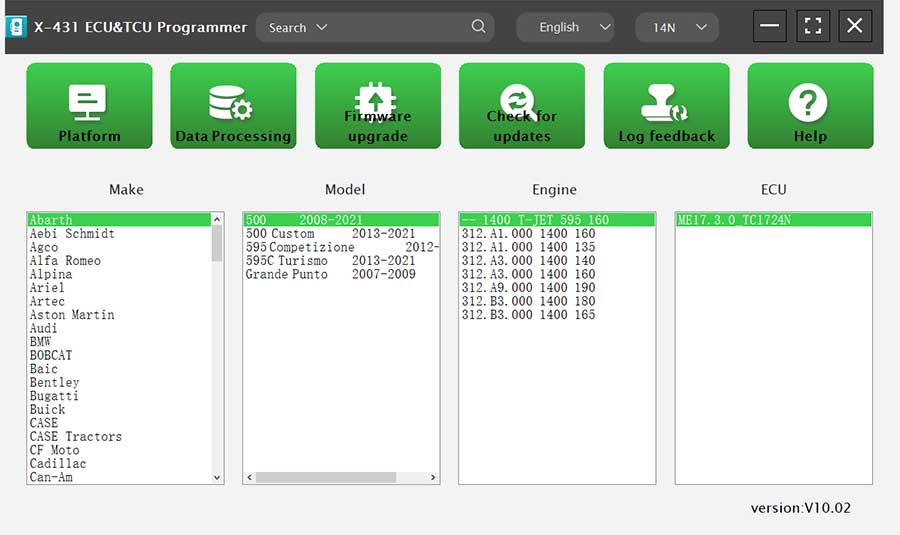
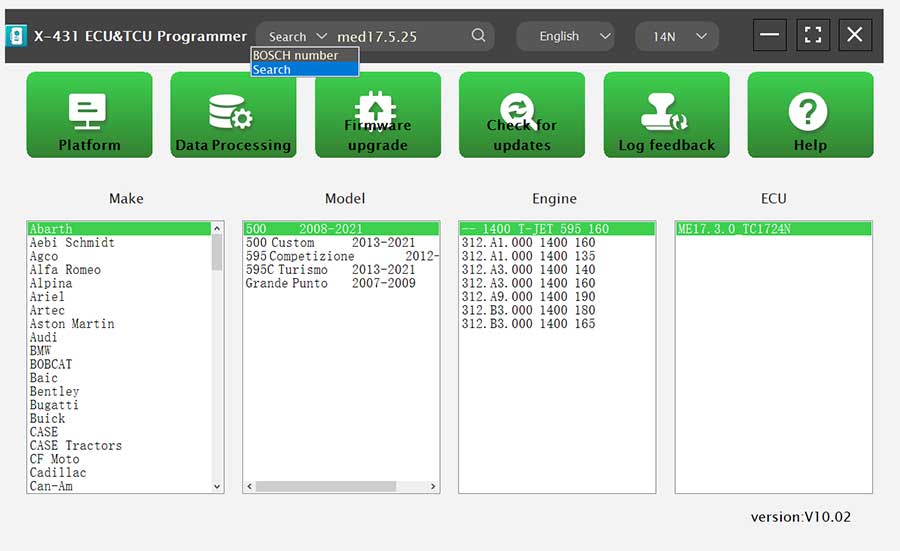
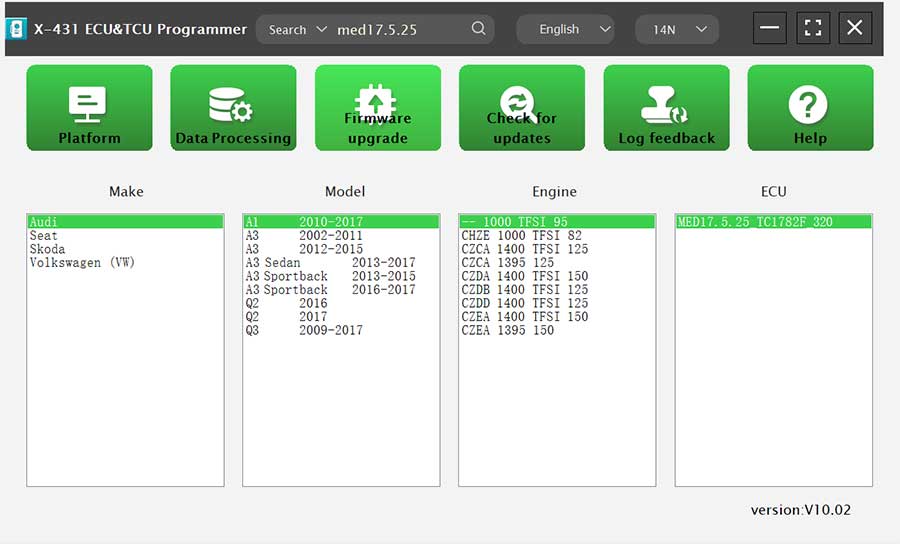
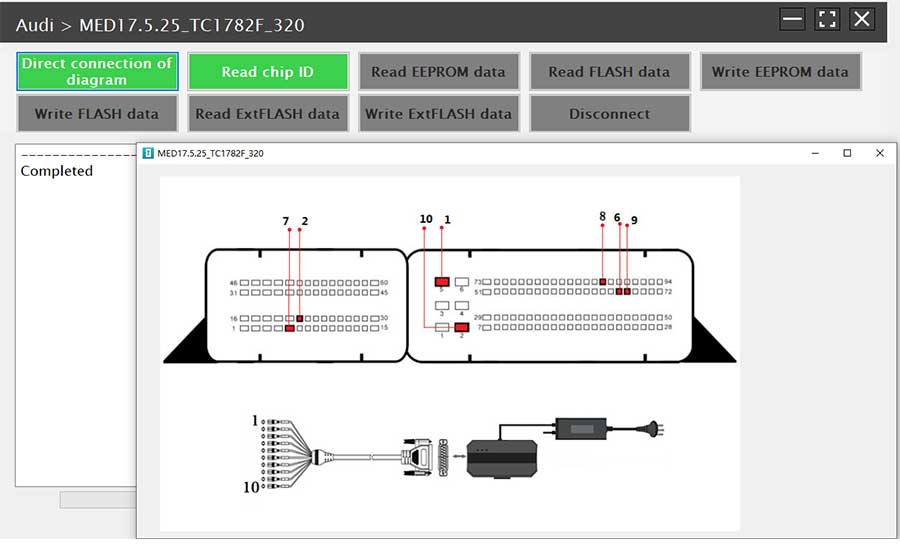
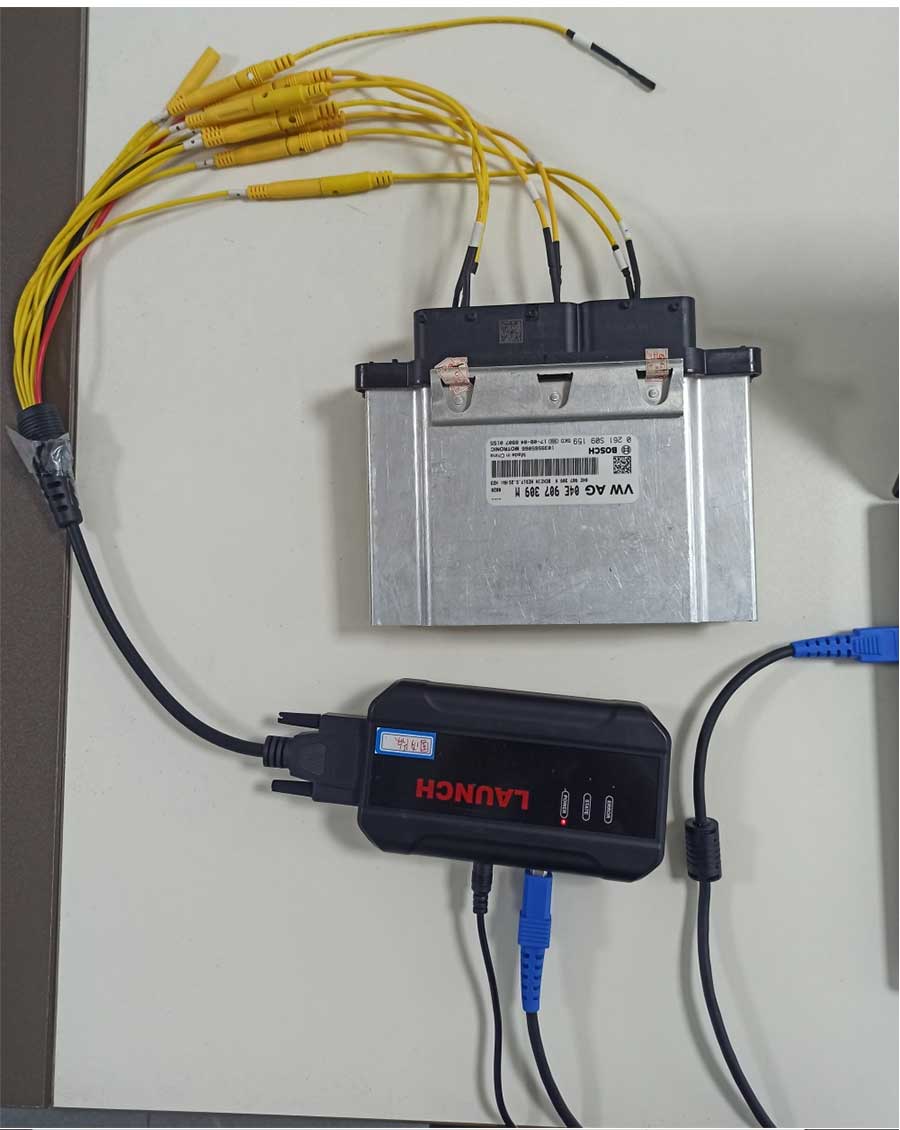
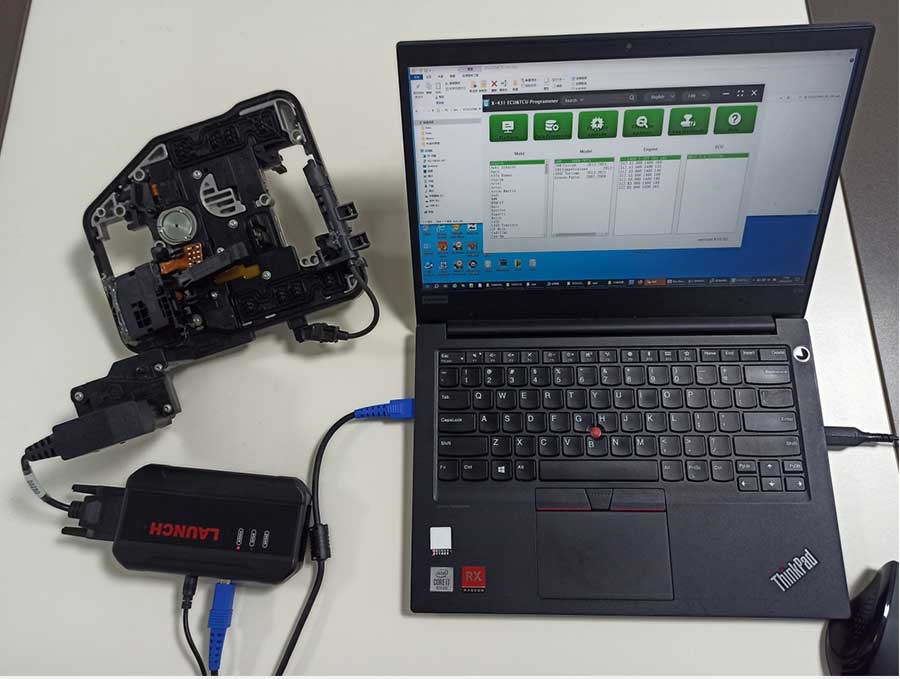
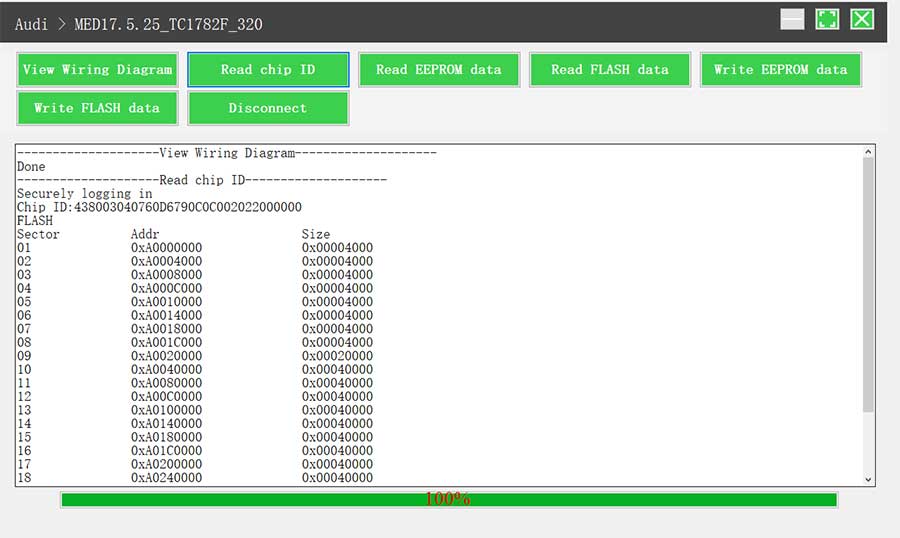
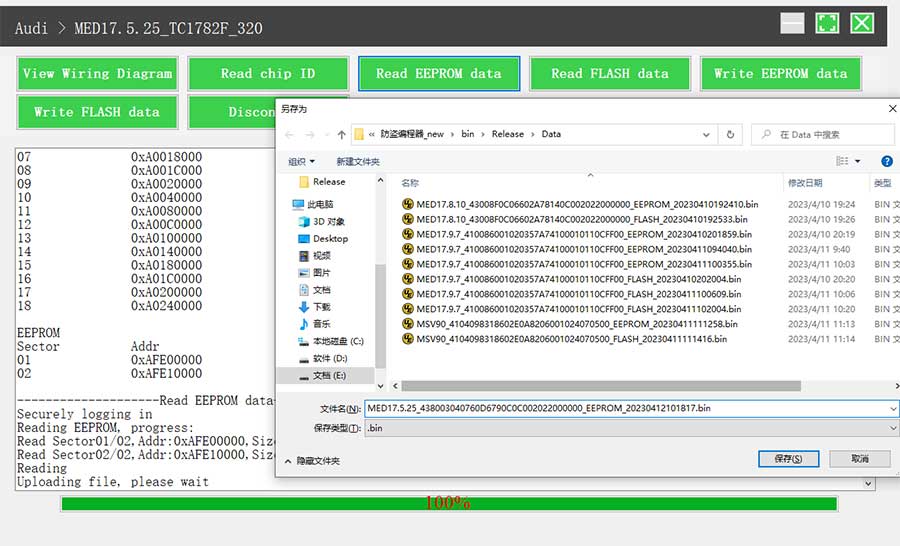
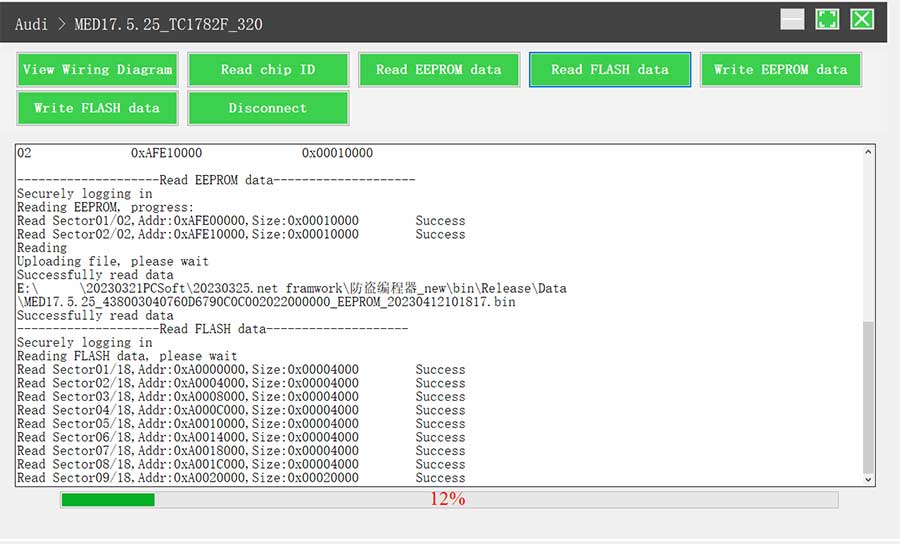
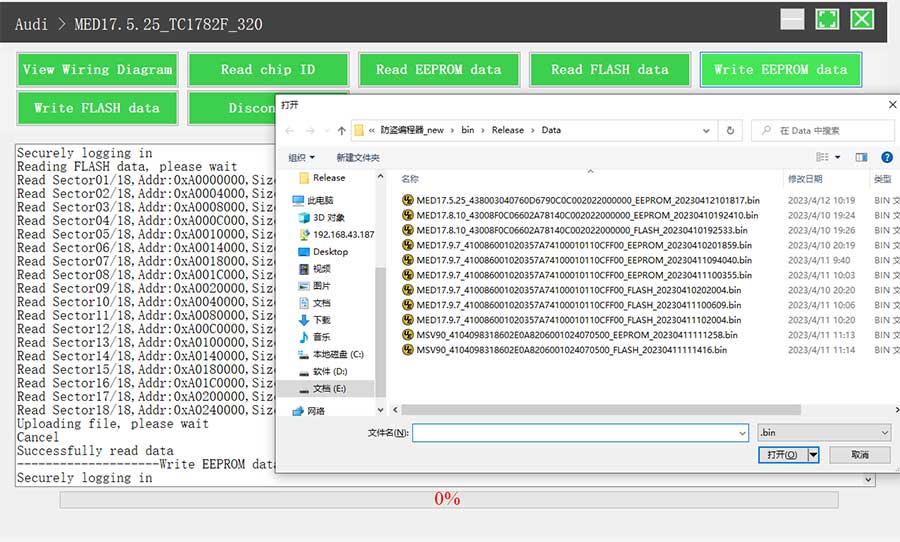
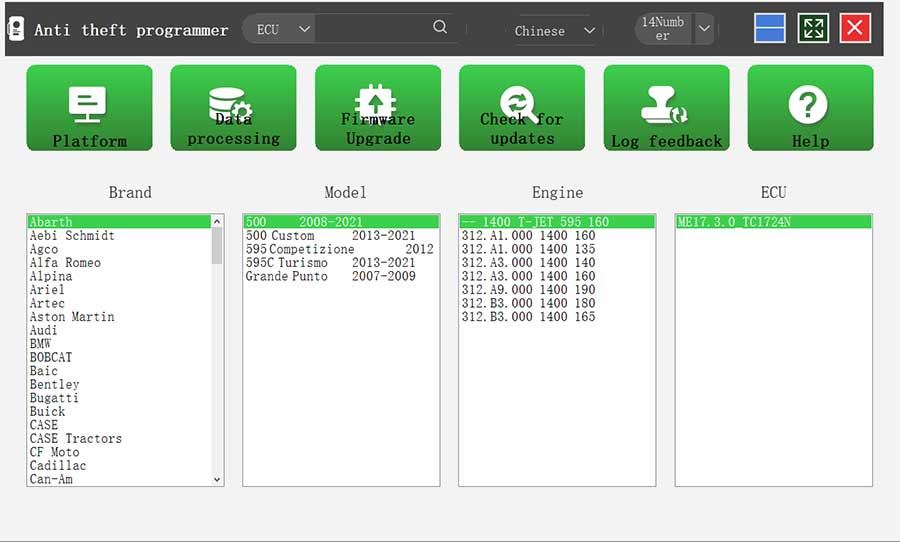
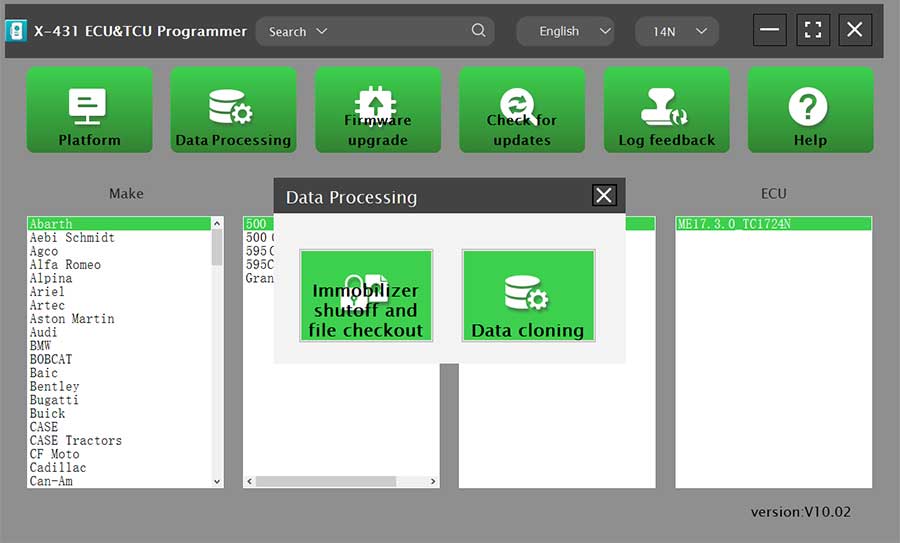
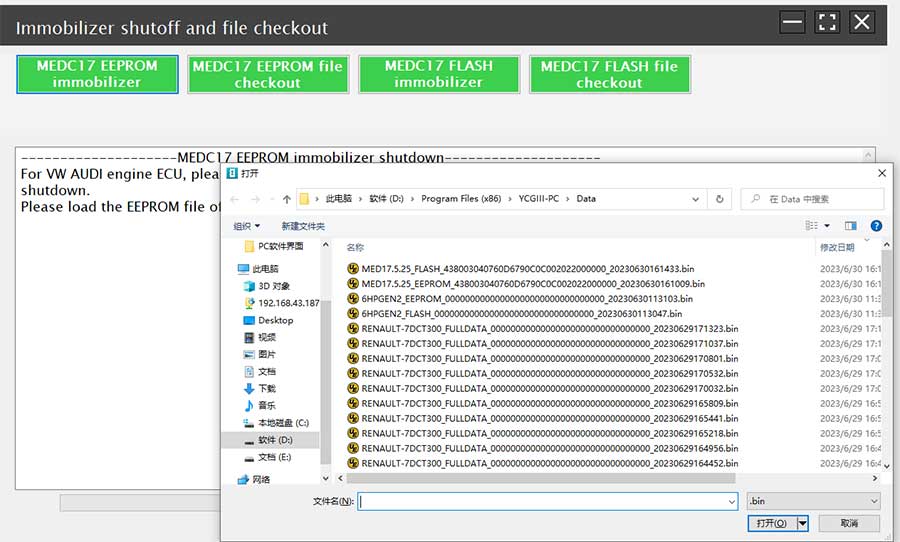
LAUNCH X431 E-C-U & TCU Progarmmer 2D Menu E-C-U Data Reading/Writing Features 2D menu, clear and easy to choose 1 years Free update online USB communication, with a speed more than three times that of Android devices, making it more stable Software language: English, German, Japanese, Russian, French, Portuguese, Korean, Italian, Arabic, Traditional Chinese Select the corresponding language setup to install. Easy to copy data Powerful search function Convenient modification of E-CU data Supports Checksum Correction, IMMO Off Support engine data validation function Ensure the validity of E-CU data. When you write data to a new E-CU, it will automatically check the data for you to ensure that the E-CU can function properly. There are two methods to read various vehicle brand E-CUs info. The X-431 E-CU & TCU Programmer also supports Data Processing, anti-theft shutdown and file verification. Supports E-CUs data reading & writing quickly, including reading the chip ID and backing up the EEPROM data, backing up the FLASH data, and restoring EEPROM/FLASH data. Software download : Download on the Launch official website. PC Software Description: Firstly, connect the X-431 E-C-U&TCU Progarmmer to the computer with a hole wire. Then, click to enter the software. The serial number will be automatically recognized from the X-431 E-C-U&TCU Progarmmer, and the activation code needs to be obtained from the envelope bar of the X-431 E-C-U&TCU Progarmmer. Click [Activate] to activate (only activate once, no need to activate again later), as shown in Figure 1. Without connection, you cannot access the software, as shown in Figure 2. I.E-C-U Data Reading/Writing 1. Obtain the related E-C-U. (1) Method 1: Obtain the desired E-C-U type through brand > model > engine > E-C-U in turn, as shown in Figure 3. (2) Method 2: Query the desired E-C-U by entering a value in the search box. The search categories includeB-osch number and Search, as shown in Figure 4. For example, search for the MED17.5.25 engine by Search, as shown in Figure 5. 2. Click [Direct Connection Diagram] to obtain the E-C-U connection diagram, as shown in Figure 6. 3. Connection: Connect the E-C-U and PCBOX according to the information provided in the connection diagram. The physical connection diagram of MED17.5.25 (using the BENCH mode line) is shown in Figure 7, and the physical connection diagram using the gearbox adapter is shown in Figure 8. 4. Read the chip ID, as shown in Figure 9. 5. Back up the EEPROM data and save it, as shown in Figure 10 (the figure shows the save page of the read data). 6. Back up the FLASH data and save it, as shown in Figure 11 (the figure shows the process of reading FLASH data). 7. Restore EEPROM/FLASH data, as shown in Figure 12 (the figure shows the file selection page). II. Data Processing 1. Click the [Data Processing] button on the main page, as shown in Figure 13, and select [IMMO Off and File Verification] ([DTC Shield] is not currently supported), as shown in Figure 14. 2. File verification and IMMO off (process: select file > connect network to obtain > save file), as shown in Figure 15. E-C-U Name E-C-U Type E-C-U Brand FLEX EDC16XX ECM B-osch Support EDC17XX ECM B-osch Support MD1CSXXX ECM B-osch Support MD1CPXXX ECM B-osch Support ME17.X.X ECM B-osch Support MED17.X.X ECM B-osch Support MED9.X.X ECM B-osch Support MEV17.X.X ECM B-osch Support MEVD17.X.X ECM B-osch Support MG1CSXXX ECM B-osch Support MG1CPXXX ECM B-osch Support MSDXX ECM Continental/SIEMENS Support MSVXX ECM Continental/SIEMENS Support SDIX ECM Continental Support GM EXX/TXX ECM DELCO Support SIM271XX ECM Continental Support SIMOS12.X ECM Continental Support SIMOS8.X ECM Continental Support SIMOS-PCR2.X ECM Continental Support 6HPXX TCM ZF Support 8HPXX TCM ZF Support 7DCT300 TCM ZF Support 9G Tronic TCM B-osch Support ALXXX TCM ZF Support TCXX TCM B-osch Support DPS6/DC4 TCM GETRAG Support DKG TCM GETRAG Support DLXXX TCM Temic Support DQXXX TCM Temic Support MPS6 TCM GETRAG Support SPS6 TCM GETRAG Support VGSX TCM GETRAG Support VL381 TCM Temic Support GM 6TXX/6LXX TCM DELCO Support MEDG17.9.8 TCM B-osch Support MEG17.9.2 TCM B-osch Support Package includes: 1pc x main unit 1pc x USB cable 1pc x MCU cable V1 1pc x Bench Mode Cable V2.0 6pcs x Matching adapters A 6pcs x Matching adapters B 6pcs x Matching adapters C 6pcs x Matching adapters D 6pcs x Matching adapters E 6pcs x Matching adapters F 1pc x switching power adapter 1pc x European power cord 1pc x user manual 1pc x packing list 1pc x password envelope 1pc x carrying case Launch X431 E-C-U Programmer Gearbox Connectors Package, E-C-U Module Cloning Device The Launch X431 X-PROG3 gearbox clone adapters kit can save the time for customers who use jumper wires to connect to the E-C-U. They only need to find the corresponding cable and plug it into the corresponding E-C-U to clone directly. Compatible device: X-prog3, X431 E-C-U programmer, PC Adapter for X-prog3 Connection Diagram: X-prog3 connection Launch X431 E-C-U Module Cloning Device Connectors Package Accessory Material function picture 1 X-PROG3 Adapter Cable 1 (DQ200XX) 307110077 Used to connect the DQ200XX gearbox, and available models include For V-W, For Audi, etc. 2 X-PROG3 Adapter Cable 2 (VL381) 307110078 Used to connect the VL381 gearbox, and available models include For V-W, For Audi, etc. 3 X-PROG3 Adapter Cable 3 (DQ380) 307110079 Used to connect the DQ380/DQ381/DQ500 gearbox, and available models include For V-W, For Audi, etc. 4 X-PROG3 Adapter Cable 4 (DQ250) 307110080 Used to connect the DQ250 gearbox, and available models include For V-W, For Audi, etc. 5 X-PROG3 Adapter Cable 5 (DL501) 307110081 Used to connect the DL501XX gearbox, and available models include For V-W, For Audi, For Porsche, etc. 6 X-PROG3 Adapter Cable 6 (DL382) 307110082 Used to connect the DL382 gearbox, and available models include For V-W, For Audi, etc. 7 X-PROG3 Adapter Cable 7 (VGS-NAG3) 307110083 Used to connect the VGS-NAG3 gearbox, and available models include For Benz, For Nissan, etc. 8 X-PROG3 Adapter Cable 8 (VGS2-FDCT/VGS-FDCT) 307110084 Used to connect the VGS-FDCT/VGS2-FDCT gearbox, and available models include For Benz, For Infiniti, etc. 9 X-PROG3 Adapter Cable 9 (VGS3-NAG2) 307110085 Used to connect the VGS3-NAG2 gearbox, and available models include For Benz, etc. 10 X-PROG3 Adapter Cable 10 (8HP_V1(BMW/LR)/8HP_V2/8HP_V3) 307110086 Used to connect the 8HPXX/AL450/AL551/AL552 gearbox, and available models include For BMW, For Land Rover, For Jaguar, For Dodge, For Alpina, For Chrysler, For Rolls Royce, For Alfa Romeo, For Aston Martin, For Great Wall, For Jeep, For Lamborghini, For Maserati, For Iveco, etc. 11 X-PROG3 Adapter Cable 11 (MPS6) 307110087 Used to connect the MPS6/MPS6_GEN3 gearbox, and available models include For Ford, For R-enault, For Chrysler, For Dodge, For Land Rover, For Volvo, etc. 12 X-PROG3 Adapter Cable 12 (DPS6) 307110088 Used to connect the DPS6 gearbox, and available models include For Ford, etc. 13 X-PROG3 Adapter Cable Main Line (ML) 307110089 The extension wire of the gearbox harness, with one end connected to the immobilizer programmer and the other end connected to the gearbox harness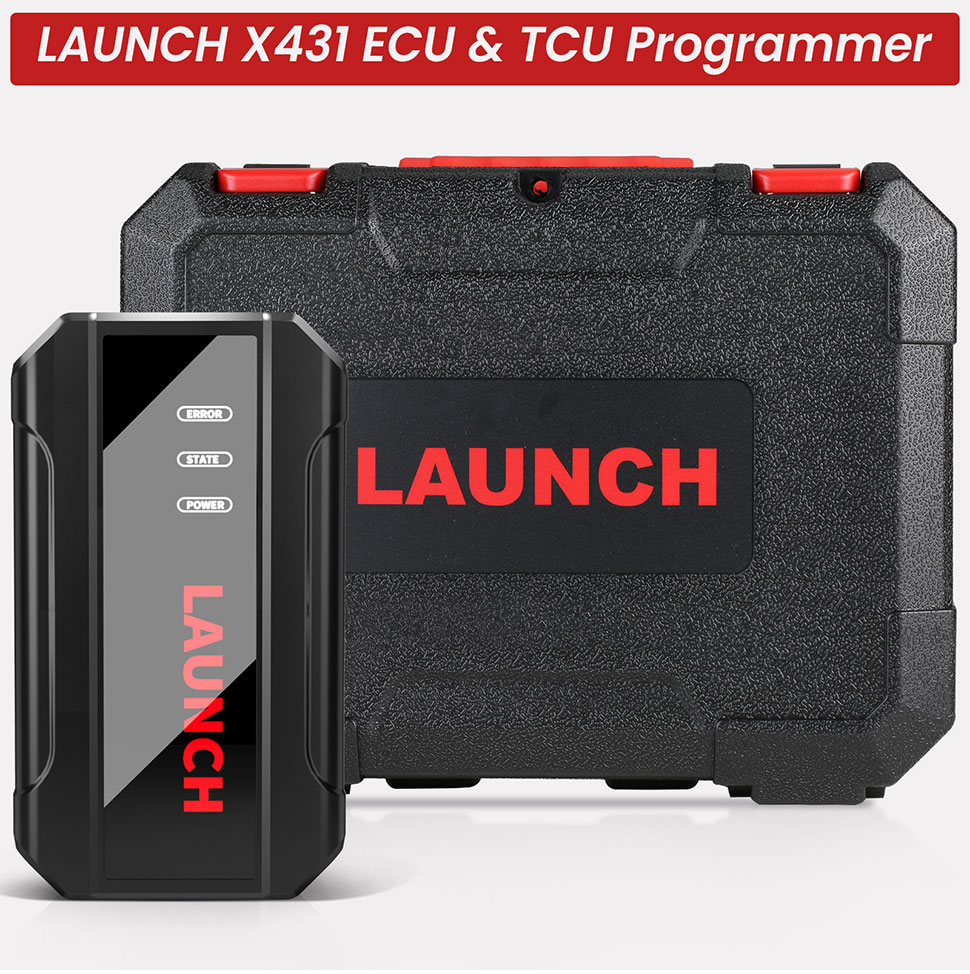
Main Functions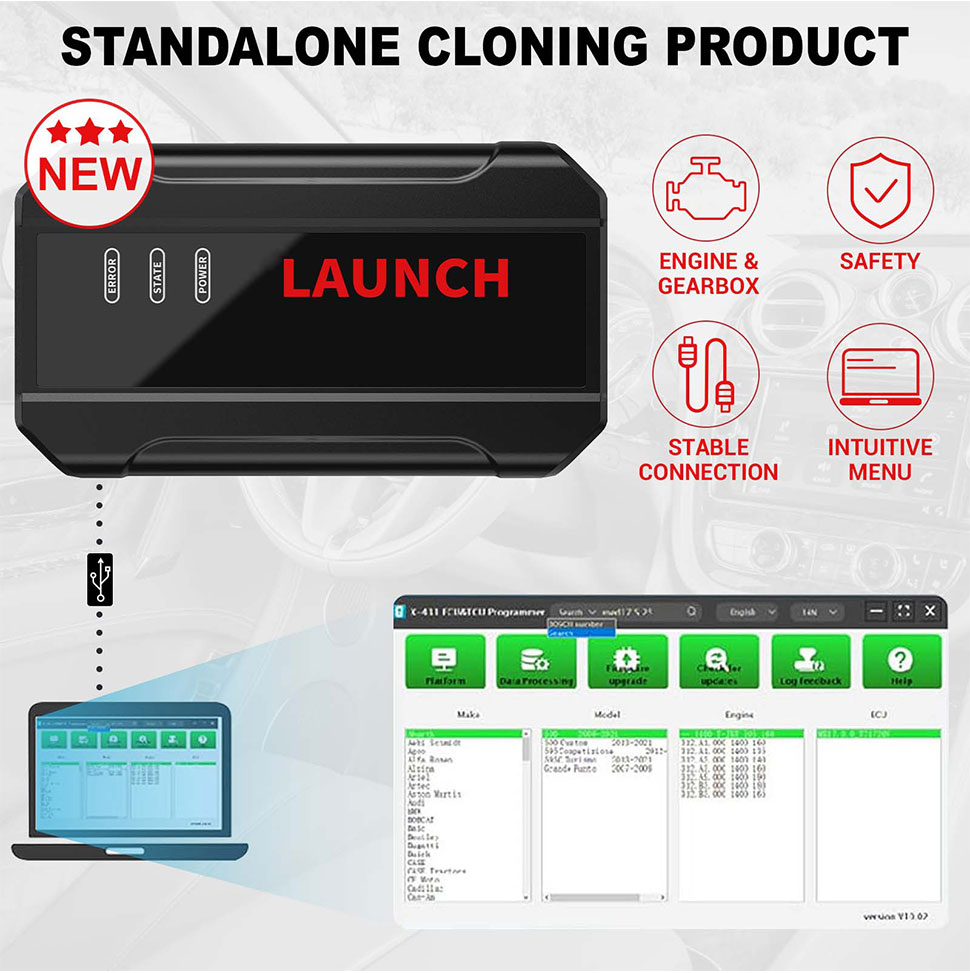
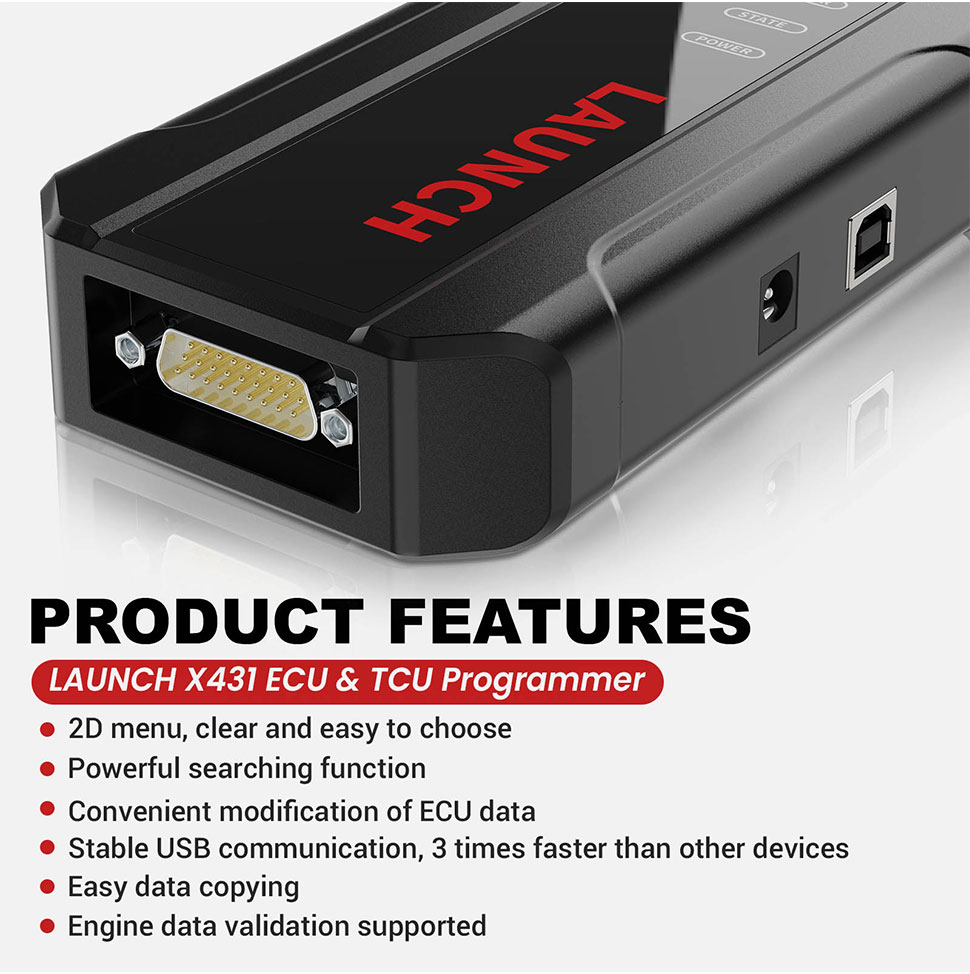
Support list June 2023: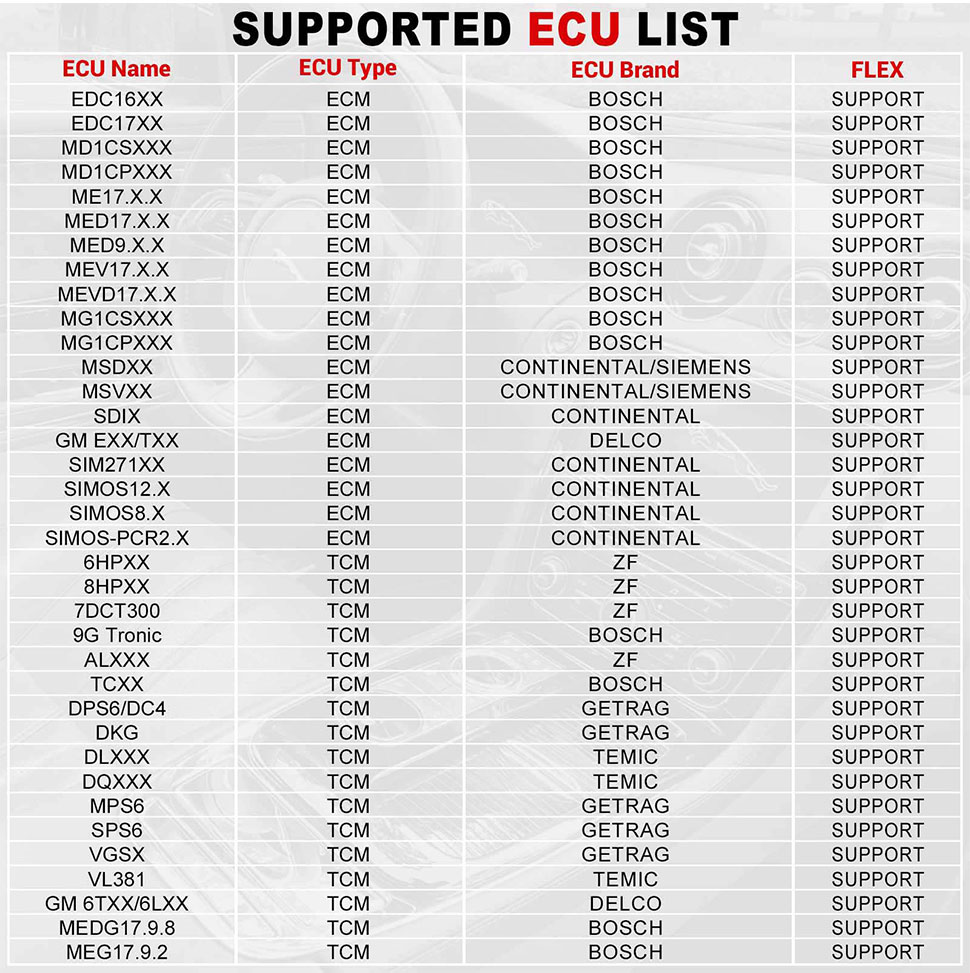
2pcs x Bench Extension Cables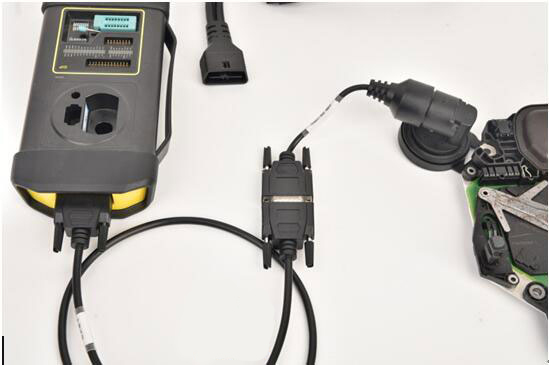
X431 E-C-U Programmer connection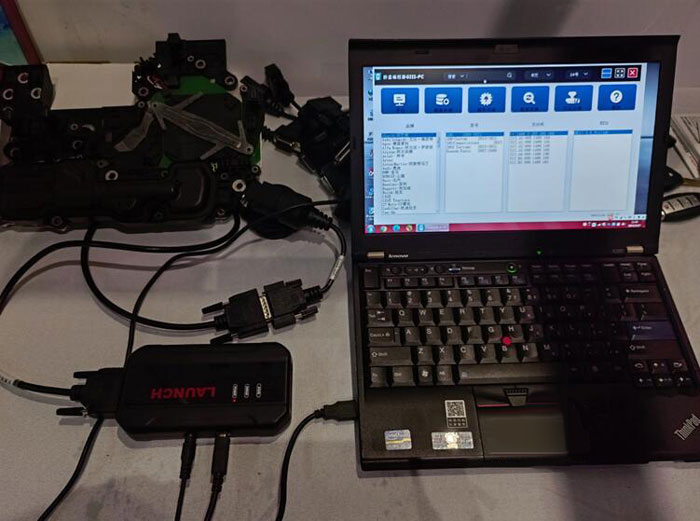
X prog3 PC Adapter Connection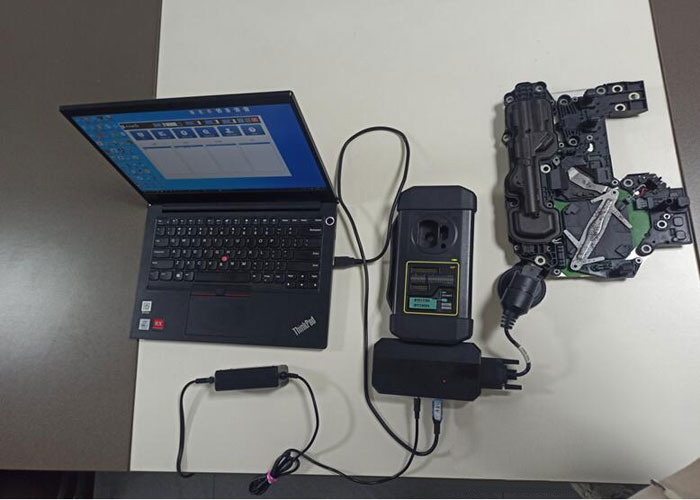
Name
code