Important remi n der:Due to the high-speed storage requirements of high-definition DVR, please ensure to use high-quality U3 grade branded memory cards with C10 speed. Some low-quality low-priced memory cards on the market may not support DVR to function properly.
About Formatting The Memory Card:
When installing a memory card for the first time, be sure to format the memory card on the DVR. After formatting, the DVR can correctly match the memory card.
About The Reversing Assist Function:
If the kit you ordered includes a rearview camera and you need to implement the reversing assist function, you need to connect the red signal wire of the rearview camera to the car's reversing light (the light will come on when reversing). If you don't need the reverse assist function, just disconnect the red signal wire and leave it unconnected.
About resetting and restarting:
If the DVR crashes or fails to power on due to improper operation, you can restore its working state using the reset button. There is a small hole on the side of the DVR marked with an "R" icon. Use a tool like a toothpick to press and hold this hole for 3 seconds, and the DVR will return to normal working condition.
Product Specifications:
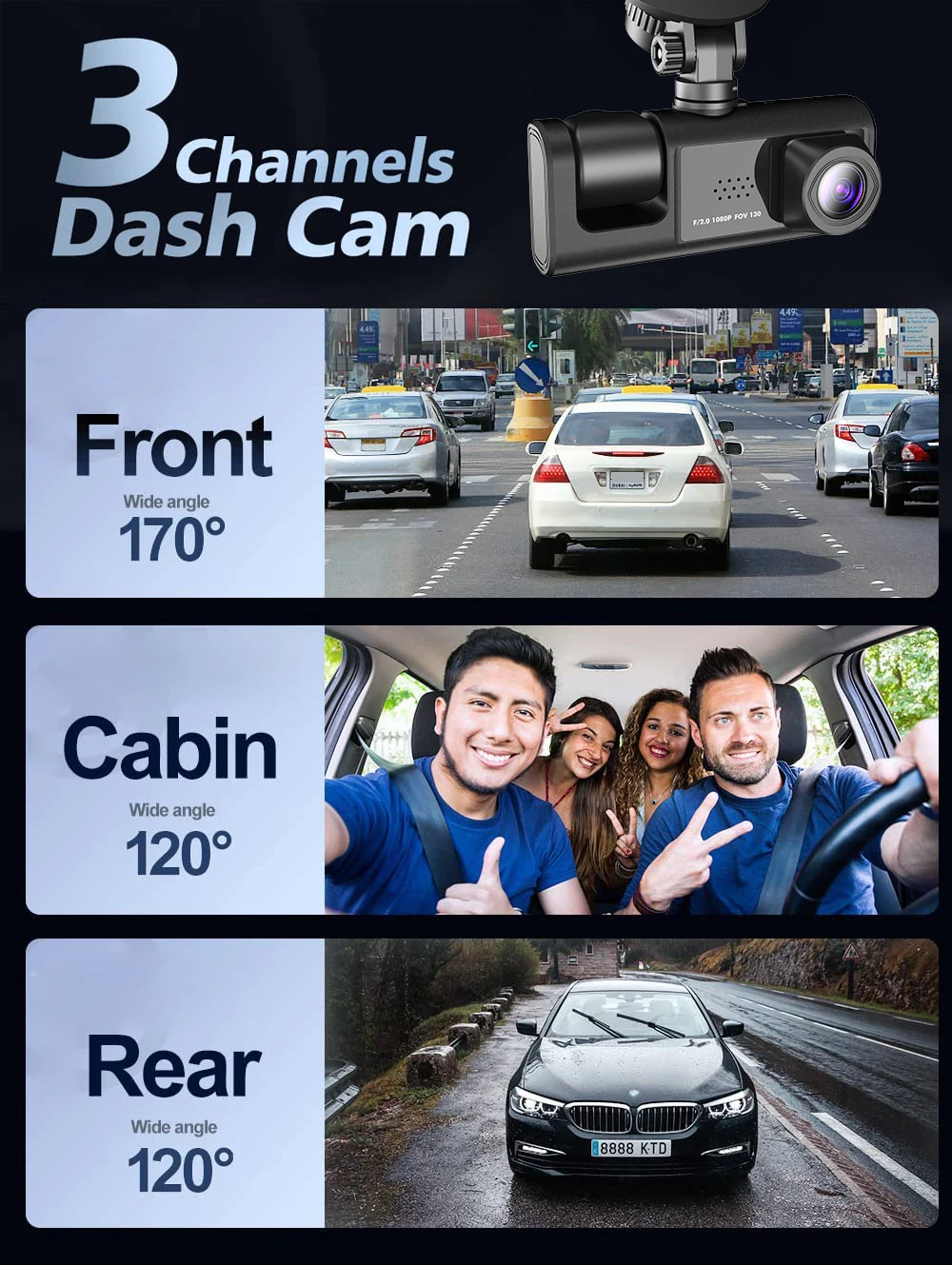
> 3 Channels: [Front+Interior+Rear]
> Screen size: 2 inches
> File format: AVI
>Voltage 1 Current: 5V/1A
> Video resolution: 1080P; 720P; VGA
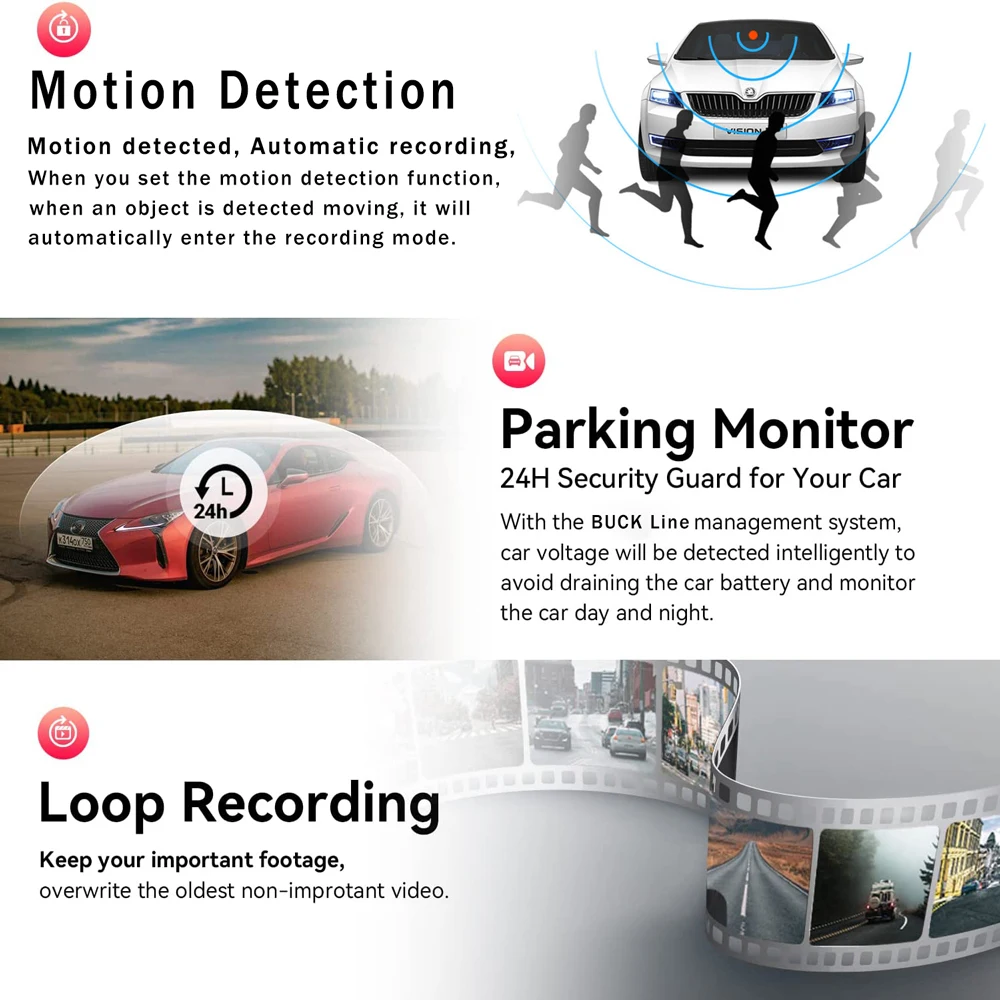
> Continuour Loop Video: Seamless Loop Recording
> Automatic power on/off: support automatic ignition and shutdown
> Interface: Support USB
> Time Synchronization: Support
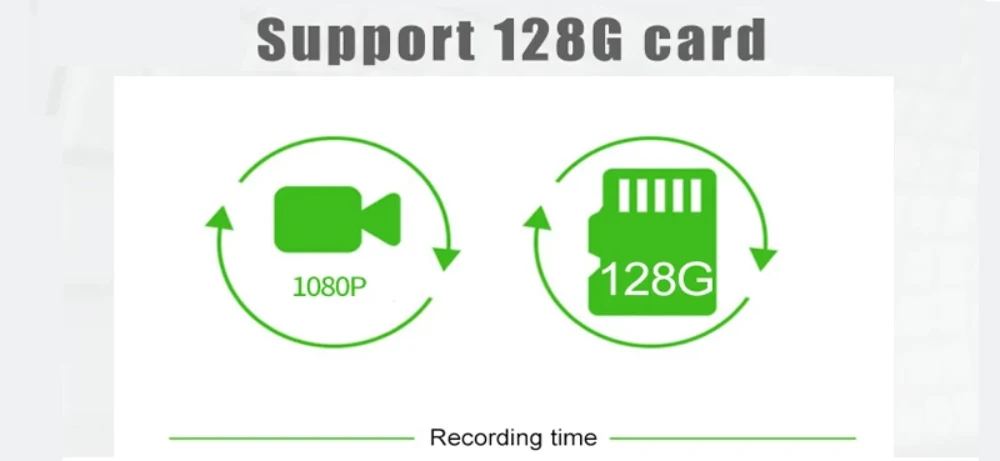
> Support memory card: TF Card,Up to 128G
> Built-in stereo: Support
> Frequency: 50HZ / 60HZ
Attention:
The recorder needs to be equipped with a high-speed C10 or higher memory card for normal use. It is recommended to buy memory card packaging in this store to avoid adverse reactions to the product due to the purchase of irregular memory cards!