Description
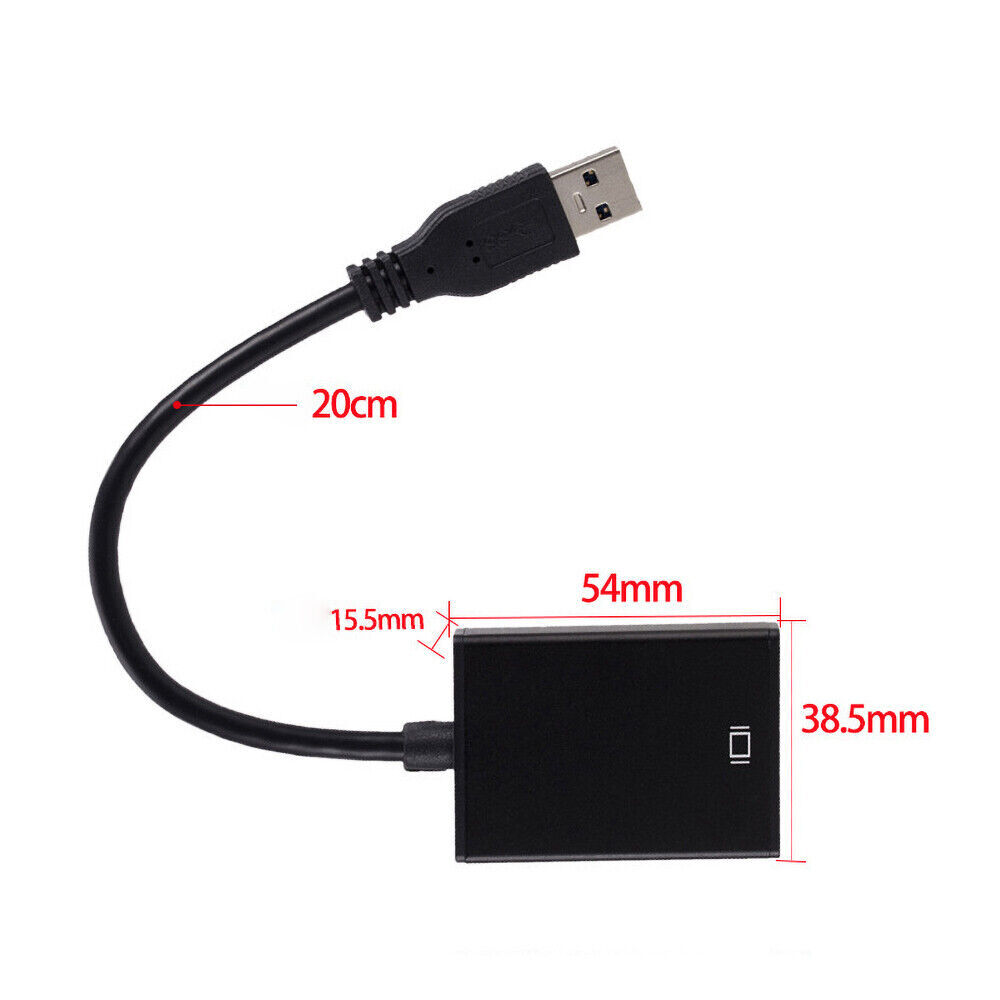
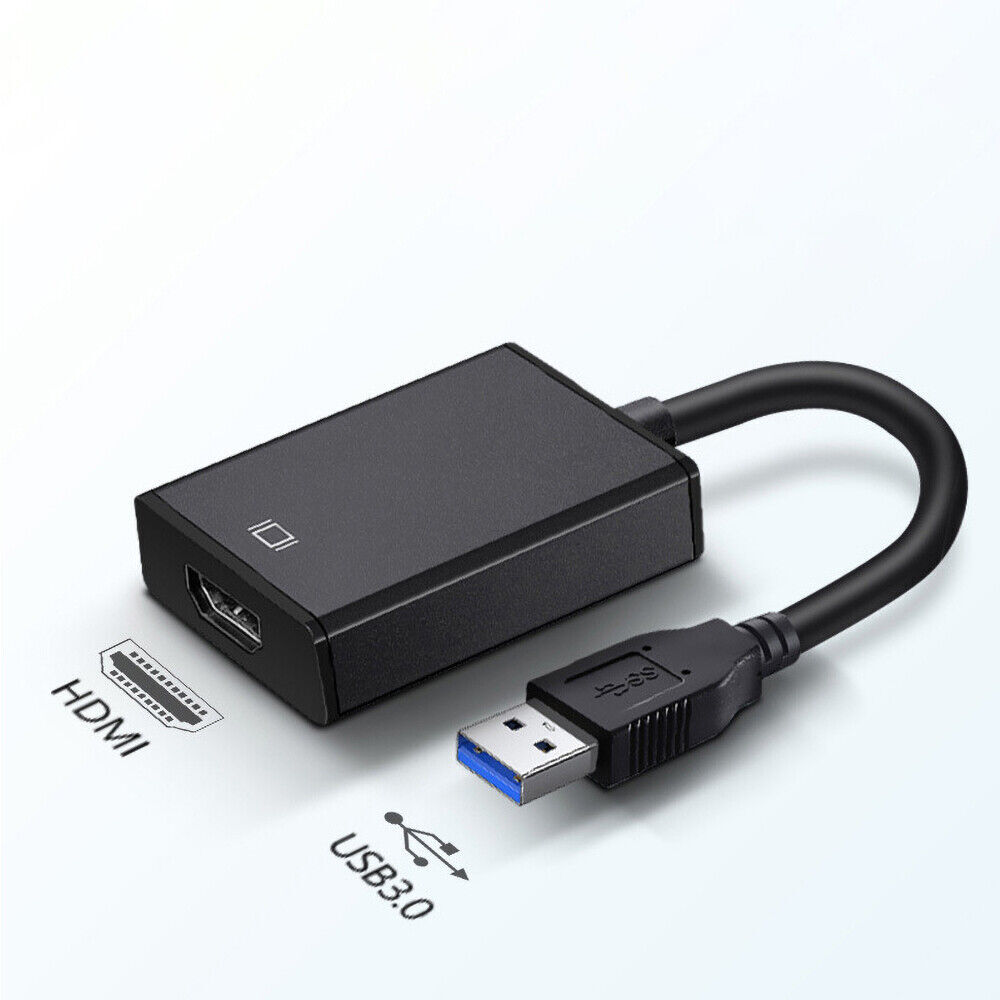
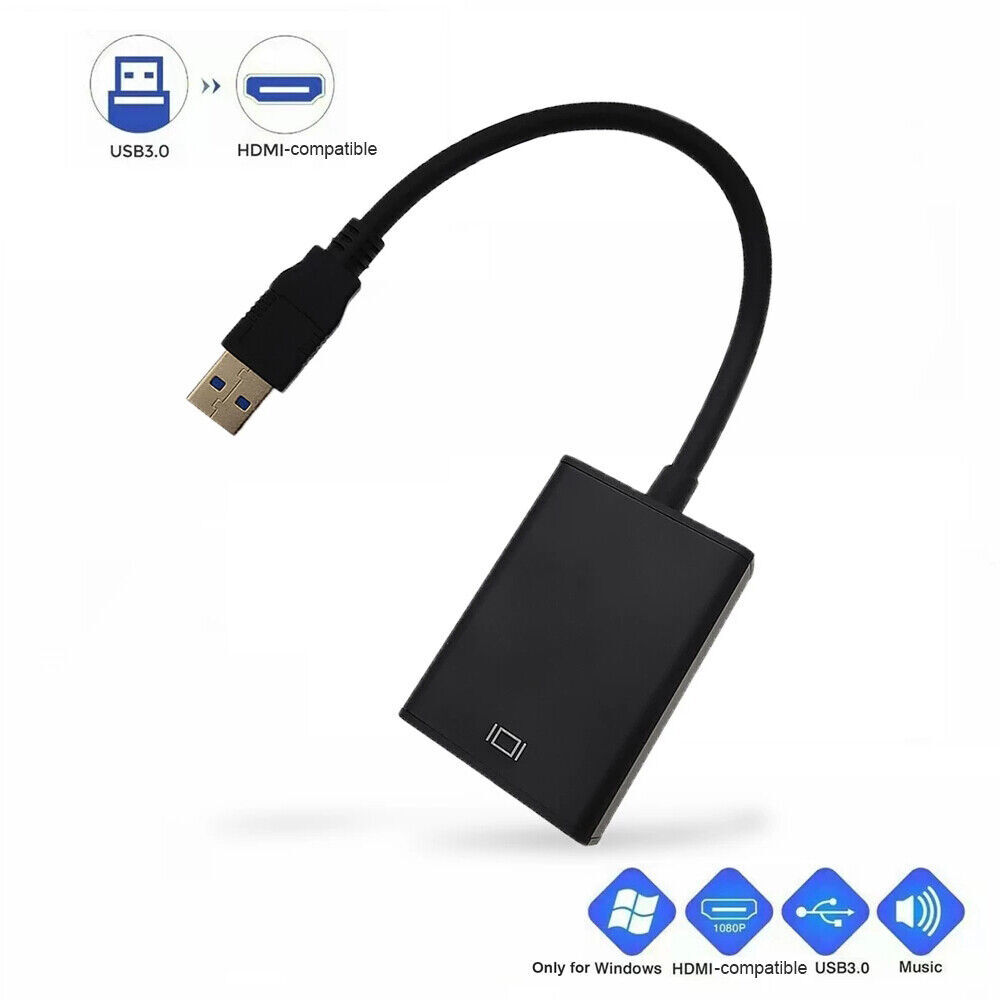
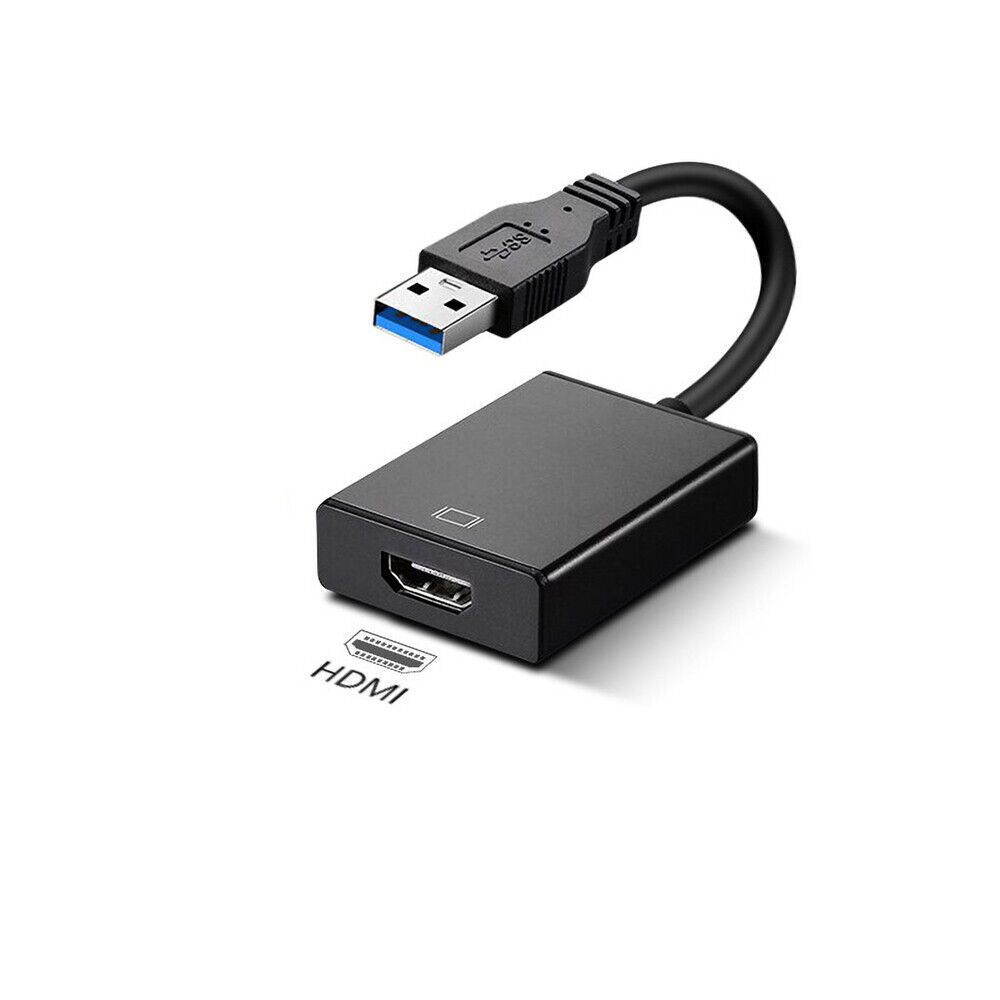
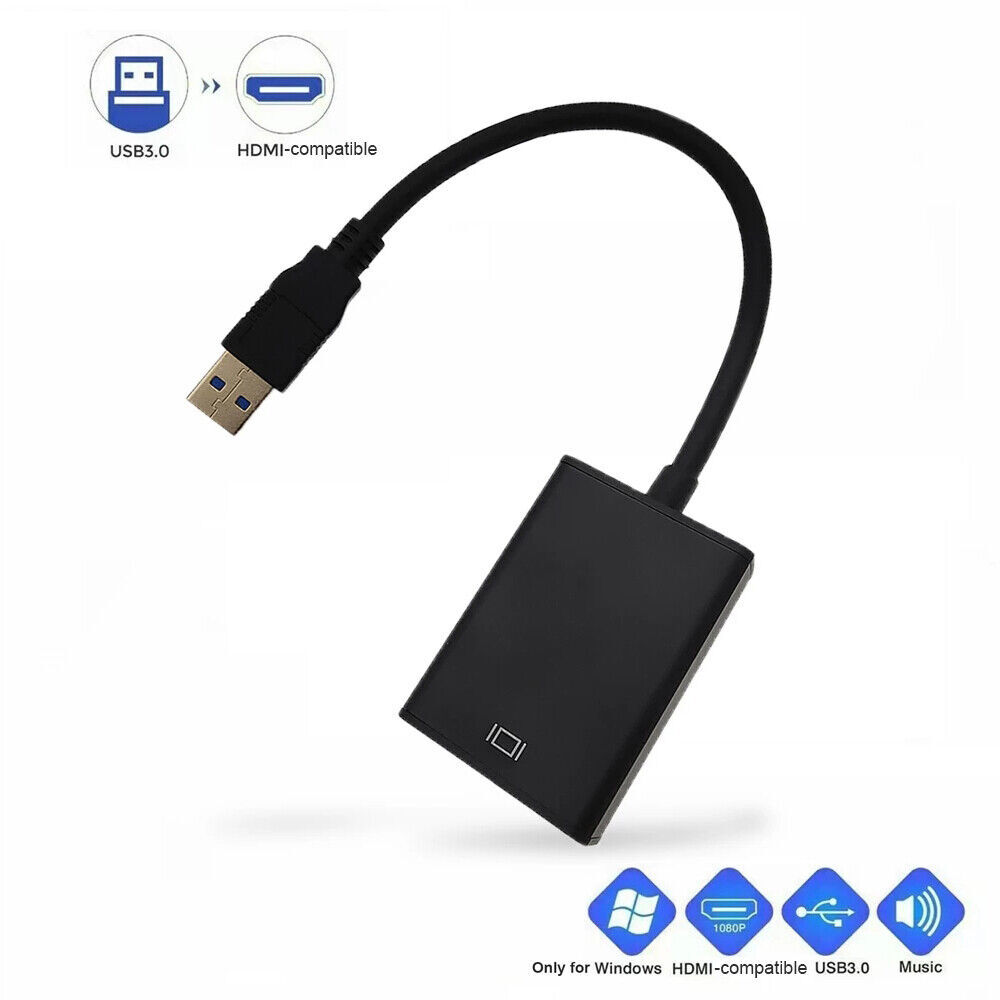
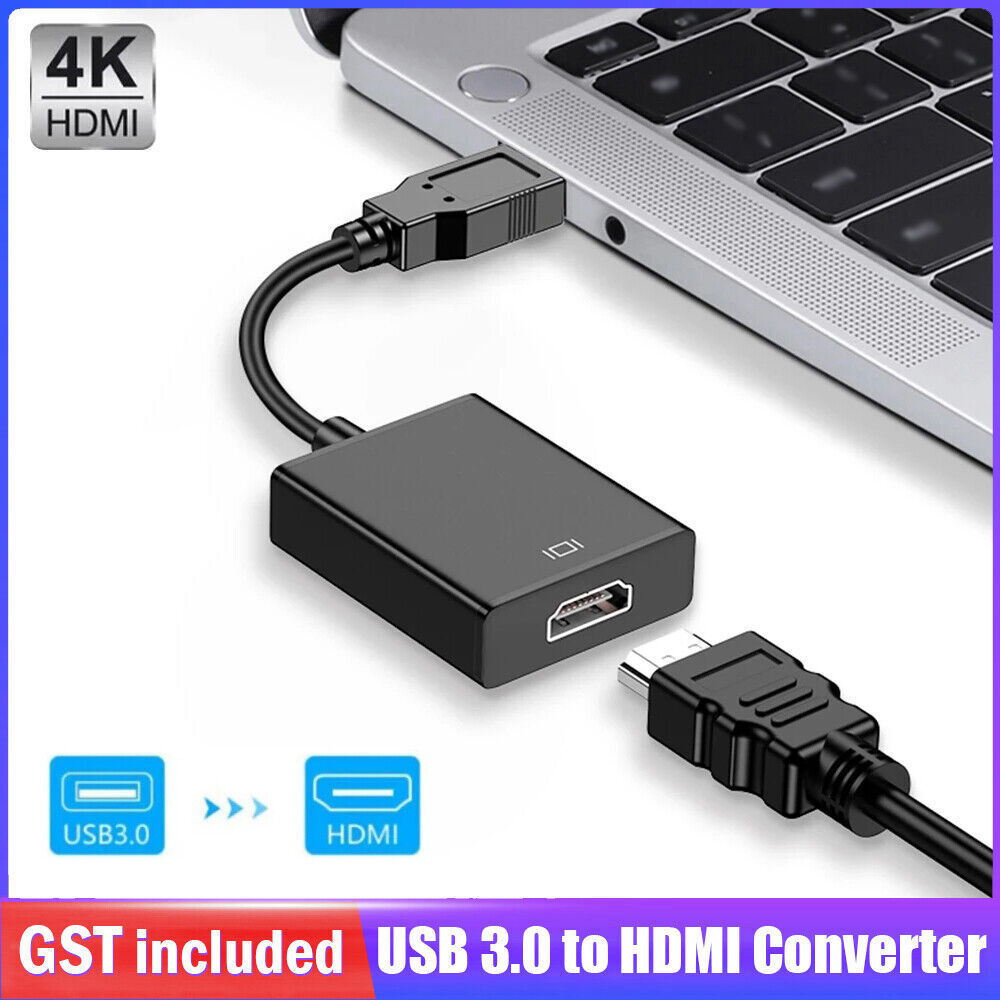
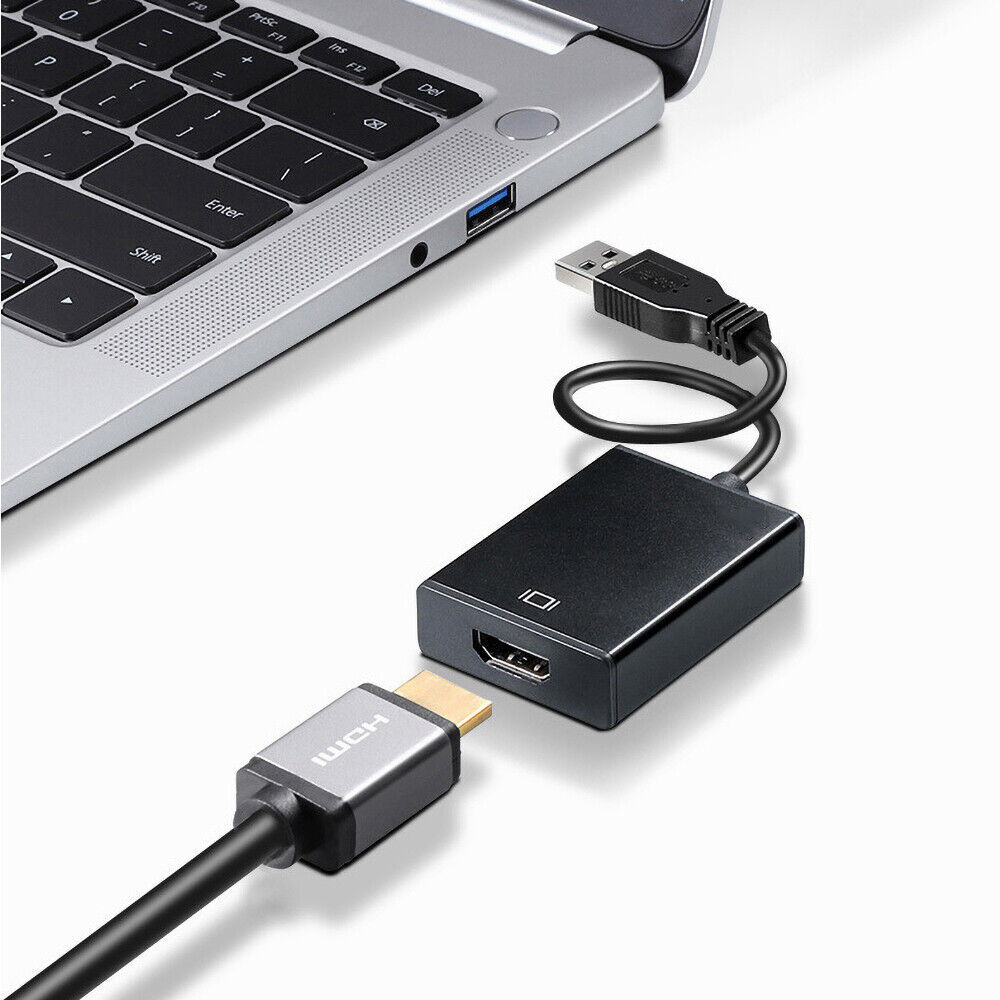
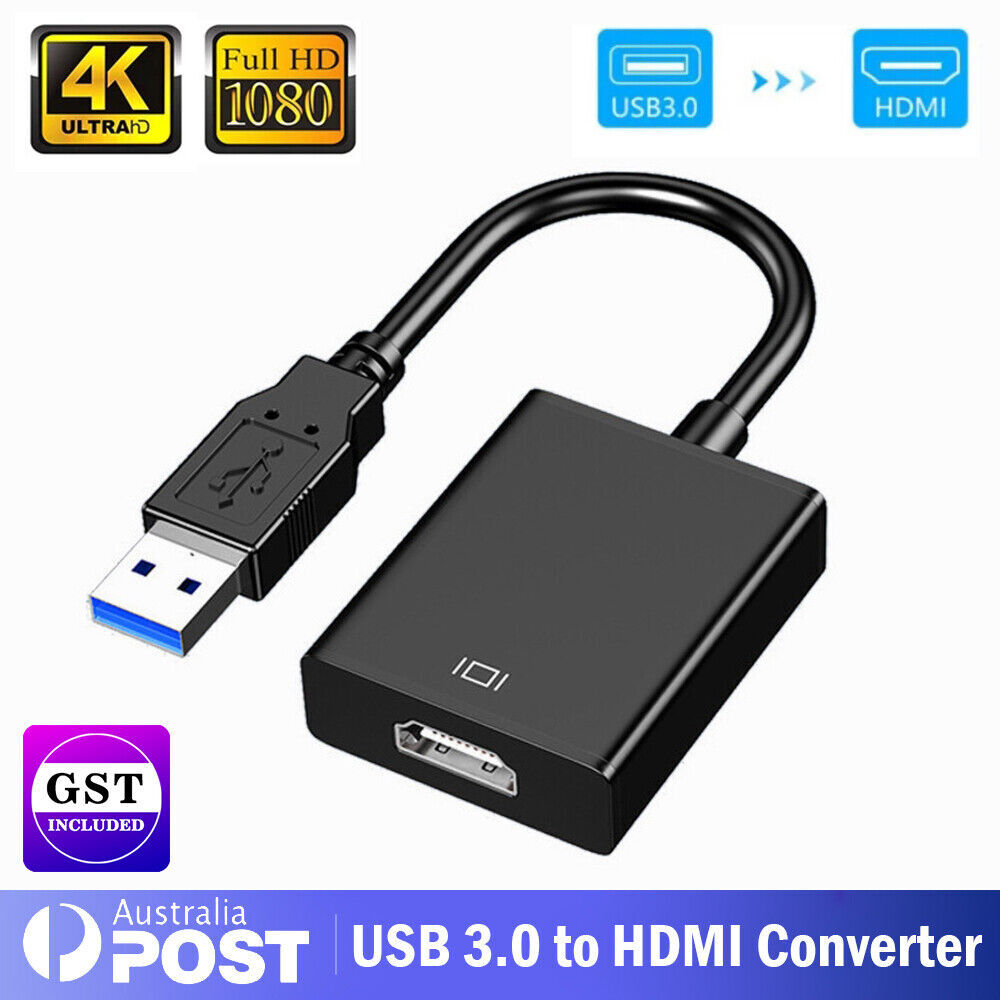
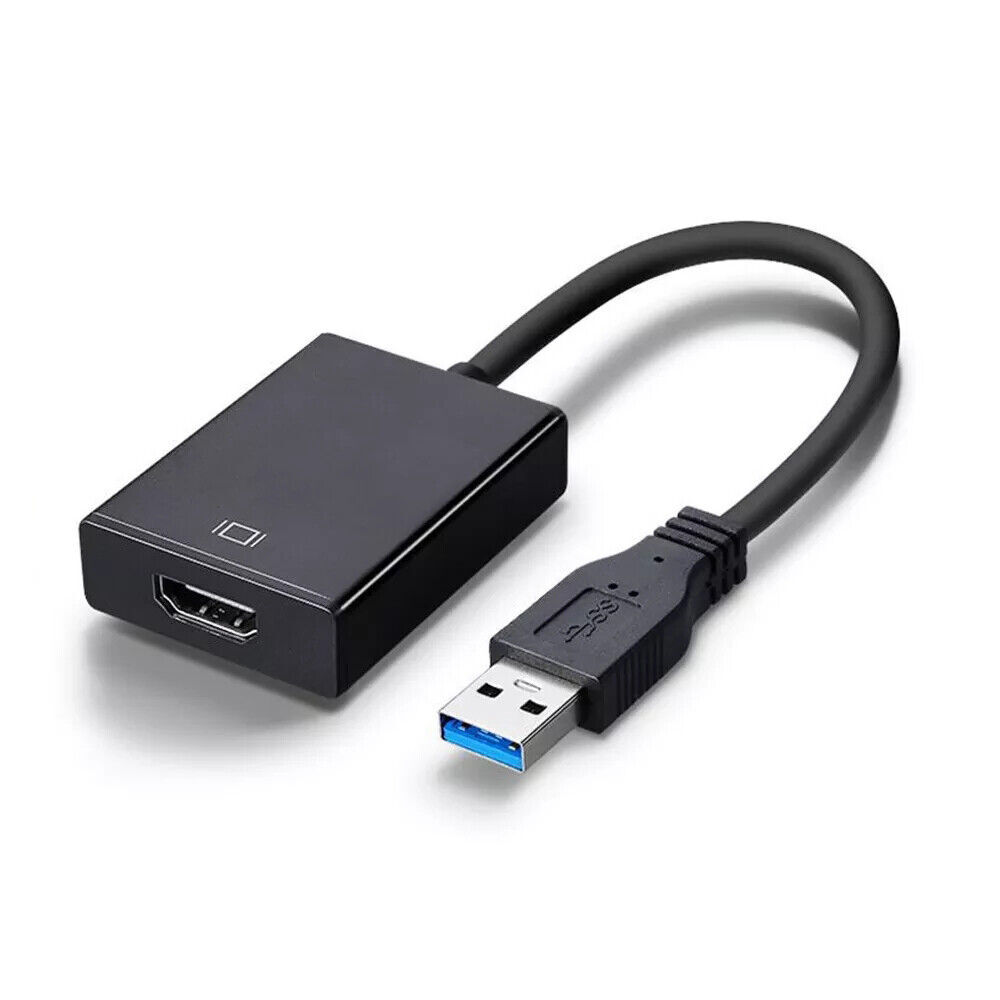
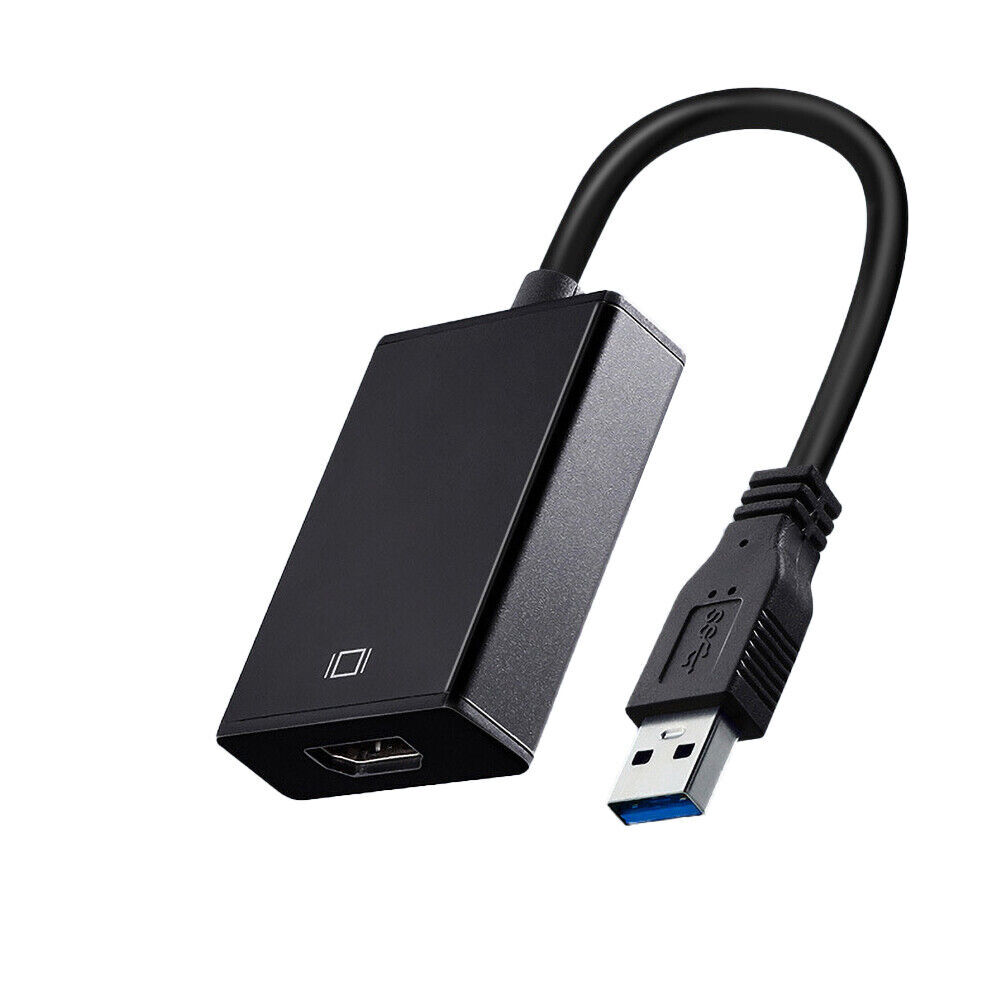
This USB to HDMI Adapter turns an available USB 3.0 port into an HDMI output with high resolution up to full HD (1920*1080).
It’s
convenient external video solution that makes it easy to add
multi-monitor capability to an USB 3.0 enabled desktop or laptop
computer.
Add a secondary HDMI and extend your desktop without taking apart your computer to install a new video card.
Add multi-monitor capability to a single computer, be able to create engaging multimedia presentations.
Great
for researchers or writers, offering the ability to have reference
material on one display and a working document copy on the other.
Compact,
lightweight gadget for home, school or company associates using laptop
PCs, enabling connection to a secondary display / projector.
Simple Installation, Built-in driver, it will promote a USB Drive for drive installation
Aluminum casting body assures great rigidity, heat resistance, stable and durable
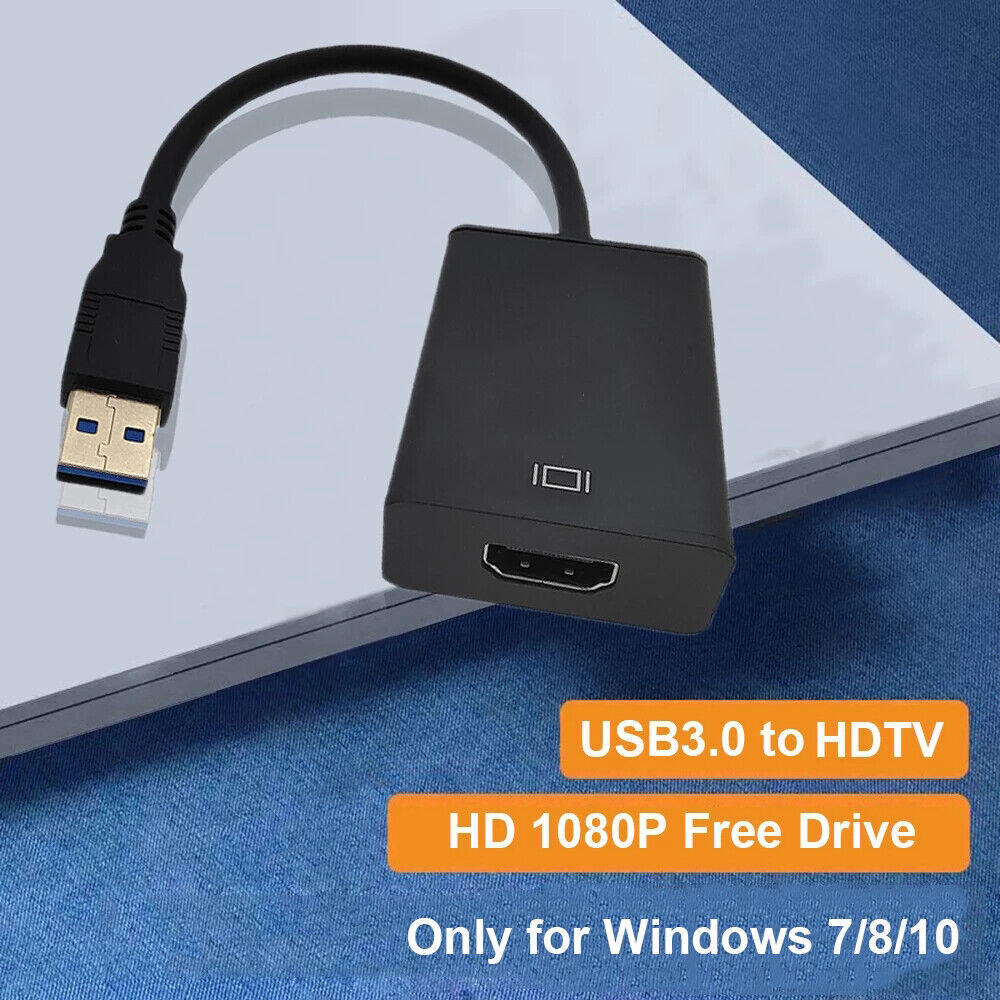
Compatible with Windows 10, Windows 8.1, Windows 8, Windows 7
Backup compatible with USB 2.0
Support Mirror or Extend for Windows PC
Installation Guide
1.
While plug this adapter to your computer first time, you'll see there
is a new “USB Drive” under My Computer (Windows 7) or This PC (Windows
10), which contains the driver software for the adapter.
2. Open the
“USB Driver” and double clicks setup file USB flash drive to install the
driver. (MSDisplay_MultiDev for Windows, MSDisplay_MacOS for MacOS).
3. After driver installed, you MUST restart PC to make the adapter effective.
4.
Right Click Desktop and click “Display Setting” (Windows 10) or “Screen
Resolution” (Windows 7) to setup extended or mirror display.
Fast Shipping from Melbourne
100% Australia local warehouse with over 99.5% positive feedback on eBay
Package Content
1. New USB 3.0 to HDMI Converter Cable Display Graphic Adapter