
SAFE & SECURE SHOPPING

100% SATISFACTION GUARANTEED

FAST SHIPPING
You may also like
Top selling

4K G96 with Bluetooth Voice Remote Fire TV Stick Media Player Ultra HD Streaming
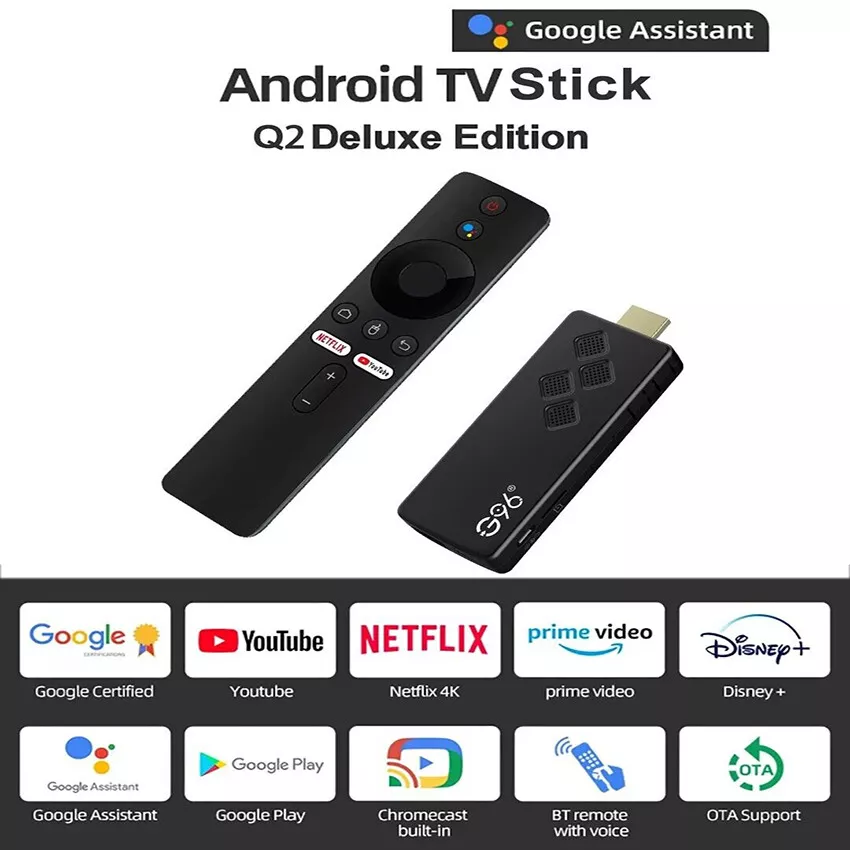
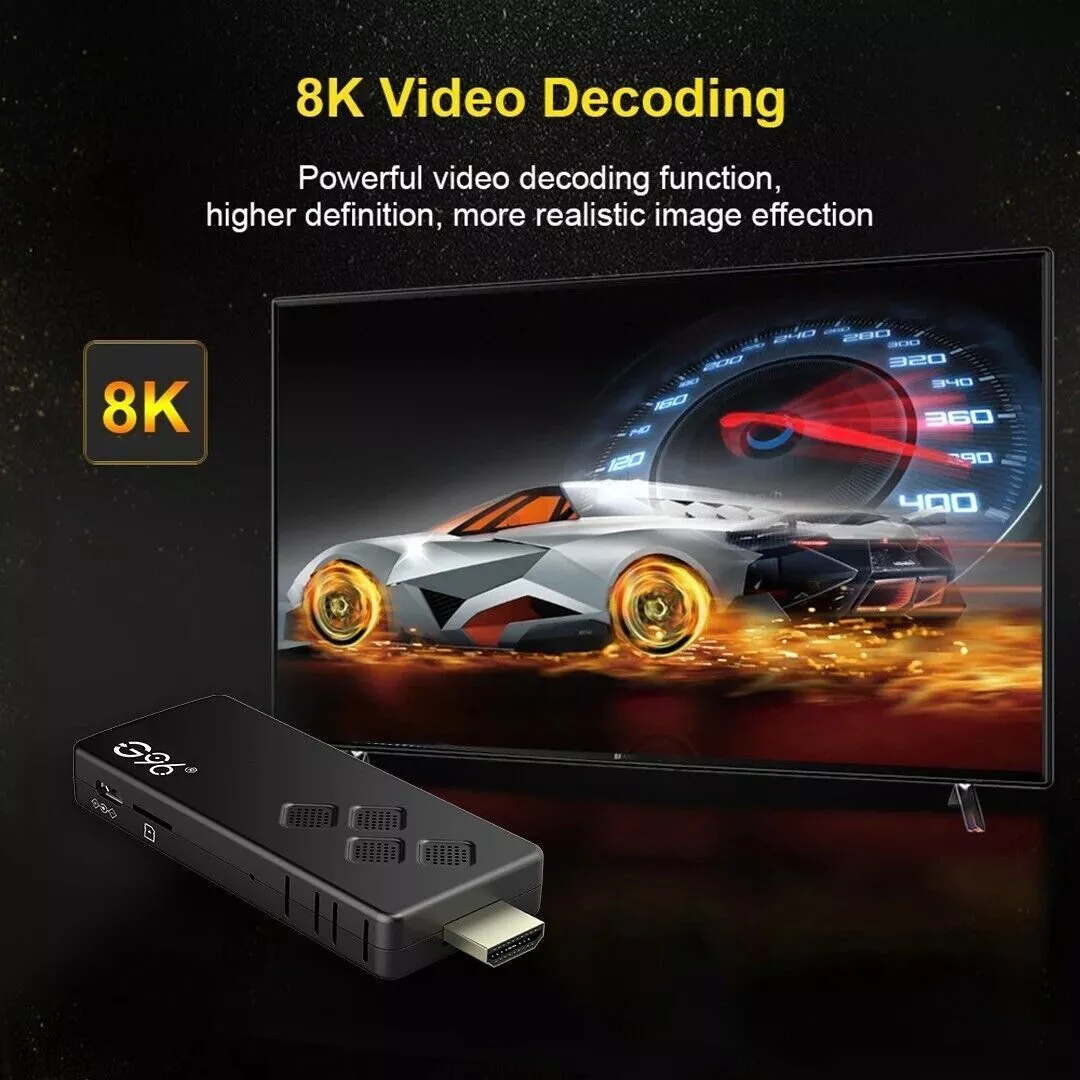
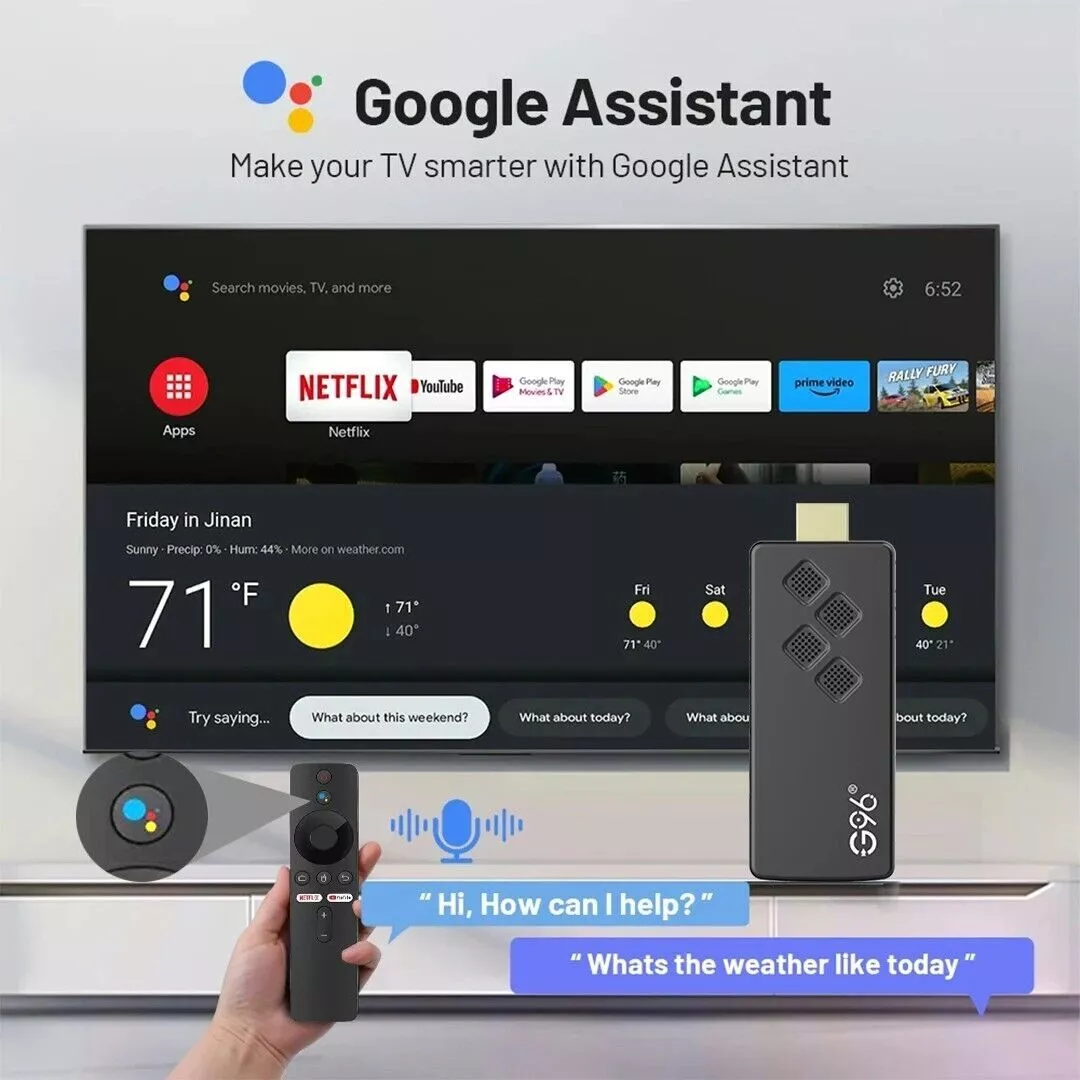
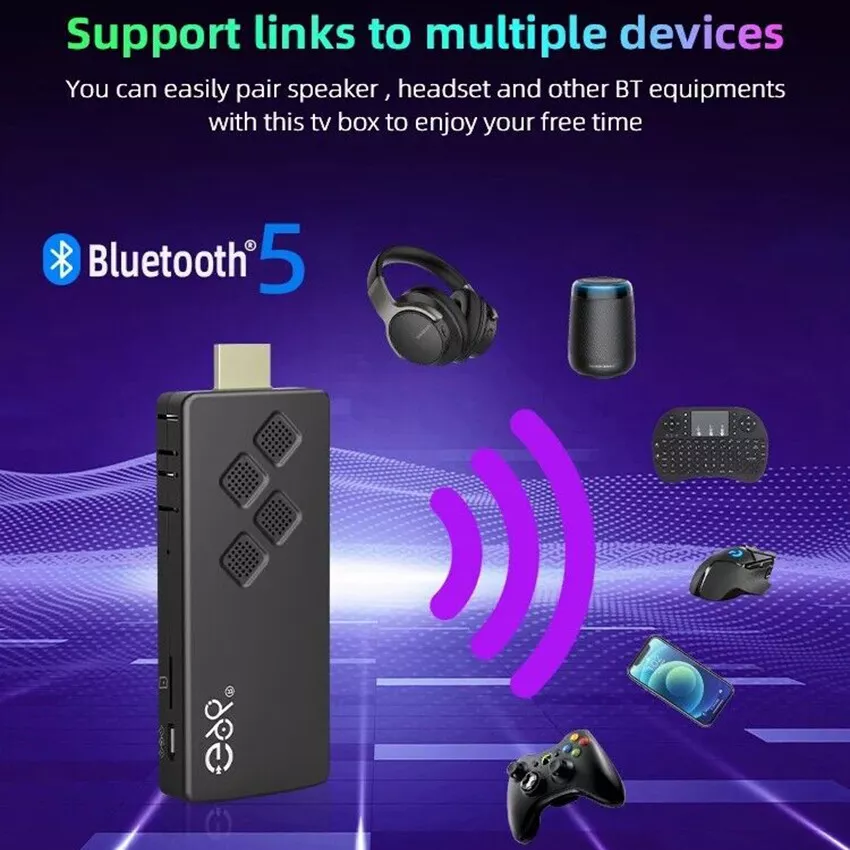
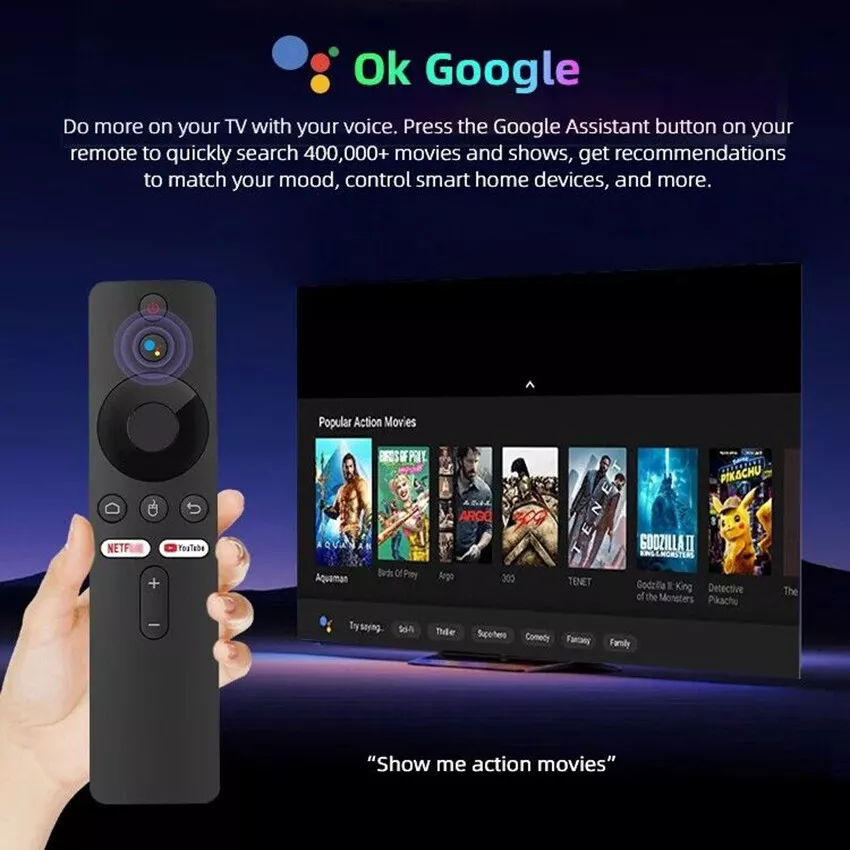
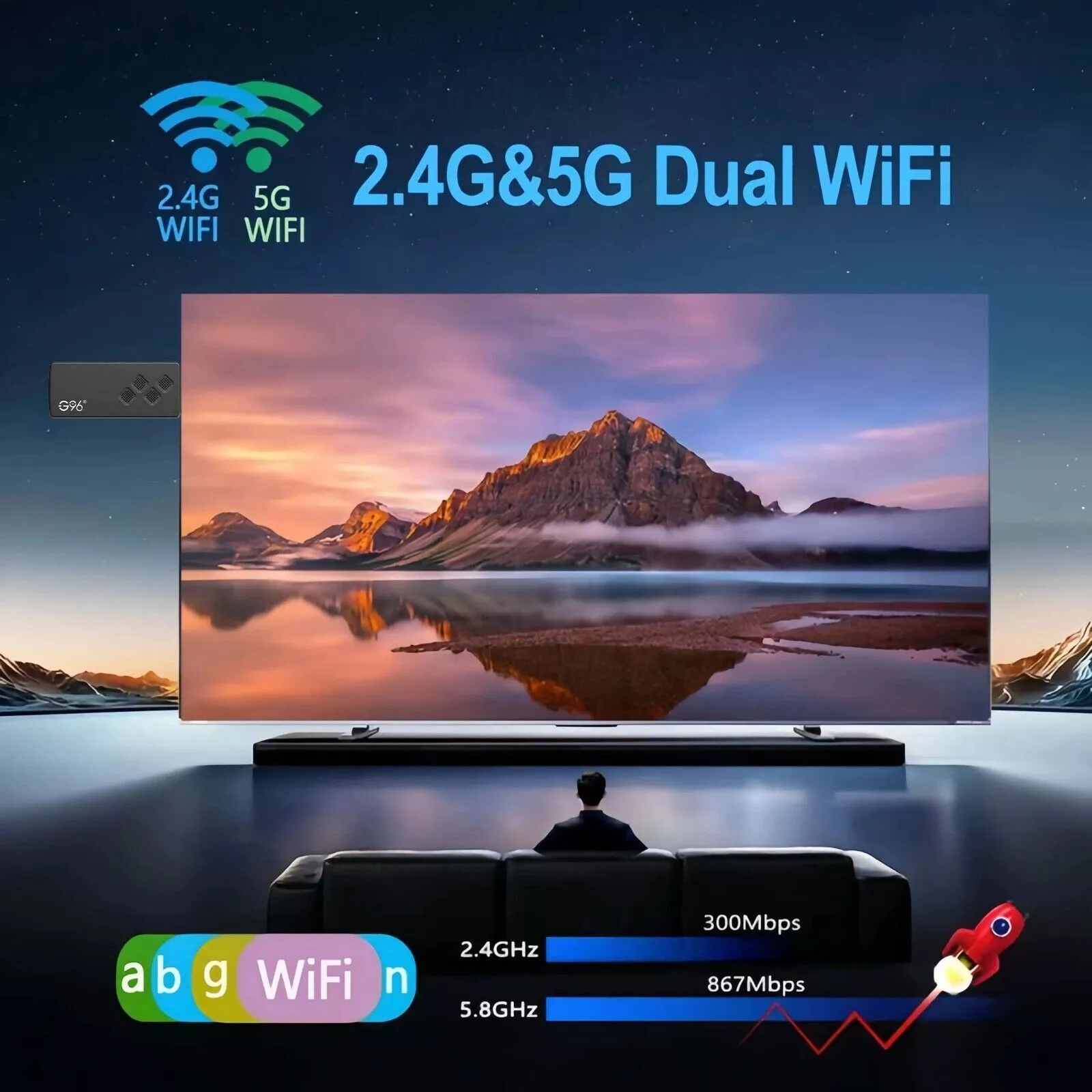
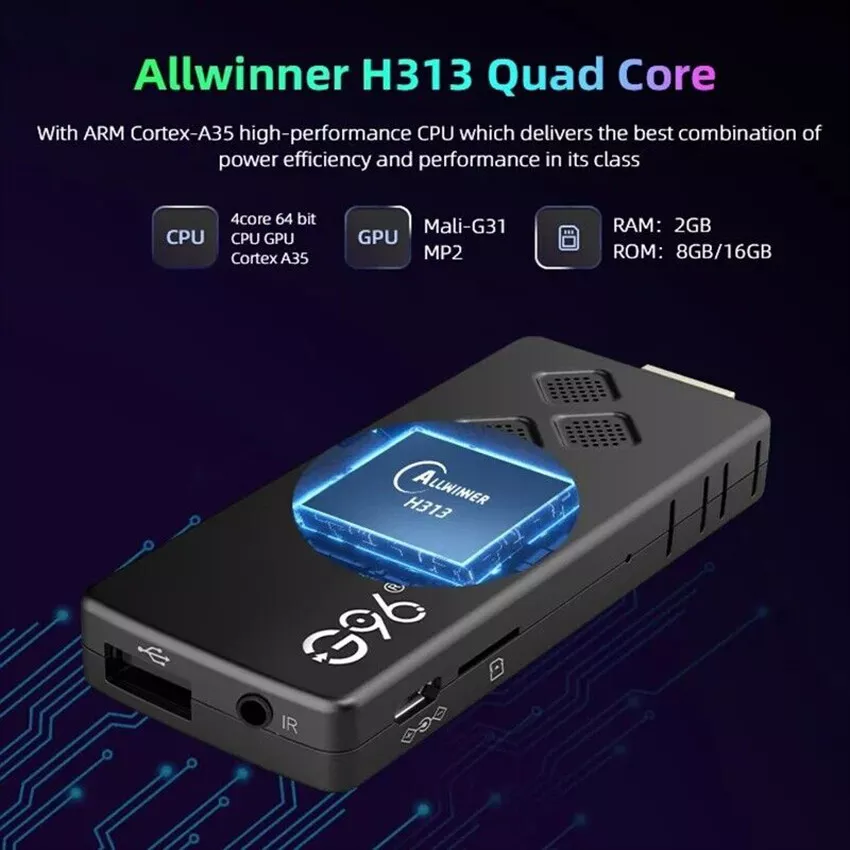
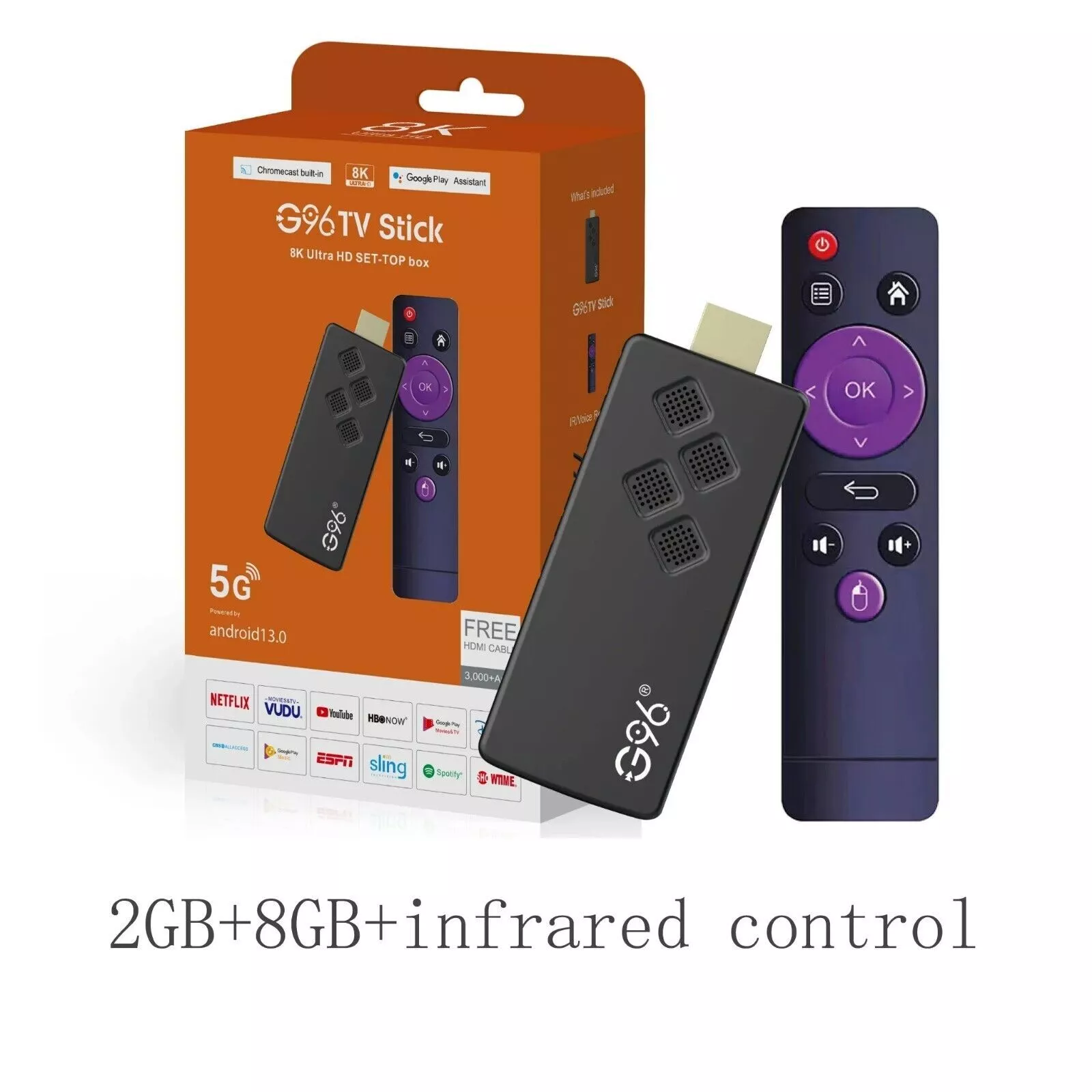
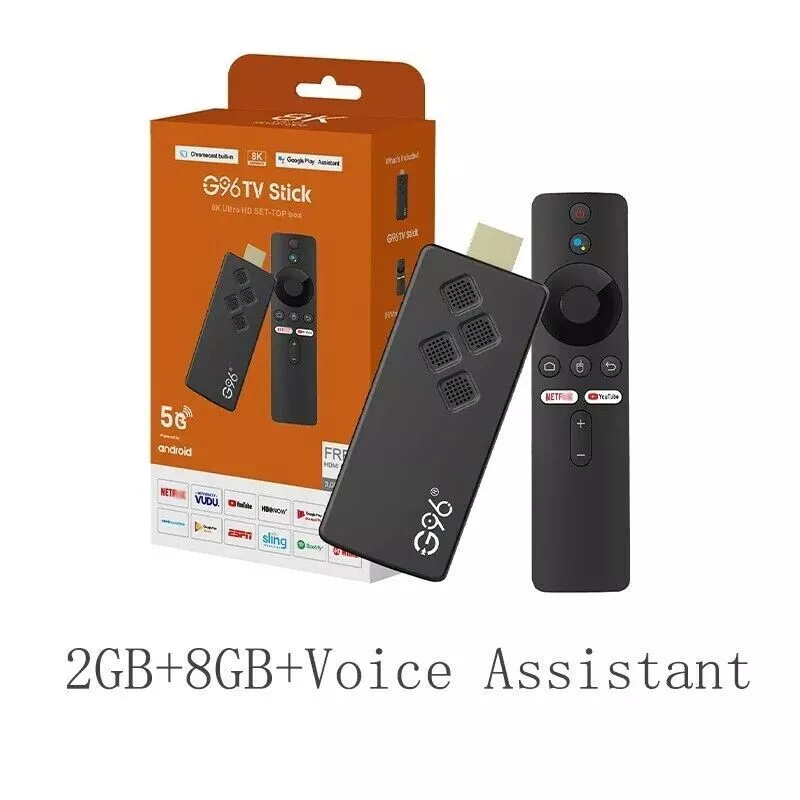
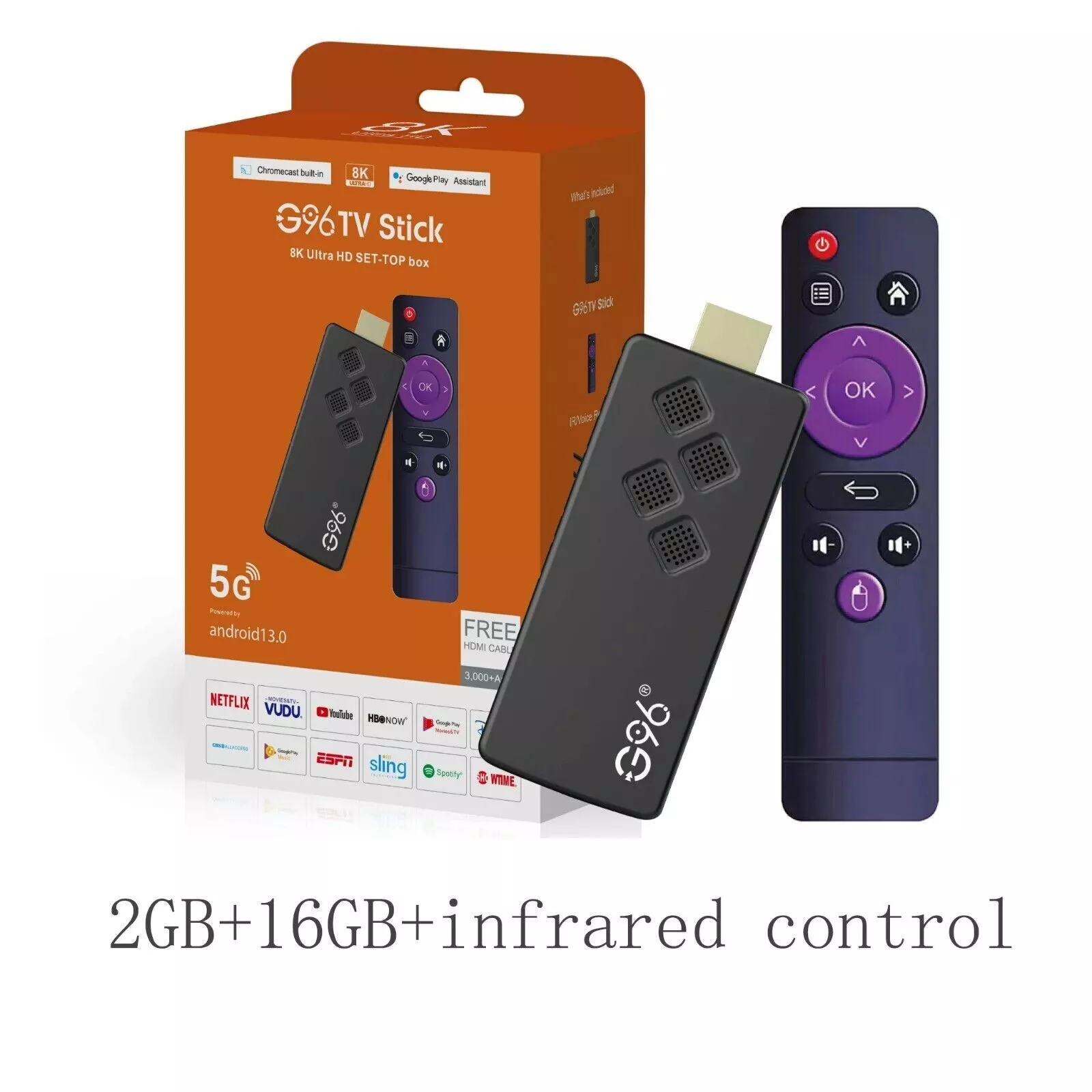
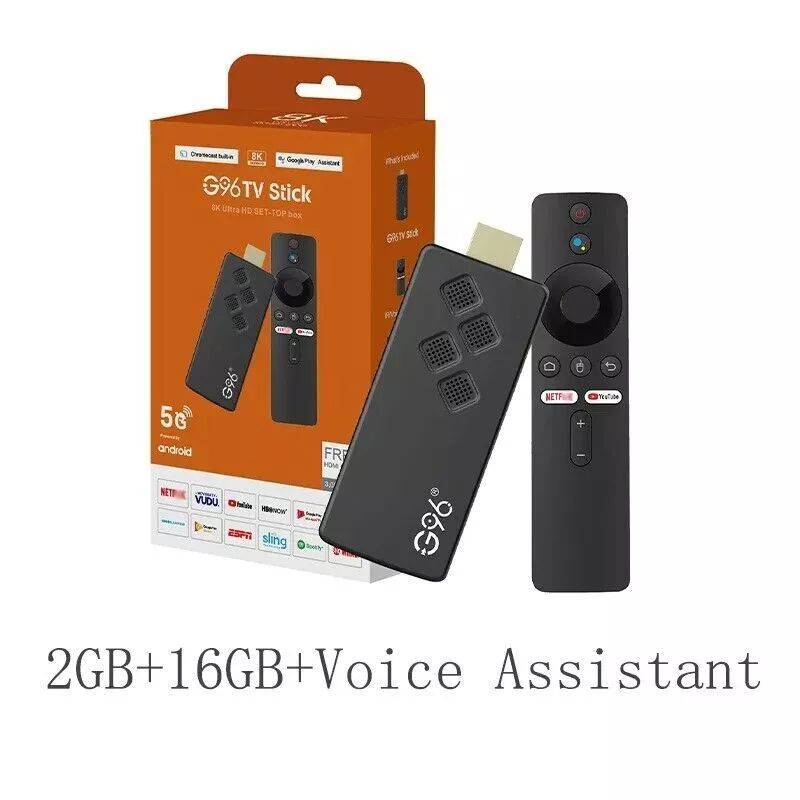
Bluetooth Voice Remote Fire TV Stick
Description:
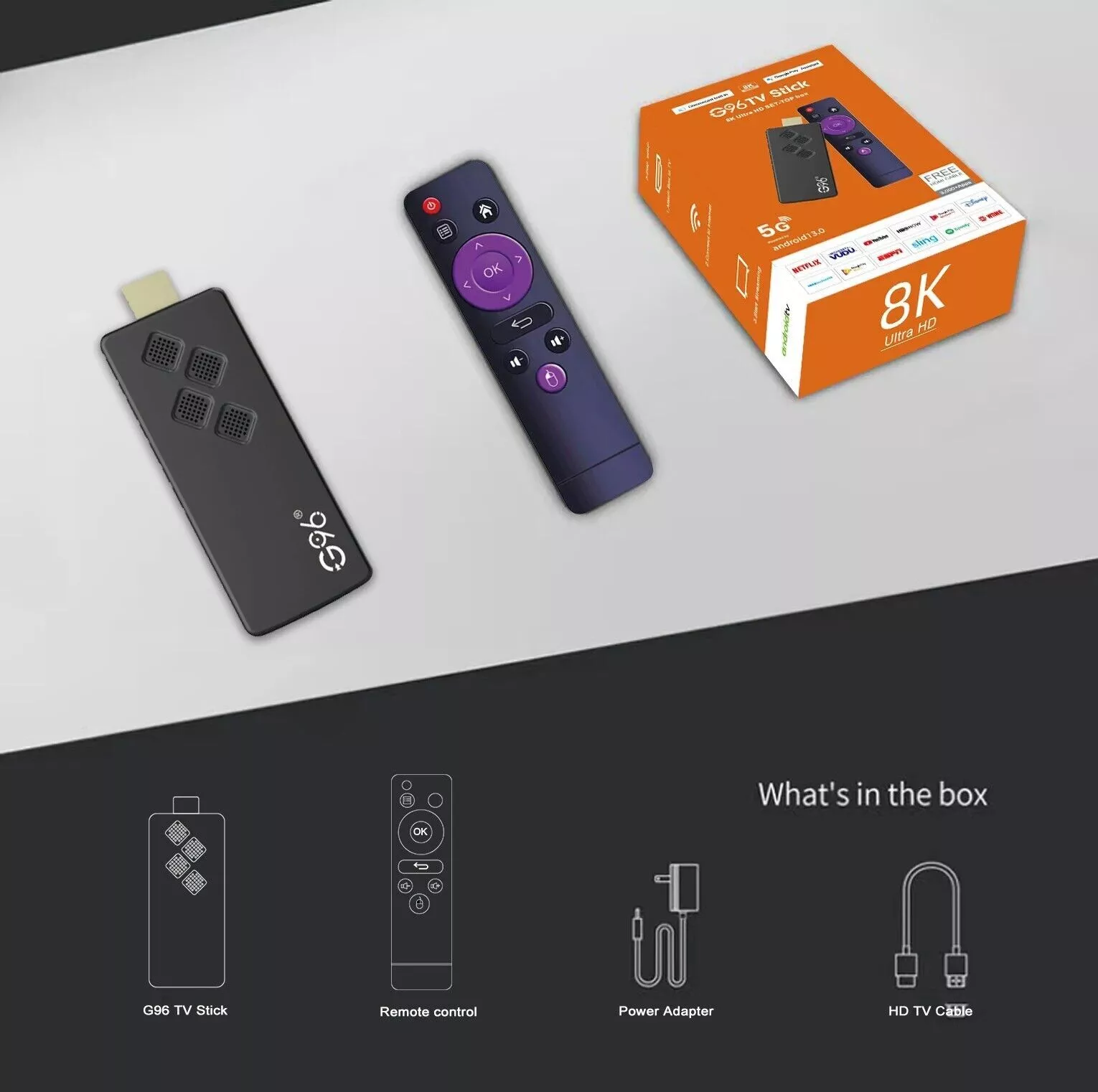
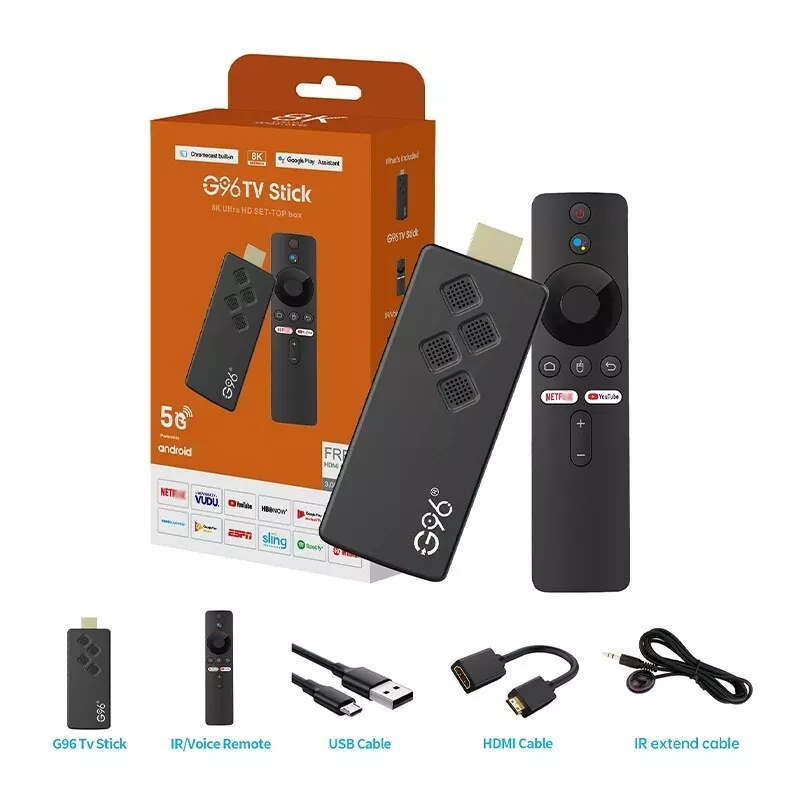
This product has tworemote controls to choose from. Please choose the one you need according to your needs:
1*Infrared remote control 1*Voice remote control
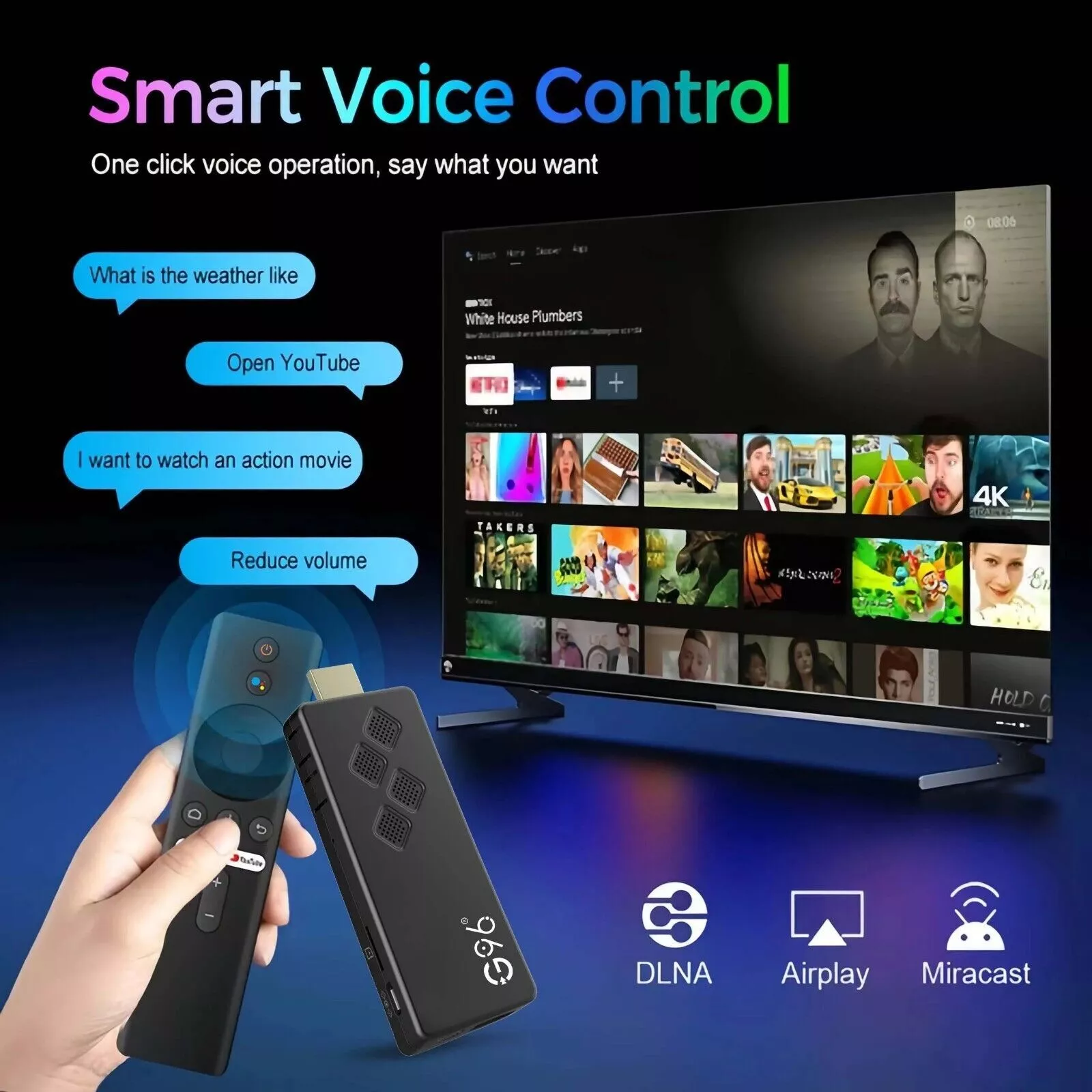
The infrared remote control does not have Bluetooth voice function. If the TV screen automatically appears the voice remote control pairing interface after the purchase of the infrared remote control combination is turned on, the user only needs to press the back button of the remote control directly to exit the pairing interface and use the remote control normally
Customers who want to use the voice function should purchase the voice remote control, the voice function needs to be paired to use
Netflix Usage tutorial:
After connecting to WiFi, open APPs, find the black Netflix software, and click to open
After clicking to open Netflix, the login interface will appear. Click the mouse switch button on the remote control to switch the remote control to mouse mode, and click the login button of the software
Click the mouse button again to switch the remote control to remote control mode, enter the account and password to log in
Use the mouse mode of the remote control to click the video you want to play
Package Included:
1 x Q2 TV Stick
1 x remote control (Batteries not included)
1 x HD cable
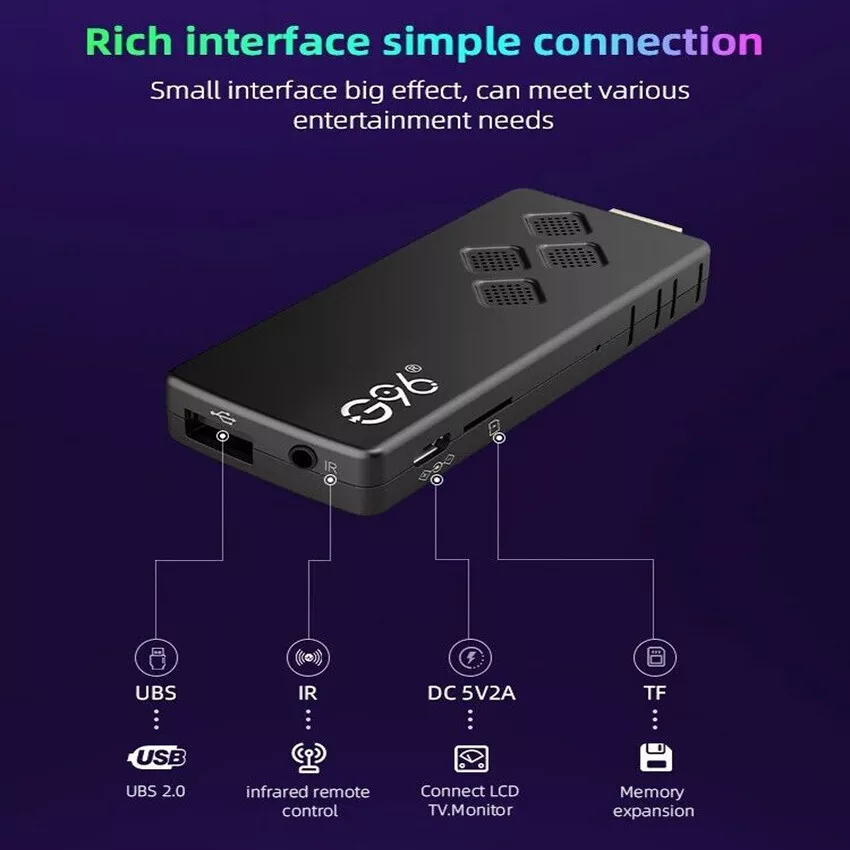
1x Infrared signal receiving line (The remote control must point to the small light bulb of the TV stick external signal line)
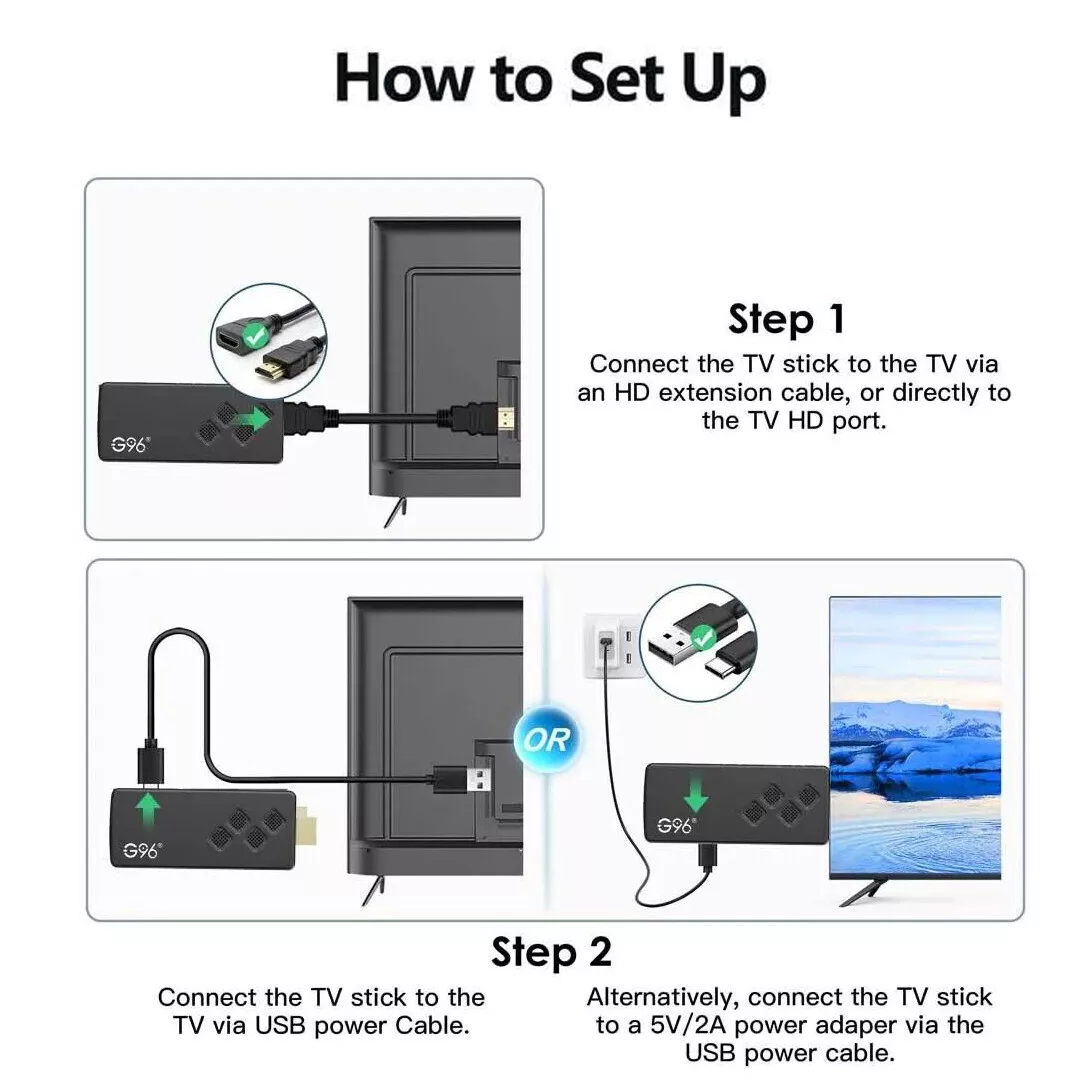
1 x USB power cable (No adapter,power by USB cable,if your tv not DC 5V/2A,must use DC 5V/2A adapter to power it)
1 x Manual