

SAFE & SECURE SHOPPING

100% SATISFACTION GUARANTEED

FAST SHIPPING
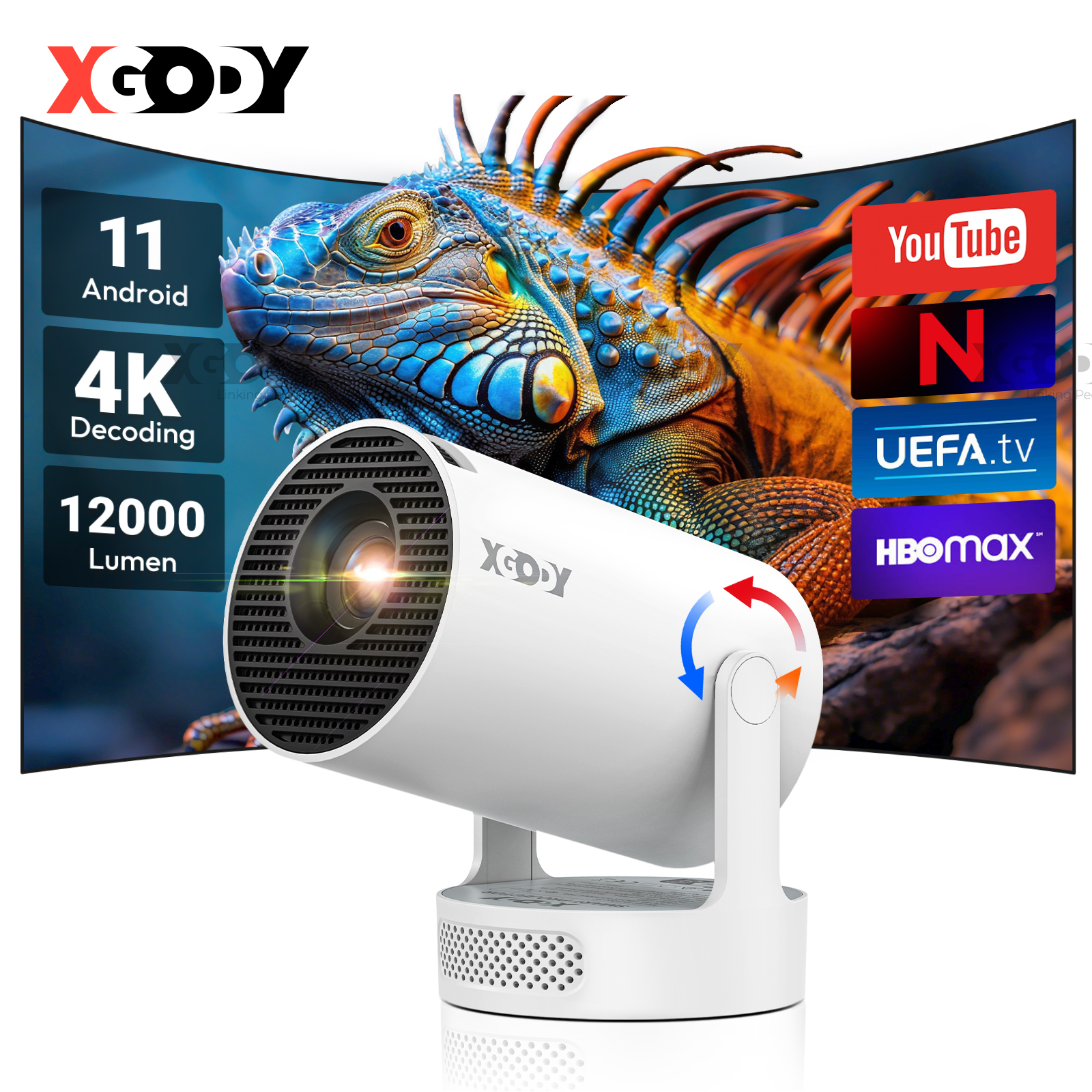
2025 NEU 4K Beamer HD Android 12000Lumen WiFi HDMI Projektor FHD LCD Heimkino DE

 |
 |
 |
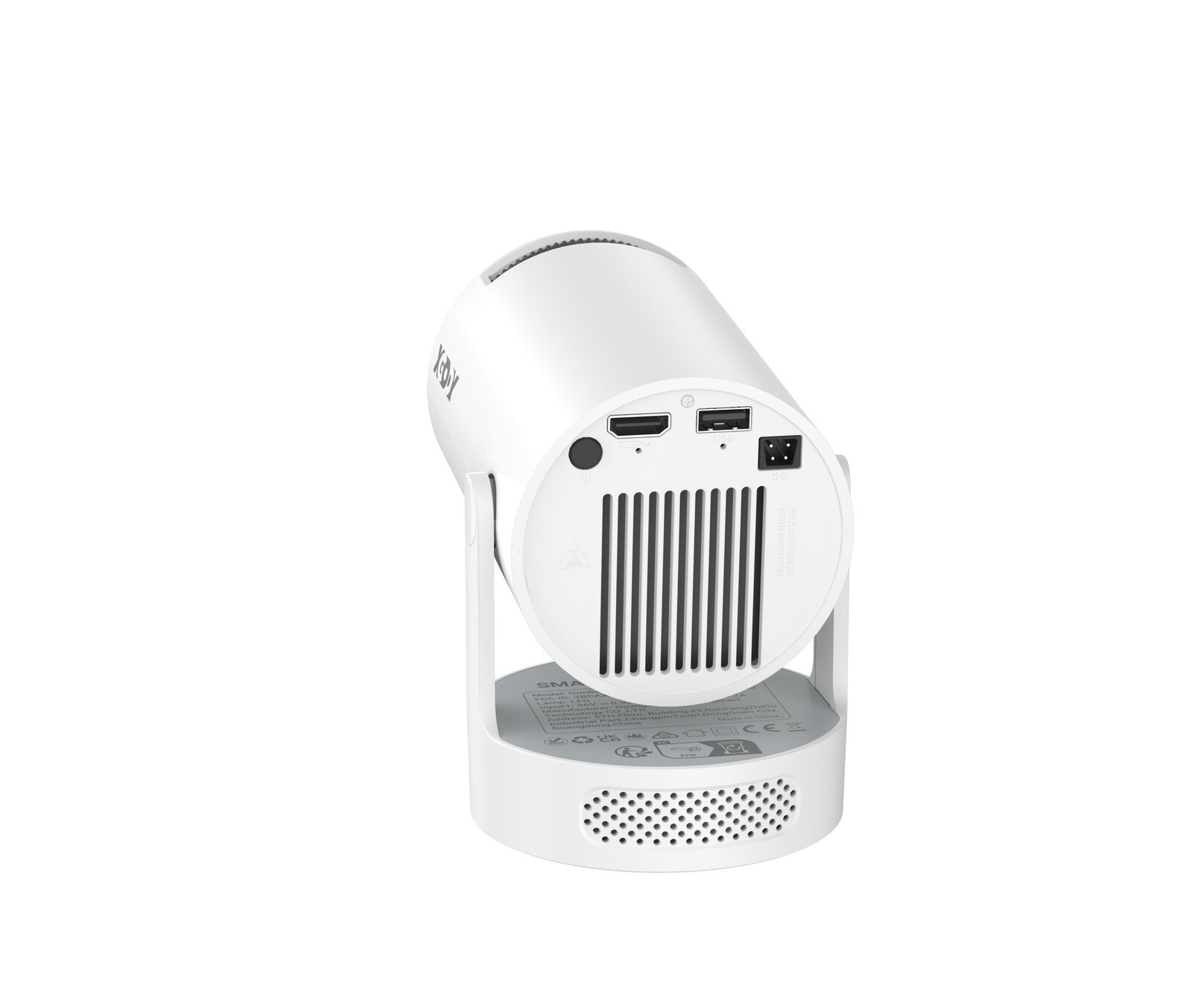
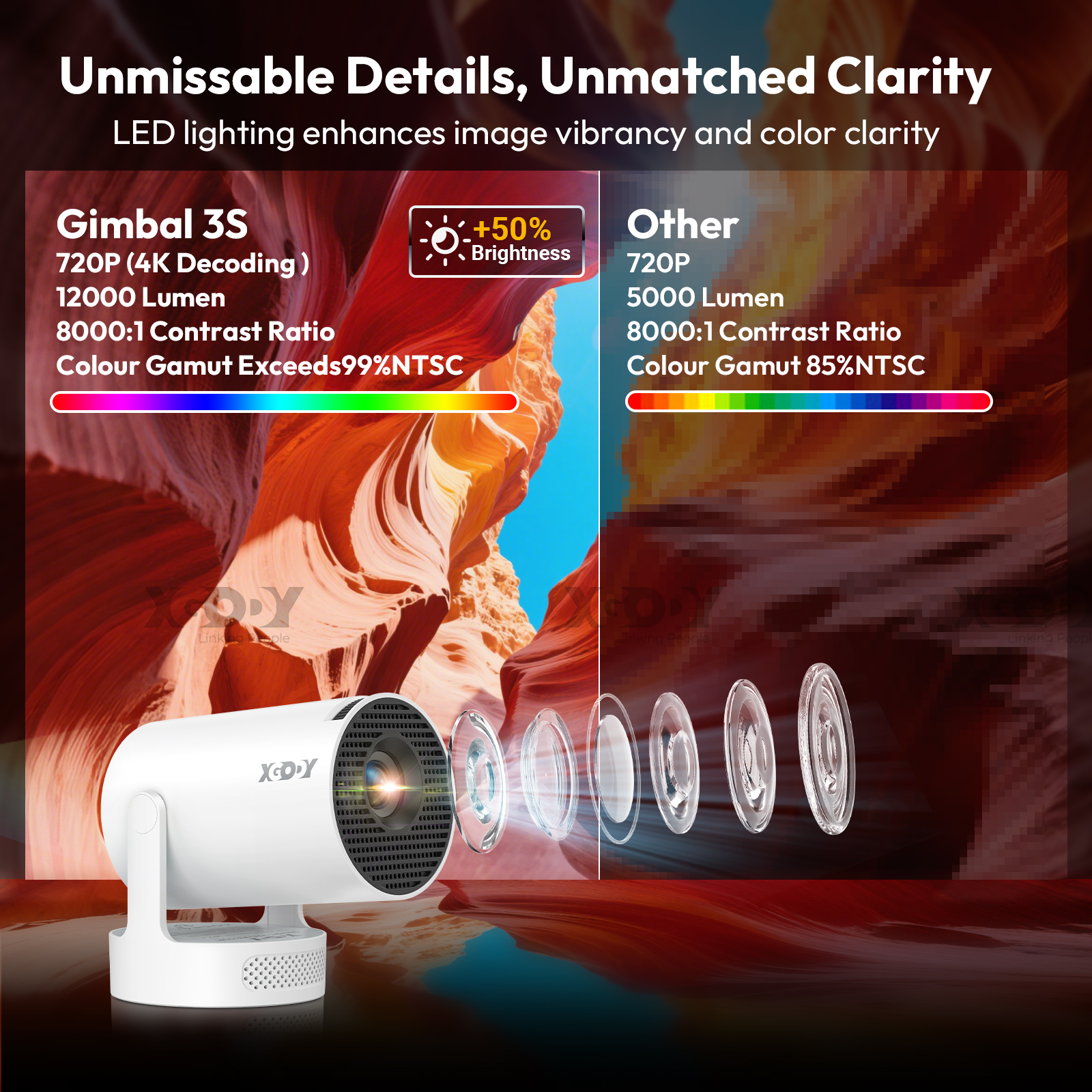
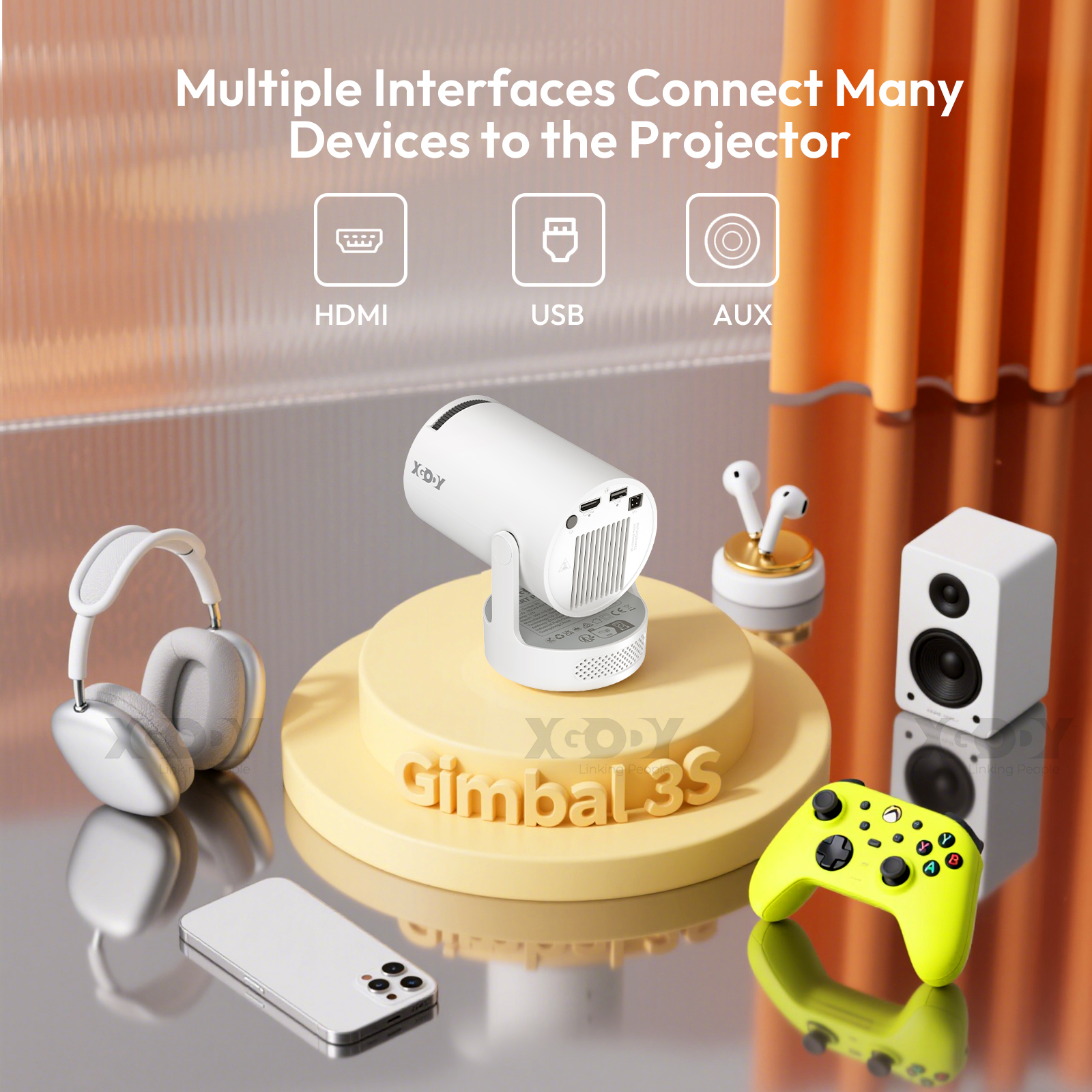
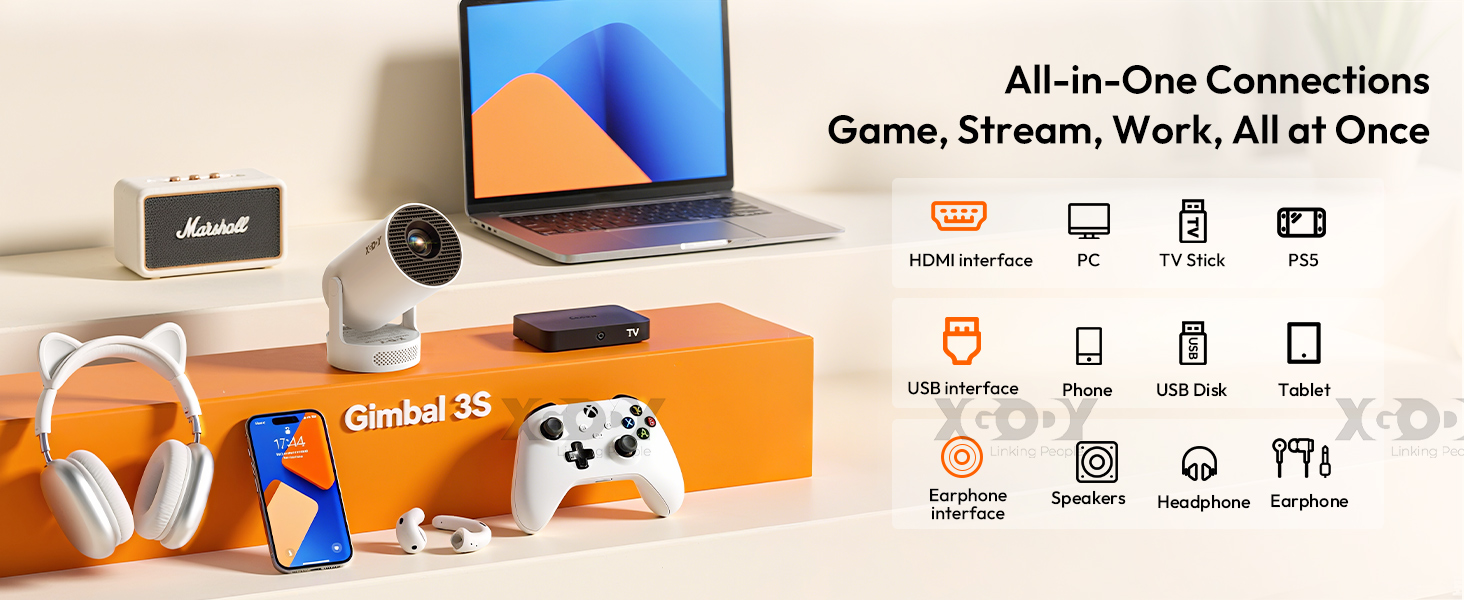
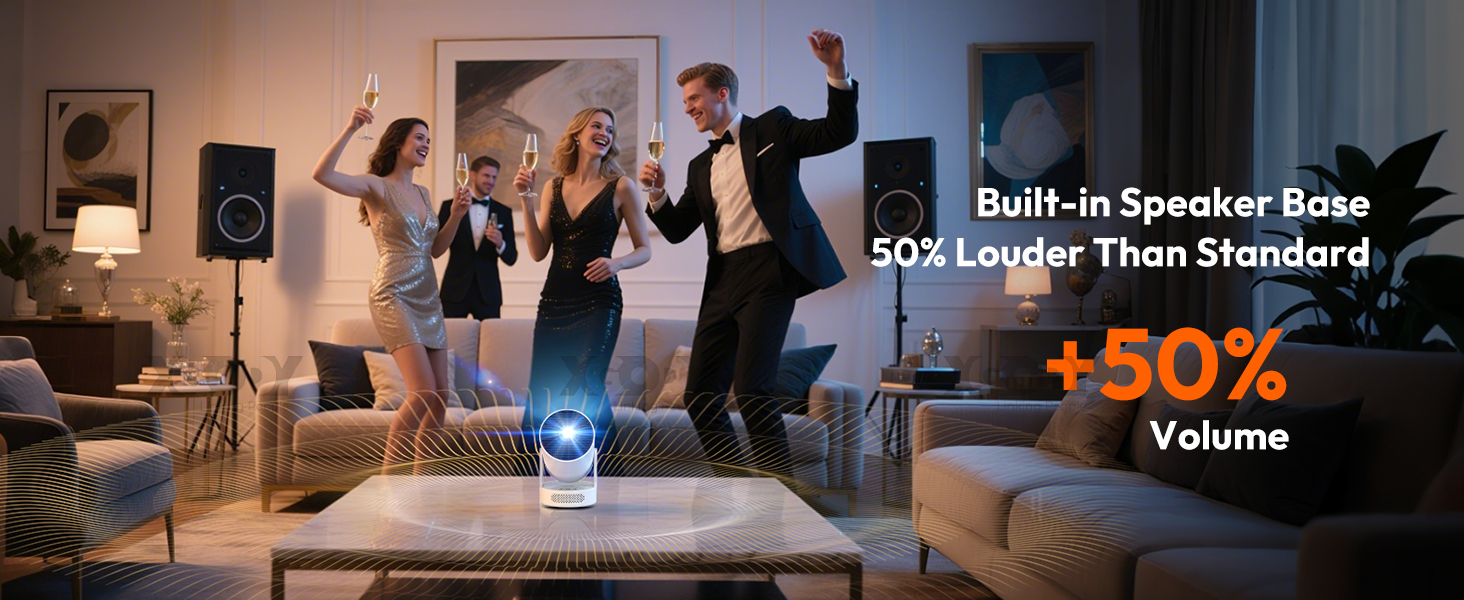
| Specifications: Supported resolutions: ,8K,4K, 1920 x 1080, 1280 x 720 Native resolution: 1280 x 720 Brightness: 12,000 lumens Contrast ratio: 8,000:1 Projection size: 40-130 inches Lamp life: 50,000 hours Connections: HDMI, USB Wireless connection: Wi-Fi 6, Bluetooth 5.0 Aspect ratio: 16:9, 4:3 Package : 1 x Projector With Speaker Base 1 x Remote Control 1 x Power Cable 1 x HDMI Cable 1 x User Manual |
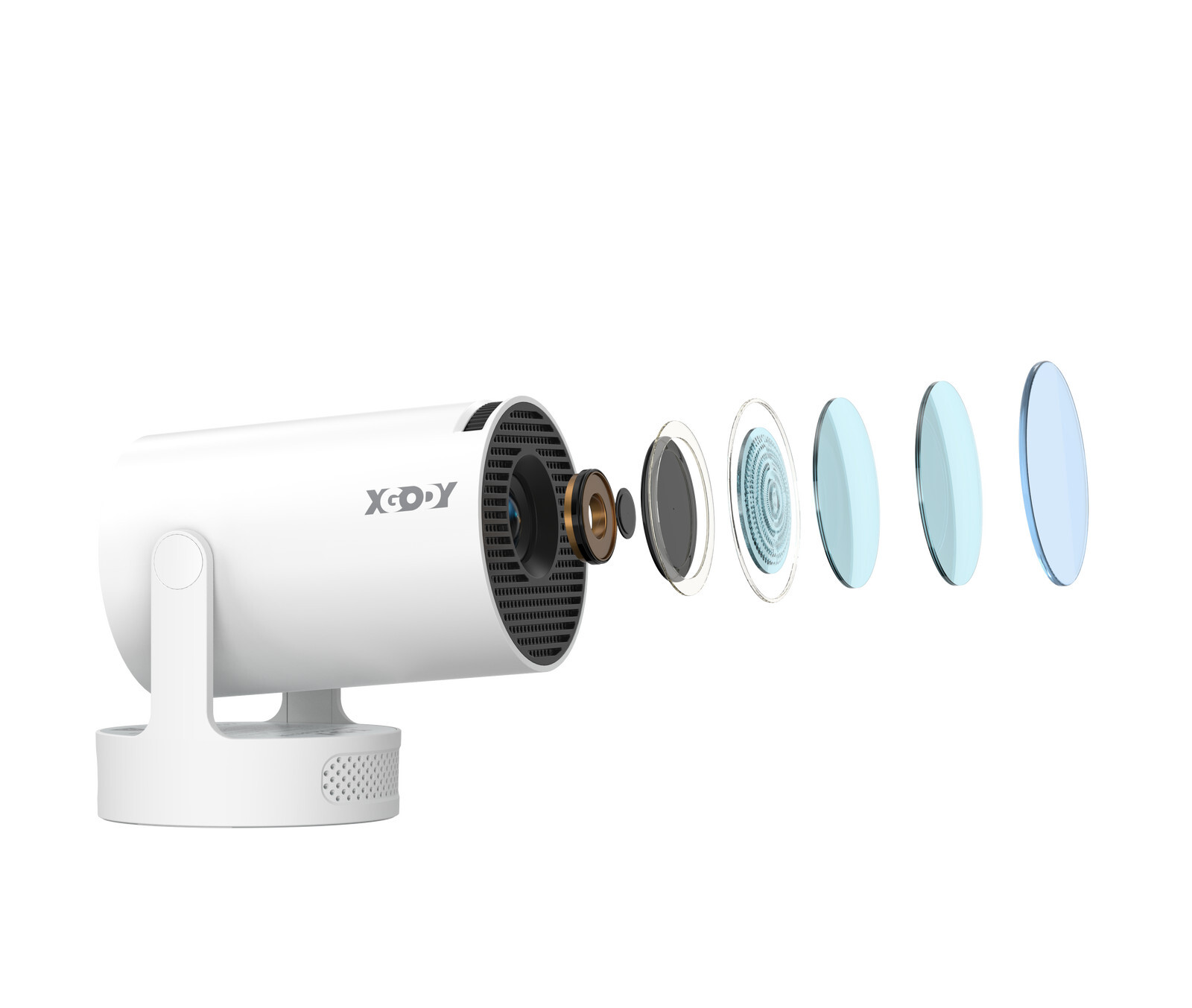
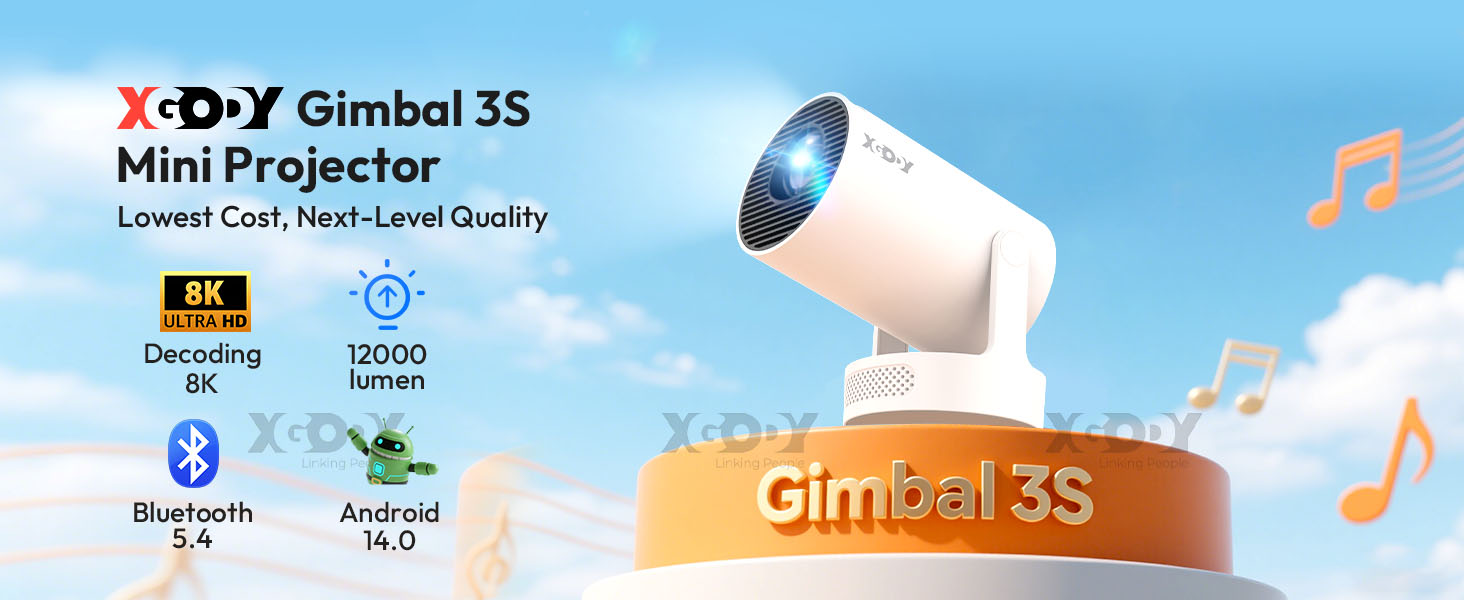
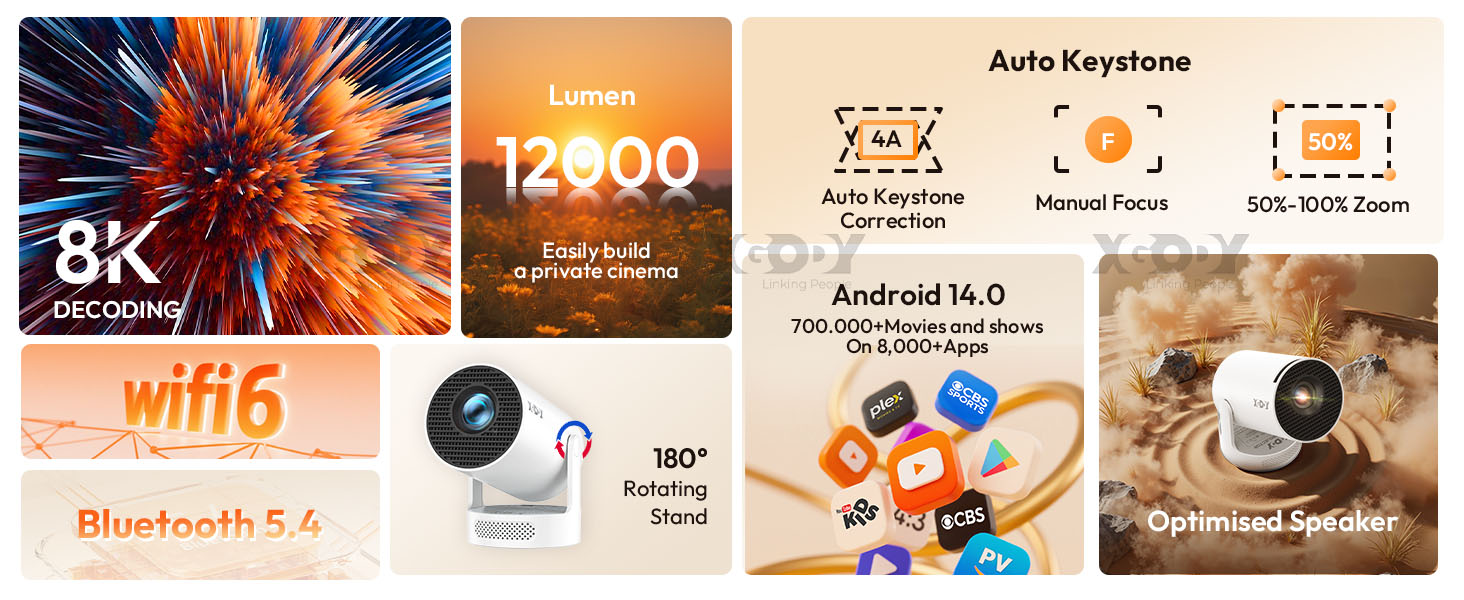
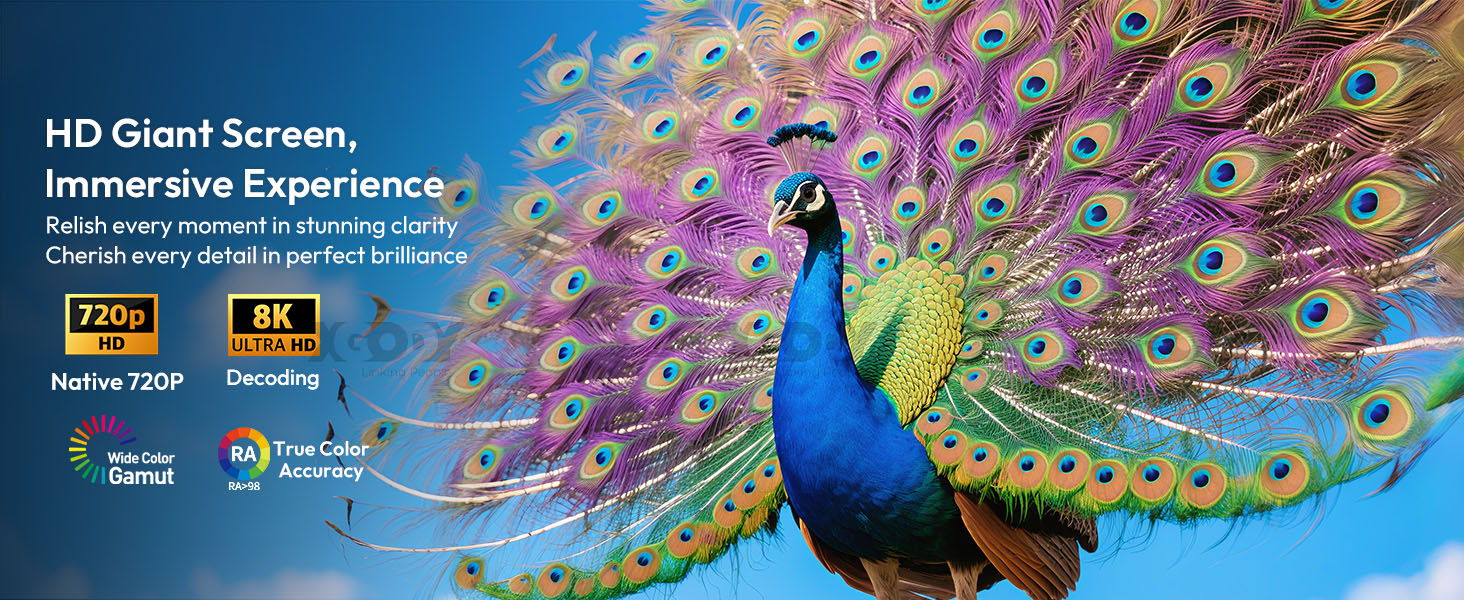
| HD PROJECTION WITH 8K COMPATIBILITY– Experience stunning visual effects with this mini projector featuring 1080P resolution, 8K support, 12,000 lumens of brightness, and a 40-150 inch projection screen. Transform any room into a personal home theater. |
 |
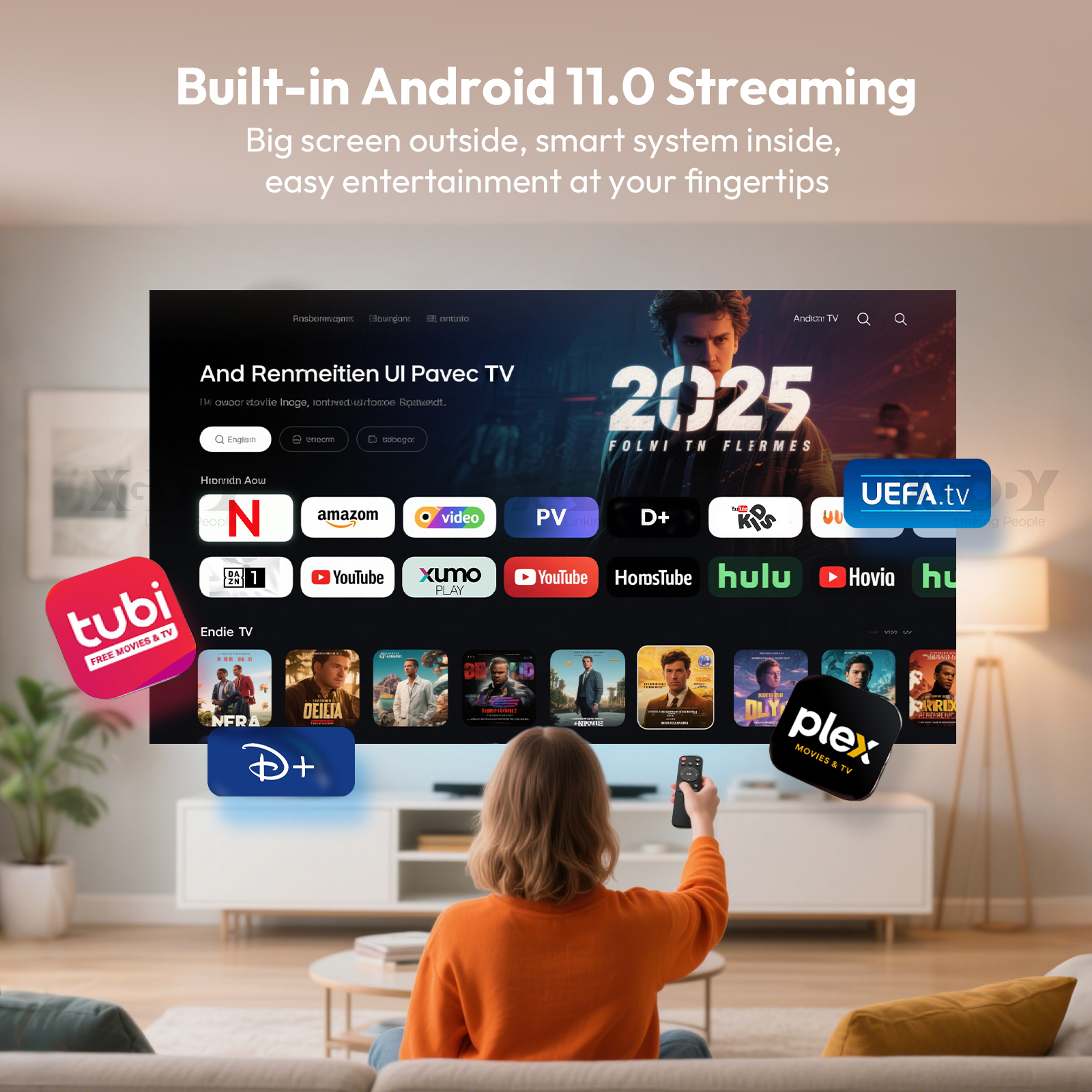
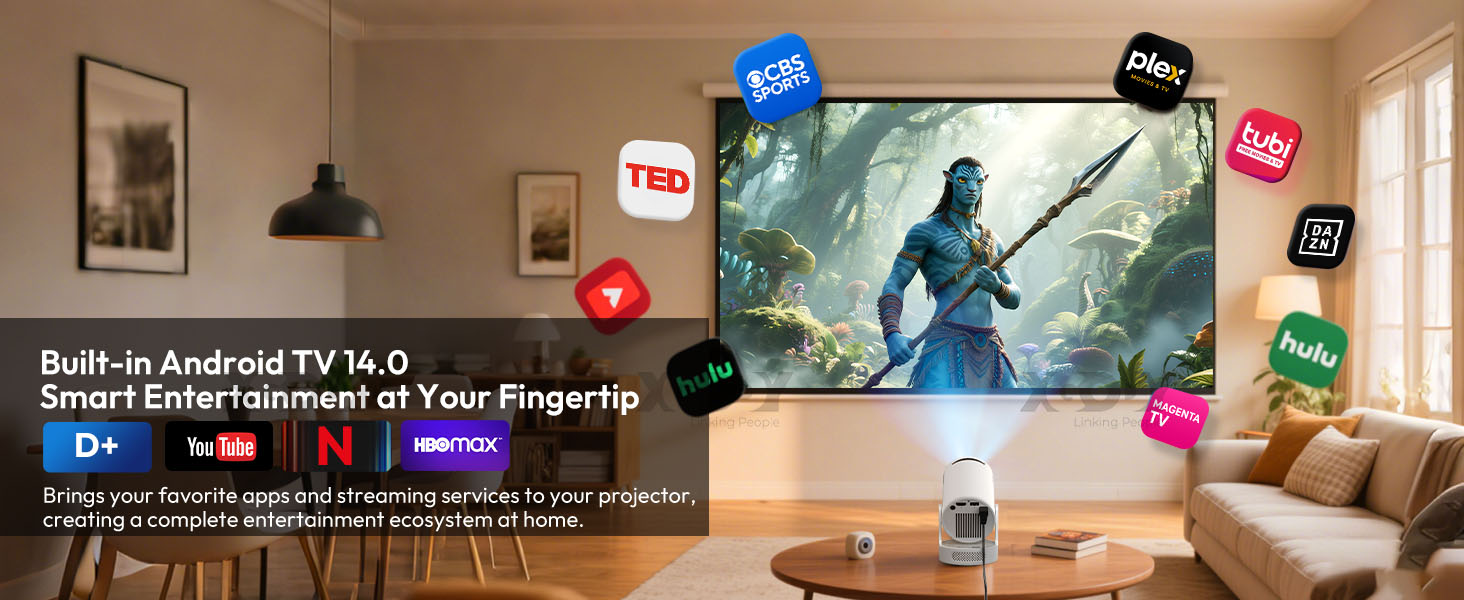
| ANDROID 14.0 SMART SYSTEM – With this mini projector, you can watch movies and stream your favorite content directly from most built-in apps, without the need for additional devices. This makes entertainment more convenient and accessible anytime, anywhere. |
 |
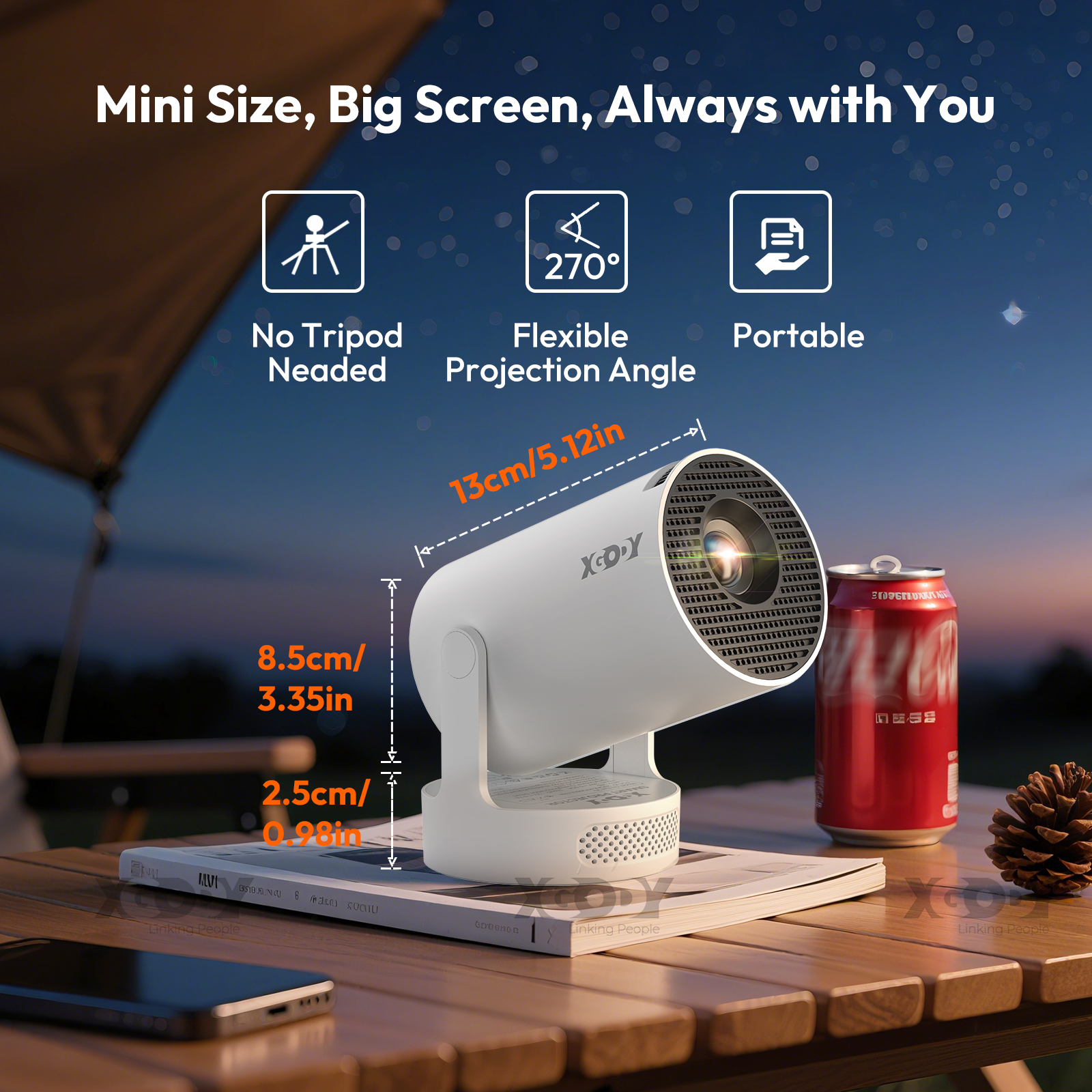
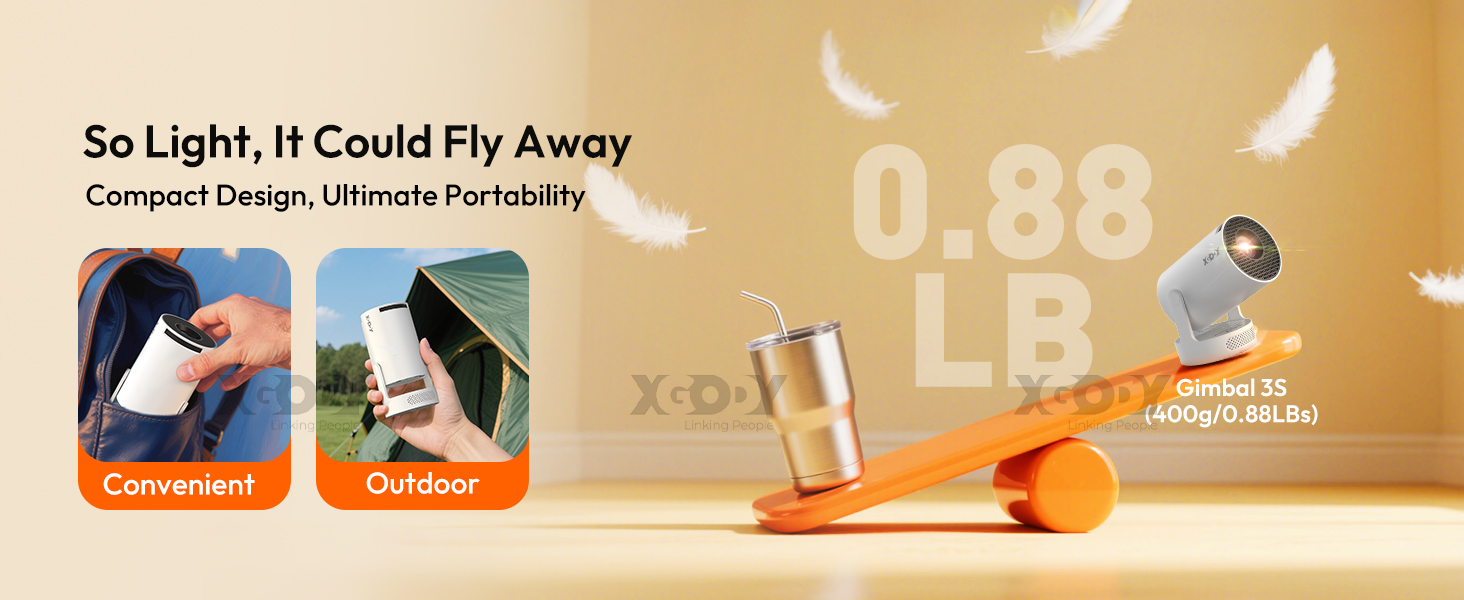
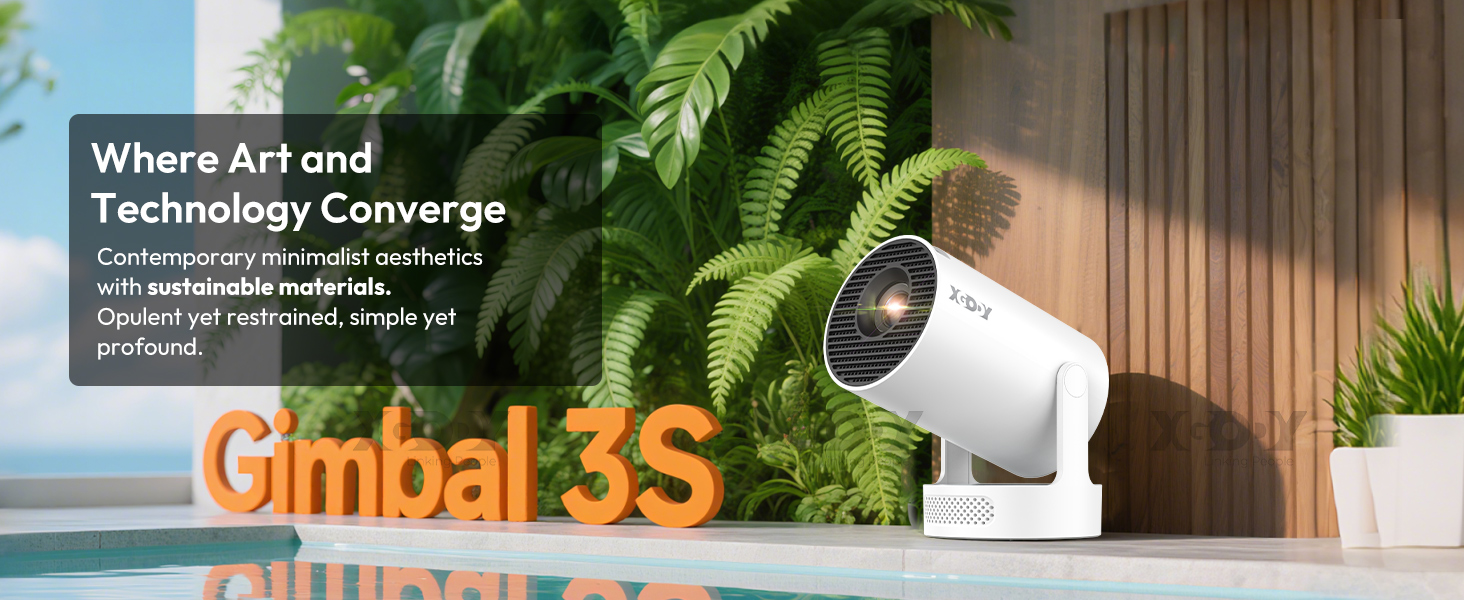
| SMALL, PORTABLE AND DURABLE - This portable projector features a 30W LED light source with a lifespan of up to 50,000 hours. Weighing just 600g, it's easy to carry and the perfect companion for home theater, outdoor movie nights, and gaming. |
 |
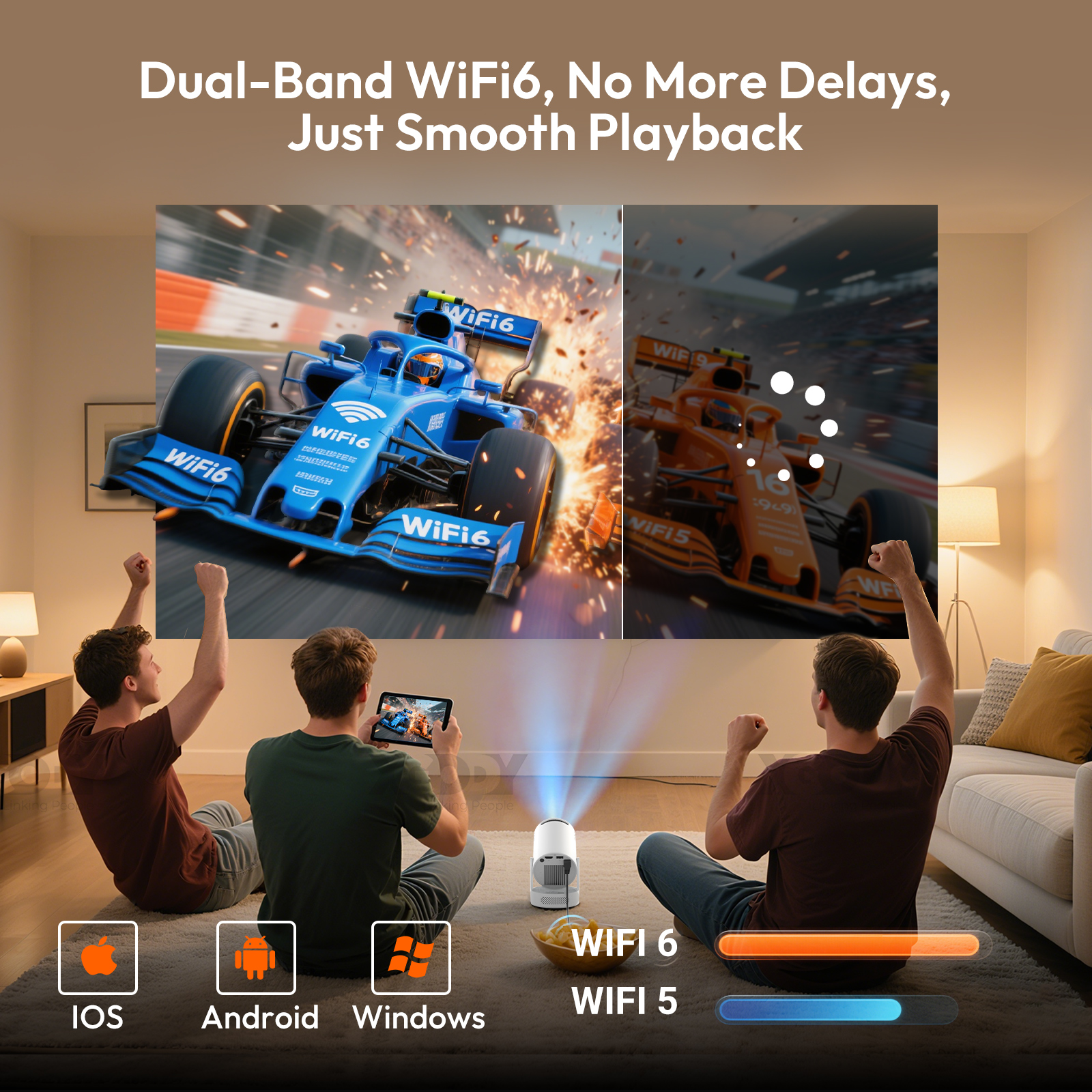
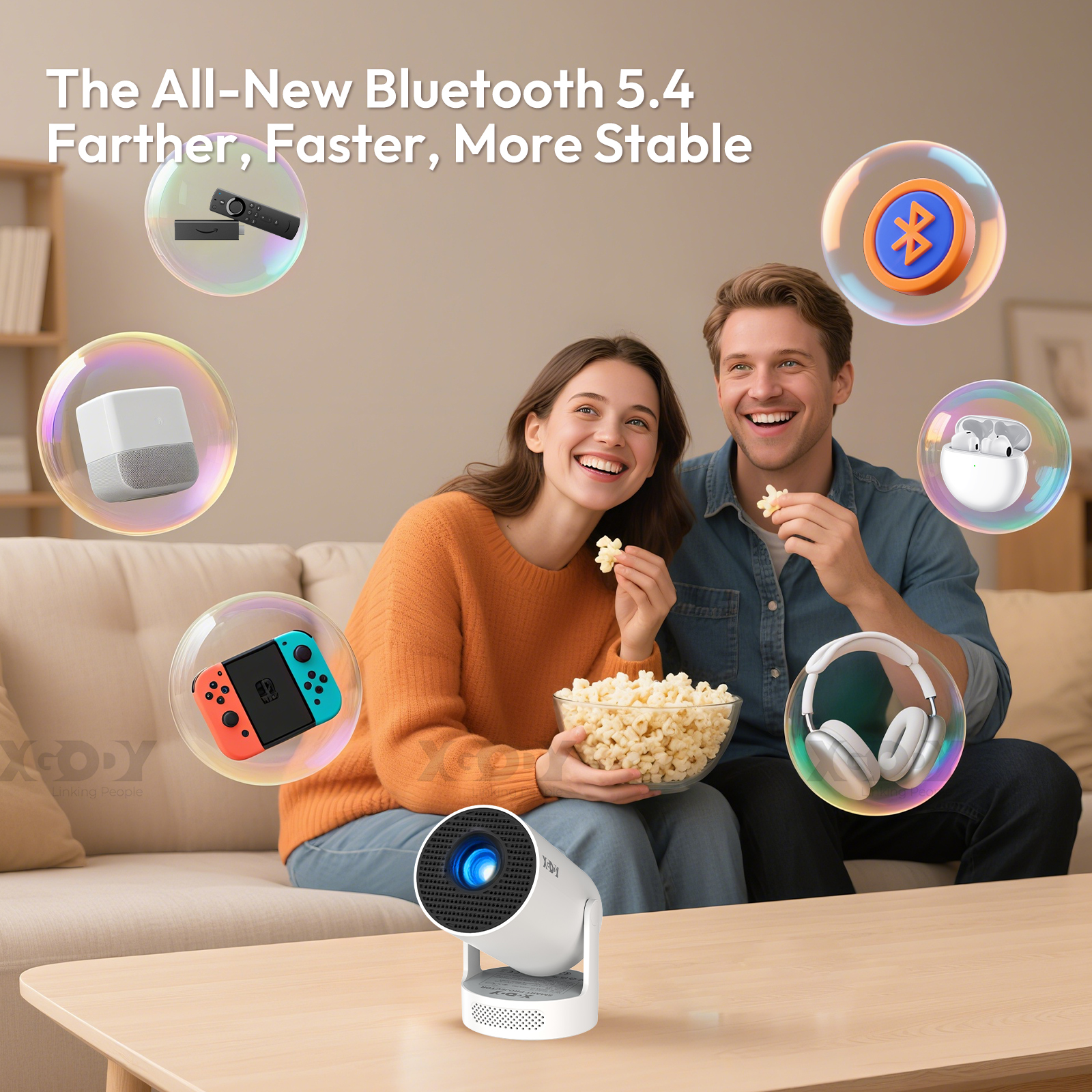
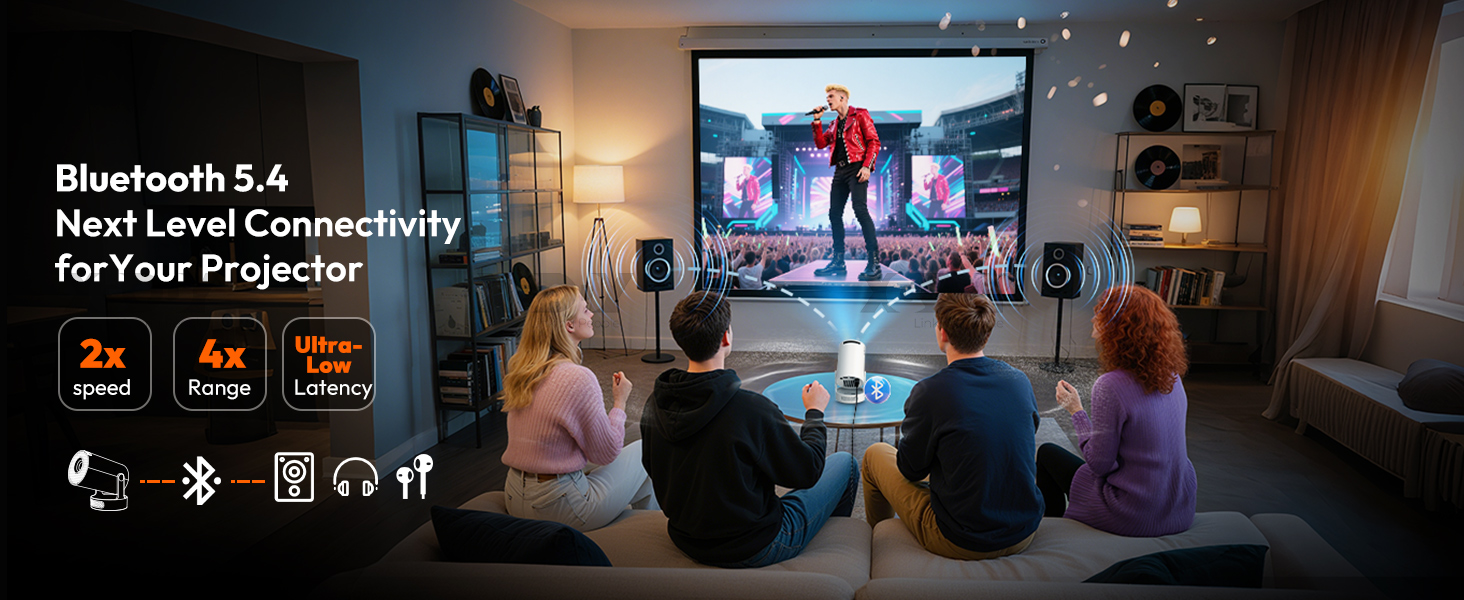
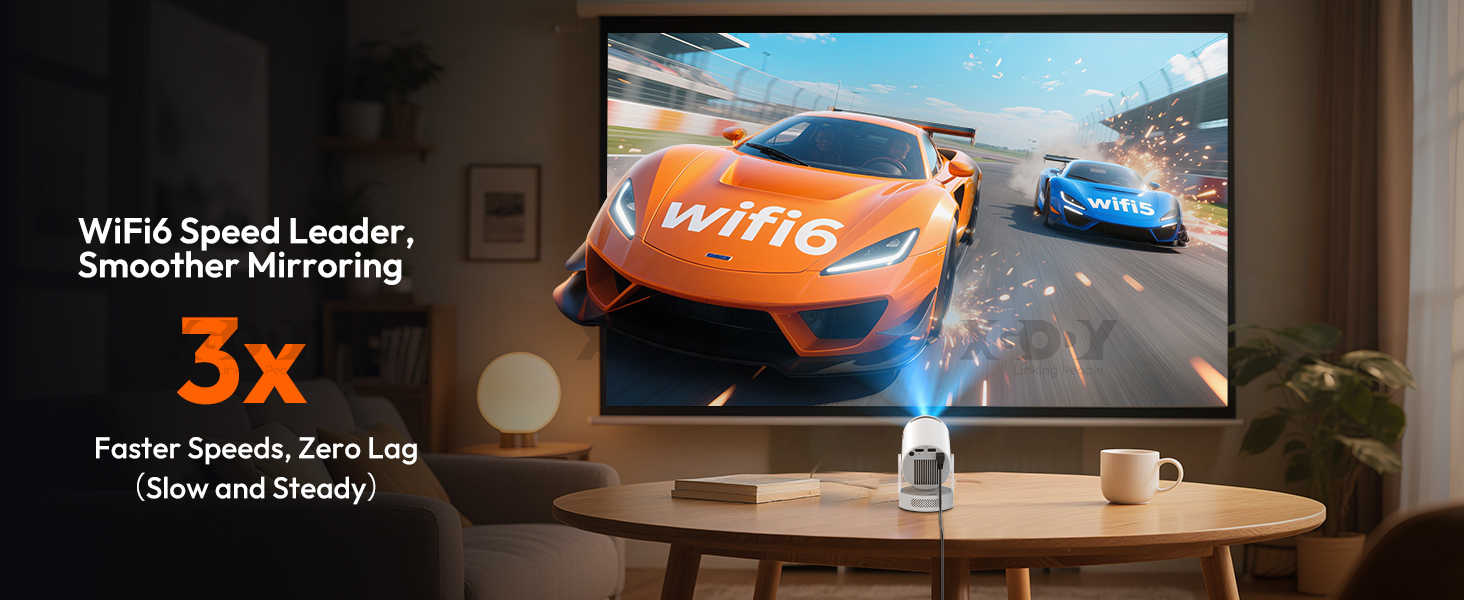
| Fast dual-band WiFi6 technology: The Gimbal G3S projector features the latest dual-band WiFi6 technology and supports both 2.4G and 5GHz bands for faster and more stable streaming compared to single-band WiFi5 |
 |
 |
 |
 |
 |
 |
 |