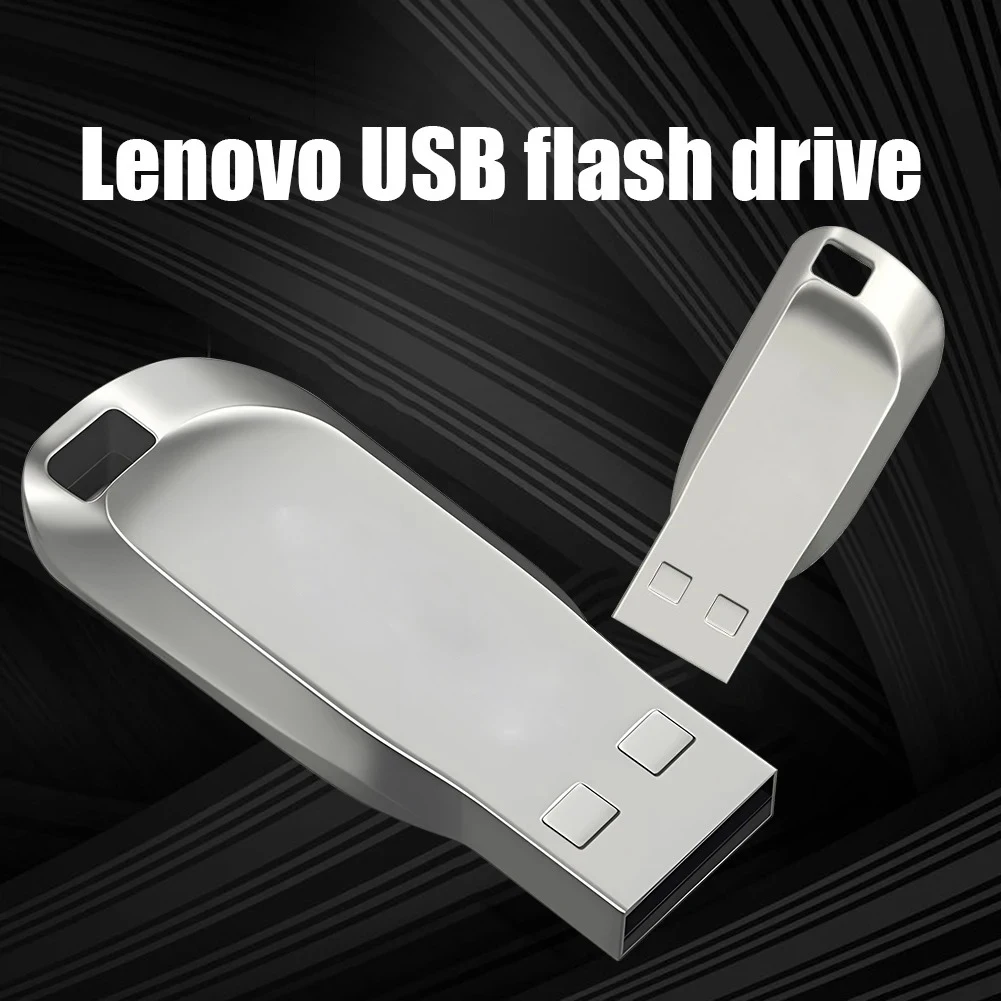
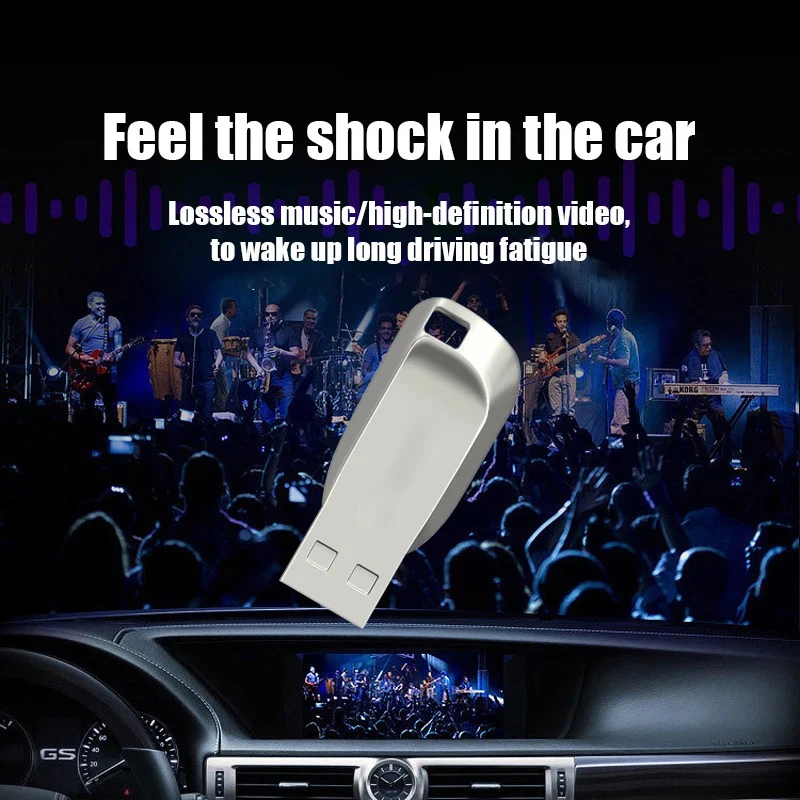
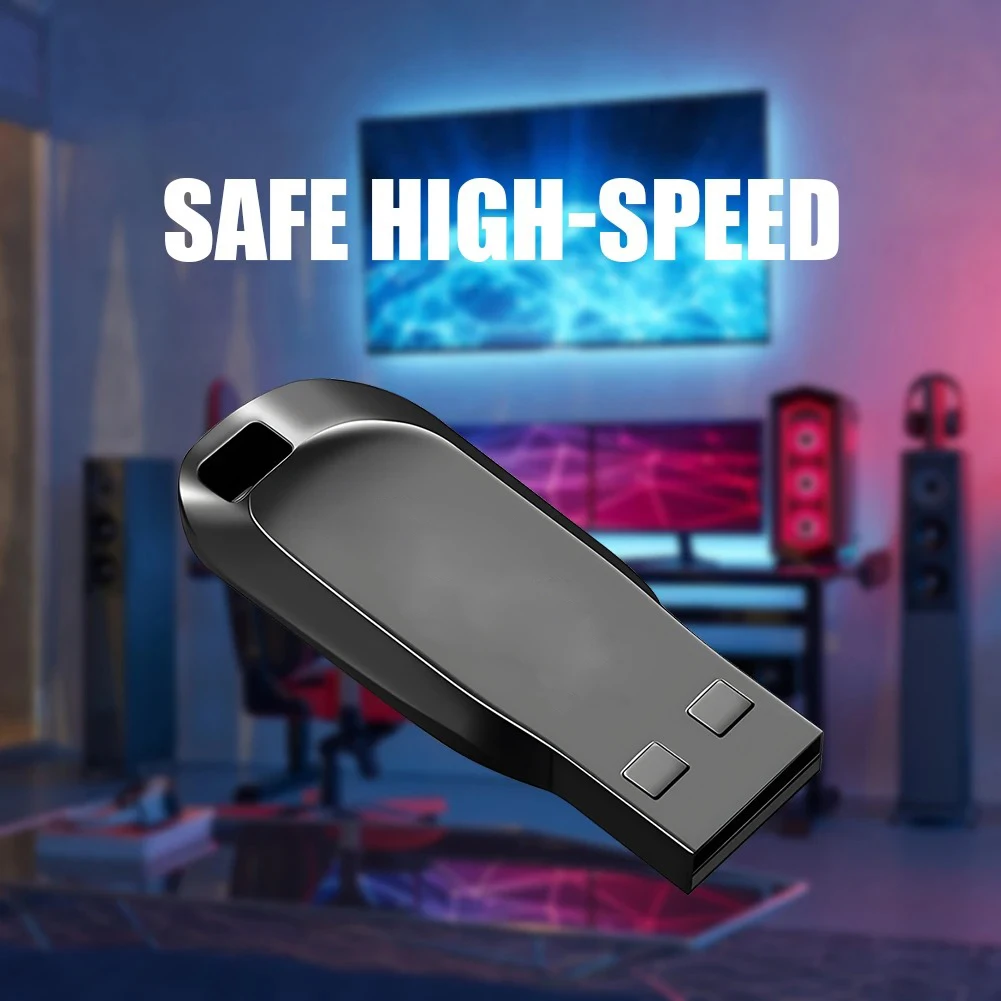
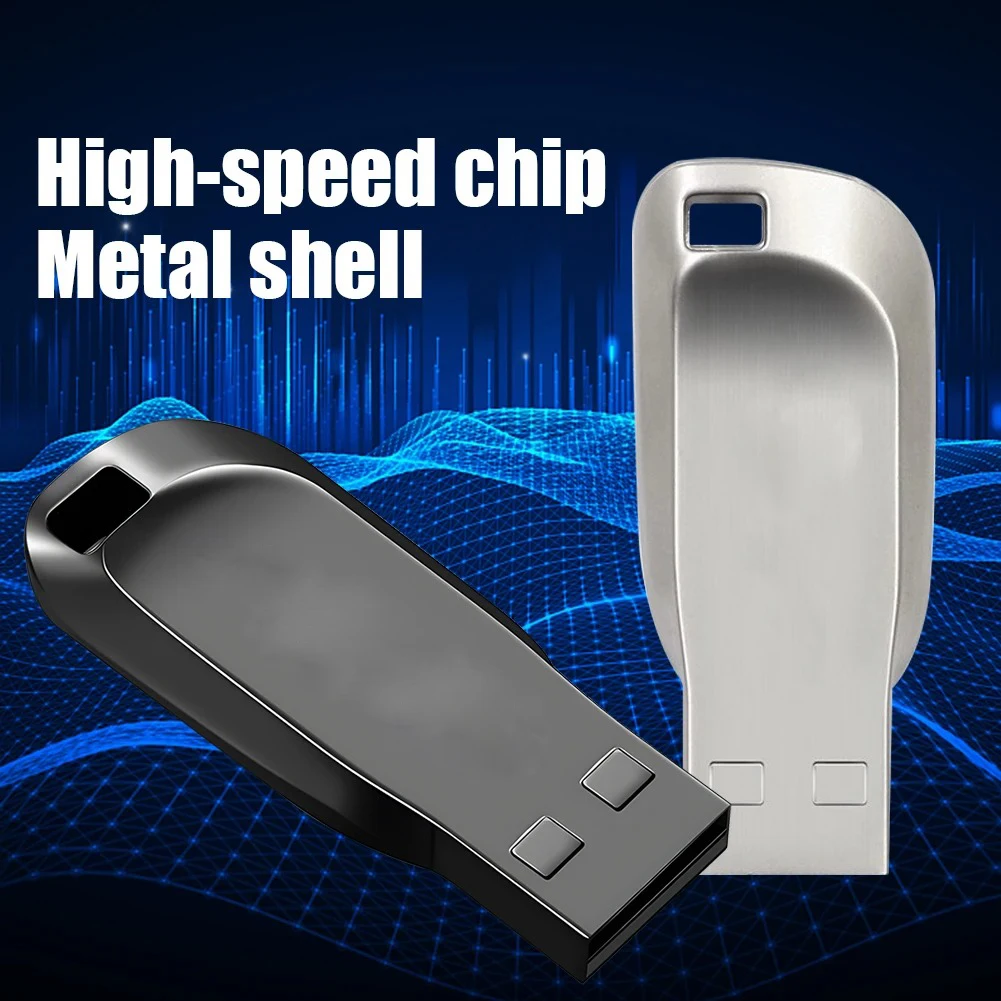
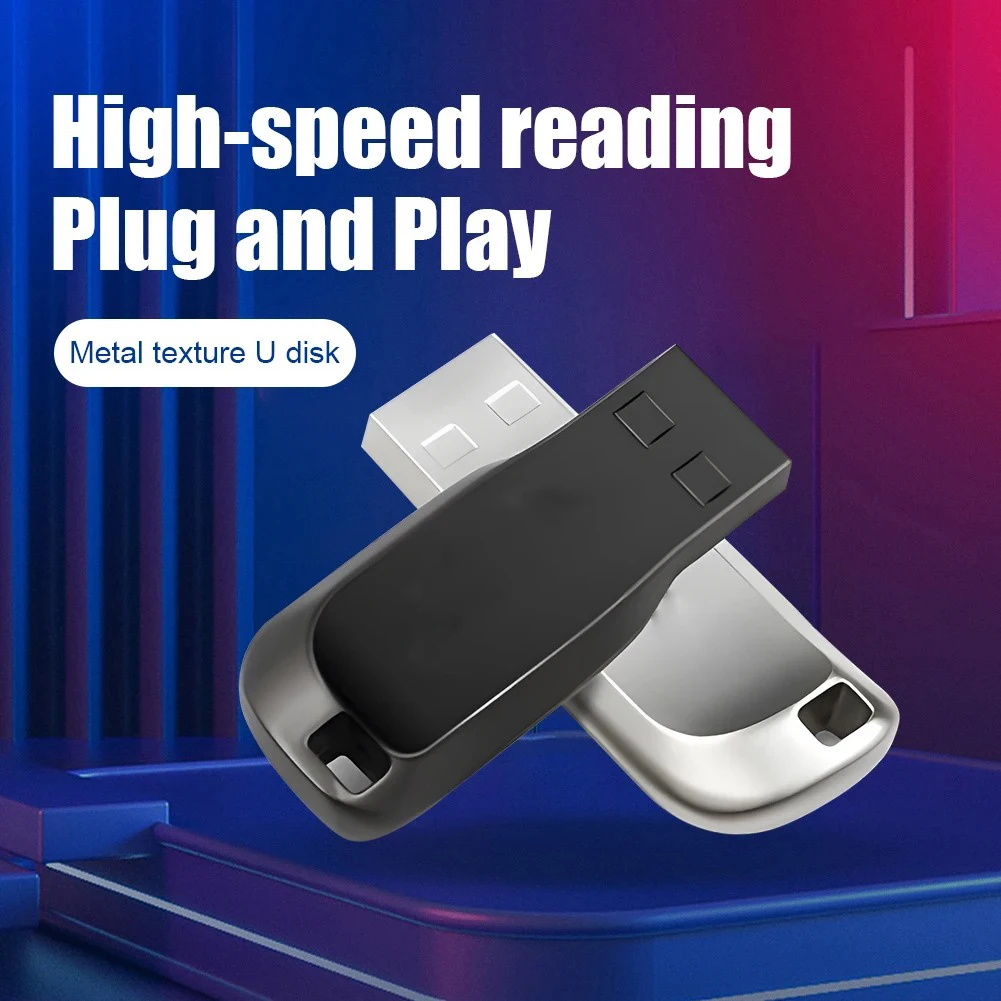
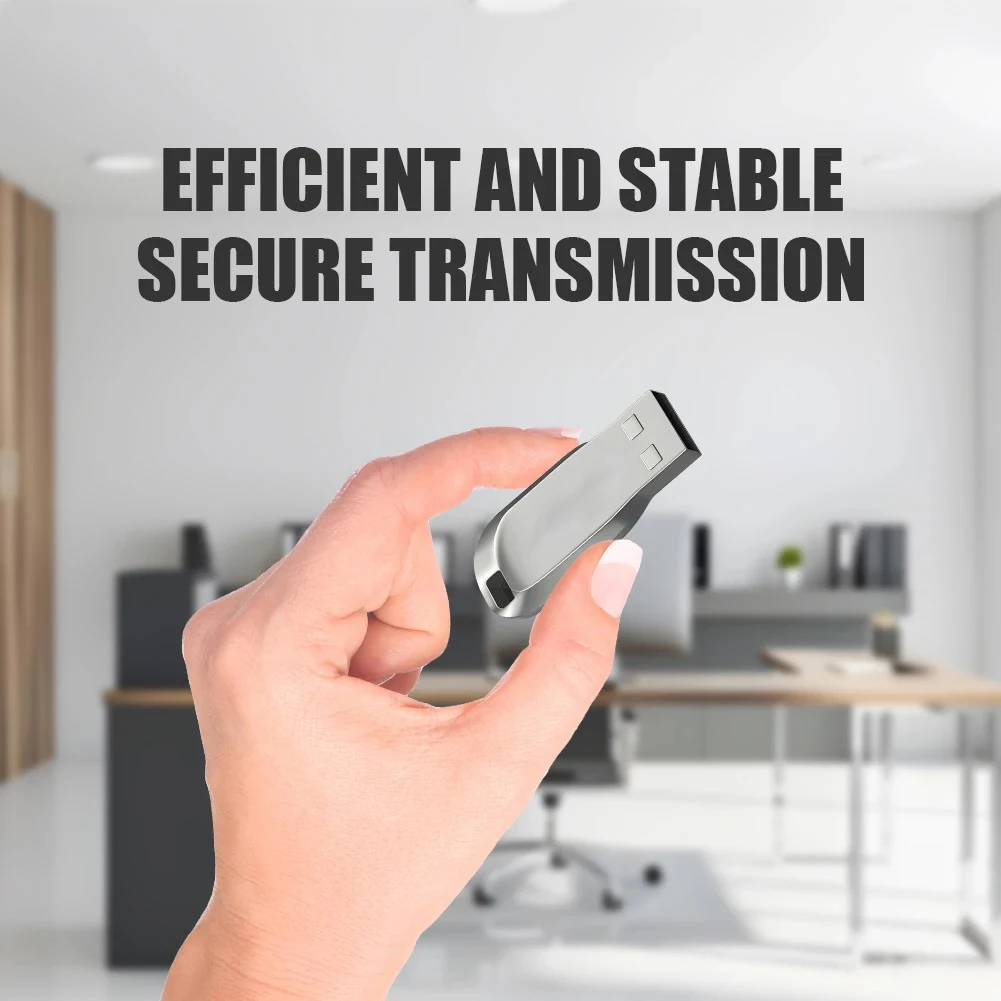
🏆 LENOVO High Speed USB 3.0 Flash Drives 2TB Multiple Capacities Metal Pendrive Memory Stick For Phone Computer Storage U Disk, Lenovo USB 3.0 Metal Flash Drive 128GB-2TB High-Speed Portable Data Storage
🌟 Introduction
Discover a practical and versatile storage solution with the Lenovo USB 3.0 Metal Flash Drive, designed to help you store, transfer, and organize your digital files conveniently. Featuring a compact metal housing, a portable design, and a USB 3.0 interface, this flash drive is suitable for everyday data storage across compatible computers, laptops, and other USB-enabled devices.
Whether you need to carry work documents, back up personal files, transfer multimedia content, or keep important digital information accessible, this portable USB memory stick offers a convenient storage option for home, office, educational, and travel use.
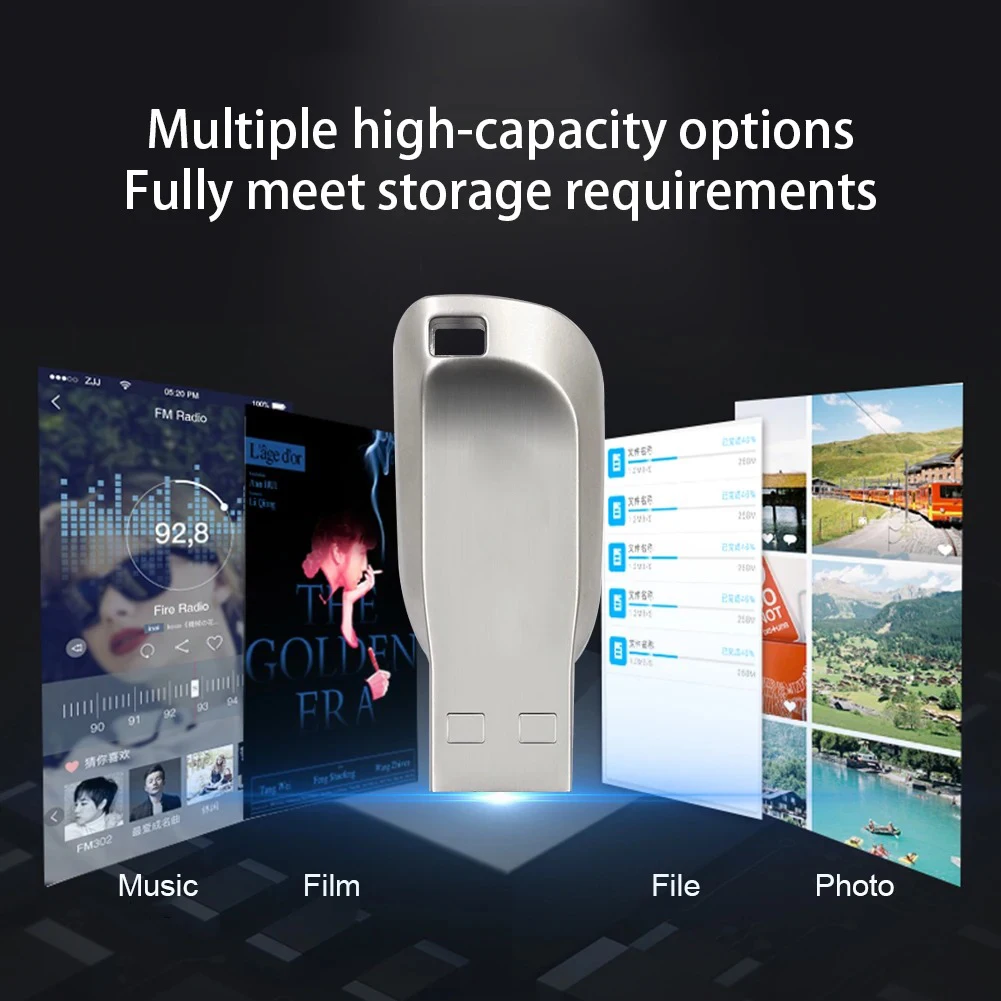
Available in multiple advertised capacity options, including 128GB, 256GB, 512GB, 1TB, and 2TB, it provides flexibility for different storage requirements. Choose your preferred capacity and color to suit your everyday digital lifestyle.
✨ Compact design. Convenient storage. Everyday versatility.
⭐ Key Features
🚀 1. USB 3.0 Interface
Designed with a USB 3.0 interface, this flash drive supports convenient data transfer between compatible devices. USB 3.0 offers a higher theoretical transfer rate than USB 2.0, although actual performance depends on the drive's hardware, the connected device, file sizes, and operating conditions.
💾 2. Multiple Storage Capacity Options
Choose from several advertised capacities to match your needs:
📂 128GB: Suitable for everyday documents, presentations, and personal files.
📚 256GB: A practical option for larger document collections and multimedia libraries.
🎬 512GB: Designed for users managing substantial quantities of digital content.
🗂️ 1TB: Offers a large advertised storage capacity for extensive file collections.
🏆 2TB: The largest advertised option for users seeking substantial portable storage.
⚠️ Please verify the selected capacity and actual available storage before purchasing. The advertised capacity range does not independently verify the true capacity of each individual drive. For high-capacity options, test the drive with a reliable storage verification utility immediately after receiving it.
🛡️ 3. Metal Housing
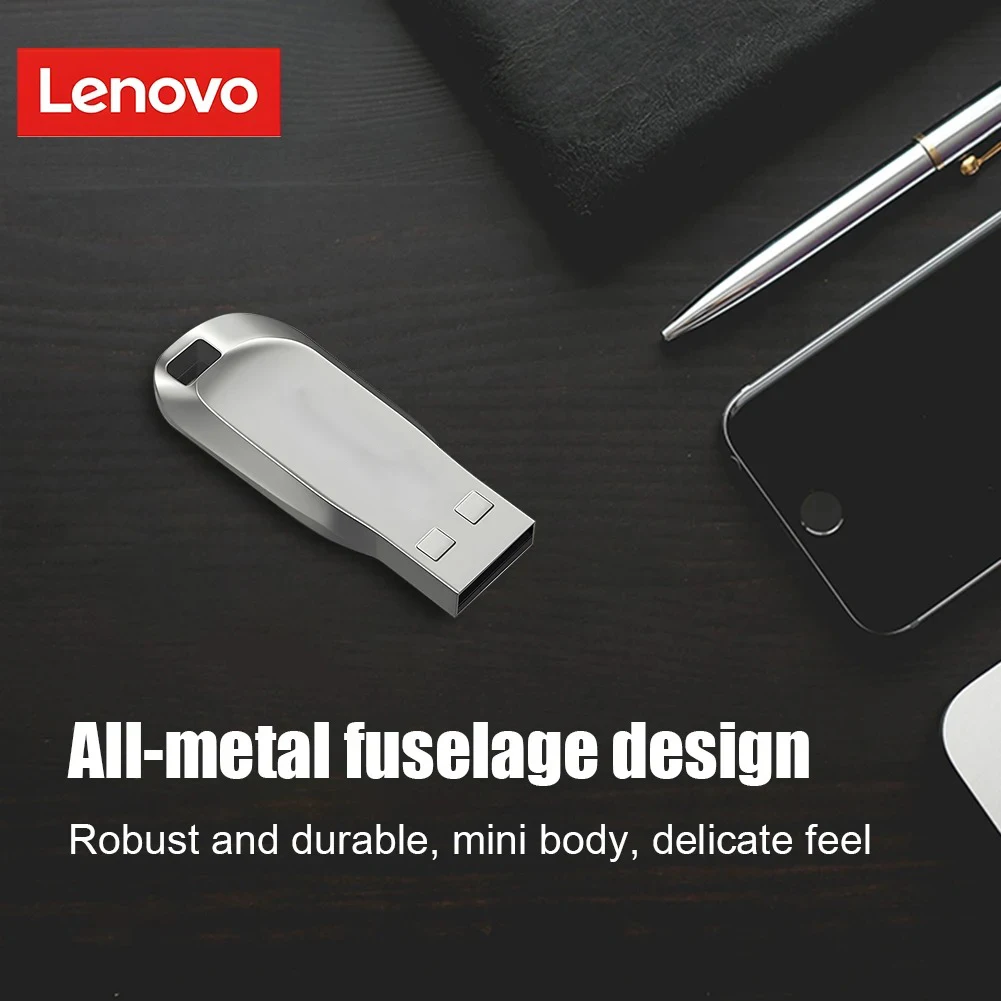
The metal exterior provides a sleek, modern appearance and helps protect the drive during normal handling. Its compact form makes it convenient to carry in a laptop bag, backpack, desk organizer, or travel pouch.
🎨 4. Two Color Choices
Select the finish that suits your personal preference:
🖤 Black: A classic, understated appearance.
🩶 Silver: A clean, contemporary metallic finish.
Please note that the actual color may vary slightly depending on lighting conditions and display settings.
🔌 5. Plug-and-Play Convenience
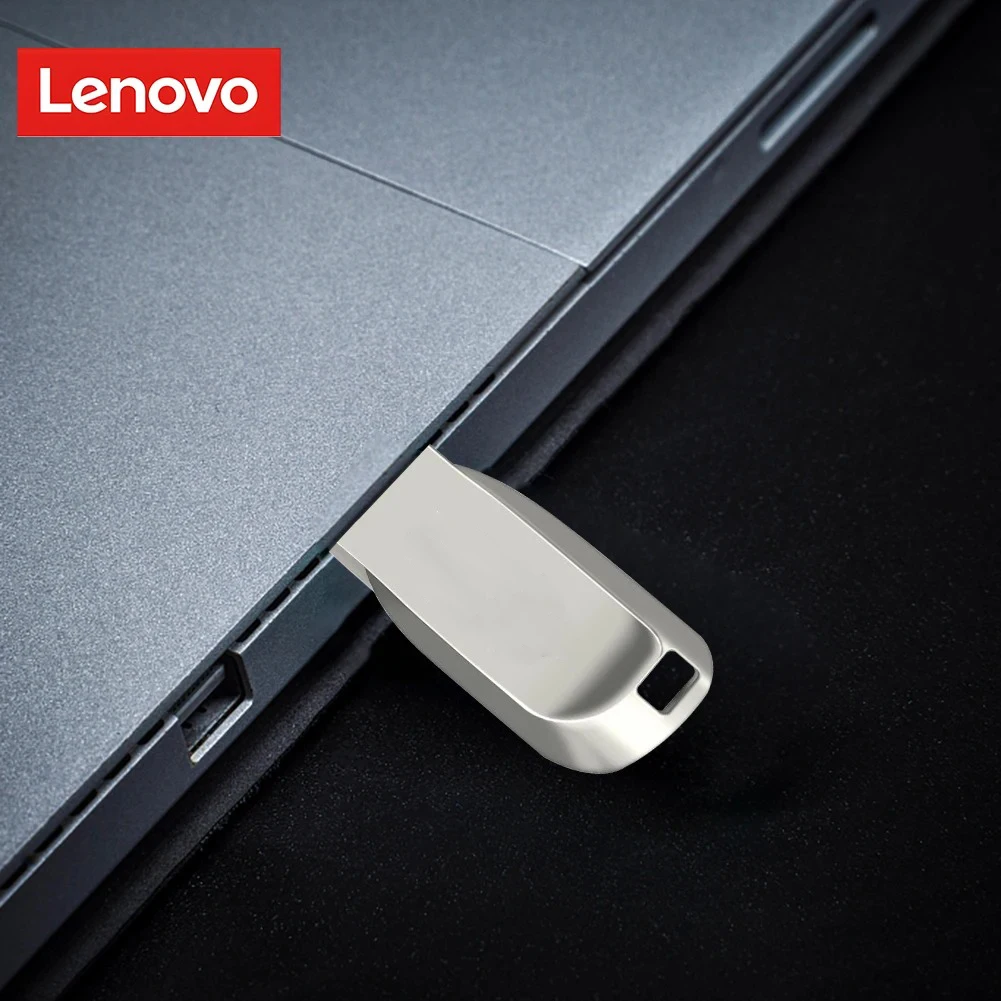
The drive is designed for USB connectivity and straightforward operation on compatible systems. Connect it to an available USB port, allow the operating system to recognize the device, and access it through the appropriate file manager.
Some older operating systems may require additional drivers or configuration.
🔋 6. No Separate Power Adapter Required
The drive is designed to receive its operating power through a compatible USB connection. No separate power adapter is normally required for standard operation.
💻 7. Broad Device Compatibility
Suitable for file storage and transfer with compatible USB-enabled computers and other supported devices. Depending on the device, operating system, file system, and USB port, it may also be usable with certain car multimedia systems, speakers, monitoring equipment, and gaming systems.
Compatibility is not guaranteed for every device or application. Check the host device's documentation before purchasing for specialized equipment.
⚙️ Product Specifications
| Specification | Details |
|---|---|
| Brand | Lenovo (as advertised) |
| Product Type | USB Flash Drive / USB Memory Stick |
| Model | USB 3.0 Flash Drive |
| Interface | USB 3.0 |
| Advertised Capacities | 128GB / 256GB / 512GB / 1TB / 2TB |
| Available Colors | Black / Silver |
| Body Material | Metal housing, as advertised |
| Product Dimensions | 69 × 19 × 5.5 mm |
| Dimensions in Inches | Approximately 2.72 × 0.75 × 0.22 in |
| Net Weight | Approximately 10 g / 0.35 oz |
| Package Dimensions | 10 × 10 × 10 cm / 3.94 × 3.94 × 3.94 in |
| Package Weight | Approximately 30 g / 1.06 oz, as advertised |
| Power Source | USB bus-powered |
| Advertised USB Voltage | 4.5–5.5 V |
| Compatible Computer Systems | Windows, macOS, and Linux, subject to compatibility |
| Advertised Legacy Systems | Windows 98/ME/2000/XP/Vista/7/8/10, Mac OS 9.x, Linux 2.4 or later |
| Gaming Compatibility | Selected Xbox and Kinect configurations; verify individual device support |
| Certifications Advertised | CE / FCC / RoHS |
| Country of Origin | Mainland China, as advertised |
| High-Concern Chemicals | None declared by the supplier |
| Package Contents | 1 × USB Flash Drive |
📌 Important specification notes:
The listed dimensions and weight are supplier-provided specifications and may vary slightly between units or packaging.
The listed USB voltage should be treated as supplier information, not confirmation that the drive supports a 20 V USB input.
USB 3.0 does not guarantee a particular sustained read or write speed. No verified speed benchmark is provided.
Windows 11 and newer macOS versions may work when compatible, but the supplier's legacy operating-system list does not establish official support for every modern system.
The brand name, certification claims, and actual storage capacity should be independently verified where authenticity or compliance is important.
📦 Package Includes
🎁 Your order is advertised to include:
💾 1 × Lenovo USB 3.0 Metal Flash Drive
⚠️ Capacity and color depend on the option selected when ordering. Additional accessories, adapters, protective cases, and data recovery software are not listed as included.
💡 Where and How to Use This Flash Drive
💻 1. Desktop Computers and Laptops
Store and transfer everyday digital files between compatible computers.
Recommended uses:
📄 Word processing documents and PDFs.
📊 Spreadsheets, presentations, and project files.
📁 Work folders and personal documents.
🗃️ Portable collections of reference materials.
🔄 Moving files between supported computers.
How to use: Insert the drive into a compatible USB port, open your file manager, locate the removable drive, and copy or move your files.
📱 2. Mobile Phones and Tablets
Use the drive with compatible mobile devices that support USB storage.
Potential requirements include:
🔌 A compatible USB-C or Lightning adapter, depending on your device.
📲 Operating-system support for external storage.
📂 A suitable file manager.
⚙️ A compatible connector and file system.
⚠️ A USB adapter alone does not guarantee compatibility. Check your phone's external-storage support before purchasing.
🎬 3. Photos, Videos, and Multimedia Files
Keep supported digital media organized in one portable location.
Possible applications include:
📸 Transferring photographs.
🎞️ Carrying personal video collections.
🎵 Storing music files.
📚 Keeping e-books and digital reference materials.
🧳 Carrying entertainment files when traveling.
Actual media playback depends on the receiving device, supported file formats, available storage, and read performance.
🚗 4. Compatible Car Multimedia Systems
Some vehicle audio systems accept USB flash drives for music playback or other supported functions.
Before use:
🚘 Check your vehicle's owner's manual.
🎵 Confirm supported audio formats.
💽 Verify the required file system.
🔌 Check whether the USB port supports media storage rather than charging only.
A USB flash drive should not be assumed to work with every car, dashboard system, or tachograph.
🎮 5. Gaming Consoles and Accessories
The supplier advertises compatibility with selected Xbox and Kinect products. Actual functionality depends on the exact console generation, USB requirements, and supported use case.
Possible limitations include:
🎮 Some consoles require specific drive capacities or formatting.
💾 Game installation and expansion-storage requirements differ by generation.
🔐 System updates, applications, and media functions may have separate compatibility rules.
⚙️ Not every USB flash drive can serve as internal or dedicated game storage.
Check the console manufacturer's documentation before relying on the drive for gaming storage.
🏢 6. Office, School, and Business Applications
Keep frequently accessed files available for everyday tasks.
Useful applications include:
📝 Carrying assignments and class notes.
📊 Transferring presentations between computers.
📂 Sharing non-confidential work documents.
📚 Keeping offline study resources.
🗂️ Organizing project files and reference materials.
For confidential business information, use appropriate encryption and organizational data-handling procedures.
🔊 7. Compatible Speakers and Electronic Equipment
Certain speakers, media players, robots, and monitoring systems support USB storage for specific functions.
Compatibility depends on the device's supported file formats, file system, power requirements, and firmware. Verify the manufacturer's instructions before connecting the drive to specialized equipment.
🎯 Key Benefits
✨ Convenient Portability: A small form factor makes the drive easy to carry between home, school, and work.
💾 Flexible Storage Choices: Multiple advertised capacities let customers select an option suited to their intended workload.
🚀 USB 3.0 Connectivity: A modern USB interface provides the potential for faster transfers than USB 2.0 when both the drive and host support suitable USB 3.x performance.
🛡️ Metal Exterior: A metal housing offers a premium-looking finish and practical protection against ordinary handling.
🔌 Simple Connectivity: Standard USB storage workflows make copying and organizing files straightforward on compatible systems.
🎨 Choice of Finish: Black and silver options accommodate different preferences.
🔋 Portable Operation: Standard USB bus power removes the need for a separate power adapter in normal use.
🌍 Versatile Applications: Suitable for numerous file-storage and transfer tasks, depending on device compatibility.
⚡ Convenience and Everyday Usability
🧩 Easy File Organization
Create folders for work, personal documents, photographs, music, videos, and other categories to keep files organized.
🔄 Straightforward File Transfers
Copy files between supported devices without relying on an internet connection or cloud account.
🎒 Travel-Friendly Form Factor
The small dimensions and lightweight construction make the drive easy to carry when commuting or traveling.
🖥️ Flexible Computer Use
Use a compatible USB port to access removable storage on supported computers.
📂 Reusable Storage
Files can generally be added, copied, deleted, and replaced repeatedly, subject to the drive's actual capabilities and condition.
🛠️ Setup and Usage Instructions
Follow these steps for a smooth first-time experience.
Step 1: Inspect the Product 🔍
Check the connector, metal housing, and selected capacity for visible damage.
Step 2: Connect the Drive 🔌
Insert it into a compatible USB port. If the computer has only USB-C ports, use a suitable adapter if needed.
Step 3: Confirm Recognition 💻
Open File Explorer on Windows, Finder on macOS, or the relevant file manager on Linux.
Step 4: Verify Capacity 💾
Check the reported capacity and, particularly for high-capacity options, perform a full storage verification test before saving important data.
Step 5: Test Basic File Operations 📂
Copy a few nonessential files to the drive, safely eject it, reconnect it, and confirm that the files remain readable.
Step 6: Transfer Your Files 🚀
Copy your desired files and wait until all transfer activity has finished.
Step 7: Safely Eject ✅
Use the operating system's eject function before disconnecting the drive to reduce the risk of data corruption.
🛡️ Important Safety and Care Instructions
⚠️ Protect Your Data
🔌 Do not disconnect the drive while files are being transferred.
⏳ Wait for all copy, write, or formatting operations to finish.
✅ Use the operating system's safe-ejection function whenever available.
💾 Keep a separate backup of important documents, photographs, and other irreplaceable files.
🔐 Encrypt sensitive information where appropriate.
🌡️ Protect the Hardware
💧 Keep the drive away from water and excessive moisture.
🔥 Avoid high temperatures and direct exposure to heat.
🧲 Avoid unnecessary exposure to strong magnetic or electromagnetic environments.
🛠️ Do not bend, crush, disassemble, or force the connector into a port.
🧹 Keep the connector clean and free of dust or debris.
💽 Formatting and Storage Management
⚠️ Formatting typically erases existing files. Back up your data before formatting.
📂 Avoid unnecessary formatting and repeated full-drive tests.
🖥️ Use a file system supported by your intended devices.
🔍 Scan files from untrusted sources with suitable security software.
🔄 Periodically check important stored files and refresh backups.
📌 Solid-state flash storage has finite write endurance and is not immune to electronic failure, data corruption, or accidental deletion. Long-term data retention depends on storage conditions, usage, and the quality of the storage device. Do not treat an advertised storage lifespan as a guarantee.
🔍 Important Purchasing Considerations
Before placing your order, please review the following details carefully.
💾 1. Verify the Actual Capacity
The advertised range extends to 2TB, but the listing alone does not establish that every capacity is genuine or independently verified. Large-capacity flash drives should be tested using a reputable full-capacity verification tool.
🚀 2. Understand Transfer Speed
USB 3.0 describes the interface, not a guaranteed real-world transfer rate. Actual speeds depend on the flash memory, controller, file sizes, available USB bandwidth, and connected equipment.
🏷️ 3. Confirm Brand Authenticity
The product is advertised under the Lenovo name. Buyers who require manufacturer-authenticated hardware should verify the product's origin, packaging, serial or identification details where available, and seller authorization.
🎮 4. Check Device Compatibility
Not all phones, cars, consoles, speakers, robots, or monitoring devices support every USB flash drive. Confirm compatibility with the intended equipment before purchase.
📦 5. Review the Selected Variant
Confirm your chosen capacity and color in the order options. Do not assume that all advertised capacities or colors are included in a single package.
🛡️ 6. Understand Certification Claims
CE, FCC, and RoHS are advertised in the product information. These claims should not be interpreted as independent verification of the drive's performance, capacity, authenticity, or compatibility.
❓ Frequently Asked Questions
Q1: What storage capacities are available?
💾 The advertised choices are 128GB, 256GB, 512GB, 1TB, and 2TB. Availability depends on the seller's current options.
Q2: Is this a USB 3.0 flash drive?
🚀 Yes, the product is listed with a USB 3.0 interface. Actual performance must be verified through testing.
Q3: Does it work with USB 2.0 ports?
🔌 USB 3.x storage devices are generally designed for backward compatibility with USB 2.0 ports. When connected to USB 2.0, performance may be limited by the older interface. Individual device compatibility may vary.
Q4: Can I use it with a MacBook?
🍎 It may work with a MacBook that supports the drive's connection and file system. A suitable adapter may be required for USB-C-only models.
Q5: Can I connect it to my phone?
📱 Potentially, provided your phone supports external USB storage and you have the appropriate adapter or connector.
Q6: Does it need a separate power supply?
🔋 No separate power adapter is normally needed for standard USB operation.
Q7: Is the drive waterproof?
💧 Waterproofing is not specified. Keep the product away from water and moisture.
Q8: Is the drive suitable for backups?
💾 It can be used for additional file copies, but important information should also be stored in another independent location. A single flash drive should not be your only backup.
Q9: Can it be used with an Xbox?
🎮 The supplier advertises Xbox-related compatibility. Verify the exact console generation and intended use because storage requirements vary by model.
Q10: What is included in the package?
📦 The listed package contains one USB flash drive. Other accessories are not specified.
📌 Key Bullet Points
🚀 USB 3.0 interface for compatible USB data-transfer applications.
💾 Multiple advertised capacity options: 128GB, 256GB, 512GB, 1TB, and 2TB.
🖤🩶 Black and silver finish options.
🛡️ Compact metal housing.
📏 Approximate dimensions: 69 × 19 × 5.5 mm (2.72 × 0.75 × 0.22 in).
⚖️ Approximate net weight: 10 g (0.35 oz).
🔌 USB-powered operation without a separate power adapter in normal use.
💻 Suitable for compatible computers and supported USB-enabled devices.
📂 Convenient for everyday file storage, organization, and transfer.
📦 Package includes one USB flash drive.
🏆 Why Choose This USB Flash Drive?
✨ If you are looking for a compact, reusable storage accessory for everyday digital tasks, this advertised Lenovo USB 3.0 metal flash drive offers a combination of portable dimensions, a metal exterior, multiple capacity choices, and convenient USB connectivity.
💼 Carry documents between compatible computers, organize digital files, or keep additional copies of frequently used information close at hand.
🎯 Choose the capacity and color that best match your needs, verify the drive's actual storage capacity upon arrival, and confirm compatibility with your intended devices.
Make everyday file storage simple, portable, and convenient. 💾🚀✨