Product Information
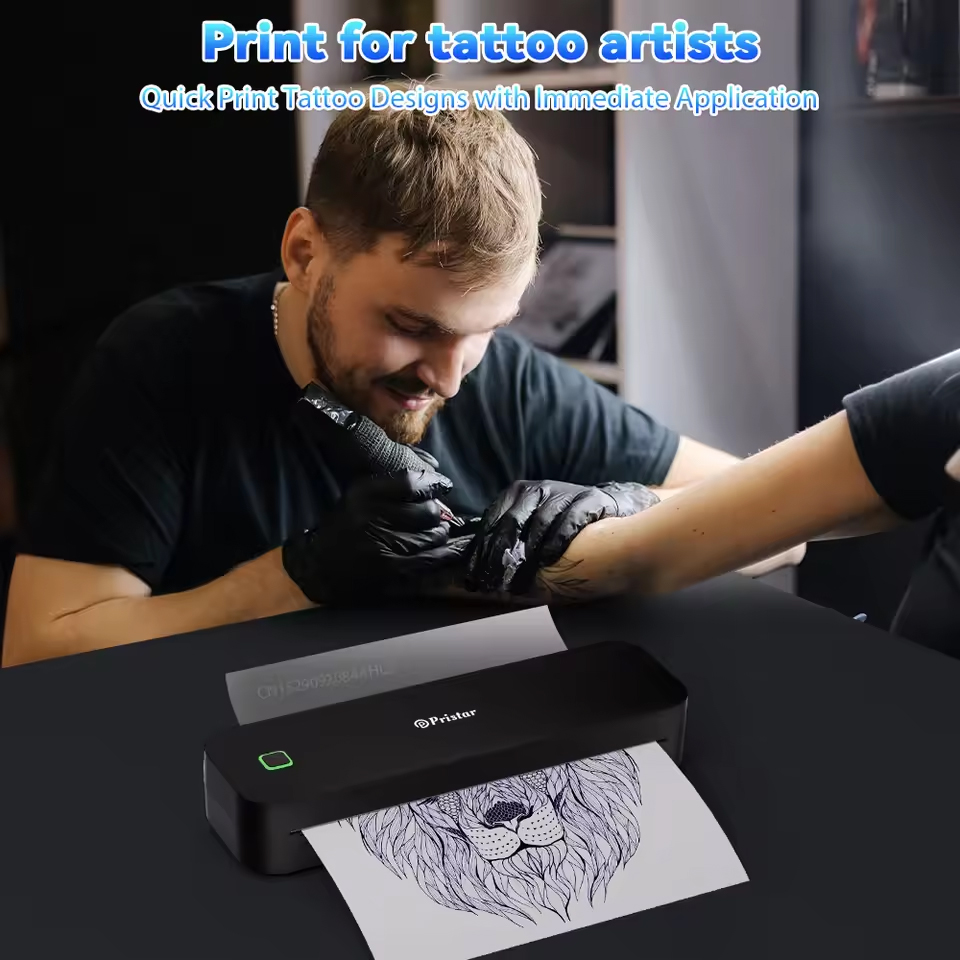
Product Model : A4 Inkless Thermal Printer D210 ( Tattoo Stencil Printer)
Print Method : Thermal
Max. Resolution: 304dpi
Print Type : Thermal Line Printing
Print Speed : 95mm/s
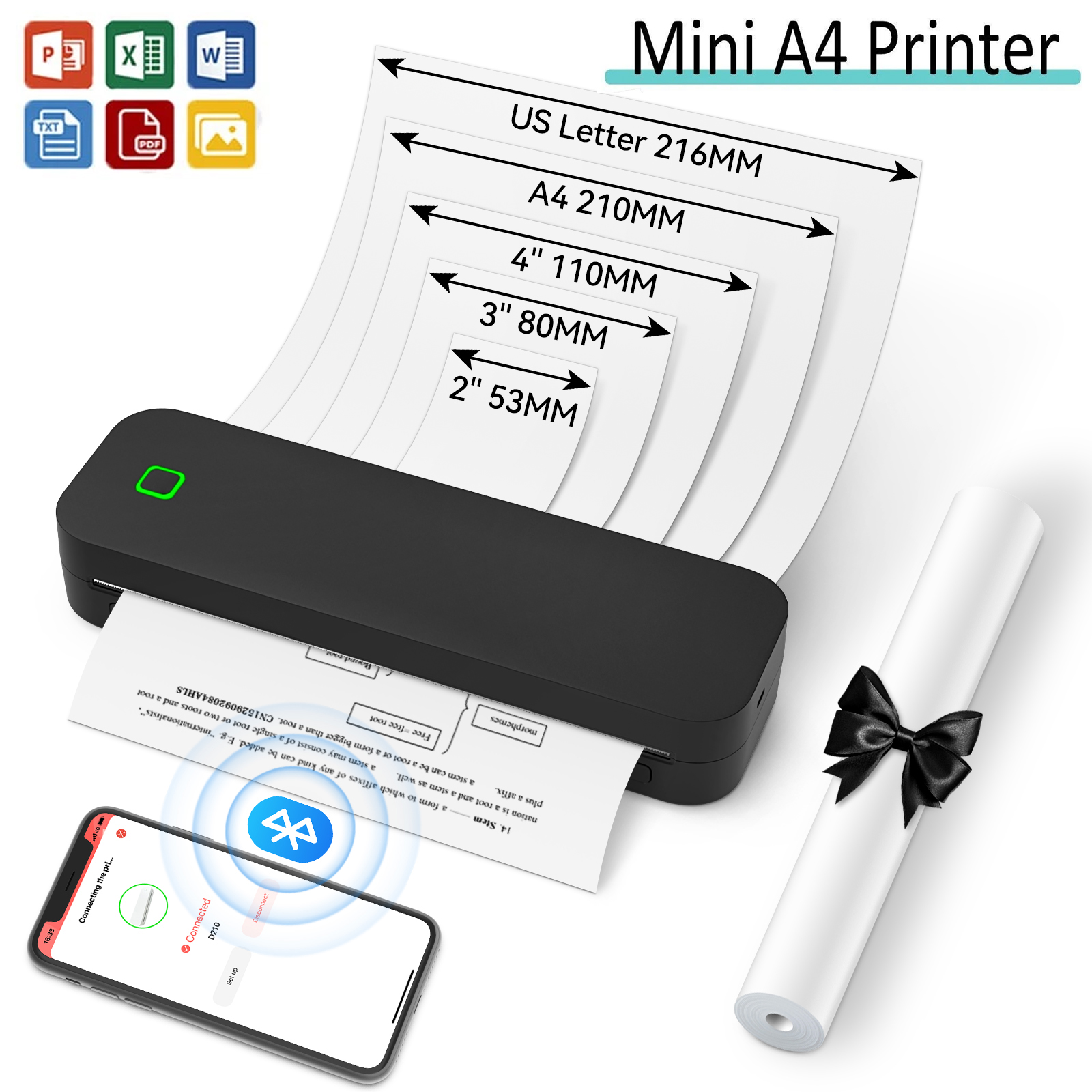
1Roll Paper Size in printer : 210mm*297mm , 8m
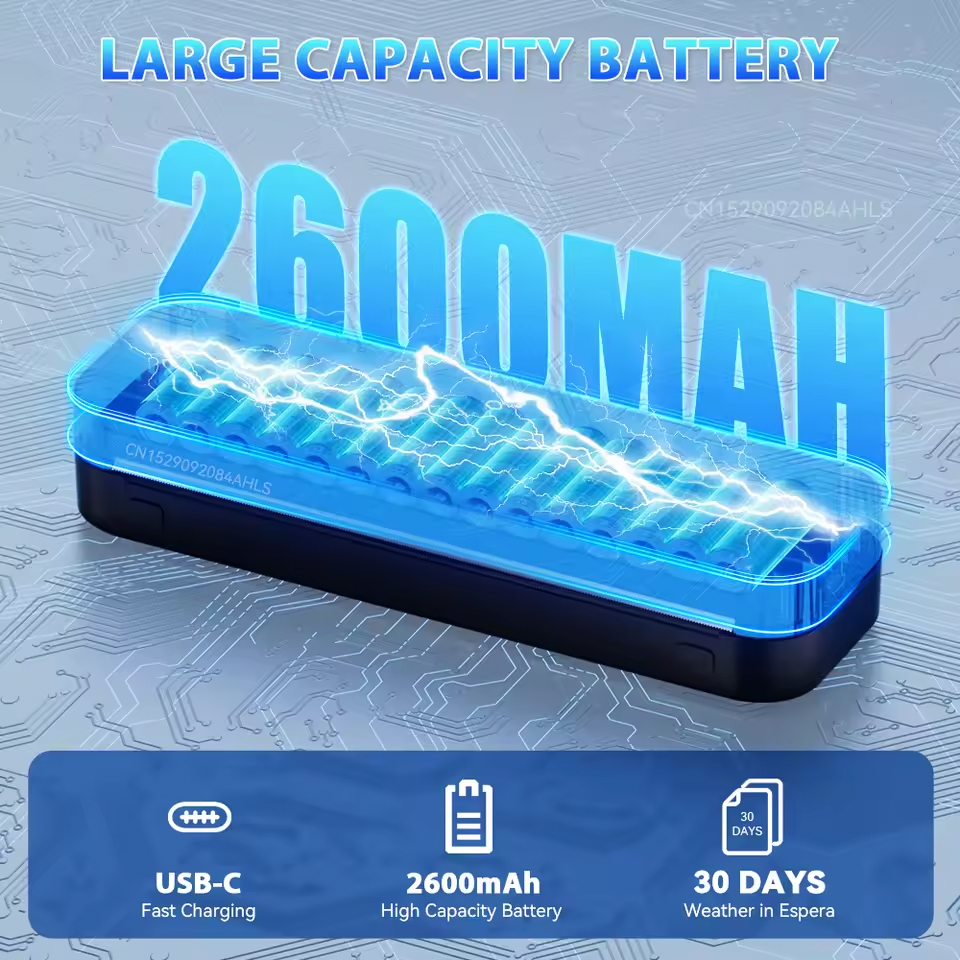
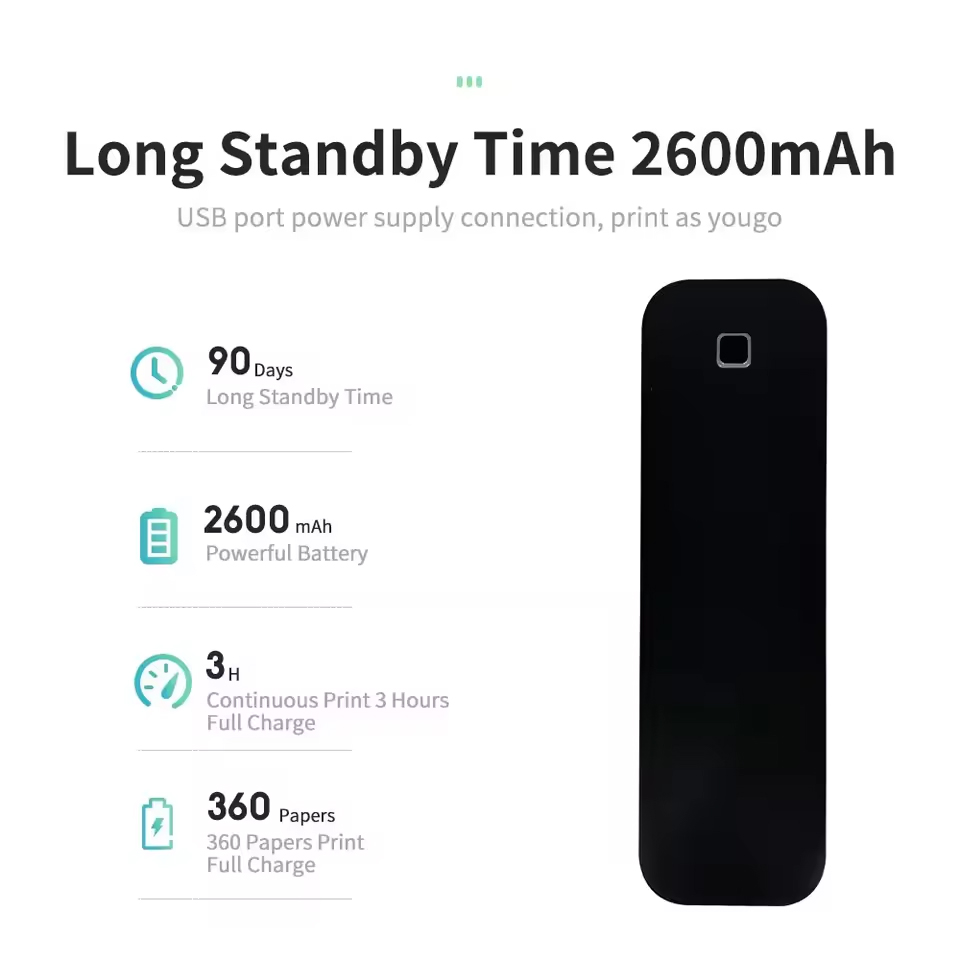
Battery : 2600mAh Lithium Battery
Recharge : Type-C
Paper roll outer diameter (Max) : 30mm
Maximum loading width (including backing paper) :210mm
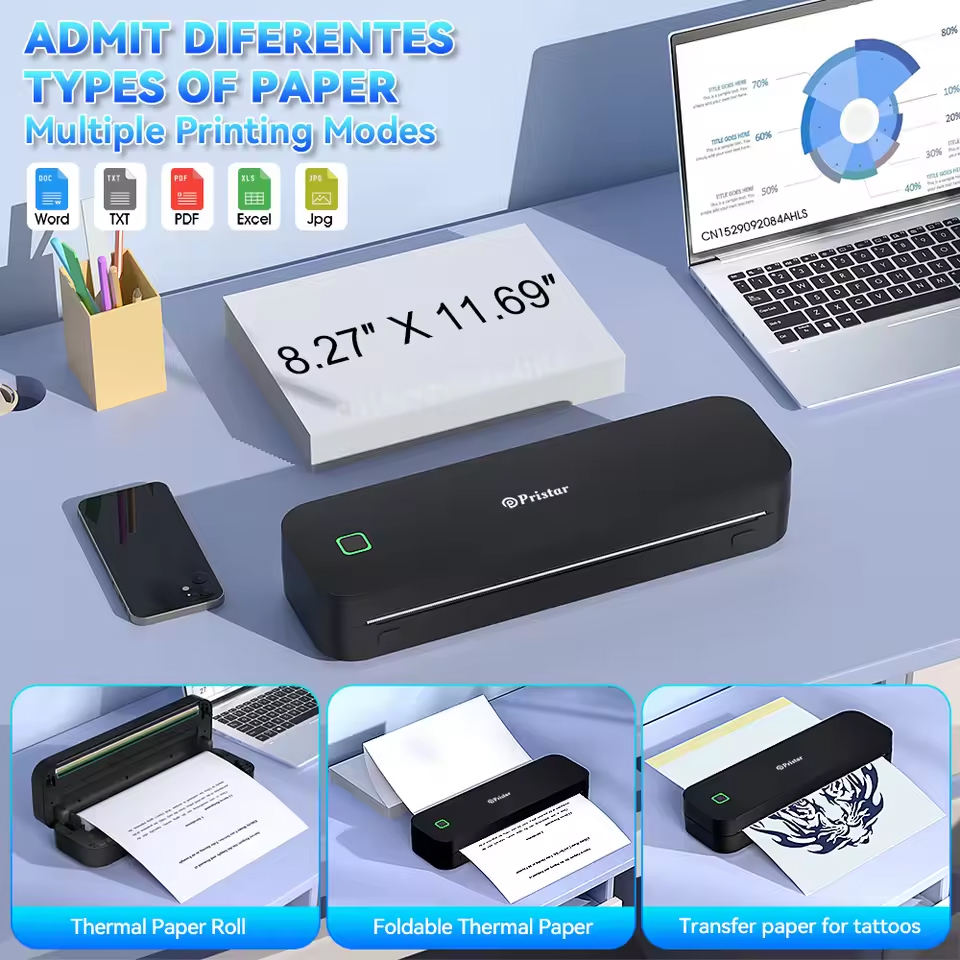
Supported paper roll types : Continuous paper, Fanfold paper
Packing 1 : 1 Black Printer+ 1 Roll Paper +2PCS Tattoo Transfer Paper
Packing 2 : 1 White Printer+ 1 Roll Paper +2PCS Tattoo Transfer Paper
Packing 3 : Only 200 Sheets Folding Fast Drying A4 Paper
Packing 4 : Only 100 Sheets Tatto Transfer A4 Paper
Packing 5 : Only 200 Sheets Tatto Transfer A4 Paper
Features:
1. Compact and space saving design: Portable printer design is suitable for your bag or briefcase, convenient to carry, and very suitable for long-distance commuting. Its lightweight design makes it very suitable for mobile printing needs, whether you are traveling at work, business, office, home, car, or university.
2. Ink free printing: Small printers use thermal sensitive technology - no ink, toner, or ribbon required, eliminating ink related blockage and cleaning issues. You only need to replace the thermal paper.
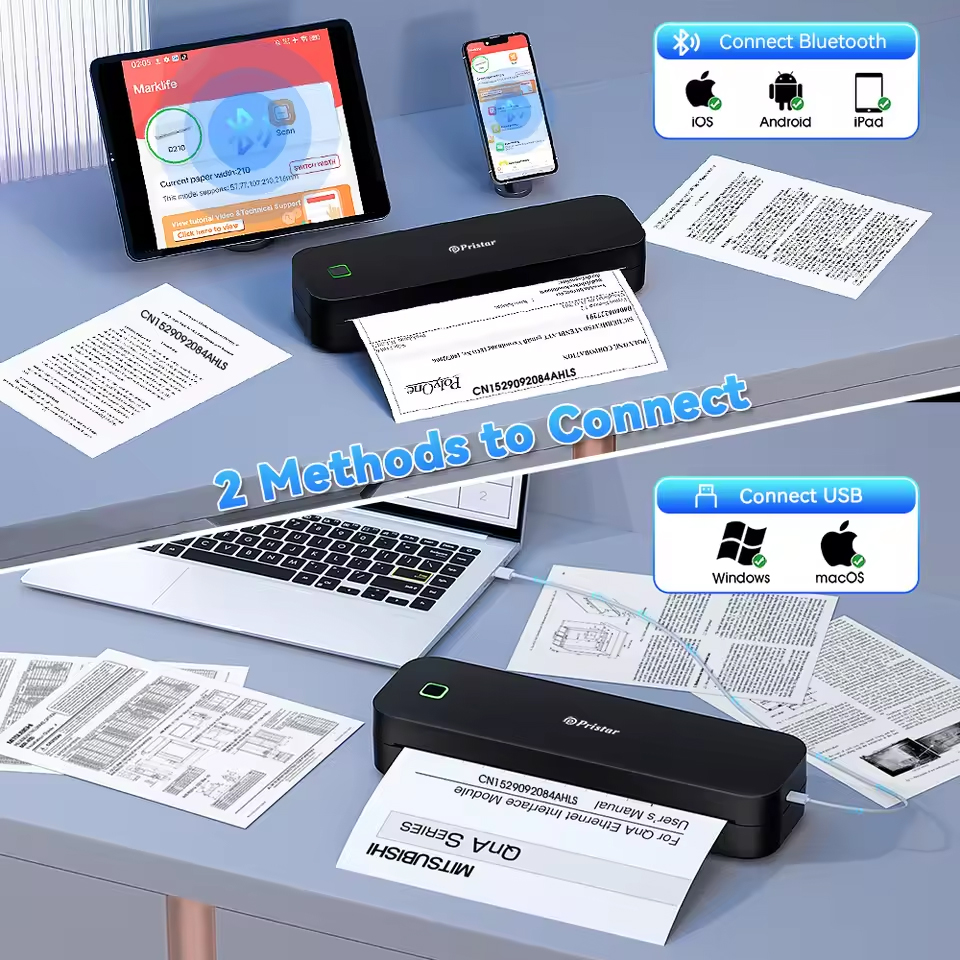
3. Powerful compatibility: Print PDF, Word documents, images, and websites directly from your phone anytime, anywhere. You can also use a USB data cable to connect to the computer for printing.
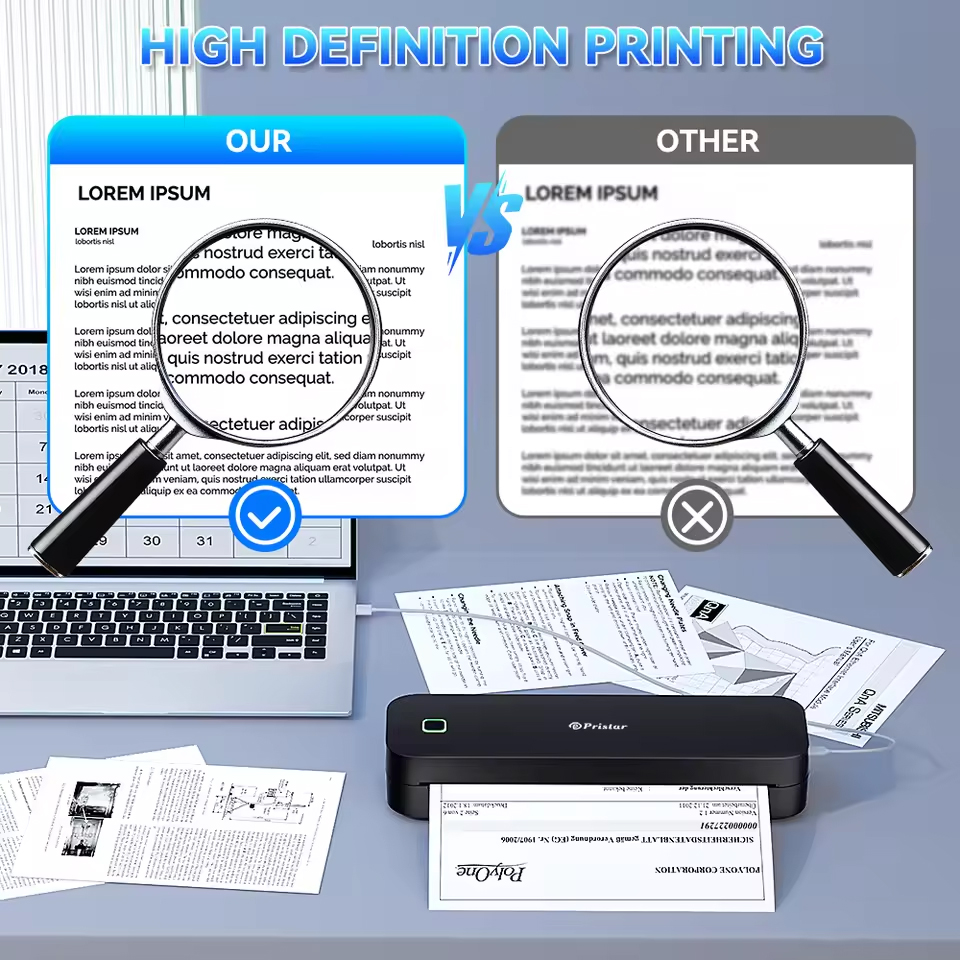
4. High quality printing: Thermal printers provide excellent printing clarity, ensuring high quality, clarity, deep color, smoothness, and fast processing (black and white printing), making printing worry free.
5. High quality materials: Thermal printers are made of durable and long-lasting high-quality materials, ensuring consistent performance and high-quality printing over time.
Usage Steps:
1. Insert Paper Roll in A4 Thermal Printer
Product Details
On 17-Apr-2026 at 12:16:13 BST, seller added the following information: